Kling AI is the best image-to-video AI tool for most creators, with its Kling 4.0 model, 660 credits a month on the $8.80 Standard plan, and a 4.7 out of 5 G2 rating. Pick Runway for a full editing studio, Vidu for long clips with native audio, and Kaiber for stylised music visuals at $5 a month.
How we make this list: we compare pricing pages, product documentation and public user reviews, then re-check every price before each update. No product paid for a place. Disclosure.
Kling AI leads on quality per dollar: 660 credits a month for $8.80, with 4K output and clips up to 30 seconds.
Runway is the only pick here that is also a full editor, with Gen-4.5, Aleph 2.0 and third-party models in one subscription.
Vidu gives the longest clips in this list at up to 16 seconds, with native audio and strong character consistency.
PixVerse holds the highest G2 score here at 4.9 out of 5, but from only 24 reviews, and its Trustpilot score is far lower.
Hailuo and Dreamina sit at the bottom on public trust: 1.4 and 1.7 out of 5 on Trustpilot, mostly over billing and support.
What 'uncensored' means in this list
Searches for uncensored image-to-video tools usually come from creators who hit a content filter on ordinary work: a fashion shoot, a dance clip, a horror short, or an ad with a realistic body. Mainstream tools filter explicit sexual content and real people, and none of the established tools in this list will generate it.
That is the honest limit of this list. Every tool here is a legitimate, mainstream product with public pricing and public reviews. Tools marketed as fully uncensored are mostly unvetted sites with no clear company, no refund policy and no public reviews, so we left them out rather than list products we cannot verify.
What varies between the tools below is how they handle creative work at the edges: artistic nudity in a film context, suggestive fashion shots, horror, and violent scenes. Some, such as Kling, are known for strict filters that also flag swimwear and dance footage, while others give creators more room for stylised and artistic work.
If you animate still images for marketing, film, or animation, start with the free plan and test your exact use case first. Our guide on generating images with AI in WordPress covers the basics of preparing source images that animate cleanly.
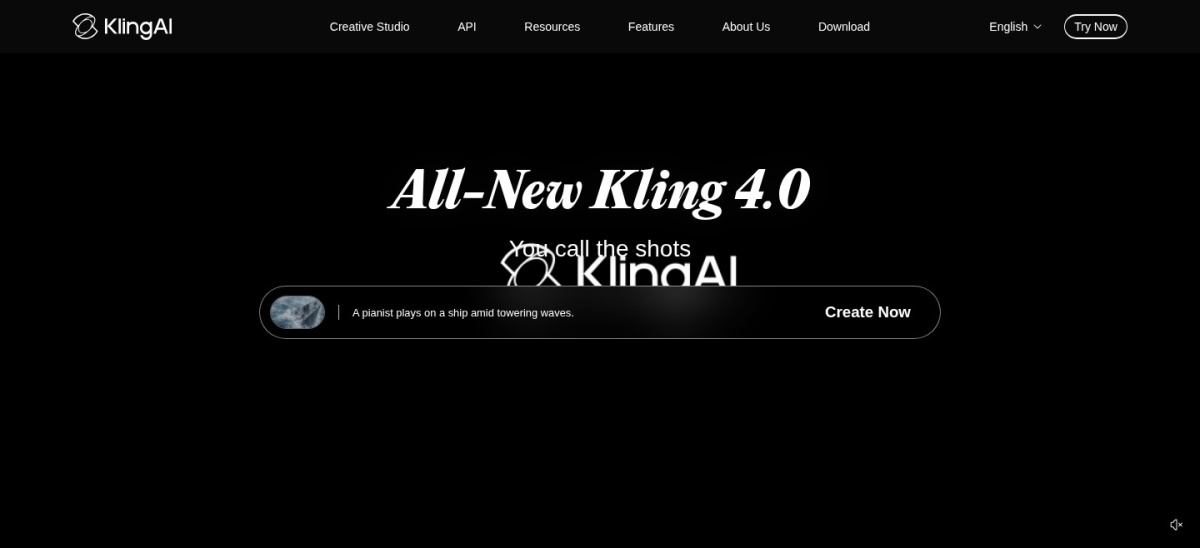
Kling AI is Kuaishou's video generator, built around the Kling 4.0 model family. The Standard plan costs $8.80 a month after a $6.99 first month and includes 660 credits, 1080p and 4K output, watermark-free downloads and commercial use. Image-to-video supports multi-shot storyboards, motion control and up to 10 keyframes in a clip.
The trade off is the content filter. Kling's 2026 sensitive filter is known for false positives on swimwear, dance and fashion footage, so ordinary creative work can be rejected. It suits creators who want the strongest image-to-video quality per dollar and can work around strict moderation.
What we like
Strongest image-to-video realism per dollar in this list
4K output and clips up to 30 seconds
Multi-shot storyboards and motion control included
No watermark and commercial use from Standard
Watch out for
Strict filter rejects some ordinary creative footage
Runway is a browser video studio built around its own Gen-4.5 model, with Aleph 2.0 for editing footage by describing the change. The Standard plan costs $15 a month, or $12 a month billed yearly, and includes 625 credits a month, which Runway says buys about 52 seconds of Gen-4.5. The free plan gives 125 credits once, with no monthly refill.
The trade off is credit burn. Fifty-two seconds of flagship video a month is thin for regular work, and credits do not roll over on Standard. It suits creators who want one studio for generation and editing and can pay for extra credits when a project needs them.
What we like
Most complete studio in this list, with editing included
Access to Veo 3.1, Kling 4.0 and Seedance in one plan
Strong camera controls and 4K upscaling
Watch out for
625 credits buy under a minute of Gen-4.5 a month
Trustpilot score is 1.2 out of 5, mostly over credit use
Vidu is an AI video generator from Shengshu Technology, built around the Vidu Q3 model. The Standard plan costs $10 a month and includes 800 credits, 1080p output, watermark-free downloads and commercial rights. Its reference-to-video mode keeps the same character, outfit and props consistent across a clip, and Q3 generates audio and video in one pass.
The trade off is trust. Vidu rates 4.7 out of 5 on G2, but its Trustpilot score sits near 2.0 out of 5, with most complaints about refunds and unanswered support. It suits creators who want long, consistent clips and pay monthly so they can stop any time.
What we like
Longest clips here, up to 16 seconds
Native audio and music in one generation
Best character consistency in this list
Generous free tier with off-peak generation
Watch out for
Trustpilot near 2.0 out of 5 over billing and support
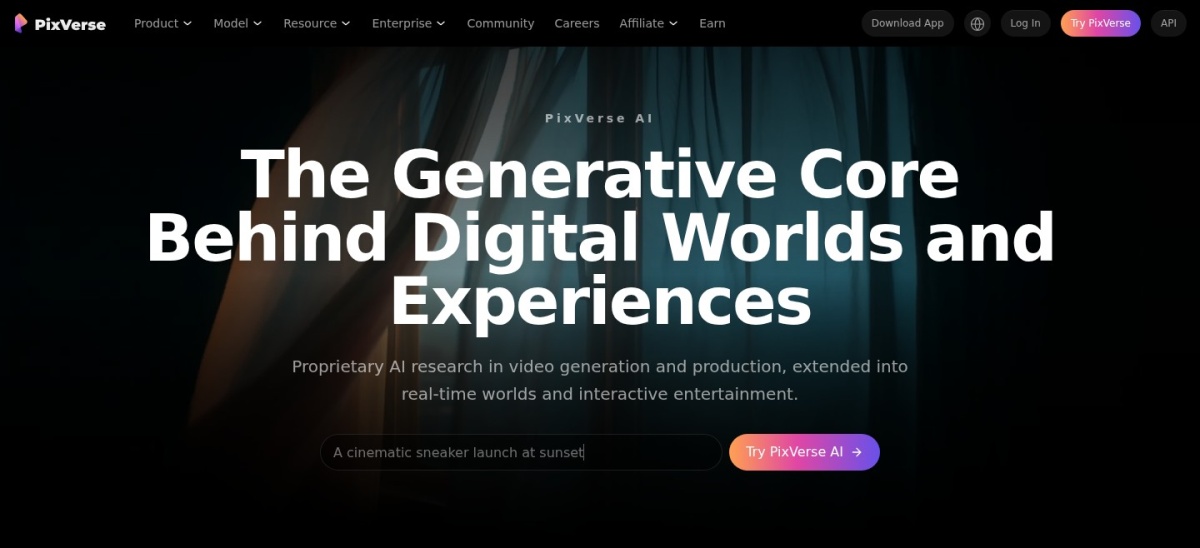
PixVerse is an AI video platform built around its own V6 model, with text-to-video, image-to-video, effects templates and lip sync. The Standard plan costs $10 a month, or $8 a month billed yearly, and includes 1,200 credits every 30 days plus 60 a day. The free Basic plan gives 60 credits on sign-up and 30 a day, with output up to 540p and a watermark.
The trade off is the rating split. PixVerse scores 4.9 out of 5 on G2 from 24 reviews, but 2.2 out of 5 on Trustpilot from 129 reviews, with complaints about credits spent on failed generations. It suits social creators who want cheap, fast clips and can live with a 720p cap on Standard.
What we like
Highest G2 score in this list at 4.9 out of 5
1,200 credits a month for $10
Effects templates and lip sync included
Bought credit packs never expire
Watch out for
Trustpilot 2.2 out of 5, mostly over wasted credits
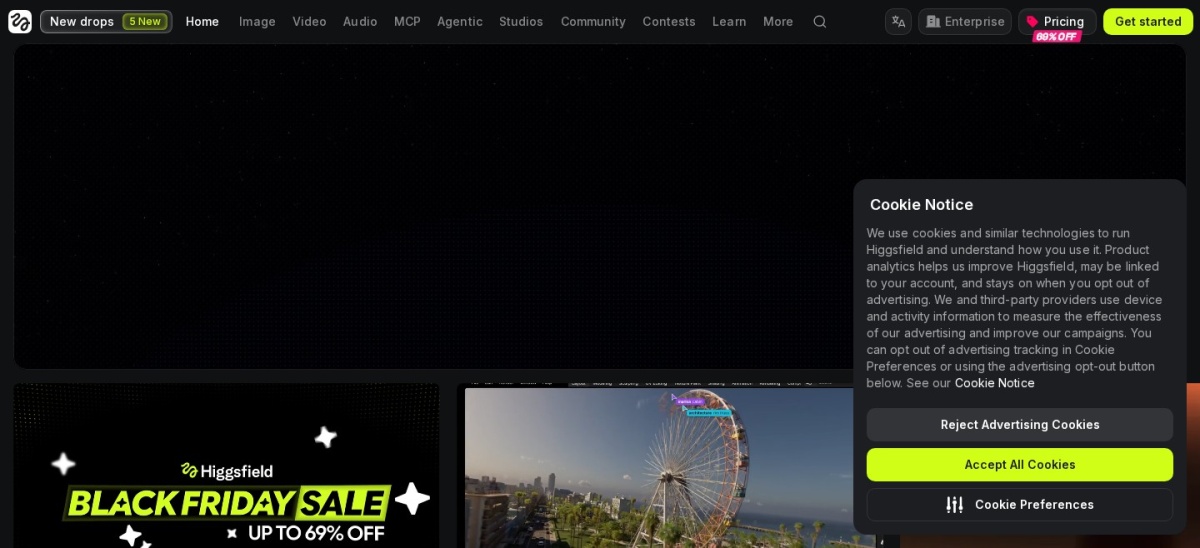
Higgsfield is a video and image suite that puts several third-party models, including Veo 3.1, Kling and Seedance, behind one login. The Basic plan costs $9 a month for 120 credits, and its Cinema Studio adds directed camera moves such as dolly, orbit and crash zoom. Soul ID keeps one face consistent across images and clips.
The trade off is credit math. Basic's 120 credits buy only about 7 short Seedance clips a month, and full model access needs the Pro plan. It suits creators who direct shots with camera presets and want many models without paying for each one separately.
Hailuo AI is MiniMax's video platform, built around the MiniMax H3 model with native sound and 2K output. The Standard plan lists at $14.99 a month and includes 1,000 credits, watermark-free downloads and commercial use. H3 makes clips from 4 to 15 seconds and supports multi-reference control for consistent subjects.
The trade off is trust and price. Hailuo scores 1.4 out of 5 on Trustpilot from 94 reviews, mostly over billing and unanswered support, and the monthly price is nearly double the annual rate. It suits creators who want MiniMax H3 quality and pay monthly while keeping their cancellation confirmation.
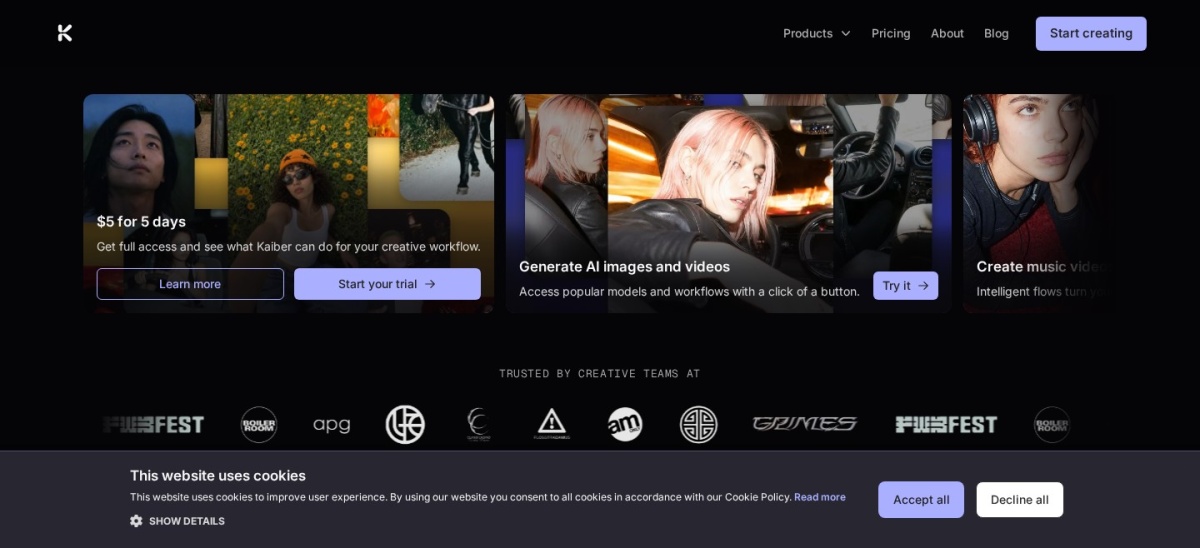
Kaiber is a creative video studio built around Superstudio, a canvas for generating, restyling and syncing video to audio. The Explorer plan costs $5 a month for 300 credits, with 720p and 1080p export and no watermark. It made the official animated video for Linkin Park and is known for music visualisers and stylised loops.
The trade off is realism. Kaiber's frame-by-frame style can flicker and warp, so it is weak for photorealistic scenes and finished productions. It suits musicians and artists who want stylised, beat-synced visuals rather than cinematic footage.
Dreamina is CapCut's AI creative suite, from ByteDance, with image and video generation plus talking avatars. The Basic plan costs $15 a month, and the free tier gives daily credits for image and video generation. Its Seedance video models make clips up to 30 seconds, and finished assets import straight into a CapCut project.
The trade off is trust. Dreamina scores 1.7 out of 5 on Trustpilot from 30 reviews, with complaints about credits that never arrived and refunds left unanswered. It suits CapCut users who want Seedance generation and editing in one workflow and pay monthly.
No mainstream tool in this list will generate explicit sexual content or real people without consent. Every product here filters that material, and that is a deliberate choice: these are established companies with public pricing, public reviews and refund policies.
If a site promises fully uncensored generation with no filters, treat it with care. Those sites are usually unvetted, with no named company, no public reviews and no way to get a refund if the output is unusable or your card is charged twice.
The practical difference between the tools above is how much room they give creative work: artistic nudity, horror, suggestive fashion and dance. Kling is the strictest here, while stylised tools such as Kaiber and Dreamina give creators more room for artistic work.
How we chose
We started from the mainstream image-to-video tools with public pricing and public reviews, then kept those with a real image-to-video mode and a paid plan under $20 a month.
Prices come from each vendor's pricing page or a dated review of it, checked on 26 November 2026. Ratings and review counts come from G2 or Trustpilot on the same day. Where a vendor shows a sale or a first-month discount, the list shows the regular monthly price.
We left out tools marketed as fully uncensored, discontinued tools such as Sora, and tools with no public rating anywhere. No vendor paid for a place, and we do not claim to have used these tools ourselves.
How to choose an image-to-video AI tool
Start with the kind of clip you make most, then check the filter and the credit math before you pay.
Match the tool to the clip. Cinematic product shots suit Kling or Runway, long narrative clips suit Vidu, and music visuals suit Kaiber.
Test your exact use case on the free plan. Upload the same image you plan to use and run the prompt you need, because filters and quality vary by subject.
Do the credit math for one finished clip. Divide the monthly credits by the cost of one clip at your resolution, since a cheap plan can still cost more per finished video.
Pay monthly at first. Several tools here have poor billing reviews, so a monthly plan lets you stop quickly if support does not answer.
FAQ
What is the best uncensored image to video AI tool?
Kling AI is the best pick for most creators. Its Kling 4.0 model turns a still image into a realistic clip up to 30 seconds long, the Standard plan costs $8.80 a month for 660 credits, and it is rated 4.7 out of 5 on G2. Note that no mainstream tool is fully uncensored.
Are there any truly uncensored image-to-video AI tools?
Tools that advertise no content filters exist, but they are mostly unvetted sites with no named company, no public reviews and no refund policy. We left them out of this list. Every tool here is a mainstream product that still filters explicit sexual content and real people.
Which image-to-video tool is cheapest?
Kaiber is cheapest at $5 a month for 300 credits on the Explorer plan, but it is built for stylised music visuals, not realistic video. For realistic clips, Kling AI at $8.80 a month and Higgsfield at $9 a month are the cheapest options in this list.
Can I use these tools for commercial work?
Yes, on the paid plans listed here. Kling, Runway, Vidu, PixVerse, Higgsfield, Hailuo, Kaiber and Dreamina all include commercial use on their cheapest paid plan. Free plans are usually personal use only, and some add a watermark, so check the plan terms first.
Why do Trustpilot and G2 scores disagree so much?
G2 reviewers are usually business users rating the product itself, while Trustpilot reviewers are often consumers complaining about billing, refunds and support. PixVerse scores 4.9 on G2 and 2.2 on Trustpilot, and Vidu shows the same split, so read both before you pay.
How long are the video clips these tools make?
Most clips run 5 to 10 seconds. Vidu makes the longest clips here at up to 16 seconds, Kling reaches 30 seconds with multi-shot storyboards, and Dreamina lists clips up to 30 seconds on Seedance 2.5. Longer clips cost more credits on every tool.
SaaS SEO and WordPress specialist with about 8 years of experience. Rakib compares WordPress plugins, themes, hosting and software using public pricing, documentation and user reviews. See how we rank.