Intercom is the best tool for cutting tickets with a knowledge base: its Fin AI agent answers from your help center at $29 a seat a month, and Intercom reports a 76% average resolution rate. Pick Zendesk for a full help desk with Guide, or Freshdesk for the same shape at $19 an agent.
How we make this list: we compare pricing pages, product documentation and public user reviews, then re-check every price before each update. No product paid for a place. Disclosure.
Intercom's Fin AI agent resolves 76% of conversations on average, according to Intercom, and costs $0.99 per resolved conversation on top of seats.
Zendesk Guide only comes with Suite Team at $55 an agent a month; the $19 Support Team plan is email only.
Freshdesk Growth includes the knowledge base for $19 an agent a month, with 500 free Freddy AI sessions per account.
Help Scout, HubSpot, Document360 and ProProfs all have free plans, so a small team can start a knowledge base at no cost.
LiveAgent is the cheapest paid plan at $15 an agent a month, and Document360 the dearest at $149 a project a month.
G2 ratings run from 4.3 for Zendesk to 4.7 for Document360 and Helpjuice.
What a knowledge base should do for your ticket queue
Most support tickets ask the same few questions. A password reset, a billing date, a missing feature: customers write in because the answer is hard to find, not because it does not exist.
A knowledge base fixes the finding part. It puts answers on a searchable help center, and the best tools add an AI agent that reads those articles and replies in chat before a ticket is ever opened.
What matters most is search quality and failed-search reports. If customers cannot find an answer, they open a ticket anyway, so check whether the tool shows which searches return nothing. Our guide on adding an AI chatbot to WordPress shows how a chat widget can surface those answers.
Price is the other split. Help desks charge per agent, while standalone knowledge bases charge per project or per author, so a 5-person team can pay $75 or $149 a month for the same articles.
The 9 best tools to reduce tickets using a knowledge base
01
Intercom
4.5/5on G2 (3,925 reviews, checked Nov 2026)
Starts at$29/mo
Best AI agent for ticket deflection
AI agentFin, $0.99 per resolution
Help centerPublic, in Essential
Free planNo, 14-day trial
Cheapest planEssential, $29/seat/mo
intercom.com
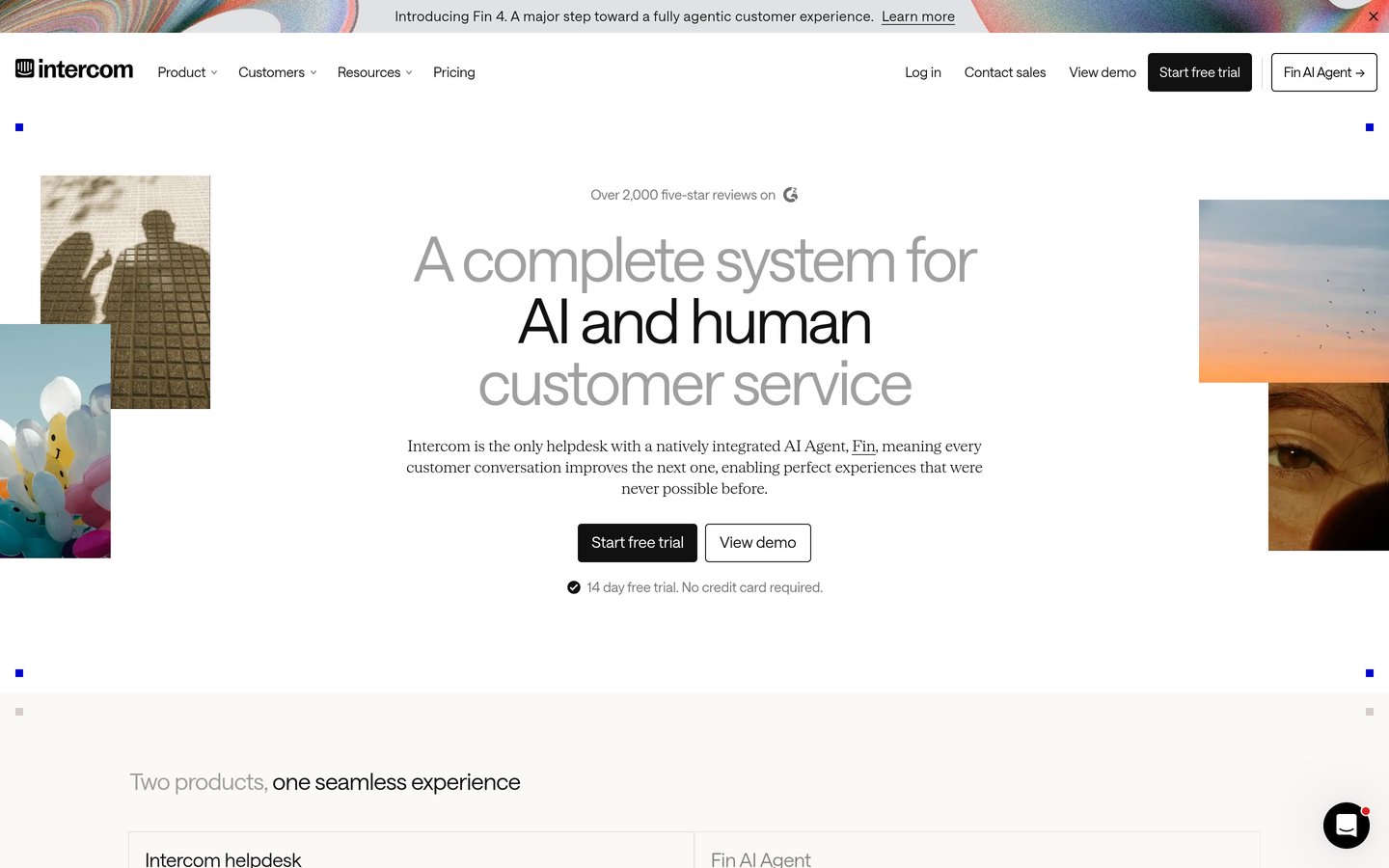
Intercom homepage, captured Nov 2026.
Intercom is an AI-first customer service platform built around Fin, an AI agent that answers from your help center. Essential costs $29 a seat a month on annual billing and includes the Messenger, a shared inbox, ticketing and a public help center. Intercom reports that Fin resolves 76% of conversations on average.
The trade off is that AI answers cost extra. Fin charges $0.99 per resolved conversation on top of the seat price, so a busy help center can add a second bill. It suits teams that want AI to take the first reply and can feed Fin good articles.
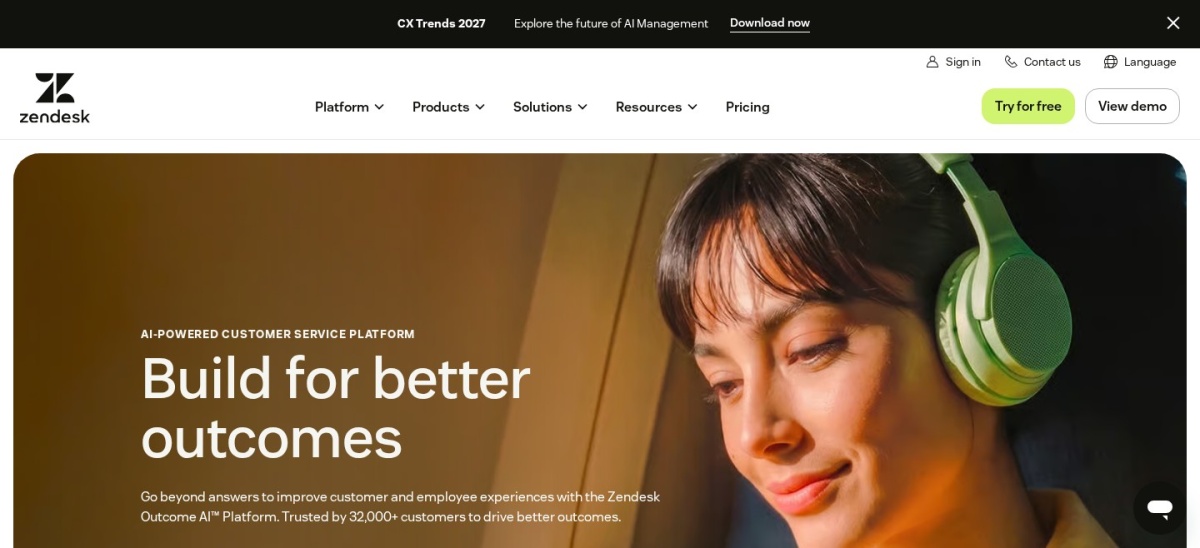
Zendesk is a help desk platform with Guide, its knowledge base product, built in. Suite Team costs $55 an agent a month on annual billing and adds messaging, live chat, AI agents and Guide to the ticket queue. Zendesk says more than 32,000 customers use its platform.
The trade off is price. The $19 Support Team plan covers email only and has no knowledge base, so Guide starts at the $55 Suite Team tier. It suits growing teams that want one platform for tickets, chat and self-service.
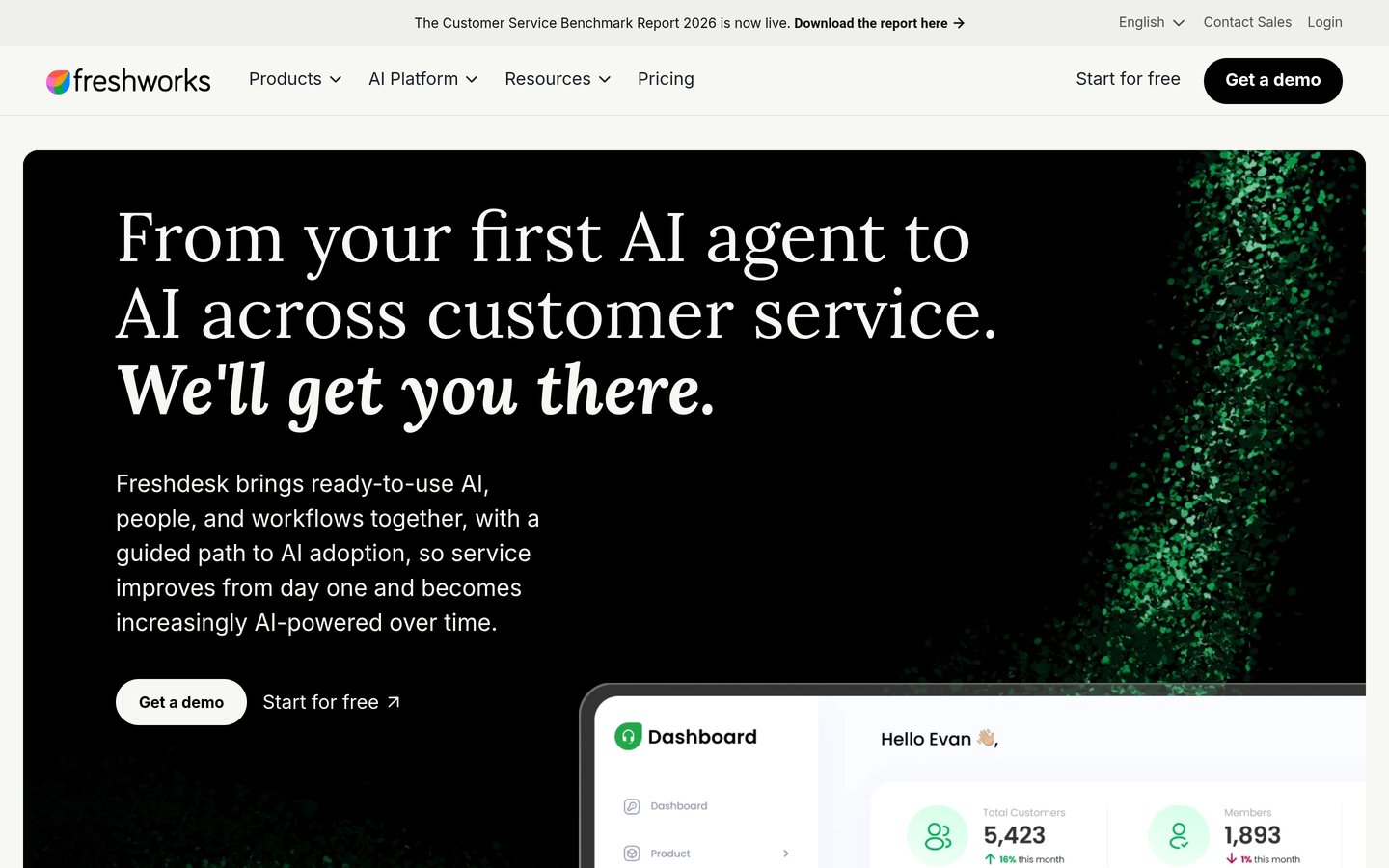
Freshdesk is Freshworks' help desk, and its Growth plan includes ticketing, a customer portal and a knowledge base. Growth costs $19 an agent a month on annual billing. Freddy AI Agent answers from your articles, with 500 sessions free once per account.
The trade off is that the AI bill is separate. Extra Freddy sessions cost $49 per 100, and the Copilot assistant is $29 an agent a month on Pro and above. It suits small teams that want a full help desk at a low seat price.
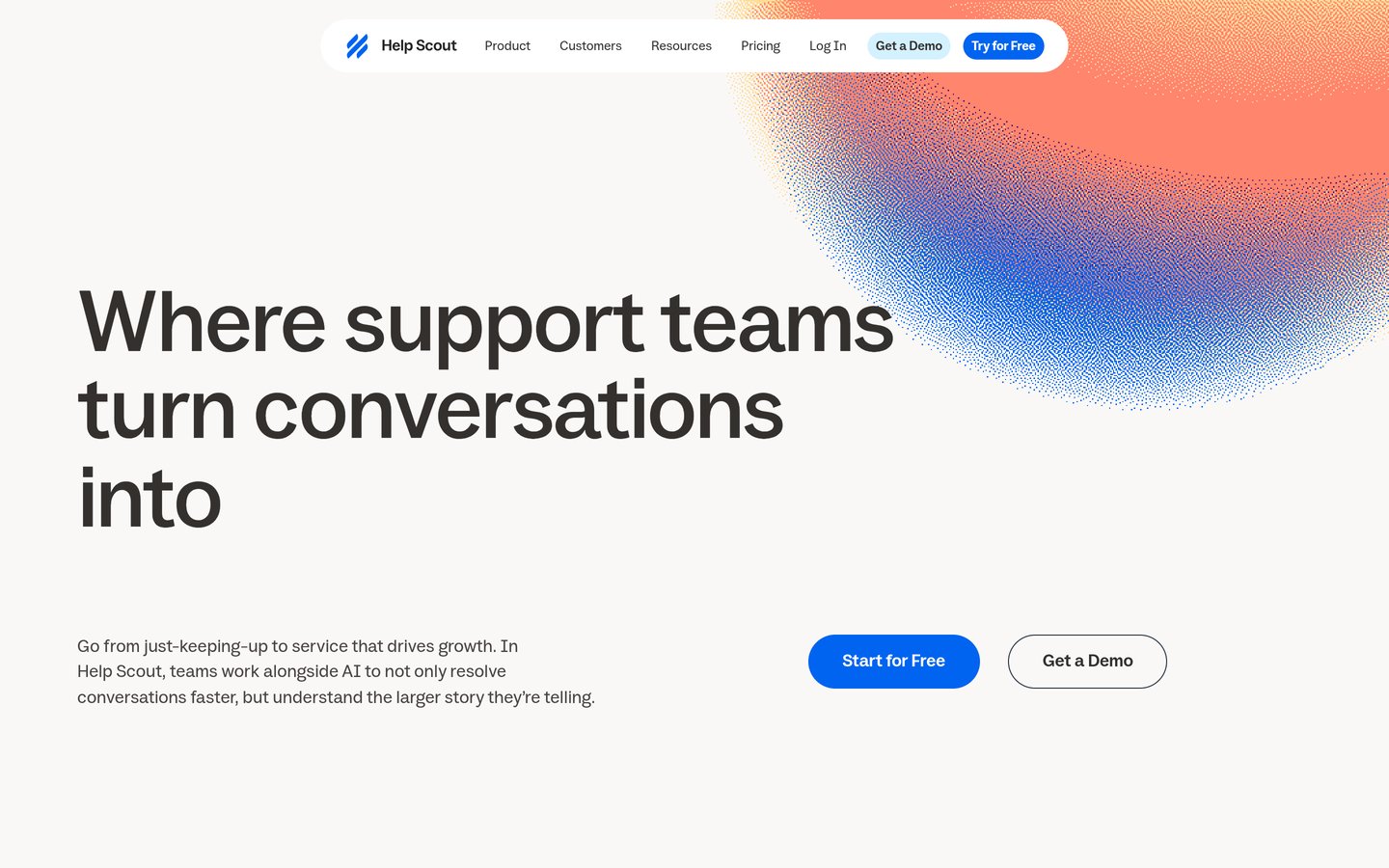
Help Scout is a shared inbox help desk with Docs, its knowledge base product, built in. Standard costs $25 a user a month on annual billing and includes 2 Docs sites, live chat and 150 basic workflows. A free plan covers up to 5 users.
The trade off is AI billing. AI Answers costs $0.75 for each conversation it resolves, on top of the seat price, and advanced workflows start on Plus. It suits small teams that want support to feel like email.
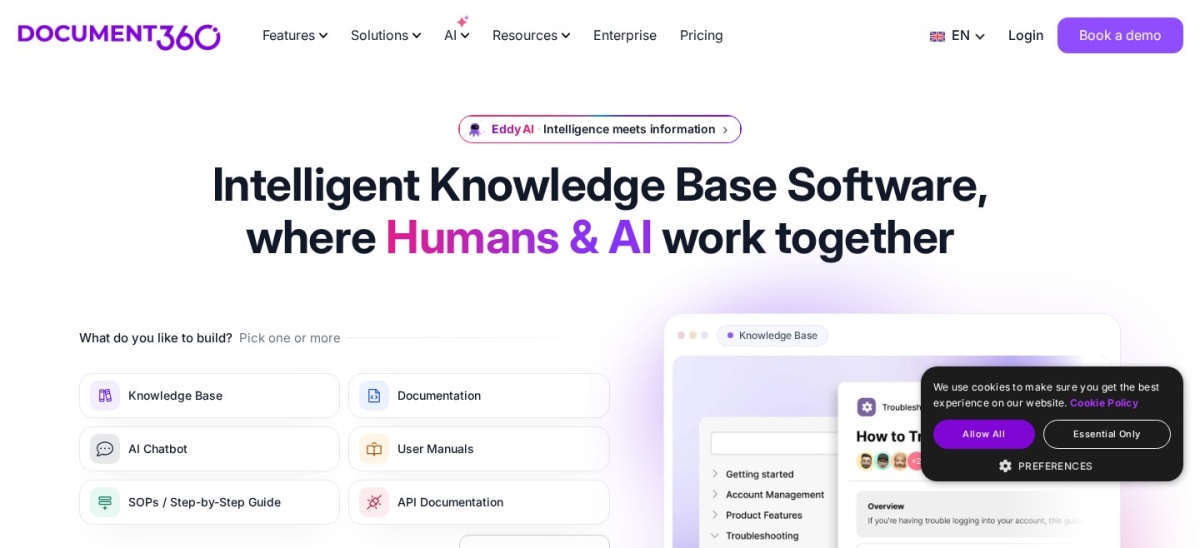
Document360 is a dedicated knowledge base platform for product docs, help centers and user manuals. Standard costs $149 a project a month and includes unlimited articles, basic analytics and core integrations. A free Basic plan covers a small knowledge base.
The trade off is price. At $149 a month it is the dearest tool in this list, and it has no ticketing, so you pair it with a help desk. It suits teams that need a polished public help center more than tickets.
What we like
Built only for knowledge bases, so search is strong
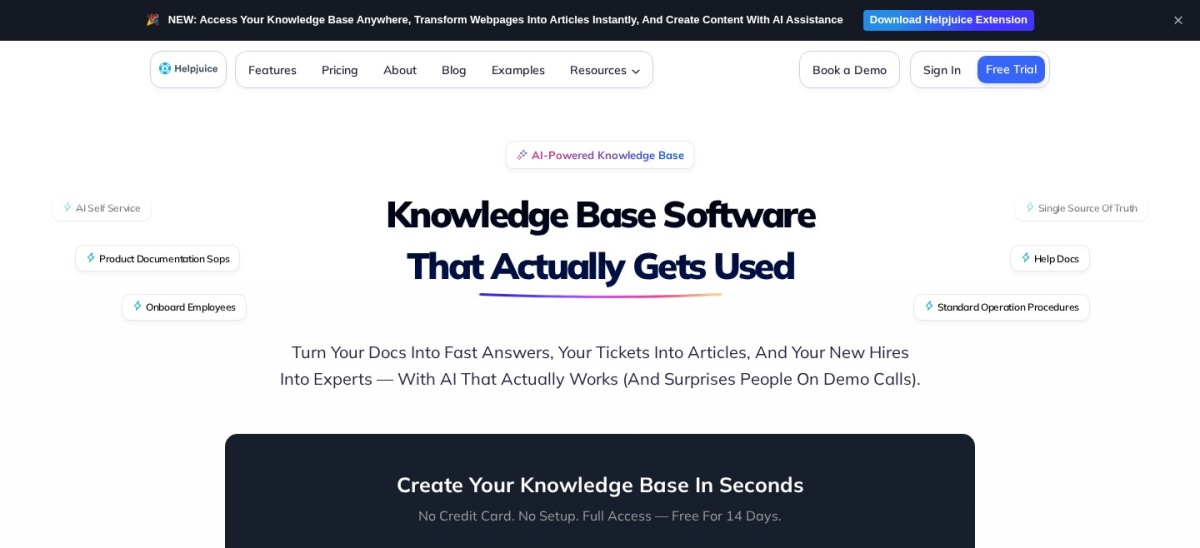
Helpjuice is a standalone knowledge base built to show which articles cut tickets. Starter costs $120 a month flat and includes AI search, article ratings and analytics on searches that return no results. Readers are unlimited on every plan.
The trade off is scope. Helpjuice has no tickets or live chat, so it connects to a help desk instead of replacing one. It suits teams that already have a help desk and want to measure what their knowledge base saves.
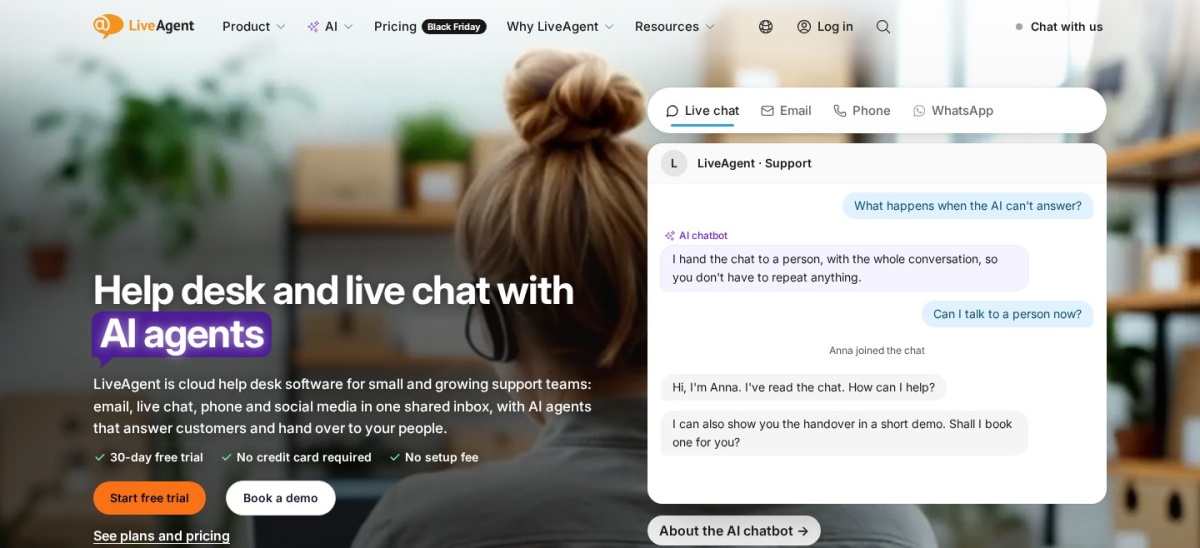
LiveAgent is a help desk with a knowledge base and customer portal on every plan. Starter costs $15 an agent a month on annual billing and includes email, live chat, contact forms and one AI agent. AI comes with no per-resolution fee from LiveAgent.
The trade off is that the AI runs on your own provider account. You connect OpenAI, Anthropic or Gemini, and that provider bills you for usage. It suits small teams that want AI answers without a per-resolution charge.
HubSpot Service Hub is the support layer of HubSpot's CRM, with tickets, live chat and a knowledge base in one place. Starter costs $20 a seat a month and includes one knowledge base of up to 2,000 articles. A free plan covers up to 2 users.
The trade off is the jump to the next tier. Professional costs $90 a seat a month and adds a $1,500 one-time onboarding fee, so real automation is far from Starter. It suits teams that already run on HubSpot's CRM.
ProProfs Knowledge Base homepage, captured Nov 2026.
ProProfs Knowledge Base is a standalone help center tool with a visual editor and 100+ ready-made templates. Essentials costs $49 an author a month on annual billing, and readers are unlimited and free. A free plan covers 1 author and 25 pages.
The trade off is the small review base. ProProfs holds 4.6 out of 5 on G2, but from only 31 reviews, far fewer than the other tools here. It suits a small team that wants a free start and AI search in the plan price.
A plain knowledge base waits for customers to search. It cuts tickets from people who like to read, but many still write in first.
An AI agent flips that order. It reads your articles and answers in the chat window, so customers get the answer without opening your help center at all.
The catch is billing. Intercom and Help Scout charge per AI resolution, while Document360, ProProfs and LiveAgent include AI in the plan price or charge nothing per answer.
How we chose
We started from the help desks and knowledge base tools with a public knowledge base and a G2 rating, then kept the nine that fit a team trying to cut tickets.
Prices come from each vendor's pricing page, checked on 25 November 2026. Ratings and review counts come from G2 on the same day. Where a vendor shows a sale, the list shows the regular price.
We left out tools with no public price and tools whose knowledge base is an add-on with no published cost. No vendor paid for a place, and we do not claim to have used these tools ourselves.
How to choose a tool to reduce tickets with a knowledge base
Start with your ticket queue, then match the tool to the questions it holds.
List your top 10 ticket drivers. If the same questions repeat, a knowledge base can answer them. If tickets are all different, AI deflection will help less.
Count who writes, not who reads. Help desks charge per agent, so a 20-agent team pays very differently from a 3-agent team on the same plan.
Check how AI is billed. Per-resolution pricing is cheap at low volume and costly at high volume. Flat or included AI suits a busy help center.
Read your failed searches first. Pick a tool that reports searches with no results, then write those articles before anything else.
FAQ
What is the best tool to reduce tickets using a knowledge base?
Intercom is the best pick for most teams. Its Fin AI agent answers from your help center, Intercom reports a 76% average resolution rate, and Essential costs $29 a seat a month. Zendesk is the stronger choice if you need a full help desk with Guide behind it.
Can a knowledge base really cut support tickets?
Yes, when customers can find answers without writing in. A searchable help center takes the repeat questions, and an AI agent answers the rest in chat. The size of the cut depends on how many of your tickets repeat, so start with your most common questions.
Do I need a help desk, or is a standalone knowledge base enough?
A standalone knowledge base is enough if your tickets are few and simple. Document360, Helpjuice and ProProfs cover that case well. Once tickets need routing, SLAs or live chat, a help desk such as Zendesk, Freshdesk or Help Scout fits better.
What does AI cost on top of the seat price?
It depends on the tool. Intercom charges $0.99 per Fin resolution and Help Scout $0.75 per AI Answers resolution. Document360 and ProProfs include AI in the plan price, and LiveAgent charges no AI fee, though your own AI provider bills for usage.
Which of these tools have a free plan?
Help Scout is free for up to 5 users, HubSpot Service Hub for up to 2 users, Document360 has a free Basic plan, and ProProfs is free for 1 author and 25 pages. The rest offer trials instead: 14 days for Intercom and Helpjuice, and 30 days for LiveAgent.
What should I write first in my knowledge base?
Start with the questions behind your most common tickets: billing, passwords, setup and delivery. Then check the failed-search report in your tool and write the articles people looked for but did not find. Ten good articles usually cover most of a small team's repeat tickets.
SaaS SEO and WordPress specialist with about 8 years of experience. Rakib compares WordPress plugins, themes, hosting and software using public pricing, documentation and user reviews. See how we rank.