Thinkific is the top choice for online teaching, offering unlimited courses, student analytics, and 0% platform transaction fees on paid plans. LearnWorlds suits interactive video courses, while TutorBird fits private tutors managing scheduling and billing.
How we make this list: we compare pricing pages, product documentation and public user reviews, then re-check every price before each update. No product paid for a place. Disclosure.
Thinkific starts at $82/mo billed annually ($984/yr) or $109/mo monthly on Start, with 0% platform transaction fees on paid plans.
LearnWorlds starts at $44/mo billed annually or $49/mo monthly on Starter, carrying a $5 fee per course enrollment until Pro Trainer.
TutorBird starts at $16.95/mo ($203.40/yr) for one tutor plus $4.95/mo per added tutor or staff member.
Zoom Workplace Pro starts at $14.99/user/mo ($179.88/yr) after a free Basic tier with a 40-minute group meeting limit.
Podia starts at $42/mo billed annually ($504/yr) or $49/mo monthly on Mover with a 5% transaction fee, dropping to 0% on Shaker.
What to look for in online teaching software
Choosing software for online teaching starts with separating live instruction from self-paced courses and business operations. A solo tutor running weekly one-on-one lessons needs calendar sync, attendance tracking, and invoicing more than a multi-module video catalog.
Check how each platform handles payment fees and student caps before signing up. Several tools charge a flat monthly fee plus a percentage or per-enrollment cut on entry plans, which changes your real cost once enrollments pick up.
Look closely at student engagement features such as quizzes, certificates, live sessions, and mobile access. Some platforms bundle websites, communities, and email tools under one roof, while others expect you to pair them with external video or scheduling apps.
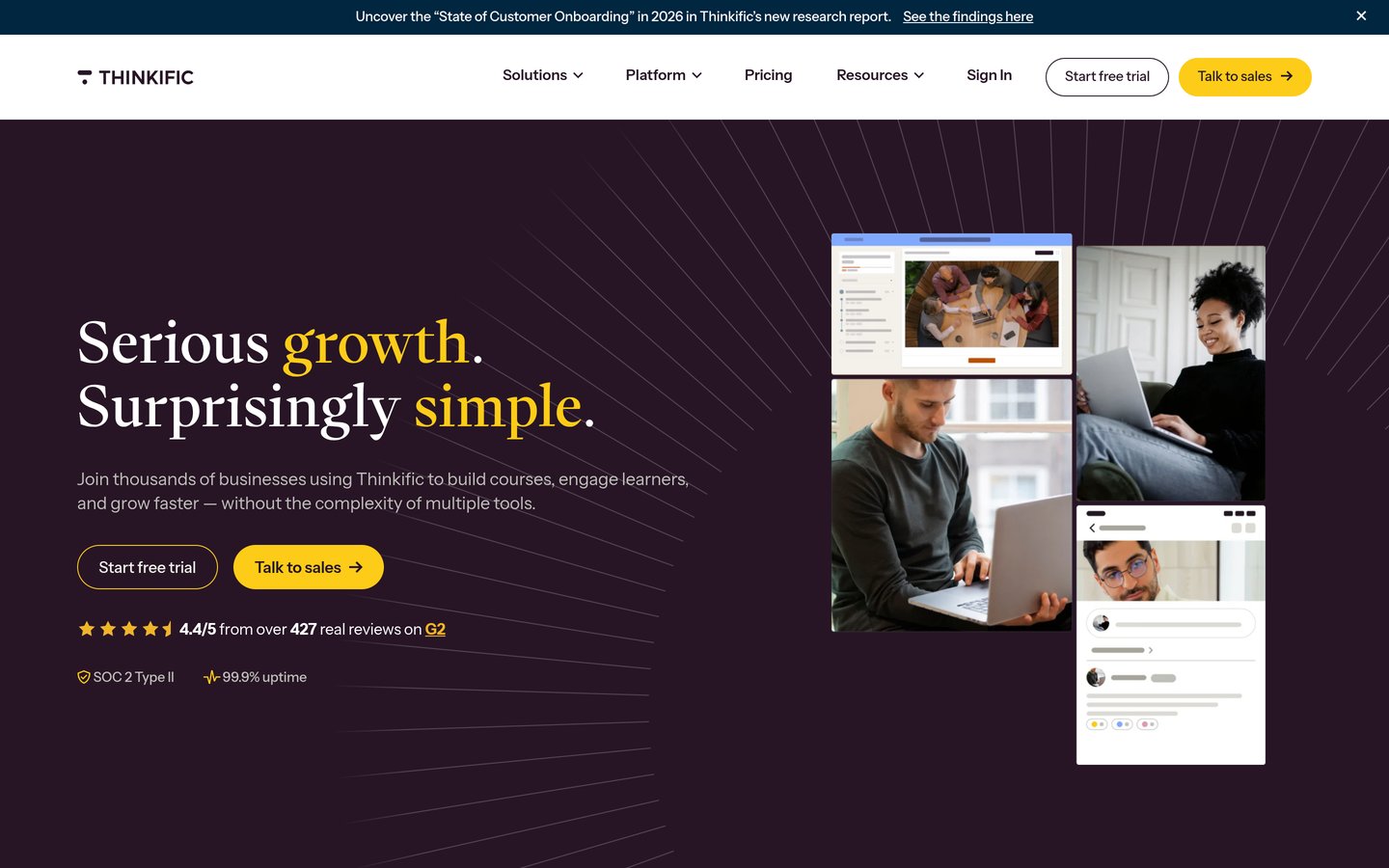
Thinkific is a course creation platform built around structured lessons, quizzes, assignments, completion certificates, and student progress tracking. Its Start plan costs $82/mo billed annually ($984/yr) or $109/mo billed monthly after a free trial.
The trade off is paying $984/yr upfront for annual billing or $109/mo on Start, while live cohorts, bundles, and memberships require higher tiers like Start. It suits educators who want organized self-paced courses and zero platform transaction fees.
What we like
0% platform transaction fee on paid plans
Supports quizzes, assignments, and course completion certificates
Tracks student progress across lessons and modules
Offers both monthly and discounted annual billing
Watch out for
Live cohort tools and bundles sit on higher plans
Some reviewers note limited visual and font customization
Higher tiers climb to $109/mo and $219/mo monthly
Higher plans add live cohorts, bundles, memberships, and larger community spaces.Visit thinkific.com
02
LearnWorlds
4.7/5on G2 (380 reviews, checked Nov 2026)
Starts at$44/mo
Best for interactive video and assessments
Entry planStarter ($44/mo annual)
Enrollment fee$5 per course enrollment
Learner cap1,000 active/mo on Starter
G2 rating4.7 / 5 (380 reviews)
learnworlds.com
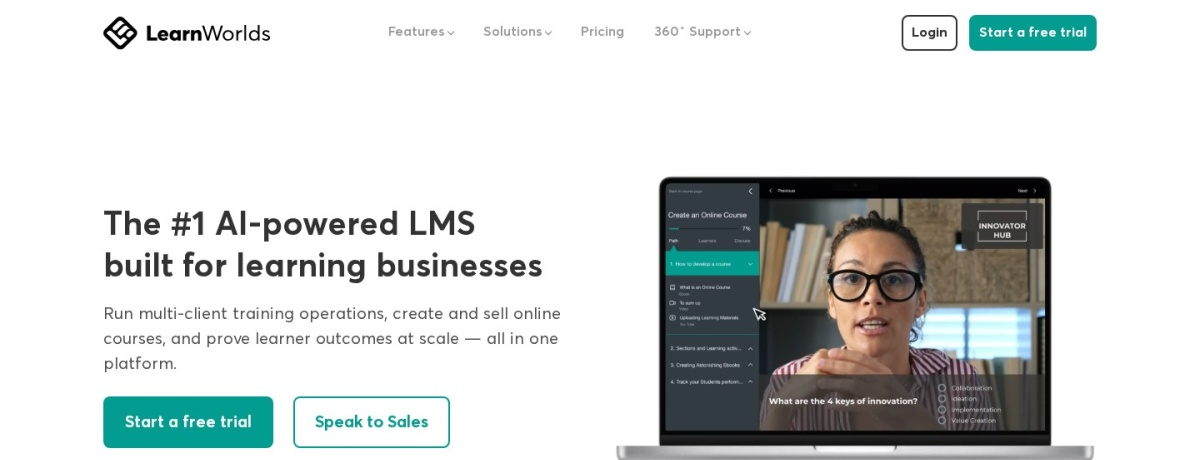
LearnWorlds homepage, captured Nov 2026.
LearnWorlds is an online learning platform known for interactive video, assessments, AI course tools, and custom-domain schools for up to 1,000 active learners per month on Starter. Its Starter plan is $44/mo billed annually ($528/yr) or $49/mo monthly after a free trial.
The trade off is a $5 fee per course enrollment on Starter and a steeper setup curve than simpler course builders. It suits instructors teaching video-heavy courses or structured training programs.
What we like
Strong interactive video and assessment tools
Includes a custom domain and AI course tools on Starter
High marks for customer support across review sites
Watch out for
Charges $5 per course enrollment on the Starter tier
Steeper initial setup and configuration curve
White-labeling and SCORM uploads require higher plans
Pro Trainer removes the $5 enrollment fee and adds certificates, memberships, and up to 20 SCORM uploads.Visit learnworlds.com
03
TutorBird
4.8/5on Capterra (269 reviews, checked Nov 2026)
Starts at$16.95/mo
Best for private tutors and lesson scheduling
Base plan$16.95/mo (first tutor)
Extra staff$4.95/mo per added tutor
Free trial30 days, no card required
Capterra rating4.8 / 5 (269 reviews)
tutorbird.com
TutorBird homepage, captured Nov 2026.
TutorBird is a business management tool for tutors that handles lesson scheduling, calendar sync, attendance, invoicing, and student or parent portals. Pricing starts at $16.95/mo ($203.40/yr) for one tutor plus $4.95/mo per additional tutor or staff member after a 30-day free trial.
The trade off is that TutorBird focuses on tutoring operations, scheduling, and billing rather than building self-paced video course catalogs. It suits independent tutors and small tutoring practices running recurring lessons.
What we like
Low monthly starting rate for solo tutors
Includes calendar sync, invoicing, and student/parent portals
30-day free trial with no credit card required
Watch out for
Adds $4.95/mo for each extra tutor or staff member
Built for tutoring management rather than self-paced courses
Automated tutor payouts are not built in like some agency tools
Every tutor or staff seat added beyond the first costs $4.95/mo on top of the $16.95/mo base rate.Visit tutorbird.com
04
Zoom
4.6/5on Capterra (14,704 reviews, checked Nov 2026)
Starts at$14.99/mo
Best for live classes and virtual classrooms
Paid entryPro ($14.99/user/mo)
Free limit40-min group cap, up to 100
Paid capacityUp to 100 participants on Pro
Capterra rating4.6 / 5 (14,704 reviews)
zoom.us
Zoom homepage, captured Nov 2026.
Zoom is a video meeting platform used for live classes, group sessions, chat, screen sharing, and whiteboards with up to 100 participants. Its free tier caps group meetings at 40 minutes, while Zoom Workplace Pro starts at $14.99/user/mo ($179.88/yr).
The trade off is paying per host seat and buying separate tools for course hosting, homework grading, or student billing. It suits teachers running live synchronous lessons, office hours, or small-group workshops.
What we like
Widely familiar video classroom for live teaching
Free tier lets you test basic sessions with up to 100 participants
Pro removes the 40-minute group meeting limit
Watch out for
Free group calls cut off at 40 minutes
Lacks built-in course curriculum or student billing tools
Larger participant tiers or add-ons cost more per month
Business and Enterprise plans raise participant limits and add admin controls for larger organizations.Visit zoom.us
05
Podia
4.6/5on Capterra (126 reviews, checked Nov 2026)
Starts at$42/mo
Best simple storefront for courses and coaching
Entry planMover ($42/mo annual)
Mover fee5% fee; 0% on Shaker
Mover limits50 products, 500 videos
Capterra rating4.6 / 5 (126 reviews)
podia.com
Podia homepage, captured Nov 2026.
Podia is an all-in-one storefront for selling courses, digital downloads, coaching, and community spaces alongside basic email marketing. Mover starts at $42/mo billed annually ($504/yr) or $49/mo monthly after a 14-day free trial.
The trade off is a 5% transaction fee on Mover and a 100-subscriber email cap that requires upgrading to Shaker or Earthquaker. It suits solo educators who want courses, community, and downloads in one straightforward setup.
What we like
Combines courses, digital downloads, community, and website tools
Includes a 14-day free trial and unlimited customers
Straightforward interface for solo creators
Watch out for
Charges a 5% transaction fee on the Mover plan
Email subscriber allowance starts at 100 on Mover
Upsells, PayPal checkout, and Zapier require Shaker
Shaker removes Podia transaction fees, raises limits to 150 products, and adds upsells and PayPal.Visit podia.com
06
Teachable
4.2/5on Capterra (185 reviews, checked Nov 2026)
Starts at$29/mo
Best for quick course setup and tax handling
Entry planStarter ($29/mo annual)
Starter fee7.5% fee; 0% on Builder
Product cap5 products on Starter
Capterra rating4.2 / 5 (185 reviews)
teachable.com
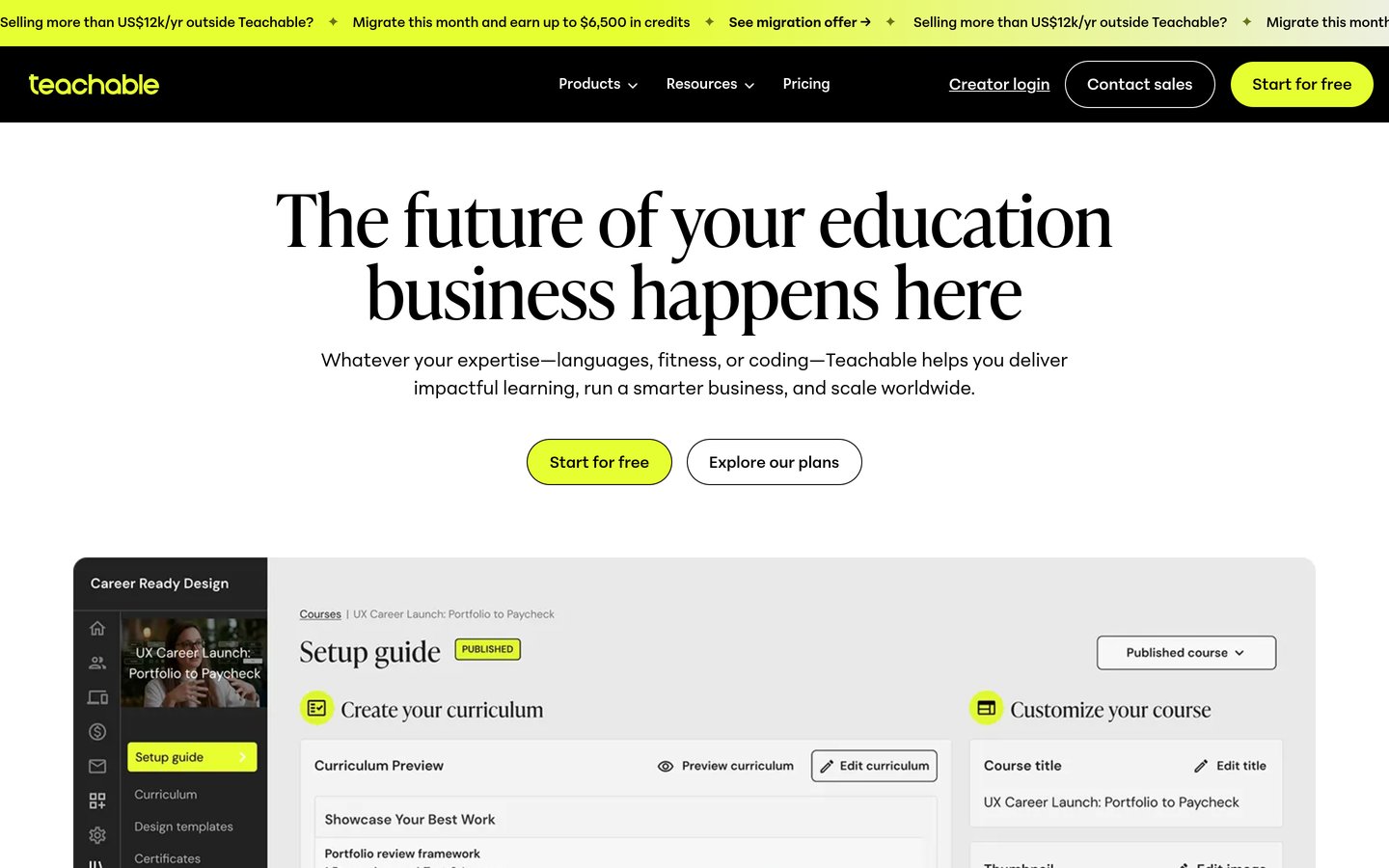
Teachable homepage, captured Nov 2026.
Teachable is a course hosting and sales platform with a guided course builder, global payment checkout, sales tax handling, and student apps. Starter is $29/mo billed annually ($348/yr) or $39/mo monthly after a 7-day free trial.
The trade off is a 7.5% transaction fee and a 5-product cap on Starter, plus mixed public review scores. It suits creators launching a small set of courses who want built-in checkout and tax handling.
What we like
Low entry price at $29/mo billed annually
Handles global payments and sales tax on paid plans
Includes student mobile apps and upsell tools
Watch out for
7.5% transaction fee on Starter eats into early sales
Starter caps you at 5 products and keeps Teachable branding
Mixed customer reviews around support and plan limits
Builder drops the transaction fee to 0%, expands to 10 products, and adds affiliate tools.Visit teachable.com
07
Kajabi
4.4/5on Capterra (231 reviews, checked Nov 2026)
Starts at$143/mo
Best for bundled marketing, courses, and email
Entry planBasic ($143/mo annual)
Basic limits5 products, 2,500 contacts
MarketingFunnels, landing pages, email
Capterra rating4.4 / 5 (231 reviews)
kajabi.com
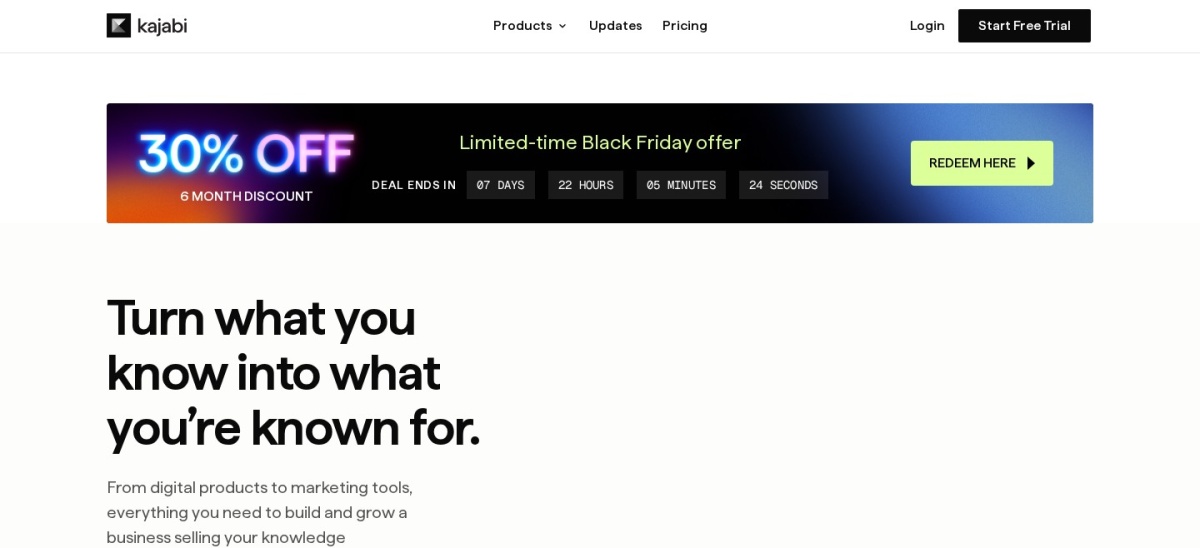
Kajabi homepage, captured Nov 2026.
Kajabi is an all-in-one business platform combining courses, coaching, memberships, community spaces, landing pages, and email marketing. Its Basic plan costs $143/mo billed annually ($1,716/yr) or $179/mo monthly after a 14-day free trial.
The trade off is a high starting price and a 5-product, 2,500-contact cap on Basic. It suits established educators replacing separate website, email, and course subscriptions with one system.
What we like
Bundles courses, community, website, funnels, and email
No per-seat staff charges across plans
Includes 0% platform revenue share with Kajabi Payments
Watch out for
Highest entry cost on this list at $143/mo annually
Basic limits you to 5 products and 2,500 contacts
Live cohort courses and custom code require higher tiers
Growth raises limits to 50 products and 25,000 contacts while adding live cohorts, affiliates, and automations.Visit kajabi.com
Watch out for transaction fees
Sticker prices on course platforms rarely tell the whole story once students start enrolling. Teachable Starter charges a 7.5% transaction fee, Podia Mover charges 5%, and LearnWorlds Starter charges $5 per course enrollment, all on top of payment processor fees.
If you sell higher-priced courses or steady monthly enrollments, upgrading to a zero-fee tier can cost less than paying per-sale fees. Always compare your expected monthly sales against the fee savings before choosing an entry plan.
How we chose
We selected active online teaching tools across course hosting, live video classes, and tutoring management based on vendor documentation and public software directories.
All pricing, ratings, review counts, and plan details were checked on 22 Nov 2026 from official pricing pages and third-party review listings.
We excluded tools lacking verified public pricing or ratings and skipped WordPress plugins that were closed or unmaintained within the past 12 months. No vendor paid for a place, and we do not claim testing for this list.
How to choose the right online teaching tool
Follow four practical steps to match a platform to how you teach.
Decide whether you teach live sessions, self-paced courses, or both. Pick a video tool like Zoom for live classes, a tutoring manager like TutorBird for scheduled lessons, or a course builder like Thinkific for structured modules.
Calculate your real cost with transaction and processor fees included. Factor in per-sale fees on entry plans alongside standard card processing fees before picking a tier.
Check product, learner, and email limits as your audience grows. Verify course caps, active learner limits, and contact allowances so you do not outgrow the starter plan immediately.
Use a free trial to test the student experience from enrollment to completion. Walk through lesson navigation, quizzes, or session booking as a student to spot friction early.
FAQ
Which online teaching tool is best if I want zero platform transaction fees on a paid plan?
Thinkific charges 0% platform transaction fees on paid plans, starting at $82/mo billed annually on Start. LearnWorlds, Podia, and Teachable charge platform or per-enrollment fees on their lowest paid tiers until you upgrade.
What is the most affordable option for a solo private tutor?
TutorBird starts at $16.95/mo ($203.40/yr) for one tutor with scheduling, billing, and a student/parent portal, while Zoom Workplace Pro starts at $14.99/user/mo ($179.88/yr) for live video sessions.
Can I run live classes with these platforms?
Zoom is built specifically for live video meetings and classes, while several course platforms also support live sessions, webinars, or cohorts on qualifying plans. Check whether live sessions are native or require a separate video integration.
Why do annual plans look cheaper per month than monthly plans?
Platforms like Thinkific, LearnWorlds, Podia, Teachable, and Kajabi discount their monthly rate when you pay upfront for a full year. Monthly billing costs more per month but avoids paying a full year in advance.
Do I still pay credit card processing fees on top of platform fees?
Yes, payment gateways such as Stripe or PayPal charge their own processing fees on transactions. Any platform fee or per-enrollment charge applies in addition to standard card processing.
Which tool fits best if I want marketing funnels and email built in?
Kajabi bundles courses, landing pages, funnels, communities, and email marketing in one system, starting at $143/mo billed annually on Basic. Podia also includes email marketing and community spaces starting at $42/mo billed annually on Mover.
SaaS SEO and WordPress specialist with about 8 years of experience. Rakib compares WordPress plugins, themes, hosting and software using public pricing, documentation and user reviews. See how we rank.