Zendesk is the best tool for embedded knowledge widgets for most teams, with its Suite Team plan at $55 per agent a month putting a searchable Guide help center inside the Web Widget, rated 4.3 out of 5 on G2. Pick Intercom for a chat-first widget, or Helpjuice for a dedicated knowledge base.
How we make this list: we compare pricing pages, product documentation and public user reviews, then re-check every price before each update. No product paid for a place. Disclosure.
Zendesk puts a searchable Guide help center inside its Web Widget, but you need Suite Team at $55 per agent a month to get it.
Intercom pairs its Messenger widget with Articles, and Essential lists at $29 a seat a month after a $19 sale price.
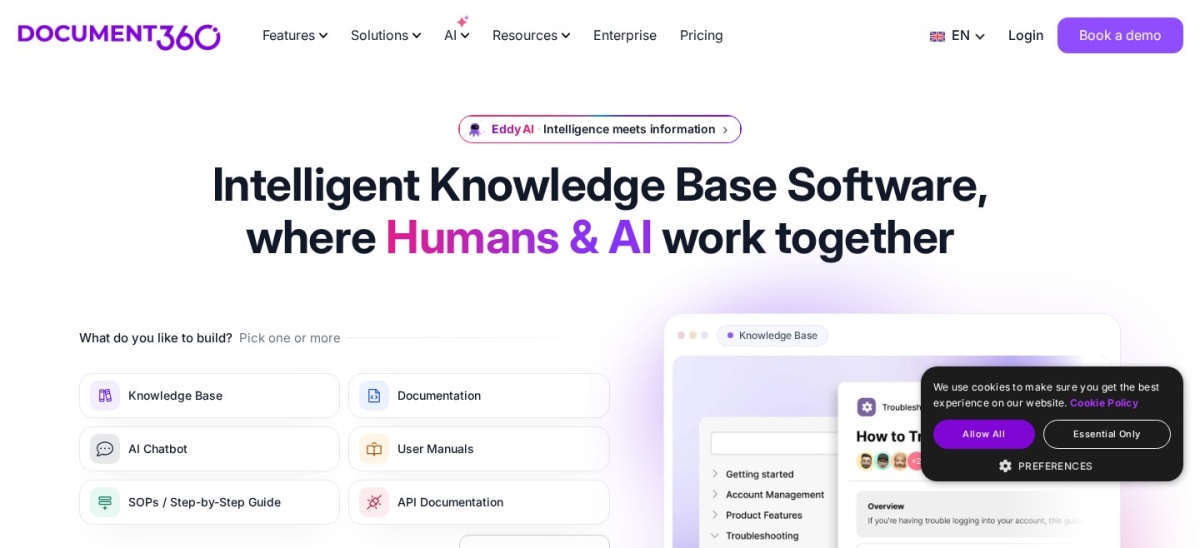
Helpjuice and Document360 are the only dedicated knowledge-base tools here, and Document360 prices by quote only.
Help Scout, Freshdesk, HubSpot and Zoho Desk all have free plans, with paid plans from $14 to $25 a month.
KnowledgeOwl charges a flat $100 a month for one knowledge base and one author, with unlimited readers.
What an embedded knowledge widget should do
An embedded knowledge widget puts help where the user already is. Instead of sending people to a separate help site, a small search box or button on your site or inside your app shows answers from your knowledge base.
Search quality decides whether it works. The widget should return the right article from a few words, suggest related articles, and hand the user to live chat or a ticket form when no article fits.
Branding matters too, because the widget sits on your pages. Look for custom colours, your logo, and a custom domain, so help feels like part of your product rather than a bolt-on. Our guide on adding an FAQ in WordPress covers the simpler end of on-page help.
Price is usually per agent or per seat, so a widget that looks cheap can grow fast as your team grows. Flat-rate tools such as Helpjuice and KnowledgeOwl charge by the knowledge base instead, which suits small teams with many readers.
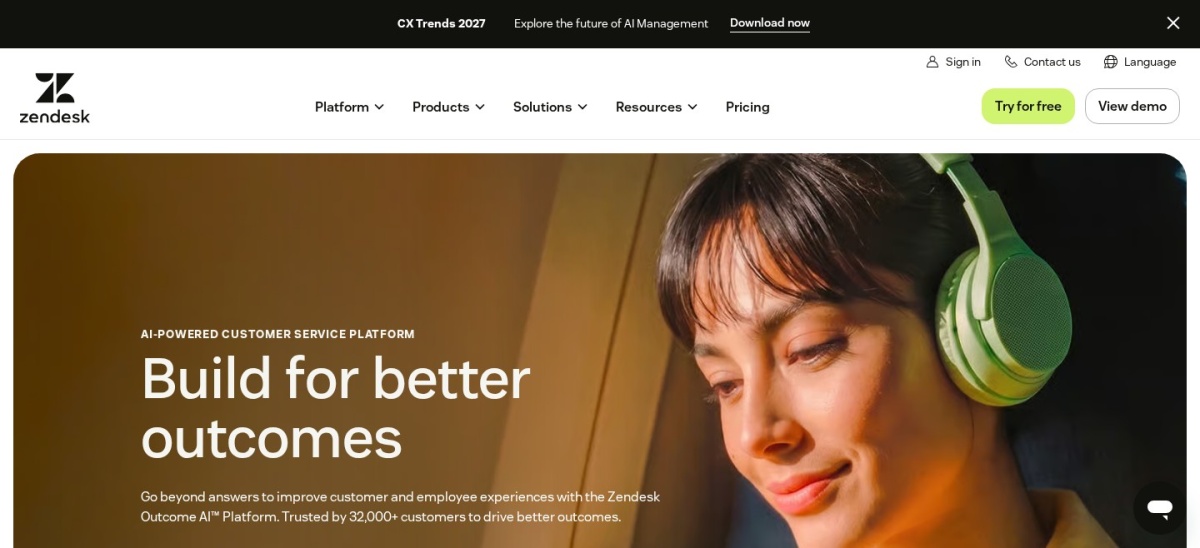
Zendesk is a full support platform whose Web Widget embeds a searchable Guide help center on any site or in an app. Visitors search articles, start a chat or submit a ticket without leaving the page, and AI agents can answer from the same articles. Suite Team at $55 per agent a month adds the help center, messaging and live chat.
The trade off is price and plan gating. The $19 Support Team plan is ticketing only, so the widget and help center need Suite Team at $55 per agent a month, and Copilot costs $50 more per agent a month. It suits teams that want one platform for self-service, chat and tickets at scale.
What we like
Searchable help center inside the widget
AI agents answer from your own articles
One platform for chat, tickets and self-service
Rated 4.3 out of 5 from 7,051 G2 reviews
Watch out for
Help center needs the $55 Suite Team plan
Per-agent pricing grows fast with team size
Copilot is a $50 per agent add-on
Suite Team adds the help center, messaging and AI agentsVisit zendesk.com
02
Intercom
4.5/5on G2 (3,911 reviews, checked Nov 2026)
Starts at$29/mo
Best chat-first widget with articles
Embed widgetMessenger + Articles
AI answersFin, $0.99/resolution
Free planNo, 14-day trial
Entry planEssential, $29/seat/mo
intercom.com
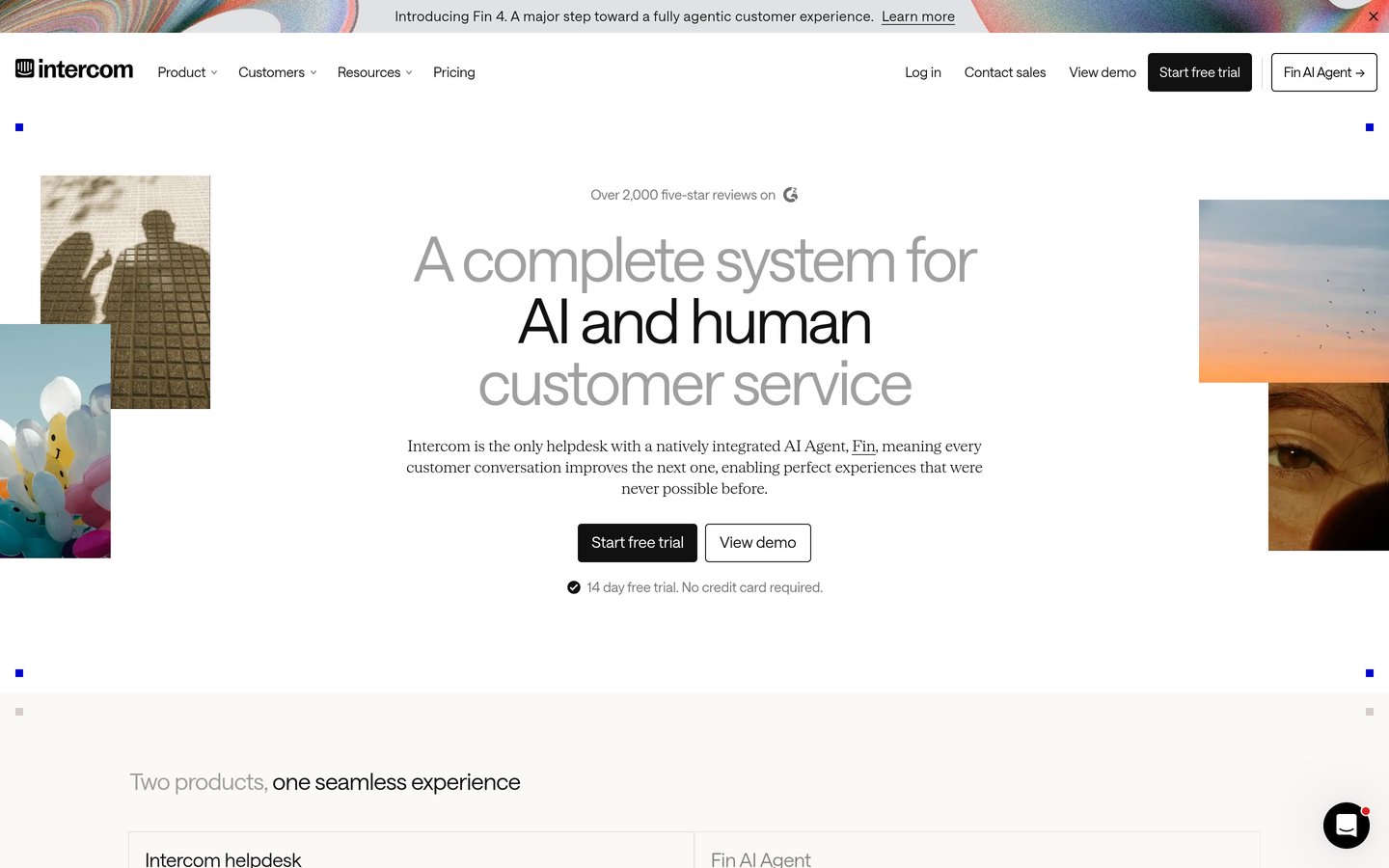
Intercom homepage, captured Nov 2026.
Intercom is a chat-first support platform whose Messenger widget pairs live chat with an Articles knowledge base. Visitors search help articles inside the widget, then talk to a person or Fin, the AI agent, without leaving the page. Essential lists at $29 per seat a month billed yearly, with a 14-day trial and no free plan.
The trade off is that the headline price is not the whole cost. Essential is currently on sale at $19 a seat a month against a $29 regular price, and Fin answers cost $0.99 each on top of the seat price. It suits product teams that want chat and self-service in one widget.
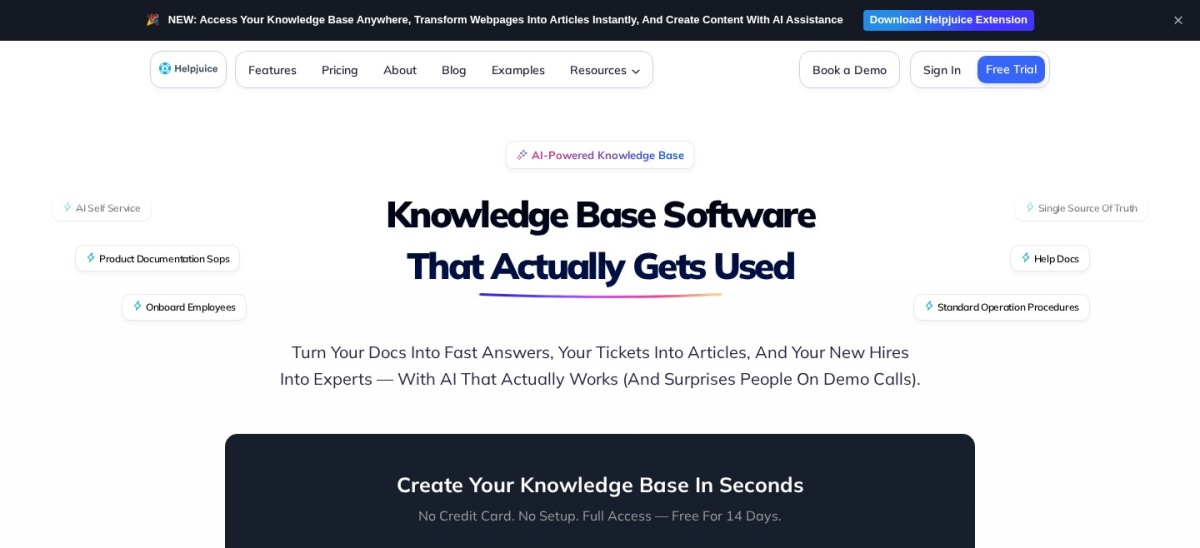
Helpjuice is a dedicated knowledge base with an embeddable widget that puts article search on your site or in your app. The team hand-builds your knowledge base design to match your brand, and the $249-a-month plan covers 30 users and 12GB of file storage. Readers get search, version history and analytics with no per-reader charge.
The trade off is price and AI gating. The AI suite, with AI search, an AI chatbot and AI article translation, only comes with the $449-a-month plan, and there is no free plan beyond a 14-day trial. It suits teams that want a polished, branded knowledge base as their main support front door.
Document360 is a knowledge base platform with an embedded help center that drops article search into your app or website. Readers get help without leaving the page, and authors get Markdown and visual editors, revision history, reusable content blocks and AI search. Pricing is by quote, built around workspaces, languages and team size.
The trade off is that you cannot compare its price at a glance. There is no list price and no free plan, so small teams must ask for a quote before they know the cost, and the AI chatbot is a paid add-on. It suits documentation-heavy teams that need several public and private knowledge bases.
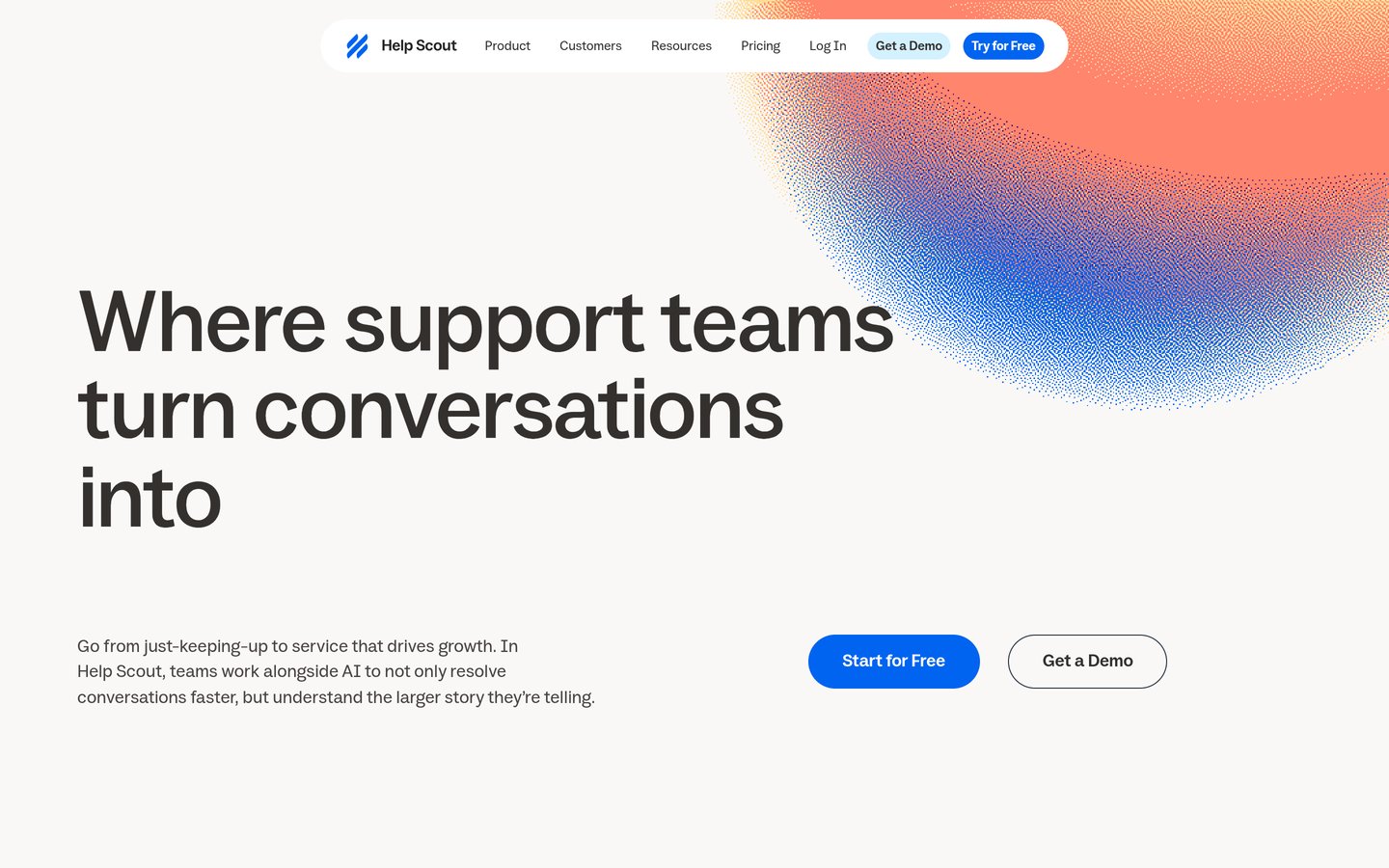
Help Scout is a shared inbox and Docs platform whose Beacon widget embeds article search and chat on your site. Visitors search your Docs, then message your team without leaving the page. The free plan covers 5 users, one inbox and one Docs site, and Standard at $25 per user a month adds a second Docs site and live chat.
The trade off is scale. The free plan allows only 10 articles, so a real knowledge base needs Standard, and larger teams pay $45 or $75 per user a month on Plus and Pro. It suits small teams that want a simple Beacon widget and a shared inbox in one place.
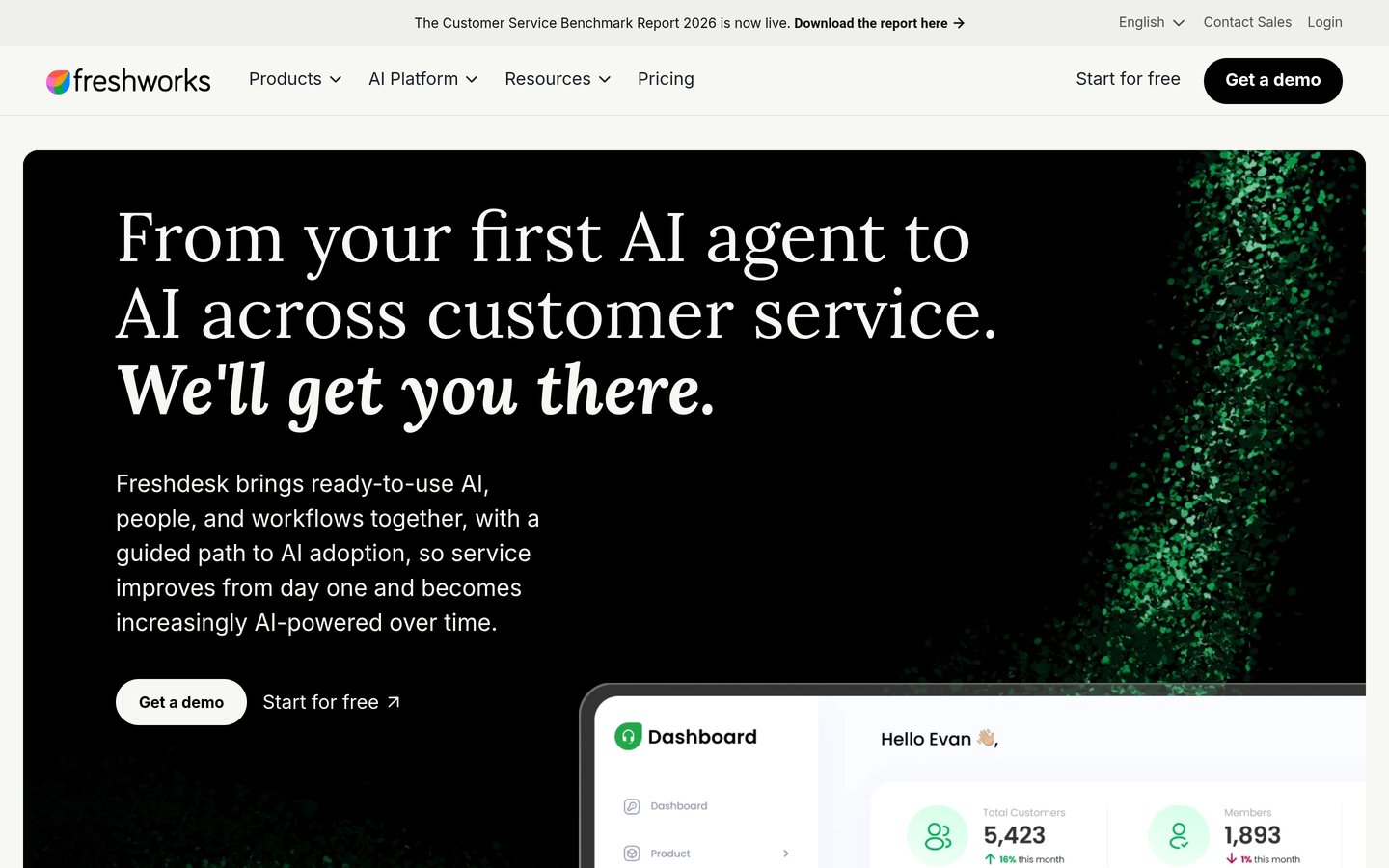
Freshdesk is an all-in-one help desk whose widget embeds a knowledge base and customer portal on your site. Visitors search articles, raise tickets and track them without leaving the page, and Freddy AI answers from the same articles. Growth costs $19 per agent a month billed yearly, with a free plan for small teams.
The trade off is that the cheapest AI help is capped. Freddy AI Agent includes 500 sessions per account, then costs $49 per 100 sessions, and the Copilot assistant needs Pro at $55 per agent a month. It suits growing teams that want a help desk, portal and widget for one low entry price.
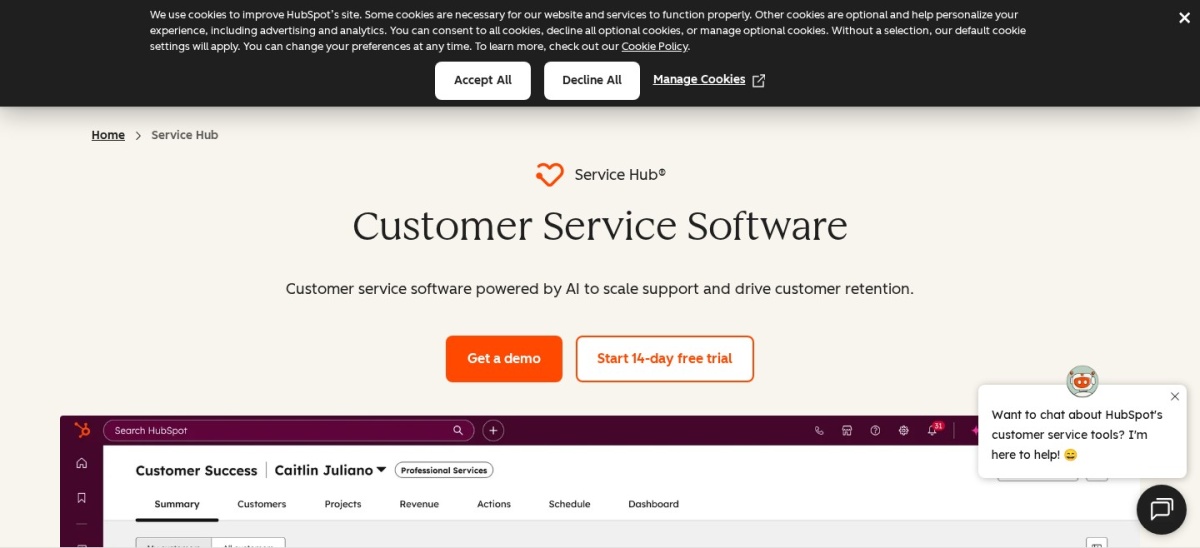
HubSpot Service Hub is a support platform whose knowledge base and live chat widget sit on your site beside the HubSpot CRM. Visitors search help articles in the widget, then chat or open a ticket with their history attached. The free tier covers basic tools, and Starter costs $20 per seat a month.
The trade off is the jump to the next tier. Professional costs $100 per seat a month, so automation and deeper reporting cost five times the Starter price, and the free tier is limited to two users. It suits teams already running HubSpot CRM who want support in the same system.
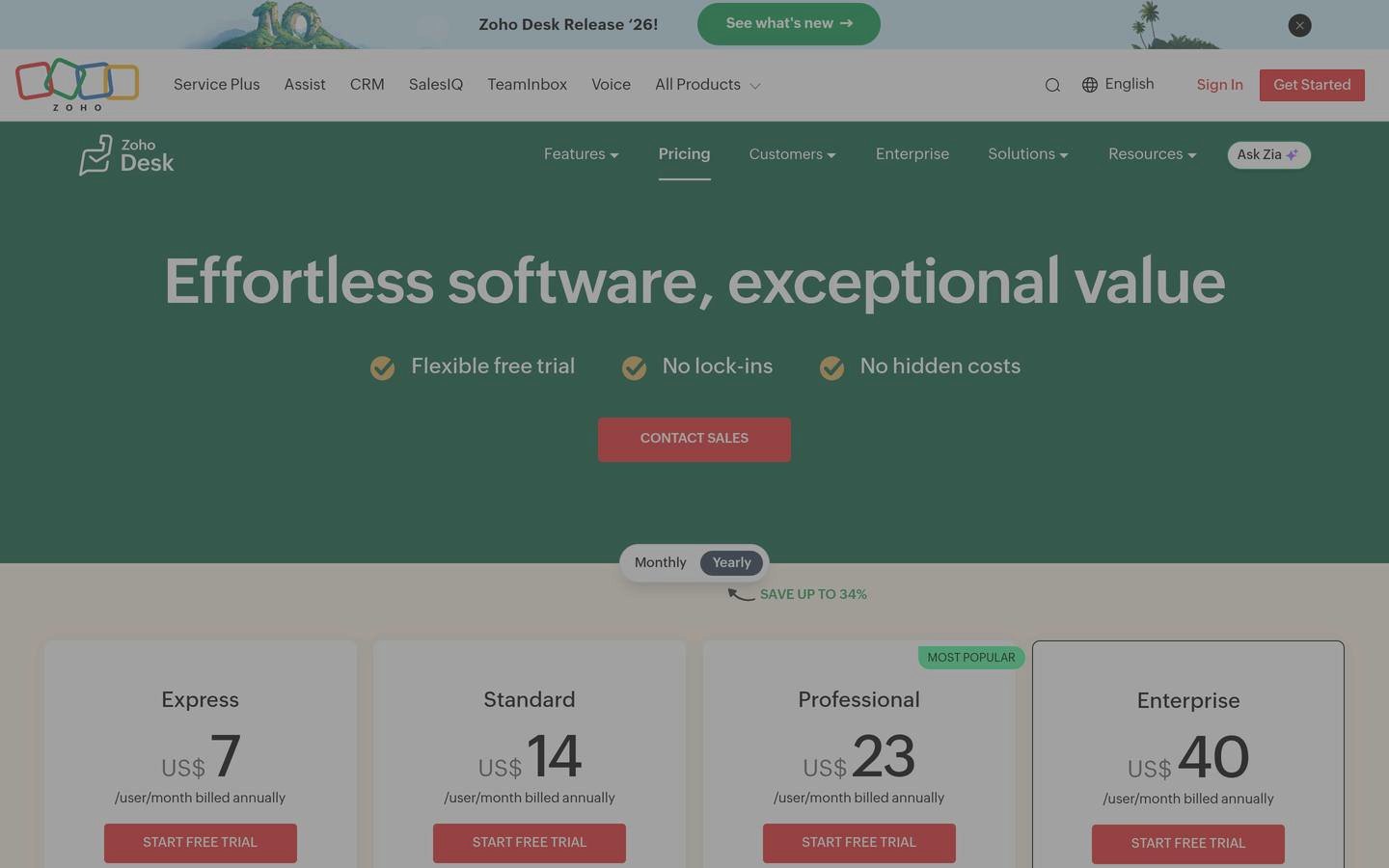
Zoho Desk is a help desk whose ASAP web widget embeds knowledge base search on your site or in your app. Visitors find articles in the widget, then raise a ticket without leaving the page. The free plan covers 3 users, and Standard at $14 per agent a month adds the knowledge base, Answer Bot and chat.
The trade off is the entry plan. Express at $7 per agent a month has no knowledge base, so the widget only works from Standard at $14, and the higher tiers climb to $23 and $40 per agent a month. It suits small teams that want the lowest working price for a widget and a help desk.
What we like
Lowest working price in this list
Free plan for 3 users
ASAP widget works on site and in app
Rated 4.4 out of 5 from 7,851 G2 reviews
Watch out for
Express plan has no knowledge base
AI features need higher tiers
Higher tiers climb to $23 and $40 per agent
Standard adds the knowledge base and Answer BotVisit zoho.com
09
KnowledgeOwl
4.7/5on G2 (140 reviews, checked Nov 2026)
Starts at$100/mo
Best flat-rate pricing for one author
Embed widgetYes, widget + API
Authors included1 per plan
Free planNo, trial only
Entry planBasic, $100/mo
knowledgeowl.com
KnowledgeOwl homepage, captured Nov 2026.
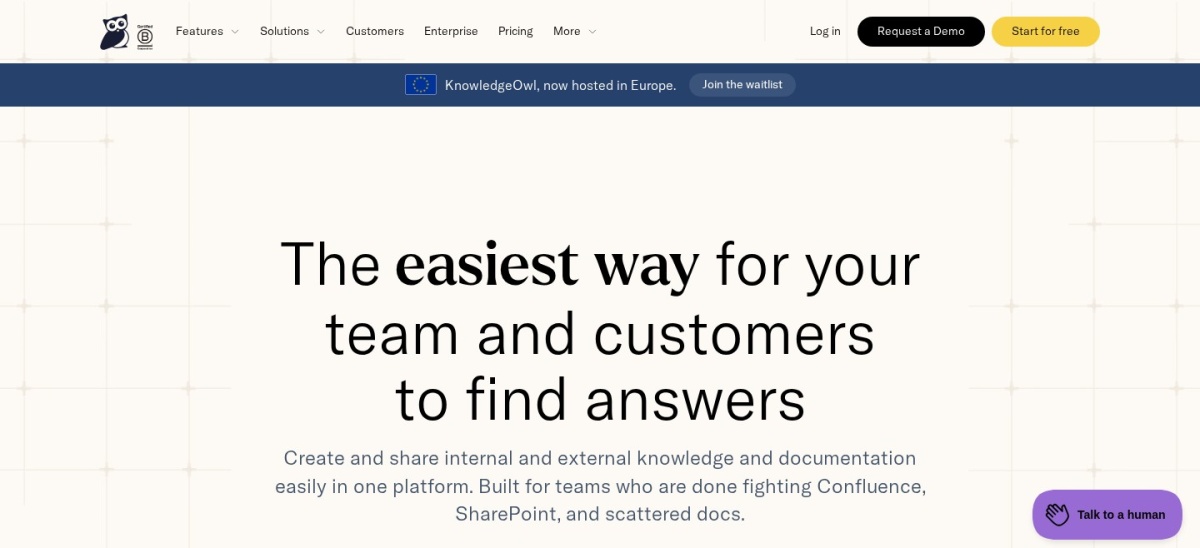
KnowledgeOwl is a dedicated knowledge base with an embeddable widget and an API for showing articles inside your site or app. The Basic plan costs a flat $100 a month for one knowledge base and one author, with unlimited readers and no per-seat charge. Extra authors cost $25 a month and an extra knowledge base costs $50.
The trade off is author limits. One author suits a single writer, but a team of editors pays $25 a month per extra author, and Pro at $250 a month is needed for the API. It suits small teams with one author and many readers who want predictable flat pricing.
A widget is the front door, not the whole building. It shows search and a few popular articles inside your site or app, while the full help center holds every article, category and guide.
Most tools in this list give you both. Zendesk, Intercom, Help Scout and Freshdesk pair the widget with a hosted help center, so one set of articles feeds both places.
If you only need answers on your site, a dedicated knowledge base such as Helpjuice or Document360 keeps the focus on articles and search. Our guide on adding an AI chatbot to WordPress shows how a widget can answer first and pass harder questions to a person.
Pick the widget first when your users rarely leave your product. Pick the help center first when search traffic and public docs matter more.
How we chose
We started from the help-desk and knowledge-base tools with a public G2 rating and an embeddable widget, then kept the nine that surface article search on a site or inside an app.
Prices come from each vendor's pricing page, checked on 25 November 2026. Ratings and review counts come from G2 on the same day. Where a vendor shows a sale, the list shows the regular price.
We left out tools with no public rating and tools that only link out to a help center instead of embedding one. No vendor paid for a place, and we do not claim to have used these tools ourselves.
How to choose an embedded knowledge widget
Start with where your users get stuck, then match the widget to that spot.
Decide where the widget will live. On a marketing site, a simple search widget is enough. Inside an app, pick one with contextual help that shows different articles on different screens.
Check what the entry plan really includes. Some vendors gate the knowledge base behind a higher tier, so confirm the widget and the articles come with the plan you will pay for.
Test the search with real questions. Type the five questions your users ask most. If the widget misses two or more, its search will send people to your inbox instead.
Count the cost as your team grows. Per-agent pricing can triple when you add seats, while flat-rate tools stay fixed. Pick the model that still fits at twice your current team size.
FAQ
What is an embedded knowledge widget?
An embedded knowledge widget is a small search box or button placed on your website or inside your app. It shows help articles from your knowledge base without sending the user to a separate help site, and it can hand harder questions to live chat or a ticket form.
Which embedded knowledge widget is best?
Zendesk is the best overall pick, with its Guide help center inside the Web Widget on Suite Team at $55 per agent a month. Intercom suits chat-first teams, while Helpjuice is the best choice when you want a dedicated knowledge base and nothing else.
Do I need a help desk to use a knowledge widget?
No. Dedicated tools such as Helpjuice, Document360 and KnowledgeOwl sell the knowledge base and widget on their own. A help desk only helps when you also want tickets, chat and reporting in the same system.
How much does an embedded knowledge widget cost?
Entry prices in this list run from $14 per agent a month for Zoho Desk Standard to $249 a month flat for Helpjuice, with Document360 priced by quote. Four tools have free plans, but the free tiers limit articles, users or features.
Can a widget answer questions with AI?
Yes, on most tools here. Zendesk, Intercom, Freshdesk and Document360 all offer AI answers drawn from your own articles, though Intercom charges per Fin resolution and Helpjuice keeps AI tools on its $449 plan. Always check whether AI is included or an add-on.
What is the difference between a widget and a help center?
A widget is the small search box on your site or in your app, while a help center is the full website that holds every article and category. Most tools in this list give you both, with one set of articles feeding the widget and the help center.
SaaS SEO and WordPress specialist with about 8 years of experience. Rakib compares WordPress plugins, themes, hosting and software using public pricing, documentation and user reviews. See how we rank.