Clockify is the best time tracking software for most nonprofits. Its free plan covers up to 5 users with unlimited projects, clients and reports, and paid seats start at $3.99 a month. Pick TimeCamp for unlimited free users and a 30% nonprofit discount, or Toggl Track for the simplest rollout.
How we make this list: we compare pricing pages, product documentation and public user reviews, then re-check every price before each update. No product paid for a place. Disclosure.
Clockify is the cheapest route in: a free plan for up to 5 users, then $3.99 per seat a month on annual billing.
TimeCamp is the only free plan here with unlimited users and projects, plus a 30% nonprofit discount.
Toggl Track keeps tracking simple with one-click timers and no screenshots, and paid plans start at $9 a month.
Harvest turns tracked hours straight into invoices, but its free plan covers only 1 seat and 2 projects.
ClickUp offers nonprofits a 75% discount, and its free plan covers unlimited members, but time tracking sits inside a large workspace.
What a nonprofit needs from a time tracker
Nonprofits track time for different reasons than agencies. Hours have to map to programs and grants, volunteers need a simple way to clock in, and reports have to satisfy funders.
A good tracker for a nonprofit starts with projects that match grants or programs. Tags or cost codes then split hours inside a project, and exports should show who worked, on what, and for how long.
Timesheet approvals matter once more than a few people log hours. A manager should be able to review a week, lock it, and send the same figures to payroll or a grant report without retyping them.
Free plans go a long way here. Most of the tools in this list let a small team track time for free, and several cut prices for nonprofits. Our guide on whether WordPress is free for nonprofits covers other free tools a nonprofit can use beside a tracker.
Best time tracking software for nonprofits overall
Free planUp to 5 users
Kiosk modeYes, for volunteers
Timesheet approvalsStandard plan
Paid planBasic, $3.99/mo
clockify.me
Clockify homepage, captured Nov 2026.
Clockify is a time tracker with a free plan that covers up to 5 users, with unlimited projects, clients, time entries and reports. It includes timers, timesheets, a calendar view, a kiosk mode for volunteers to clock in from a shared device, and apps for web, desktop and mobile.
The trade off is that approvals, invoicing and time-off tracking need paid plans, starting with Basic at $3.99 per seat a month on annual billing. It suits small nonprofits that want grant-ready reports without paying for seats they do not need yet.
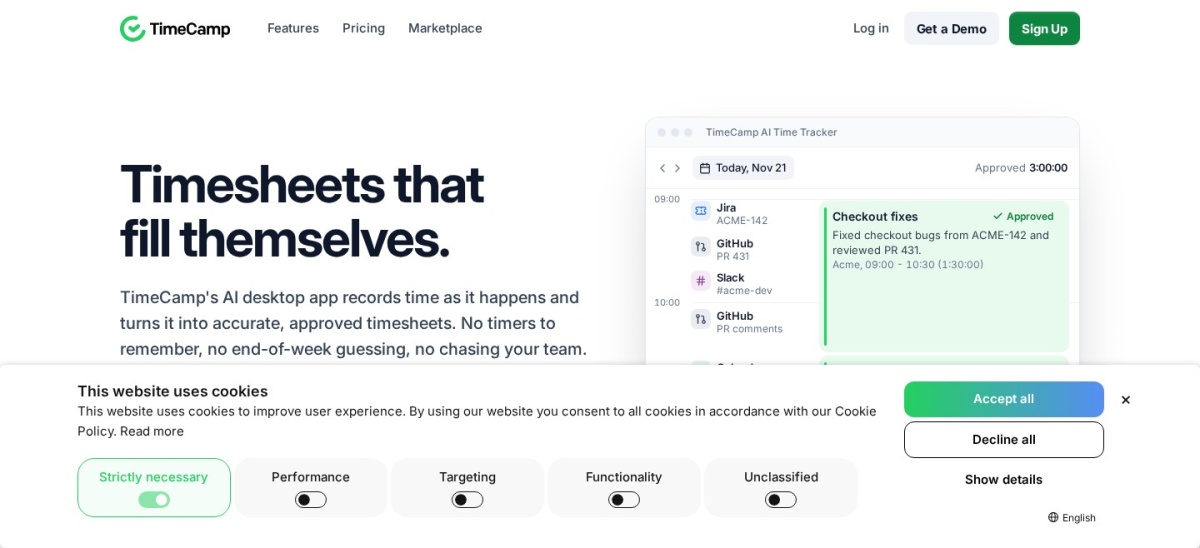
TimeCamp is a time tracker with a free plan for unlimited users and projects, including timesheets, automatic tracking and more than 10 reports. Nonprofits get an extra 30% discount on paid plans, and Starter at $3.99 per user a month on annual billing adds invoicing, attendance and time off.
The trade off is that billable rates, budgets and app tracking wait for Premium at $6.99 a month, and timesheet approvals need the top paid plan at $9.99. It suits nonprofits with many volunteers that need a free plan without a user cap.
Toggl Track is a simple time tracker built around a one-click timer, with calendar integrations, tasks and team reports. The free plan covers up to 3 users with unlimited tracking, and Starter at $9 per user a month on annual billing adds billable rates and team reports.
The trade off is that timesheet approvals, labor costs and profitability reports wait for Premium at $16 a month, and the free plan is small. It suits nonprofits that need staff to log hours every day without a learning curve.
Harvest is a time tracker with invoicing and expense tracking built in, so hours logged against a project turn into invoices and cost reports. The free plan covers 1 seat and 2 projects, and Teams at $9 per seat a month on annual billing adds unlimited seats and team reporting.
The trade off is that timesheet approvals and profitability reports need Enterprise at $14 a seat a month, and paid plans add usage charges for extra projects and invoices. It suits nonprofits that bill grants or clients by the hour and need clean invoices.
ClickUp is an all-in-one workspace with native time tracking, tasks, docs and dashboards in one place. The free plan covers unlimited tasks and members, and nonprofits can apply for a 75% discount on paid plans. Core lists at $12 per user a month, with a lower $9 annual-billing price shown on the pricing page.
The trade off is size. Time tracking is one feature inside a large platform, so setup takes longer than a dedicated tracker, and timesheets and resource management need the Business plan. It suits nonprofits that want one workspace for programs, tasks and time.
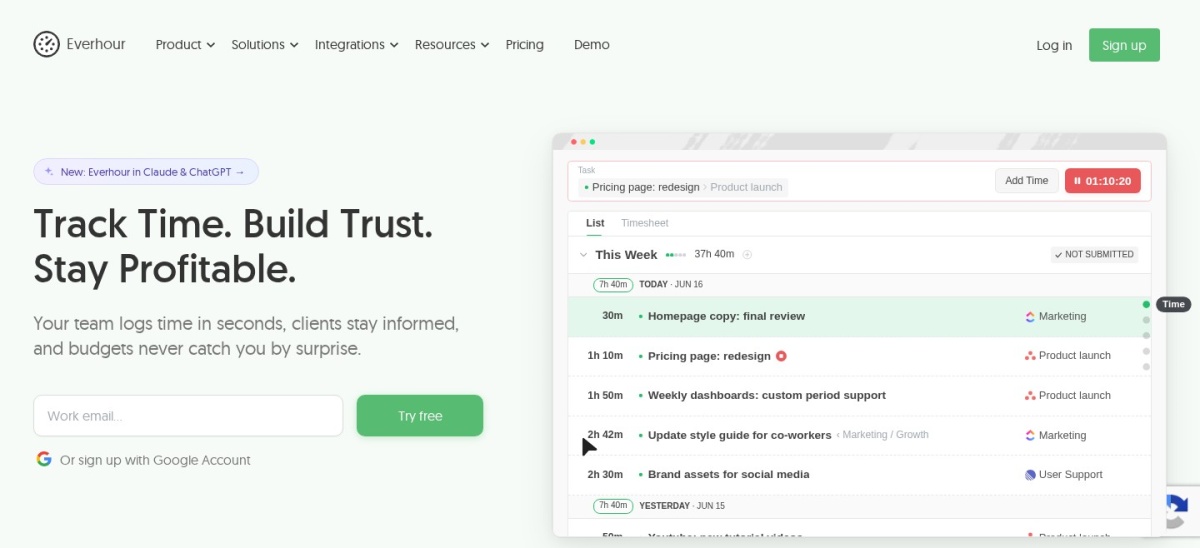
Everhour is a time tracker that lives inside project tools such as Asana, ClickUp, Jira and Trello, with budgets, billing and invoicing. The free plan covers up to 5 seats with basic tracking, and Team at $8.50 per seat a month on annual billing includes every feature with no tier gating.
The trade off is the 5-seat minimum on paid plans, so a team of 2 or 3 still pays for 5 seats. It suits nonprofits that already run projects in Asana or ClickUp and want budgets beside their tasks.
Timely is an automatic time tracker. Its Memory app records work across apps, files and meetings, then drafts timesheets for staff to approve in one click. Starter at $9 per user a month on annual billing covers up to 5 users and 20 projects, with no free plan beyond a trial.
The trade off is price and limits. A sixth user means moving the whole team to Premium at $16 a month, and there is no free tier for volunteers. It suits nonprofits whose staff forget to start timers and need complete records for funders.
Hubstaff is a time tracker with activity levels, screenshots and payments for distributed teams and field staff. Starter at $4.99 per seat a month on annual billing covers time tracking, timesheets and limited screenshots, with a 2-seat minimum and a 14-day trial.
The trade off is monitoring. Screenshots and activity tracking can feel intrusive for volunteers, and payroll and scheduling need higher tiers. The homepage showed a 30% off annual-plans sale at the time of writing. It suits nonprofits with field staff who need GPS and payments in one tool.
actiTIME is a project time tracker that ties hours to customers, projects and tasks, then applies billing and cost rates to the same record. The free version covers up to 3 users, and Online starts at $6 per user a month for teams of 1 to 40 users, with every feature included.
The trade off is age and polish. The interface is more structured than a bare timer, and the Chrome extension, budgets and approvals are not in the free version. It suits nonprofits that need cost and profit beside hours on every project.
Grant reports usually ask for hours by program, person and date. Set up one project per grant or program, and use tags for the funder or cost code.
Ask for approvals before you need them. A locked, approved timesheet is easy to defend in an audit, while an editable one is not.
Export early and check the format. A CSV export that splits hours by project and person will save hours at reporting time, so test it before the first report is due.
How we chose
We started from the time trackers most often recommended for nonprofits, then kept the nine with a free plan or trial, published pricing and a public user rating.
Prices come from each vendor's pricing page, checked on 26 November 2026. Ratings and review counts come from G2 on the same day. Where a vendor shows a sale price, the list shows the regular price.
We left out tools with no published price and volunteer-only apps that do not track staff hours. No vendor paid for a place, and we do not claim to have used these tools ourselves.
How to choose time tracking software for a nonprofit
Start with who logs time and what the funder asks for, then pick the smallest tool that covers both.
List who tracks time. Staff, volunteers and contractors have different needs. Volunteers suit a kiosk or a simple timer, while staff need approvals and exports.
Map hours to grants. Set up one project per grant or program before you invite anyone. Check that reports split hours by project, person and date.
Check the free plan limit. Count your users first. A free plan for 3 or 5 users is a trial for a larger team, so check the paid price per seat too.
Ask about the nonprofit discount. Several vendors in this list cut prices for nonprofits. Ask before you pay, and have your nonprofit paperwork ready.
FAQ
What is the best time tracking software for nonprofits?
Clockify is the best pick for most nonprofits. Its free plan covers up to 5 users with unlimited projects, clients and reports, and paid seats start at $3.99 a month. TimeCamp is the best choice when the team is larger than 5 users.
Is there free time tracking software for nonprofits?
Yes. Clockify, TimeCamp, Toggl Track, Harvest, ClickUp, Everhour and actiTIME all have free plans. TimeCamp is the only one with unlimited free users, while Clockify caps its free plan at 5 users and Toggl Track at 3.
Which time trackers offer nonprofit discounts?
TimeCamp offers a 30% discount for nonprofits, and ClickUp offers up to 75% on paid plans. Toggl Track and Harvest also offer nonprofit discounts. Ask each vendor before you pay, and have your nonprofit status ready to show.
Do nonprofits need timesheet approvals?
Most do once more than a few people log hours. Approvals lock a week of hours so the figures sent to a funder or payroll cannot change later. Clockify, TimeCamp, Toggl Track and Harvest all offer approvals, usually on a paid plan.
What is the cheapest time tracking tool for a nonprofit?
Clockify and TimeCamp are the cheapest, with paid plans from $3.99 per user a month on annual billing. Both have useful free plans, so a small nonprofit may never need to pay. TimeCamp also adds a 30% nonprofit discount.
Can volunteers track their own hours?
Yes. Clockify has a kiosk mode that lets volunteers clock in from a shared tablet, and TimeCamp and Toggl Track have simple timers and mobile apps. Pick a tool with a free plan that covers all your volunteers, not just staff.
SaaS SEO and WordPress specialist with about 8 years of experience. Rakib compares WordPress plugins, themes, hosting and software using public pricing, documentation and user reviews. See how we rank.