Clockify is the best time tracking software for most employers. Its free plan covers up to 5 seats, and paid plans start at $3.99 per user a month, with kiosk clock-in for staff without desk computers. Pick Toggl Track for the simplest timer at 4.6 out of 5 on G2, or Hubstaff when you need screenshots and payroll.
How we make this list: we compare pricing pages, product documentation and public user reviews, then re-check every price before each update. No product paid for a place. Disclosure.
Clockify is the cheapest route in: free for up to 5 seats, then $3.99 per user a month on annual billing.
Toggl Track has the highest G2 rating here at 4.6 out of 5, but its free plan covers only 3 users.
Hubstaff and Time Doctor are the monitoring picks: screenshots, activity levels and payroll links from $4.99 and $6.67 a month.
Harvest is the only pick built around billing: time, expenses and invoices in one place from $9 a seat a month.
Insightful costs $8 a seat a month and has no free plan, but it reads as workforce analytics rather than a timer.
What employee time tracking should cover
Employee time tracking is about payroll and proof, not just timers. Managers need hours they can approve, export and pay on, and staff need a clock-in that takes seconds.
The tools here split into two groups. Clockify, Toggl Track and Harvest record time and turn it into timesheets or invoices. Hubstaff, Time Doctor, DeskTime and Insightful add monitoring: screenshots, app use and activity levels.
Free plans matter for small teams. Clockify covers 5 seats free, Toggl Track covers 3 users and Harvest covers 1 seat, while Hubstaff, Time Doctor, DeskTime and Insightful are paid only. Our guide on creating an invoice in WooCommerce shows how tracked hours turn into bills clients can pay.
Before you buy, check how each tool handles overtime, breaks and approvals. The cheapest plan is rarely the one with timesheet approvals, and per-user pricing adds up fast past 10 seats.
The 7 best time tracking software tools for employees
01
Clockify
4.5/5on G2 (205 reviews, checked Nov 2026)
Paid from$3.99/user/mo
Best time tracking software for employees overall
Entry planBasic, $3.99/seat/mo
Free planUp to 5 seats
Kiosk clock-inYes, PIN or QR
Free trial7 days, Pro features
clockify.me
Clockify homepage, captured Nov 2026.
Clockify is a time tracker and timesheet app for teams, with a timer, calendar, scheduling, time off and a kiosk mode where staff clock in with a PIN or QR code. The free plan covers up to 5 seats with unlimited tracking, and the Basic plan at $3.99 per seat a month adds invoicing, approvals and time off management.
The trade off is depth. Reports and admin controls are simpler than Toggl Track or Hubstaff, and paid plans carry a 3-seat minimum, so a 2-person team pays for a seat it does not use. It suits small teams that want a free start and a low-cost upgrade path.
Toggl Track is a timer-first time tracker for teams that want hours logged with as little friction as possible. The free plan covers up to 3 users with timers, tasks and personal reports, and Starter at $9 per user a month adds billable rates, tags, team reports and time off tracking.
The trade off is monitoring. There are no screenshots, activity levels or GPS, so managers who need proof of work will need another tool. It suits teams that trust staff to log honest hours and want the highest-rated timer in this list.
Hubstaff is a time tracking and workforce tool for remote and distributed teams, with timers, screenshots, activity levels, GPS and automated payroll. The Starter plan at $4.99 per seat a month covers time tracking, timesheets and up to 500 screenshots per user a month, with a 2-seat minimum.
The trade off is cost at scale. Payroll and unlimited integrations need the Team plan at $10 a seat a month, and reviewers note the per-seat price adds up for small teams. It suits remote teams that need activity proof beside hours.
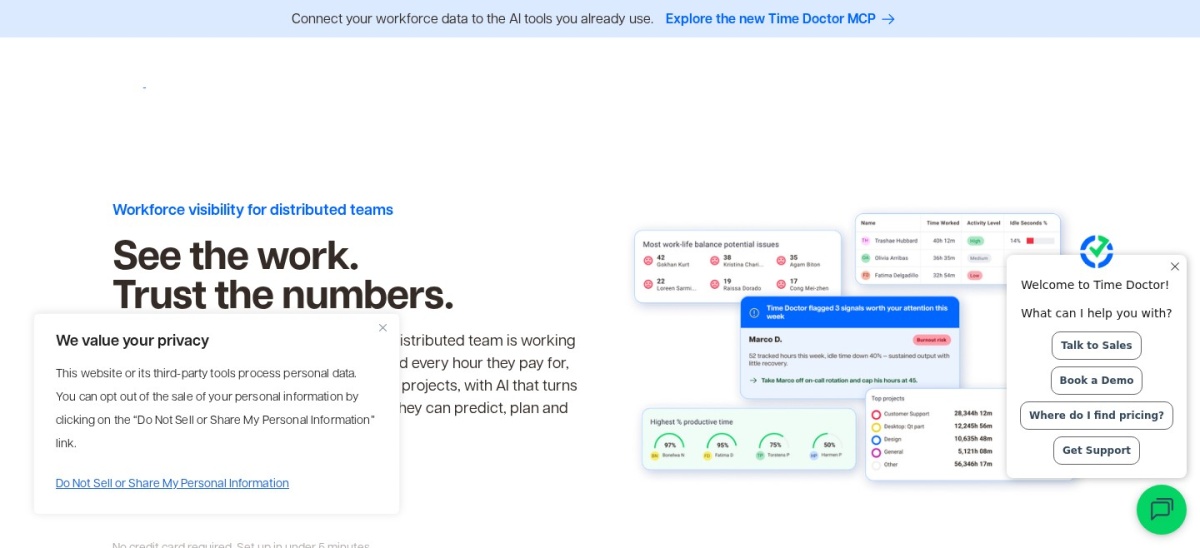
Time Doctor is a time tracking and employee monitoring tool with screenshots, activity levels, attendance and payroll reports. The Basic plan at $6.67 per user a month covers automatic tracking, projects, screenshots and 3 months of history, with no free plan.
The trade off is scope. Scheduling, attendance and payroll need the Standard plan at $11.67 a month, and reviewers report occasional app glitches and billing confusion. It suits managers who want screenshot proof of remote work.
What we like
Screenshots and activity levels from the cheapest plan
Harvest is a time tracker built for billable work, with timers, expenses and invoices in one place. The free plan covers 1 seat and 2 projects, and Teams at $9 per seat a month adds unlimited seats, team reports and payment links through Stripe or PayPal.
The trade off is monitoring. Harvest has no screenshots, activity tracking or GPS, and reviewers have criticised price rises since its 2025 acquisition. It suits agencies and consultancies that bill clients by the hour.
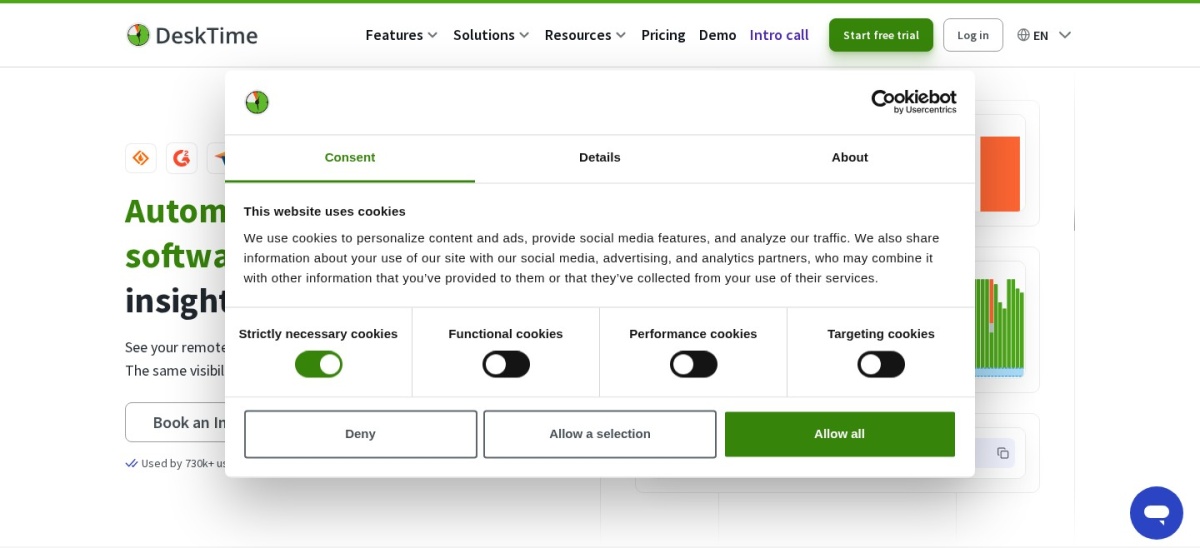
DeskTime is an automatic time tracker that records apps, URLs and documents without staff starting a timer. The Pro plan at $6.42 per user a month covers automatic tracking, productivity reports, project time and shift scheduling, with a 14-day free trial and no free plan.
The trade off is screenshots. They need the Premium plan at $9.17 a month, and reviewers note the price has risen and the interface can feel cluttered. It suits office and hybrid teams that want hours captured without manual entry.
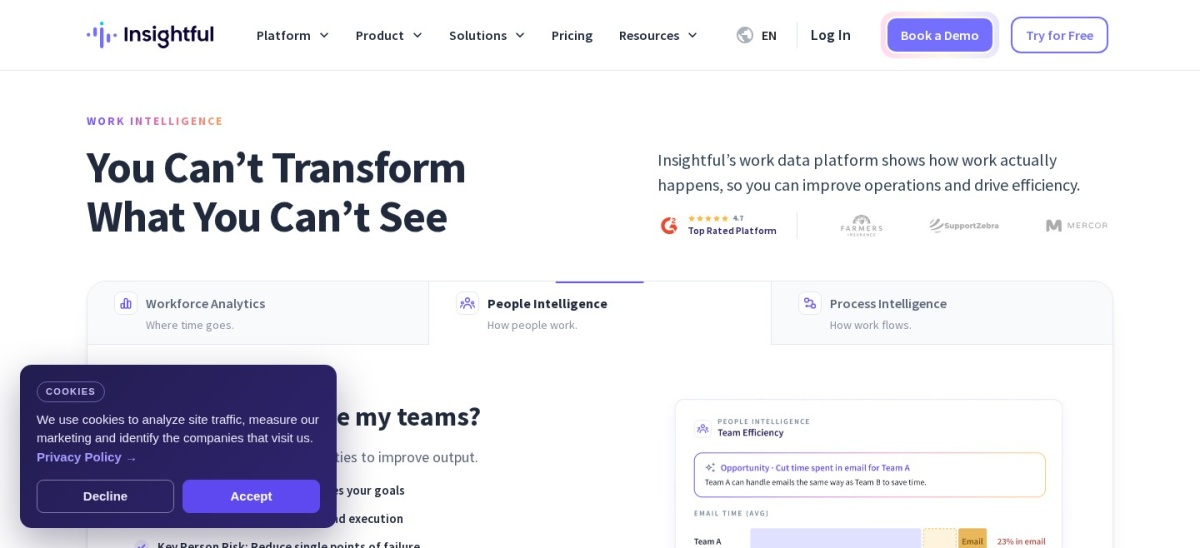
Insightful is a workforce analytics platform that shows where team time goes, with app and URL tracking, screenshots and productivity reports. The Analytics plan at $8 per seat a month covers time tracking, activity data and alerts, with a free trial and no free plan.
The trade off is price and scope. It costs more than Clockify, Hubstaff, Time Doctor and DeskTime, and the Insights plan needs at least 50 seats at $24 each. It suits larger teams that want analytics, not just a timer.
What we like
Highest G2 rating here alongside Toggl Track at 4.6
Free plans cover the basics well. Clockify tracks unlimited time for 5 seats, Toggl Track covers 3 users and Harvest covers 1 seat.
Paid plans mostly add approvals and monitoring. Timesheet approvals, screenshots and payroll links sit behind the cheapest paid tier in most tools here.
If you need proof of work, budget for a monitoring plan. Hubstaff starts at $4.99 a seat a month, Time Doctor at $6.67 and DeskTime at $6.42, all billed annually.
For a team past 10 seats, check the seat minimums too. Clockify requires at least 3 paid seats and Hubstaff requires 2, so a tiny team pays for seats it does not use.
How we chose
We started from the time tracking tools employers shortlist in 2026, then kept those with a verifiable rating on G2 and a published per-user price.
Prices come from each vendor's pricing page, checked on 26 November 2026. Ratings and review counts come from G2 on the same day. Where a vendor shows a sale, the list shows the regular price.
We left out tools with no public rating we could verify, including Everhour and TimeCamp. No vendor paid for a place, and we do not claim to have used these tools ourselves.
How to choose time tracking software for employees
Start with how much proof you need, then match the tool to the team size.
Decide whether you need monitoring. If hours alone are enough, Clockify or Toggl Track will do. If you need screenshots or activity levels, shortlist Hubstaff, Time Doctor or DeskTime.
Count the seats and check the minimums. Clockify needs 3 paid seats and Hubstaff needs 2, so work out the real monthly cost for your team before comparing headline prices.
Check approvals and payroll. Timesheet approvals, invoicing and payroll links often sit on higher tiers, so check the plan that has them before you buy.
Tell staff what is tracked. Monitoring tools record screens and app use. Explain what is collected and why before rollout, and check local rules on employee monitoring.
FAQ
What is the best time tracking software for employees?
Clockify is the best pick for most teams. Its free plan covers up to 5 seats, paid plans start at $3.99 per user a month, and kiosk clock-in suits staff without desk computers. It is rated 4.5 out of 5 on G2 from 205 reviews.
Is there a free time tracking tool for employees?
Yes. Clockify is free for up to 5 seats with unlimited tracking, Toggl Track is free for up to 3 users, and Harvest is free for 1 seat and 2 projects. Hubstaff, Time Doctor, DeskTime and Insightful have no free plan, only a free trial.
Which time tracker has screenshots?
Hubstaff, Time Doctor, DeskTime and Insightful all take screenshots. Hubstaff and Time Doctor include them from their cheapest paid plans, while DeskTime needs Premium and Insightful includes them with privacy controls on Analytics.
How much does employee time tracking cost?
Paid plans in this list run from $3.99 to $9 per user a month on annual billing. A 10-person team pays about $40 to $90 a month, plus more for approvals, payroll or monitoring add-ons on higher tiers.
Do employees need to install anything?
Most tools here offer desktop and mobile apps plus a web timer. DeskTime tracks automatically once installed, while Clockify, Toggl Track and Harvest also work from a browser with no install for basic timers.
Can time tracking software run payroll?
Some can. Hubstaff links tracked hours to payments, Time Doctor adds payroll reports on Standard, and Harvest turns hours into invoices paid through Stripe or PayPal. Clockify and Toggl Track need a separate payroll tool.
SaaS SEO and WordPress specialist with about 8 years of experience. Rakib compares WordPress plugins, themes, hosting and software using public pricing, documentation and user reviews. See how we rank.