Harvest is the best time tracking and invoicing software for most billable teams, with hours flowing straight into invoices and Stripe or PayPal payments, rated 4.3 out of 5 on G2. Pick Clockify for the lowest-cost invoicing and FreshBooks if invoicing and expenses matter more than team tracking.
How we make this list: we compare pricing pages, product documentation and public user reviews, then re-check every price before each update. No product paid for a place. Disclosure.
Harvest turns tracked hours into invoices and Stripe or PayPal payments in the same app, from $9 per user a month.
Clockify is the cheapest route to invoicing: its free plan covers up to 5 users, and invoicing starts on Standard at $5.49 per seat a month.
Toggl Track has the highest G2 rating among the pure trackers at 4.6 out of 5, but it has no built-in invoicing.
FreshBooks is the strongest invoicing-first pick, with Lite at $23 a month for up to 5 billable clients.
TimeCamp and Paymo both pair tracking with invoicing for under $6 per user a month on annual billing.
Only 3 of the 9 tools have no free plan: FreshBooks, HoneyBook and Hubstaff all start with a paid plan or a trial.
What to look for in time tracking and invoicing software
Time tracking and invoicing belong in one workflow. When hours flow straight into an invoice, nothing gets lost between the timer and the bill, and clients see exactly what they are paying for.
Look for invoicing that builds from tracked time, not a separate billing screen. Rates per project, recurring invoices and payment links through Stripe or PayPal save the most admin time.
Free plans matter here because many of these tools charge per seat. A free plan that covers a solo freelancer or a small team can delay the first bill for months, but check the seat and client limits first.
Prices below are the regular annual-billing rates in US dollars, checked on 26 November 2026. Where a vendor also runs a sale, the list shows the regular price. Our guide on payment gateways explains the fees that sit on top of card payments.
The 9 best time tracking and invoicing software tools
01
Harvest
4.3/5on G2 (836 reviews, checked Nov 2026)
Paid from$9/mo
Best time tracking and invoicing overall
Free plan1 seat, 2 projects
InvoicingOn every plan
PaymentsStripe and PayPal
Paid planTeams, $9/user/mo
getharvest.com
Harvest homepage, captured Nov 2026.
Harvest is a time tracker built around billable work. Start the timer, log hours against clients and projects, then turn those hours into invoices and collect payment through Stripe or PayPal without leaving the app. The free plan covers 1 seat and 2 projects.
The trade off is the per-seat price once a team grows. Teams costs $9 per user a month billed annually ($11 billed monthly), and profitability reports need the $14 Premium plan. It suits agencies and consultancies that bill clients by the hour and want invoicing in the same tool.
Clockify is a time tracker with timers, weekly timesheets and reports, free for up to 5 users. Billable rates start on Basic at $3.99 per seat a month, and invoicing from tracked time starts on Standard at $5.49 per seat a month, with recurring invoices and PDF download.
The trade off is that the cheapest paid plan has no invoicing. Basic at $3.99 a month adds rates and exports but no invoices, so billing teams need Standard at $5.49. It suits small teams that want a low per-seat price and simple invoicing.
What we like
Free plan covers up to 5 users
Lowest invoicing price in this list
Recurring invoices on Standard
QuickBooks sync for payroll and billing
Watch out for
Invoicing needs Standard, not the cheapest plan
Free reports cover one month only
Standard adds invoicing, approvals and scheduled reportsVisit clockify.me
03
Toggl Track
4.6/5on G2 (1,589 reviews, checked Nov 2026)
Paid from$9/mo
Best tracker for ease of use
Free planUp to 3 users
InvoicingNot built in
Billable ratesStarter plan
Paid planStarter, $9/user/mo
toggl.com
Toggl Track homepage, captured Nov 2026.
Toggl Track is a timer-first tracker with one-click timers, manual timesheets, calendar views and reports across web, desktop and mobile. The free plan covers up to 3 users, and Starter at $9 per user a month billed annually adds billable rates, project estimates and team reports.
The trade off is invoicing. Toggl Track has no built-in invoicing, so billable hours have to move to an invoicing tool or accounting app by export or integration. It suits freelancers and small teams that value fast, simple tracking and already have an invoicing tool.
What we like
Rated 4.6 out of 5 on G2 from 1,589 reviews
Fast one-click timer on every device
Free plan covers up to 3 users
Clear reports by project, client and team
Watch out for
No built-in invoicing
Billable rates need the paid Starter plan
Premium adds profitability reports and timesheet approvalsVisit toggl.com
04
FreshBooks
4.5/5on G2 (983 reviews, checked Nov 2026)
Starts at$23/mo
Best invoicing-first pick
Free planNo, 30-day trial
Billable clients5 on Lite
Time trackingUnlimited on Lite
Paid planLite, $23/mo
freshbooks.com
FreshBooks homepage, captured Nov 2026.
FreshBooks is cloud invoicing and accounting software for freelancers and small service businesses. Lite at $23 a month covers unlimited invoicing, estimates, expense tracking and time tracking for up to 5 billable clients, with card and bank payments on every invoice.
The trade off is the client cap. Lite covers only 5 billable clients, and each extra team member costs $11 a month, so growing teams move to Plus at $43 a month for 50 clients. It suits solo operators whose billing starts with the invoice, not the timer.
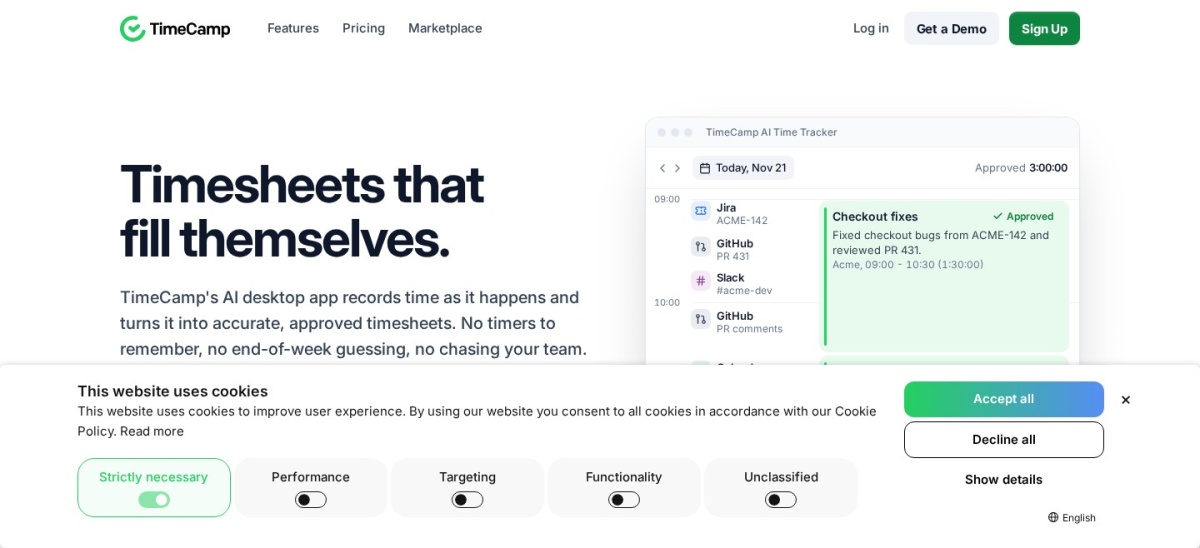
TimeCamp is an automatic time tracker that records work in the background and turns it into timesheets. The free plan covers unlimited users and projects, and Starter at $3.99 per user a month billed annually adds invoicing, attendance, time off and report exports.
The trade off is billable time. Invoicing starts on Starter, but billable rates and project budgets need Premium at $6.99 a month, and timesheet approvals need the top plan. It suits teams that want automatic capture and the cheapest paid route to invoicing.
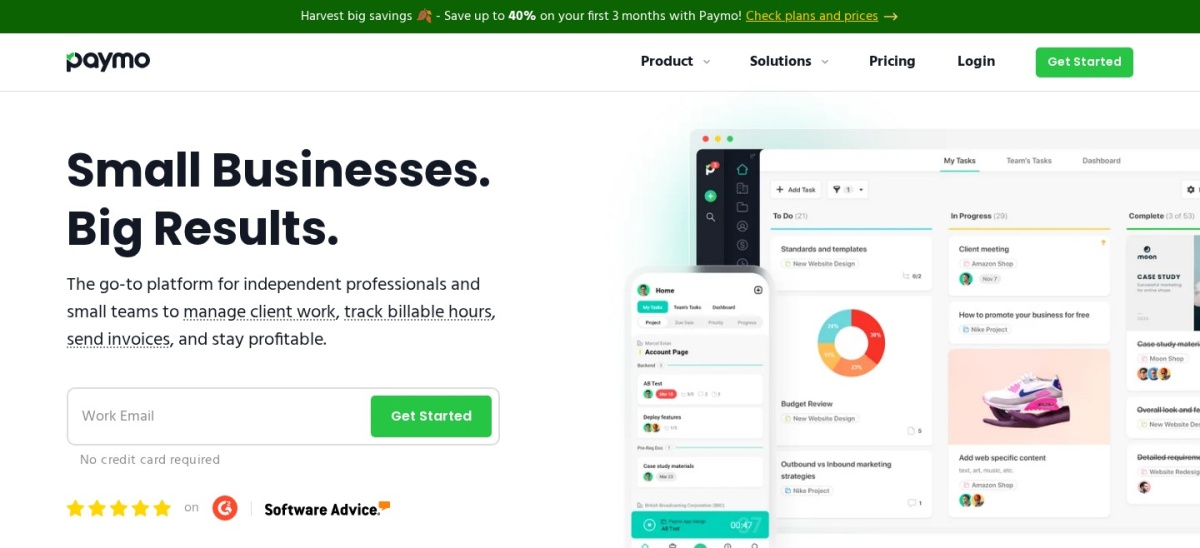
Paymo combines project management, time tracking and invoicing for small client-service teams. Solo at $5.90 per user a month billed annually covers unlimited clients and projects, task tracking, invoicing and online payments, with a free plan for a single user.
The trade off is the solo focus. Solo is priced per user and built for one person, so teams move to Plus at $10.90 a month for scheduling and Gantt charts. It suits freelancers and small teams that want projects, hours and invoices in one place.
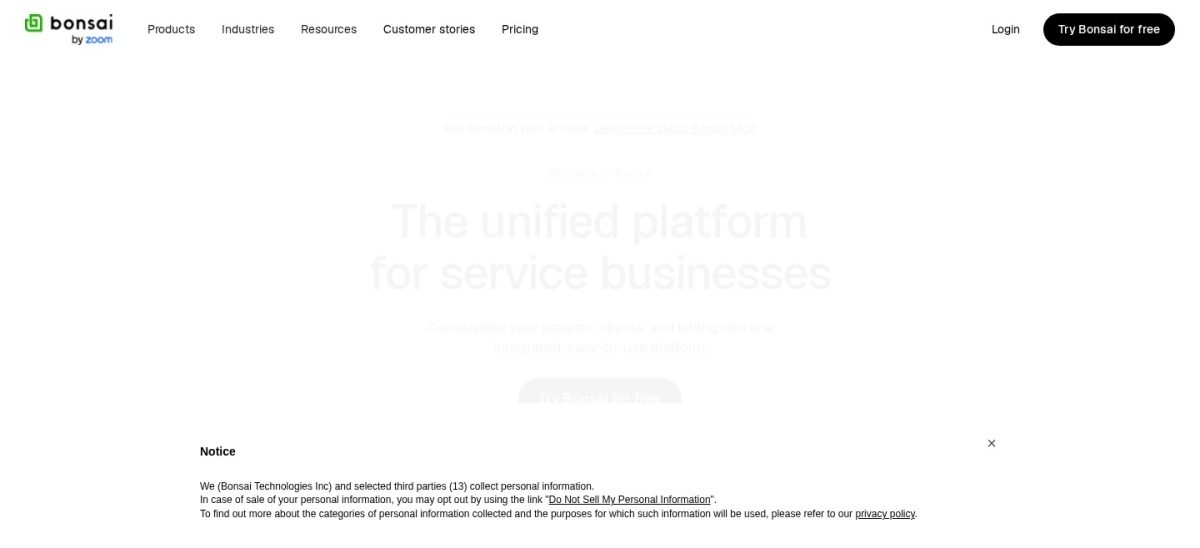
Bonsai is an all-in-one suite for freelancers that covers proposals, contracts, invoicing, time tracking and expenses. Starter at $17 a month billed annually covers unlimited clients and projects, invoices with Stripe and PayPal payments, task-level time tracking and scheduling for one user.
The trade off is price and scope. Time tracking is solid but basic next to dedicated trackers, and the tax tools only fit US freelancers. It suits solo freelancers who want one subscription for the whole client workflow, from proposal to paid invoice.
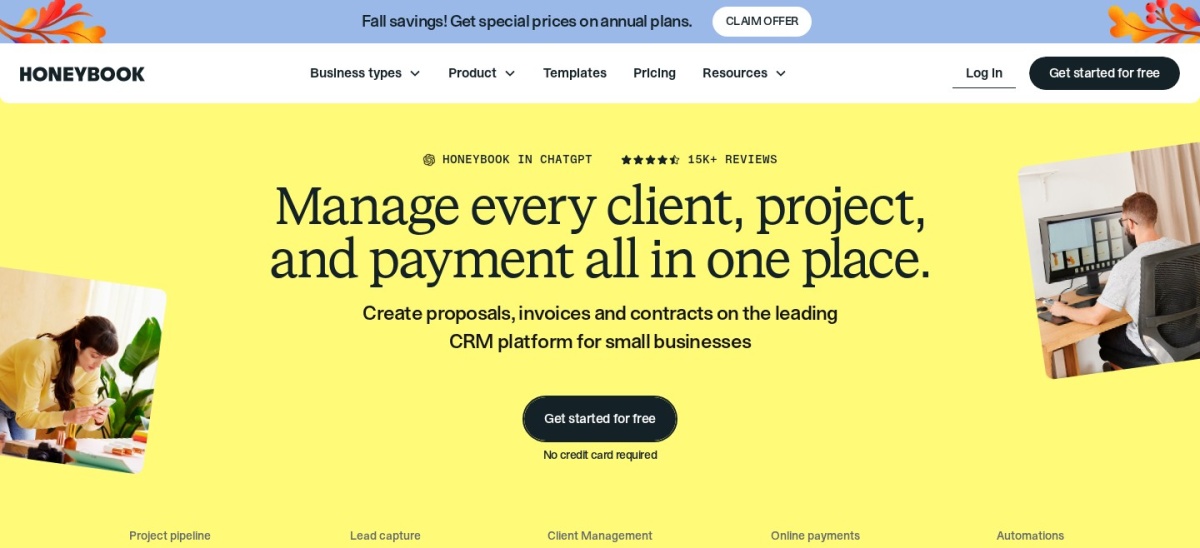
HoneyBook is a client management platform for photographers, designers and other service businesses. Starter at $29 a month billed annually covers unlimited clients and projects, proposals, contracts, invoices with online payments, a client portal and lead forms.
The trade off is time tracking. HoneyBook has no built-in time tracker, so hourly work has to be logged elsewhere and billed by hand. It suits creative service businesses that sell packaged services and want the booking flow in one place.
Hubstaff is a time tracking and workforce platform for remote and field teams. Starter at $4.99 per seat a month billed annually covers time tracking, timesheets, activity levels and client invoicing, with GPS tracking and payroll on higher plans.
The trade off is monitoring. Activity levels and screenshots are core to Hubstaff, which some teams find too close to surveillance, and there is a 2-seat minimum. It suits distributed teams that need hours, activity and payroll in one system.
Free plans in this list cover time tracking well. Harvest, Clockify, Toggl Track, TimeCamp and Paymo all let you track time without paying.
Invoicing is usually the first paid feature. Clockify adds it on Standard, TimeCamp on Starter and Paymo on Solo, while Harvest includes it on every plan, free included.
Paying makes sense once billing volume grows. If you send more than a few invoices a month, the time saved on one invoice often covers the seat price.
How we chose
We started from the time trackers and invoicing tools most often recommended for freelancers, agencies and small service teams, then kept the nine with a real invoicing workflow, published pricing and a public rating.
Prices come from each vendor's pricing page, checked on 26 November 2026, using the regular annual-billing rate in US dollars. Ratings and review counts come from G2 on the same day. Where a vendor shows a sale, the list shows the regular price.
We left out tools with no published price and tools that track time but offer no invoicing path at all. No vendor paid for a place, and we do not claim to have used these tools ourselves.
How to choose time tracking and invoicing software
Start with how you bill, then check the plan that unlocks invoicing.
Work out how you charge. Hourly billing needs rates per project and invoices built from tracked time. Fixed-fee work needs project budgets and recurring invoices instead.
Check which plan first adds invoicing. Some tools include invoicing on the free plan, others only from a paid tier. Compare that plan's price, not the cheapest plan on the page.
Count seats, not just the monthly rate. Most of these tools charge per user per month, so a $4 seat costs $48 a year per person. Check the free plan's seat limit before you commit.
Test the invoice your client sees. Send yourself a sample invoice and pay it. Check the layout, the payment link and the fees before you switch your billing over.
FAQ
What is the best time tracking and invoicing software?
Harvest is the best pick for most billable teams. Its timer feeds hours straight into invoices, with Stripe and PayPal payments in the same app, and it is rated 4.3 out of 5 on G2. Clockify is the cheapest alternative with invoicing, and FreshBooks leads for invoicing-first solo operators.
Which time tracking software has free invoicing?
Harvest includes invoicing on its free plan, which covers 1 seat and 2 projects. Clockify and TimeCamp charge for invoicing: Clockify adds it on Standard at $5.49 a seat a month, and TimeCamp on Starter at $3.99 a user a month.
Does Toggl Track do invoicing?
No. Toggl Track has billable rates and detailed reports, but no built-in invoicing. Tracked hours have to move to an invoicing or accounting tool by export or integration. If invoicing matters, Harvest or Clockify keep the whole workflow in one app.
What is the cheapest time tracking and invoicing software?
TimeCamp Starter is the cheapest paid plan with invoicing, at $3.99 per user a month billed annually. Clockify Standard follows at $5.49 a seat a month. Both have free plans, but invoicing needs the paid tier on each.
Do I still need accounting software with these tools?
It depends on the tool. FreshBooks covers basic bookkeeping as well as invoicing, so solo operators may not need more. Pure trackers such as Harvest, Clockify and Toggl Track sync with QuickBooks or Xero instead of replacing them.
Can clients pay invoices online?
Yes, on most tools in this list. Harvest, FreshBooks, Bonsai and HoneyBook take card payments through Stripe or PayPal, and some also take bank payments. Payment fees sit on top of the subscription, usually around 2.7% plus a small fixed fee per payment.
SaaS SEO and WordPress specialist with about 8 years of experience. Rakib compares WordPress plugins, themes, hosting and software using public pricing, documentation and user reviews. See how we rank.