Freshdesk is the best ticket tracking tool with SLA enforcement for most teams, rated 4.4 out of 5 on G2 from 3,795 reviews, with multiple SLA policies on its $55 Pro plan. Pick Zoho Desk for the cheapest SLA access at $14 per agent a month, or Zendesk for large omnichannel teams.
How we make this list: we compare pricing pages, product documentation and public user reviews, then re-check every price before each update. No product paid for a place. Disclosure.
Freshdesk leads on balance: a $19 entry plan, multiple SLA policies on Pro at $55, and a 4.4 G2 rating from 3,795 reviews.
Zoho Desk has the cheapest SLA access: Standard costs $14 per agent a month, and the free plan covers 3 users.
Zendesk gates SLA enforcement to Suite Professional at $115 per agent a month, so small teams pay far more for it.
Jira Service Management includes SLA tracking even on its free plan for up to 3 agents.
HappyFox is the only tool here with SLA management on its cheapest paid plan, Basic at $24 per agent a month.
Cheapest paid plans run from $7 a month on Zoho Desk Express to $25 on Help Scout and Front.
What SLA enforcement means in a ticket tracking tool
A ticket tracking tool collects customer requests from email, chat, phone and forms into one queue. SLA enforcement adds the clock: each ticket gets a first-response and resolution deadline based on its priority, and the tool flags or escalates tickets that are about to miss it.
The feature that matters most is where the SLA rules live. Some tools include them on every plan, while others keep them two tiers above the entry price, so the headline price can mislead you.
Tickets often start as a form on your own site. Our guide on creating a contact form in WordPress shows how to set one up so requests arrive with the details your agents need.
Check the limits too. Some plans cap the number of SLA policies, rules or levels, which matters once you serve more than one customer group or product.
The 9 best ticket tracking tools with SLA enforcement
01
Freshdesk
4.4/5on G2 (3,795 reviews, checked Nov 2026)
Starts at$19/mo
Best ticket tracking tool overall
Free planNo, 14-day trial
SLA policiesMultiple, on Pro
Cheapest paidGrowth, $19/agent/mo
Knowledge baseYes, on Growth
freshdesk.com
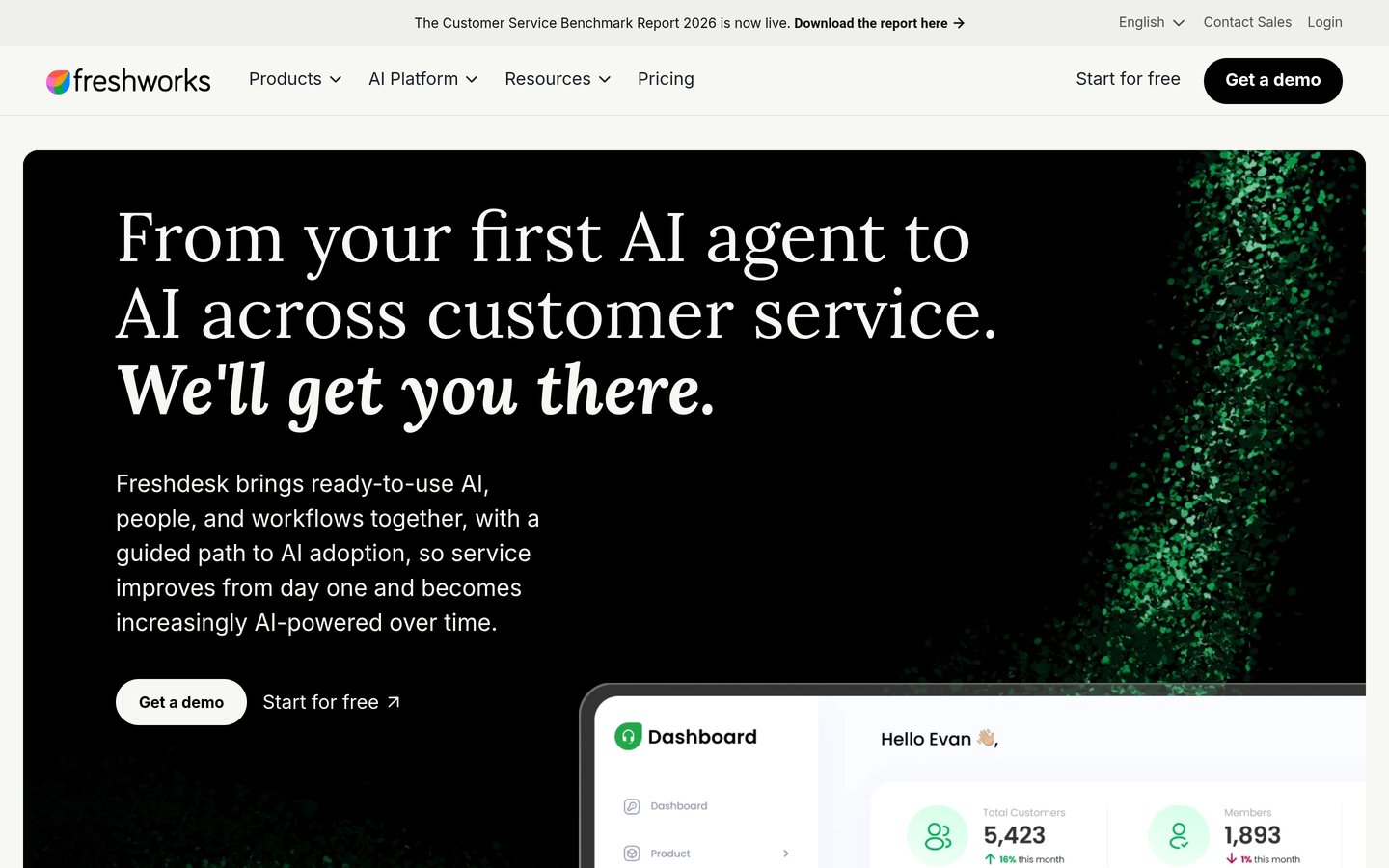
Freshdesk homepage, captured Nov 2026.
Freshdesk is a ticket-based help desk from Freshworks that pulls email, social and web-form requests into a shared inbox, with automation, a knowledge base and the Freddy AI agent. Growth costs $19 per agent a month on annual billing and covers ticketing, a customer portal and out-of-the-box reporting.
The trade off is that SLA features sit one tier up. Multiple SLA policies arrive on Pro at $55 per agent a month, along with intelligent routing and custom dashboards. It suits small and mid-size teams that want a full help desk at a fair entry price.
What we like
Low $19 entry price with a knowledge base included
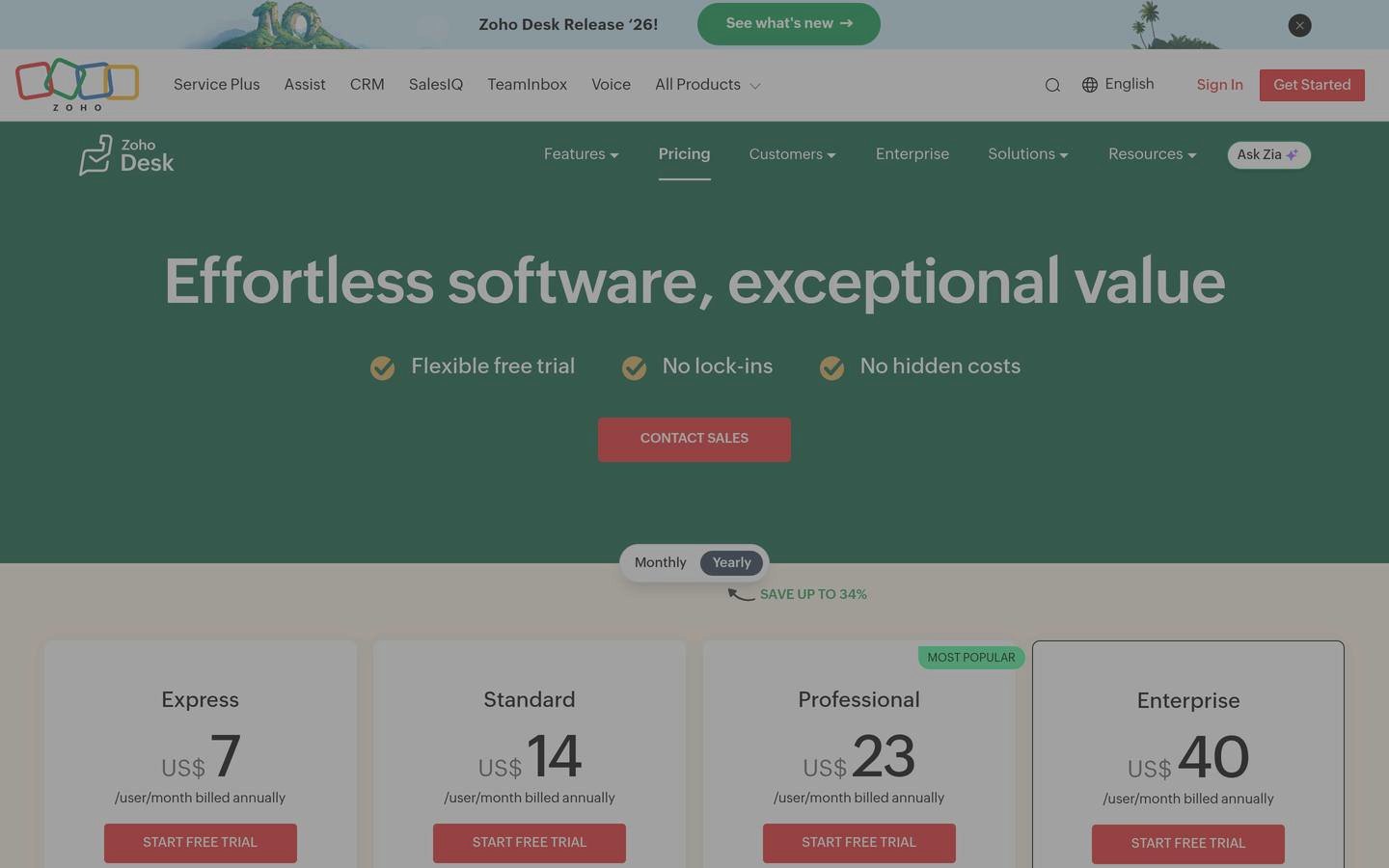
Zoho Desk is a help desk from Zoho that turns email, social and web-form requests into tickets, with automation, SLA rules and a knowledge base. The free plan covers 3 users, and Express costs $7 per agent a month on annual billing.
The trade off is that SLA rules start on Standard at $14 per agent a month, not on Express. Standard also adds a knowledge base, live chat and the Answer Bot. It suits small teams that want the lowest per-agent price and can live inside the Zoho system.
What we like
Lowest entry price in this list at $7 per agent
Free plan for up to 3 users
Largest G2 review base here: 4.4 from 8,007 reviews
Watch out for
SLA rules need Standard, not the $7 Express plan
Express is capped at 5 agents
Reviewers often cite a learning curve
Standard adds SLA rules, a knowledge base and live chatVisit zoho.com
03
Zendesk
4.3/5on G2 (7,102 reviews, checked Nov 2026)
Starts at$19/mo
Best for large omnichannel teams
Free planNo, 14-day trial
SLA featuresSuite Professional, $115
Cheapest paidSupport Team, $19/agent/mo
Knowledge baseSuite Team and up
zendesk.com
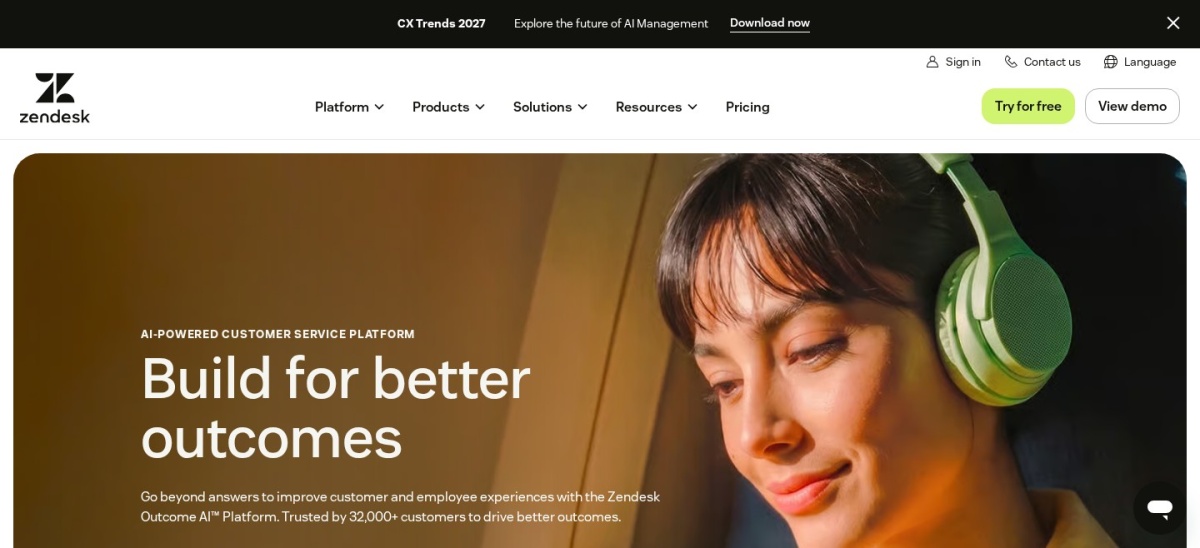
Zendesk homepage, captured Nov 2026.
Zendesk is a customer service platform that pulls email, messaging, phone and social requests into one ticket queue, with routing, automations and a help center. Support Team costs $19 per agent a month on annual billing and covers email ticketing, routing and prebuilt dashboards.
The trade off is the SLA gate. Live chat and a knowledge base need Suite Team at $55, and SLA features with skills-based routing sit on Suite Professional at $115 per agent a month. It suits large teams that need deep routing, reporting and omnichannel coverage.
What we like
Most complete routing and reporting in this list
Rated 4.3 out of 5 on G2 from 7,102 reviews
Huge app marketplace with 1,800+ integrations
Watch out for
SLA features need the $115 Suite Professional plan
No free plan, only a 14-day trial
AI Copilot adds $50 per agent a month
Suite Professional adds SLA features and skills-based routingVisit zendesk.com
04
Jira Service Management
4.3/5on G2 (1,004 reviews, checked Nov 2026)
Paid from$21.50/mo
Best for IT teams on Jira
Free planYes, 3 agents
SLA trackingIncluded from Free
Cheapest paidStandard, $21.50/agent/mo
RequestersFree, unlimited
atlassian.com
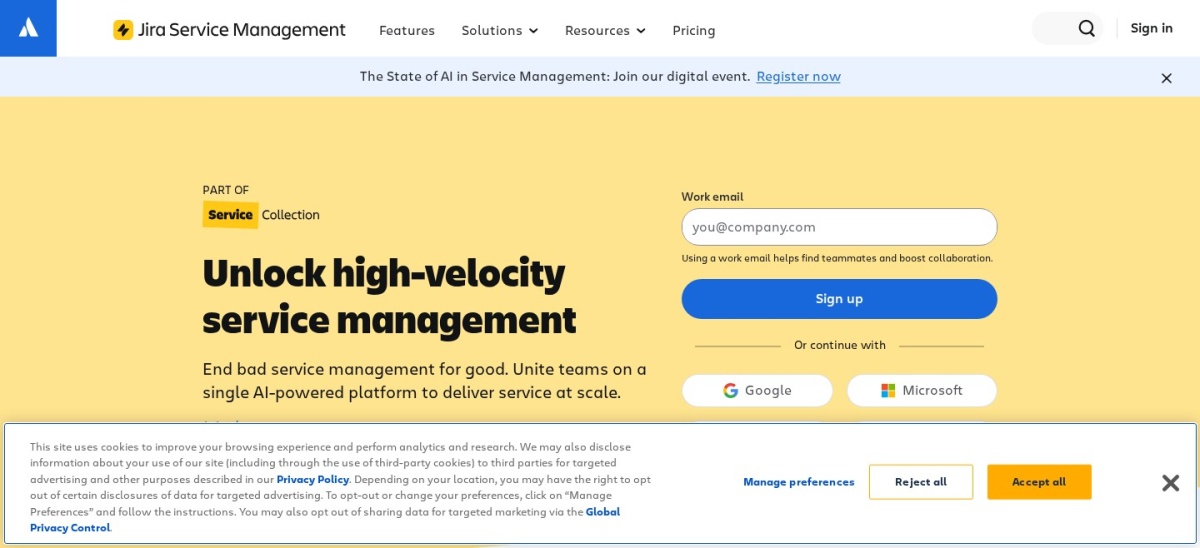
Jira Service Management homepage, captured Nov 2026.
Jira Service Management is Atlassian's service desk for IT and operations teams, with incident, problem and change management beside ticket queues and SLA tracking. The free plan covers up to 3 agents, and customers who submit requests never need a paid seat. Atlassian now sells it inside the Service Collection bundle.
The trade off is complexity. Standard costs $21.50 per agent a month and adds advanced SLA reporting, audit logs and more storage, but setup takes admin time. It suits teams that already use Jira Software and Confluence.
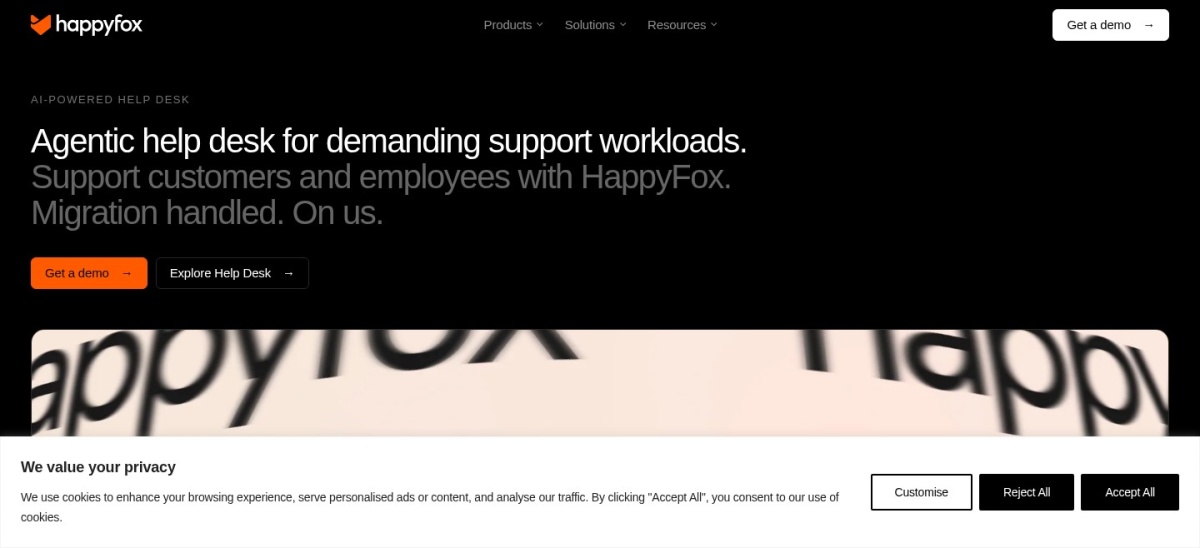
HappyFox is a cloud help desk that turns email, web forms, chat, social messages and phone requests into tickets, then routes them with rules and tracks them against SLAs. Basic costs $24 per agent a month on annual billing, covers up to 5 agents and includes SLA management, a knowledge base and unlimited tickets.
The trade off is that AI, chat and workflows are separate products, so the bill grows past the seat price. Team costs $49 per agent a month and adds multi-brand support, custom roles and custom queues. It suits mid-size teams that want SLA enforcement without a big jump in price.
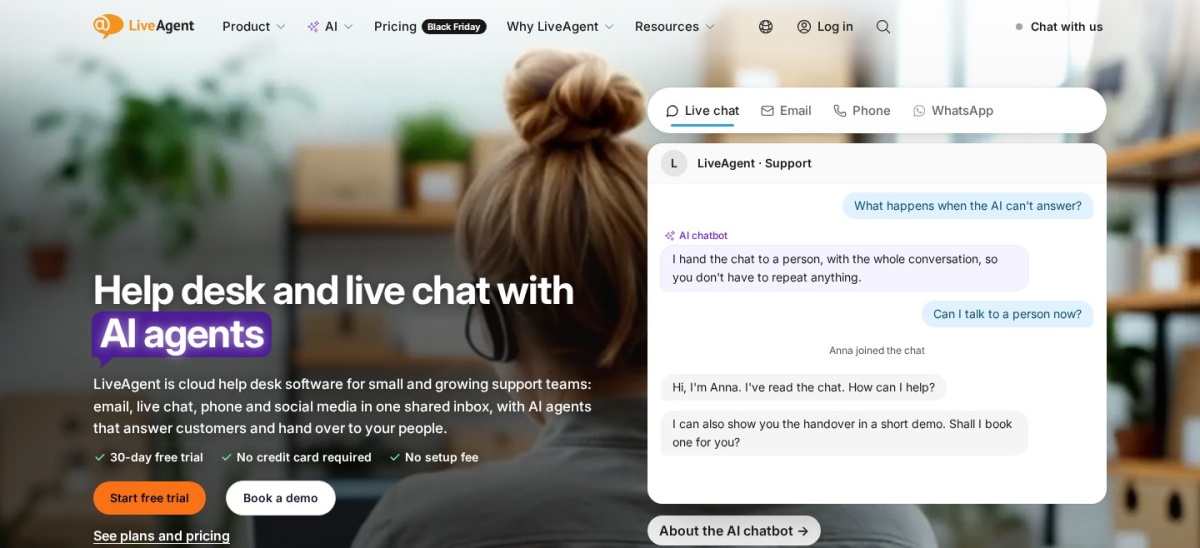
LiveAgent is an omnichannel help desk that combines email, live chat, telephone support, ticketing and automation in one inbox. Starter costs $15 per agent a month on annual billing and covers email, live chat, contact forms, a knowledge base and event-based automations.
The trade off is that Starter has no SLA rules or reporting. Team costs $29 per agent a month and adds 5 SLA rules, 5 SLA levels, SLA compliance reports, a call center and social channels. It suits small teams that need phone and chat beside email tickets.
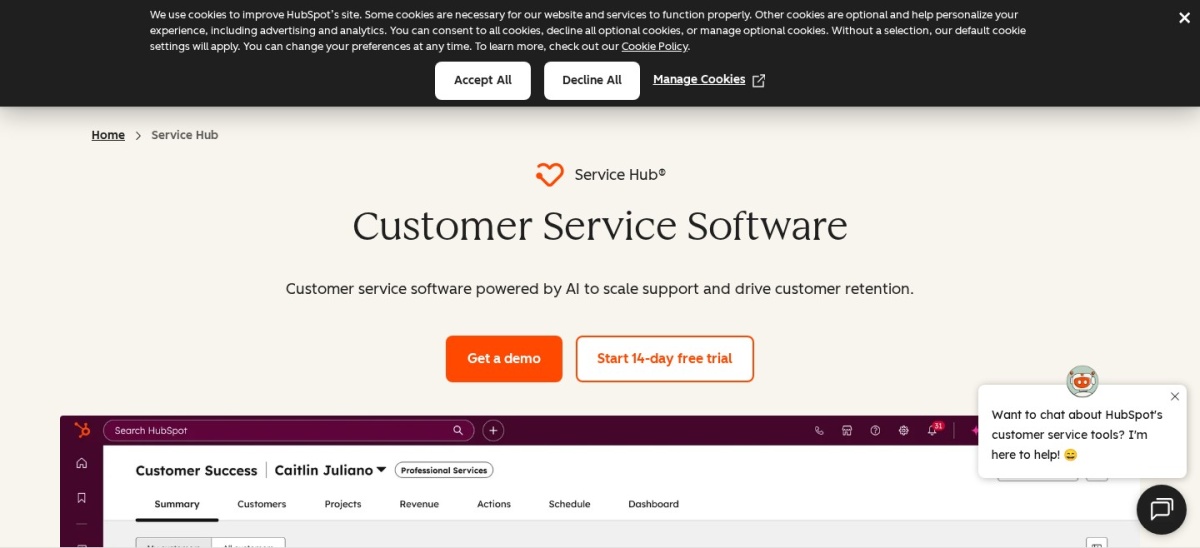
HubSpot Service Hub puts support tickets, a shared inbox and customer records on HubSpot Smart CRM, so agents see the same record sales and marketing use. The free tier covers up to 2 users, and Starter costs $20 per seat a month on annual billing as the regular price.
The trade off is the SLA gate. SLA management, the customer portal and the full help desk workspace sit on Professional, and onboarding fees apply there. It suits teams that already run HubSpot CRM and want tickets tied to the customer record.
What we like
Tickets share the HubSpot CRM customer record
Free tier for up to 2 users
Rated 4.4 out of 5 on G2 from 3,017 reviews
Watch out for
SLA management needs the Professional plan
Starter price is sometimes shown lower on promotion
Help Scout is a shared inbox that works like email, with a Docs knowledge base, Beacon live chat and contact forms beside it. The free plan covers 5 users, and Standard costs $25 per user a month on annual billing, with multiple inboxes, live chat and basic workflows.
The trade off is that SLA policies start on Plus at $45 per user a month, and Standard caps at 25 users. It suits small, email-first teams that want a clean inbox and fast setup without a heavy admin load.
Front is a shared inbox for email, SMS and chat that teams run together with assignments, internal comments and shared drafts. Starter costs $25 per seat a month on annual billing and covers one channel type, up to 10 seats and up to 10 automation rules.
The trade off is the SLA gate. Time-goal SLA rules start on Professional at $65 per seat a month, and multichannel support needs that plan too. It suits collaboration-heavy teams that live in shared email and need several people on one thread.
Four tools in this list have a free plan, but only Jira Service Management puts SLA tracking on it. Zoho Desk, HubSpot Service Hub and Help Scout all keep SLA rules on paid plans.
The cheapest SLA access is Zoho Desk Standard at $14 per agent a month, followed by HappyFox Basic at $24, which includes SLA management on its lowest plan.
At the other end, Zendesk, HubSpot and Front all gate SLA features to plans costing $65 to $115 per agent a month. If SLA enforcement is the reason you are buying, read the plan table first and price the tier that has it, not the entry tier.
If tickets pile up from chat before they reach the queue, our guide on adding an AI chatbot to WordPress covers the front door that feeds the inbox.
How we chose
We started from the help desks most often named for SLA tracking, then kept the nine with published prices and a public G2 rating.
Prices come from each vendor's pricing page, checked on 26 November 2026. Ratings and review counts come from G2 on the same day. Where a vendor shows a sale, the list shows the regular price.
We left out tools with quote-only pricing and tools whose SLA features need a sales call to confirm. No vendor paid for a place, and we do not claim to have used these tools ourselves.
How to choose a ticket tracking tool with SLA enforcement
Start with the response times you must hit, then find the cheapest plan that enforces them.
Write down your response and resolution targets. SLA rules need first-response and resolution times per priority. Pick those numbers before you compare plans, so you can check them against each plan table.
Check which plan actually includes SLA rules. Several tools in this list keep SLA features two tiers above the entry plan, so read the plan table, not the headline price.
Count agents, not tickets. Every tool here charges per agent or seat, so multiply the monthly price by your team size to see the real bill.
Run the trial on real tickets. Use the 14-day or 30-day trial with your own inbox and a test SLA policy before you pay.
FAQ
What is the best ticket tracking tool with SLA enforcement?
Freshdesk is the best pick for most teams. Its Pro plan at $55 per agent a month adds multiple SLA policies, and it is rated 4.4 out of 5 on G2 from 3,795 reviews. Zoho Desk is the best value, and Zendesk fits large omnichannel teams.
Which ticket tracking tool has the cheapest SLA features?
Zoho Desk has the cheapest SLA access: Standard costs $14 per agent a month and includes SLA rules. HappyFox is the only tool here with SLA management on its cheapest paid plan, Basic at $24 per agent a month.
Do I need a paid plan for SLA tracking?
Usually yes. Jira Service Management is the exception in this list, with SLA tracking on its free plan for up to 3 agents. Freshdesk needs Pro at $55, Help Scout needs Plus at $45, and Zendesk needs Suite Professional at $115.
What is the difference between SLA policies and SLA reports?
SLA policies set the rules: first-response and resolution deadlines per priority, plus what happens when a ticket is about to miss them. SLA reports show how often your team met those deadlines, so you can spot slow queues and staffing gaps.
Can I use a free plan for ticket tracking?
Yes, four tools here have one: Zoho Desk for 3 users, Jira Service Management for 3 agents, HubSpot Service Hub for 2 users, and Help Scout for 5 users. Free plans cover basic ticketing, but SLA rules usually need a paid plan, except on Jira Service Management.
How much does ticket tracking software cost per agent?
Entry prices in this list run from $7 per agent a month on Zoho Desk Express to $25 on Help Scout and Front. The plan that adds SLA enforcement costs more: from $14 on Zoho Desk Standard to $115 on Zendesk Suite Professional.
SaaS SEO and WordPress specialist with about 8 years of experience. Rakib compares WordPress plugins, themes, hosting and software using public pricing, documentation and user reviews. See how we rank.