Runway is the best text-to-video AI tool for most creators, with its Standard plan at $15 a month for 625 credits and Gen-4.5 handling text, image and video in one studio. Pick Kling for the cheapest paid plan at $10 a month, or HeyGen for avatar-led video from a script.
How we make this list: we compare pricing pages, product documentation and public user reviews, then re-check every price before each update. No product paid for a place. Disclosure.
Runway leads the list: Gen-4.5, 625 credits a month on Standard at $15, and a 4.1/5 G2 rating from 125 reviews.
Kling has the cheapest paid plan at $10 a month, with 660 credits and watermark removal on paid plans.
Luma's Plus plan costs $30 a month for 10,000 credits, but its Trustpilot score is 1.4/5 from 72 reviews, mostly about billing.
HeyGen (4.8/5 on G2) and Synthesia (4.7/5) are the picks for avatar-led video from a script, from $29 and $19 a month.
Every tool here except Luma and Pictory has a free plan, but free tiers are watermarked or credit-limited.
Paid plans run from $10 to $30 a month at the entry level, and credits expire monthly on most of them.
What to look for in a text-to-video tool
Text-to-video tools turn a written prompt into a short clip, but they are not all the same kind of tool. Some generate open-ended scenes from a prompt, some put an AI presenter on camera, and some assemble stock footage around your script.
The first thing to check is clip length and resolution. Most tools in this list make clips of 5 to 15 seconds, and 1080p or 4K output usually needs a paid plan.
The second is the credit system. Plans sell monthly credits, and each clip costs credits based on model, length and resolution. A plan that looks cheap can run out in a week if you re-roll often. Our guide on how to embed a video in WordPress shows where the finished clips end up on a site.
Ratings are mixed in this category. Several tools score under 2 out of 5 on Trustpilot, with the complaints aimed at billing and credits rather than the video itself, so pay monthly first.
Runway is a creative studio built around its Gen-4.5 video model, with text-to-video, image-to-video and video editing in one place. The free plan gives 125 one-time credits with a watermark, while Standard at $15 a month adds 625 credits a month, no watermark and 4K upscaling.
The trade off is credit burn. Standard's 625 credits buy about 52 seconds of Gen-4.5 video a month, so re-rolls eat the allowance fast. It suits creators who want one studio for generation and editing and can plan their prompts.
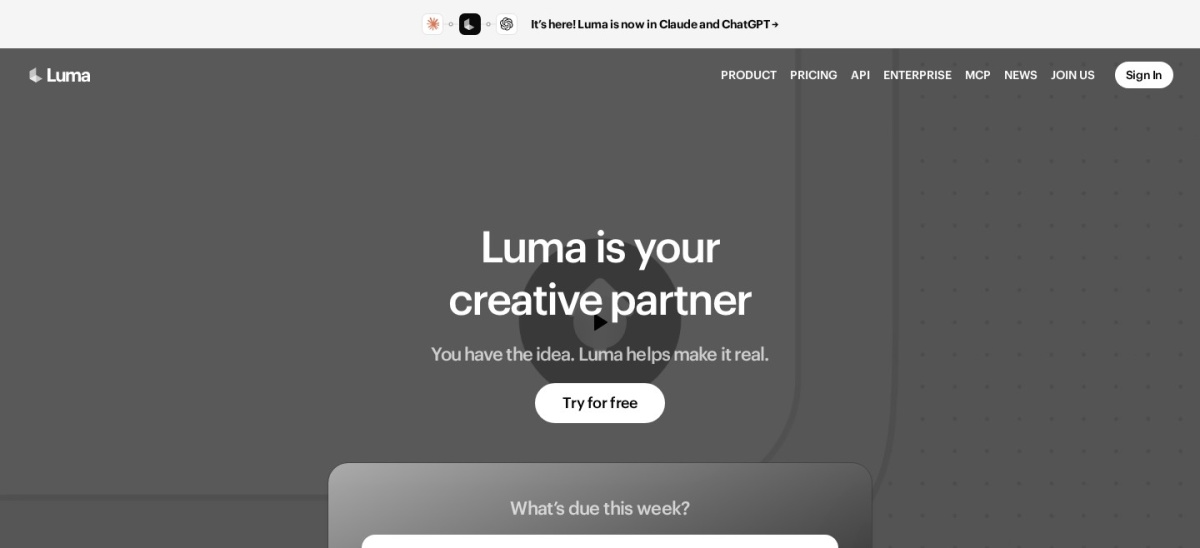
Luma is the company behind Dream Machine, now folded into the Luma app with its Ray 3.2 video model. The Plus plan costs $30 a month for 10,000 credits and includes third-party models such as Veo 3.1 and Kling 4.0 in the same credit pool, with commercial use on every paid tier.
The trade off is cost and support. Luma's pricing page lists no free tier, so there is no no-cost way to test it, and its Trustpilot score is 1.4 out of 5 from 72 reviews, mostly about billing and credits. It suits creators who want cinematic camera moves and are happy to pay $30 a month to start.
1.2/5on Trustpilot (461 reviews, checked Nov 2026)
Paid from$10/mo
Best cheap entry point for AI video
Cheapest paid planStandard, $10/mo
Monthly credits660
Video modelKling 4.0
Free planDaily credits, watermarked
kling.ai
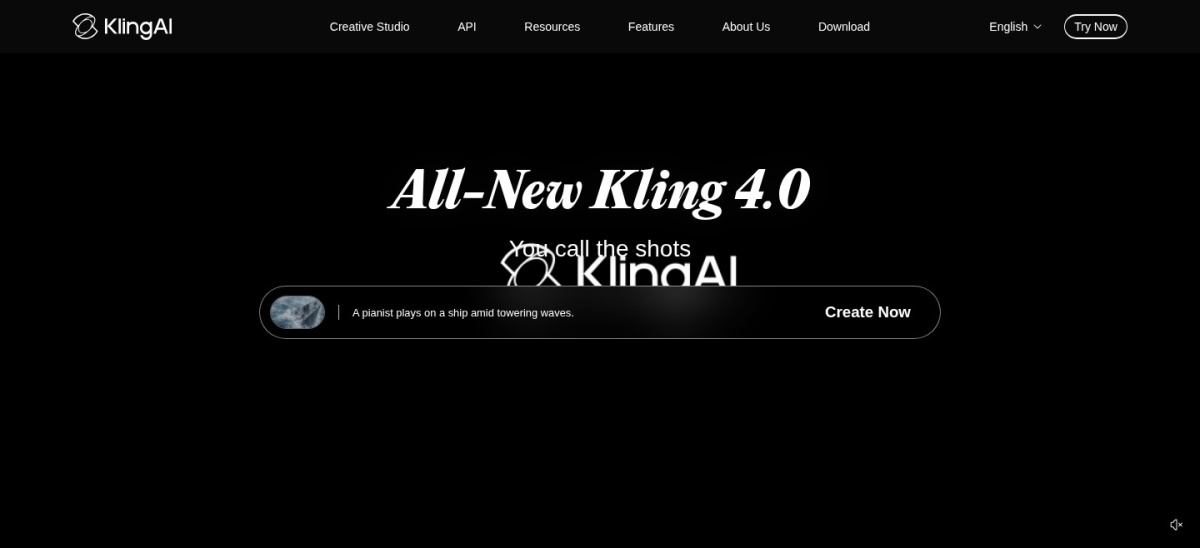
Kling homepage, captured Nov 2026.
Kling is the AI video generator from Kuaishou, now on its Kling 4.0 model. The free Basic plan gives daily credits with a watermark, and Standard lists at $10 a month for 660 credits, with 1080p and 4K output, watermark removal and commercial use on paid plans.
The trade off is trust. Kling's Trustpilot score is 1.2 out of 5 from 461 reviews, with most complaints about billing, renewals and credits spent on failed runs. It suits creators who want the cheapest paid start and pay monthly rather than yearly.
What we like
Cheapest paid plan in this list
Strong motion quality on the Kling 4.0 model
Free plan with daily credits
1080p and 4K on paid plans
Watch out for
Lowest Trustpilot score in this list
Credits expire monthly
Free clips are watermarked and not for commercial use
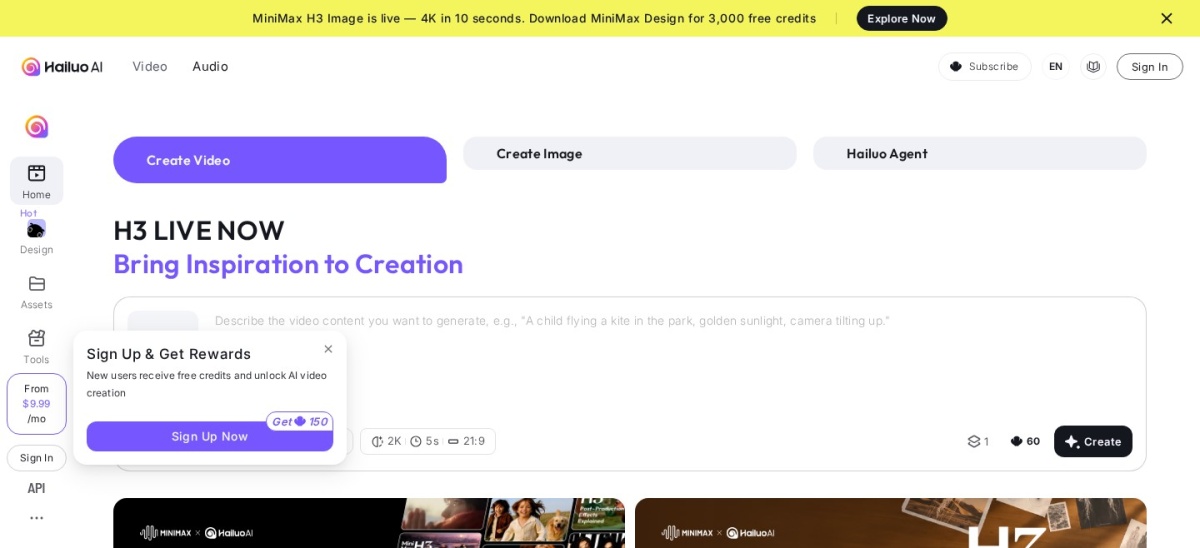
Hailuo is MiniMax's video app, built on its MiniMax H3 model with native sound and clips up to 15 seconds at 2K. The free plan gives one-time trial credits, and Standard lists at $14.99 a month for 1,000 credits, watermark-free downloads and commercial use.
The trade off is the small print. Credits expire monthly, Hailuo states it does not offer refunds, and its Trustpilot score is 1.4 out of 5 from 96 reviews about billing and support. It suits creators who want cheap clips with sound and pay month to month.
HeyGen turns a script into a video presented by an AI avatar, with dubbing and translation in more than 175 languages. The free plan allows 3 watermarked videos a month of up to a minute, and Creator costs $29 a month for 600 credits, 1080p export and no watermark.
The trade off is that it is avatar video, not open-ended generation. You cannot prompt a cinematic scene the way Runway or Kling allow, and credits do not stretch far on long videos. It suits marketers and trainers who need a presenter on camera without filming.
Synthesia is an avatar video platform built for training and onboarding, turning a script into a presenter-led video in more than 140 languages. The free Basic plan gives 10 minutes of watermarked video a month, and Starter costs $19 a month for 1,250 credits, 125+ avatars and downloads without the logo.
The trade off is the credit meter. Each finished minute uses about 100 credits, so Starter covers roughly 12 extra minutes a month beyond the free allowance. It suits teams producing training, onboarding or explainer video in several languages.
InVideo AI is a prompt-to-video workspace: type a prompt, script or URL and it returns a finished video with stock footage, AI-generated visuals, voiceover and subtitles. The free plan gives limited credits that reset weekly, and Starter costs $20 a month for 400 credits a month, or $10 a month billed yearly.
The trade off is credit burn on long videos. Higher-quality generations cost far more credits per minute than basic ones, so a busy month pushes you to the $60 Plus plan. It suits creators who publish short social clips every week and want the edit done for them.
What we like
Full video from a single prompt or URL
Stock footage, AI visuals and voiceover in one place
Lumen5 turns a blog post, script or document into a short marketing video, matching the text to stock photos, video and AI voices. The free plan allows 5 videos a month of up to 2 minutes each, and Basic costs $29 a month for unlimited videos at 720p with no Lumen5 branding.
The trade off is resolution. 1080p export only starts on the Starter plan at $59 a month billed yearly, so Basic buyers get 720p. It suits marketers who repurpose written content into video every week.
Pictory turns a script, blog post or URL into a short captioned video with a voiceover, using stock footage from Storyblocks and Getty. There is no permanent free plan, only a 14-day trial, and Starter costs $29 a month for 200 video minutes, one brand kit and no watermark.
The trade off is the footage. Pictory matches keywords to stock clips rather than understanding the script, so the result can look generic. It suits beginners who want a finished video from a script without learning an editor.
Almost every tool here sells credits, not minutes. A plan's monthly credit allowance is the real budget, and each clip costs credits based on the model, the length and the resolution.
Runway's Standard plan gives 625 credits a month, which buys about 52 seconds of Gen-4.5 video. Kling's Standard plan gives 660 credits, and Luma's Plus plan gives 10,000, but the per-second cost differs by model, so compare seconds, not credits.
Two rules protect your budget. Pay monthly until you know how many clips you make, and read the refund terms before the first payment, because some vendors state they do not refund.
Free plans help here. Most tools in this list let you generate a few clips free, so you can judge prompt quality before a subscription.
How we chose
We started from the established text-to-video tools with public pricing and review pages, covering pure generators, avatar video and script-to-video tools.
Prices come from each vendor's pricing page, checked on 26 November 2026. Ratings come from G2 or Trustpilot on the same day. Where a vendor shows a sale, the list shows the regular price.
We left out tools with no public rating or no published price. No vendor paid for a place, and we do not claim to have used these tools ourselves.
How to choose a text-to-video AI tool
Start with the kind of video you need, then check the credit math before you pay.
Decide what the video should show. Open-ended scenes need a generator such as Runway, Kling or Luma. A presenter on camera needs HeyGen or Synthesia, and a script with stock footage needs InVideo, Lumen5 or Pictory.
Work out the cost per finished minute. Credits buy seconds, not videos. Divide the monthly price by the credits and check how many credits a clip at your length and resolution costs.
Check the free plan before you pay. Most tools here have a free plan or trial. Use it to test prompt quality, and read the refund terms first: some vendors state they do not refund.
Mind the Trustpilot scores. Several tools here score under 2 out of 5 on Trustpilot, mostly over billing and credits. Pay monthly at first and keep the cancellation confirmation.
FAQ
What is the best text-to-video AI tool?
Runway is the best text-to-video AI tool for most creators. Its Standard plan costs $15 a month for 625 credits, its Gen-4.5 model covers text, image and video in one studio, and it holds a 4.1 out of 5 rating on G2 from 125 reviews.
Which text-to-video AI tool is cheapest?
Kling is the cheapest paid option in this list, with Standard listing at $10 a month for 660 credits. Hailuo is next at $14.99 a month, and Runway Standard costs $15 a month. All three have a free plan or trial to test first.
Is there a free text-to-video AI tool?
Yes. Seven of the nine tools here have a free plan, including Runway, Kling, Hailuo, HeyGen, Synthesia, InVideo AI and Lumen5. Free plans are limited: they add watermarks, cap credits or limit video length, and most do not allow commercial use.
What is the difference between Runway and Kling?
Runway is a full creative studio with generation and editing around its Gen-4.5 model, starting at $15 a month. Kling is a generator built on Kling 4.0, starting at $10 a month. Runway rates higher on G2, while Kling is cheaper per month.
Can I use AI-generated video commercially?
Yes, on a paid plan. Every tool in this list includes commercial use on its paid plans, including Runway, Luma, Kling and Hailuo. Free plans mostly do not: Kling and Runway free clips are watermarked, and Luma has no free tier at all.
Why do some tools have low Trustpilot scores?
The low scores mostly reflect billing and support, not video quality. Kling scores 1.2 out of 5 from 461 reviews and Luma 1.4 from 72, with complaints about renewals, credits spent on failed runs and refunds. Pay monthly at first and keep your cancellation confirmation.
SaaS SEO and WordPress specialist with about 8 years of experience. Rakib compares WordPress plugins, themes, hosting and software using public pricing, documentation and user reviews. See how we rank.