Runway is the best text-to-video AI tool for most creators, with its Gen-4.5 model producing cinematic clips and a 4.1 out of 5 G2 rating. Pick Kling AI for the lowest paid plan at $8.80 a month, or HeyGen when you need a realistic avatar presenter instead of generated scenes.
How we make this list: we compare pricing pages, product documentation and public user reviews, then re-check every price before each update. No product paid for a place. Disclosure.
Runway leads on cinematic quality with its Gen-4.5 model, at $15 a month for the Standard plan with 625 credits.
Kling AI is the cheapest paid plan here at $8.80 a month, and its free plan refills with 66 credits every day.
HeyGen holds the highest rating in this list at 4.8 out of 5 on G2 from 1,978 reviews, for avatar-led video.
Hailuo is the cheapest route to the MiniMax H3 model at $14.99 a month, but its Trustpilot score is 1.4 out of 5.
Pictory has no free plan, only a 14-day trial, while the other 8 tools all offer a free plan or free credits.
Paid plans run from $8.80 to $29 a month, so the whole list costs between $105.60 and $348 a year.
What to look for in a text-to-video tool
Text-to-video tools split into two kinds. Generative tools such as Runway, Kling AI and Hailuo create new footage from a written prompt, while script-to-video tools such as Pictory, Fliki and InVideo assemble stock footage, voices and captions around your words.
Avatar tools are a third kind. HeyGen and Synthesia turn a script into a presenter-led video with a realistic digital person, which suits training and sales videos better than pure generated scenes.
Credits decide what a plan really buys. A 5-second clip can cost anywhere from about 35 to 300 credits depending on the model and resolution, so compare credit allowances, not just the monthly price.
Check the free plan before paying. Some free plans refill every day, some give a one-time credit grant, and some are only a short trial. Our guide on generating images with AI in WordPress covers the same credit thinking for AI images.
Runway is a generative video platform built around its Gen-4.5 model, which turns text prompts and images into cinematic clips with camera control and consistent characters. The free plan gives 125 one-time credits, and Standard at $15 a month adds 625 credits a month, watermark-free exports and 720p output.
The trade off is credit burn. High-quality Gen-4.5 clips use far more credits per second than the faster Turbo model, so 625 credits cover only a handful of top-quality clips a month. It suits creators who want the most polished generated footage and can plan each clip carefully.
What we like
Strongest cinematic output in this list
Camera control and consistent characters
Full editing tools beside generation
Watch out for
Free credits never refill
Top-quality clips burn credits fast
Lowest G2 rating in this list at 4.1 out of 5
Standard adds 625 credits a month and removes the watermarkVisit runwayml.com
02
Kling AI
4.7/5on G2 (5 reviews, checked Nov 2026)
Paid from$8.80/mo
Best value text-to-video tool
Free credits66 a day
Free exportsWatermarked
Longest clip30 seconds
Paid planStandard, $8.80/mo
kling.ai
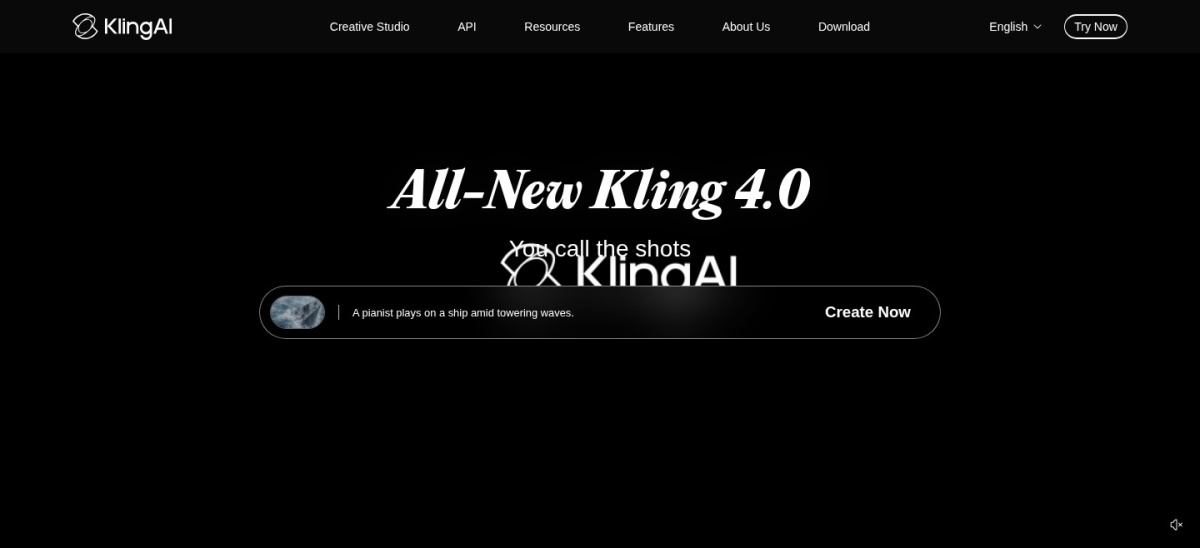
Kling AI homepage, captured Nov 2026.
Kling AI is a text-to-video and image-to-video generator from Kuaishou, built around its Kling 4.0 model. The free plan gives 66 credits every day, enough for about two 5-second clips at 720p, and clips can run from 3 to 30 seconds with up to 10 keyframes. Free exports carry a watermark and have no commercial use.
The trade off is that free credits expire after 24 hours, so unused credits do not carry over to the next day. Standard lists at $8.80 a month after a $6.99 first month, with 660 credits a month. It suits creators who want realistic motion and a free plan that refills daily.
What we like
Only free plan here that refills every day
Lowest paid plan in this list
Clips up to 30 seconds with keyframes
Rated 4.7 out of 5 on G2
Watch out for
Free credits expire after 24 hours
Free exports are watermarked with no commercial use
Trustpilot reviewers report billing problems after cancellation
Standard adds 660 credits a month and commercial useVisit kling.ai
03
HeyGen
4.8/5on G2 (1,978 reviews, checked Nov 2026)
Paid from$29/mo
Best for realistic avatar presenters
Stock avatars700+
Languages177+
Creator credits600/mo
Paid planCreator, $29/mo
heygen.com
HeyGen homepage, captured Nov 2026.
HeyGen is an AI video platform that turns a script into a presenter-led video with a realistic avatar, voice and lip sync in 177 or more languages. The free plan covers 3 watermarked videos a month of up to 1 minute, and Creator at $29 a month adds 600 credits, 1080p export and voice cloning.
The trade off is that it is an avatar tool, not a scene generator. It cannot create the cinematic generated footage that Runway or Kling AI produce. It suits marketing, sales and training teams that want a human presenter without filming.
What we like
Highest G2 rating in this list at 4.8 out of 5
Most realistic avatars, per G2
177+ languages with translation
Voice cloning on the Creator plan
Watch out for
No generated-scene video like Runway
Free plan allows only 3 videos a month
Creator is $29 a month, the joint highest entry price here
Creator adds 600 credits a month and removes brandingVisit heygen.com
04
Synthesia
4.6/5on G2 (2,864 reviews, checked Nov 2026)
Paid from$19/mo
Best for corporate training video
Stock avatars125+ on Starter
Languages140+
Starter minutesAbout 12 extra/mo
Paid planStarter, $19/mo
synthesia.io
Synthesia homepage, captured Nov 2026.
Synthesia is an AI avatar video platform for training, onboarding and corporate communications, with 140 or more languages and voices. The free Basic plan gives 10 minutes of video a month with 9 avatars and a watermark, and Starter at $19 a month adds about 12 more minutes, 125 or more avatars and downloads.
The trade off is minutes. Starter buys only about 12 extra minutes a month on top of the free allowance, and unused minutes expire each cycle. It suits training teams with approved scripts and a steady monthly output.
Pictory is a script-to-video tool that turns scripts, blog posts and URLs into finished videos with stock footage, voiceover and captions. Starter at $29 a month billed monthly, or $25 billed yearly, includes 200 video minutes a month, a 5M+ royalty-free video library and ElevenLabs AI voices.
The trade off is that there is no free plan, only a 14-day trial with watermarked exports, and all fees are non-refundable. It suits creators who republish written content as video every week and want the fastest path from a blog post to a finished clip.
What we like
Fastest path from a blog post to video
Strong stock library with Getty and Storyblocks
ElevenLabs voices included
Rated 4.6 out of 5 on G2
Watch out for
No free plan, only a 14-day trial
All fees are non-refundable
Reviewers note limited editing flexibility
Starter adds 200 video minutes a month and removes the watermarkVisit pictory.ai
06
InVideo
4.3/5on G2 (179 reviews, checked Nov 2026)
Paid from$20/mo
Best for many AI models in one plan
AI modelsVeo 3.1, Sora 2, Kling
Starter credits400/mo
Storage200 GB
Paid planStarter, $20/mo
invideo.io
InVideo homepage, captured Nov 2026.
InVideo is an AI video editor that turns a written brief into a finished video with AI agents, and one subscription reaches frontier models including Veo 3.1, Sora 2, Kling, Seedance and Hailuo. Starter costs $20 a month per seat, or $10 a month billed yearly, and includes 400 credits a month, 200 GB of storage and the full timeline editor.
The trade off is that credits meter everything. Unused credits do not roll over to the next month, and Starter has no access to Seedance 2.5, so heavy users need Plus at $60 a month. It suits creators who want to compare models without paying for each one separately.
What we like
Access to Veo, Sora, Kling and Seedance in one plan
Full timeline editor with multiplayer editing
Lowest annual entry price among the multi-model tools
Watch out for
Credits burn fast on Pro and Ultra generations
Unused credits do not roll over
Support is the most cited complaint in G2 reviews
Starter adds 400 credits a month and watermark-free exportVisit invideo.io
07
Hailuo
1.4/5on Trustpilot (89 reviews, checked Nov 2026)
Paid from$14.99/mo
Best budget route to MiniMax H3
ModelMiniMax H3
Clip length4-15 seconds
Max resolution2K
Paid planStandard, $14.99/mo
hailuoai.video
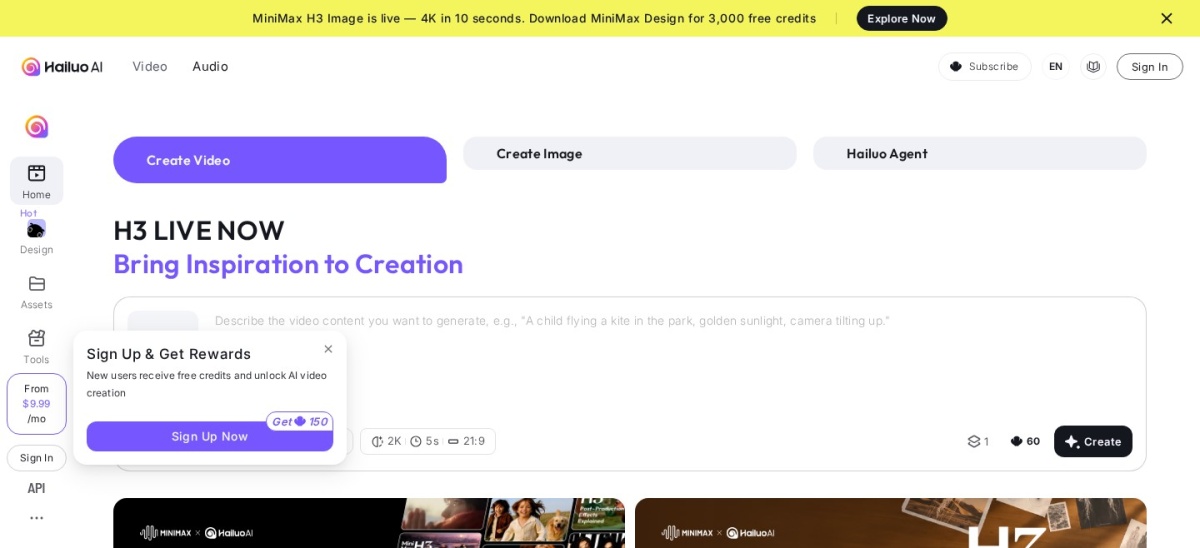
Hailuo homepage, captured Nov 2026.
Hailuo is MiniMax's video generator, built around the MiniMax H3 model, which generates video with native stereo sound in clips of 4 to 15 seconds at 768p or 2K. The free plan gives a one-time welcome credit grant, and Standard lists at $14.99 a month with 1,000 credits a month and watermark-free downloads.
The trade off is trust. Hailuo holds a 1.4 out of 5 Trustpilot score from 89 reviews, driven by billing and cancellation complaints, and subscriptions are never refunded. It suits creators who want H3 quality at a low price and pay month to month with care.
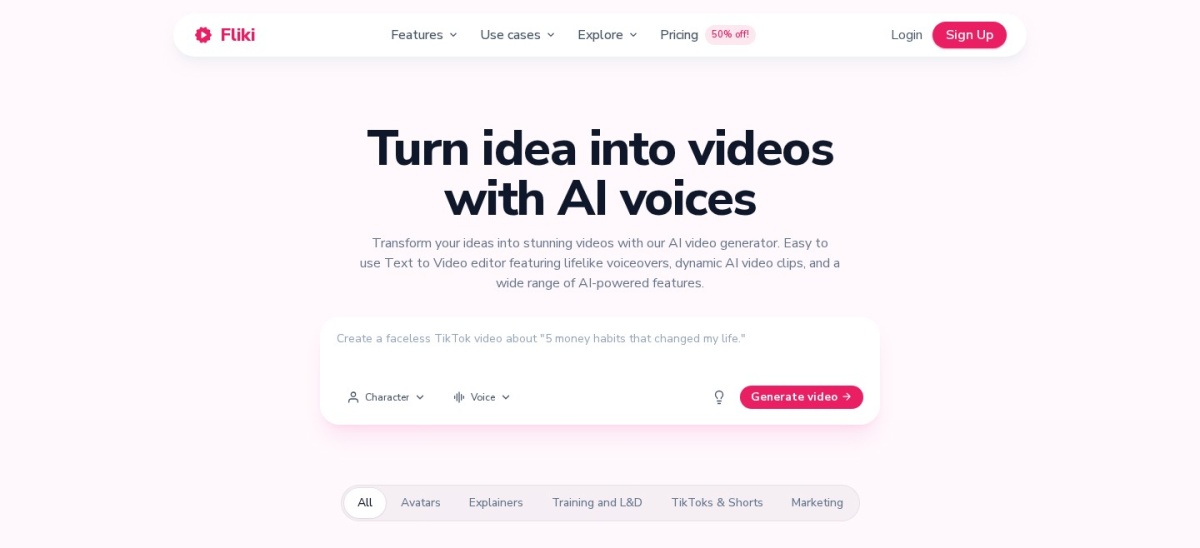
Fliki is a script-to-video tool that turns an idea or script into a finished video with lifelike voiceovers, stock clips and captions. The free plan gives 3 credits a month with 300 voices at 720p, and Standard at $28 a month billed monthly, or $21 billed yearly, adds 180 credits a month, 1,000 voices and 1080p export.
The trade off is the credit system. Credits burn on previews as well as exports, and unused credits do not roll over, so careless previewing wastes the monthly allowance. It suits creators making steady weekly faceless videos, especially in languages other than English.
What we like
1,000 voices on Standard across 80+ languages
Fastest script-to-video workflow for weekly output
Rated 4.7 out of 5 on G2 from 179 reviews
Commercial rights on paid plans
Watch out for
Credits burn on previews, not just exports
Unused credits do not roll over
Shallow editor compared with InVideo or VEED
Standard adds 180 credits a month and commercial rightsVisit fliki.ai
09
VEED
4.6/5on G2 (2,328 reviews, checked Nov 2026)
Paid from$25/mo
Best for AI video plus full editing
Creator AI credits500/mo
Free planYes, watermarked
AI tools15+ on paid plans
Paid planCreator, $25/mo
veed.io
VEED homepage, captured Nov 2026.
VEED is a browser-based video editor with an AI video agent that generates clips from a prompt, plus auto captions, translation and templates. The free plan covers basic editing with watermarked exports, and Creator at $25 a month billed monthly, or about $12 billed yearly, adds 500 AI credits a month and removes the watermark.
The trade off is that VEED starts from editing, not generation. Its generated clips are a starting point that still needs the timeline editor, unlike Runway or Kling AI. It suits creators who want one tool for generating, captioning and finishing a video.
What we like
Second-largest review base here at 2,328 G2 reviews
Auto captions and translation built in
Full browser editor, nothing to install
Rated 4.6 out of 5 on G2
Watch out for
Generated video is a starting point, not the core
Monthly price feels steep for casual users
Advanced AI tools need higher plans
Creator adds 500 AI credits a month and removes the watermarkVisit veed.io
Generative vs script-to-video: which kind fits you
Generative tools create new footage from a prompt. Runway, Kling AI and Hailuo fit ads, concept clips and social posts where no real footage exists.
Script-to-video tools assemble existing footage around your words. Pictory, Fliki and InVideo fit faceless YouTube channels, explainers and repurposed blog posts.
Avatar tools sit in between. HeyGen and Synthesia film nothing and generate nothing scenic, but they put a believable presenter on screen for training and sales.
If you need all three, InVideo or VEED cover the most ground in one subscription, though neither matches Runway on pure generated quality.
How we chose
We started from the text-to-video tools named most often in 2026 comparisons, then kept 9 established products with a free plan or trial and a public review footprint on G2 or Trustpilot.
Prices come from each vendor's pricing page, checked on 26 November 2026, with the top 3 read on their official pages. Ratings and review counts come from G2 or Trustpilot on the same day. Where a vendor shows a sale, the list shows the regular price.
We left out tools with no public rating, including Pika, whose homepage would not load for any screenshot service. No vendor paid for a place, and we do not claim to have used these tools ourselves.
How to choose a text-to-video AI tool
Start with the kind of video you make most, then check what a plan really buys.
Pick the kind first. Generative tools make new scenes, script tools assemble stock footage, and avatar tools present with a digital person. The wrong kind wastes the subscription.
Count credits, not dollars. A cheap plan with few credits buys less video than a dearer plan with more. Work out the cost per finished clip at your usual length and resolution.
Use the free plan to judge output. Generate the same prompt on two or three tools and compare motion, faces and prompt accuracy before paying for any of them.
Check the refund and rollover terms. Most of these tools never refund a subscription and never roll credits over, so start monthly and only switch to yearly billing once the tool earns it.
FAQ
What is the best text to video AI tool?
Runway is the best text-to-video AI tool for most creators. Its Gen-4.5 model produces cinematic clips with camera control and consistent characters, and it holds a 4.1 out of 5 rating on G2 from 106 reviews.
Which text to video AI tool is cheapest?
Kling AI is the cheapest paid plan in this list at $8.80 a month for Standard, with 660 credits a month. Its free plan also refills with 66 credits every day, which no other tool here offers.
Is there a free text to video AI tool?
Yes. Kling AI, Runway, HeyGen, Synthesia, InVideo, Hailuo, Fliki and VEED all offer a free plan or free credits. Pictory is the only tool here with no free plan, offering a 14-day trial instead.
Can AI text to video tools make long videos?
Not in one clip. Most tools generate clips of 5 to 30 seconds, with Kling AI reaching 30 seconds, so longer videos are built by joining clips in an editor such as VEED or InVideo.
Do text to video AI tools own my videos?
Paid plans usually grant commercial use of what you generate, while free plans often do not. Kling AI, for example, gives no commercial use on its free plan, so check the licence on your plan before using a clip for clients.
Which tool is best for avatar videos?
HeyGen is the best avatar tool here, rated 4.8 out of 5 on G2 from 1,978 reviews, with 700 or more stock avatars and 177 or more languages. Synthesia is the stronger pick for corporate training, with SCORM export on Enterprise.
SaaS SEO and WordPress specialist with about 8 years of experience. Rakib compares WordPress plugins, themes, hosting and software using public pricing, documentation and user reviews. See how we rank.