ElevenLabs is the best text to speech app for most people, with the most natural voices in this list and 10,000 free credits a month. Pick Speechify for listening to documents on the go and Narakeet when you only narrate now and then.
How we make this list: we compare pricing pages, product documentation and public user reviews, then re-check every price before each update. No product paid for a place. Disclosure.
ElevenLabs has the most natural voices here: 10,000 free credits a month, about 10 minutes, but no commercial licence on the free plan.
Murf AI is the highest rated tool here at 4.7 out of 5 from 1,414 G2 reviews, built for training videos and courses.
Speechify is the best app for listening: it reads PDFs, web pages and books aloud at up to 5x speed, with a free plan.
Narakeet costs $6 for 30 minutes with no subscription, and its credits never expire.
VoiceMaker has the cheapest paid subscription here at $50 a year, with 25,000 free credits a month.
PlayHT and Lovo are gone: PlayHT shut down on 31 December 2025 and Lovo filed for bankruptcy in May 2026.
What a text to speech app should cover
A text to speech app turns written words into spoken audio. Paste a script or open a document, pick a voice, and download the narration as an audio file.
People use these apps for different jobs. Creators narrate videos and courses, students listen to PDFs and web pages, and podcasters turn posts into audio episodes. Our guide on adding a podcast to WordPress shows one place that audio can go.
The catch is usually the licence. Several free plans block downloads or commercial use, so audio made for free cannot go into a video that earns money. Check the licence before you build a project around a tool.
Voice quality varies more by voice than by tool. Preview three voices on your own words before you pay, and compare the free allowance with a script of about 1,500 words, which makes roughly 10 minutes of speech.
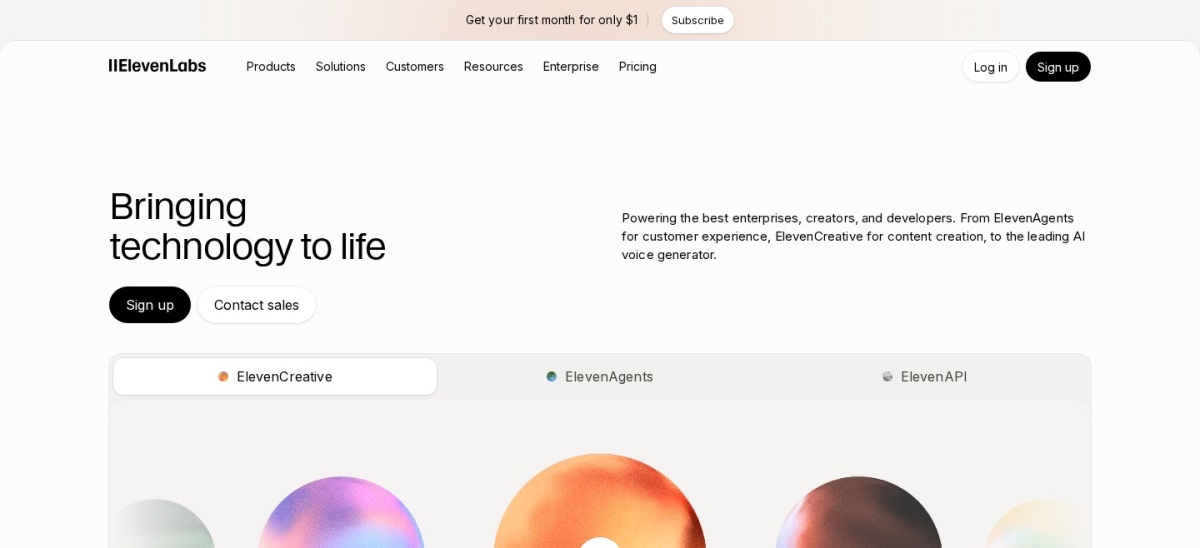
ElevenLabs is the best-known AI voice generator, with the most natural-sounding stock voices in this list. The free plan gives 10,000 credits a month, about 10 minutes of speech, with no card required. Starter costs $5 a month billed yearly and adds a commercial licence, 30,000 credits and instant voice cloning.
The trade off is the free licence. Audio made on the free plan is for personal use only, and credits expire at the end of each month, so unused minutes are lost. It suits creators who want the best voices for short personal projects and can pay $5 a month when a video earns money.
What we like
Most natural voices in this list
Free plan needs no card
Commercial licence and cloning from $5 a month
Watch out for
Free audio cannot be used commercially
Credits expire at the end of each month
The $5 rate needs yearly billing; paying monthly costs $6
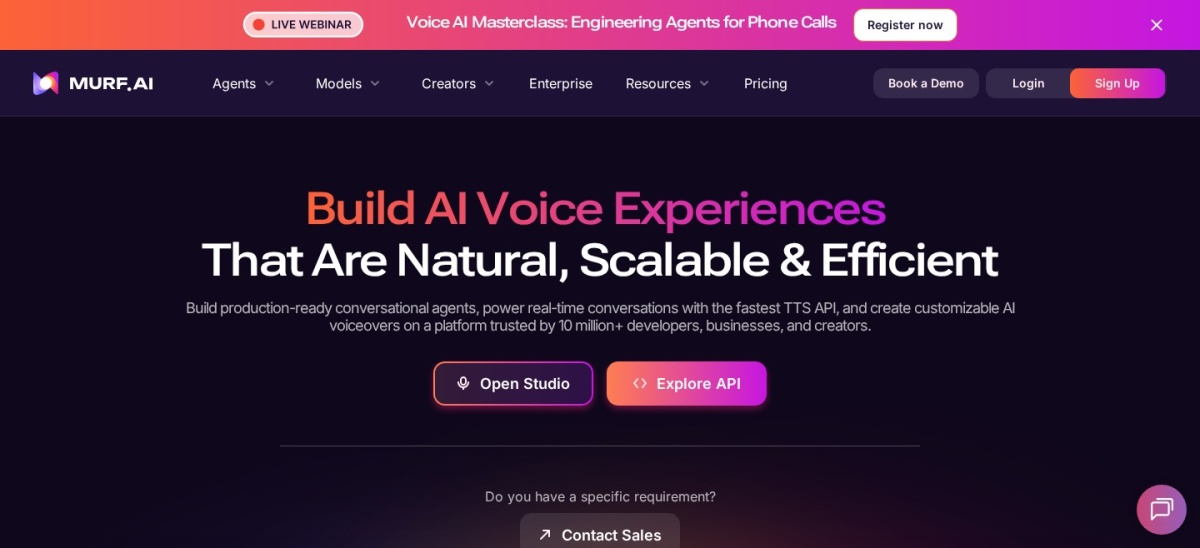
Murf AI is a browser-based voiceover studio built around a slide and video timeline editor. The free plan gives 10 minutes of voice generation in total, with access to 200-plus voices in 30-plus languages. Creator costs $19 a month billed yearly and adds 24 hours of generation a year, downloads and commercial rights.
The trade off is that the free plan is a trial in practice. It blocks downloads and commercial use, and voice cloning stays locked until the Enterprise plan. It suits course creators and training teams who narrate slides and video every week.
What we like
Highest G2 rating here, 4.7 out of 5
Slide-synced editor for training content
200-plus voices in 30-plus languages
Watch out for
Free plan blocks downloads and commercial use
No voice cloning below Enterprise
Unused minutes do not carry over
Creator adds downloads, commercial rights and 24 hours a yearVisit murf.ai
03
Speechify
4.4/5on G2 (50 reviews, checked Nov 2026)
Paid from$139/yr
Best app for listening to documents
Free plan10 standard voices
Voices1,000+ natural voices
Languages60+ languages
Paid planPremium, $139/yr
speechify.com
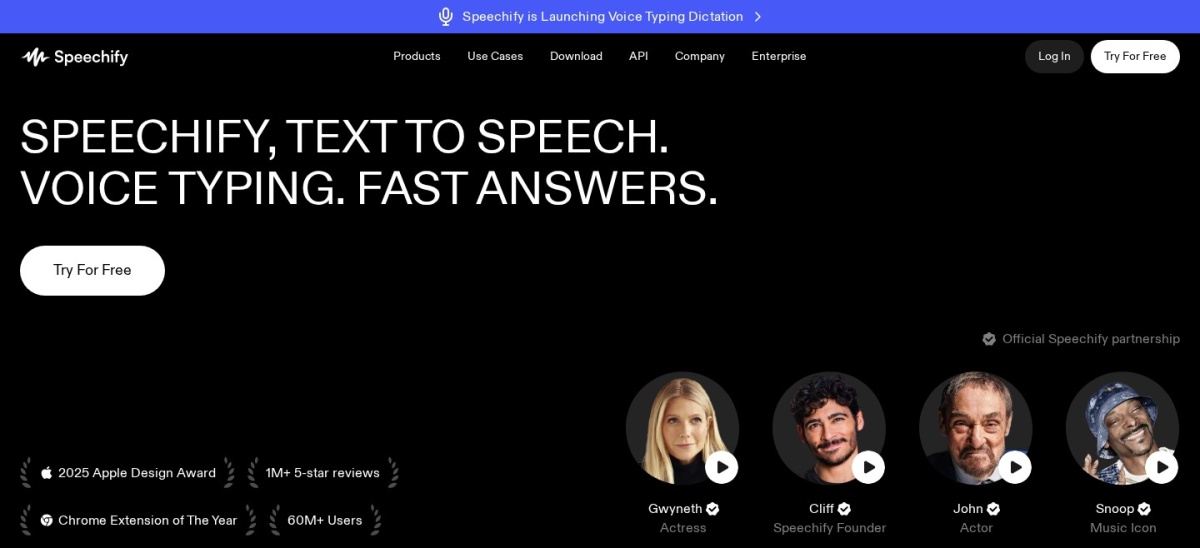
Speechify homepage, captured Nov 2026.
Speechify is a reading app that turns PDFs, web pages, emails and photographed pages into spoken audio. The free plan gives 10 standard voices at up to 1.5x speed, and Premium costs $139 a year with 1,000-plus natural voices in 60-plus languages and listening at up to 5x speed.
The trade off is that listening and publishing are separate products. Premium covers personal listening only, and voiceovers you can publish need Studio, a separate plan. It suits students and professionals who listen to reading instead of sitting down with it.
What we like
Best listening experience in this list
1,000-plus voices in 60-plus languages
Speed controls up to 5x, plus scanning
Watch out for
Premium is annual-only; paying monthly costs $29
Published voiceovers need the separate Studio plan
Trial billing complaints show up in third-party reviews
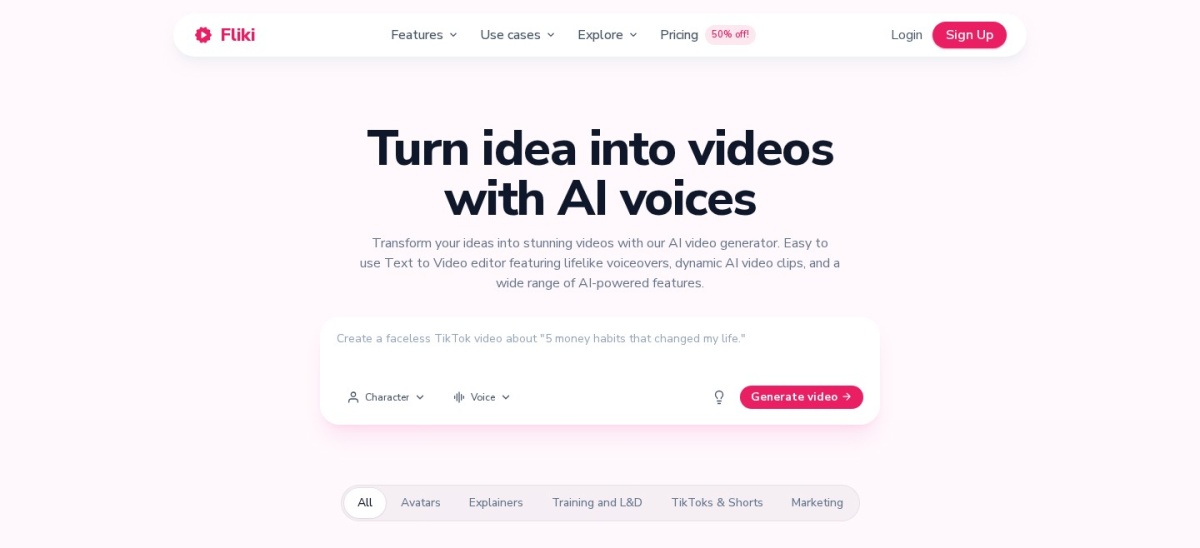
Fliki turns scripts, blog posts and slides into videos with AI voiceovers. The free plan gives 3 credits a month, 300 voices in 80-plus languages and 720p video with a watermark. Standard costs $21 a month billed yearly and adds 180 credits a month, 1,000 voices, 1080p video and commercial rights.
The trade off is credits. Every render spends credits, including a take you regenerate and discard, so heavy months need the Premium plan at $66 a month billed yearly. It suits creators who want a video, not just an audio file, from a script.
What we like
Script to finished video in one tool
1,000 voices on Standard, 500 ultra-realistic
Commercial rights from Standard
Watch out for
Credits burn on every render, including discarded takes
Free plan is 3 credits a month with a watermark
Video-first: audio-only export is not the focus
Standard adds 180 credits a month and commercial rightsVisit fliki.ai
05
Descript
4.6/5on G2 (915 reviews, checked Nov 2026)
Paid from$16/mo
Best for podcasters who fix flubs by typing
Free plan1 media hour a month
AI credits400 a month on Hobbyist
Voice cloningAI Speech, on Hobbyist
Paid planHobbyist, $16/mo
descript.com
Descript homepage, captured Nov 2026.
Descript is a podcast and video editor that lets you edit audio by editing its transcript. Delete a sentence of text and the audio follows, and AI Speech clones your voice so you can fix a misspoken word by typing. The free plan gives 1 media hour a month and a limited AI Speech trial.
The trade off is metering. Hobbyist costs $16 a month billed yearly and gives 10 media hours and 400 AI credits a month, and heavy months need top-ups or a higher tier. It suits podcasters and video creators whose main job is editing spoken-word audio and video.
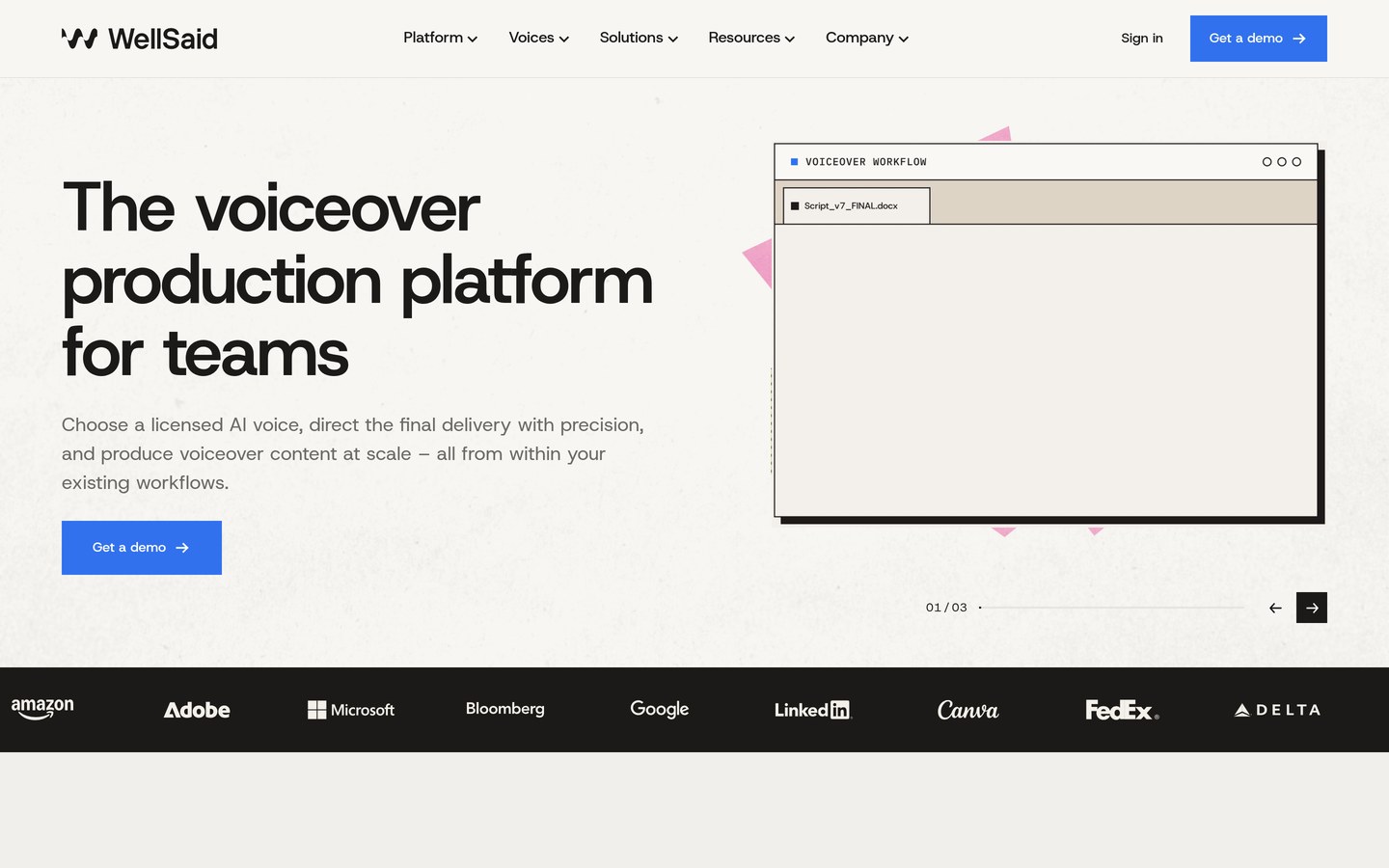
WellSaid Labs is a text to speech platform whose stock voices are recorded by real actors who consented and earn royalties. The free trial gives 3 download minutes a month, and Starter costs $10 a month billed yearly with 20 downloaded minutes a month and full commercial rights.
The trade off is scope. Plans below Enterprise are English-only, there is no self-serve voice cloning, and only downloaded minutes count against the plan, so retakes are free. It suits teams that need the lowest legal risk in a voiceover.
What we like
Every voice is licensed and royalty-paid
Only downloaded minutes count; retakes are free
Rated 4.6 out of 5 from 132 G2 reviews
Watch out for
English-only below Enterprise
No self-serve voice cloning at any published tier
Free trial is 3 download minutes a month
Starter adds commercial rights and 20 download minutes a monthVisit wellsaid.io
07
NaturalReader
4.7/5on G2 and Capterra (14 reviews, checked Nov 2026)
Paid from$119/yr
Best reader for students and professionals
Free planUnlimited, free voices
Voices100+ AI voices
MP3 downloadsPaid plans only
Paid planPlus, $119/yr
naturalreaders.com
NaturalReader homepage, captured Nov 2026.
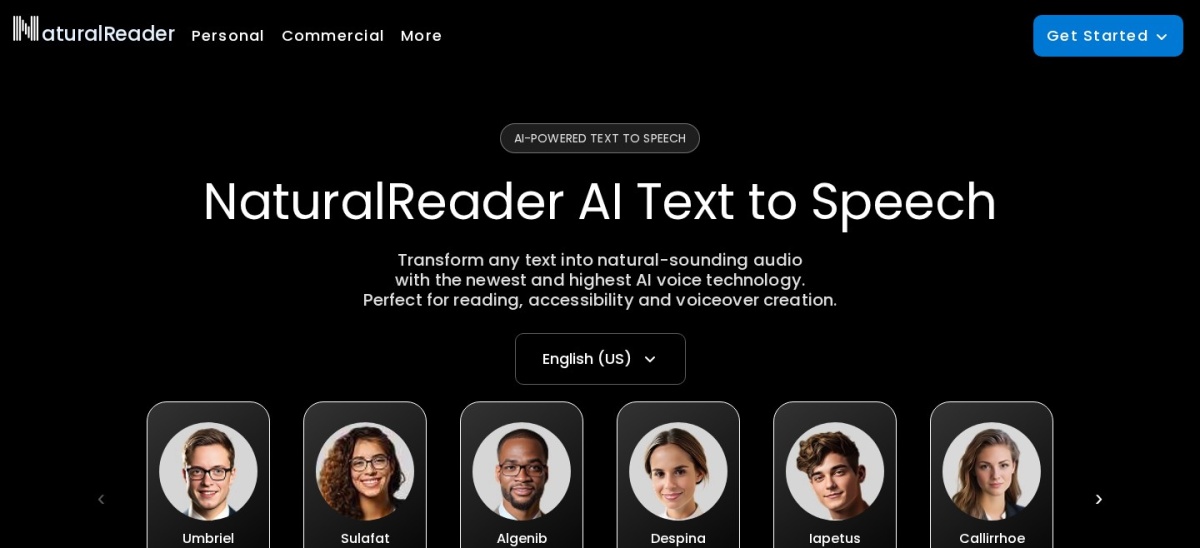
NaturalReader is a reading assistant that reads PDFs, Word files, eBooks and web pages aloud with synchronized text highlighting. The free plan gives unlimited listening with free voices plus 5 minutes a day of Plus voices. Plus costs $119 a year and adds MP3 downloads.
The trade off is that reading and voiceovers are two products. Commercial voiceovers need a separate Commercial plan from $198 a year, and the desktop software is sold apart. It suits readers who want documents read aloud, with occasional MP3 exports.
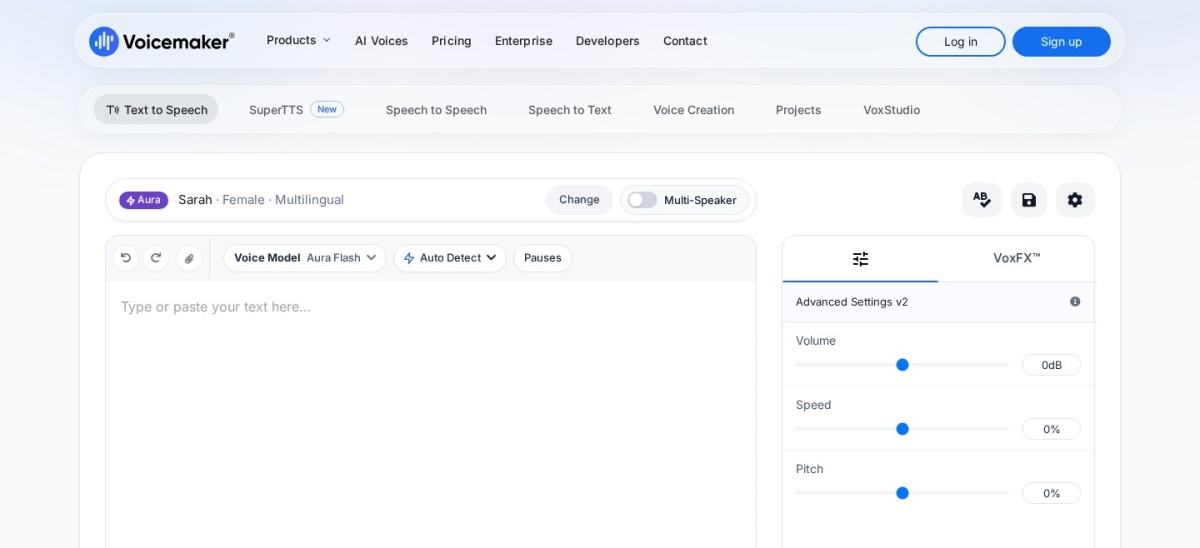
VoiceMaker is a straightforward text to speech converter with 1,500-plus voices in 140-plus languages. The free plan gives 25,000 credits a month with 250 characters per conversion, and Starter costs $50 a year with larger conversions and commercial use.
The trade off is polish. It is a converter, not a studio: there is no timeline editor, no video export and no voice cloning. It suits buyers who want the cheapest paid plan that still covers commercial voiceovers.
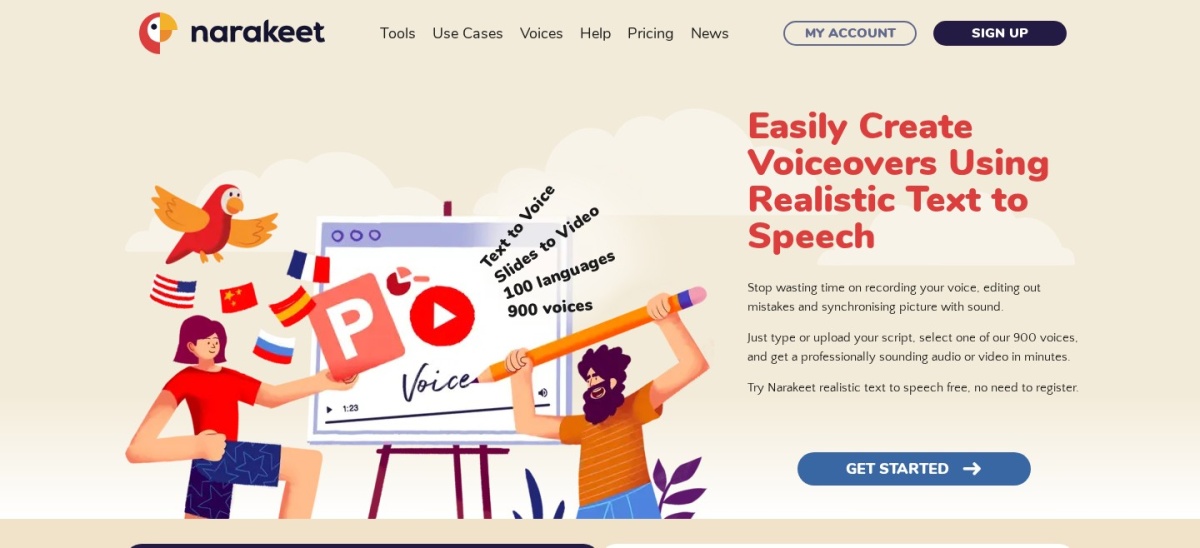
Narakeet is a pay-as-you-go narrator with no subscription at all: you buy a credit pack when you need it. The free account gives 20 conversions for personal use, and $6 buys 30 minutes of audio, with larger packs cutting the cost to 5 cents a minute.
The trade off is that there is no subscription and no voice cloning. Credits never expire, so a creator who narrates one video a quarter pays almost nothing. It suits occasional narrators, teachers and trainers who turn slides into narrated video.
Free plans cover short personal projects well. Most give you a few minutes a month, a sample of the voice library and an MP3 download.
Paid plans mostly add licence and volume. Commercial rights, more minutes and voice cloning sit behind the paywall on nearly every tool here.
If your scripts are AI-written, read whether Google penalizes AI content before you publish them with a voiceover.
Watch for tools that no longer exist. PlayHT shut down on 31 December 2025 and Lovo filed for bankruptcy in May 2026, so old round-ups still list apps you cannot buy.
How we chose
We started from the best-known text to speech apps with a live website, a published price and a free plan or free trial, then kept the nine that fit reading aloud, narration or voiceover work.
Prices come from each vendor's pricing page or a third-party check of that page, checked on 26 November 2026. Ratings come from G2, with NaturalReader from an aggregate of G2 and Capterra. Where a vendor shows a sale, the list shows the regular price.
We left out PlayHT, which shut down on 31 December 2025, and Lovo, which filed for bankruptcy in May 2026. No vendor paid for a place, and we do not claim to have used these tools ourselves.
How to choose a text to speech app
Start with the licence, then check the free allowance against one real project.
Check the licence before the voices. Most free plans block commercial use or downloads. If the audio will go into a video that earns money, budget for a paid plan: the cheapest routes are Narakeet at $6 for 30 minutes or VoiceMaker at $50 a year.
Measure one real script against the free allowance. A 10-minute video needs about 1,500 words. Compare that with the free credits, minutes or characters before you commit to a tool.
Listen to three voices on your own words. Voice quality varies by voice, not just by tool. Preview the exact script you will publish, including names and numbers, before you pay.
Match the app to the job. Pick Speechify or NaturalReader for listening to documents, Murf AI or Descript for narrated video, and Fliki when the words should become a video. Our guide on embedding a video in WordPress covers the publishing step.
FAQ
What is the best text to speech app?
ElevenLabs is the best text to speech app for most people. Its free plan gives 10,000 credits a month, about 10 minutes of speech, and its stock voices sound the most natural in this list. The catch is the licence: free audio is personal use only, so publishing needs the $5-a-month Starter plan.
Which text to speech app is best for listening to documents?
Speechify is the best pick for listening. It reads PDFs, web pages, emails and photographed pages aloud at up to 5x speed, with 1,000-plus natural voices. NaturalReader is the cheaper alternative at $119 a year, with unlimited free listening and MP3 downloads on its Plus plan.
Can I use a text to speech app for commercial videos?
Yes, but only on a paid plan. No free plan in this list allows commercial use. The cheapest routes are Narakeet at $6 for 30 minutes with no subscription, VoiceMaker at $50 a year, and ElevenLabs Starter at $5 a month billed yearly.
Is there a free text to speech app?
Yes. Eight of the nine apps here have a free plan, and WellSaid Labs has a free trial. Free allowances are small, from 3 credits a month on Fliki to 25,000 credits a month on VoiceMaker, and most block downloads or commercial use.
What is the cheapest text to speech app?
Narakeet is the cheapest way in, at $6 for 30 minutes with no subscription and credits that never expire. For a subscription, VoiceMaker costs $50 a year, and ElevenLabs Starter costs $60 a year billed yearly.
Do text to speech apps work in other languages?
Most do. VoiceMaker covers 140-plus languages, Narakeet 100-plus, Fliki 80-plus and Speechify 60-plus. WellSaid Labs is the exception: plans below Enterprise are English-only, so check the language list before you pay.
SaaS SEO and WordPress specialist with about 8 years of experience. Rakib compares WordPress plugins, themes, hosting and software using public pricing, documentation and user reviews. See how we rank.