Best Table Plugins for WordPress in 2026: 9 Tools Compared
WLWPLegible EditorsLast verified 22 Nov 2026How we test14 min read
★ Short answer
TablePress is the best table plugin for WordPress, with a 5.0 out of 5 rating from 4,625 reviews and more than 600,000 installs, plus a free version that covers unlimited tables. Pick WP Table Builder for drag-and-drop design, and Ninja Tables if your tables must stay in sync with Google Sheets.
How we make this list: we compare pricing pages, product documentation and public user reviews, then re-check every price before each update. No product paid for a place. Disclosure.
TablePress leads: 5.0 out of 5 from 4,625 reviews and 600,000 installs, with a free version that covers unlimited tables.
WP Table Builder leads on drag-and-drop design, and its Starter plan is $39 a year.
Ninja Tables and wpDataTables keep tables in sync with Google Sheets and databases; both need a paid plan for it.
Flexible Table Block is completely free with no paid tier, but it only builds simple tables in Gutenberg.
Visualizer renews at $199 a year after a $99 first year — the steepest renewal in this list.
What a table plugin actually does
A table plugin does one of two jobs: it either builds a table you type by hand, or it shows data that lives somewhere else. TablePress, WP Table Builder and Flexible Table Block are hand-built tables, while Ninja Tables, wpDataTables and WP Data Access show live data from a spreadsheet or a database.
Ratings and install counts are the quickest quality check. TablePress has 4,625 reviews and more than 600,000 installs, while Flexible Table Block and WP Data Access are rated 4.9 but rest on only 34 and 88 reviews. Our guide on free vs premium WordPress plugins explains when paying is worth it.
Most of these tools discount the first year, so the price ladder shows the regular yearly price. Visualizer is the sharpest example: Personal costs $99 in year one and renews at $199. Flexible Table Block is the only tool with no paid version at all.
Pricing tables are a separate job. Easy Pricing Tables builds plan comparison pages with buy buttons, while the rest of this list builds data tables, so pick the tool that matches the table, not the other way round.
5/5on WordPress.org (4625 reviews, checked Nov 2026)
Paid from$89/yr
Best free table plugin overall
Free planYes, unlimited tables
ImportCSV, Excel, HTML, JSON
Responsive tablesPro only
Paid planPro, $89/yr
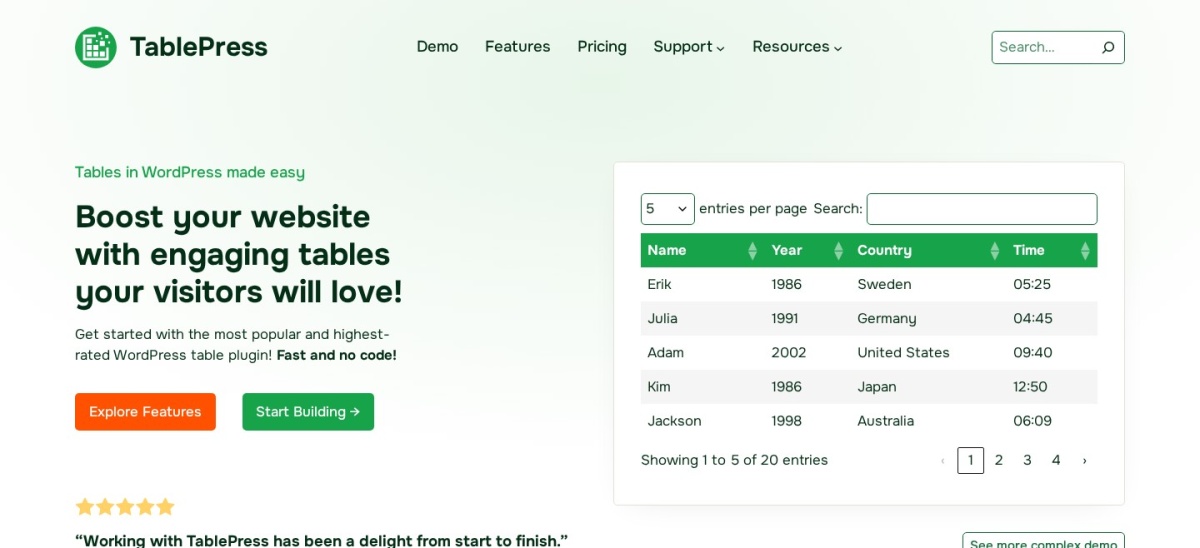
tablepress.org
TablePress homepage, captured Nov 2026.
TablePress is a spreadsheet-style table plugin with a 5.0 out of 5 rating from 4,625 reviews and more than 600,000 active installs, the highest rating and the largest install base in this list. The free version covers unlimited tables, sorting, search, pagination and import from CSV, Excel, HTML and JSON, all edited in a spreadsheet-style screen.
The trade off is that the free version is plain on mobile. Responsive tables and the visual style customizer need Pro at $89 a year, and server-side processing for large tables needs Max at $189 a year. It suits blogs and review sites that want a free, no-code table builder and can live with the default styling.
4.8/5on WordPress.org (681 reviews, checked Nov 2026)
Paid from$39/yr
Best drag-and-drop table builder
Free planYes, drag-and-drop
Templates25+ in Pro
AI AssistantPro only
Paid planStarter, $39/yr
wptablebuilder.com
WP Table Builder homepage, captured Nov 2026.
WP Table Builder is a drag-and-drop table builder with a 4.8 out of 5 rating from 681 reviews and more than 50,000 active installs. You build tables by dragging text, images, buttons, star ratings and badges into cells, which makes comparison and pricing tables fast to lay out without touching code.
The trade off is that the extras are paid. Search, pagination, sticky headers and the AI Assistant need Starter at $39 a year, and the 25 pre-built templates are Pro-only too. It suits affiliate and review sites that want polished comparison tables and are happy to pay for the visual polish.
4.6/5on WordPress.org (472 reviews, checked Nov 2026)
Paid from$79/yr
Best for live data tables
Free planYes, basic tables
Google Sheets syncPro only
WooCommerce tablesPro only
Paid planPro, $79/yr
ninjatables.com
Ninja Tables homepage, captured Nov 2026.
Ninja Tables is a table builder for live data, with a 4.6 out of 5 rating from 472 reviews and more than 70,000 active installs. It pulls tables from Google Sheets, CSV files, WooCommerce products, WordPress posts or a custom SQL query, and visitors can filter, sort and search the result.
The trade off is that the live connections are paid. Google Sheets sync, WooCommerce product tables, conditional formatting and front-end editing all need Pro, which costs $79 a year at its regular price after a $63 first year. It suits stores and data sites whose tables must stay in sync with a spreadsheet or a catalogue.
4.7/5on WordPress.org (497 reviews, checked Nov 2026)
Paid from$49/yr
Best for Excel-like tables with charts
Free planYes, basic tables
FormulasPro only
ChartsPro only
Paid planPro, $49/yr
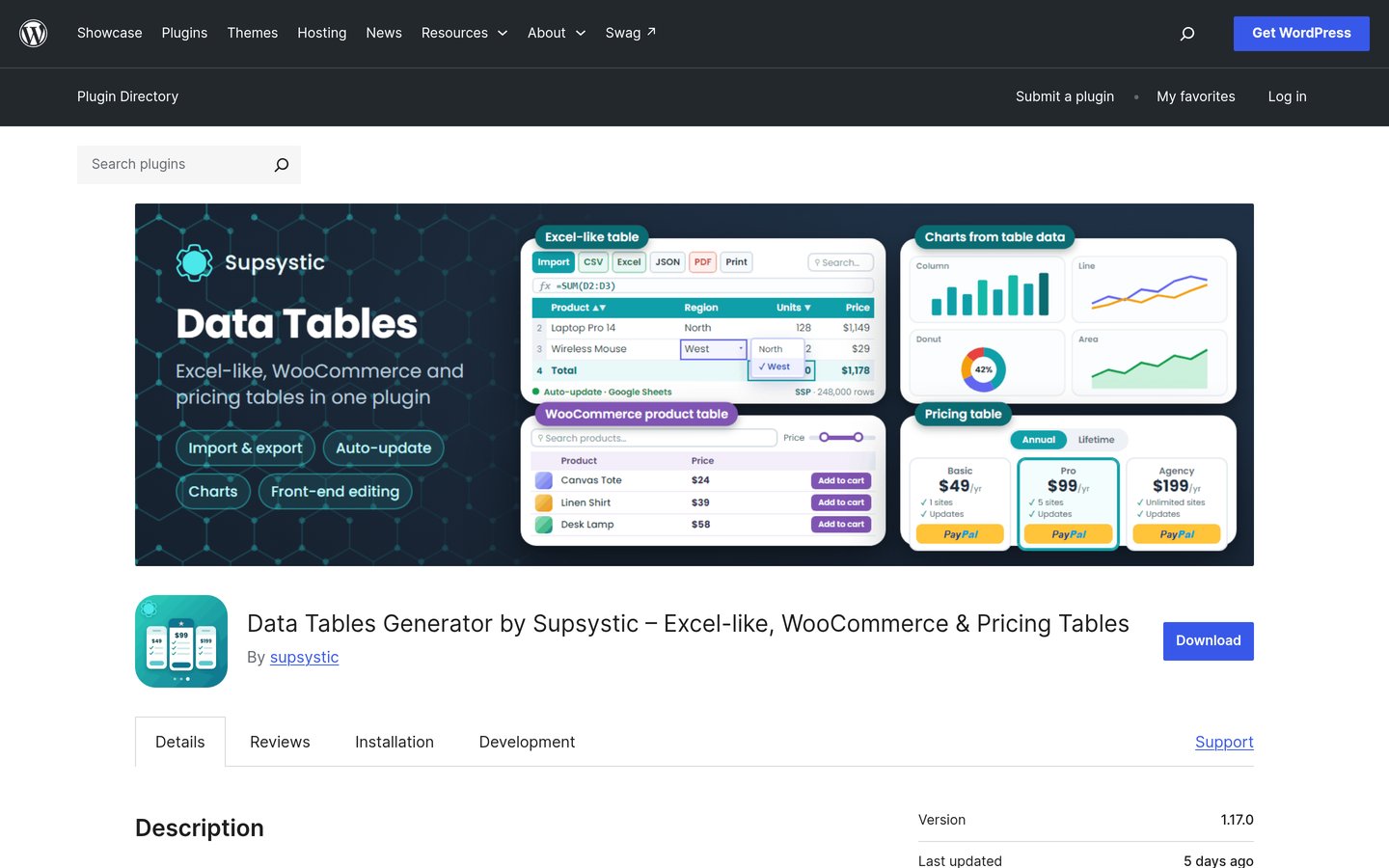
supsystic.com
Data Tables Generator by Supsystic homepage, captured Nov 2026.
Data Tables Generator by Supsystic is an Excel-like table plugin with a 4.7 out of 5 rating from 497 reviews and more than 10,000 active installs. It builds tables with formulas, front-end editing, charts and diagrams, and it imports from files and Google Sheets with sorting, filtering and pagination.
The trade off is that the vendor's own site is hard to buy from. The dedicated pricing page returned a 404 in one August 2026 review, though it loads now, and Pro costs $49 a year for one site with a $99 bundle for all 11 Supsystic plugins. It suits dashboards and reports where formulas and charts matter more than a drag-and-drop builder.
4.5/5on WordPress.org (449 reviews, checked Nov 2026)
Paid from$59/yr
Best for database-driven tables
Free planYes, Lite, 150 rows
Database tablesStandard and up
ChartsYes, Highcharts
Paid planStarter, $59/yr
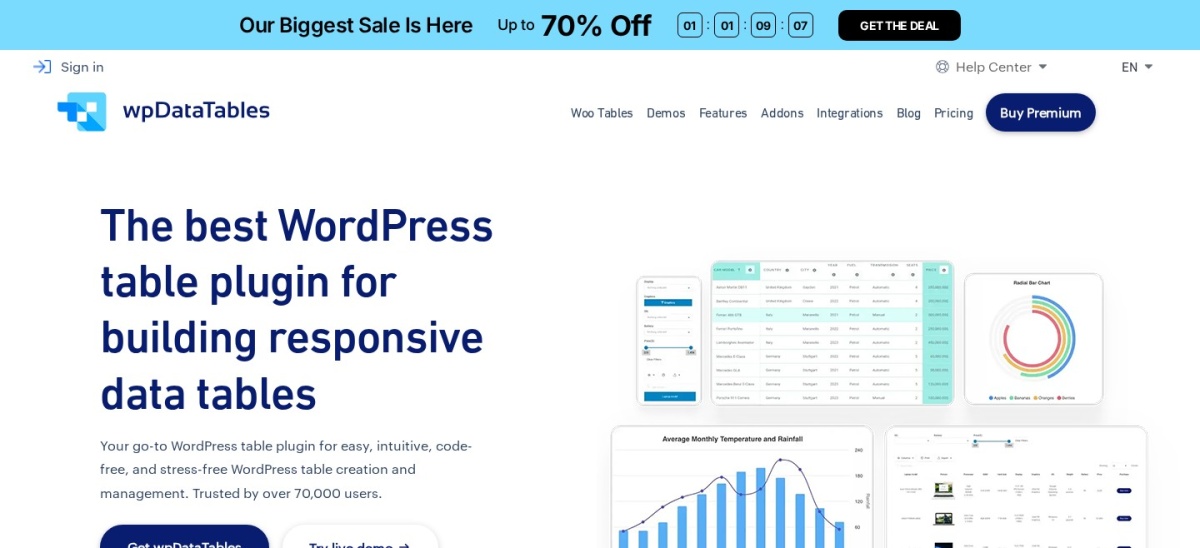
wpdatatables.com
wpDataTables homepage, captured Nov 2026.
wpDataTables is a data table plugin for large datasets, with a 4.5 out of 5 rating from 449 reviews and more than 60,000 active installs. It builds responsive tables and charts from Excel, CSV, Google Sheets, JSON or a live MySQL, MS SQL or PostgreSQL database, with no manual re-import step.
The trade off is that the free Lite version is small. It caps tables at 150 rows and excludes database sources and manual table creation, so most sites end up on Starter at $59 a year, and database tables need Standard at $99 a year. It suits finance and data sites whose tables must stay live.
4.9/5on WordPress.org (34 reviews, checked Nov 2026)
PriceFree
Best free Gutenberg table block
Free planYes, everything
Paid planNone, fully free
Cell mergingYes, free
ImportNo, manual only
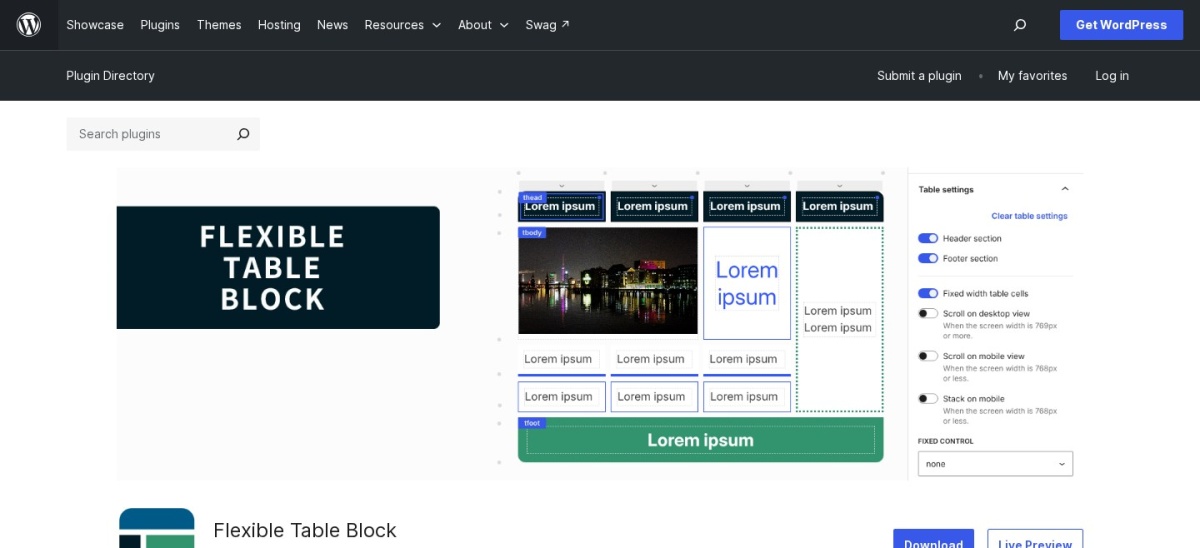
wordpress.org
Flexible Table Block homepage, captured Nov 2026.
Flexible Table Block is a free Gutenberg table block with a 4.9 out of 5 rating from 34 reviews and more than 40,000 active installs. It adds a table block that merges and splits cells, styles individual cells and captions, and stacks cells vertically on mobile, all inside the block editor.
The trade off is that it is only a block, not a data tool. There is no import, no sorting, no search and no paid version at all, so it covers simple tables and nothing else. It suits Gutenberg users who want better cell control in the editor without installing a full table plugin.
4.4/5on WordPress.org (228 reviews, checked Nov 2026)
Paid from$199/yr
Best for charts with tables
Free planYes, 4 chart types
Chart types15 on Pro
Data importPro only
Paid planPersonal, $199/yr
themeisle.com
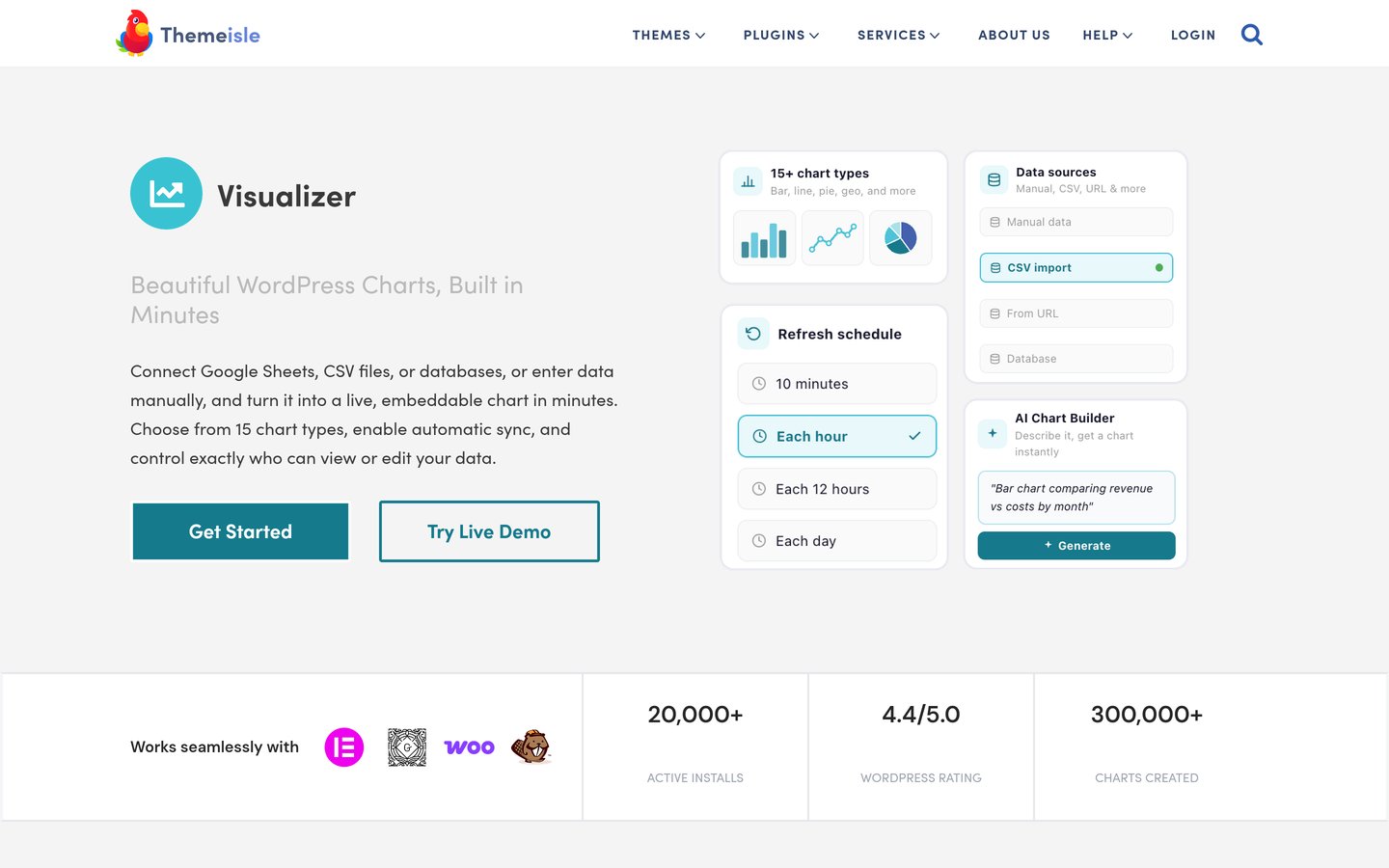
Visualizer homepage, captured Nov 2026.
Visualizer is a charts and tables plugin with a 4.4 out of 5 rating from 228 reviews and more than 20,000 active installs. The free version covers manual data entry and line, pie, bar and table charts, plus a built-in AI chart builder that turns a plain-language description into a finished chart.
The trade off is the renewal price. Personal costs $99 in year one but renews at $199 a year, and scheduled sync needs Plus at $399 a year, so the cheapest plan never refreshes itself. It suits blogs that want charts and tables in one plugin and can live with manual updates.
4.9/5on WordPress.org (88 reviews, checked Nov 2026)
Paid from$50/yr
Best for database tables
Free planYes, basic tables
Database sourcesMySQL, SQL Server
Free trial14 days, premium
Paid planPremium, $50/yr
wpdataaccess.com
WP Data Access homepage, captured Nov 2026.
WP Data Access is a database app builder with a 4.9 out of 5 rating from 88 reviews and more than 10,000 active installs. It turns MySQL, SQL Server or PostgreSQL data into searchable tables, forms, charts, maps and dashboards on your site, with no code and a 14-day free trial of premium.
The trade off is that it is built for databases, not for typing a table. There is no simple spreadsheet-style editor for hand-made tables, and premium costs $50 a year for one site when billed annually. It suits sites whose tables must show live database data, not a static list.
4.3/5on WordPress.org (133 reviews, checked Nov 2026)
Paid from$49/yr
Best for pricing tables
Free planYes, 12 templates
Templates300+ in Pro
Pricing togglesPro only
Paid planPro, $49/yr
fatcatapps.com
Easy Pricing Tables homepage, captured Nov 2026.
Easy Pricing Tables is a Gutenberg pricing table plugin with a 4.3 out of 5 rating from 133 reviews and more than 10,000 active installs. It builds pricing tables by point and click inside the block editor, with 12 templates in the free version, buy buttons linked to PayPal or Stripe, and shortcode support for other builders.
The trade off is that the free version is plain. Pricing toggles, tooltips, Google Analytics and the 300-plus template library all need Pro at $49 a year, and the plugin only builds pricing tables, not data tables. It suits small businesses that want a neat three-tier pricing page in minutes.
Free versions cover the table itself in most tools. TablePress, WP Table Builder, Ninja Tables, wpDataTables and Supsystic all build real tables without paying, and Flexible Table Block has no paid version at all.
Paid plans mostly add live data, responsive design and charts. Google Sheets sync is paid in Ninja Tables, wpDataTables and Supsystic, responsive tables are paid in TablePress, and charts are paid in Visualizer.
TablePress and Visualizer have the widest gap between free and paid. TablePress Pro at $89 a year adds responsive tables and styling, while Visualizer Personal at $199 a year adds all 15 chart types and every import route.
For most sites the free version is enough. Pay only when your table must update itself, work well on a phone, or show charts alongside the data.
What we left out
Tableberg did not make the list even though it is rated 4.8 out of 5, because it has only 46 reviews and 4,000 installs; Flexible Table Block covers the same Gutenberg table job with 40,000 installs.
Woo Product Table and WC Product Table Lite were left out because they only build WooCommerce product tables, not general-purpose tables. Pricing Table by Supsystic was left out with a 4.1 rating, below the 4.2 floor used in this list.
TableKit, Posts Table with Search & Sort and FlexTable were also considered, but each has fewer than 40 reviews, so the evidence was too thin to rank them fairly.
How we chose
We started from the WordPress.org table plugins with a public rating and install count, and kept the ones that build general-purpose tables: hand-built tables, live data tables, charts with tables, database tables and pricing tables. Every tool here is on WordPress.org with a free version.
Prices come from each vendor's pricing page, checked on 22 November 2026. Ratings and install counts come from WordPress.org on the same day. Where a vendor shows a sale, the list shows the regular price, and where a price is in monthly billing the list shows the yearly equivalent.
We left out plugins we could not verify on WordPress.org, tools with fewer than 30 reviews, premium-only tools with no free version, and niche tools such as WooCommerce product tables and table-of-contents plugins. No vendor paid for a place, and we do not claim hands-on testing for this list.
How to choose the best table plugins for WordPress
Start with where your data lives, then check what the free version already does.
Decide whether you type the table or sync it. A price list you type once needs TablePress or WP Table Builder, while a table that must update itself needs Ninja Tables, wpDataTables or WP Data Access.
Check the free version first. TablePress covers unlimited tables for free and Flexible Table Block is free forever. Only pay when a free version blocks something you actually need.
Test the table on a phone. Most visitors read tables on mobile, so check that columns stack, scroll or hide cleanly. TablePress needs Pro for responsive tables, so test before you pay.
Check the renewal price, not the first year. Visualizer renews at $199 after a $99 first year, and Ninja Tables renews at $79 after $63. Budget for year two.
FAQ
What is the best table plugin for WordPress?
TablePress is the best pick for most sites, with a 5.0 out of 5 rating from 4,625 reviews and more than 600,000 installs. Its free version covers unlimited tables with sorting, search and pagination, and Pro at $89 a year adds responsive tables and styling.
Can I create tables in WordPress for free?
Yes. Every tool in this list has a free version, and TablePress covers unlimited tables for free while Flexible Table Block is free forever with no paid tier. You only need to pay for live data sync, responsive tables or charts.
Which table plugin is best for Google Sheets?
Ninja Tables is the strongest choice for Google Sheets, with live sync in Pro at $79 a year. wpDataTables also syncs Google Sheets and adds database tables, while Supsystic syncs Sheets in Pro at $49 a year.
What is the cheapest table plugin for WordPress?
Flexible Table Block is free with no paid version at all, so it costs nothing. The cheapest paid step is WP Table Builder Starter at $39 a year, followed by Supsystic Pro and Easy Pricing Tables Pro at $49 a year.
Do table plugins work with Gutenberg?
Yes. Flexible Table Block is a Gutenberg block, and WP Table Builder, Ninja Tables and Easy Pricing Tables all work in the block editor. TablePress and wpDataTables embed tables with a block or a shortcode.
Why is Visualizer so expensive?
Visualizer Personal costs $99 in year one but renews at $199 a year, which is the steepest renewal in this list. The price covers 15 chart types and every import route, but blogs that only need a table should pick TablePress instead.