Qualtrics is the best survey software for academic research, with 23 question types, conjoint and MaxDiff tools, and a free account for small studies. Pick QuestionPro for a lower-cost research platform, or LimeSurvey when your institution needs free, self-hosted data collection.
How we make this list: we compare pricing pages, product documentation and public user reviews, then re-check every price before each update. No product paid for a place. Disclosure.
Qualtrics is the academic standard, with 23 question types and conjoint and MaxDiff tools, but its only published plan costs $5,040 a year.
QuestionPro gives researchers SPSS exports and quota controls from $99 a user a month, with a free Essentials plan.
LimeSurvey is free to self-host with no response cap, and its hosted Cloud plans start at $39 a month.
SurveyMonkey is the most reviewed tool here at 4.4 out of 5 from more than 24,000 G2 reviews.
Eight of the nine tools have a free plan; only Alchemer is paid-only. Paid plans start at $299 a year.
Sogolytics is the cheapest paid plan at $299 a year, but its G2 base is only 88 reviews.
What academic research needs from a survey tool
Academic surveys are not customer feedback forms. A study needs skip logic, quotas, piping and exports that feed statistical software, plus a clear answer to where respondent data is stored.
Ethics approval shapes the choice too. Some boards want data on university servers, which points to a self-hosted tool, while others accept a vendor cloud with a signed data processing agreement.
Free plans cover small studies well. Most include logic, templates and exports, and the limits that matter are response caps and missing SPSS export.
If you publish the survey on a department WordPress site, our guide on creating a contact form in WordPress covers the embedding basics, though a dedicated survey tool handles logic and exports better.
The 9 best survey software tools for academic research
01
Qualtrics
4.4/5on G2 (3,018 reviews, checked Nov 2026)
Paid from$420/mo
Best survey software for academic research overall
Free planYes, 500 responses
Cheapest paid planStrategic Research, $420/mo
Responses on paid plan1,000 shared
Question types23, incl. conjoint
qualtrics.com
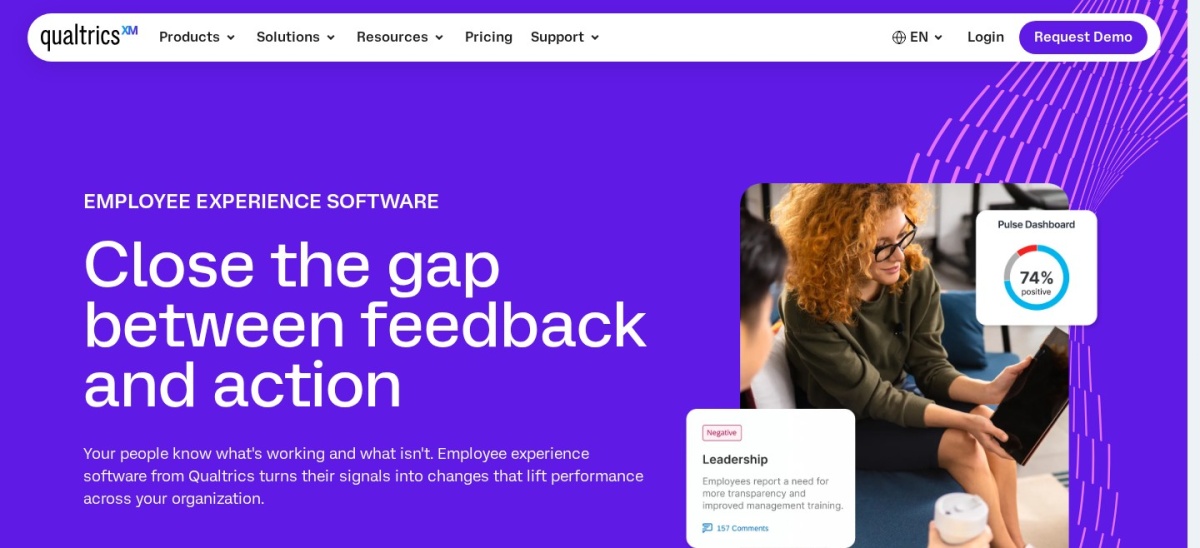
Qualtrics homepage, captured Nov 2026.
Qualtrics is the survey platform most universities license for academic research, covering complex designs with 23 question types, conjoint and MaxDiff tools, and guided research solutions. The free account covers 1 user, 3 active surveys and 500 total responses, with skip, display and branch logic included.
The trade off is price. The only published paid plan is Strategic Research at $420 a month, billed annually at $5,040, for 1,000 shared responses. It suits funded research programs and departments that run advanced studies at scale.
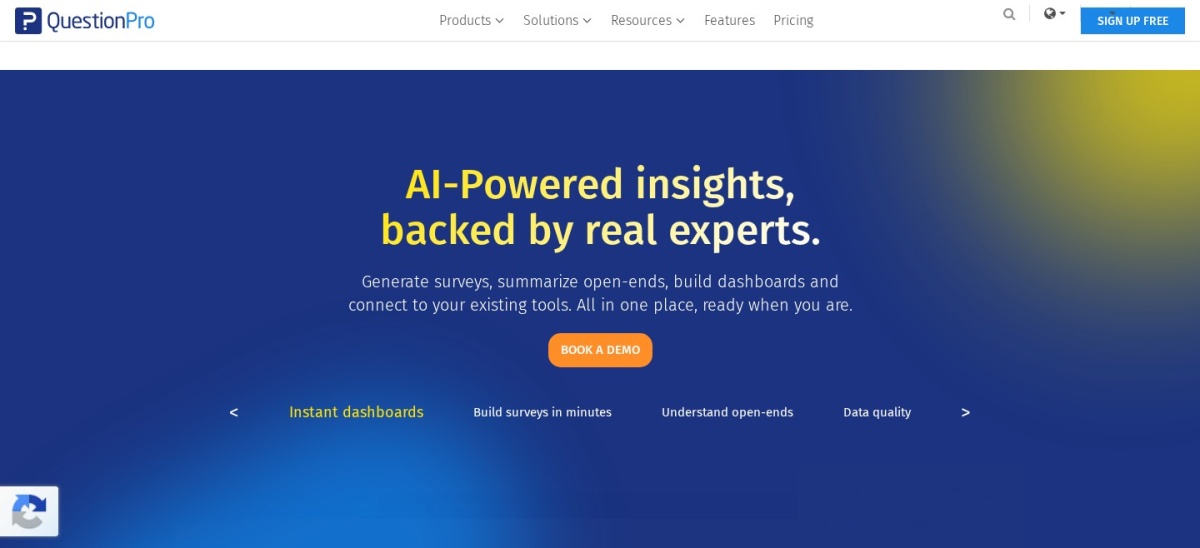
QuestionPro is a research platform built for academic and market studies, with quota controls, skip logic, piping and SPSS exports. The free Essentials plan covers 1 user, 200 responses per survey and 30 question types, with 24/7 chat and email support.
The trade off is that the cheapest single-user paid plan, Advanced, costs $99 a user a month billed annually, and blocks, randomization and the API sit on Team Edition. It suits researchers who need SPSS exports and quotas without Qualtrics pricing.
What we like
SPSS exports and quota controls
Free plan covers 200 responses per survey
Nonprofit and academic licences praised by reviewers
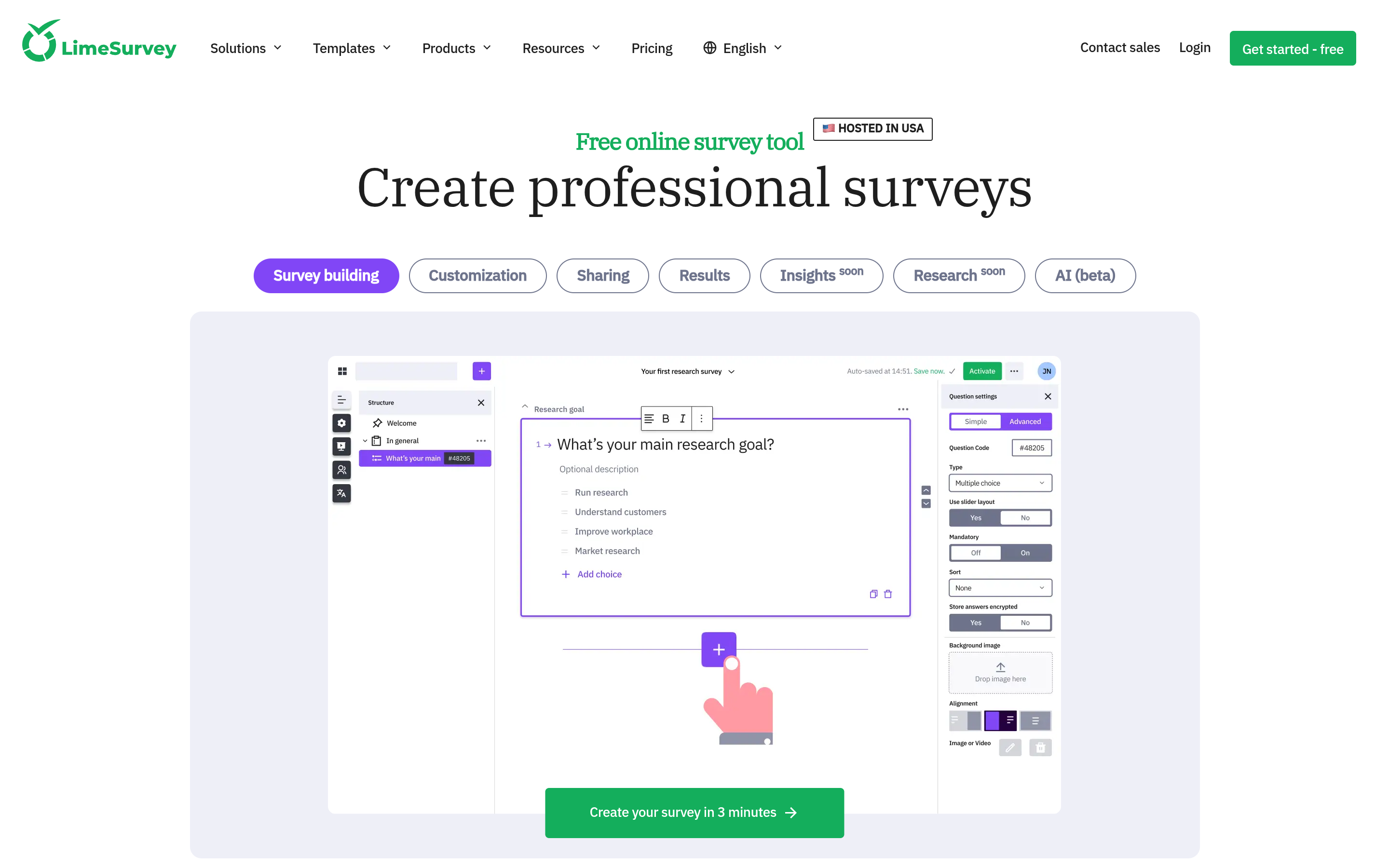
LimeSurvey is a free, open-source survey tool that researchers can install on their own server, keeping every response under institutional control. The Community Edition has no response cap, and the hosted Cloud version adds a free plan with 25 responses a month.
The trade off is upkeep. Self-hosting means your team applies updates and handles backups, and the interface is plain next to paid rivals. Hosted Cloud plans start at $39 a month for Basic, and checkout is in euros. It suits unfunded projects and studies with strict data rules.
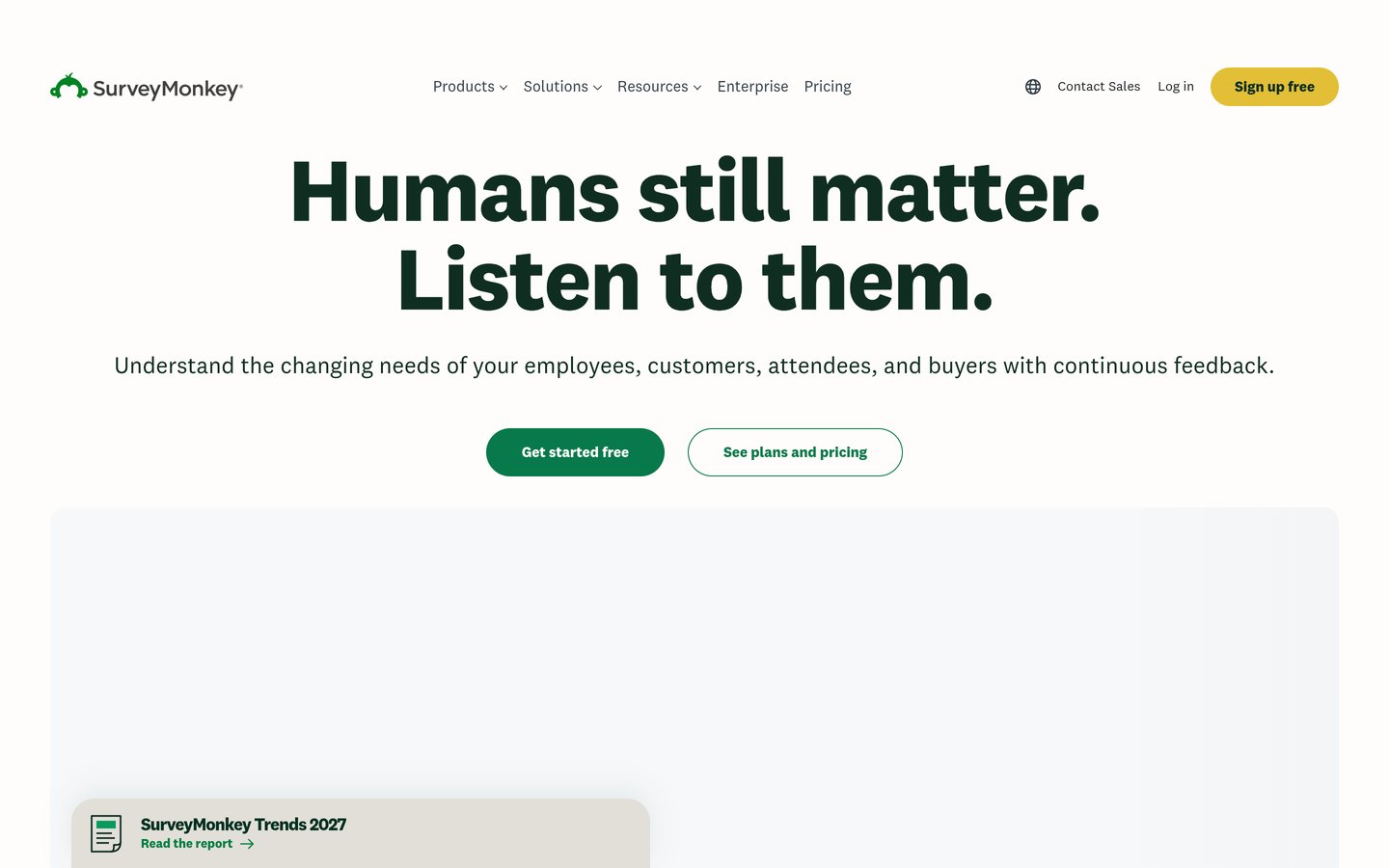
SurveyMonkey is the most widely used survey tool in this list, with templates, AI analysis and exports to CSV, Excel, PowerPoint and SPSS. The free Basic plan covers unlimited surveys with 10 questions each and 25 visible responses per survey.
The trade off is that useful features sit behind paid tiers. Individual Advantage costs $39 a month billed annually for 15,000 responses a year, and team plans start at $30 a user a month with a 3-user minimum. It suits researchers who want the fastest setup and the largest template library.
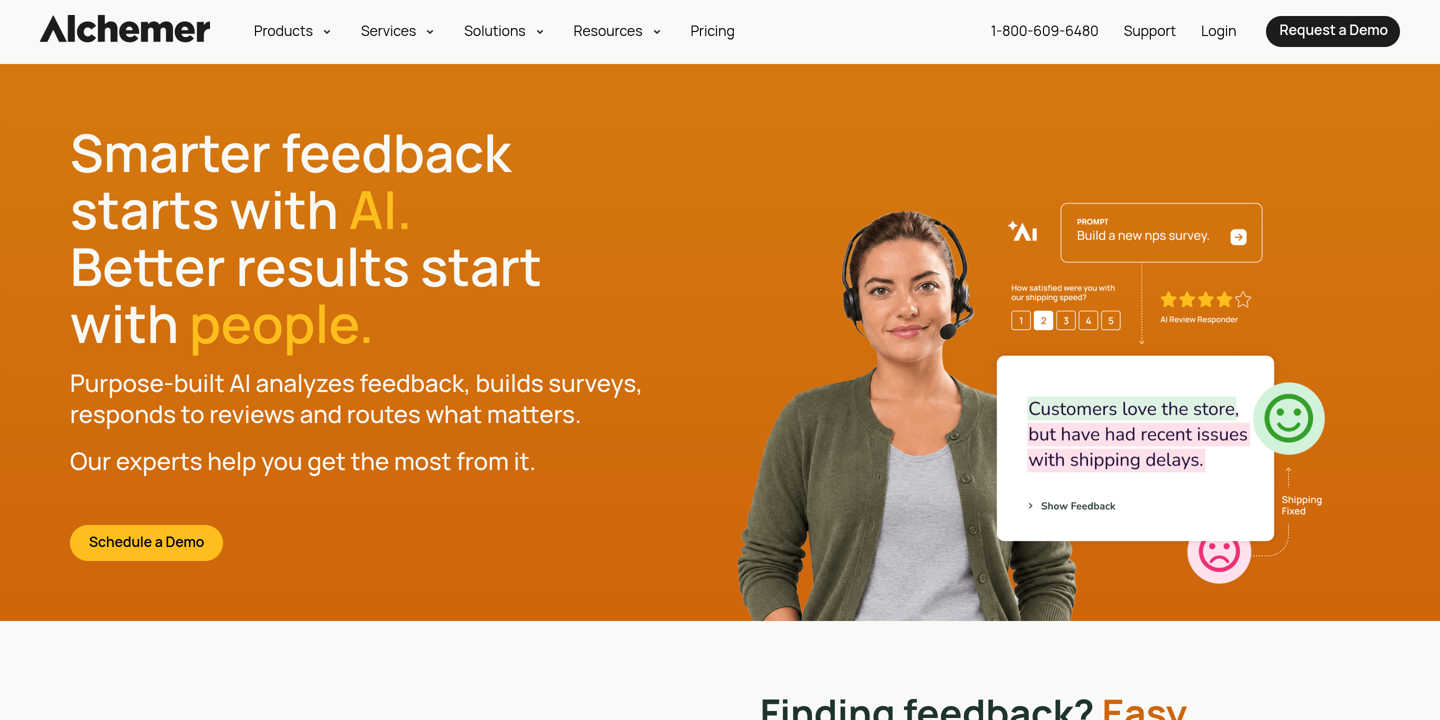
Alchemer is a survey platform for logic-heavy research, with advanced question types, piping, conjoint analysis and SPSS exports on its top tier. The entry Collaborator plan covers unlimited surveys, 25 question types and 75,000 responses a year per user.
The trade off is that there is no free plan, only a trial, and phone support and advanced question types need higher tiers. Collaborator costs $55 a user a month, or $315 a user a year. It suits small research teams that need advanced logic without enterprise pricing.
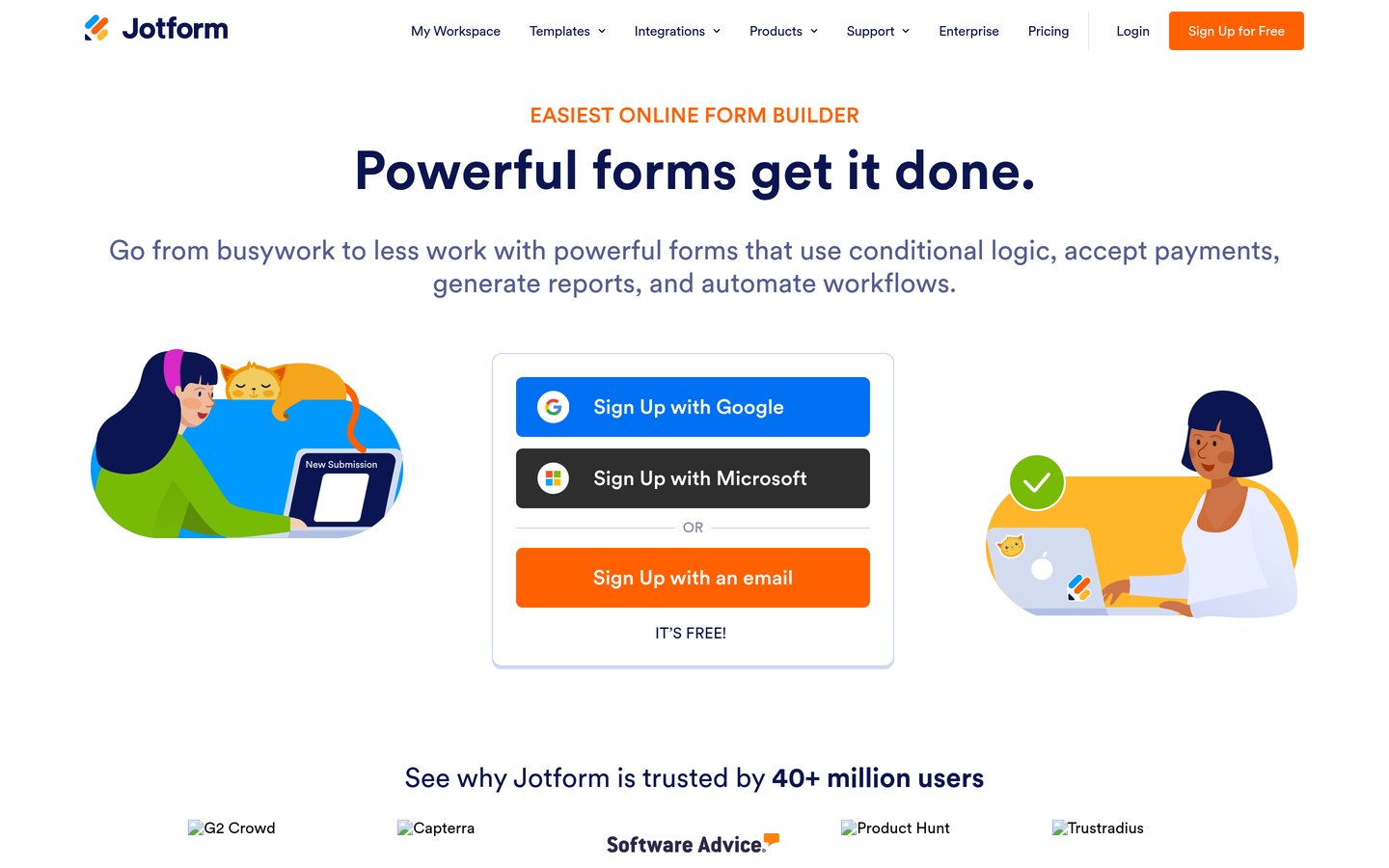
Jotform is a form builder researchers use for consent forms, registrations and simple surveys, with a large template library and payment and e-signature tools. The free Starter plan covers 5 forms, 100 submissions a month and 100 MB of storage.
The trade off is that it is a general form builder, not a research platform, so quotas and conjoint tools are missing. Bronze costs $34 a month billed annually for 1,000 submissions a month, and education accounts get 50% off. It suits teams collecting consent forms and registrations beside their surveys.
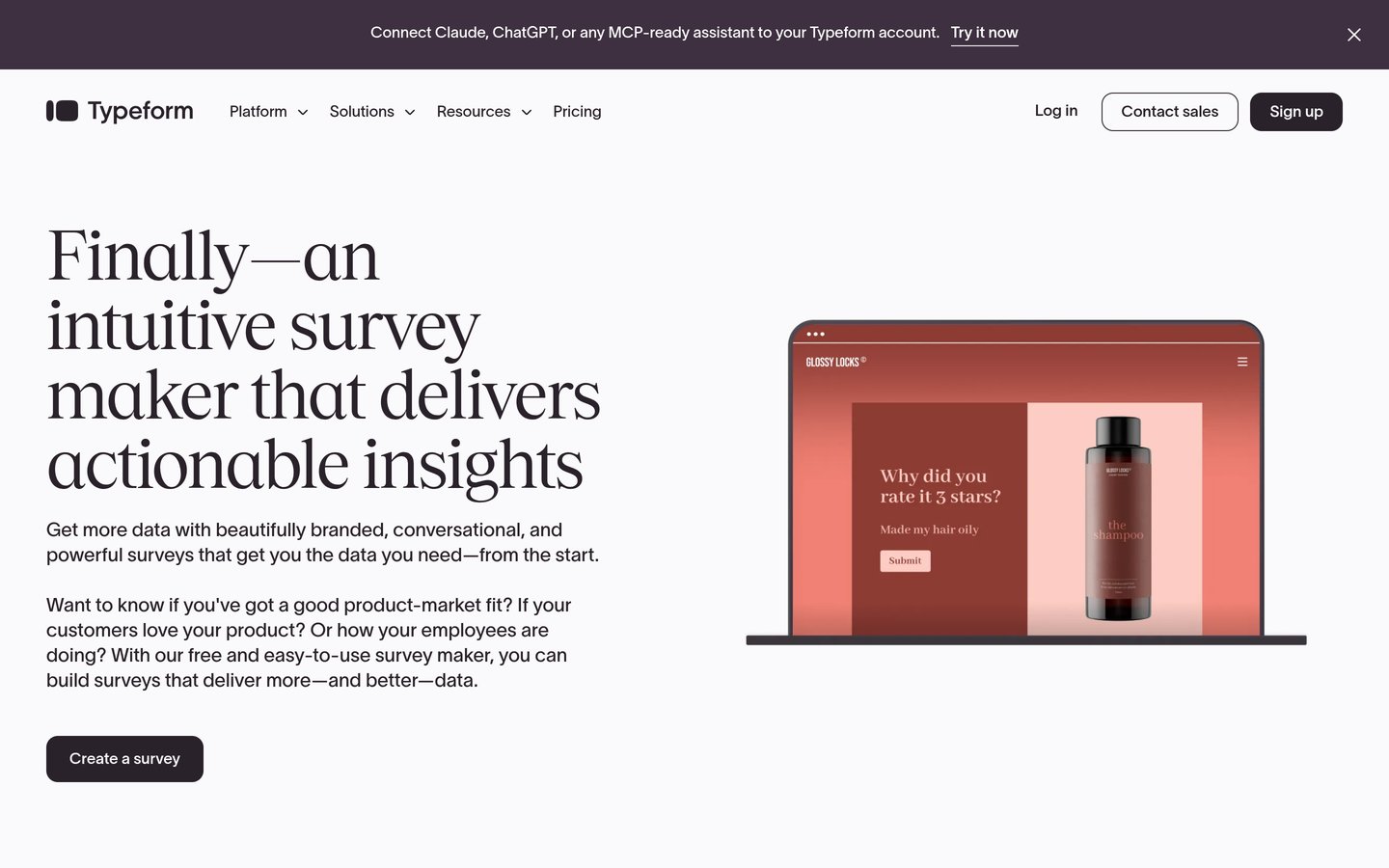
Typeform is a conversational form builder that asks one question at a time, which can lift completion rates on short participant surveys. The free plan covers unlimited forms with 10 responses a month, and Basic raises that to 100 responses a month.
The trade off is the response cap. Basic costs $28 a month billed yearly, or $39 month to month, and larger studies need Plus or Business. It suits short, polished surveys where respondent experience matters more than sample size.
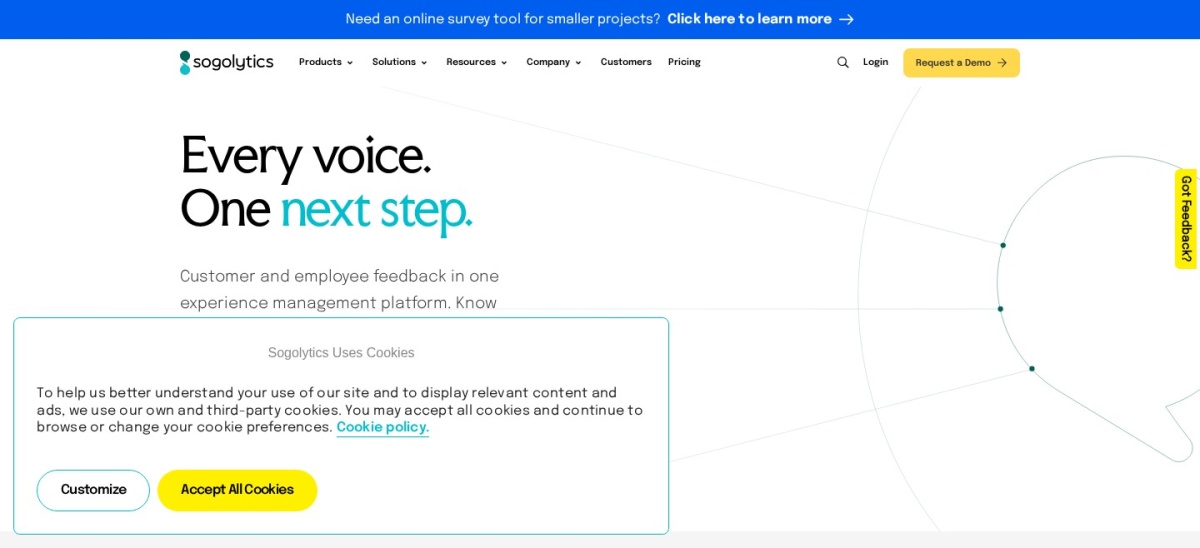
Sogolytics, formerly SoGoSurvey, is a survey platform with skip logic, custom branding and Excel exports at a low price. The free Basic plan covers unlimited surveys with 200 responses a year, and Plus adds advanced question types and 1,500 responses a month.
The trade off is the small review base. Plus costs $25 a month billed at $299 a year, and advanced logic and reports need Pro or Premium. It suits students and small teams running straightforward academic surveys on a tight budget.
4.7/5on Capterra (11,619 reviews, checked Nov 2026)
PriceFree
Best completely free option
Free planYes, fully free
Paid planNone, $0
ExportsGoogle Sheets and CSV
LogicSection jumps only
google.com
Google Forms homepage, captured Nov 2026.
Google Forms is a free form builder in every Google account, with section logic, automatic charts and no paid plan. Answers land in Google Sheets, which makes basic analysis and sharing simple for small studies.
The trade off is depth. There is no SPSS export, no quotas and no question-level logic, so analysis stops at Sheets and charts. It suits pilot studies, class projects and quick internal surveys where cost matters more than methods.
Free plans cover small studies well. Most include logic, templates and exports, and the real limits are response caps and missing SPSS export.
Paid plans mostly add volume and methods. You get more responses, quotas, piping, conjoint tools and SPSS export.
Check your institution first. Many universities license Qualtrics centrally, so a paid personal plan may duplicate a free campus licence.
For a thesis or a pilot study, a free plan is often enough. For a funded multi-wave study, the paid tier usually costs less than one round of re-collecting bad data.
How we chose
We started from the survey tools most used in academic research, including the platforms universities license centrally and the free tools researchers run themselves.
Prices come from each vendor's pricing page, checked on 26 November 2026. Ratings and review counts come from G2 on the same day, except Google Forms, which uses Capterra. Where a vendor shows a sale, the list shows the regular price.
We left out REDCap, which is free for academic health research but has no public rating on G2, Capterra or Trustpilot, and tools with no published price for a single researcher. No vendor paid for a place, and we do not claim to have used these tools ourselves.
How to choose survey software for academic research
Start with your ethics approval and data rules, then match the tool to your study design.
Check what your institution already licenses. Many universities provide Qualtrics or REDCap free to staff and students. Ask your department before paying for a personal plan.
Match question types and logic to your design. Longitudinal studies need quotas, piping and panel tools. Simple cross-sectional surveys work in any tool here.
Confirm your export route before you collect data. Check that the plan you pay for exports to SPSS, Excel or CSV. Some tools reserve SPSS export for higher tiers.
Check where your data is stored. Self-hosted LimeSurvey keeps responses on your own server. Other tools store data in their cloud, so check the data processing terms against your ethics approval.
FAQ
What is the best survey software for academic research?
Qualtrics is the best pick for funded research, with 23 question types, conjoint and MaxDiff tools, and a free account for small studies. QuestionPro is the strongest lower-cost alternative, and LimeSurvey is the best free option when you self-host.
Is there a free survey tool for academic research?
Yes. LimeSurvey Community Edition is free to self-host with no response cap, Google Forms is free with no paid plan, and QuestionPro Essentials is free for 200 responses per survey. All three cover small studies, but only LimeSurvey and QuestionPro offer research-grade logic.
Can I use Qualtrics for free as a student?
Yes, the free Qualtrics account covers 1 user, 3 active surveys and 500 total responses. Many universities also license Qualtrics centrally, so check with your department first, since a campus licence removes the response cap.
Which survey tools export to SPSS?
QuestionPro, Qualtrics, SurveyMonkey and LimeSurvey all export to SPSS, though some reserve it for paid tiers. Alchemer adds SPSS export on its Full Access plan. Google Forms and the free tiers of most tools export to Sheets or CSV only.
Do I need ethics approval to run an online survey?
Most universities require ethics approval for surveys with human participants, even anonymous ones. Check your institution's ethics board before collecting data, and confirm where responses will be stored.
What is the cheapest survey tool for academic research?
Google Forms and self-hosted LimeSurvey cost nothing. The cheapest paid plan is Sogolytics Plus at $299 a year, followed by Alchemer Collaborator at $315 a year. Both suit small teams with tight budgets.
SaaS SEO and WordPress specialist with about 8 years of experience. Rakib compares WordPress plugins, themes, hosting and software using public pricing, documentation and user reviews. See how we rank.