Apify is the best software for web crawling for most teams, with more than 100,000 ready-made crawlers in its store and Starter at $19 a month. Pick Bright Data for large-scale crawling, Zyte if your team already builds on Scrapy, and Octoparse for no-code crawling.
How we make this list: we compare pricing pages, product documentation and public user reviews, then re-check every price before each update. No product paid for a place. Disclosure.
Apify leads with more than 100,000 ready-made crawlers and a $19 Starter plan that includes $19 of usage credit.
Bright Data is the heavy-duty pick, with a free tier of 5,000 records a month and Scale at $499 a month.
Zyte hosts Scrapy spiders free on its Starter tier, with paid units from $9 a month.
Octoparse is the best no-code pick, with a free plan and paid plans from $19 a month.
Diffbot has the highest rating here at 4.9 out of 5, but its first paid plan costs $299 a month.
ScrapingBee, Oxylabs and ScraperAPI all start under $50 a month, but usage charges sit on top of the headline price.
What web crawling software should do
A web crawler fetches pages, follows links and returns structured data on a schedule, so a person does not have to copy it by hand. Crawling differs from one-page scraping: the crawler walks a whole site, while a scraper pulls fields from pages it is given.
Look for three things first. A scheduler that runs crawls daily or hourly, an export that feeds a spreadsheet or database, and a way to handle JavaScript pages and login walls.
Anti-bot handling is the next split. Some tools rotate IPs and solve CAPTCHAs for you, while others leave that to you. If you run a WordPress site, our guide on blocking AI crawlers in WordPress shows the other side of the same traffic.
Pricing is rarely one number. Most tools charge a monthly plan plus usage for compute, proxies or credits, so check what a typical month of crawls costs before you commit. Always respect a site's terms and robots.txt rules before you crawl it.
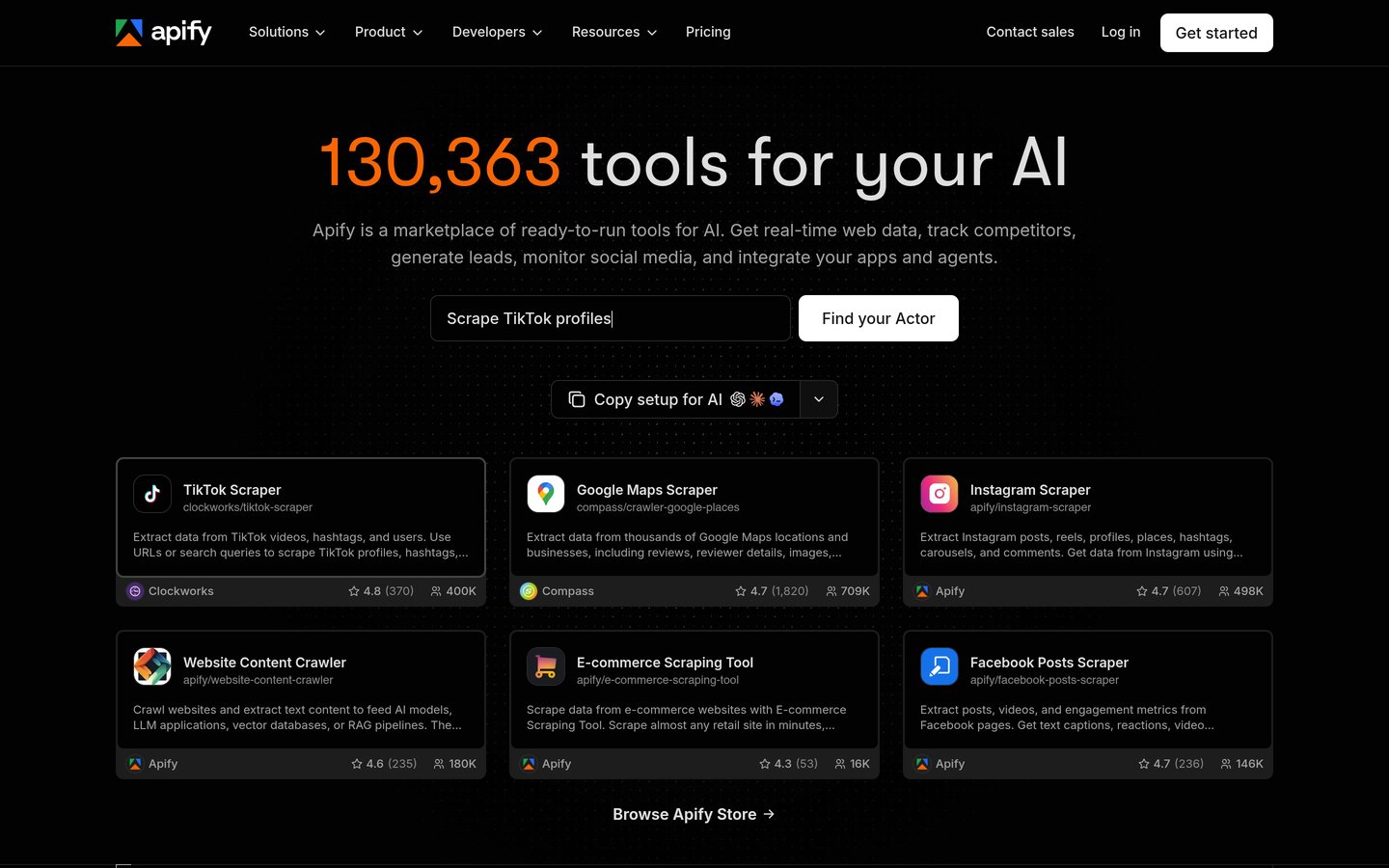
Apify is a cloud platform for running web crawlers and browser automation, with a store of more than 100,000 ready-made crawlers called Actors. The free plan gives $5 of usage a month with no card, and Starter at $19 a month includes the same $19 as usage credit.
The trade off is usage billing. Compute, proxies, storage and paid Actors sit on top of the plan price, so a large crawl costs more than the headline $19, and unused credit does not roll over. It suits teams that want a ready-made crawler now and room to run custom code later.
What we like
Huge store of ready-made crawlers
Run your own code as well as store Actors
Free $5 monthly credit needs no card
Scales from solo jobs to data teams
Watch out for
Usage billing is hard to predict
Learning curve for custom Actors
Paid plans add more credit, memory and concurrent runsVisit apify.com
02
Bright Data
4.6/5on G2 (346 reviews, checked Nov 2026)
Paid from$499/mo
Best for large-scale crawling
Free tier5,000 records a month
Pay as you go$1.50 per 1,000 records
Proxy network150M+ IPs
Paid planScale, $499/mo
brightdata.com
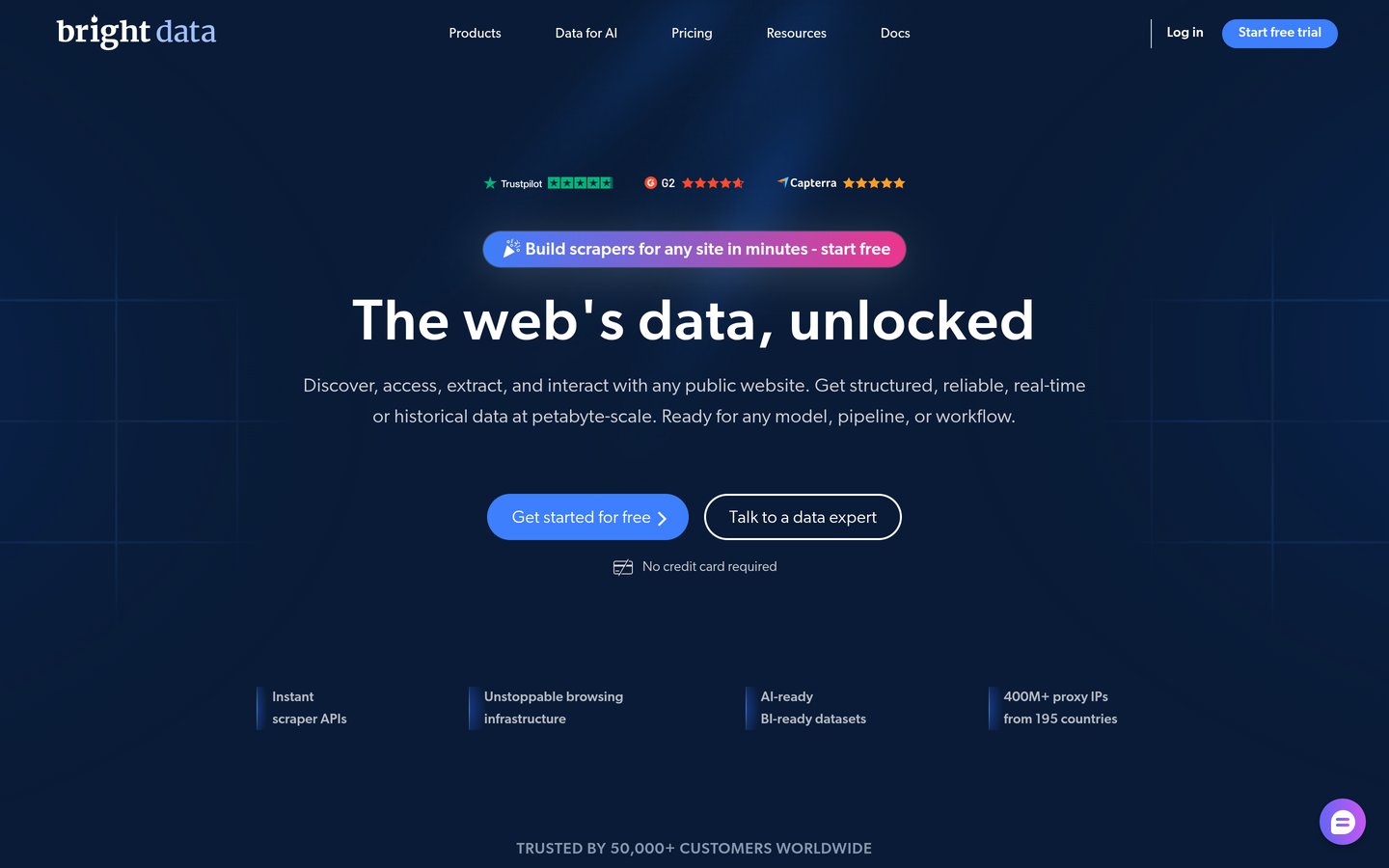
Bright Data homepage, captured Nov 2026.
Bright Data is the largest scraping infrastructure in this list, with scraper APIs, a web unlocker, SERP APIs and a proxy network of more than 150 million IPs. The Web Scraper API gives 5,000 records a month free, then charges $1.50 per 1,000 records pay as you go.
The trade off is that there is no flat entry plan. The cheapest named monthly plan is Scale at $499 a month for 384,000 records, and proxy and browser usage adds more. It suits large teams crawling sites that actively block scrapers.
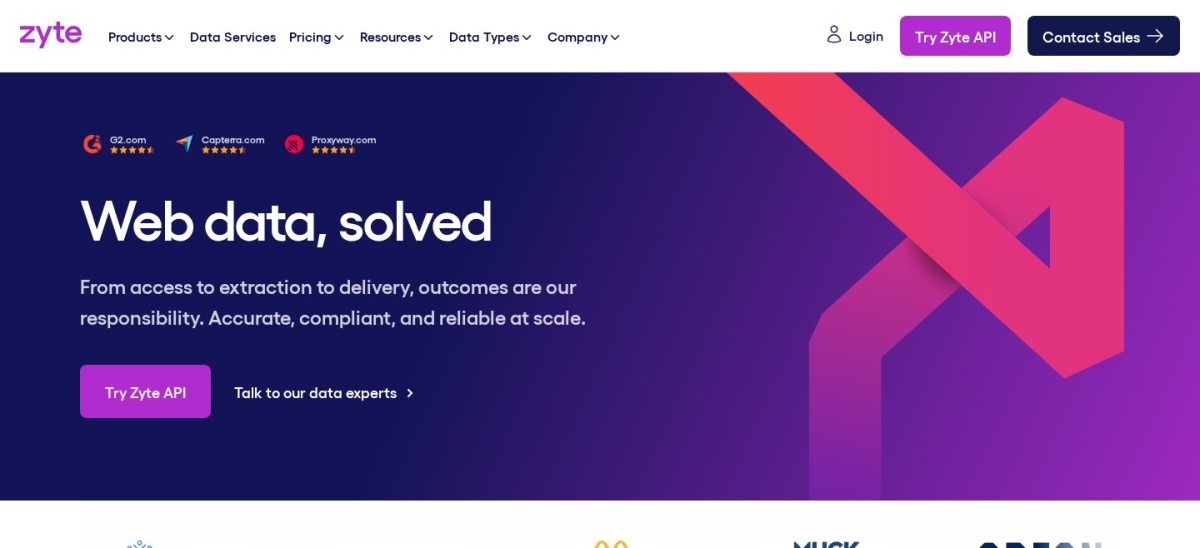
Zyte is the company behind Scrapy, the open-source Python crawling framework, and sells the commercial stack around it. Scrapy Cloud hosts and schedules your spiders, with a free Starter tier, and Zyte API handles bans and browser rendering per request.
The trade off is tiered pricing. Zyte puts each site in a difficulty tier that sets the per-request price, from $0.13 per 1,000 plain responses, and browser-rendered requests cost far more. It suits Python teams already building crawlers on Scrapy.
What we like
Made by the team behind Scrapy
Scrapy Cloud Starter is free forever
API handles bans and rendering for you
Managed data feeds for hands-off teams
Watch out for
Site difficulty tiers make pricing opaque
Browser rendering costs much more than HTTP
Scrapy Cloud Pro adds unlimited crawl time and longer retentionVisit zyte.com
04
Octoparse
4.8/5on G2 (52 reviews, checked Nov 2026)
Paid from$19/mo
Best no-code web crawling tool
No-code builderPoint and click
Cloud runsStandard and up
Free plan10 tasks, local runs
Paid planBasic, $19/mo
octoparse.com
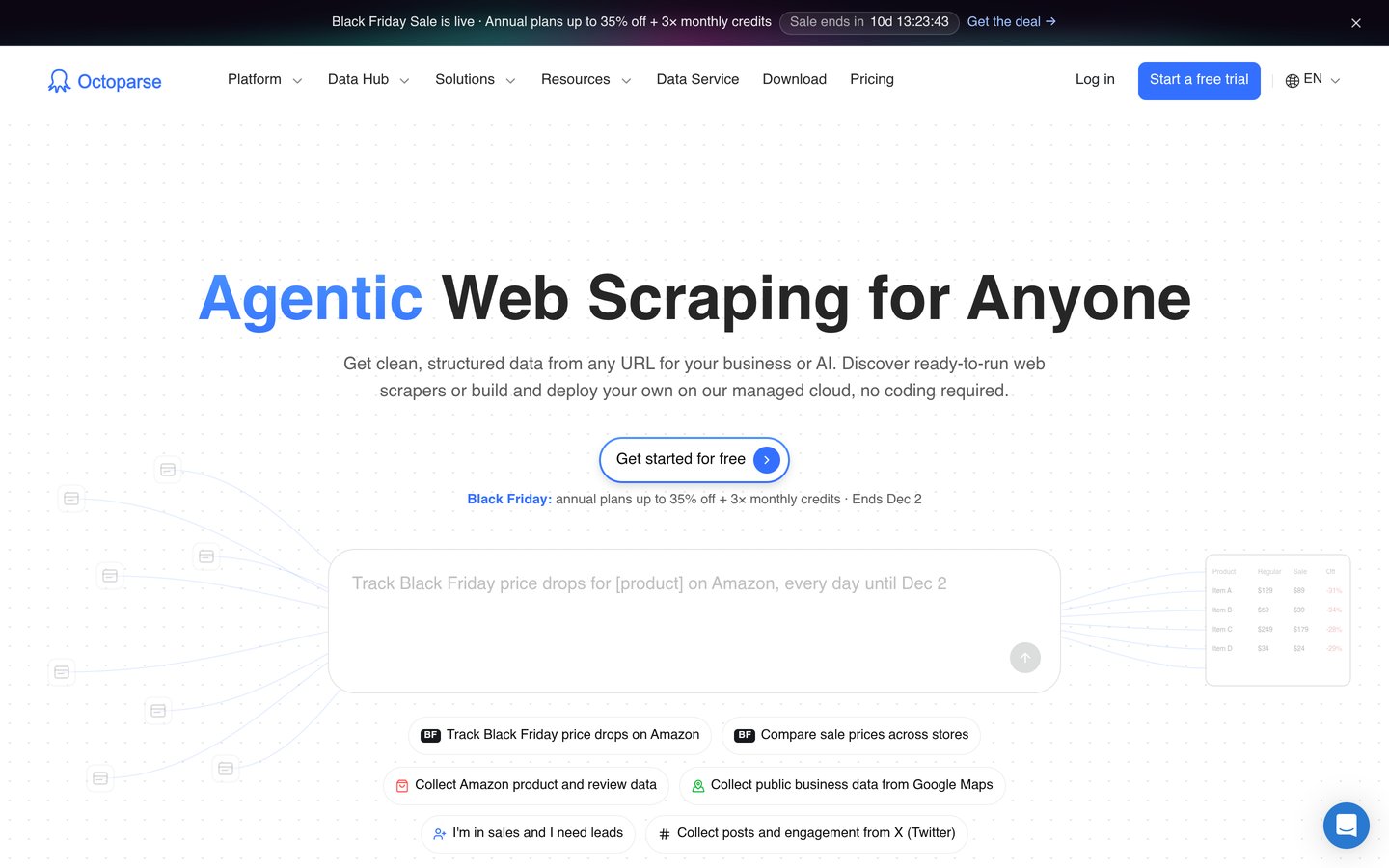
Octoparse homepage, captured Nov 2026.
Octoparse is a no-code web crawler with a desktop app for Windows and Mac and optional cloud runs. The free plan covers 10 tasks on your own computer with 50,000 exported rows a month, and more than 500 ready-made templates cover common sites.
The trade off is that cloud runs, scheduling and IP rotation need a paid plan. Basic costs $19 a month for faster local runs, while Standard starts at $69 a month billed yearly for cloud extraction. It suits non-technical teams that want scheduled crawls without writing code.
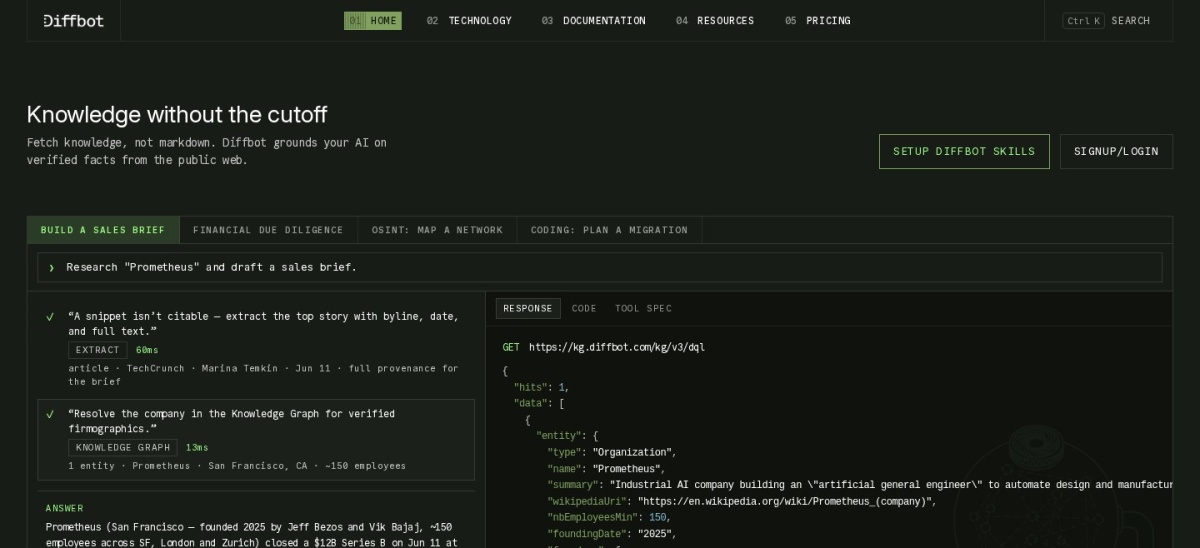
Diffbot is a tool that uses machine learning to read a page and return structured data directly, so a product or article page comes back as clean fields with no selectors to write. The free tier gives 10,000 credits a month, and its Knowledge Graph holds more than 10 billion entities.
The trade off is price and review depth. Startup costs $299 a month for 250,000 credits, Crawl access needs the $899 Plus plan, and the 4.9 out of 5 G2 rating rests on only 29 reviews. It suits teams that need clean structured data and entity data for AI work.
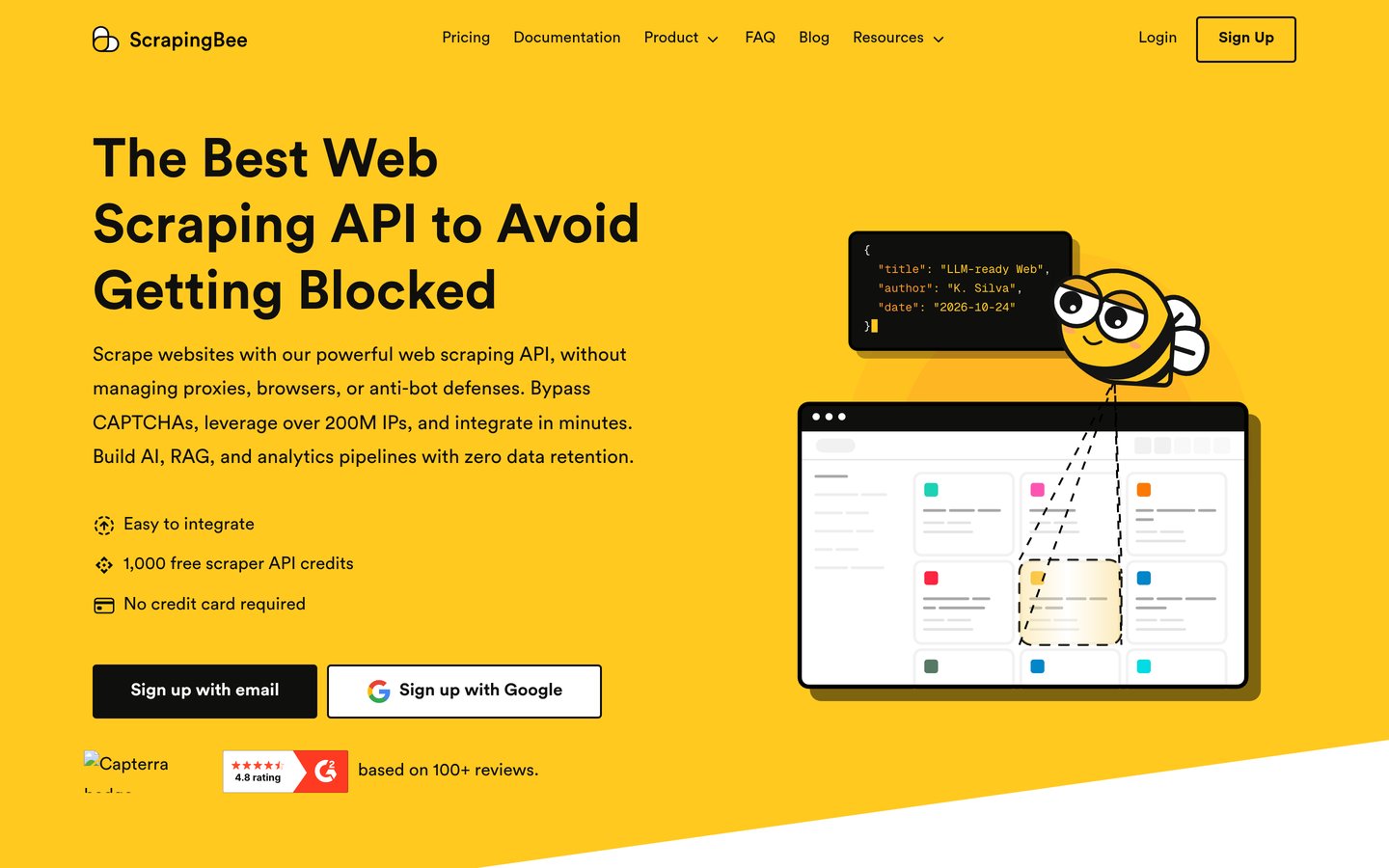
ScrapingBee is a single API endpoint that handles headless Chrome rendering, proxy rotation and CAPTCHA avoidance behind one call. A free trial gives 1,000 API credits with no card, and the Hobby plan costs $19 a month for 75,000 credits.
The trade off is that you write the extraction logic yourself, and credits run out fast on heavy pages or premium proxies. It suits developers who want a simple API for straightforward crawling without managing browser infrastructure.
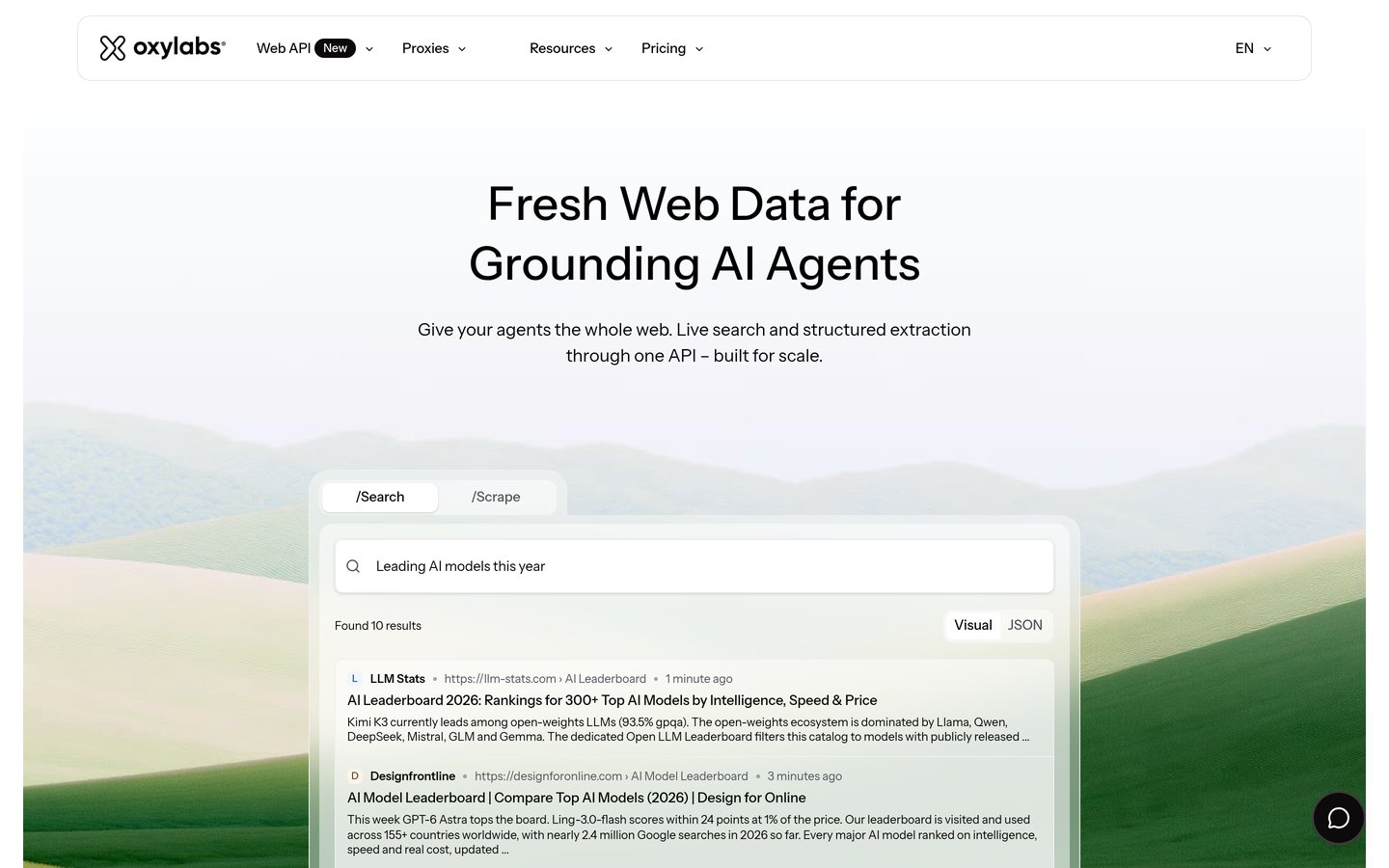
Oxylabs is a web data platform that sells proxy infrastructure first and scraping second, with a Web Scraper API, a Web Unblocker and a headless browser on top. The Starter subscription costs $15 a month, and Web API usage starts from $0.50 per 1,000 results.
The trade off is predictability. Per-result and per-gigabyte billing makes a heavy month hard to forecast, and new accounts pass a verification step before they can buy. It suits teams running high-volume extraction that need compliance-grade sourcing.
What we like
175M+ residential IPs across 195 countries
Web API bills only for successful results
Strong compliance and ethical sourcing
Largest G2 review base here at 420 reviews
Watch out for
Usage billing is hard to forecast
Account verification can take time
Higher subscriptions add lower per-result rates and more productsVisit oxylabs.io
08
ScraperAPI
4.3/5on G2 (15 reviews, checked Nov 2026)
Starts at$49/mo
Best for the simplest crawling setup
API credits100,000 a month on Hobby
Concurrent threads20 on Hobby
GeotargetingUS and EU on Hobby
Paid planHobby, $49/mo
scraperapi.com
ScraperAPI homepage, captured Nov 2026.
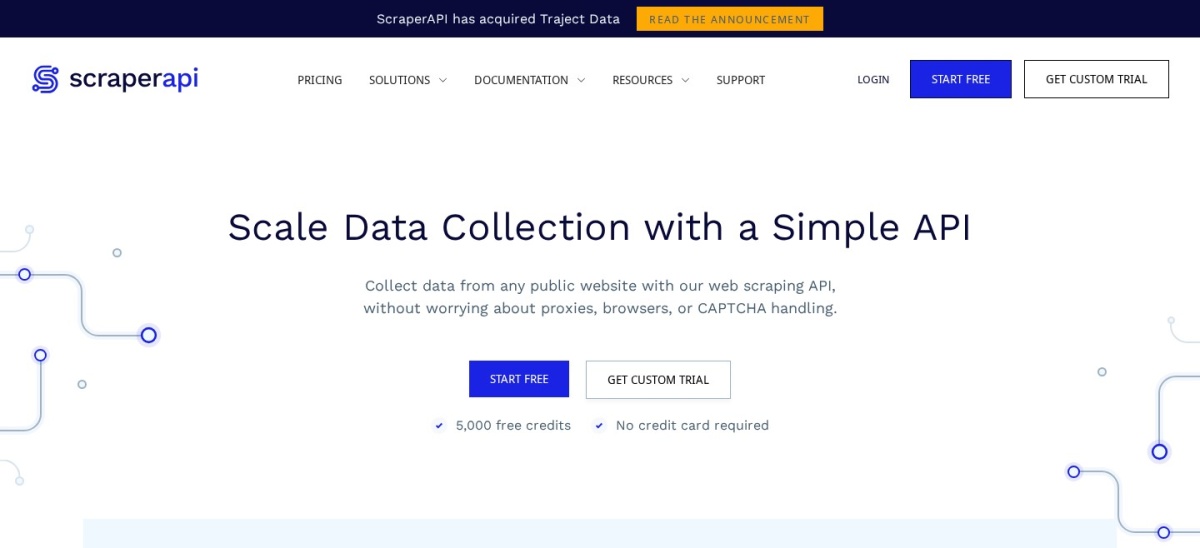
ScraperAPI is a simple scraping API that handles proxies, CAPTCHAs and retries in a single call: send a URL, get the HTML back. Hobby costs $49 a month for 100,000 credits, with a 7-day trial of 5,000 credits and no card required.
The trade off is the thin review base and the credit math. ScraperAPI has only 15 G2 reviews, and rendering a page costs 10 credits, so JavaScript-heavy crawls burn the allowance fast. It suits developers who want the simplest possible crawling endpoint.
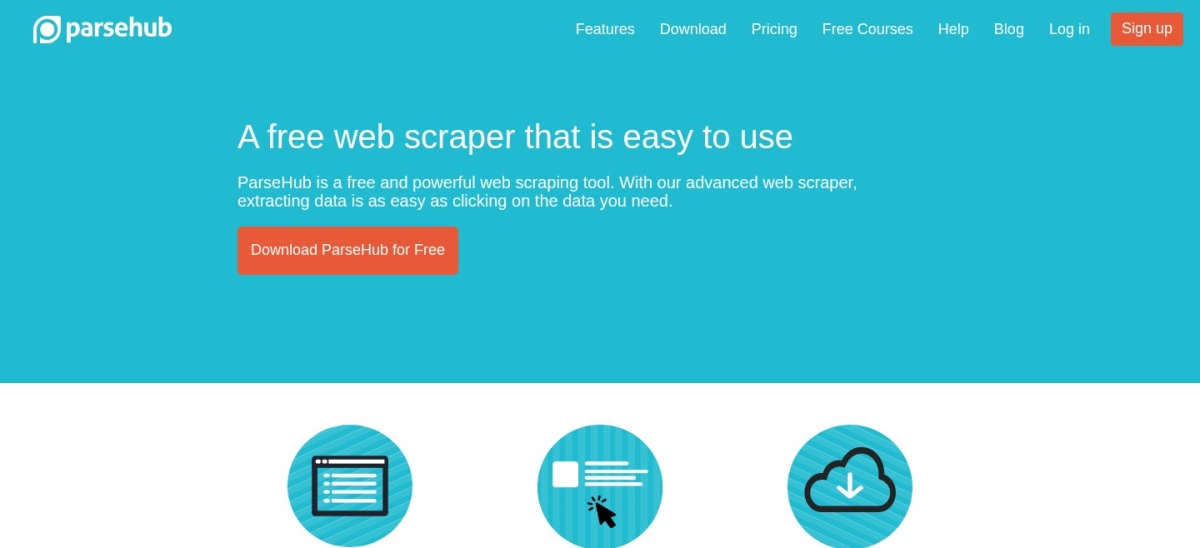
ParseHub is a visual desktop scraper for complex pages: click the data you want and it learns the pattern, handling logins, dropdowns, infinite scroll and AJAX content. The free plan covers 5 public projects at 200 pages per run, with no card needed.
The trade off is the price jump. There is no plan between free and Standard at $189 a month, which adds 20 private projects, 10,000 pages per run, IP rotation and scheduling. It suits researchers pulling data from tricky pages on a desktop.
What we like
Handles logins, scroll and dynamic content
Free plan covers real small projects
No code needed to build a scraper
Watch out for
Steep jump from free to $189 a month
Only 10 G2 reviews, a thin sample
Desktop-bound, not a cloud platform
Standard adds private projects, scheduling and IP rotationVisit parsehub.com
Free vs paid: what you give up
Free plans cover real work here. Apify, Octoparse, ParseHub, Diffbot and Zyte all give a monthly free allowance, and ScrapingBee, Oxylabs and ScraperAPI offer trials or welcome credit.
Paid plans mostly add scale and scheduling. You get cloud runs, more concurrent crawls, longer data retention and faster support.
Prices in this list are regular prices. Where a vendor shows a sale, the list shows the regular price, so check the pricing page before you buy.
If a crawl feeds a report or a store that updates daily, a paid plan with scheduling usually pays for itself in saved manual work.
How we chose
We started from the best-known web crawling and scraping tools with a public G2 rating, then kept those with published pricing and a free plan or trial.
Prices come from each vendor pricing page, checked on 26 November 2026. Ratings and review counts come from G2 on the same day. Where a vendor shows a sale, the list shows the regular price.
We left out tools with no public rating and open-source frameworks with no vendor pricing. No vendor paid for a place, and we do not claim to have used these tools ourselves.
How to choose web crawling software
Start with the sites you need to crawl, then match the tool to the volume.
Decide if you need code or not. Non-technical teams should pick Octoparse or ParseHub. Developers building pipelines should look at Apify, ScrapingBee or Zyte.
Estimate a typical month of crawls. Count pages, not plans. A $19 plan with per-result billing can cost more than a $49 flat plan once usage is added.
Check the hard sites first. Try the tool on your toughest target during the free plan or trial. See how to block AI crawlers in WordPress for what those defences look like from the site side.
Confirm scheduling and exports. Make sure the plan you pay for includes the schedule you need and an export format your spreadsheet or database accepts.
FAQ
What is the best software for web crawling?
Apify is the best pick for most teams, with more than 100,000 ready-made crawlers and a Starter plan at $19 a month. Bright Data suits high-volume crawling, Zyte suits Scrapy teams, and Octoparse suits teams that want no-code crawling.
What is the difference between a web crawler and a web scraper?
A crawler finds and follows pages across a site, while a scraper extracts specific fields from each page. Most tools in this list do both, crawling a site and returning structured data from the pages they visit.
Is there a free web crawling tool?
Yes. Apify gives $5 of usage credit a month, Octoparse and ParseHub have free plans, and Diffbot gives 10,000 credits a month. Free plans cover small jobs, but scheduling and cloud runs usually need a paid plan.
How much does web crawling software cost?
Entry prices in this list run from $9 a month for Zyte Scrapy Cloud Pro to $499 a month for Bright Data Scale. Most tools also charge for usage, so a typical month can cost more than the headline plan price.
Do I need to know how to code to crawl websites?
No. Octoparse and ParseHub are point-and-click tools built for non-technical users. Apify, ScrapingBee, Zyte and Diffbot are API-first and suit developers building automated data pipelines.
Can web crawling tools handle JavaScript websites?
Yes, most of them can. ScrapingBee, Bright Data, Oxylabs and Zyte render JavaScript pages in a headless browser, while Octoparse and ParseHub handle dynamic content in their visual builders.
SaaS SEO and WordPress specialist with about 8 years of experience. Rakib compares WordPress plugins, themes, hosting and software using public pricing, documentation and user reviews. See how we rank.