Best Software for Translators in 2026: 9 Tools Compared
WLWPLegible EditorsLast verified 24 Nov 2026How we rank13 min read
★ Short answer
memoQ translator pro is the best software for translators overall, with a full desktop CAT tool, strong terminology features and a $436 yearly subscription. Pick Trados Studio if agencies send you Trados packages, or Phrase at $27 a month if you want a cloud tool.
How we make this list: we compare pricing pages, product documentation and public user reviews, then re-check every price before each update. No product paid for a place. Disclosure.
memoQ translator pro is the top pick for freelance translators: a full desktop CAT tool with strong terminology features at $436 a year.
Trados Studio remains the agency default, with the Freelance plan at $40 a month on the annual saver plan.
Phrase is the cheapest cloud CAT entry at $27 a month, but team plans jump to $525 a month.
DeepL Individual costs $8.74 a month and is the best machine translation engine to pair with a CAT tool.
MateCat is free in the browser, and Crowdin's free plan covers 60,000 hosted words for small projects.
What translation software should cover
Translation software, usually called a CAT tool, stores your past translations in a translation memory and reuses them. That keeps wording consistent across jobs and means you never translate the same sentence twice.
A term base matters just as much. It holds approved terms for each client, warns you when you use a different word, and keeps glossaries in one place. Our guide on translating WordPress with AI shows where machine translation fits beside these tools.
Desktop tools such as memoQ and Trados Studio run on your computer and open agency packages directly. Cloud tools such as Phrase, Smartcat and Crowdin run in the browser and suit teams that share projects and review work online.
Prices in this list are the regular prices from each vendor's pricing page, checked on 24 November 2026. Where a vendor shows a sale, the list shows the regular price.
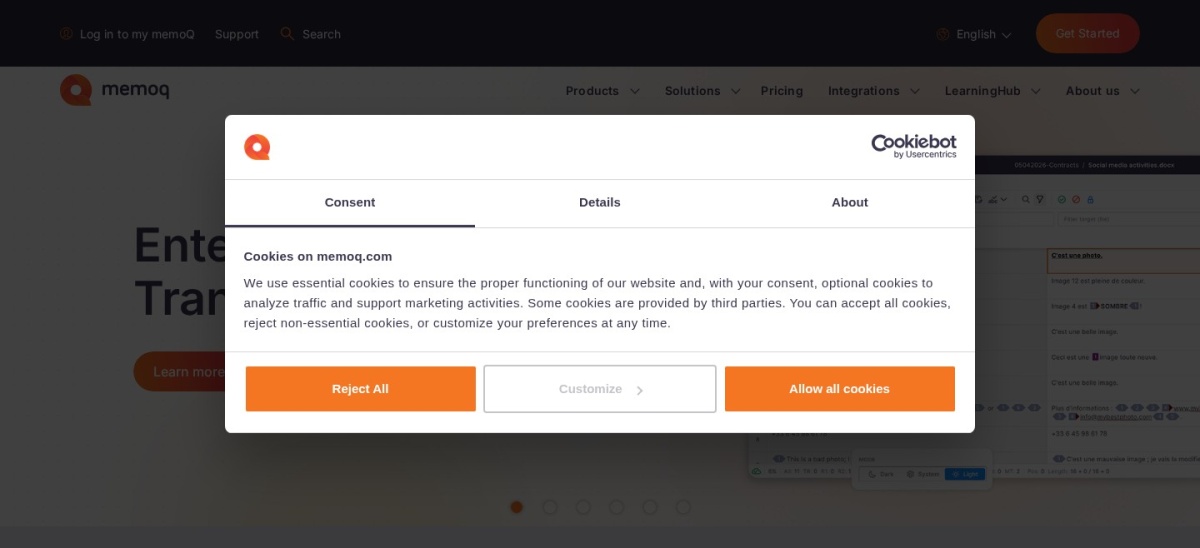
memoQ translator pro is a desktop translation environment for freelance translators, built around translation memory, a term base and LiveDocs, which turns past translations into searchable reference material. The annual subscription costs $436 a year, or $54 a month on the monthly plan, and includes software updates and 24/7 support.
The trade off is the platform. memoQ translator pro runs on Windows only, so Mac users need a workaround, and there is no free plan beyond a 14-day trial. It suits freelance translators who want strong terminology control and often receive memoQ or Trados packages from agencies.
What we like
Strong term base with term extraction and warnings
LiveDocs turns past translations into reference material
Opens Trados SDLXLIFF and other agency package formats
Watch out for
Windows only, with no Mac version
No free plan, only a 14-day trial
Team plans start with memoQ TMS, priced separatelyVisit memoq.com
02
Trados Studio
4/5on G2 (154 reviews, checked Nov 2026)
Starts at$40/mo
Best for translators working with agencies
PlatformWindows desktop + browser
Translation memoryYes, advanced TM
Cloud words1M target words/yr
Cheapest planFreelance, $480/yr
trados.com
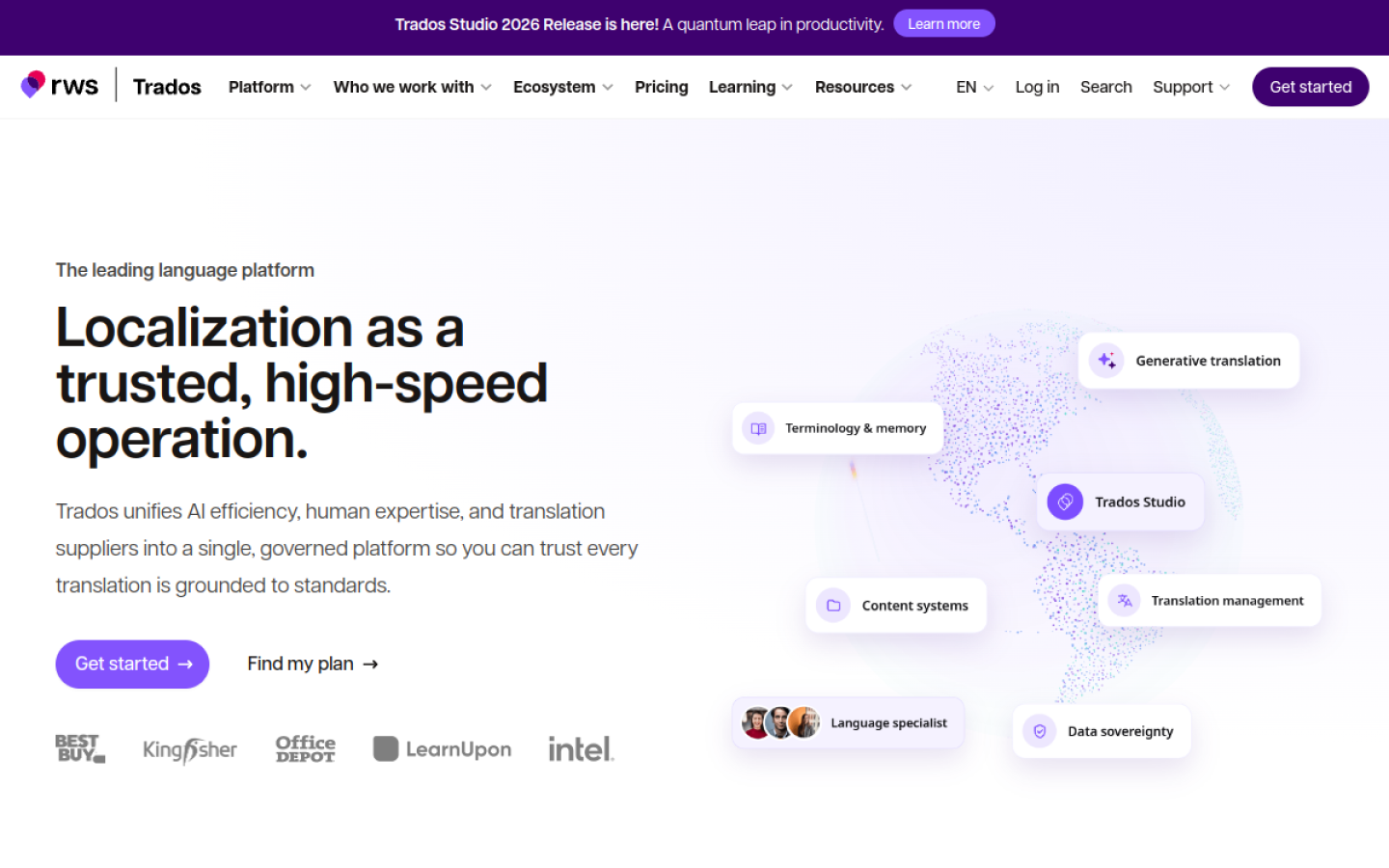
Trados Studio homepage, captured Nov 2026.
Trados Studio is the desktop CAT tool from RWS that most translation agencies ask for by name. The Freelance plan costs $40 a month on the annual saver plan, $480 a year, and includes the Windows desktop app plus a browser editor, with unlimited target words on desktop and 1 million a year in the cloud editors.
The trade off is cost and lock-in. New buyers can only buy a subscription, since perpetual licences are no longer sold, and the cheaper Trados Go plan at $30 a month is browser-only. It suits translators whose work comes mainly through agencies that send Trados packages.
What we like
The tool most agencies expect translators to know
Desktop plus browser editor in one plan
Unlimited target words on the desktop app
Watch out for
No perpetual licence for new buyers
Cheaper Go plan has no desktop app
Professional edition for agencies is priced by quoteVisit trados.com
03
Phrase
4.5/5on G2 (1,346 reviews, checked Nov 2026)
Starts at$27/mo
Best cloud CAT tool for freelancers
PlatformCloud
TMS seats1 on Freelancer
Translation memoryYes
Cheapest planFreelancer, $27/mo
phrase.com
Phrase homepage, captured Nov 2026.
Phrase is a cloud localization platform, formerly Memsource, that combines a translation management system with a CAT editor, translation memories and term bases. The Freelancer plan costs $27 a month on annual billing for one TMS seat, and every plan starts with a 14-day free trial and 24/7 support.
The trade off is the jump to team plans. The next plans for language service providers and software teams cost $525 a month, so costs rise fast once a second seat is needed. It suits freelancers and small providers who want a cloud CAT tool with strong workflow and integration options.
What we like
Lowest cloud CAT entry price in this list
Translation memory, term bases and QA in one place
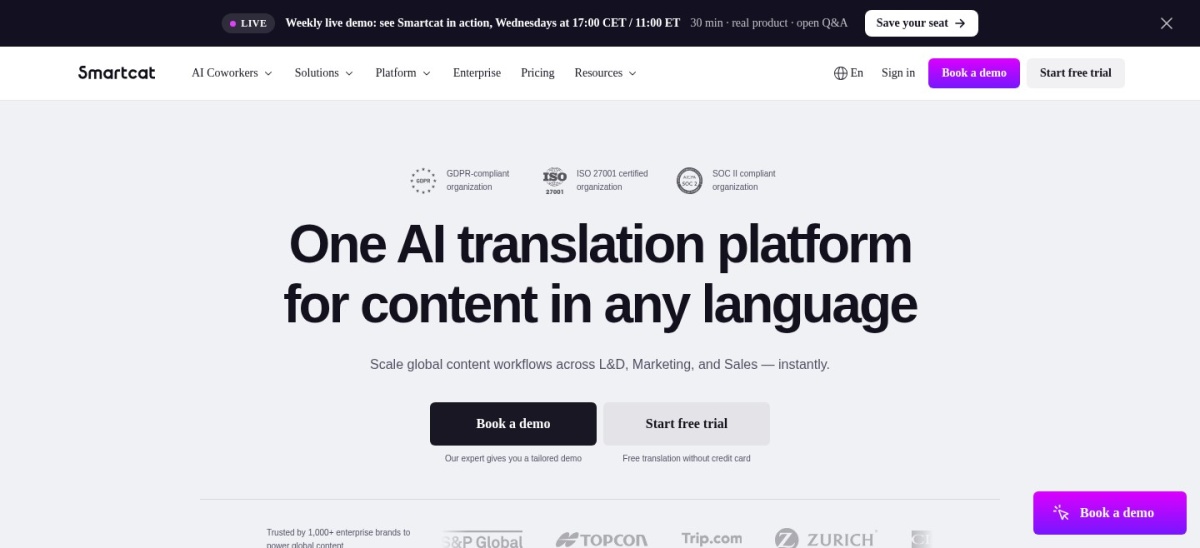
Smartcat is a cloud translation platform that combines a CAT editor, AI translation in more than 280 languages and a marketplace of over 500,000 linguists. The Adapt plan costs $100 a month on annual billing, $1,200 a year, and covers unlimited users with 100,000 Smartwords a year.
The trade off is the step up. The next tier, Accelerate, is quoted from $24,000 a year, so marketplace access and advanced features cost far more than the entry plan. It suits agencies that want one flat platform fee instead of paying per translator seat.
DeepL is a machine translation service known for natural-sounding output, especially in European languages. The free tier covers 50,000 characters a month, and the Individual plan costs $8.74 a month on annual billing for 300,000 characters a month and 3 file translations a month.
The trade off is scope. DeepL is a translation engine, not a full CAT tool, so it has no translation memory or project workflow of its own. It suits translators who want a fast, high-quality first draft to edit inside their main CAT tool.
What we like
Strongest raw quality for European languages
Free tier covers light text translation
Glossaries keep client terms consistent
Watch out for
No translation memory or project workflow
API access is a separate product with its own price
Lokalise is a cloud localization platform for software, app and web teams, with translation memory, glossaries and integrations with GitHub and Figma. The Explorer plan costs $149 a month on annual billing, or $169 month to month, and includes 5 advanced seats with unlimited translator seats.
The trade off is price. Explorer is the cheapest plan and the free plan was retired in 2026, so there is no free way to keep a project running. It suits product teams that translate software strings on every release and care how text fits the design.
Crowdin is a cloud localization platform for apps, games, websites and help content, built around hosted words rather than seats. The free plan covers 60,000 hosted words and 1 private project, and the Pro plan costs $75 a month on annual billing.
The trade off is the recent price rise. Pro went from $50 to $75 a month in November 2026, and machine translation and AI features are paid per use on top of the plan. It suits small software teams and open-source projects that want a free start with room to grow.
Wordfast Pro is a desktop CAT tool that runs on Windows, macOS and Linux and covers translation memory, terminology, machine translation and quality checks. The standard licence costs $480 for three years, and it imports Trados packages and Trados and memoQ XLIFF files.
The trade off is depth. Wordfast has fewer agency integrations and enterprise workflow features than Trados or memoQ, and its interface is simpler. It suits freelancers who want a one-off licence instead of a yearly subscription and work across Mac and Windows.
MateCat is a free, browser-based CAT tool that combines translation memory with machine translation suggestions. It costs nothing to use, works in any browser with no install, and includes quality checks with LQA scoring.
The trade off is polish. MateCat has fewer file-format and workflow features than paid desktop tools, and support comes from the community rather than a vendor help desk. It suits new translators, students and small teams who need a free CAT tool now.
What we like
Free, with no install or licence to buy
Works in any browser on any system
Translation memory and machine translation built in
Watch out for
Fewer formats and workflow features than paid tools
Community support only, no vendor help desk
Paid support and private options are available on requestVisit matecat.com
Desktop CAT tools vs cloud platforms
Desktop tools run on your computer and store your translation memories locally. They open agency packages directly and work offline, which matters when a client sends a Trados or memoQ package.
Cloud tools run in the browser and store projects online. They suit teams that share work, review each other's translations and track progress in one place.
Many translators use both: a desktop CAT tool for agency jobs and a cloud platform or DeepL for direct clients. Start with the tool your clients already use, then add a second one only when a job needs it.
How we chose
We started from the CAT tools and localization platforms most often named for freelance and in-house translators, then kept 9 that cover desktop CAT, cloud platforms and machine translation.
Prices come from each vendor's pricing page, checked on 24 November 2026. Ratings come from G2, except Wordfast Pro, which uses Capterra. Where a vendor shows a sale, the list shows the regular price.
We left out tools with no public price and services that only sell human translation. No vendor paid for a place, and we do not claim hands-on testing for this list.
How to choose software for translators
Start with what your clients send you, then match the tool to how you work.
Check what your clients use. If agencies send Trados or memoQ packages, you need a tool that opens them. Ask your two biggest clients before you buy anything.
Pick desktop or cloud. Desktop tools suit solo translators working offline. Cloud tools suit teams that share projects, review work and track progress together.
Try the free option first. Use the free trial, free plan or demo for a real job. Check that your file formats open cleanly and the editor feels fast enough.
Count the yearly cost, not the monthly price. Monthly prices hide the annual total. A $27 monthly plan costs $324 a year, and a $480 licence spread over three years costs less per year than it looks.
FAQ
What is the best software for translators?
memoQ translator pro is the best overall pick for freelance translators, with a full desktop CAT tool and strong terminology features at $436 a year. Trados Studio is the better choice if most of your work arrives as Trados packages from agencies.
What is a CAT tool?
A CAT tool, short for computer-assisted translation, helps a human translator work faster and stay consistent. It stores past translations in a translation memory, manages glossaries in a term base, and suggests matches as you translate.
Is there free software for translators?
Yes. MateCat is a free CAT tool that runs in the browser, and Crowdin has a free plan with 60,000 hosted words. DeepL also has a free tier for machine translation, though it is not a full CAT tool on its own.
Do I need Trados Studio to work as a translator?
Not always, but it helps. Many agencies send Trados packages and expect translators to open them. memoQ and Wordfast Pro can open Trados files, so you can work with agencies without owning Trados Studio.
What is the difference between a CAT tool and machine translation?
A CAT tool helps a human translator reuse past work and stay consistent. Machine translation, such as DeepL, produces a draft automatically. Most professionals use both: DeepL for a first draft, then a CAT tool to edit and deliver it.
How much should a translator pay for software?
A freelance translator can start free with MateCat or Crowdin, then move to a paid tool once work is steady. Expect $27 to $54 a month for a professional CAT tool, or a $480 licence for three years with Wordfast Pro.