Microsoft PowerPoint is the best software for slideshow presentations for most people, rated 4.6 out of 5 from 4,403 G2 reviews, with Microsoft 365 Personal at $99.99 a year. Pick Canva for design-led decks and Google Slides for free real-time collaboration.
How we make this list: we compare pricing pages, product documentation and public user reviews, then re-check every price before each update. No product paid for a place. Disclosure.
Microsoft PowerPoint is the standard: rated 4.6/5 from 4,403 G2 reviews, with a free web version and desktop apps at $99.99 a year.
Canva has the highest rating in the list at 4.7/5 from 7,658 G2 reviews, and Pro costs $120 a year.
Google Slides and Keynote are free with no paid tier needed for personal use; Slides adds paid Workspace seats at $7 a month.
Beautiful.ai and Gamma build decks from a prompt, but Beautiful.ai has no free plan and Gamma's G2 rating is the lowest here at 3.9/5.
Paid plans run from $84 a year for Prezi Standard and Google Workspace Starter to $174 a year for Beautiful.ai Pro.
What to look for in slideshow presentation software
A slideshow tool has to do two jobs: build the deck and show it well. The best ones make both easy, with templates, charts and a presenter view that keeps your notes private.
Free plans cover most personal use. PowerPoint, Canva, Google Slides and Keynote all let you build and present without paying, though exports, branding and storage limits push some people to a paid plan.
Check the file format before you commit. If your audience expects a PPTX file, PowerPoint, Keynote and Google Slides all export to it, while Visme needs a higher plan. Our guide on adding a Canva website to WordPress shows how Canva designs can live outside the editor too.
AI deck builders save time on a first draft but need a careful edit. Gamma and Beautiful.ai write and lay out slides from a prompt, while Prezi and Mentimeter suit presenters who want movement or live audience polls.
Microsoft PowerPoint is the desktop presentation standard, and the full app comes with Microsoft 365 Personal at $99.99 a year. It runs on Windows and Mac, opens the PPTX files everyone else sends, and includes Designer layouts, transitions, narration and a free web version for quick edits.
The trade off is the price. The desktop app is a subscription, and the free web version lacks offline editing and some desktop features. It suits anyone who makes slideshows every week and wants files that open anywhere.
What we like
The file format everyone already uses
Full desktop app on Windows and Mac
Rated 4.6 out of 5 from 4,403 G2 reviews
Free web version for quick edits
Watch out for
Desktop app needs a subscription
Free web version lacks offline editing
Templates feel plain next to Canva
Microsoft 365 Personal adds the desktop apps and 1 TB of storageVisit microsoft.com
02
Canva
4.7/5on G2 (7,658 reviews, checked Nov 2026)
Paid from$120/yr
Best for design-led decks
Free planYes, no time limit
Pro price$120 a year
Brand KitPro only
AI toolsMagic Studio in Pro
canva.com
Canva homepage, captured Nov 2026.
Canva is a browser design tool with thousands of presentation templates, stock photos and fonts, plus AI tools that resize and restyle a deck in a few clicks. The free plan covers most personal decks, and Pro at $120 a year adds a Brand Kit, background remover, 1 TB of storage and premium templates.
The trade off is depth. Canva is not a full desktop app, and advanced animation and chart tools are thinner than PowerPoint. It suits anyone who wants a good-looking deck fast without starting from a blank slide.
What we like
Highest rating here: 4.7 out of 5 from 7,658 G2 reviews
Thousands of templates and stock assets
Free plan with no time limit
Magic Studio AI tools in Pro
Watch out for
No full desktop app
Weaker animation and chart tools than PowerPoint
Pro costs $120 a year for one person
Pro adds Brand Kit, background remover and 1 TB of storageVisit canva.com
03
Google Slides
4.6/5on G2 (4 reviews, checked Nov 2026)
Paid from$7/mo
Best free slideshow maker
Free planYes, with Google account
Paid planWorkspace Starter $7/user/mo
Offline editingYes, with Chrome
AI helpGemini in paid Workspace
slides.google.com
Google Slides homepage, captured Nov 2026.
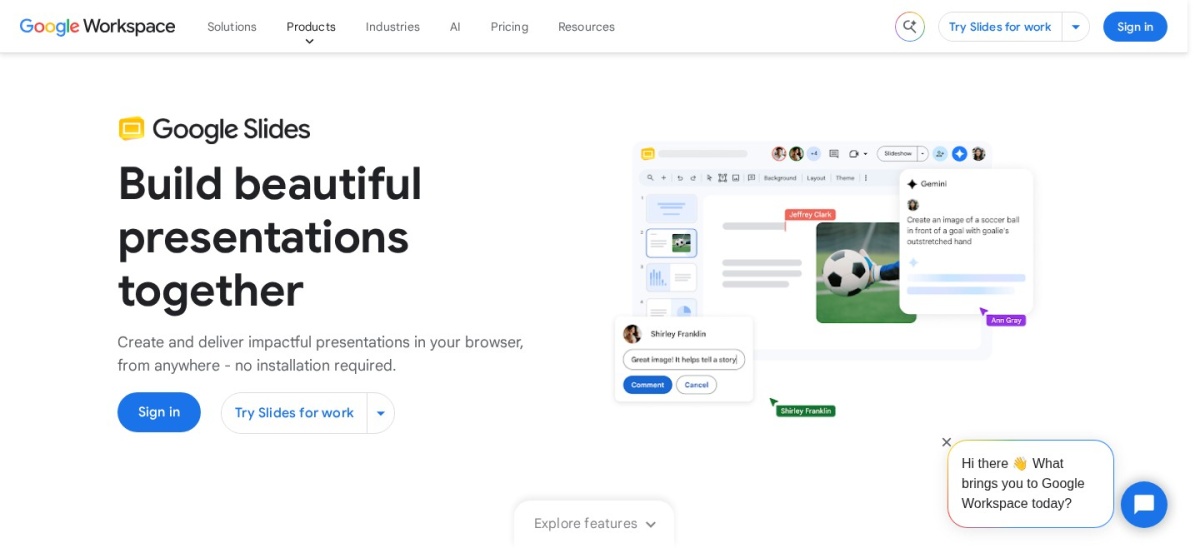
Google Slides is a free presentation tool that runs in the browser with any Google account, and several people can edit the same deck at once. It saves every change to Google Drive, exports to PPTX and PDF, and adds Gemini help with a paid Workspace plan.
The trade off is depth and data. Slides has fewer design and animation tools than PowerPoint, and its G2 rating rests on only 4 reviews, so treat the score as a weak signal. It suits teams and classrooms that already live in Google Workspace.
Keynote is Apple's presentation app, free on every Mac, iPhone and iPad, with polished themes, smooth transitions and a presenter display. It opens and exports PPTX files, and several people can edit a deck together through iCloud.
The trade off is the platform. Keynote only runs on Apple devices, so Windows users must use the iCloud web version, and some PowerPoint effects do not carry over. It suits Mac owners who want a free, good-looking deck builder.
Visme is a browser design suite for presentations, infographics, reports and charts, with an AI Designer that builds slides from a text prompt. The free Basic plan covers unlimited projects, and Starter at $12.25 a month billed annually unlocks premium templates and downloads.
The trade off is the export wall. The free plan allows no downloads, and PPTX export needs the Business plan at $24.75 a month billed annually. It suits marketers and teams who present data-heavy decks on the web.
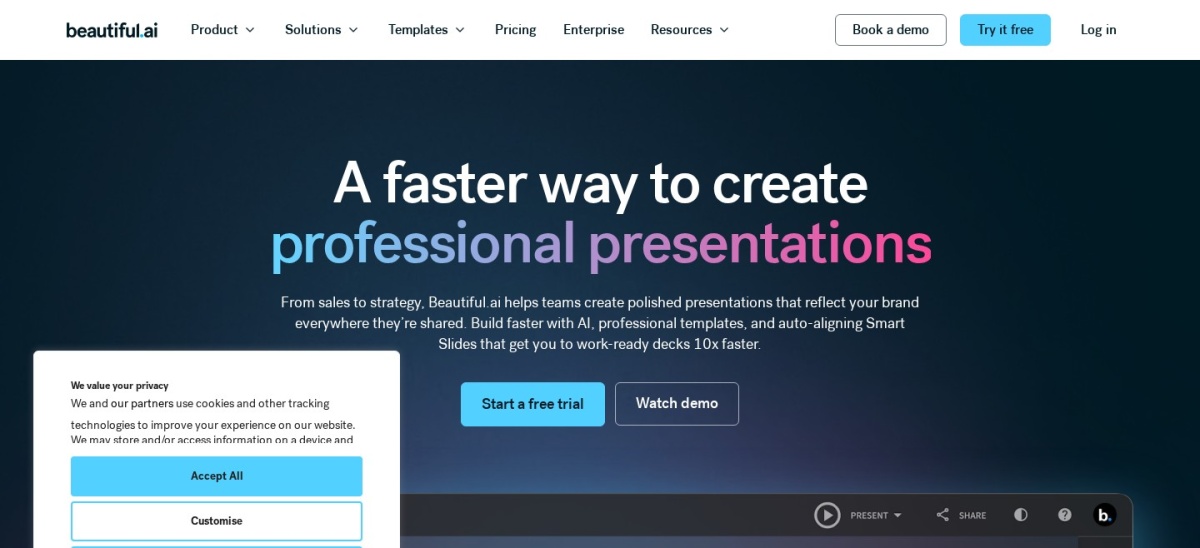
Beautiful.ai is an AI presentation tool that designs slides for you, with Smart Slides that reflow text, charts and images as you edit. Pro costs $14.50 a month billed annually and adds unlimited AI generation, custom branding, PowerPoint export and viewer analytics.
The trade off is freedom and price. There is no permanent free plan, only a 14-day trial, and the layouts decide spacing for you, so custom designs are hard. It suits consultants and teams who want a polished deck fast and can accept the layout rules.
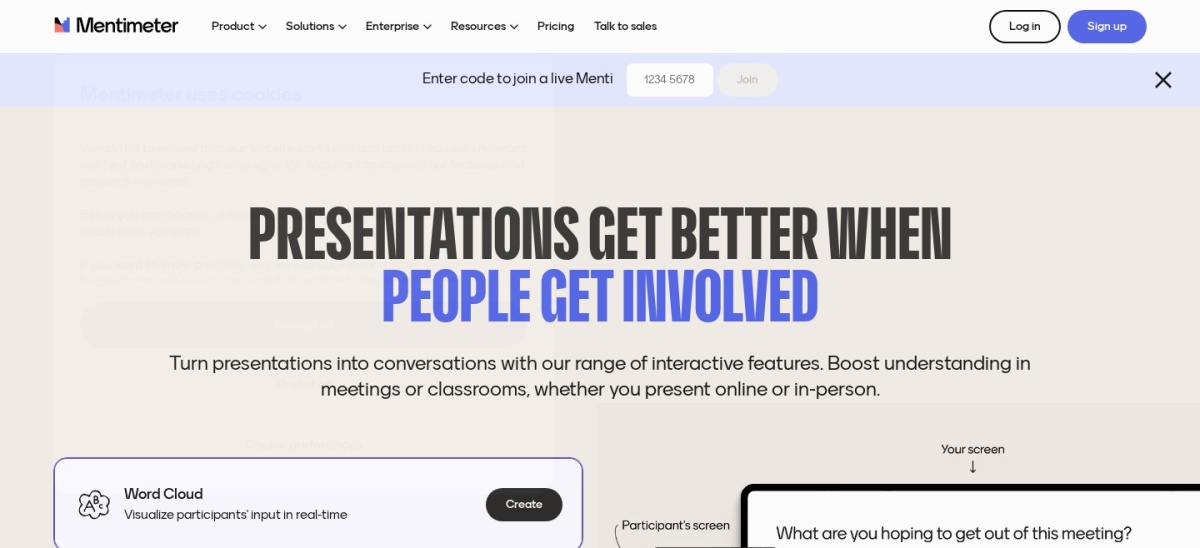
Mentimeter is a live audience engagement tool that adds polls, word clouds, quizzes and Q&A to a slideshow, with results shown as the audience votes. The free plan covers up to 50 participants a month, and Basic at $14 a month billed annually removes the cap and adds slide imports.
The trade off is billing and scope. Basic and Pro are billed yearly only, and Mentimeter is built for live sessions rather than finished decks. It suits teachers and presenters who run polls, quizzes and Q&A in front of a live audience.
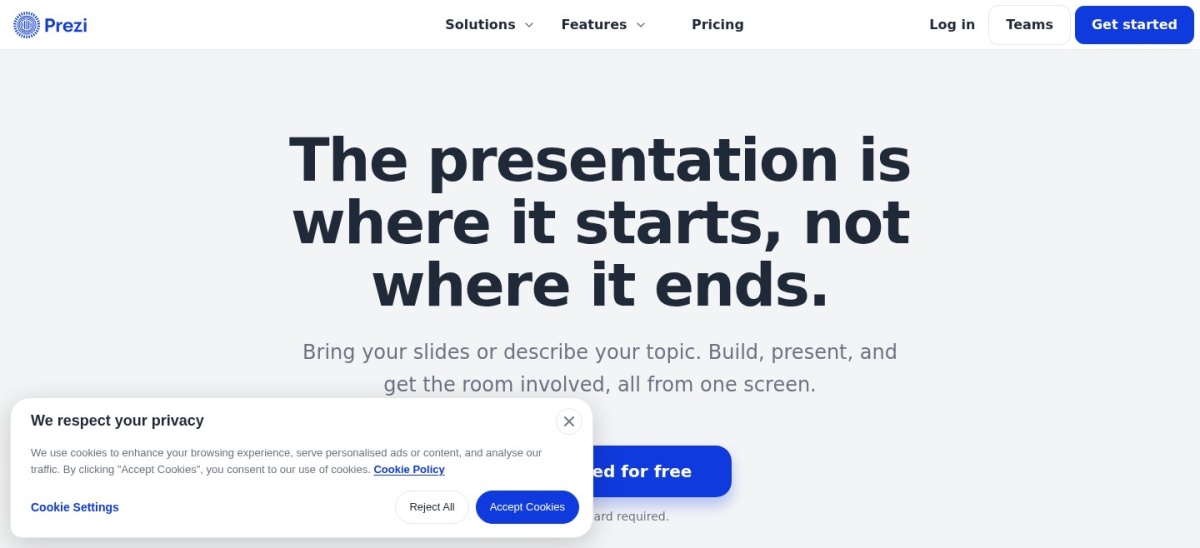
Prezi is a presentation tool built around a zooming canvas instead of a slide-by-slide deck, so a talk can move between ideas on one large map. The free Basic plan includes 500 AI credits, and Standard at $7 a month billed annually adds privacy, unlimited projects and a PowerPoint converter.
The trade off is the learning curve and the price ladder. The zooming style takes practice, and offline presenting and PDF export need the Plus plan at $19 a month. It suits speakers who want a talk that feels different from a standard slide deck.
Gamma is an AI tool that builds a deck, document or one-page site from a prompt or an uploaded file, with a card-based layout and real-time editing. The free plan gives 400 AI credits at signup, and Plus at $9 a month billed annually adds 1,500 credits a month and removes Gamma branding.
The trade off is trust in the score. Gamma rates 3.9 out of 5 from 71 G2 reviews, and its Trustpilot score is 1.6 out of 5 from 129 reviews, mostly about billing and refunds. It suits anyone who wants a polished first draft in minutes and will edit it before presenting.
What we like
Fastest route from a prompt to a deck
Free plan needs no card
Exports to PPTX, PDF and Google Slides
Plus is only $9 a month billed annually
Watch out for
Lowest G2 rating in this list at 3.9 out of 5
Trustpilot score is 1.6 out of 5 from 129 reviews
Credit limits make the cost per deck vary
Plus adds 1,500 credits a month and removes brandingVisit gamma.app
Free vs paid: what you give up
Free plans cover the basics well. Most include templates, collaboration and exports to common formats.
Paid plans mostly add branding and exports. You get custom fonts, no watermarks, PPTX downloads and more storage.
Two tools have no free plan worth using as a daily driver. Beautiful.ai only offers a 14-day trial, and Visme Basic blocks downloads, so both need a paid plan for regular work.
For a deck you present once, a free plan is enough. For weekly client decks, the first year of a paid plan often costs less than one hour of design help.
How we chose
We started from the presentation tools people search for most, then kept the nine with a public rating on G2 and a published price.
Prices come from each vendor's pricing page or a pricing check dated November 2026, and ratings and review counts come from G2 on 26 November 2026. Where a vendor shows a sale, the list shows the regular price.
We left out tools with no usable public rating, such as LibreOffice Impress, which has only 28 G2 reviews. No vendor paid for a place, and we do not claim to have used these tools ourselves.
How to choose slideshow presentation software
Match the tool to the deck you make most often, then check the price of the plan that unlocks what you need.
Start with the file format. If the deck must open as a PPTX file for a client or a classroom, pick PowerPoint, Google Slides or Keynote and check the export limits first.
Decide how much design help you want. Canva, Beautiful.ai and Gamma do most of the layout for you, while PowerPoint and Keynote give you a blank canvas and full control.
Check the free plan limits. Free plans often cap exports, branding or audience size. Mentimeter caps free presentations at 50 participants a month, and Visme Basic blocks downloads.
Add up the yearly cost. Monthly prices look small, but Prezi Standard and Google Workspace Starter both cost $84 a year, while Beautiful.ai Pro costs $174 a year.
FAQ
What is the best software for slideshow presentations?
Microsoft PowerPoint is the best pick for most people. It is rated 4.6 out of 5 from 4,403 G2 reviews, opens the PPTX files everyone else sends, and Microsoft 365 Personal costs $99.99 a year with a free web version included.
Is there a completely free slideshow maker?
Yes. Google Slides and Keynote are free with no paid tier needed for personal use, and PowerPoint and Canva both offer free plans. Paid plans add storage, branding control, exports and AI features, but the free versions cover most personal decks.
Can I make a slideshow without PowerPoint?
Yes. Google Slides, Keynote, Canva, Prezi and Visme all build and present slides in a browser or on a Mac, and most export to PPTX. Google Slides is the closest free swap for real-time collaboration, while Canva suits design-led decks.
What is the cheapest paid slideshow software?
Prezi Standard and Google Workspace Starter both cost $84 a year, the lowest paid plans in this list. Keynote costs nothing at all, and PowerPoint is $99.99 a year through Microsoft 365 Personal, with a cheaper first year on sale.
Which slideshow tool is best for AI-generated decks?
Beautiful.ai and Gamma both build decks from a prompt. Beautiful.ai costs $14.50 a month billed annually and has no free plan, while Gamma has a free plan and Plus costs $9 a month billed annually. Edit the AI draft before you present it.
Can I use these tools on a Mac?
Yes. Keynote is made for Mac, and PowerPoint, Google Slides, Canva, Prezi, Visme, Beautiful.ai, Gamma and Mentimeter all run in a browser on a Mac. PowerPoint also has a full Mac desktop app through Microsoft 365.
SaaS SEO and WordPress specialist with about 8 years of experience. Rakib compares WordPress plugins, themes, hosting and software using public pricing, documentation and user reviews. See how we rank.