VanceAI Photo Restorer is the best software for restoring old photos for most people. Its one-click pass repairs scratches, stains and faded colour, it is rated 4.5 out of 5 on G2, and Starter costs $15 a month billed yearly. Pick Remini for face repair on a phone and MyHeritage for family photos kept beside a tree.
How we make this list: we compare pricing pages, product documentation and public user reviews, then re-check every price before each update. No product paid for a place. Disclosure.
VanceAI Photo Restorer is the most focused pick: one upload repairs scratches, stains, faded colour and soft faces, rated 4.5/5 on G2.
Remini rebuilds faces best on a phone, but its Trustpilot score is 1.4/5 over billing complaints, so set a cancellation reminder.
MyHeritage is the only pick that keeps repairs beside a family tree, with unlimited work at $49.99 a year through Reimagine.
Topaz Photo AI gives the strongest detail recovery, but at $199 a year it is the priciest pick for occasional use.
Fotor Pro at $47.99 a year is the cheapest paid plan, and PicWish Pro at $59.99 a year is the cheapest batch option.
What to look for in old-photo software
Old photos fail in a few predictable ways. Prints fade, faces soften, and scratches, dust and creases mark the surface. A good restorer has to fix the damage, not just sharpen the image.
One-click AI tools do the bulk of the work now: they rebuild faces, fill scratches and restore colour in a single pass. Manual editors still win when a photo is torn or a face must stay exactly as it was.
Start with the best scan you can make, at 600 dpi or higher, and keep the original file untouched. Our guide on optimizing images for WordPress explains how file size and format affect quality after editing.
Expect trade-offs. AI can invent detail, especially in faces, so check the result against the original before you print or share it.
The 9 best software tools for restoring old photos
01
VanceAI Photo Restorer
4.5/5on G2 (15 reviews, checked Nov 2026)
Paid from$15/mo
Best one-click restoration overall
Free trial10 credits, no card
RestorationScratches, stains, fading
Batch processingYes, on desktop app
Paid planStarter, $15/mo
vanceai.com
VanceAI Photo Restorer homepage, captured Nov 2026.
VanceAI Photo Restorer is a browser tool built for one job: rescuing old prints. Upload a scan and it repairs scratches, stains and faded colour, then sharpens soft faces in a single pass, with 10 free trial credits and no card needed.
The trade off is the credit system. Starter costs $15 a month billed yearly ($180 a year) for 260 credits a month, and each restoration spends credits, so a large archive needs a bigger plan or the desktop app. It suits anyone with a box of scans who wants a quick browser fix.
What we like
Dedicated scratch, stain and fade repair in one pass
Free trial credits with no card required
Batch processing through the desktop app
Credits roll over while subscribed
Watch out for
Each photo spends credits, so big archives add up
Faces in badly damaged photos can come out distorted
Pricing has changed often, so check the page before paying
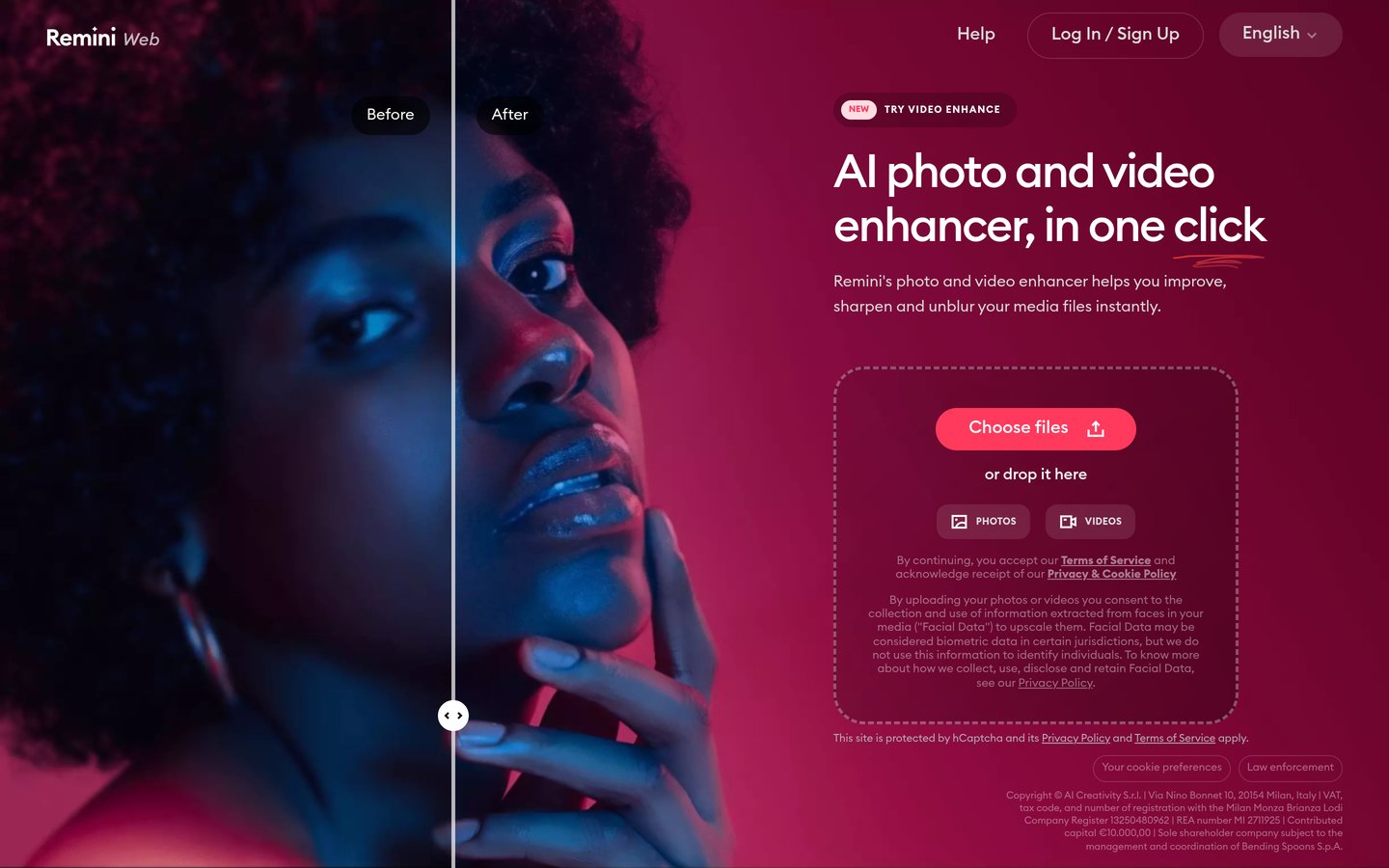
Remini is a phone-first AI enhancer that rebuilds soft, blurry faces in old photos with one tap. The free version gives a few enhancements a day with ads and a watermark, and the web version adds an old-photos restorer, a denoiser and a colour fixer.
The trade off is billing. Web Personal costs $179.99 a year, or $6.99 a week, and web and mobile subscriptions are sold separately, so one payment does not cover both. It suits anyone restoring family portraits on a phone who will set a cancellation reminder.
What we like
Strongest one-tap face rebuilding in this list
Works on phone, tablet and web
Dedicated old-photos restorer and colour fixer
Watch out for
Weekly billing is expensive if you pay by the week
Trustpilot reviewers report billing and cancellation problems
4.4/5on Trustpilot (111,939 reviews, checked Nov 2026)
Paid from$49.99/yr
Best for family historians
Free photosLimited number, logo added
Photo RepairScratches and tears
ColourizeIn Color, period tones
Paid planReimagine, $49.99/yr
myheritage.com
MyHeritage homepage, captured Nov 2026.
MyHeritage is a family-history service whose photo tools sit beside your family tree. Photo Enhancer sharpens faces, Photo Repair fixes scratches and tears, and In Color adds period-plausible colour, while Deep Nostalgia animates a portrait.
The trade off is the subscription maze. Unlimited photo work comes through the Reimagine app at $49.99 a year after a 7-day trial, or through a MyHeritage Complete plan, and the two do not share one price. It suits family historians who want repairs kept next to the tree.
What we like
Repair, colour and animation in one place
Reimagine app scans whole album pages
Repaired photos sit beside the family tree
Watch out for
Free photos carry a MyHeritage logo
Two overlapping subscriptions with different prices
Trustpilot rating covers the whole company, not just photos
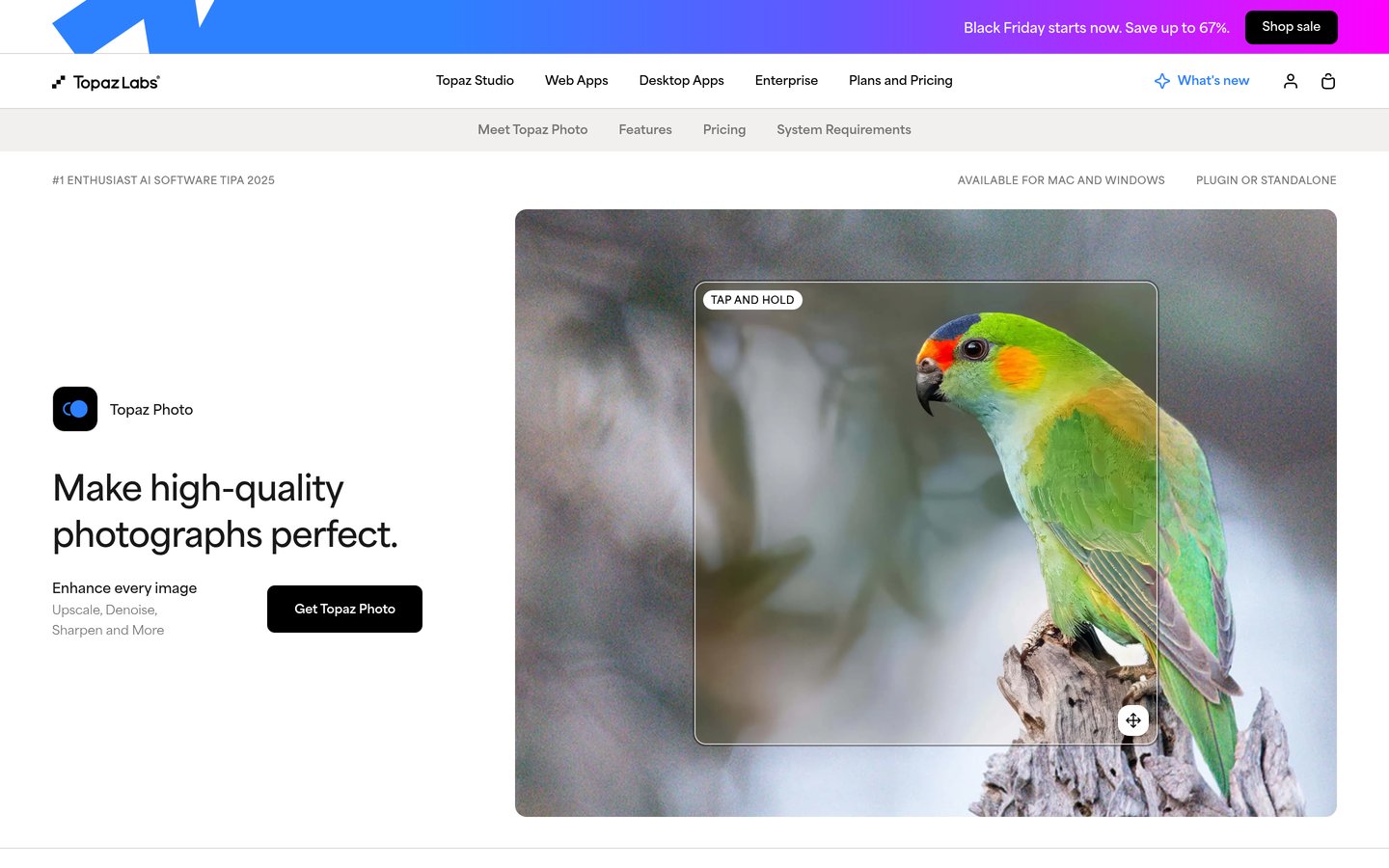
Topaz Photo AI is a desktop app for photographers that combines denoise, sharpen, upscale and face recovery in one window. Its Dust & Scratch and Recover Faces models handle the two hardest jobs in old-photo work, and processing runs on your own computer with no upload queue.
The trade off is price and the subscription. Photo Personal costs $199 a year after a first-year sale price of $169, and the old one-time licence is gone for new buyers. It suits photographers restoring large scans who want the strongest detail recovery and local processing.
What we like
Strongest detail recovery in this list
Runs locally with no upload or credits
Works standalone or as a Photoshop plugin
Watch out for
Most expensive pick for occasional use
Subscription only since October 2025
Face recovery can over-smooth skin into a plastic look
Adobe Photoshop is the professional editor, and its Photo Restoration Neural Filter gives old photos a one-click starting point for scratches, fading and blur. From there you keep full manual control with healing brushes, clone stamps and layers, so nothing is rebuilt without your say.
The trade off is cost and learning time. The cheapest route to desktop Photoshop is the Photography plan at $19.99 a month, which also adds Lightroom and 1TB of storage, and the single-app plan costs $22.99 a month. It suits editors who want to fix damage by hand, not by guesswork.
Fotor is a browser photo editor with a one-click AI enhancer, a colourizer and an upscaler that work on old scans without installing anything. The free Basic plan covers light use with limited credits, and Pro adds HD exports, batch editing and 100 AI credits a month.
The trade off is credits. Pro's 100 credits a month run out fast on heavy AI work, and paying month to month costs $10.99 instead of the yearly rate. It suits casual users who restore a few photos at a time and want the cheapest paid plan in this list.
What we like
Cheapest paid plan in this list
No install, works in any browser
HD exports and batch editing on Pro
Watch out for
Only 100 AI credits a month on Pro
Free exports carry a watermark
Trial converts automatically if you forget to cancel
Picsart is a mobile-first photo and video editor with AI Enhance, retouching and background tools that sharpen old photos in a few taps. The free tier covers core editing with a small weekly AI credit allowance, and Pro removes watermarks, adds premium assets and raises the credit limit.
The trade off is that restoration is a side feature, not the focus. There is no dedicated scratch or tear repair, and the free version is ad-heavy with many tools behind the paywall. It suits phone users who want a fast enhancement before sharing a restored photo.
4.2/5on Trustpilot (359 reviews, checked Nov 2026)
Paid from$59.99/yr
Best for batch restoration
Free planA few restorations free
Restoration modeDedicated Pro model
BatchDesktop app handles queues
Paid planPro, $59.99/yr
picwish.com
PicWish homepage, captured Nov 2026.
PicWish is a browser and desktop AI photo editor with a dedicated old-photo Restoration mode that repairs scratches, restores colour and upscales to 4K. The free plan covers a few restorations, and the desktop app handles large queues, which helps when you are digitising an archive.
The trade off is that the dedicated Restoration mode is a Pro feature, so free users only get the standard enhancer. Pro includes 450 credits a month, and credits do not roll over. It suits anyone restoring a whole album who wants batch processing at a low yearly price.
3.8/5on Trustpilot (2,750 reviews, checked Nov 2026)
Starts at$112.99/yr
Best desktop batch enhancer
Old-photo modelsFace, scratch and denoise
BatchYes, desktop queues
Free versionPreview only, no export
Paid plan1-year, $112.99/yr
hitpaw.com
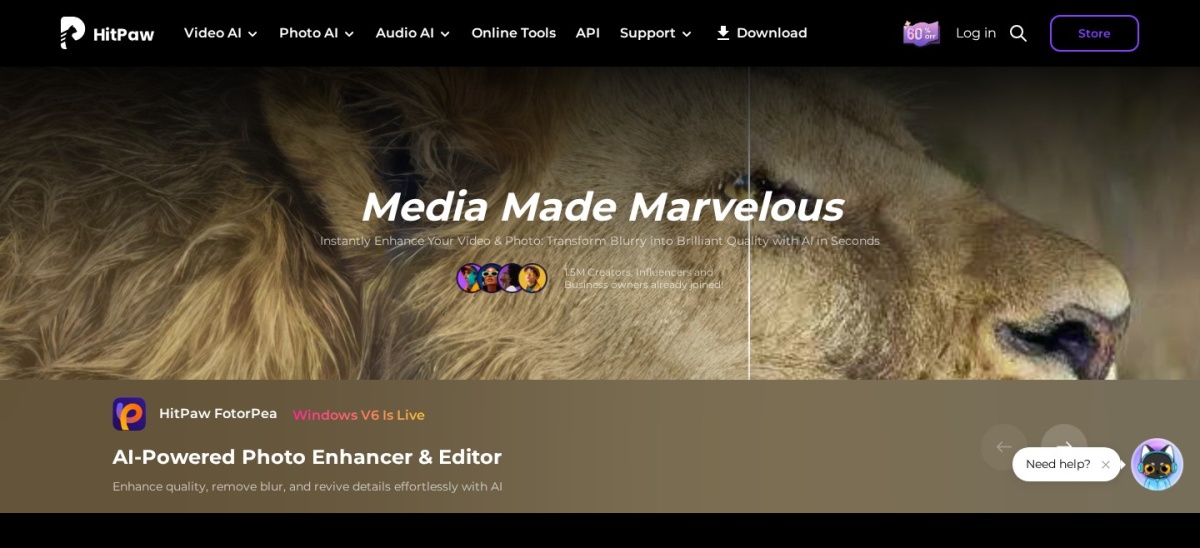
HitPaw FotorPea homepage, captured Nov 2026.
HitPaw FotorPea is a desktop AI photo enhancer for Windows and Mac with models for old-photo restoration, face enhancement, denoising and colour correction. It handles batch queues, so a folder of scans can be processed in one run.
The trade off is the licence and the credit pool. A 1-year licence costs $112.99 and includes 500 credits a year for cloud rendering, and a licence covers one computer only. It suits Windows and Mac users who restore in batches and prefer a desktop app.
Free plans and trials are enough to test every tool in this list on your own photos. Most let you restore a few images free, with a watermark or a logo on the export.
Paid plans mostly remove the watermark and the caps. You get HD exports, batch processing and the dedicated restoration models, which are often Pro-only.
If you have one album to restore, a single month of a cheap plan beats a yearly subscription. For a whole archive, yearly billing cuts the cost sharply: Fotor Pro is $47.99 a year against $10.99 a month.
How we chose
We started from the photo restoration tools that appear most often in 2026 comparisons, then kept the nine with a real product, a published price and a public rating on G2 or Trustpilot.
Prices come from each vendor's pricing page, as read in November 2026 and checked on 26 November 2026. Ratings and review counts come from G2 or Trustpilot on the same day. Where a vendor shows a sale, the list shows the regular price.
We left out tools with no public rating on G2, Capterra or Trustpilot, including AKVIS Retoucher, which has no rating on any of them. No vendor paid for a place, and we do not claim to have used these tools ourselves.
How to choose software for restoring old photos
Start with your worst photo, not your easiest one, then pick the tool that handles it best.
Scan at 600 dpi or higher. A low-resolution scan caps what any tool can recover. Scan once at high resolution and keep the original file untouched.
Test the free tier on a damaged face. Faces are where AI tools differ most. Run the same portrait through two free tiers and compare the result with the original.
Match the tool to the damage. Scratches and tears need repair models or manual tools; faded colour needs a colorizer; soft faces need face recovery. One tool rarely covers all three well.
Check the billing before you pay. Weekly plans cost far more over a year than yearly billing, and some subscriptions do not cover both web and mobile. Read the plan terms first.
FAQ
What is the best software for restoring old photos?
VanceAI Photo Restorer is the best pick for most people. Its one-click pass repairs scratches, stains, faded colour and soft faces in a browser, it is rated 4.5 out of 5 on G2, and Starter costs $15 a month billed yearly.
Can AI restore a torn or badly damaged photo?
Partly. AI tools repair scratches, stains, fading and soft faces well, but a photo torn in half or missing a corner needs manual work in Photoshop or a dedicated repair tool such as AKVIS Retoucher. Check the result against the original before printing.
Is there free software for restoring old photos?
Yes. VanceAI, Remini, MyHeritage, Fotor, Picsart and PicWish all restore a few photos free, usually with a watermark or a logo. Free tiers cap the number of photos or the export quality, so a paid plan is needed for a full album.
Will AI change the faces in my old photos?
It can. Face recovery rebuilds detail the scan lost, and the result sometimes looks smoother or slightly different from the original person. Compare the restored photo with the original, and use a manual editor when a face must stay exactly as it was.
How much does photo restoration software cost?
Paid plans in this list run from $47.99 a year for Fotor Pro to $239.88 a year for Adobe Photoshop through the Photography plan. Most tools also sell monthly billing, which costs more over a year than the yearly price.
Should I restore photos on my phone or computer?
A phone is fine for a few portraits: Remini and Picsart both restore faces well from an app. For a whole album, a computer is faster, with batch processing in VanceAI, PicWish or HitPaw FotorPea and local processing in Topaz Photo AI.
SaaS SEO and WordPress specialist with about 8 years of experience. Rakib compares WordPress plugins, themes, hosting and software using public pricing, documentation and user reviews. See how we rank.