V-Ray is the best software for realistic rendering for most people, with photoreal ray tracing inside 9 host apps for $540 a year and a strong G2 rating from 273 reviews. Pick D5 Render for fast real-time work at $360 a year, or Blender if you want a free renderer with no licence cost.
How we make this list: we compare pricing pages, product documentation and public user reviews, then re-check every price before each update. No product paid for a place. Disclosure.
V-Ray is the best overall pick: photoreal output, 9 host apps, $540 a year for Solo.
D5 Render has the highest G2 rating here at 4.8 out of 5 from 1,109 reviews, with Pro at $360 a year.
Blender and Twinmotion are free for most users: Blender costs nothing, and Twinmotion is free under $1M in annual revenue.
Corona is the easiest route to photoreal archviz at $414 a year, but only inside 3ds Max and Cinema 4D.
KeyShot is the priciest pick at $1,299 a year, aimed squarely at product teams.
What makes a render look realistic
Realistic rendering comes down to light, materials and scale. A good renderer traces how light bounces, bends and scatters, and pairs that with measured materials for glass, metal, fabric and skin.
Speed matters as much as quality. Offline renderers such as V-Ray and Corona calculate every ray for the final image, while real-time tools such as D5 Render and Enscape show the result live as you change the scene.
Price spreads are wide in this niche. This list runs from free tools such as Blender and Twinmotion to KeyShot at $1,299 a year, so the right pick depends on how often you render and what you render.
Check the host app first. Some tools only run inside one or two modelling apps, so a renderer that cannot open your files is no use at any price. Our guide on creating a portfolio site with WordPress shows one way to present finished renders to clients.
V-Ray is the photorealistic renderer used across architecture, product design and film, and it plugs into 3ds Max, Maya, SketchUp, Revit, Rhino, Cinema 4D, Blender, Houdini and Unreal. Solo costs $540 a year and includes the full rendering engine, 15,000 assets and materials, Veras AI and cloud collaboration.
The trade off is the learning curve and the price. Chaos is running a 20% sale at the time of writing, but the regular Solo price is $540 a year, and the material and lighting controls take time to learn. It suits studios and freelancers who want one renderer for stills, animation and many host apps.
What we like
Photoreal output trusted across archviz, product and film
D5 Render is a real-time renderer with path tracing, built for architecture and interior scenes, and it syncs live with SketchUp, Revit, Rhino and 3ds Max. The free Community plan covers learning and personal work, while Pro costs $360 a year and adds 16,000 assets, 16K stills, 4K video and unlimited AI tools.
The trade off is hardware and platform. D5 runs on Windows and needs a capable NVIDIA, AMD or Intel GPU, with an RTX 3060 or better recommended, and the free plan cannot be used for client work. It suits solo visualisers and small studios who want fast, client-ready images without a big licence bill.
Corona Renderer is a dedicated photorealistic renderer for 3ds Max and Cinema 4D, built for architectural visualisation. Solo costs $414 a year and includes the rendering engine, 15,000 assets and materials, Veras AI and cloud collaboration, with realistic lighting and materials that work well with little setup.
The trade off is scope. Corona only runs inside 3ds Max and Cinema 4D, so it is no use if you model in SketchUp or Blender, and Chaos is running a 20% sale at the time of writing while the regular Solo price stays $414 a year. It suits archviz artists who want predictable, photographic results fast.
What we like
Highest-rated paid offline renderer here at 4.7 out of 5
Blender is a free, open-source 3D suite with two render engines built in: Cycles for path-traced photorealism and EEVEE for fast real-time previews. It costs nothing for commercial work, runs on Windows, Mac and Linux, and covers modelling, sculpting, animation and compositing in one download.
The trade off is effort. Blender has no paid support line, the interface takes time to learn, and matching the polish of a paid renderer can take longer on a first project. It suits freelancers, students and small teams who want a full 3D toolset for no licence cost.
Enscape is a real-time rendering plugin that runs inside Revit, SketchUp, Rhino, Archicad and Vectorworks, so every model change shows in the render at once. Solo costs $574.80 a year and includes the rendering engine, 6,700 assets, Veras AI and cloud collaboration, with a 14-day free trial.
The trade off is that it is a plugin first. Enscape is weaker than V-Ray or Corona for standalone scene authoring and fine material control, and Chaos is running a 20% sale at the time of writing while the regular Solo price stays $574.80 a year. It suits architects who present designs live from their CAD model.
What we like
Renders live inside 5 CAD and BIM apps
Rated 4.6 out of 5 from 456 G2 reviews
Fast design reviews with clients in the room
14-day free trial
Watch out for
Less control than offline renderers for final stills
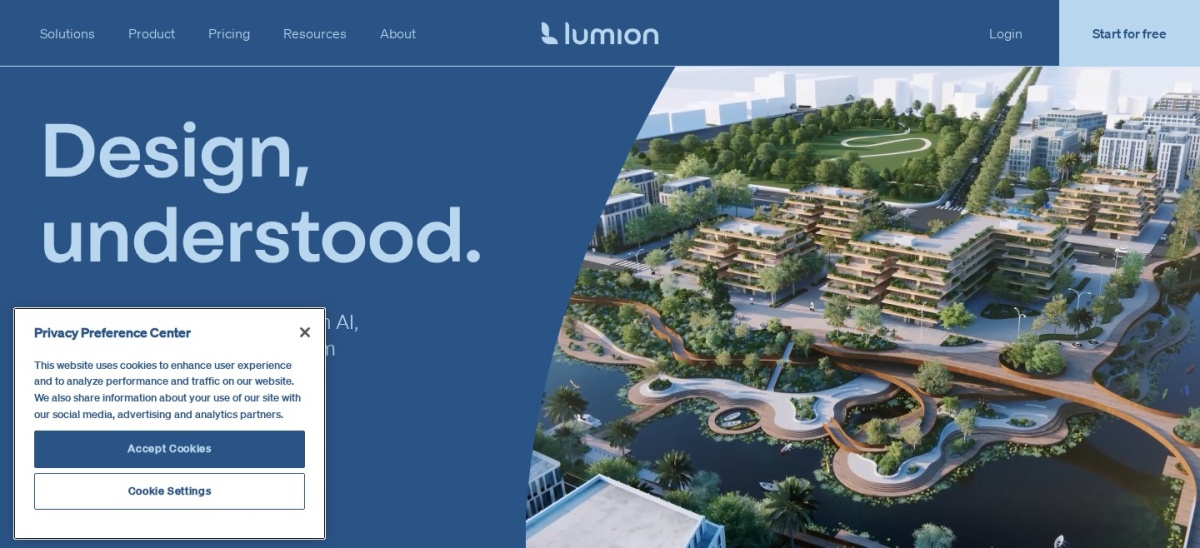
Lumion is a real-time visualisation tool for architecture that turns a model into a finished scene with skies, vegetation, people and weather in a few clicks. The cheapest paid plan is View at $229 a year, while the full Pro plan costs $1,149 a year, and both include LiveSync with SketchUp, Revit and Rhino.
The trade off is depth and platform. Lumion runs on Windows only, needs a strong NVIDIA GPU, and its material controls are simpler than V-Ray or Corona, so fine art direction can hit limits. It suits architects who need client-ready exteriors and animations quickly.
Twinmotion is a real-time visualisation app built on Unreal Engine, with a path tracer, animated vegetation and people, and access to the Quixel Megascans library. It is free for individuals and firms with under $1 million in annual revenue, including commercial work, and seats cost $445 a year above that line.
The trade off is polish and limits. Reviewers note the asset library is smaller than Lumion, the lighting and camera tools are weaker than offline renderers, and Twinmotion Cloud is only included with a paid seat. It suits architects and designers who want quick, client-ready visuals for free.
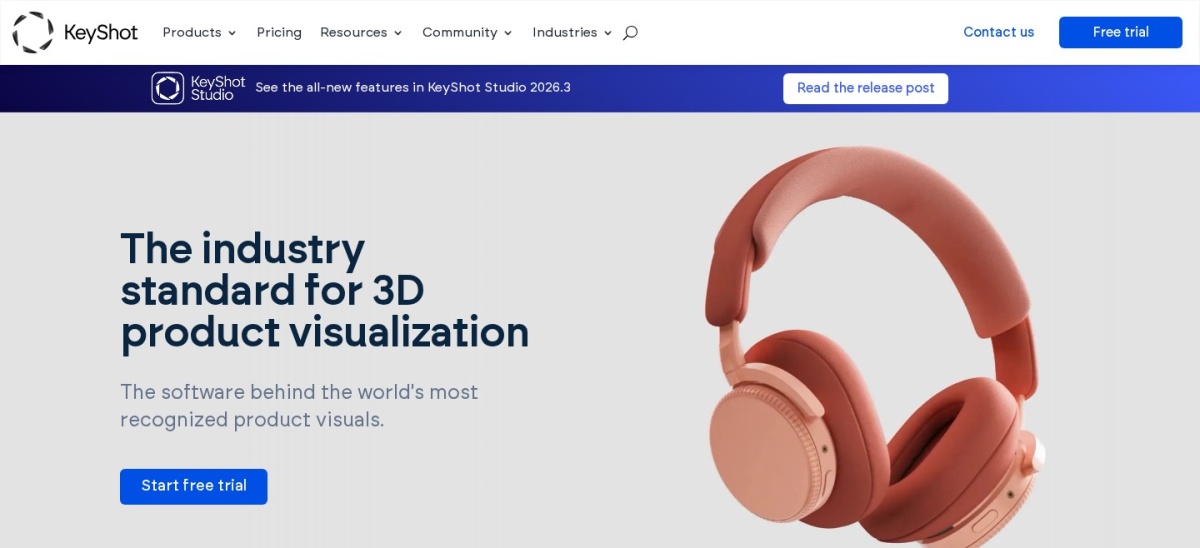
KeyShot is a real-time renderer built for product visualisation, used by design and engineering teams for consumer electronics, automotive and medical devices. The Studio Subscription costs $1,299 a year, with CPU and GPU rendering, animation and AI tools, and a free trial to judge the output.
The trade off is price. KeyShot is the most expensive tool in this list, and reviewers note that lighting control and support can frustrate, so it is hard to justify for occasional renders. It suits product teams that render often and want fast, photographic packshots without a full 3D suite.
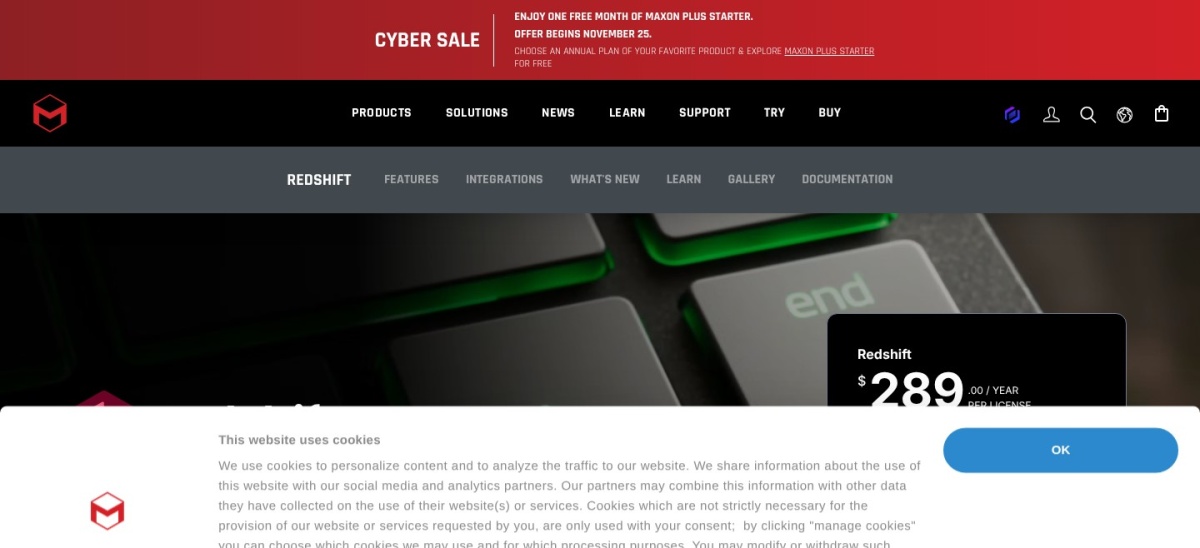
Redshift is a GPU renderer from Maxon for film, motion graphics and VFX, built for speed on heavy scenes with lots of geometry and effects. It costs $289 a year billed annually, or $49 a month, and plugs into Cinema 4D, Maya, Houdini, 3ds Max and Blender.
The trade off is the thin rating record. Redshift has only 18 G2 reviews at 4.1 out of 5, the lowest rating in this list, and it needs a capable GPU to shine. It suits motion designers and VFX artists who already work in Cinema 4D or Maya and want fast GPU renders.
Offline renderers calculate every ray of light before they show the final image. V-Ray, Corona, Blender Cycles and Redshift work this way, and they give the most control over materials and light.
Real-time renderers show the scene as you edit it. D5 Render, Enscape, Lumion and Twinmotion trade some fine control for speed, which suits client meetings and fast iterations.
Many studios use both: a real-time tool to agree the design with the client, then an offline renderer for the final hero image.
How we chose
We started from the renderers most often named in archviz, product and VFX work, then kept the nine with a public G2 rating and a published USD price.
Prices come from each vendor's pricing page, checked on 26 November 2026. Ratings and review counts come from G2 on the same day. Where a vendor shows a sale, the list shows the regular price.
We left out tools with no public rating and tools that bill in euros only. No vendor paid for a place, and we do not claim to have used these tools ourselves.
How to choose realistic rendering software
Start with the app you already model in, then match the renderer to the work you ship most.
Check the host app first. V-Ray and Redshift plug into many apps, while Corona only runs in 3ds Max and Cinema 4D. A renderer that cannot open your files is no use.
Decide between offline and real-time. Offline renderers give the most control for final stills, while real-time tools show changes live and suit client meetings.
Weigh the free options honestly. Blender costs nothing and Twinmotion is free under $1M in revenue, but both need time to learn and a capable GPU.
Try before you pay. Most paid tools here offer a 14-day or 30-day trial. Render one of your own scenes in each shortlisted tool before buying.
FAQ
What is the best software for realistic rendering?
V-Ray is the best overall pick, with photoreal ray tracing inside 9 host apps for $540 a year and a 4.5 out of 5 rating from 273 G2 reviews. D5 Render is the best value alternative at $360 a year, with the highest rating in this list.
What is the best free software for realistic rendering?
Blender is the best free option. It costs nothing for commercial use and includes Cycles for path-traced realism plus EEVEE for fast previews. Twinmotion is also free for firms under $1M in annual revenue.
Is D5 Render better than V-Ray?
It depends on the job. D5 Render is faster and cheaper at $360 a year, with a 4.8 G2 rating, while V-Ray gives deeper material and lighting control across 9 host apps. Many studios use D5 for speed and V-Ray for final stills.
Do I need a powerful GPU for realistic rendering?
For real-time tools such as D5 Render, Lumion and Twinmotion, yes: D5 recommends an RTX 3060 or better. Offline CPU renderers such as V-Ray and Corona can run on weaker hardware, but they take longer to finish an image.
Which renderer is best for architecture?
Corona is the easiest route to photoreal archviz at $414 a year, but only inside 3ds Max and Cinema 4D. Enscape and Lumion suit architects who present live from Revit or SketchUp, while D5 Render balances price and speed.
Can I use these renderers for commercial work?
Yes, with the paid plans and Blender. D5 Render's free Community plan is the exception: it covers learning and personal work only, so client jobs need Pro at $360 a year. Twinmotion's free tier allows commercial work under $1M in revenue.
SaaS SEO and WordPress specialist with about 8 years of experience. Rakib compares WordPress plugins, themes, hosting and software using public pricing, documentation and user reviews. See how we rank.