MadMapper is the best projection mapping software for most artists, with bezier masking, 3D calibration and LED control from €39 a month. Pick Resolume Arena for live VJ sets that mix and map in one app, and MapMap if you need a free tool to learn on.
How we make this list: we compare pricing pages, product documentation and public user reviews, then re-check every price before each update. No product paid for a place. Disclosure.
MadMapper is the only mapping-first tool here: bezier masks, 3D calibration, a space scanner and LED control, from €39 a month.
Resolume Arena pairs live video mixing with mapping and edge blending, but mapping needs the €799 Arena licence, not the €299 Avenue one.
HeavyM is the easiest start at $229 once, but the Live plan covers a single 1920x1200 output; multi-projector work needs Pro at $449.
Visution MAPIO is the cheapest paid mapper at €100 once, with edge blending and multi-projector output included.
Five of the eight ratings come from TechJockey, each from only 3 to 5 ratings, so treat the scores as thin evidence.
MapMap is free and open source and covers real mapping, but the last stable release dates from 2018 and there is no edge blending.
What projection mapping software should cover
Projection mapping turns a building, stage or object into a screen. The software lines up the projector image with the real surface, so video follows edges and curves instead of landing on a flat rectangle.
The core tools are warping and masking. Warping bends the image to fit the surface, and masking cuts it to the exact shape. Good mapping software also handles the media itself, so clips, images and live inputs all reach the projector cleanly.
Multi-projector work adds edge blending and calibration. Blending hides the seam where two projector images overlap, and calibration lines up the geometry across the whole surface.
Show control matters as much as mapping for live work. Timelines, cues and MIDI or OSC triggers decide whether the mapped show runs on time, so check those before you buy.
Prices in this list are the regular prices, checked on 26 November 2026. Several vendors price in euros, so the amount you pay depends on the exchange rate on the day you buy.
List prices in each vendor's currency, checked Nov 2026
MapMapFree
MAPIOFREE€100
HeavyM$229
QLabFREE$299
LumaMap$360
MadMapper€468
Resolume€799
WATCHOUTFREE€3,200
The 8 best software tools for projection mapping
01
MadMapper
4.1/5on TechJockey (3 reviews, checked Nov 2026)
Starts at€39/mo
Best projection mapping software overall
Max outputUp to 16K
MappingBezier masks, 3D scan
LED and DMXYes, built in
Paid planRent €39/mo
madmapper.com
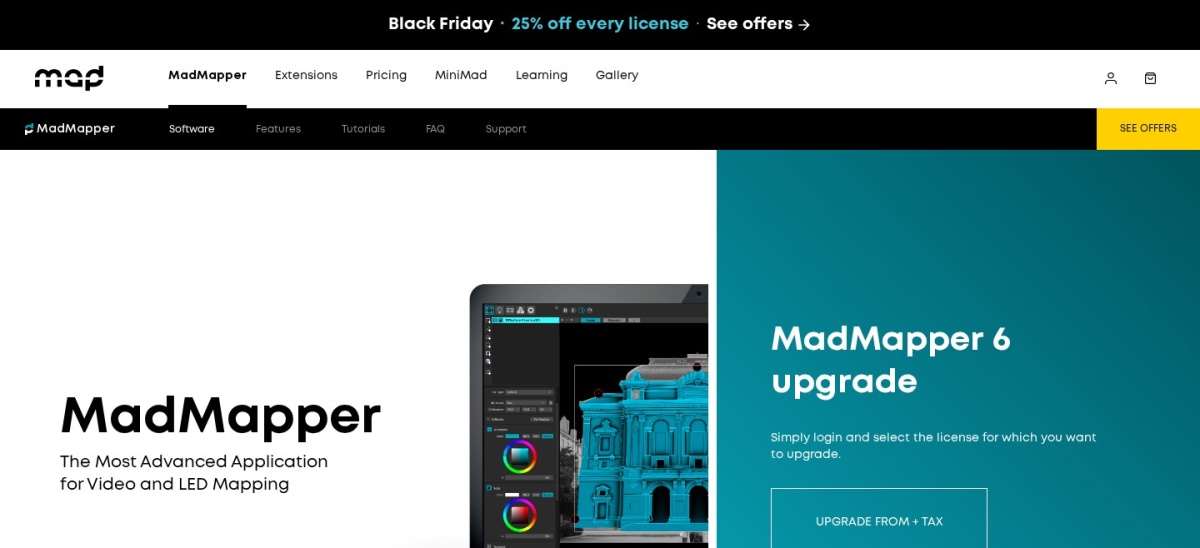
MadMapper homepage, captured Nov 2026.
MadMapper is a mapping-first application for macOS and Windows, built by the team behind the Mapping Festival. It scans surfaces with structured light, masks video with bezier curves, warps it onto 3D geometry, and drives LED fixtures and DMX lighting from the same timeline, with output up to 16K.
The trade off is the learning curve and euro pricing. The interface packs a lot in, and the perpetual licence costs €399 with tax excluded, so budget for that on top. It suits artists and studios who map often and want one tool for the whole job, from scan to show.
Resolume Arena is a media server for live performance that mixes video clips like a DJ mixes tracks. Arena adds projection mapping, edge blending, DMX control and SMPTE timecode to the Avenue mixer, so one app can run the visuals and the mapping for a club or festival set.
The trade off is price and scope. Mapping needs Arena at €799 for one computer, while Avenue at €299 covers mixing only, and the mapping tools serve live shows rather than precision installation work. It suits VJs and event crews who perform live and map as part of the set.
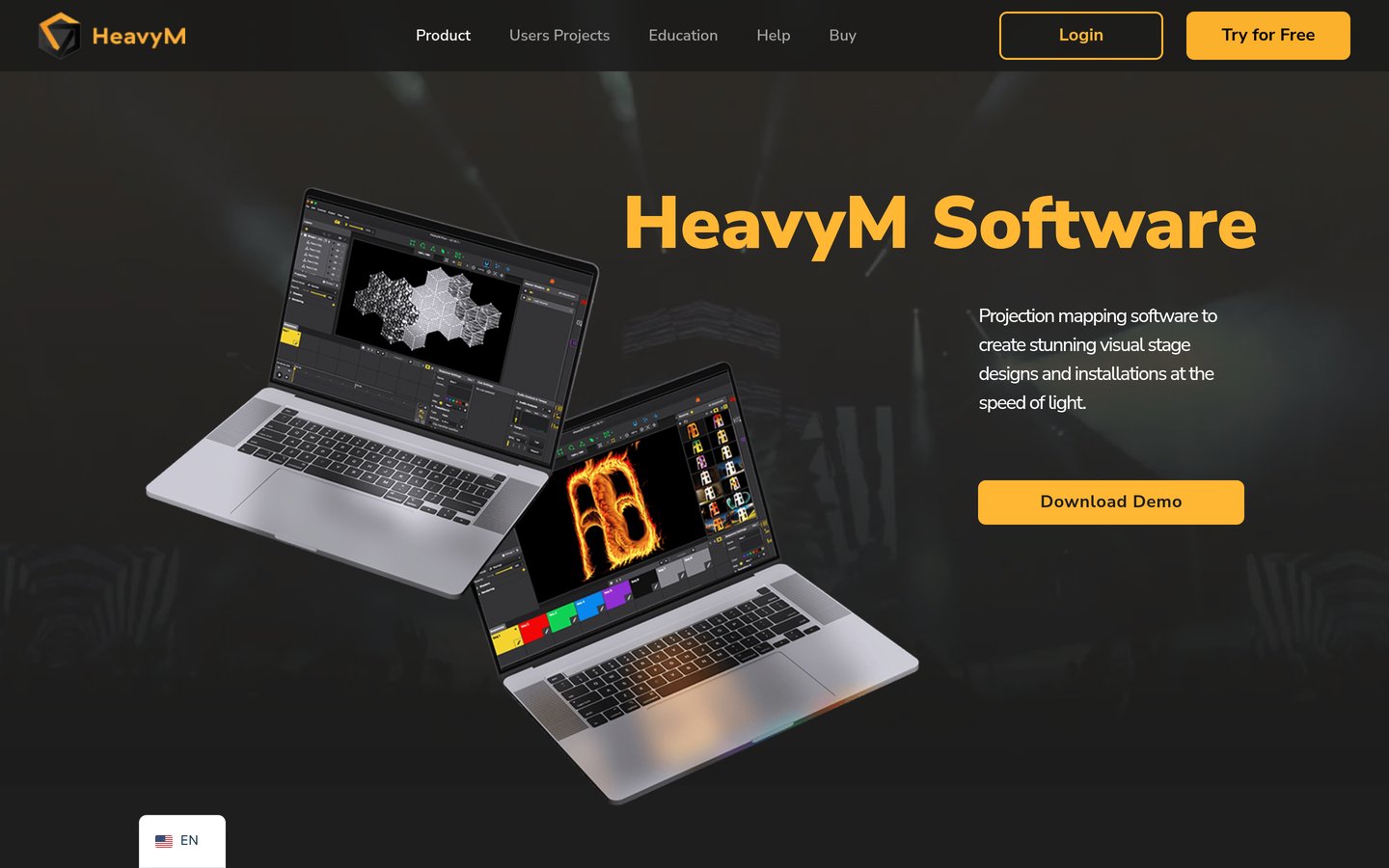
HeavyM is projection mapping software for Windows and macOS that trades depth for speed. You draw shapes over the surface, fill them with built-in effects or your own media, and sync them to music, so a DJ booth, bar wall or small facade can be mapped in an afternoon.
The trade off is output limits. Live costs $229 once but covers a single 1920x1200 output, so multi-projector work needs Pro at $449, and a half-price sale was running when we checked. It suits beginners, schools and small venues that want fast results.
What we like
Easiest tool in this list to learn
Built-in effects library, no content needed
Music reactivity and MIDI control
One-time licence, no subscription
Watch out for
Live plan covers one output only
Only 3 TechJockey ratings behind its score
Less depth than MadMapper for complex jobs
Pro adds unlimited outputs, a timeline and edge blendingVisit heavym.net
04
QLab
4.8/5on Capterra (5 reviews, checked Nov 2026)
Paid from$299/once
Best for cued shows on a Mac
PlatformmacOS only
MappingMasks, geometry, edge blend
Free tierYes, core cues
Paid planVideo licence, from $299
qlab.app
QLab homepage, captured Nov 2026.
QLab is show control software for macOS from Figure 53. One workspace cues sound, video, lighting and show control from a single list, and the Video licence adds multi-screen output, masks, custom geometry and edge blending for mapped projections.
The trade off is that mapping is one feature among many. The free tier runs real cues but stops at one video stage, and each licence is sold separately, with the full set at $1,399. It suits theatre and event teams who already cue shows in QLab.
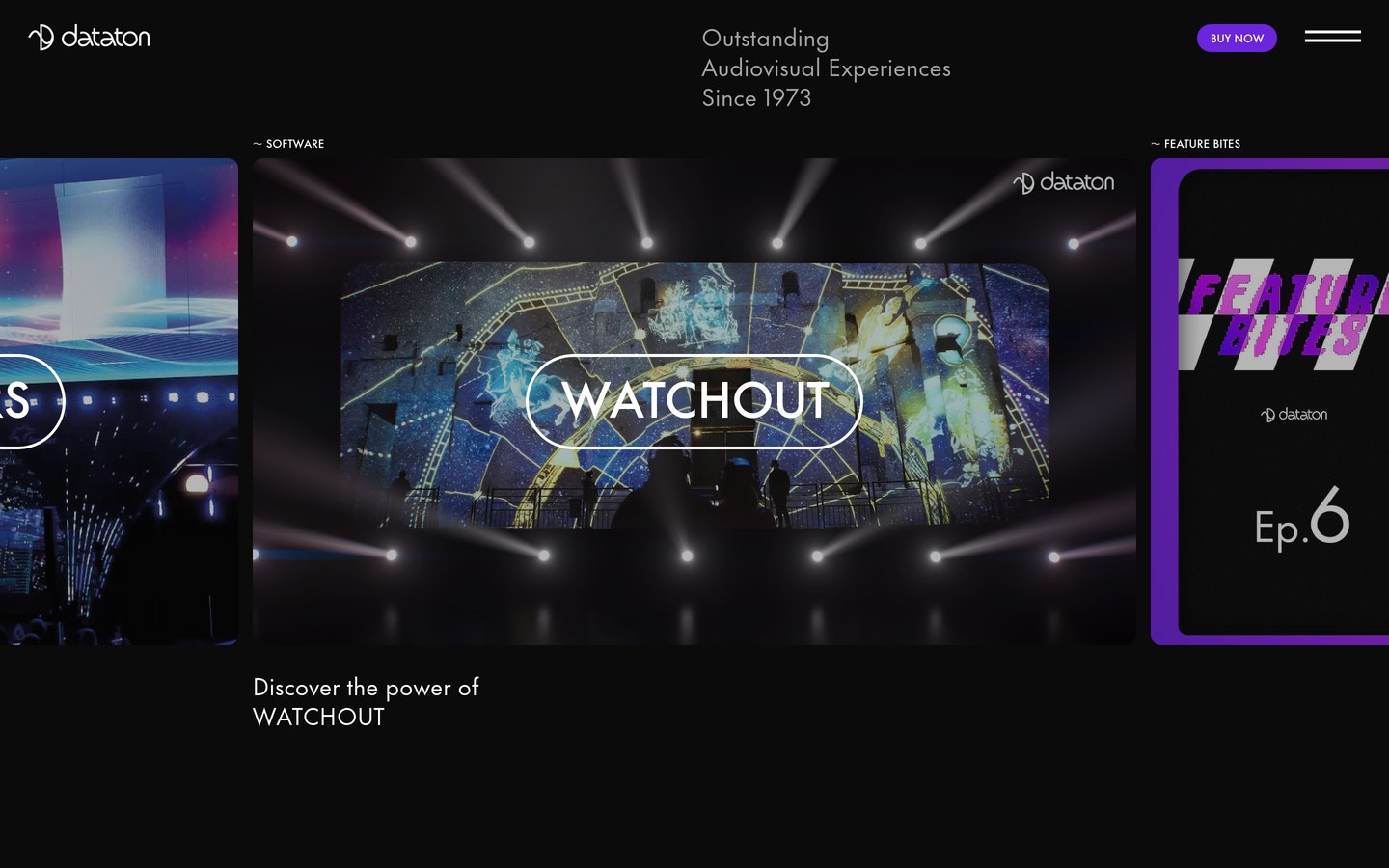
Dataton WATCHOUT is Windows software for composing and playing shows across many displays in sync. Producer is free to download and build shows with, and each licensed media server drives up to 8x DCI 4K of output, so a hall of projectors stays in step from one timeline.
The trade off is cost and platform. A WATCHOUT 7 licence lists at €3,200 per media server, bought through a local Dataton partner, and the software runs on Windows only. It suits venues and staging teams running large fixed shows where synced playback matters more than price.
What we like
Synced playback across many computers
Free Producer for building shows
Handles up to 8x DCI 4K per server
Built for venue-scale multi-display shows
Watch out for
€3,200 per media server is the dearest licence here
Windows only, no Mac version
Licence price is not published on Dataton's own page
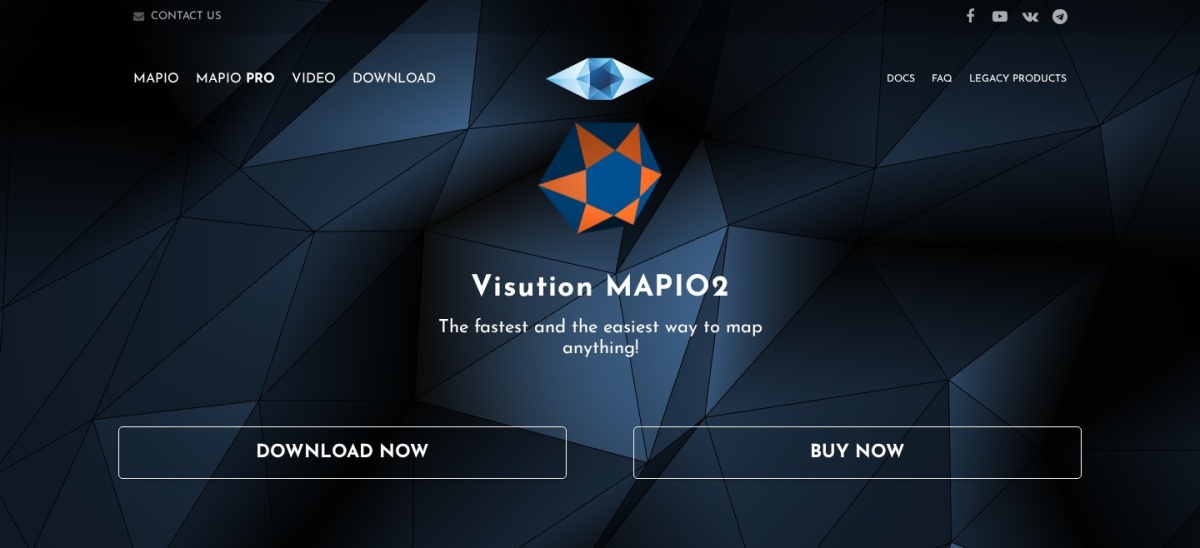
Visution MAPIO is a mapping-first tool for Windows and Mac that covers warping, bezier masks, edge blending and multi-projector output for €100 once. The free demo runs with a watermark as the only limit, and the €100 Lite licence unlocks the full mapper, while Pro at €200 adds LED output and tools for permanent installations.
The trade off is polish and platform age. The interface and documentation feel older than MadMapper or HeavyM, and Mac support covers older macOS versions only, so check your system before you buy. It suits small venues and event teams who want real mapping depth on a tight budget.
LumaMap is beginner mapping software from Luma Box that turns a house facade or party wall into a show with 100+ artist-crafted presets. You outline the surface from a photo, drop in media or AI-generated facades, and build the show on a timeline, with a free trial before you pay.
The trade off is scope. LumaMap outputs to a single display only, so multi-projector work needs another tool, and it is built for beginners rather than pro installations. It suits homeowners and first-time mappers who want a finished-looking show without learning a pro app.
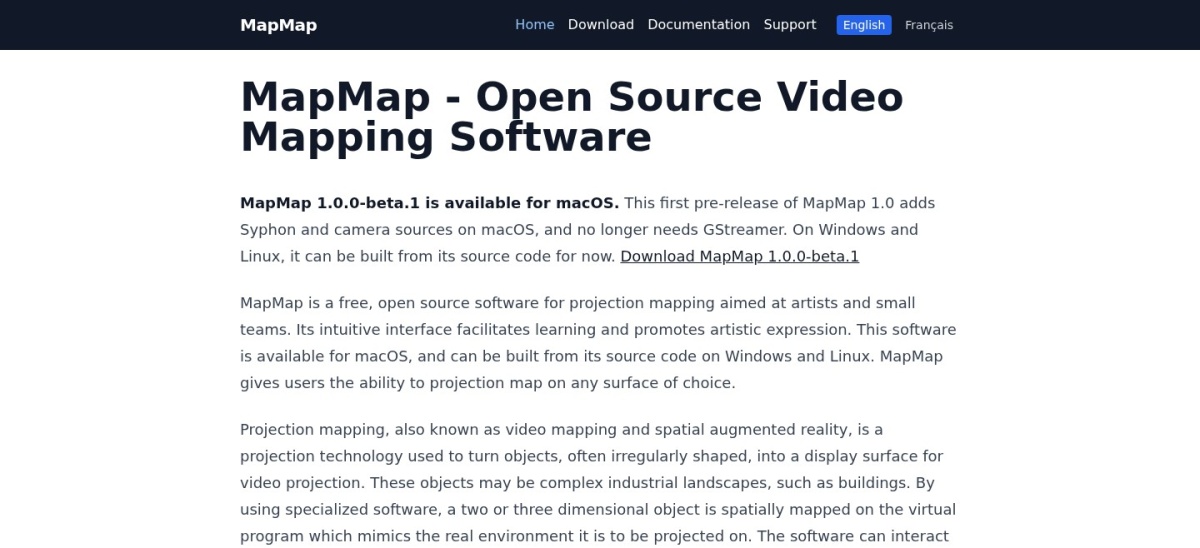
MapMap is free, open-source projection mapping software for artists and small teams. It covers the essentials: define quads, triangles or mesh shapes on the surface, fill them with images or video, and run multiple projectors, with no watermark, no trial clock and no paid tier.
The trade off is polish and pace. The last stable release dates from 2018, though a 1.0 beta arrived for macOS in 2026, and there is no edge blending or effects library. It suits students, educators and artists with no budget who want to learn real mapping.
Free tools cover the basics well. MapMap maps real surfaces for nothing, and the MAPIO demo runs with only a watermark.
Paid tools mostly add outputs, blending and show control. Multi-projector blending, timelines and DMX control sit behind paid licences in most of these apps.
Rentals suit a single show. MadMapper rents by the month, and QLab rents licences by the day, so price the run before you buy a licence.
For a paid job, budget for the licence that covers your projector count. A single-output plan on a two-projector job costs more than the upgrade once you are on site.
How we chose
We started from the mapping tools that appear most often in projection roundups and artist guides, then kept the eight with a public user rating and a verifiable price, from free open-source tools to show-control apps with mapping built in.
Prices come from each vendor's pricing page, checked on 26 November 2026, except WATCHOUT and LumaMap, whose prices come from secondary listings because the vendors do not publish them. Ratings come from Trustpilot, Capterra or TechJockey on the same day, and the review counts are shown with each tool. Where a vendor shows a sale, the list shows the regular price.
We left out tools with no public rating, including TouchDesigner, Millumin, VDMX and Isadora, and tools with no published price. No vendor paid for a place, and we do not claim to have used these tools ourselves.
How to choose projection mapping software
Start with the surface and the show, then match the tool to them.
Count the projectors and the surfaces. One projector on a flat wall needs far less than three projectors on a curved facade. Edge blending and calibration matter only when the rig grows past one output.
Check the free tier against your real project. MapMap and the MAPIO demo cost nothing, but MapMap has no edge blending and the MAPIO demo carries a watermark. Trial the paid tools with your own projector before you buy.
Match the workflow to the show. Pick MadMapper for mapping-first work, Resolume Arena when the set is mixed live, QLab or WATCHOUT when cues run the show, and LumaMap when you are mapping for the first time.
Price the licence you will actually use. Rentals suit a single production, while a perpetual licence suits regular work. Check whether the price covers one computer or more, and whether updates after the first year cost extra.
FAQ
What is the best software for projection mapping?
MadMapper is the best pick for most mapping work. It is built only for mapping, with bezier masking, 3D calibration, a space scanner and LED control, and it rents from €39 a month or costs €399 for a perpetual licence.
Is there free projection mapping software?
Yes. MapMap is free and open source and covers quads, masks and multi-projector output, while the MAPIO demo runs with a watermark as its only limit. Both suit learning and small art projects, but neither replaces a paid tool for large shows.
How much does projection mapping software cost?
Entry prices run from free to about $600 for a perpetual licence. MAPIO costs €100 once, HeavyM Live costs $229 once, MadMapper rents from €39 a month, and Resolume Arena costs €799 once. Large media servers such as WATCHOUT cost far more per machine.
Can I map with Resolume Avenue?
No. Projection mapping, edge blending and DMX control are Arena features, so Avenue at €299 covers live mixing only. Buy Arena at €799 if the show needs mapping, or pair Avenue with MadMapper for the mapping side.
Do I need a powerful computer for projection mapping?
Yes, for most paid tools. Mapping software drives one or more projectors at high resolution, so a dedicated graphics card and enough video outputs matter more than the processor. Check the system requirements on the vendor site before you buy.
Which tool is best for beginners?
HeavyM is the easiest start, with shapes, built-in effects and music reactivity for $229 once. LumaMap is the simplest option of all, with 100+ presets for first-time mappers, and MapMap is the free route for learning the basics.
SaaS SEO and WordPress specialist with about 8 years of experience. Rakib compares WordPress plugins, themes, hosting and software using public pricing, documentation and user reviews. See how we rank.