GorillaDesk is the best software for a pest control business, rated 4.8 out of 5 from 278 Capterra reviews, with per-route pricing from $49 a month. Pick Housecall Pro for the broadest toolkit, or Jobber for the cheapest paid plan at $29 a month billed annually.
How we make this list: we compare pricing pages, product documentation and public user reviews, then re-check every price before each update. No product paid for a place. Disclosure.
GorillaDesk leads at 4.8 out of 5 from 278 reviews and charges $49 a month per route, not per user.
Housecall Pro has the most reviews here, 4.7 out of 5 from 2,749, but its regular price is $79 a month.
Jobber is the cheapest paid plan at $29 a month billed annually, though month-to-month is $49.
FieldRoutes is the priciest start at $350 a month and has no free trial, so it fits larger firms.
Only ServiceM8 and Synchroteam offer a free version; the other seven start with a paid plan or a trial.
Prices run from $29 to $350 a month, so per-user and per-route pricing change the real cost fast.
What pest control software should cover
A pest control business runs on repeat visits. The software has to schedule recurring treatments, build tight routes, keep a service history for every property and record which chemicals were used at each stop.
Routing matters more here than in most trades. A tool that groups nearby jobs and cuts drive time lets each technician finish more stops a day, so look for map-based routing and a mobile app that works offline.
Online booking and reminders cut missed appointments. If customers can book from your site, our guide to adding appointment booking to WordPress shows how the booking step fits the rest of the setup.
Payments close the loop. Invoicing, card payments on site and automatic reminders for overdue accounts are standard in most of these tools, and our payment gateway guide explains the fees behind card payments.
The 9 best software tools for a pest control business
01
GorillaDesk
4.8/5on Capterra (278 reviews, checked Nov 2026)
Starts at$49/mo
Best pest control software overall
Pricing modelPer route, unlimited users
Cheapest planBasic, $49 per route
Free trial14 days
Serving since2013, pest industry
gorilladesk.com
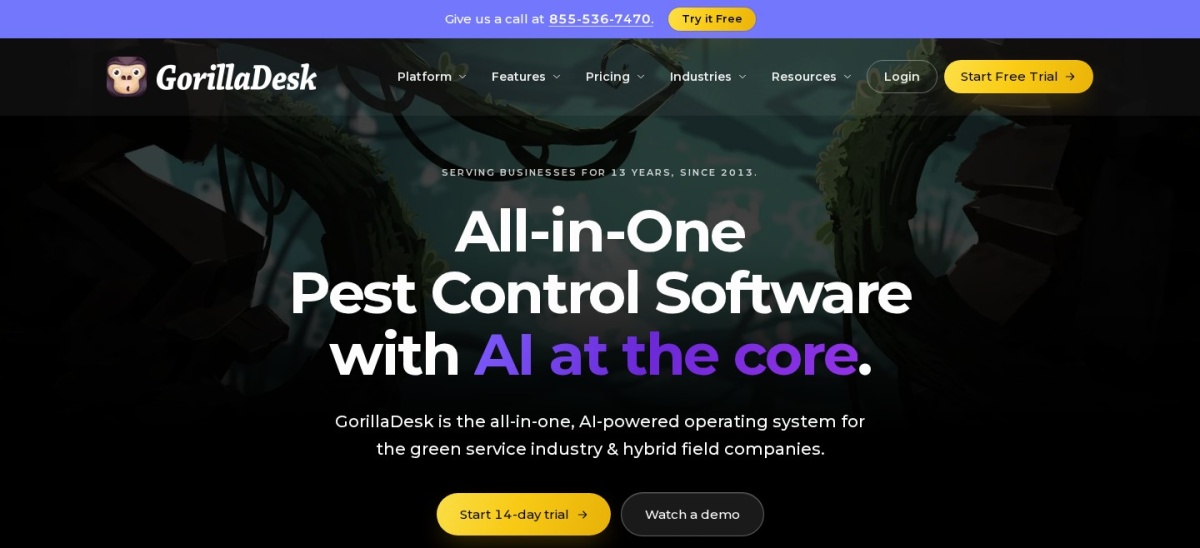
GorillaDesk homepage, captured Nov 2026.
GorillaDesk is pest control software with AI tools at its core, built for pest, lawn and green service companies. It has served the industry for 13 years, since 2013, and covers scheduling, routing, invoicing, payments and customer records. Pricing is per route, not per user, so every plan includes unlimited users.
The trade off is the route model itself. A second route costs extra, and the Basic plan caps basic routing at 25 stops, so larger teams move to Pro at $99 or Growth at $149 a route. It suits small pest control firms that want a pest-first tool without paying per seat.
4.7/5on Capterra (2,749 reviews, checked Nov 2026)
Starts at$79/mo
Best all-round pick for growing teams
Cheapest planBasic, $79 a month
Free trial14 days
Users200,000+ pros
Capterra rating4.7/5, 2,749 reviews
housecallpro.com
Housecall Pro homepage, captured Nov 2026.
Housecall Pro is the most-reviewed tool in this list, used by more than 200,000 home service pros. It covers scheduling, dispatching, estimates, invoicing, online booking, payments and review management, with AI features built from more than 100 million jobs. Plans run from Basic to Essentials and Max.
The trade off is price. Basic lists at $79 a month, and the site currently shows $59 with a saving, plus 50% off the first three months for Black Friday, so the regular price is easy to miss. It suits growing teams that want one system for bookings, payments and marketing.
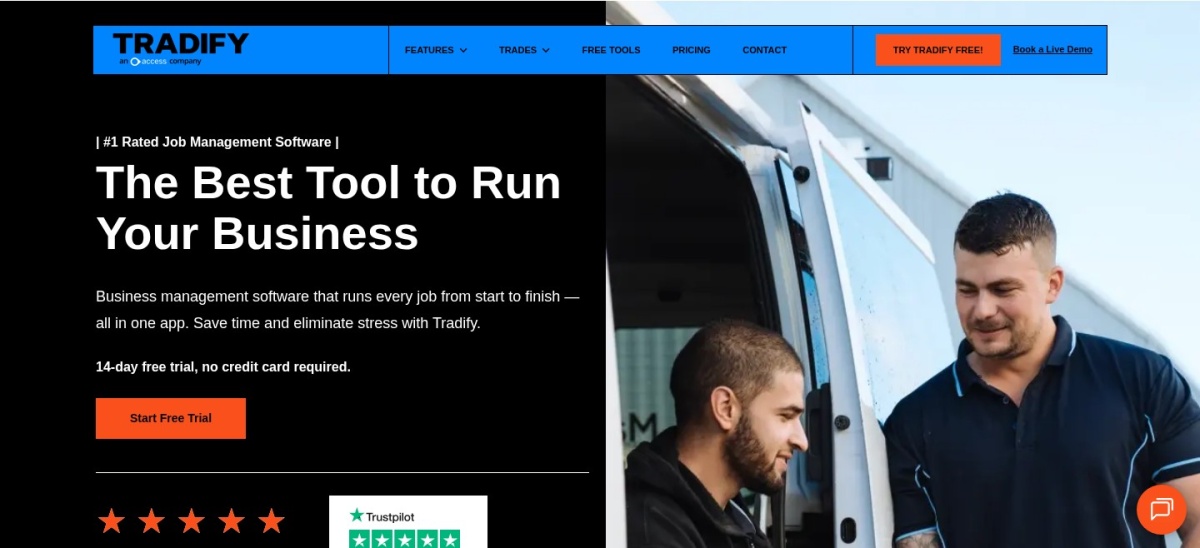
Tradify is job management software for trade businesses, including pest control. It covers quoting, estimating, scheduling, timesheets, subcontractor management, job tracking, invoicing and online payments in one app. The Lite plan costs $47 per user a month, with a 14-day free trial.
The trade off is per-user pricing. A five-person team pays $235 a month on Lite, and the AI quoting tools sit on the Plus plan at $61 per user a month. It suits small teams that want simple quoting and invoicing without a pest-specific system.
4.6/5on Capterra (1,487 reviews, checked Nov 2026)
Starts at$29/mo
Best for scaling service teams
Cheapest planCore, $29/mo billed annually
Free trialYes
Users250,000+ pros
Capterra rating4.6/5, 1,487 reviews
getjobber.com
Jobber homepage, captured Nov 2026.
Jobber is field service software used by more than 250,000 home service pros, including pest control firms. It runs the job from first quote to final payment, with scheduling, route optimization, invoicing and card payments. The Core plan is $29 a month billed annually for one user.
The trade off is that the low price is the annual-billing price. Month-to-month Core costs $49, and the Grow plan for one user lists at $139 a month, so larger teams pay far more. It suits solo operators and small teams that want a polished all-rounder.
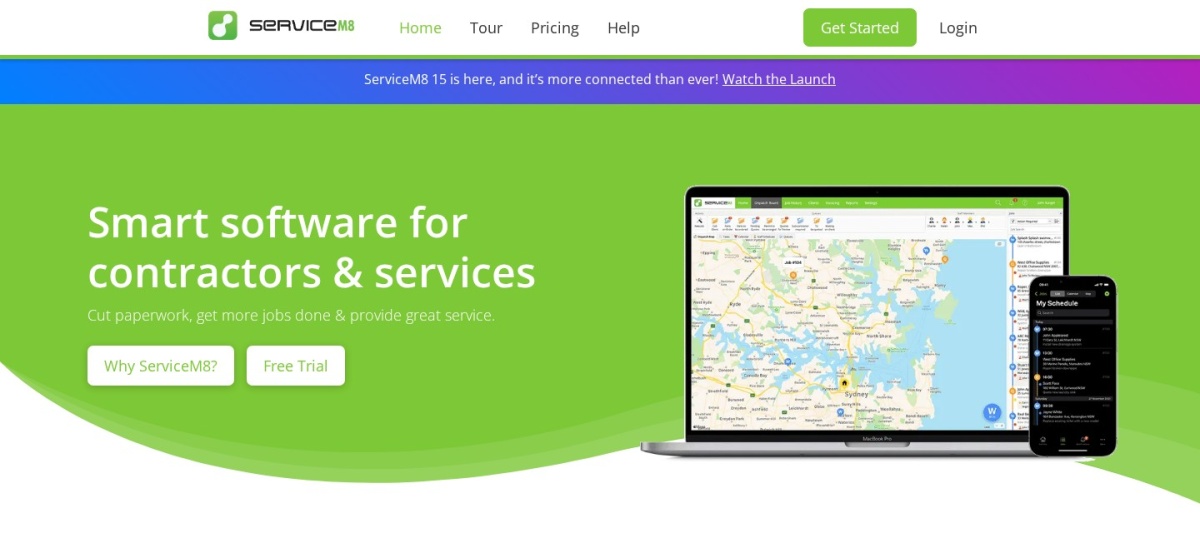
ServiceM8 is smart job management software for contractors and service firms. It takes a job from the first call through scheduling, quoting, completion, invoicing and payment, with a mobile app for the field. It has a free plan, and the Starter plan costs $29 a month.
The trade off is the Starter job cap. Starter allows 50 jobs a month with unlimited users, so busier firms need the Growing or Premium plan. It suits small pest control teams that want to start free and pay only when the job count grows.
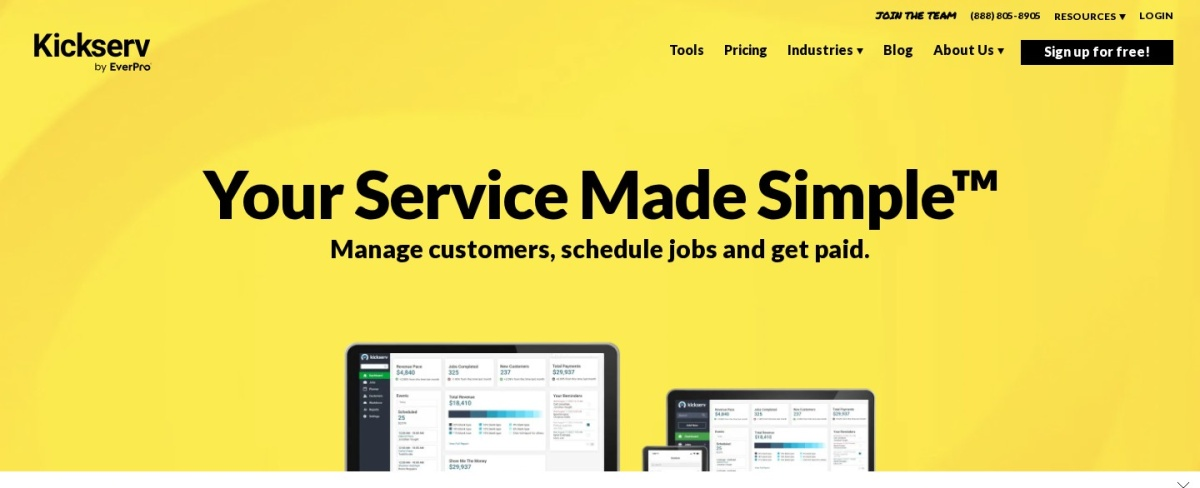
Kickserv is field service software for small service companies with 1 to 25 staff. It covers scheduling, leads, estimates, jobs, invoices and payments, with QuickBooks Online sync and a mobile app. The Start plan costs $60 a month for up to 5 users.
The trade off is the user cap. A sixth user moves you to Run at $119 a month for 10 users, and Scale at $199 covers 20. It suits small pest control firms that want flat, simple pricing without per-user billing.
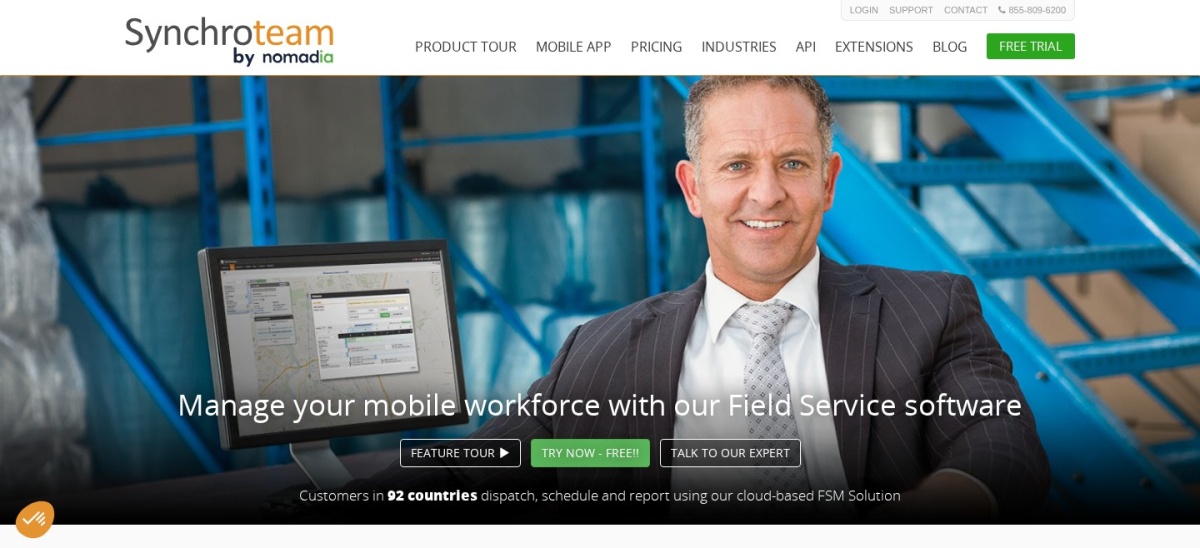
Synchroteam is field service software for scheduling, dispatch, work orders, job tracking, invoicing and reporting. Its mobile app gives technicians real-time updates, offline access, photo capture and digital signatures. It has a free version, and Standard costs $49 per user a month.
The trade off is route optimization, which needs the Premium plan. Standard is $49 per user a month, or $31.50 billed annually, while Premium lists at $79 a month. It suits small teams that want GPS views and custom job reports at a low entry price.
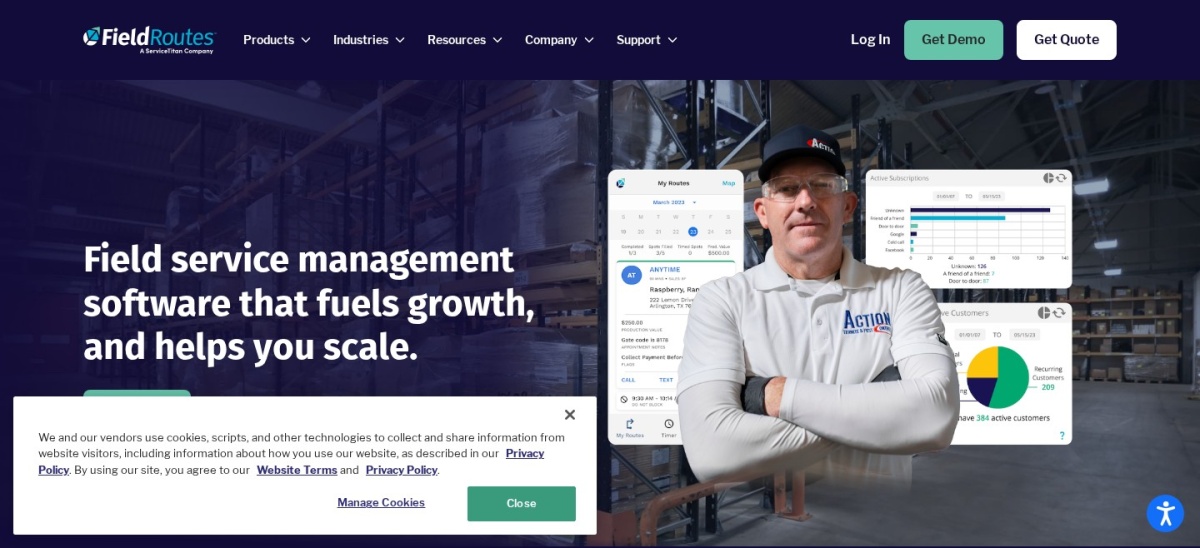
FieldRoutes is the pest control platform from WorkWave, now part of ServiceTitan, built for residential, commercial and multi-unit operators. Its Operations Suite covers scheduling, routing, billing, customer records and a technician mobile app, with Marketing Pro and Fleet Pro as add-ons. Basic starts at $350 a month.
The trade off is cost and access. At $350 a month it is the priciest start here, pricing is based on active customers, and there is no free trial. It suits larger pest control firms that need deep reporting and marketing tools in one system.
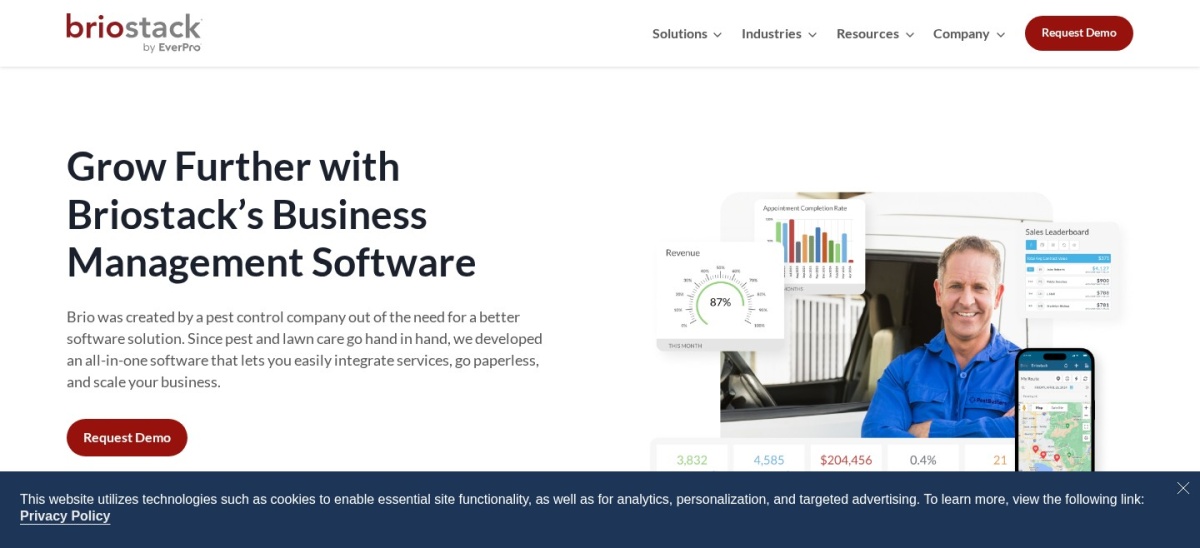
Briostack is pest control and lawn care software created by a pest control company for its own industry. Its Brio Office system covers scheduling, routing, billing, compliance and customer records, with lawn care tools for firms that offer both services. It starts at $50 a month.
The trade off is the review record. Briostack rates 4.0 out of 5 from only 72 Capterra reviews, and reviewers rate its routing 3.3 and scheduling 3.5, the weakest scores here. It suits small firms that do both pest control and lawn care.
Most tools here charge per user, per month. Tradify charges $47 per user a month and Synchroteam $49, so a five-person team pays $235 or $245 a month before add-ons.
GorillaDesk charges per route instead, from $49 a month, with unlimited users on every plan. A crew that rides together shares one route, so the bill stays flat as the team grows.
FieldRoutes charges by active customer count, starting at $350 a month, which suits larger firms with big customer lists. Always price the plan against your own team size and customer count, not the headline number.
Annual billing cuts most of these prices. Jobber drops from $49 a month to $29 billed annually, and Kickserv knocks 20% off its monthly rates, so ask for the annual figure before you compare.
How we chose
We started from the pest control category on Capterra, which lists 106 products, and kept the tools with a public rating and a published or listed starting price.
Ratings and review counts come from Capterra, checked on 26 November 2026. Prices come from each vendor's pricing page on the same day; where a vendor publishes no price, the starting price comes from its Capterra listing. Where a vendor shows a sale, the list shows the regular price.
We left out PestPac, Commusoft and mHelpDesk because they publish no starting price. No vendor paid for a place, and we do not claim to have used these tools ourselves.
How to choose pest control software
Start with your route count, then match the pricing model to it.
Count routes, not users. If crews ride together, per-route pricing like GorillaDesk costs less than per-user plans. If every technician drives alone, per-user pricing is easier to compare.
Check recurring scheduling. Most pest control work repeats every month or quarter. Make sure the tool handles recurring visits, reminders and route changes without manual re-entry.
Try the technician app on a real route. Use the free trial to run one day of jobs through the mobile app. If the crew cannot log chemicals, photos and payments on site, the office gains nothing.
Add up the full monthly cost. Include extra users, routes and add-ons such as payment processing or marketing tools. A $29 plan that needs three add-ons can cost more than a $60 plan that includes them.
FAQ
What is the best software for a pest control business?
GorillaDesk is the best pick for most pest control businesses. It is built for the trade, rated 4.8 out of 5 from 278 Capterra reviews, and charges $49 a month per route with unlimited users. Housecall Pro is the strongest all-round alternative, with 2,749 reviews behind its 4.7 rating.
How much does pest control software cost?
Entry plans in this list run from $29 to $350 a month. Jobber and ServiceM8 start at $29 a month, most tools sit between $47 and $79, and FieldRoutes starts at $350. Per-user and per-route pricing change the real bill, so price the plan against your team size.
Is there free pest control software?
Two tools here have a free version: ServiceM8 and Synchroteam. ServiceM8 has a free plan for small teams, and Synchroteam lists a free version beside its paid plans. Every other tool in this list starts with a free trial instead of a free plan.
What is the difference between FieldRoutes and PestRoutes?
They are the same product line under a new name. PestRoutes was rebranded as FieldRoutes, and the old PestRoutes site now points to FieldRoutes. FieldRoutes is the current name to look for, and its Basic plan starts at $350 a month.
Does pest control software track chemical use?
Some tools do. PestPac and Briostack list pesticide and chemical-use tracking among their features, and FieldRoutes covers compliance reporting for service records. Check that the feature is in the plan you buy, since it is often a higher-tier option.
Can I move my customer list from paper or a spreadsheet?
Yes. GorillaDesk includes free data migration, and the other vendors import customer lists and routes during setup. Ask each vendor what it imports and how long the switch takes before you sign up, so no service history is lost.
SaaS SEO and WordPress specialist with about 8 years of experience. Rakib compares WordPress plugins, themes, hosting and software using public pricing, documentation and user reviews. See how we rank.