DeepL is the best software for PDF translation for most people: its Individual plan costs $8.74 a month on annual billing and returns translated PDFs with the original layout intact. Pick Google Translate for free one-off files and Pairaphrase for sensitive documents that need review.
How we make this list: we compare pricing pages, product documentation and public user reviews, then re-check every price before each update. No product paid for a place. Disclosure.
DeepL keeps PDF layout best for everyday files: 3 file translations a month on Individual, up to 30 MB each.
Google Translate is free in the browser and covers 250 languages, but it has no glossary or review workflow.
Smartcat and Crowdin suit teams: Smartcat starts at $1,200 a year with unlimited users, Crowdin Pro at $900 a year.
Pairaphrase is the secure pick for regulated documents, but Bronze starts at $3,420 a year.
MateCat is the only fully free CAT tool here; memoQ and Trados are paid desktop tools for professional translators.
What PDF translation software should cover
A PDF is harder to translate than plain text. The file carries fonts, tables, images and page breaks, and a good tool returns a translated copy that still looks like the original.
Machine translation engines such as DeepL and Google Translate handle one-off PDFs well. They translate the whole file in a minute and keep most of the layout, but they do not remember your past translations.
Teams with repeat work need more. A translation platform adds translation memory, glossaries and review steps, so the same sentence is never translated twice. Our guide on creating a multilingual WordPress site shows where these tools fit beside a translated website.
Prices in this list are the regular prices from each vendor's pricing page, checked on 26 November 2026. Where a vendor charges per character or per word instead of a flat subscription, the list says so and the ladder shows that metered price.
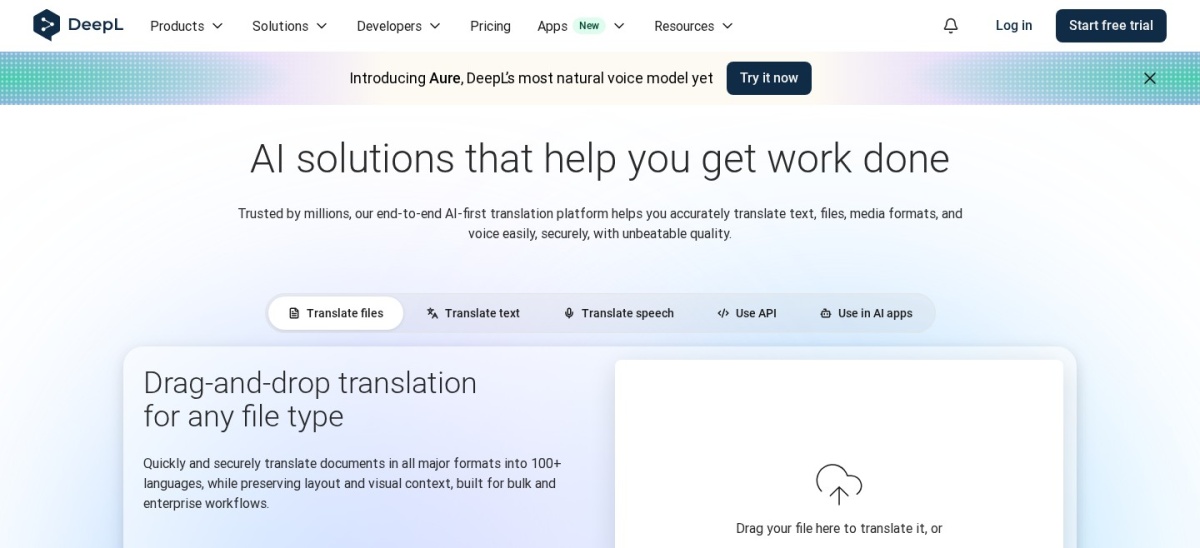
DeepL is a machine translation service known for natural-sounding output, and its document mode is the reason it leads this list. Upload a PDF and it returns a translated copy with headings, tables and fonts largely intact. The free tier covers 50,000 characters a month and 1 file up to 5 MB, while Individual raises that to 300,000 characters and 3 files a month up to 30 MB.
The trade off is the monthly cap. Three files a month is tight if you translate reports every week, and the next plan up, Team, costs $28.74 per user a month. It suits anyone who wants the best raw quality on a handful of PDFs each month.
What we like
Best raw quality for European languages
Returns PDFs with layout largely intact
Glossaries keep client terms consistent
Watch out for
Only 3 files a month on Individual
Fewer languages than Google Translate
Individual adds 300,000 chars and 3 files a monthVisit deepl.com
02
Google Translate
4.6/5on G2 (582 reviews, checked Nov 2026)
Paid from$20/million chars
Best free PDF translation
Free document modeYes, in the browser
Languages250
Cloud API$20 per 1M chars
Cheapest planFree; API pay as you go
translate.google.com
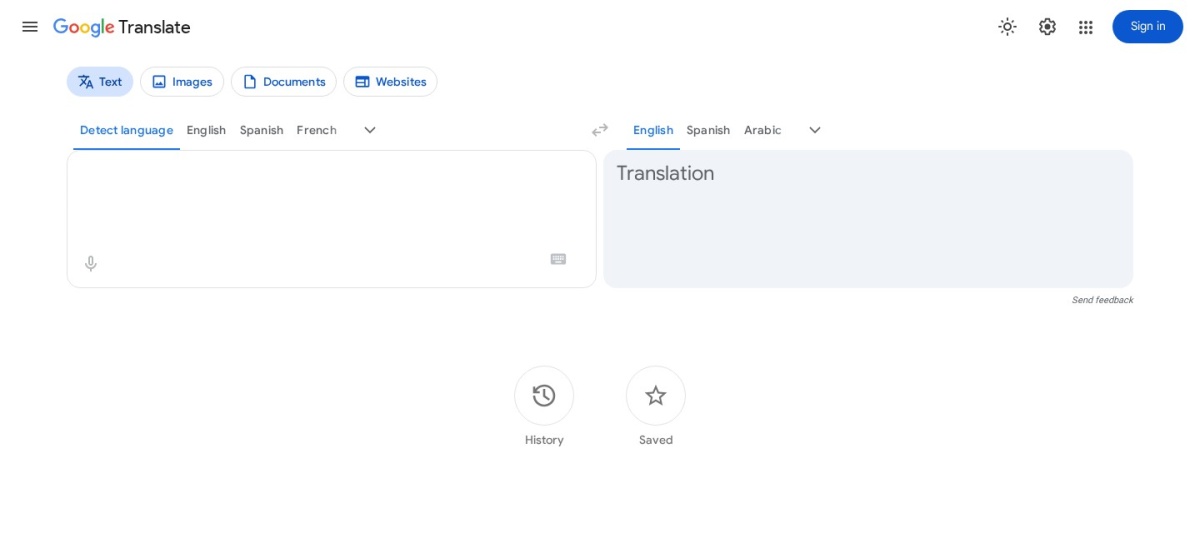
Google Translate homepage, captured Nov 2026.
Google Translate is the free way to translate a PDF in the browser. Open document mode, upload the file and download a translated copy in minutes, with no account or payment needed. It covers 250 languages, more than most tools in this list, and the Cloud API behind it charges $20 per 1 million characters after 500,000 free characters a month.
The trade off is control. There are no glossaries, no translation memory and no review step, so repeated documents are translated from scratch each time. It suits one-off files and quick reading, not client work that needs consistent wording.
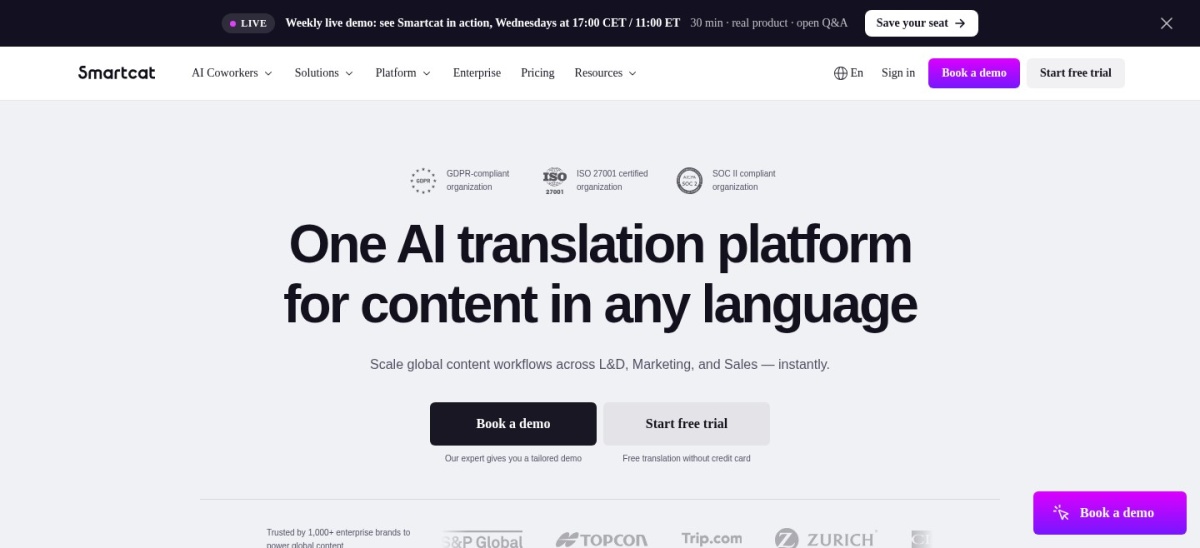
Smartcat is a cloud translation platform that combines AI translation in 280+ languages with a CAT editor, translation memory and review steps. It handles 80+ file formats, so PDFs move through the same workflow as Word and web content. The Adapt plan starts at $1,200 a year with unlimited users and 100,000 Smartwords a year.
The trade off is the jump to higher tiers. Marketplace access and advanced features sit on Accelerate, which is custom priced from $24,000 a year, and AI usage is billed on top of the plan. It suits agencies that want one flat platform fee instead of paying per translator seat.
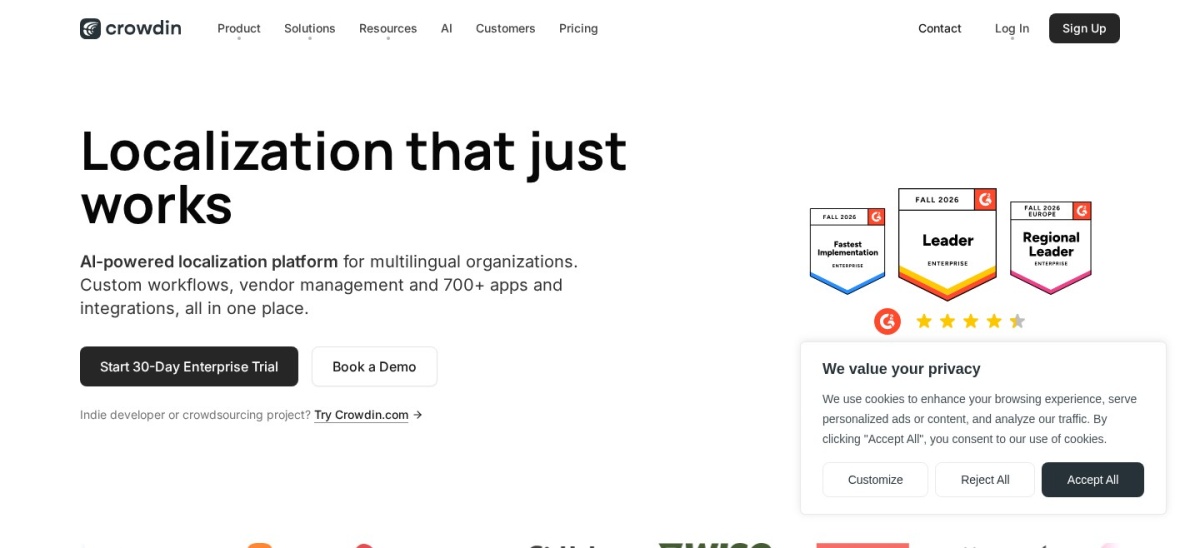
Crowdin is a cloud localization platform built around hosted words rather than seats. The free plan covers 40,000 hosted words, and the Pro plan costs $75 a month on annual billing with 80,000 hosted words and unlimited private projects. It connects to 700+ apps and uses DeepL, Google or other engines for AI pre-translation.
The trade off is fit. Crowdin is built for software strings first, so formatting-heavy PDFs are not its strength, and machine translation is paid per use on top of the plan. It suits teams whose documentation ships beside their product and want a free start.
What we like
Free plan with 40,000 hosted words
700+ integrations with dev tools
AI pre-translation with DeepL and Google
Watch out for
Built for software strings first, not PDFs
Machine translation costs extra per use
Pro adds 80,000 hosted words and unlimited private projectsVisit crowdin.com
05
Pairaphrase
4.3/5on Capterra (25 reviews, checked Nov 2026)
Starts at$285/mo
Best for sensitive documents
Languages103 on Bronze
File formats30+ on Silver
Bronze words600,000/yr
Cheapest planBronze, $285/mo
pairaphrase.com
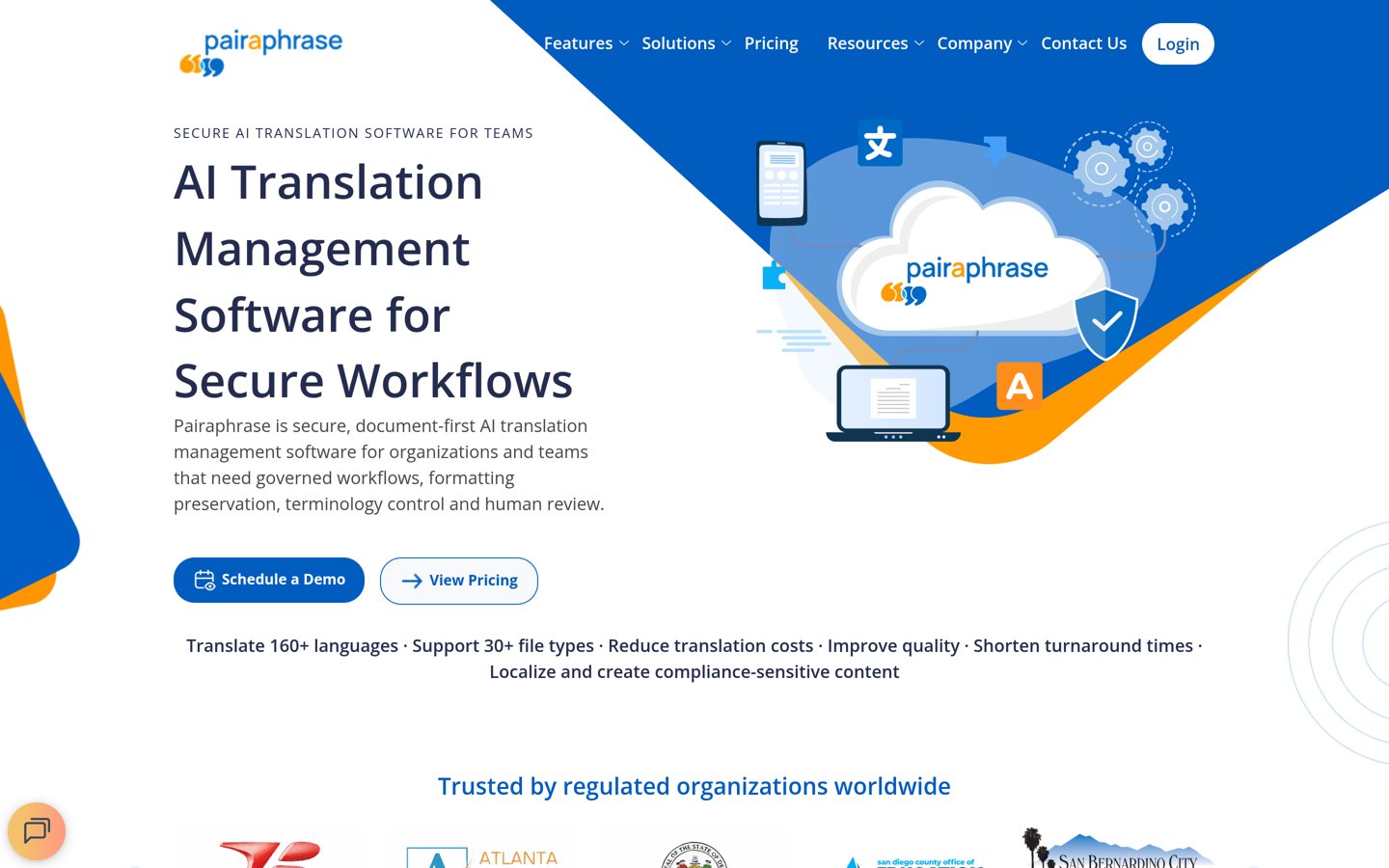
Pairaphrase homepage, captured Nov 2026.
Pairaphrase is a document-first platform built for teams that translate sensitive files. Upload Word, PDF, Excel or PowerPoint files and get back translated copies with the layout largely preserved, with translation memory and glossaries keeping terms consistent. The Bronze plan costs $285 a month on annual billing for 1-2 users and 600,000 words a year.
The trade off is price. Bronze starts at $3,420 a year, and scanned-PDF OCR plus the DeepL engine sit on Silver at $5,988 a year. It suits healthcare, education and legal teams that need encryption, audit logs and human review on every document.
memoQ translator pro is a desktop translation environment for freelance translators, built around translation memory, a term base and LiveDocs, which turns past translations into searchable reference material. The annual subscription costs $436 a year, or $54 a month on the monthly plan, and includes software updates and 24/7 support.
The trade off is the platform. memoQ translator pro runs on Windows only, so Mac users need a workaround, and there is no free plan beyond a 14-day trial. It suits freelance translators who want strong terminology control and often receive memoQ or Trados packages from agencies.
What we like
Strong term base with term extraction
LiveDocs turns past translations into reference material
Trados Studio is the desktop CAT tool from RWS that most translation agencies ask for by name. The Freelance plan costs $40 a month on the annual saver plan, $480 a year, and includes the Windows desktop app plus a browser editor, with unlimited target words on desktop and 1 million a year in the cloud editors.
The trade off is cost and lock-in. New buyers can only buy a subscription, since perpetual licences are no longer sold, and the cheaper Trados Go plan at $30 a month is browser-only. It suits translators whose work comes mainly through agencies that send Trados packages.
What we like
The tool most agencies expect translators to know
Desktop plus browser editor in one plan
Unlimited target words on the desktop app
Watch out for
No perpetual licence for new buyers
Cheaper Go plan has no desktop app
Freelance adds the desktop app and 1M cloud words a yearVisit trados.com
08
SYSTRAN
4.7/5on Capterra (6 reviews, checked Nov 2026)
Starts at$18.99/mo
Best for on-premise translation
Languages55
File typesPDF, Word, Excel, PPT
Trial14 days
Cheapest planPlus, $18.99/user/mo
systran.net
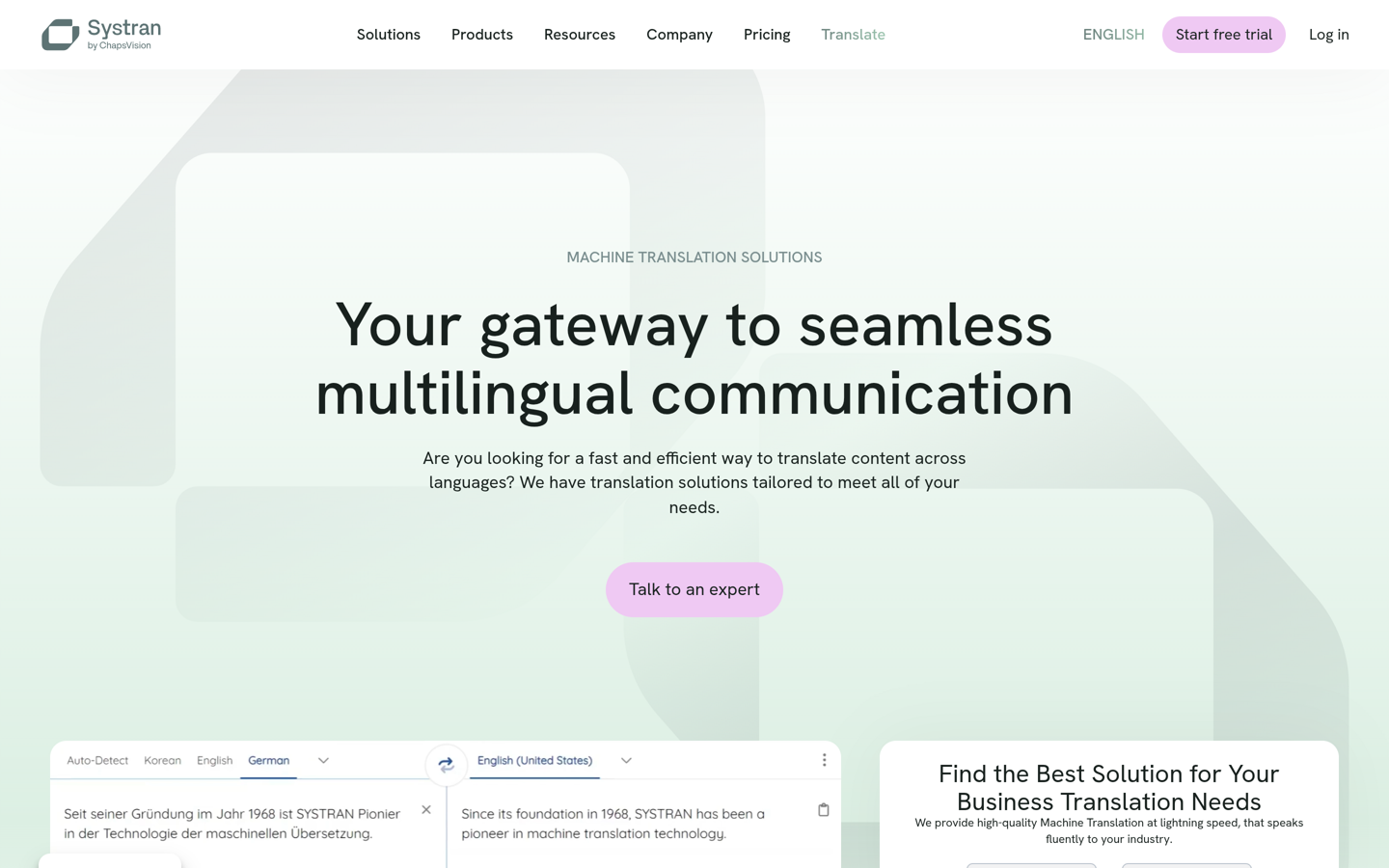
SYSTRAN homepage, captured Nov 2026.
SYSTRAN is a machine translation vendor with more than 50 years in the field, and its Translate Pro plans cover PDF, Word, Excel, PowerPoint and XML files across 55 languages. The Plus plan costs $18.99 per user a month on annual commitment, $25.99 month to month, with unlimited text translation and a 14-day trial.
The trade off is modernity. The language count trails Google and DeepL, per-user pricing scales with headcount, and the on-premise server is a separate quote. It suits regulated teams that need user dictionaries and the option to keep translation inside their own network.
MateCat is a free browser-based CAT tool with translation memory, terminology checks and adaptive machine translation in more than 200 languages from ModernMT. It costs nothing, with no user or project limits, and you open a file in the browser and start translating within minutes.
The trade off is depth. There is no offline desktop editing, project management is thin, and everything lives in the cloud. It suits students, volunteers and small teams translating their own PDFs without a subscription.
What we like
Completely free with no user or project limits
Translation memory and terminology checks included
Free tools cover one-off PDFs well. Google Translate and MateCat cost nothing, and DeepL's free tier covers 50,000 characters a month.
Paid plans mostly add volume and control. You get more files a month, larger files, glossaries and a promise that your text is not used for training.
For contracts, medical forms or legal papers, pay for a tool with review steps and audit trails. A free engine will translate the words but will not show who approved them.
How we chose
We started from the tools that translate whole PDF files with layout intact, then kept those with a published price and a public rating on G2 or Capterra.
Prices come from each vendor's pricing page, checked on 26 November 2026. Ratings and review counts come from G2 and Capterra on the same day. Where a vendor shows a sale, the list shows the regular price.
We left out tools with no public price and tools with no public rating. No vendor paid for a place, and we do not claim to have used these tools ourselves.
How to choose PDF translation software
Start with how often you translate PDFs, then match the tool to the volume.
Count your files each month. One or two PDFs a month fit a free tool or DeepL Individual. Daily files need a plan with a bigger file allowance.
Check the layout on a real file. Upload a typical PDF with tables and images during the free trial and compare the result with the original before you pay.
Decide who reviews the result. Machine translation alone suits internal reading. Client or legal documents need glossaries, translation memory and a human review step.
Read the data terms. Free engines may use uploaded text to improve their models. Paid plans usually promise your documents stay private.
FAQ
What is the best software for PDF translation?
DeepL is the best pick for most people. Its Individual plan costs $8.74 a month on annual billing and returns translated PDFs with headings, tables and fonts largely intact. Google Translate is the best free option for one-off files, and Pairaphrase suits sensitive documents.
Can Google Translate translate a PDF?
Yes. Open Google Translate in the browser, choose document mode, upload the PDF and download the translated copy. It is free and covers 250 languages. The result suits quick reading, but check it by hand before using it for client work.
Do PDF translation tools keep the original layout?
Most do for text-based PDFs. DeepL, Pairaphrase and SYSTRAN return a translated copy with headings, tables and fonts largely intact. Scanned PDFs are harder: only tools with OCR, such as Pairaphrase Silver, read the text from images.
Is there a free PDF translator?
Yes. Google Translate is free in the browser and MateCat is free with no paid tier. DeepL has a free tier with 50,000 characters a month and 1 file up to 5 MB. Free tools suit occasional files; regular work needs a paid plan.
How much does PDF translation software cost?
Prices run from free to $3,420 a year. DeepL Individual costs $104.88 a year, SYSTRAN Plus costs $227.88 a year per user, and Pairaphrase Bronze starts at $3,420 a year. Google Translate charges $20 per 1 million characters only through its Cloud API.
Do I need a CAT tool to translate a PDF?
No, not for one-off files. DeepL or Google Translate handles a single PDF in minutes. A CAT tool such as memoQ or Trados pays off when you translate repeat documents, because translation memory reuses past sentences and keeps terms consistent.
SaaS SEO and WordPress specialist with about 8 years of experience. Rakib compares WordPress plugins, themes, hosting and software using public pricing, documentation and user reviews. See how we rank.