Zoho Inventory is the best software for office supply management for most offices: its free plan covers 50 orders a month and Standard starts at $29 a month with purchase orders, reorder points and barcode scanning, rated 4.5 out of 5 on Capterra. Pick Sortly for simple visual shelf tracking and Tradogram for low-cost purchase approvals.
How we make this list: we compare pricing pages, product documentation and public user reviews, then re-check every price before each update. No product paid for a place. Disclosure.
Zoho Inventory is the best overall pick: a free plan for 50 orders a month and Standard at $29 a month with purchase orders, reorder points and barcode scanning.
Sortly is the simplest visual tracker, with a free plan for 100 items, but Advanced renews at $49 a month after a $24 first year.
Spendwise is the cheapest way to run approvals at $9 per user per month, though Basic caps at 10 transactions a month.
Tradogram and ProcurementExpress add real buying control: Tradogram from $99 a month, ProcurementExpress from $415 a month with budget checks on every request.
Precoro is the fullest procure-to-pay system here at $499 a month, while Cheqroom is the only pick built for lending shared equipment rather than counting consumables.
What office supply management software should cover
Office supply management covers two jobs that look alike: counting what is in the cupboard and controlling what gets bought. Consumables such as paper, toner and cleaning products run out and need reordering, while shared equipment such as laptops and projectors moves between people and needs a custody record.
Stock-first tools track quantities, set reorder points and scan barcodes. Buying-first tools route requests, check budgets and turn approved requests into purchase orders. Most offices need a little of both, but the balance decides which tool fits.
Start with the limits that will bind first: how many items, users, locations and monthly orders each plan allows. A cheap per-user price can still cost more than a flat plan once the whole office is in the system.
Our guide on managing inventory in WooCommerce covers the same reorder-point thinking for a store stockroom, and the logic carries over to an office cupboard.
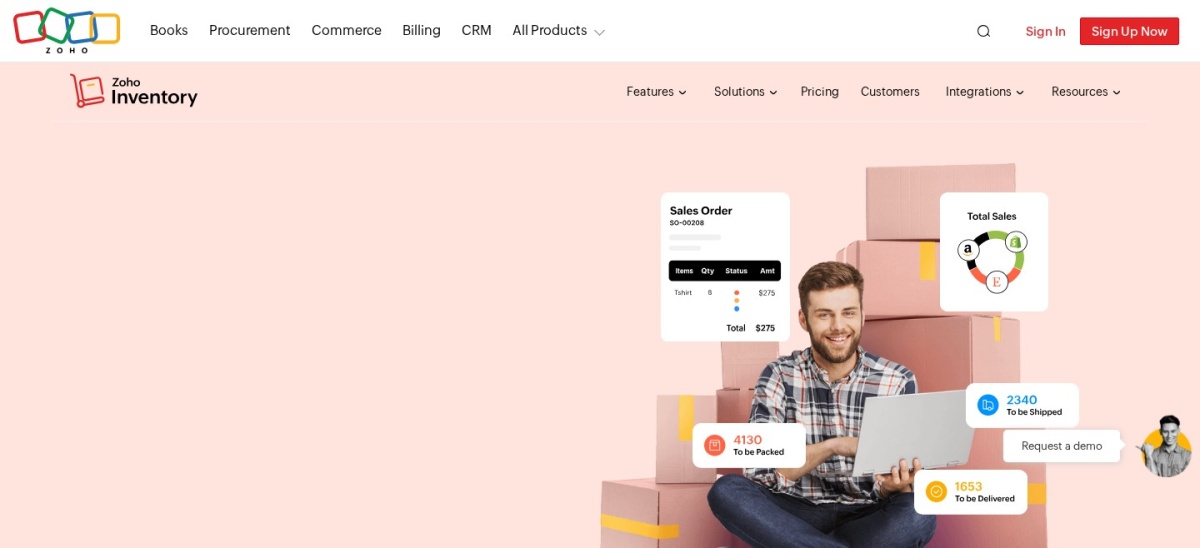
Zoho Inventory is cloud stock and order software that covers the whole office supply loop: purchase orders, stock counts, reorder points and barcode scanning. The free plan covers 50 orders a month for 1 user in 1 location, and Standard costs $29 a month billed annually ($39 month-to-month) for 500 orders, 3 users and 2 locations.
The trade off is caps. Order, user and location limits rise only on higher plans, and there is no built-in request-and-approval chain like the procurement tools below. It suits offices that also run a small stockroom and want one count for supplies, sales and purchase orders.
What we like
Free plan covers real ordering, not just a trial
Lowest flat starting price in this list
Purchase orders, reorder points and barcode scanning included
Watch out for
Order, user and location caps push growing teams to higher plans
No built-in approval chain for purchase requests
Paid plans raise order, user and location limitsVisit zoho.com
02
Sortly
4.5/5on Capterra (958 reviews, checked Nov 2026)
Paid from$49/mo
Best for visual shelf-level tracking
Free planYes, 100 items
Paid planAdvanced, $49/mo
Items500 on Advanced
Users2 on Advanced
sortly.com
Sortly homepage, captured Nov 2026.
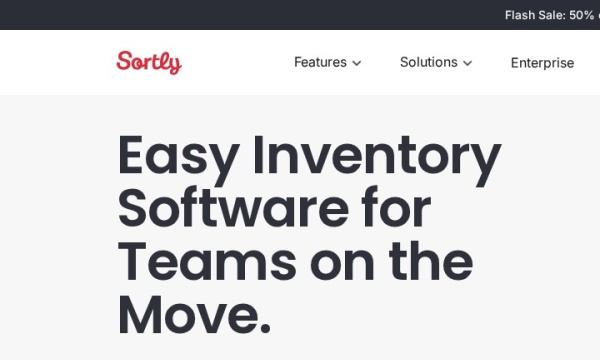
Sortly is a visual inventory app built around photos, folders and QR codes. The free plan tracks 100 items for 1 user, and Advanced costs $49 a month for 500 items, 2 users and unlimited QR labels, with low-stock alerts and a mobile app for scanning shelves.
The trade off is the first-year price. Advanced shows as $24 a month for year one, then renews at the $49 list price, and purchase orders need Ultra at $149 a month. It suits small teams that want to see what is on the shelves without learning a full procurement system.
What we like
Fastest to learn: photos and folders, no training needed
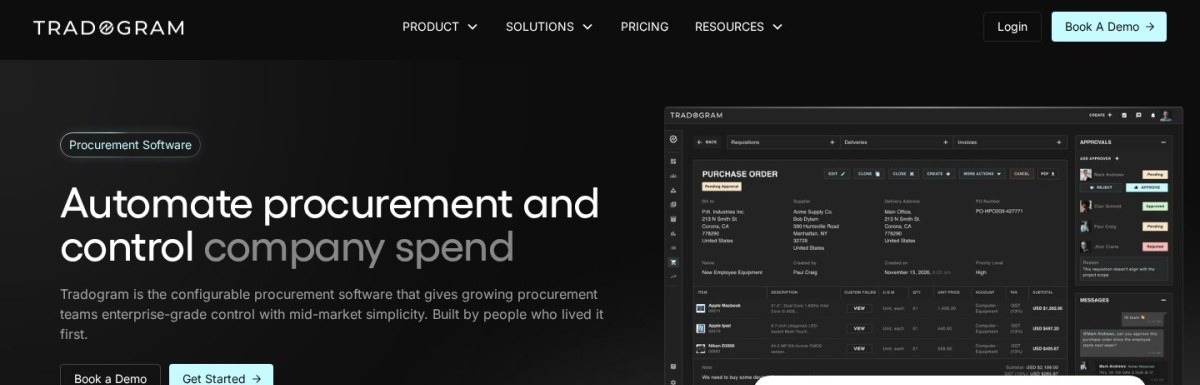
Tradogram is procurement software for small teams that buy from regular suppliers. Essentials costs $99 a month, or $950.40 a year billed annually, and covers purchase orders, supplier records, AP invoices, payments and AI scans of quotes and invoices.
The trade off is depth. Requisitions, receiving, real-time budgets and contracts sit in Premium or as paid add-ons, and extra users carry an added fee. It suits offices that want cheap, plain purchase orders with supplier and invoice tracking in one place.
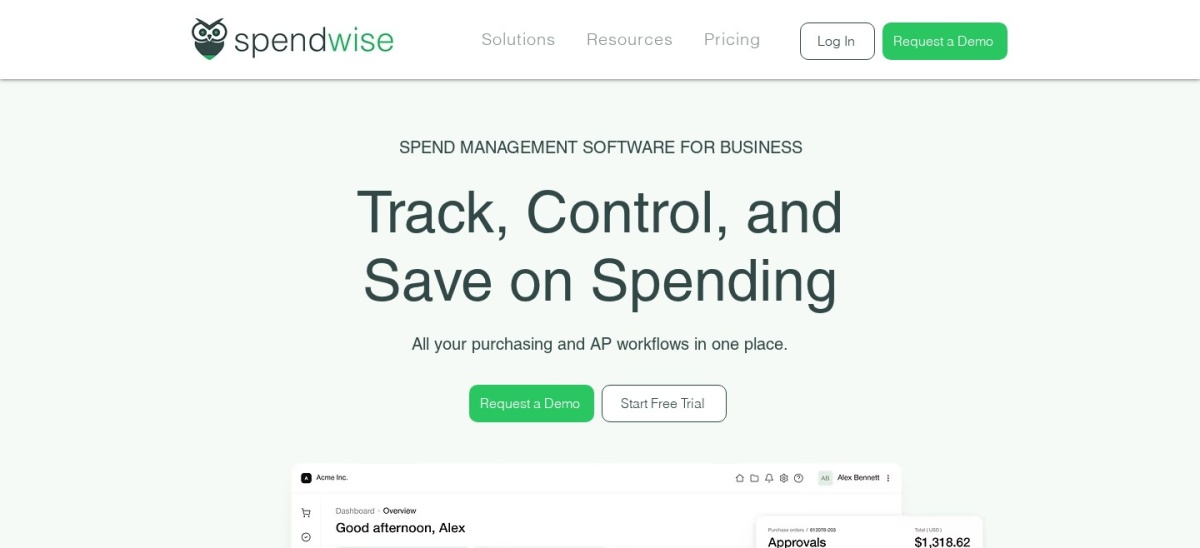
Spendwise is a low-cost procure-to-pay tool for very small teams. Basic costs $9 per user per month for up to 5 users and covers purchase requisitions, purchase orders, approvals, receiving, invoice matching and reports, with a free trial to start.
The trade off is the transaction cap. Basic allows only 10 transactions a month, so most teams move to Pro at $19 per user per month for unlimited transactions, budgets and approval workflows. It suits offices that raise a few purchase orders a month and want the lowest per-user price.
inFlow Inventory is stock, sales and purchasing software for offices that also sell or ship goods. Lite costs $99 a month billed annually ($129 month-to-month) for 2 team members and 1 location, with unlimited products, sales orders and purchase orders plus barcode scanning.
The trade off is onboarding and add-ons. Most plans need a one-time $499 onboarding package, there is no free plan beyond a 14-day trial, and serial and lot tracking cost extra. It suits wholesalers and small distributors that need a B2B showroom beside the stock count.
What we like
Unlimited products, sales and purchase orders on every plan
Odoo is a modular business system whose Inventory app tracks stock, warehouses and replenishment. The One App Free plan runs Inventory alone with unlimited users, and Standard costs $31.10 per user per month on annual billing for all apps, including Purchase, Sales and Accounting.
The trade off is setup and per-user cost. The first 12 months show a lower $24.90 rate, installing Studio or a second company moves you to Custom at $61.00, and the system takes longer to shape than a single-purpose tracker. It suits teams that plan to add accounting, sales or HR to the same base.
What we like
Only tool here with a free plan and unlimited users
Grows from one app into a full ERP
Barcode, multi-warehouse and FIFO, LIFO and FEFO rules
Watch out for
Steepest setup curve in this list
Per-user cost grows with the team
First-year discount hides the regular price
Standard unlocks all apps at $31.10 per user per monthVisit odoo.com
07
ProcurementExpress
4.7/5on Capterra (423 reviews, checked Nov 2026)
Starts at$415/mo
Best for budget-checked approvals
Free planNo, 14-day trial
Paid planBasic, $415/mo
Spend cap$10,000/mo on Basic
IntegrationsQuickBooks on Basic
procurementexpress.com
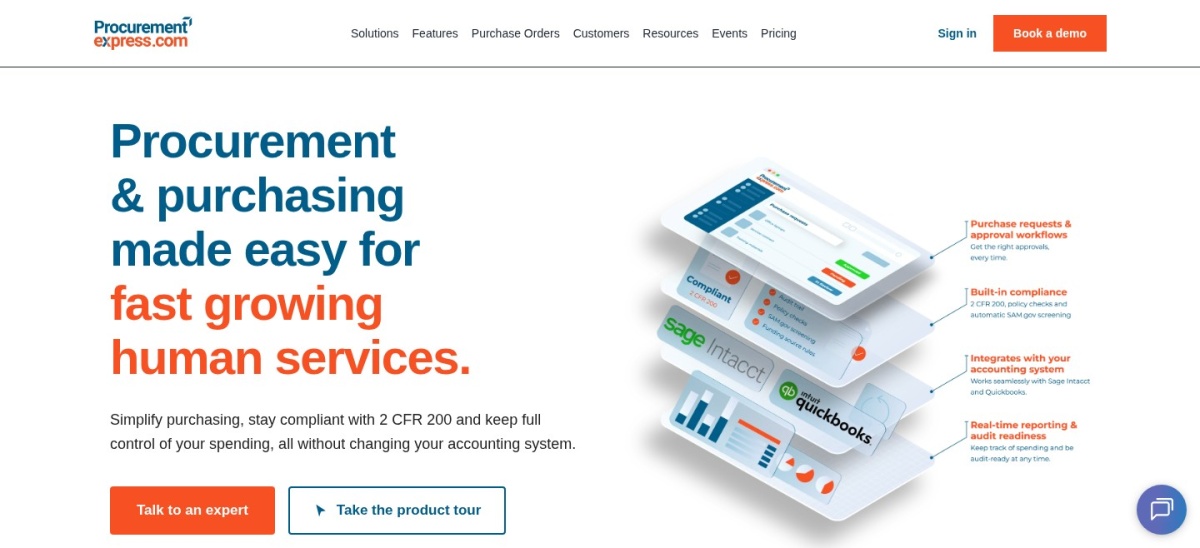
ProcurementExpress homepage, captured Nov 2026.
ProcurementExpress is purchasing software that checks every request against a budget before it becomes a purchase order. Basic costs $415 a month and manages up to $10,000 of monthly spend, with approval workflows, invoice matching, QuickBooks integration and a 14-day trial.
The trade off is the spend-based bill. The price rises with monthly managed spend, Amazon punch-outs start on Better at $900 a month, and NetSuite and Dynamics need Enterprise. It suits grant-funded and nonprofit offices that must show an audit trail for every dollar.
What we like
Every request shows the budget left before approval
Built for audit trails and grant compliance
Up and running in about 15 minutes, per the vendor
Watch out for
Priced by managed spend, so the bill rises with volume
Precoro is a full procure-to-pay platform for mid-size teams buying across sites and departments. Core starts at $499 a month billed annually and covers requests, purchase orders, receipts, two- and three-way invoice matching, budgets, supplier records and vendor payments.
The trade off is price and seat tiers. Core is the steepest flat price in this list, users are tier-based with unlimited users only on Enterprise, and inventory and punch-outs need Automation at $999 a month. It suits multi-location teams that want one buying process everywhere.
What we like
Fullest buying flow here, from request to payment
Punch-outs with Amazon Business, Staples and Home Depot
Strongest review volume among the procurement tools
Watch out for
Steepest flat starting price in this list
No free plan or trial published
Inventory and punch-outs need the $999 plan
Automation adds AP automation and punch-outs at $999/moVisit precoro.com
09
Cheqroom
4.5/5on G2 (42 reviews, checked Nov 2026)
Starts at$184/admin/mo
Best for shared equipment check-out
Free planNo
Paid planCore, $184/admin/mo
Locations1 on Core
UsersUnlimited regular users
cheqroom.com
Cheqroom homepage, captured Nov 2026.
Cheqroom is equipment check-out software for shared gear such as laptops, cameras and projectors. Core costs $184 per admin per month billed annually for 1 location, with unlimited regular users and items, reservations, check-in and check-out, kits, single sign-on and mobile apps.
The trade off is the audience and the price model. It tracks equipment custody, not consumable stock levels, and per-admin billing makes it the dearest option here for a single office. It suits AV, IT and facilities teams that lend gear out and need to know who has it.
What we like
Built for reservations and custody, not just counts
Stock tracking vs buying control: which job is yours?
If the pain is empty shelves, pick a stock tracker. Zoho Inventory, Sortly and inFlow show counts, warn at low stock and record who took what.
If the pain is unapproved spending, pick a buying tool. Tradogram, Spendwise, ProcurementExpress and Precoro route requests, check budgets and keep an audit trail.
Offices that do both can pair tools, but one system usually wins. Our minimum order amount guide shows how a reorder threshold works in practice, and the same threshold idea applies to toner and paper.
Cheqroom sits apart: it books shared equipment rather than counting consumables, so pair it with a stock tool instead of replacing one.
How we chose
We started from inventory and procurement tools with a published price and a public rating on G2 or Capterra, then kept the ones that fit office supplies: consumables, shared equipment or the buying that restocks them.
Prices come from each vendor's pricing page, checked on 26 November 2026, and show the regular price; where a vendor shows a first-year discount, the list uses the list price. Ratings and review counts come from G2 or Capterra on the same day.
We left out tools with no public rating, quote-only pricing or a single review, including SutiProcure and OfficeStoreApp. No vendor paid for a place, and we do not claim to have used these tools ourselves.
How to choose office supply management software
Count what you hold, then pick the tool that matches the bigger pain: empty shelves or unapproved spending.
List the supplies that run out most. Paper, toner, coffee and cleaning products usually top the list. If the list is short, a visual tracker such as Sortly is enough.
Decide whether buying needs approval. If anyone can order anything, pick a buying tool with request and budget checks, such as Tradogram or Spendwise.
Compare flat prices against per-user prices. A $9 per-user plan beats a $99 flat plan for two users and loses for twenty. Multiply by your real user count before you choose.
Trial the request workflow, not just the dashboard. Raise a request, approve it, turn it into a purchase order and receive the goods. If any step needs a higher plan, that is the real price.
FAQ
What is the best software for office supply management?
Zoho Inventory is the best pick for most offices. Its free plan covers 50 orders a month, Standard costs $29 a month billed annually, and it handles purchase orders, reorder points and barcode scanning. It is rated 4.5 out of 5 on Capterra from 423 reviews.
Is there free office supply management software?
Yes. Zoho Inventory is free for 50 orders a month, Sortly is free for 100 items, and Odoo lets you run its Inventory app free with unlimited users. Free plans cover counting and basic orders; approvals and budgets usually need a paid plan.
What is the difference between inventory software and procurement software?
Inventory software counts stock, sets reorder points and tracks where items are. Procurement software controls buying: requests, approvals, purchase orders and invoice matching. Offices with empty shelves need the first; offices with unapproved spending need the second.
How much does office supply management software cost?
Entry prices in this list run from $9 per user per month for Spendwise to $499 a month for Precoro. Most offices pay $29 to $129 a month, and per-user tools cost more as the team grows, so check the price at your real user count.
Do I need barcode scanning for office supplies?
It helps once the cupboard holds more than a few dozen items. Sortly, Zoho Inventory and inFlow all scan barcodes or QR codes from a phone, which makes counts faster and cuts data-entry mistakes. Small offices with one shelf can manage without it.
Can these tools track shared equipment too?
Some can. Cheqroom is built for lending laptops, cameras and projectors, with reservations and check-in records. Sortly and inFlow also track equipment, but consumables and shared gear are different jobs, so many offices run one tool for each.
SaaS SEO and WordPress specialist with about 8 years of experience. Rakib compares WordPress plugins, themes, hosting and software using public pricing, documentation and user reviews. See how we rank.