Zendesk is the best software for monitoring live chat quality for most teams, with chat ratings and Explore reports on the $55-per-agent Suite Team plan plus a QA add-on, rated 4.3 out of 5 on G2. Pick Intercom for AI-led quality checks, or LiveChat for a chat-first tool at $19 per user a month.
How we make this list: we compare pricing pages, product documentation and public user reviews, then re-check every price before each update. No product paid for a place. Disclosure.
Zendesk is the top pick: Suite Team at $55 per agent a month pairs live chat with CSAT surveys and Explore reports, and QA scoring comes with the $50 Workforce Engagement bundle.
Intercom's $29 Essential plan shows a $19 new-customer price; $29 is the regular rate, and Fin costs $0.99 per outcome on top.
LiveChat's new trials use Text plans: Essential is $19 per user a month with 60 days of chat history and 10 AI resolutions a month.
Four tools have a free plan: Help Scout for 5 users, Tidio for 50 conversations a month, HubSpot for 2 users and Zoho Desk for 3 agents.
Gorgias is the only tool priced by tickets, not seats: Basic is $50 a month for 300 tickets, so chat volume sets the bill.
What to look for in live chat quality software
Live chat quality is not one score. It is a mix of how fast agents reply, how customers rate each chat, and how often the first reply actually solves the problem.
Start with the signals every tool in this list can show: post-chat ratings, first response time and resolution rate. A tool that cannot report those three numbers cannot tell you whether chat is getting better.
Then look at how quality is checked. Some tools score a sample of chats with a QA checklist, while others lean on AI to read every conversation. Our guide on adding an AI chatbot to WordPress explains where automation helps and where a person still matters.
Price shapes the choice as much as features. Per-agent pricing grows with headcount, per-ticket pricing grows with volume, and conversation caps punish busy months, so match the billing model to how your team actually works.
The 9 best software for monitoring live chat quality
01
Zendesk
4.3/5on G2 (7,034 reviews, checked Nov 2026)
Starts at$55/mo
Best overall for chat quality
Live chatSuite Team plan
CSAT surveysYes
QA scoringWEM add-on, $50/agent/mo
Paid planSuite Team, $55/agent/mo
zendesk.com
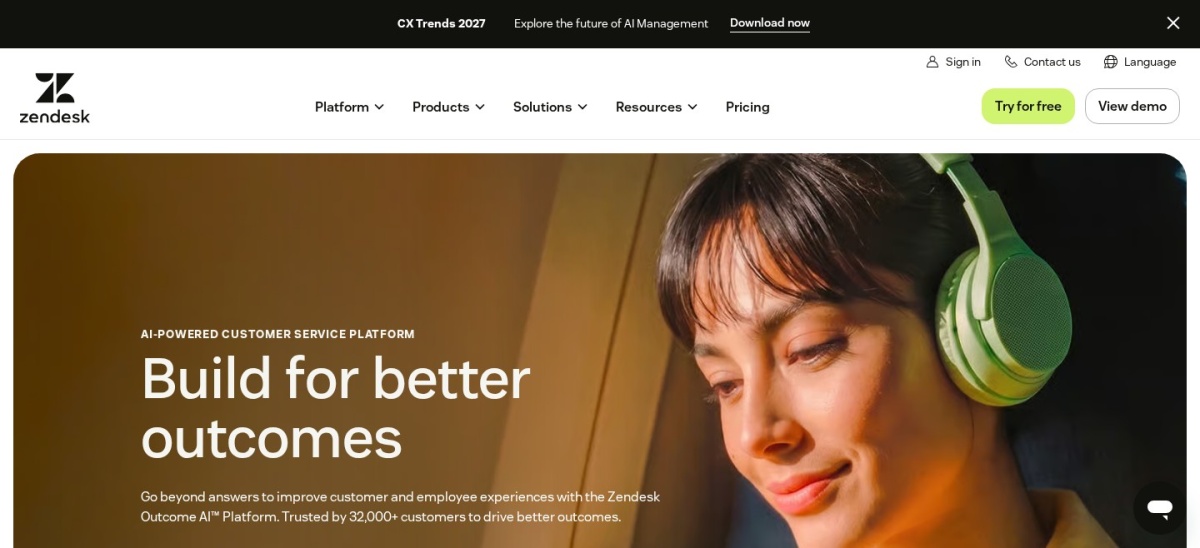
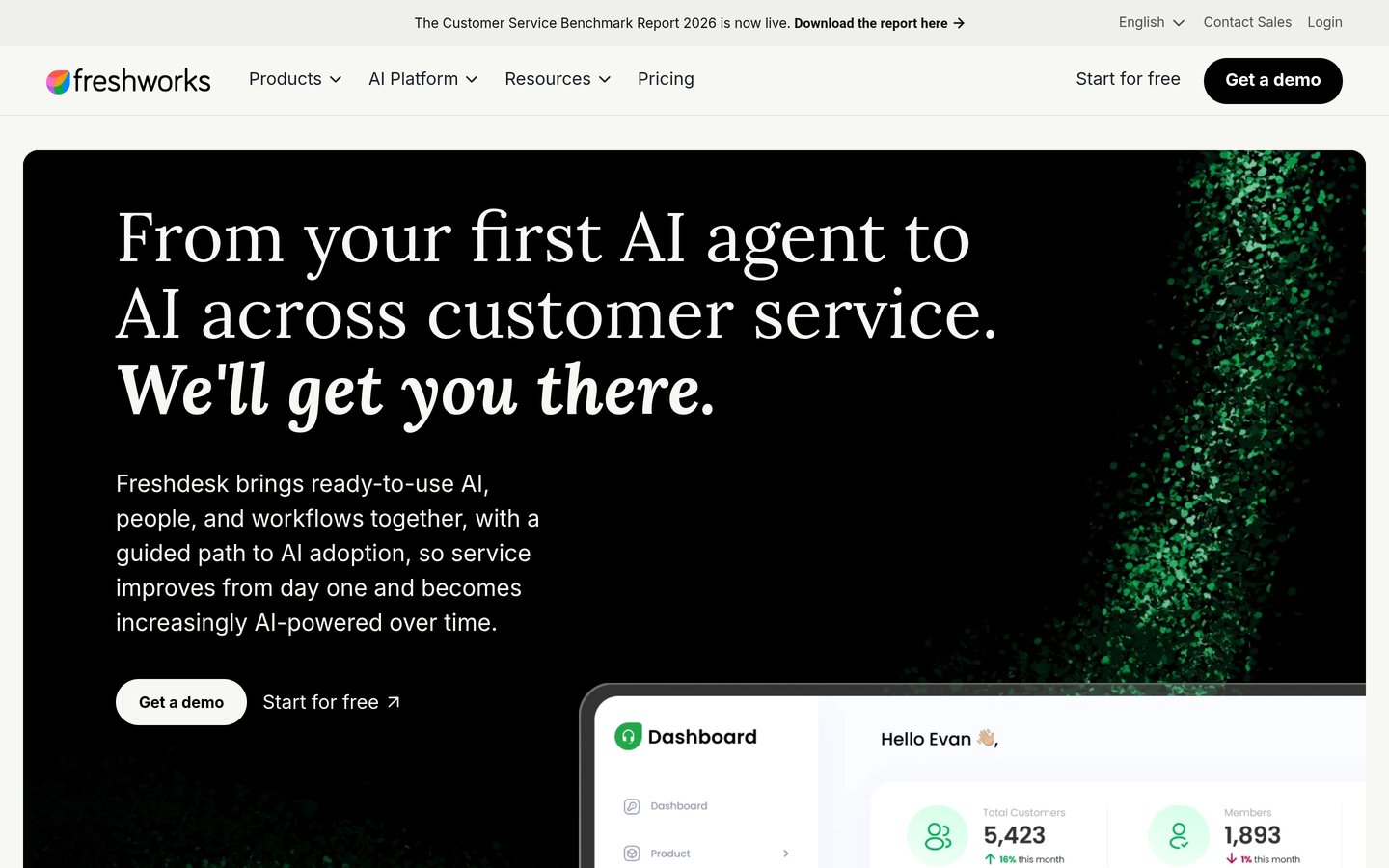
Zendesk homepage, captured Nov 2026.
Zendesk is the most complete help desk in this list, and live chat arrives with the Suite Team plan at $55 per agent a month billed yearly. It pairs messaging and live chat with CSAT surveys, prebuilt Explore reports on response and resolution times, and a customer base of more than 32,000 companies.
The trade off is cost. Dedicated QA scoring sits in the Workforce Engagement bundle at $50 per agent a month on top of the seat price, and Copilot costs the same again. It suits teams that already run support on Zendesk and want quality checks in the same workspace.
What we like
CSAT surveys and Explore reports on the entry Suite plan
QA scoring, forecasting and scheduling in one bundle
Largest review base in this list, at 7,034 G2 reviews
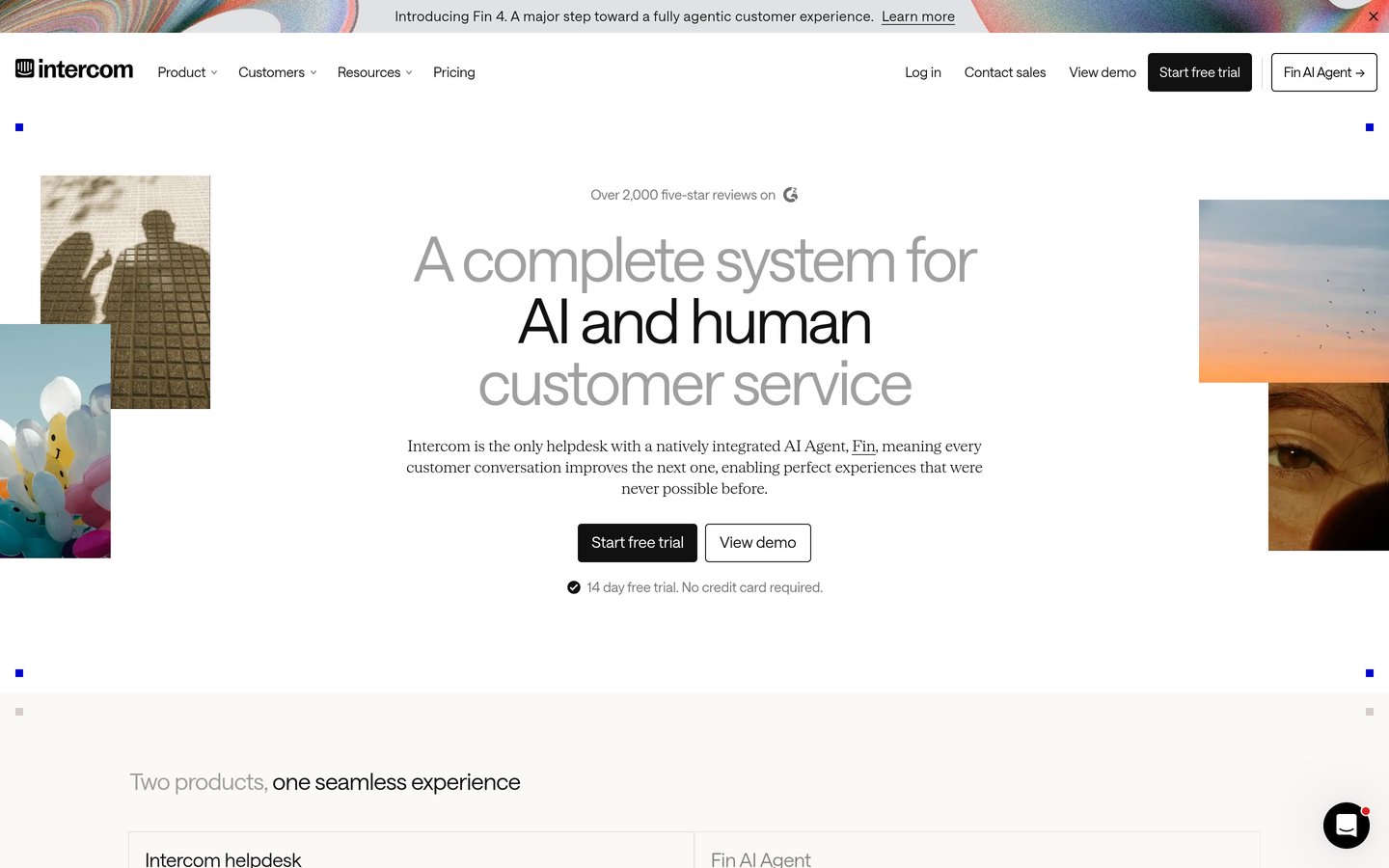
Intercom is a messaging-first help desk built around Fin, its AI agent, which answers from the knowledge base and hands tricky chats to agents. Essential costs $29 per seat a month billed yearly, and every plan includes live chat, a shared inbox, ticketing and a public help center.
The trade off is the sale price on the page. Essential shows $19 per seat for new customers, but $29 is the regular price, and Fin outcomes cost $0.99 each on top. It suits SaaS teams that want AI to handle routine chats while agents focus on the rest.
What we like
Fin resolves routine chats from the knowledge base
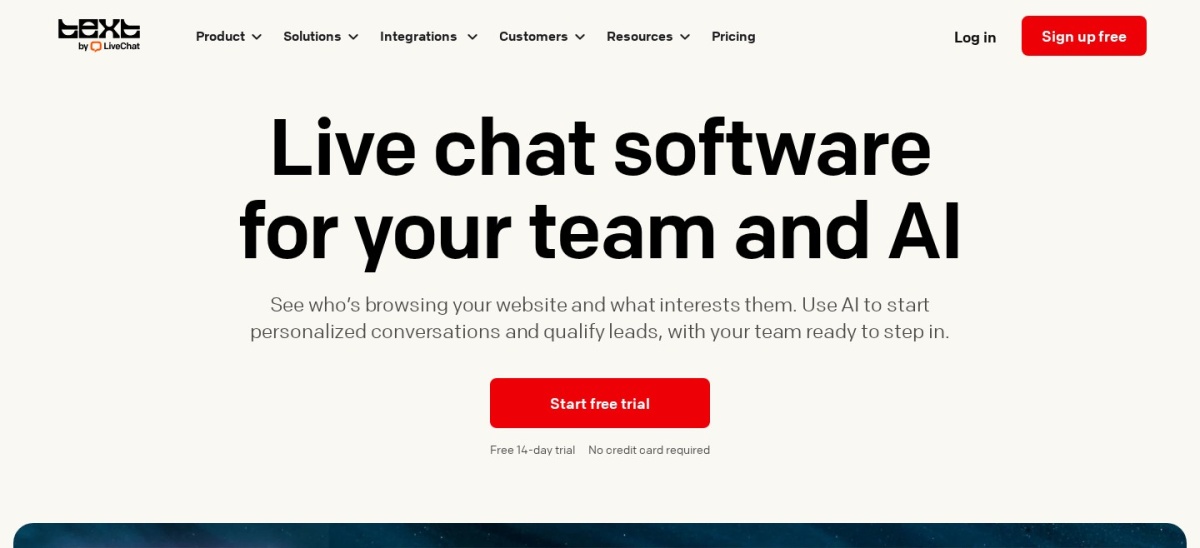
LiveChat is a chat-first tool from Text, and new trials now run on Text plans. Essential costs $19 per user a month billed yearly and covers the chat widget, ticketing, canned responses, AI Copilot and reports on chat volume, response time and chat ratings.
The trade off is history. Essential keeps 60 days of chat history and tracks 50 live visitors, so trend reporting needs the Growth plan at $79 per user a month. It suits small teams that want a dedicated chat tool with clear per-chat ratings.
Freshdesk is Freshworks' help desk, and live chat runs on its Omni plans rather than the email-only Growth plan. Omni Growth costs $29 per agent a month billed yearly and adds chat, messaging and social channels to ticketing, a knowledge base and 500 Freddy AI Agent sessions.
The trade off is the split product line. The $19 Growth plan has no live chat, so teams that only need chat still pay for the Omni upgrade, and Freddy AI Insights sits on Enterprise. It suits teams moving off shared inboxes that want chat and tickets in one place.
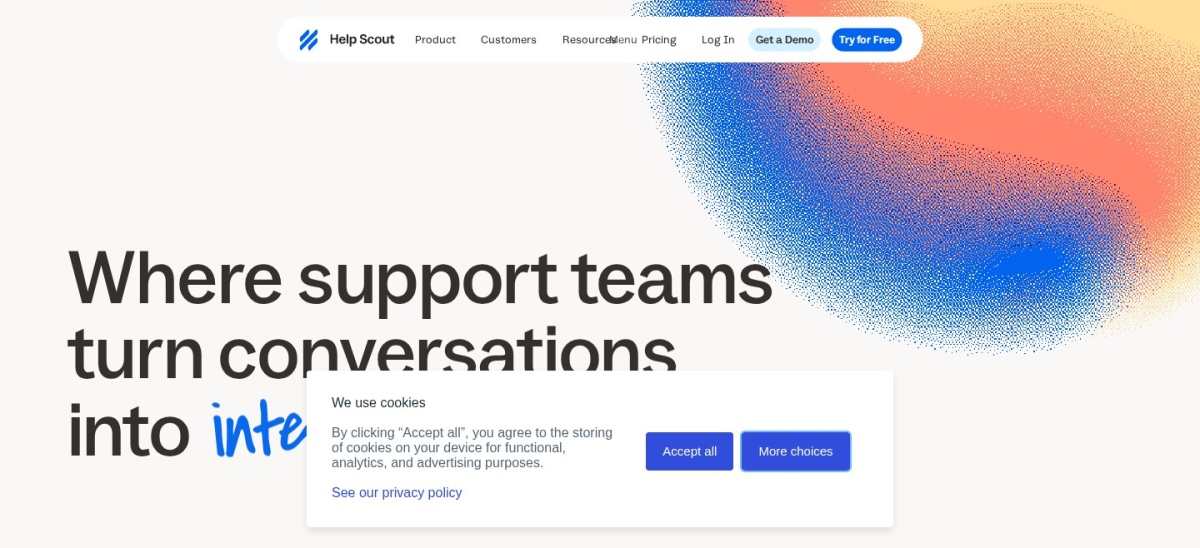
Help Scout is a shared inbox with live chat through its Beacon widget, Docs knowledge base and messaging channels. Standard costs $25 per user a month billed yearly for up to 25 users, and the free plan covers 5 users with 1 inbox and 1 Docs site.
The trade off is depth. Standard keeps 30 days of report history and one basic SLA policy, and the Envoy AI agent costs $0.75 per resolution on top. It suits small teams that want friendly chat, clear happiness ratings and a knowledge base in one tool.
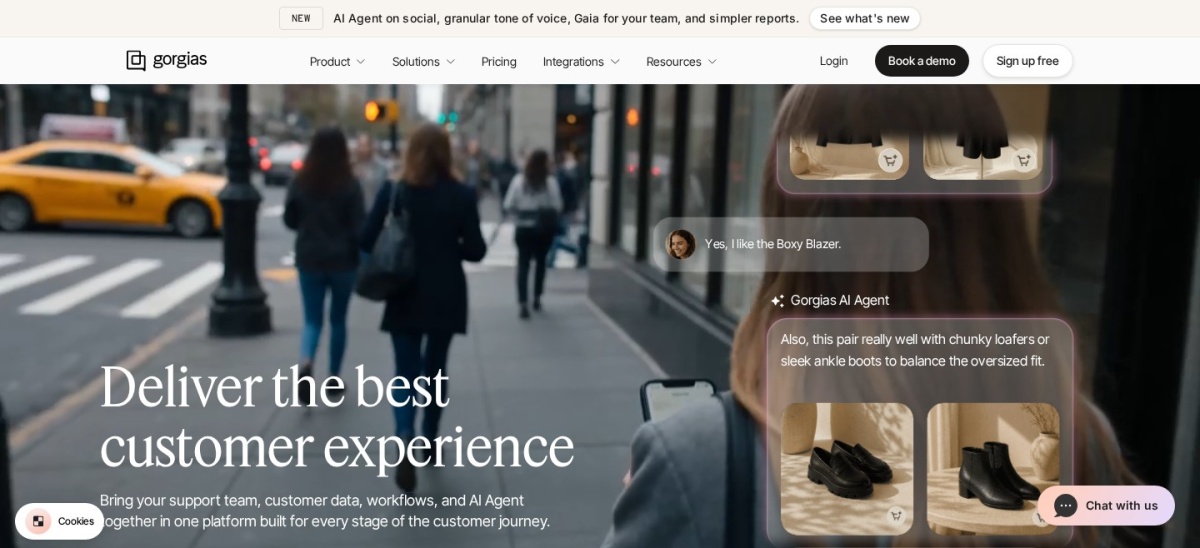
Gorgias is a help desk built for online stores, and it shows each shopper's orders beside the chat. Basic costs $50 a month billed yearly for 300 tickets, with 500 user seats included, and the 7-day trial covers all features.
The trade off is the ticket meter. Every chat that gets a reply counts as a billable ticket, and extra tickets cost $0.40 each, so a busy month pushes the bill up. It suits Shopify and WooCommerce stores that judge chat quality by orders and revenue.
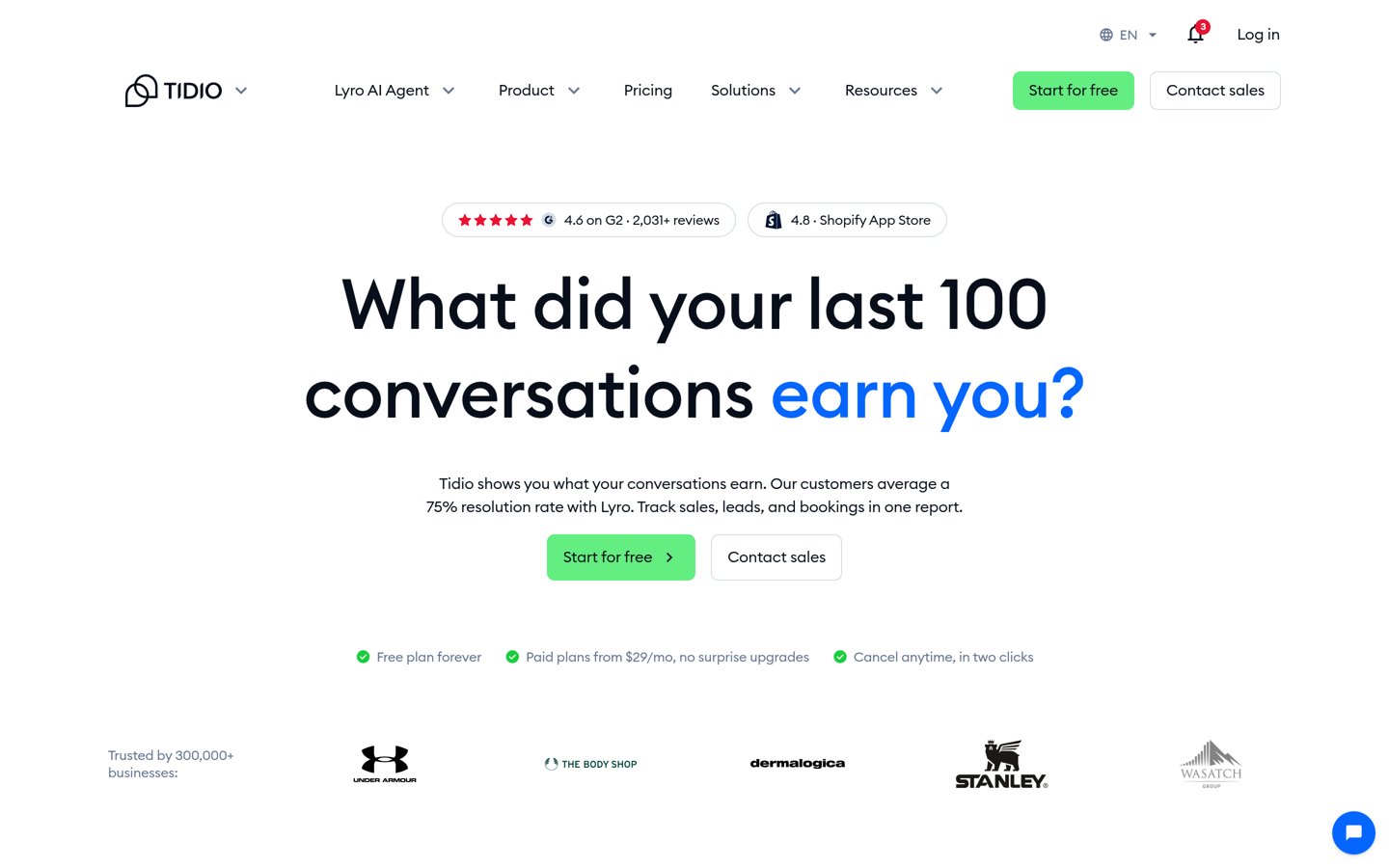
Tidio is live chat and AI support built for small online stores, with Lyro answering routine questions and handing the rest to the team. Starter costs $33 a month billed yearly for 50 AI and human conversations, and the free plan covers 50 conversations a month for up to 10 seats.
The trade off is the conversation meter. The 50-conversation allowance covers a small store, but a busy month needs Growth from $63 a month, and AI CSAT is not on Starter. It suits stores that want chat, ticketing and a chatbot in one low-cost tool.
HubSpot Service Hub is a help desk that sits on the HubSpot CRM, so every chat lands on the contact's record. The free plan covers 2 users with live chat and ticketing, and Starter costs $20 per seat a month billed yearly with routing rules and branding removed.
The trade off is the upsell. A lower new-customer rate of $7 per seat is shown on the page, but $20 is the regular Starter price, and the Help Desk Workspace arrives on Professional, which also carries a $1,500 onboarding fee. It suits teams that already run sales and marketing on HubSpot.
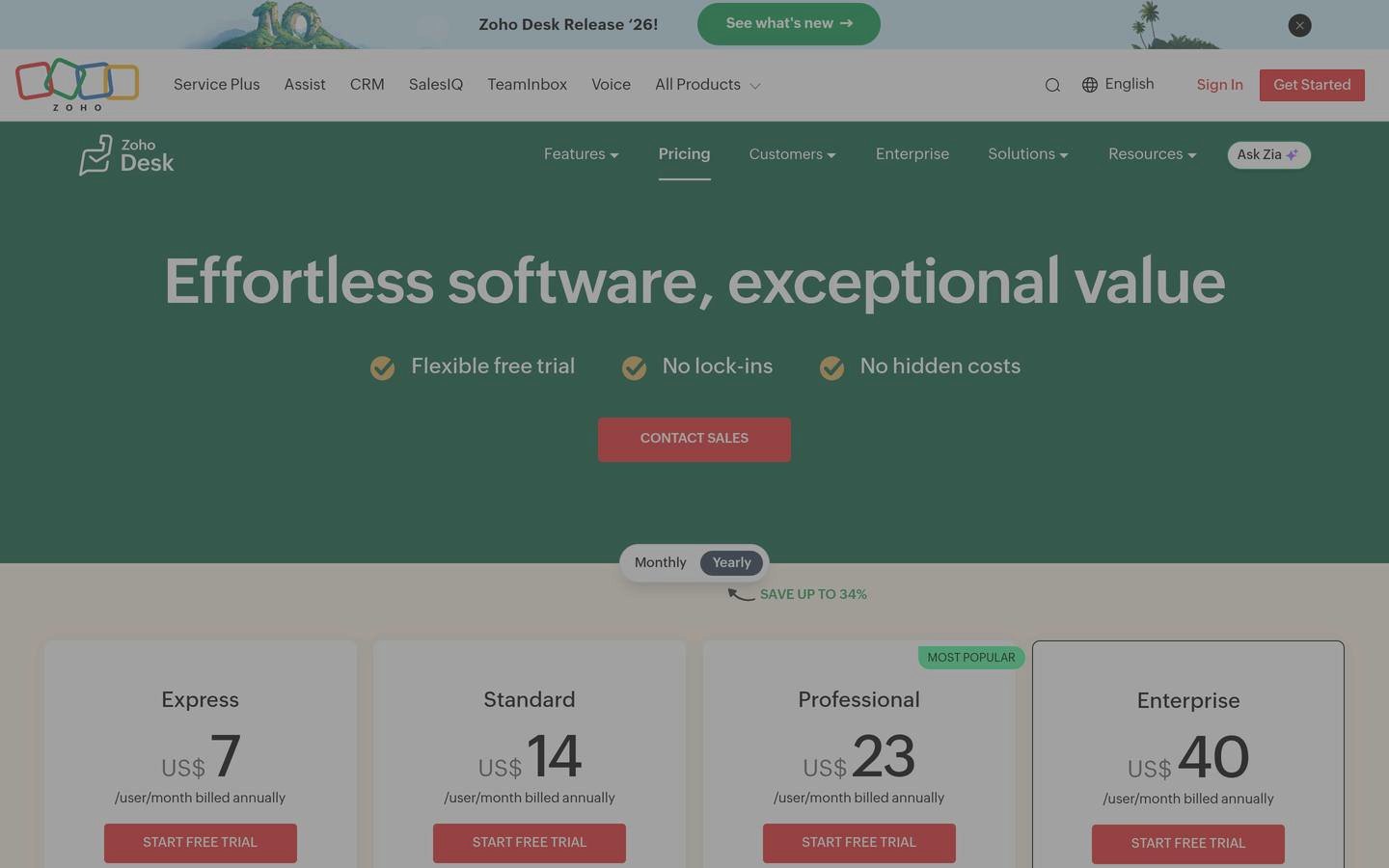
Zoho Desk is the lowest-priced full help desk in this list, and Standard adds a live chat widget, a knowledge base and happiness ratings. Standard costs $14 per agent a month billed yearly, and the free plan covers 3 agents with email ticketing.
The trade off is the learning curve. G2 reviewers praise the value but flag setup and a steep start, and full live chat through SalesIQ sits on Enterprise at $40 per agent. It suits small teams that already use Zoho apps and want quality ratings at a low price.
Customer satisfaction after each chat is the headline number. Ask for a rating at the end of the chat, not days later in an email, or the score reflects memory instead of the chat.
First response time matters more than total handle time. A fast first reply buys patience, even when the answer takes longer.
Sample chats for QA every week. Ten reviewed chats per agent each week catches tone and accuracy problems faster than any dashboard, and it gives coaches real examples to work from.
How we chose
We started from the live chat and help desk tools with the largest public review bases on G2, then kept the nine that publish prices and report on chat quality.
Prices come from each vendor's pricing page, checked on 25 November 2026. Ratings and review counts come from G2 on the same day. Where a vendor shows a sale price, the list shows the regular price.
We left out tools with no public rating and tools that do not publish prices. No vendor paid for a place, and we do not claim to have used these tools ourselves.
How to choose live chat quality software
Match the billing model to your volume before you compare features.
Count your monthly chats first. Per-agent tools suit steady teams, per-ticket tools suit stores with spiky volume, and conversation caps punish busy months.
Check what quality reports come with the entry plan. CSAT and response-time reports should not need the top tier. If they do, the real price is higher than the headline.
Ask how QA sampling works. Look for a QA checklist or AI review of chats, not just a dashboard. See how to add an AI chatbot to WordPress if you want AI to cover the first reply.
Trial it with your real busiest week. Run the trial when chat volume peaks, not in a quiet week, so caps and slow reports show up before you pay.
FAQ
What is the best software for monitoring live chat quality?
Zendesk is the best pick for most teams. Suite Team at $55 per agent a month covers live chat, CSAT surveys and Explore reports, and the Workforce Engagement bundle adds QA scoring at $50 per agent a month.
What is the cheapest way to monitor live chat quality?
Zoho Desk Standard at $14 per agent a month is the cheapest paid plan here, with happiness ratings and custom reports. Help Scout, Tidio, HubSpot and Zoho Desk all have free plans if your team is small.
Do I need a separate QA tool for live chat?
Not always. Zendesk, Intercom and Freshdesk all score chats or analyse conversations as add-ons. A separate QA tool only makes sense when you need deep scorecards across several channels at once.
How is live chat quality usually measured?
Teams track CSAT after each chat, first response time, resolution rate and QA scores from sampled chats. The strongest tools report all four in one place instead of splitting them across dashboards.
Is per-ticket pricing better than per-agent pricing?
It depends on volume. Gorgias charges by ticket, so a quiet month costs less, but a busy month can pass the cost of a per-agent plan. Count your monthly tickets before you choose.
Can I monitor live chat quality on a free plan?
Yes, with limits. Help Scout's free plan covers 5 users, Tidio's covers 50 conversations a month, and Zoho Desk's covers 3 agents. Free plans usually cap report history and leave QA scoring to paid plans.
SaaS SEO and WordPress specialist with about 8 years of experience. Rakib compares WordPress plugins, themes, hosting and software using public pricing, documentation and user reviews. See how we rank.