DesignFiles is the best software for an interior design business for most studios, covering moodboards, 3D plans, sourcing, contracts and invoicing from $55 a month at 4.6 out of 5 on Capterra from 535 reviews. Pick Houzz Pro for marketplace leads, or Mydoma Studio for a structured client process.
How we make this list: we compare pricing pages, product documentation and public user reviews, then re-check every price before each update. No product paid for a place. Disclosure.
DesignFiles leads with the most reviews in this list, 535 on Capterra at 4.6 out of 5, and the cheapest all-in-one paid plan at $55 a month.
Houzz Pro has the largest review base, 1,088 Capterra reviews at 4.3 out of 5, but its Design plan costs $99 a month and contracts run 12 months.
Mydoma Studio costs $58 per user a month billed annually, with a 15-day trial, and its client portal and templates suit a repeatable process.
SketchUp Go at $129 a year and RoomSketcher Pro at $144 a year are the cheapest paid plans here, but neither handles invoicing or sourcing.
Studio Designer is the only tool with a full general ledger, yet it scores just 3.0 out of 5 on Capterra from only 4 reviews.
What interior design business software should cover
An interior design business runs on two kinds of software: design tools that draw rooms and renders, and business tools that handle clients, proposals, sourcing and billing. Most studios need one of each, and the best all-in-one tools try to cover both.
Prices in this niche are mostly monthly and mostly per user, from $12 a month for a floor planner to $115 a month for a sourcing tool. Annual billing usually cuts the monthly price, and several tools charge extra for each added seat, so check the per-user cost before you compare headline prices.
Ratings here are thinner than in bigger software categories. Only DesignFiles and Houzz Pro have hundreds of Capterra reviews, while Studio Designer has 4 and Foyr Neo has 23, so treat small review counts as a weak signal. Our guide on building a portfolio site with WordPress shows how to present finished work once the tools are chosen.
Watch for credit systems and annual contracts. RoomSketcher and Foyr Neo meter renders and exports with credits, and Houzz Pro plans usually run on 12-month terms, so the subscription is only part of the real cost.
The 9 best software tools for an interior design business
01
DesignFiles
4.6/5on Capterra (535 reviews, checked Nov 2026)
Paid from$55/mo
Best all-in-one for solo designers and small firms
Free plan1 project
Starting price$55/mo
Extra users$30/mo each
QuickBooks syncFull Service plan
designfiles.co
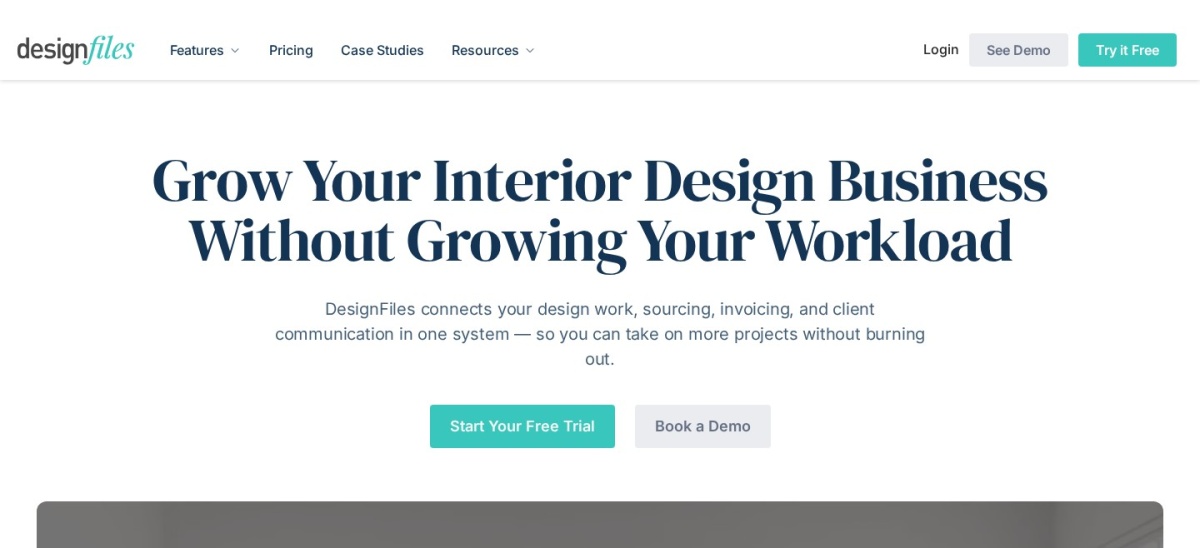
DesignFiles homepage, captured Nov 2026.
DesignFiles is an all-in-one platform built for interior designers, covering moodboards, 3D floor plans, renderings, task lists, invoicing and purchase orders. The free plan covers 1 project, and paid plans start at $55 a month, with extra users at $30 a month.
The trade off is financial depth. DesignFiles syncs with QuickBooks on the Full Service plan instead of running its own general ledger, so firms that want built-in accounting should look at Studio Designer. It suits solo designers and small firms that want design and business tools in one place.
What we like
Most reviewed tool in this list, with 535 Capterra reviews
Moodboards, floor plans and 3D renders included
Free plan for 1 project, plus a 90-day money-back guarantee
4.3/5on Capterra (1,088 reviews, checked Nov 2026)
Paid from$99/mo
Best for marketplace leads and design-build firms
Free planEstimates and 3D plans
Starting price$99/mo, 1 user
Extra users$50/mo each
ContractsPro plan, $199/mo
houzz.com
Houzz Pro homepage, captured Nov 2026.
Houzz Pro is business software for remodelers and design-build firms that pairs estimates with 3D floor plans, mood boards and a client dashboard. The free plan covers the 3D floor planner, estimates and invoicing, and Design costs $99 a month for one user.
The trade off is the contract. Most Houzz Pro plans run on annual 12-month terms that cannot be cancelled early, and takeoffs and contracts wait for Pro at $199 a month. It suits design-build firms that also want leads from the Houzz marketplace.
What we like
Largest review base in this list, with 1,088 Capterra reviews
3D floor plans and mood boards included
Client dashboard keeps approvals in one place
Watch out for
Annual contracts are hard to cancel early
Advertising is a separate package from $499 a month
Extra users cost $50 a month each
Pro adds takeoffs, contracts and project schedulesVisit houzz.com
03
Mydoma Studio
4.2/5on Capterra (79 reviews, checked Nov 2026)
Starts at$58/mo
Best for a structured, repeatable client process
Starting price$58/user/mo, annual
Month-to-month$64/user/mo
Free trial15 days
QuickBooks syncYes
mydomastudio.com
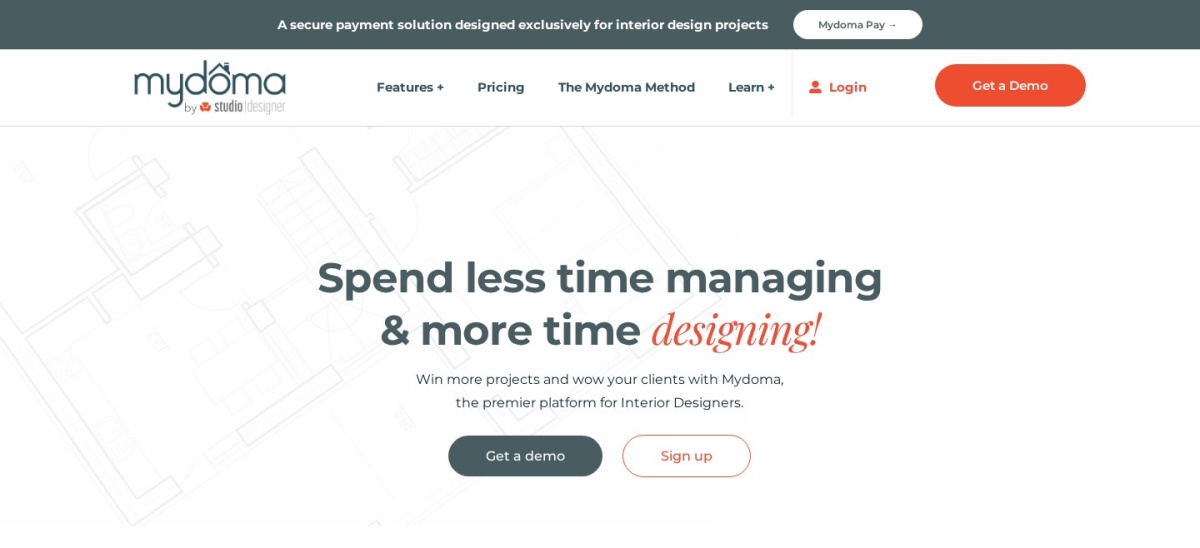
Mydoma Studio homepage, captured Nov 2026.
Mydoma Studio is a cloud platform built for interior designers, covering client onboarding, mood boards, floor plans, proposals, invoicing and sourcing. It costs $58 per user a month billed annually, or $64 month to month, and annual plans carry a one-time onboarding fee.
The trade off is ownership. Mydoma was acquired by Studio Designer in July 2024, so its long-term direction sits inside a larger platform. It suits designers who want the same process, portal and templates on every project.
What we like
Client portal and workflow templates included
Product clipper and sourcing built in
Clear per-user pricing with no construction tools to pay for
Watch out for
One-time onboarding fee on annual plans
Small review base next to Houzz Pro and DesignFiles
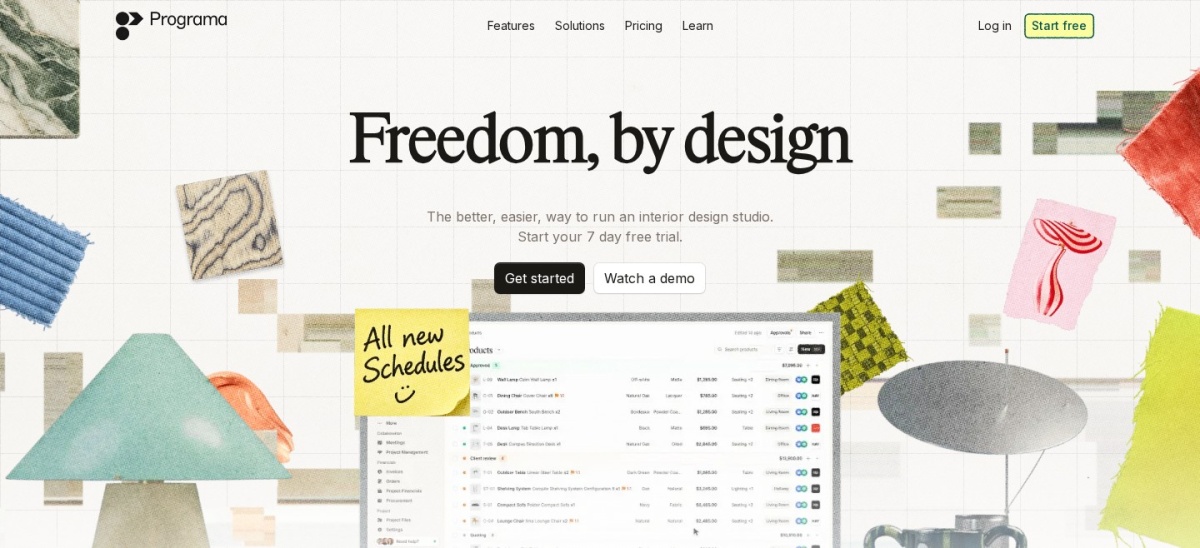
Programa is a studio tool built around specification documents, schedules and product lists for interior design projects. It costs $71 a month, with extra seats at $31 a month, and its specification schedules are the strongest feature in this list.
The trade off is breadth. Programa focuses on specs and schedules rather than invoicing or accounting, so most studios will pair it with a separate billing tool. It suits studios that produce a lot of specification documents.
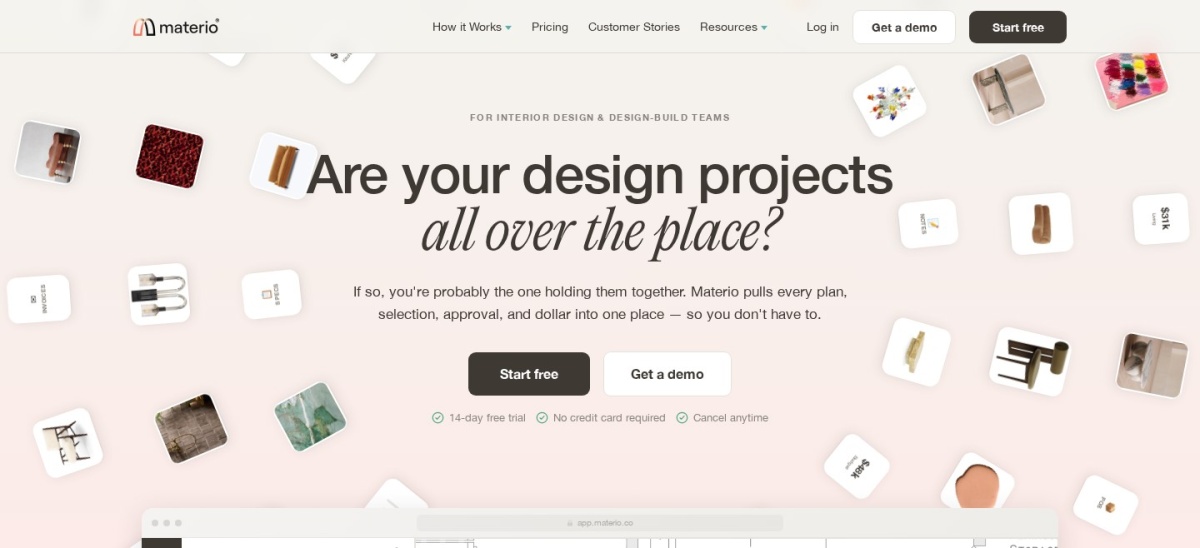
Materio is a sourcing and specification tool for interior designers, built to track products, prices and client approvals across projects. It costs $115 a month, and it holds the highest rating in this list at 4.9 out of 5 on Capterra.
The trade off is review volume. That 4.9 comes from only 42 Capterra reviews, so it says less than DesignFiles at 4.6 from 535. It suits studios whose main pain is sourcing and spec tracking rather than billing.
SketchUp is a 3D modeling tool from Trimble that also draws 2D floor plans, with a free web version for personal use. Go costs $129 a year and covers web and iPad modeling with cloud storage and the 3D Warehouse library.
The trade off is that Go has no desktop app and no LayOut, the tool that turns models into 2D documents. Those need Pro at $399 a year. It suits designers who model in 3D and want flexible geometry rather than a room planner.
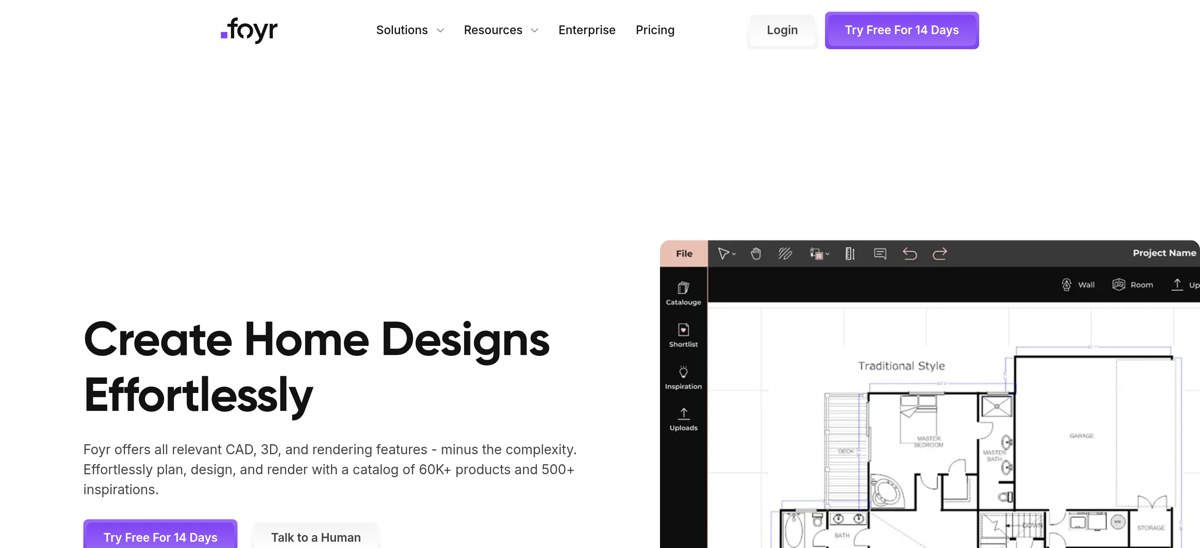
Foyr Neo is a cloud interior design platform that turns a 2D floor plan into a furnished 3D scene with drag and drop, then produces 4K renders and 360 walkthroughs. Basic costs $39 a month and includes 30 render credits a month.
The trade off is the credit system. Heavy renderers will climb tiers quickly, since Basic includes only 30 credits and extra renders cost more. It suits designers who want client-ready renders without learning CAD.
What we like
Fast 4K renders with no CAD training needed
Catalog of more than 60,000 products
14-day free trial with no credit card needed
Watch out for
Render credits are sold separately from the plan
Only 23 Capterra reviews, a thin base
No invoicing or accounting built in
Higher plans add more render credits and usersVisit foyr.com
08
RoomSketcher
4.5/5on G2 (149 reviews, checked Nov 2026)
Paid from$144/yr
Best for clean 2D and 3D floor plans
Free planYes, 2 credits
Paid planPro, $144/yr
Monthly credits5 on Pro
Print to scaleYes, on Pro
roomsketcher.com
RoomSketcher homepage, captured Nov 2026.
RoomSketcher is a browser and app floor plan tool for real estate agents, interior designers and homeowners. The free plan includes 2 starter credits and 2D and 3D plans with 3D snapshots, and Pro adds the full furniture library, 3D photos and 360 views.
The trade off is the credit system. Pro includes 5 credits a month, and 3D photos, 360 views and floor plan renders use credits, so heavy output costs extra. It suits designers who want clean listing plans without learning CAD.
What we like
Free plan covers a first floor plan
Print to scale and branding on Pro
Rated 4.5 out of 5 on G2 from 149 reviews
Watch out for
Outputs use credits, so costs rise with volume
Monthly billing doubles the Pro price to $24 a month
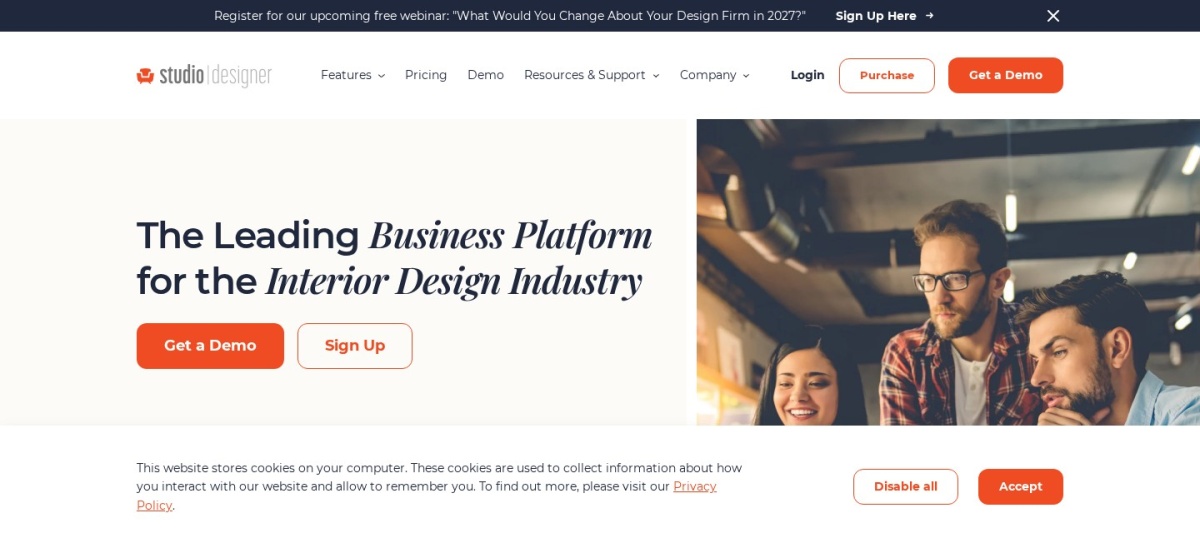
Studio Designer is a business platform for interior design firms, covering project management, product sourcing and accounting in one place. Essentials costs $69 per user a month billed annually, and it is the only tool here with a full general ledger.
The trade off is the rating. Studio Designer scores 3.0 out of 5 on Capterra from only 4 reviews, the lowest and thinnest rating in this list. It suits larger firms whose biggest need is accounting rather than design tools.
What we like
Only tool here with a full general ledger
Project management, sourcing and accounting in one place
Long-established in the design industry
Watch out for
Lowest Capterra rating in this list, at 3.0 out of 5
Business tools such as DesignFiles, Houzz Pro, Mydoma Studio and Studio Designer cover clients, proposals, sourcing and billing. Design tools such as SketchUp, Foyr Neo and RoomSketcher cover drawing, modeling and renders.
Most studios end up with one of each. A common pair is DesignFiles for the business side plus SketchUp for 3D modeling, or Mydoma Studio for client work plus Foyr Neo for renders.
Check overlap before you pay for two tools. DesignFiles already includes floor plans and renders, and Houzz Pro already includes 3D plans, so a second design tool may add little.
How we chose
We started from the tools that appear most often in interior design roundups and review sites, then kept 9 established tools with a published price and a public rating on G2 or Capterra.
Prices come from vendor pricing pages and pricing roundups checked on 26 November 2026. Ratings and review counts come from G2 or Capterra on the same day. Where a vendor shows a sale, the list shows the regular price.
We left out Ivy, which is now part of Houzz Pro, and tools with no public rating. No vendor paid for a place, and we do not claim to have used these tools ourselves.
How to choose software for an interior design business
Start with the work you do most, then match the tool to it.
Decide whether you need business tools, design tools, or both. A solo designer who sells e-design needs moodboards and invoicing in one place. A firm that issues specs all day needs a spec tool plus a separate billing tool.
Count the per-user cost, not the headline price. Most plans charge for every seat, from $30 a month extra on DesignFiles to the full plan price on Studio Designer. Multiply by your team before you compare.
Check the free plan or trial limits first. DesignFiles covers 1 project free, RoomSketcher covers a first plan, and Foyr Neo offers a 14-day trial. Run one real project through it before paying.
Watch for credits and contracts. Renders and exports can cost credits on top of the subscription, and Houzz Pro plans usually run 12 months. Read the billing terms before you sign up.
FAQ
What is the best software for an interior design business?
DesignFiles is the best pick for most studios. It covers moodboards, 3D floor plans, sourcing, contracts and invoicing from $55 a month, and it is rated 4.6 out of 5 on Capterra from 535 reviews, the most in this list.
How much does interior design business software cost?
Paid plans in this list run from $12 a month for RoomSketcher Pro to $115 a month for Materio, with most all-in-one tools between $55 and $99 a month. Per-user charges and render credits add to the headline price, so count seats and exports first.
Is Houzz Pro good for interior designers?
Houzz Pro suits design-build firms that want leads from the Houzz marketplace beside estimates, 3D plans and invoicing. It is rated 4.3 out of 5 on Capterra from 1,088 reviews, but plans run on 12-month terms and contracts need the $199-a-month Pro plan.
Do I need separate design and business software?
Not always. DesignFiles, Houzz Pro and Mydoma Studio cover design and business tasks in one subscription. Design-only tools such as SketchUp, Foyr Neo and RoomSketcher need a separate tool for invoicing, sourcing or accounting.
What happened to Ivy and Mydoma?
Ivy is now part of Houzz Pro, and its designer tools sit inside the Houzz Pro plans and prices. Mydoma was acquired by Studio Designer in July 2024 and still runs as a separate product, with a Starter plan that combines Mydoma with a light version of Studio Designer.
Which tool is best for specifications and sourcing?
Programa is the best fit for specification schedules, at $71 a month and 4.8 out of 5 on Capterra. Materio is the alternative for product sourcing and client approvals, rated 4.9 out of 5, though from only 42 reviews.
SaaS SEO and WordPress specialist with about 8 years of experience. Rakib compares WordPress plugins, themes, hosting and software using public pricing, documentation and user reviews. See how we rank.