SketchUp is the best software for house design for most homeowners, with its Go plan at $129 a year, the 3D Warehouse library and a 4.5 out of 5 G2 rating. Pick Home Designer for detailed DIY plans and Planner 5D for fast renders on a budget.
How we make this list: we compare pricing pages, product documentation and public user reviews, then re-check every price before each update. No product paid for a place. Disclosure.
SketchUp Go at $129 a year is the best all-round pick, rated 4.5 out of 5 from 1,327 G2 reviews.
Home Designer is the most detailed DIY option, with automatic roofs, stairs and a materials list, at $495 a year.
Planner 5D Premium at $59.99 a year is the cheapest route to 4K renders, rated 4.7 out of 5 on G2.
Sweet Home 3D is the only fully free tool here, with no watermark, no quota and no account needed.
Watch export credits: RoomSketcher Pro includes 5 a month and Floorplanner sells 5 for $7.90, so renders add up.
What house design software should cover
A house design tool should do three jobs: draw a floor plan to scale, furnish it, and show the result in 3D. Most homeowners need the first two; the third matters when you must picture the finished rooms.
Free plans are genuinely useful here. Several tools in this list draw full plans for free and only charge for high-resolution exports, extra projects or faster renders.
Check the export cost before you pay. Some tools charge credits for each 3D photo, so a cheap subscription can grow once you start sharing images with a builder. Our guide on adding an image gallery in WordPress shows one way to share finished plans online.
Desktop tools suit detailed plans, while browser tools suit quick ideas. If the plans must go to a builder or a permit office, pick a tool with scaled output and a materials list.
SketchUp is a 3D modeling tool for houses, rooms and gardens, with a free web version for simple plans. The Go plan costs $129 a year and adds iPad access plus the 3D Warehouse, a large library of ready-made models, furniture and fittings. Paid plans also include more import and export formats.
The trade off is the desktop app. Go runs on the web and iPad only, so the desktop version needs Pro at $399 a year, and a Cyber Week sale price of $299.25 runs through December 4. It suits homeowners who want a proven 3D modeler without paying for full CAD.
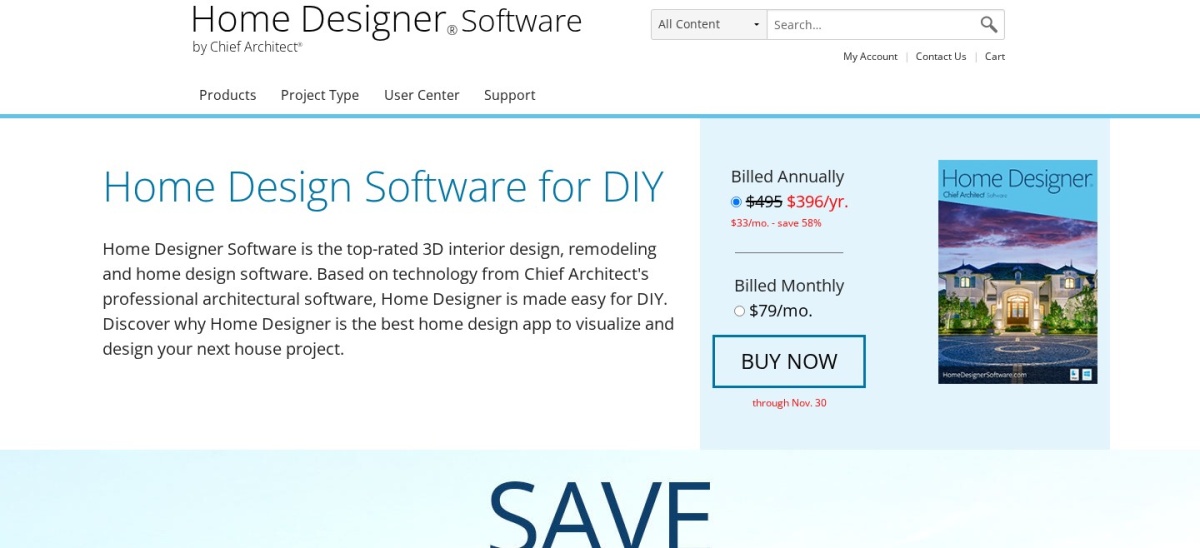
Home Designer is the do-it-yourself edition of Chief Architect, built for homeowners who draw their own house plans. Walls, roofs, stairs and cabinets generate automatically, and the plan includes a materials list for costing the job. It runs on Windows and Mac from one license.
The trade off is price. The subscription costs $495 a year, or $79 a month, with a first-year sale price of $396 through November 30, and the learning curve runs to days rather than minutes. It suits a serious remodel or new build where the plans must be detailed enough to price and discuss with a builder.
Planner 5D is a browser-based planner that turns a 2D floor plan into a 3D home in minutes. The free plan covers basic drawing and furnishing, while Premium at $4.99 a month billed yearly adds 4K renders, AI design tools and a larger catalog. It also runs as a mobile app.
The trade off is the top tier. Professional features such as team tools and higher render limits sit in the Professional plan at $33.33 a month billed yearly, and some catalog items stay locked on Premium. It suits homeowners who want quick, good-looking visuals without learning CAD.
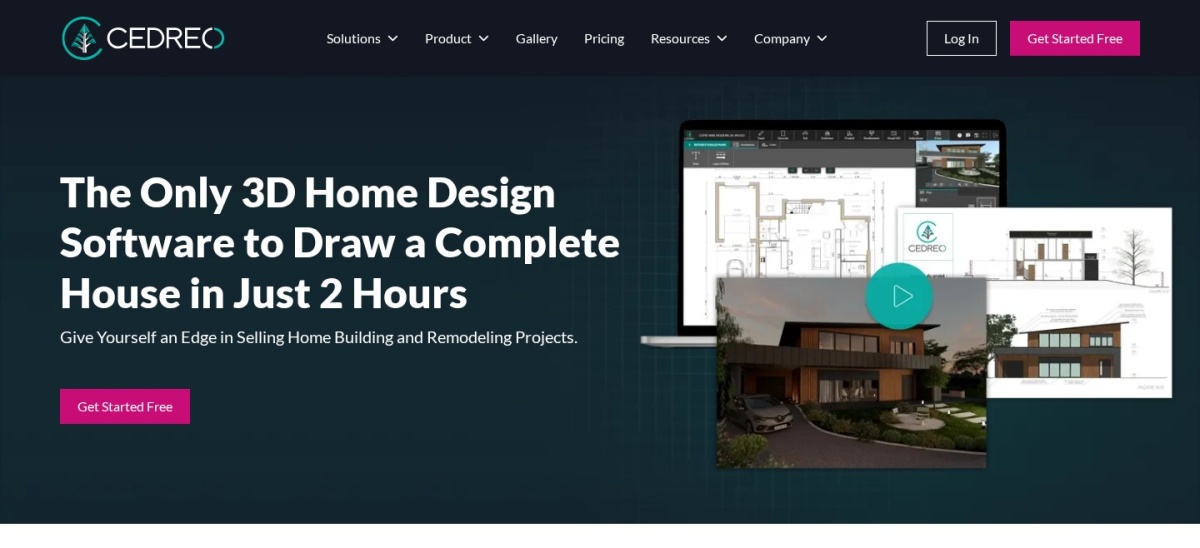
Cedreo is a browser-based 3D home design tool for builders and remodelers who present plans to clients. The free plan covers one user and one project, while Pro at $39 a month billed yearly adds unlimited projects, 40 renders a month and 10 AI renders. It draws 2D plans, elevations, roofs and site plans.
The trade off is depth. Cedreo focuses on presentation visuals and fast plans rather than construction documents, and there is no desktop app. It suits builders and remodelers who need a client-ready 3D view of a whole house in a couple of hours.
RoomSketcher is a browser-based floor plan tool that draws to-scale 2D plans and 3D views from the same drawing. The free plan includes two starter credits, while Pro at $12 a month billed yearly adds the full furniture catalog, a 100-project archive and 5 credits a month. It also offers a redraw service.
The trade off is the credit system. Each 3D photo or 360-degree view spends a credit, so a busy month of client presentations needs extra credits on top of the $144 yearly subscription. It suits agents and designers who want a plan a client can read at a glance.
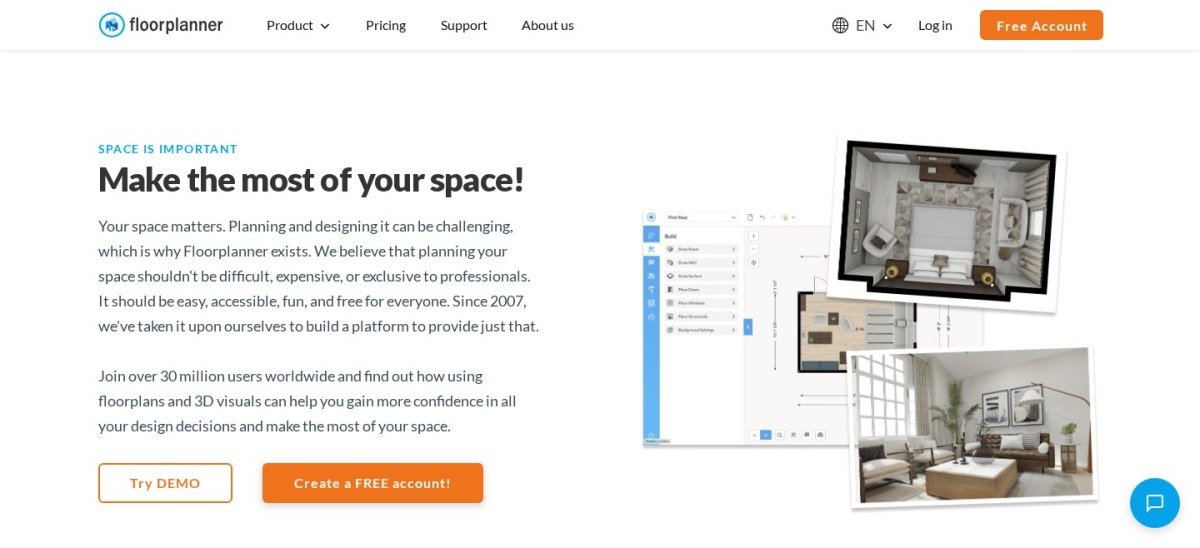
Floorplanner is a simple browser tool for drawing 2D floor plans and viewing them in 3D. The free Basic plan covers 5 projects, while Plus at $5 a month removes cooldowns and adds monthly credits for exports. The site reports more than 30 million users worldwide.
The trade off is exports. High-resolution images and 3D tours spend credits, which cost $7.90 for 5, so regular exporting adds to the $60 yearly Plus cost. It suits homeowners who want a quick plan and a 3D view without installing software.
HomeByMe is a browser-based 3D planner from Dassault Systemes for furnishing rooms with real brand products. The free Starter plan covers basic projects, while paid plans add 4K images, more projects and more renders. It turns a 2D plan into a walkable 3D room.
The trade off is price. The cheapest paid plan lists at $299 a year, which is more than most rivals here charge, and the free plan limits projects and renders. It suits homeowners who care most about furnishing a room with products they can actually buy.
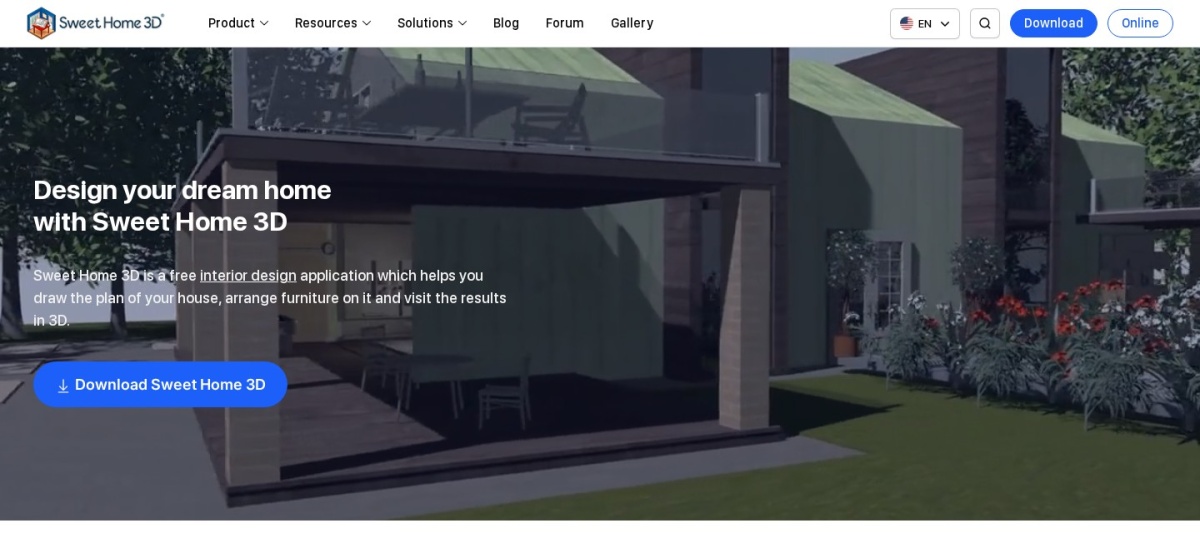
Sweet Home 3D is a free, open-source program for drawing house plans, arranging furniture and visiting the result in 3D. It runs on Windows, Mac and Linux, needs no account, and includes photo and video renders with no watermark or quota. A browser version and mobile apps are included.
The trade off is polish. High-quality renders are slow, and the furniture catalog looks dated next to the brand catalogs in HomeByMe and Planner 5D. It suits homeowners who want an accurate, furnished plan for no money at all.
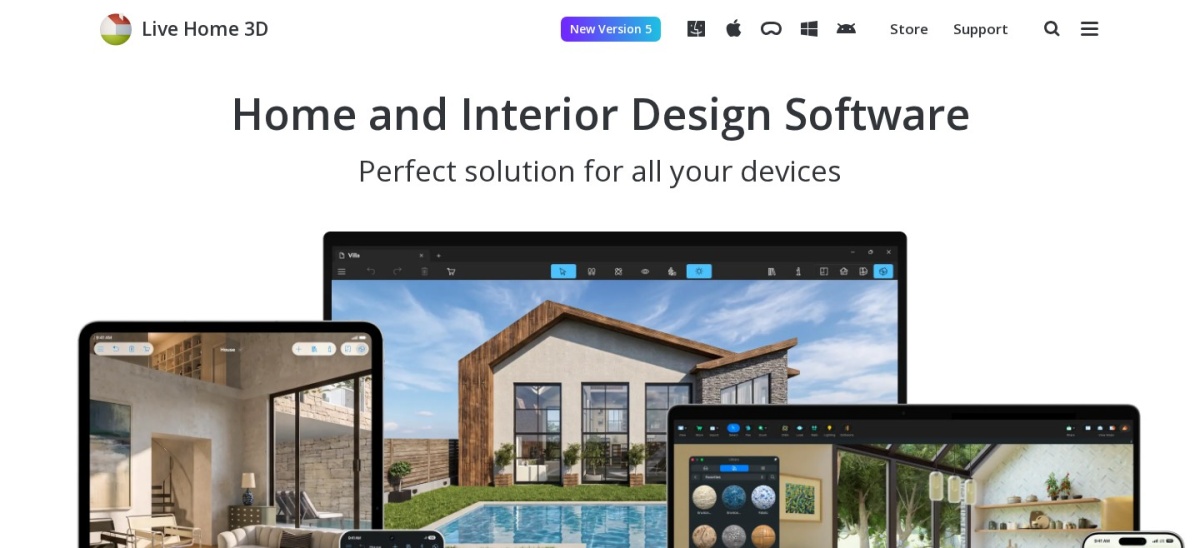
Live Home 3D is a home design app for Mac, Windows, iOS and Android with 2D plans, 3D views and photorealistic rendering. The free version covers one project with two floors and watermarked exports, while Standard costs $5.99 a month or $19.99 a year. It also renders with the Cycles engine.
The trade off is the split tiers. Standard and Pro features are sold separately, with Pro at $49.99 a year, and its GetApp rating of 3.6 out of 5 comes from only 7 reviews. It suits Mac and iPad owners who want a native app rather than a browser tool.
Free plans draw real plans. Sweet Home 3D is free in full, and Planner 5D, Floorplanner, RoomSketcher and Cedreo all let you draw and furnish a plan without paying.
Paid plans mostly add exports and capacity. You get more projects, higher-resolution images, faster renders and larger catalogs.
If you only design one house, start free and pay for a month when you need clean exports. A yearly plan only pays off if you design several projects a year.
The dearest tool here, Home Designer at $495 a year, is the exception. It charges for the drawing tools themselves, not just the exports.
How we chose
We started from the house design tools that appear most often in roundups and review sites, then kept 9 established tools with a published price and a public rating.
Prices come from each vendor's pricing page, checked on 26 November 2026. Ratings come from G2, Capterra or GetApp on the same day. Where a vendor shows a sale, the list shows the regular price.
We left out tools with no published price and tools aimed only at professional CAD drafting. No vendor paid for a place, and we do not claim to have used these tools ourselves.
How to choose house design software
Start with the job the plan must do, then match the tool to it.
Decide what the plan is for. A quick idea for yourself needs a browser planner. Plans for a builder need scaled output, dimensions and a materials list.
Start with the free plan. Draw one real room first. If the free plan covers it, only pay when you need clean exports or more projects.
Count the export cost. Credits for 3D photos and 360 views add up fast. Check how many renders the plan includes before you subscribe.
Check the platform. Some tools run in the browser, others need Windows or Mac, and SketchUp Go runs on the web and iPad only. Pick one that runs on the device you own.
FAQ
What is the best software for house design?
SketchUp is the best pick for most homeowners. Its Go plan costs $129 a year, includes the 3D Warehouse library and is rated 4.5 out of 5 from 1,327 G2 reviews. Home Designer suits detailed DIY plans, and Planner 5D suits fast renders on a budget.
Is there free software for house design?
Yes. Sweet Home 3D is free in full, with no watermark, no quota and no account needed. Planner 5D, Floorplanner, RoomSketcher, Cedreo and HomeByMe also have free plans, though exports and extra projects usually need a paid plan.
How much does house design software cost?
Prices in this list run from free to $495 a year. Planner 5D Premium costs $59.99 a year, SketchUp Go costs $129 a year, RoomSketcher Pro costs $144 a year, and Home Designer costs $495 a year. Export credits can add to the subscription cost.
Can I use house design software on a Mac?
Yes. Home Designer, Sweet Home 3D and Live Home 3D run on Mac, and SketchUp Pro runs on Mac too. Planner 5D, Floorplanner, RoomSketcher, Cedreo and HomeByMe run in the browser on any computer.
Do I need CAD skills to design a house?
No. Planner 5D, Floorplanner, HomeByMe and RoomSketcher are drag-and-drop tools aimed at homeowners. SketchUp and Home Designer take longer to learn, with Home Designer needing days rather than minutes to use well.
Which tool is best for showing plans to a builder?
Home Designer is the strongest choice, with automatic roofs, stairs and a materials list for costing. Cedreo also works well for client presentations, with fast 3D renders from a browser. Both produce plans a builder can read and price.
SaaS SEO and WordPress specialist with about 8 years of experience. Rakib compares WordPress plugins, themes, hosting and software using public pricing, documentation and user reviews. See how we rank.