REAPER is the best software for home recording for most people. Its $60 one-time license buys the full program with unlimited tracks, rated 4.5 out of 5 on G2. Pick Logic Pro for Mac songwriters and Audacity for free spoken-word editing.
How we make this list: we compare pricing pages, product documentation and public user reviews, then re-check every price before each update. No product paid for a place. Disclosure.
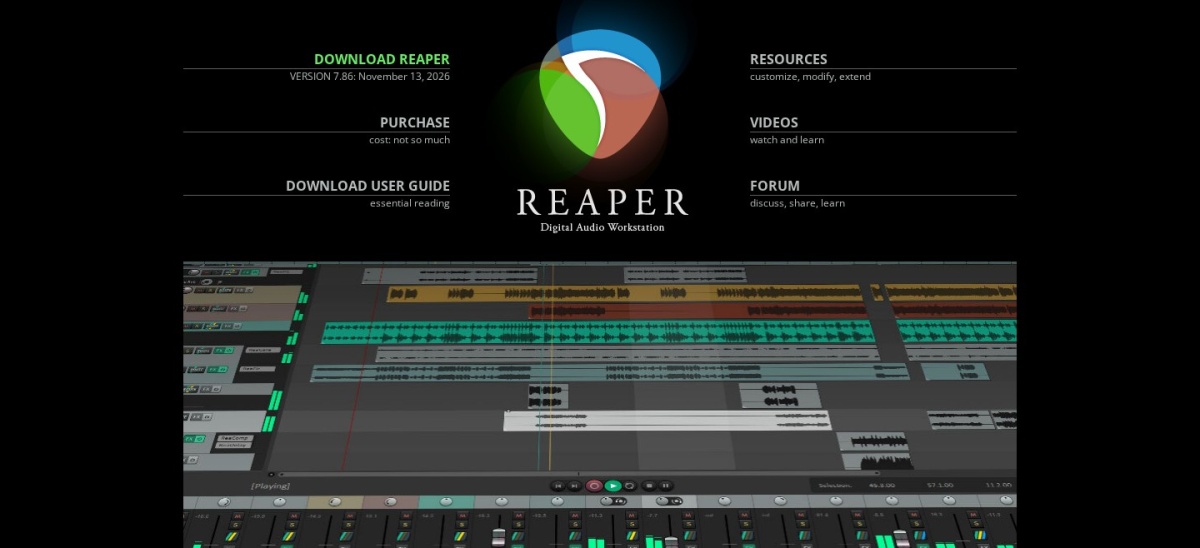
REAPER gives the full program for a $60 one-time license, with unlimited tracks and a 60-day free evaluation.
Logic Pro costs $199.99 once and ships with a large library of instruments, loops and effects for Mac owners.
Audacity and GarageBand cost nothing and cover podcasts, demos and first songs well.
Ableton Live Intro at $99 caps projects at 16 tracks, and FL Studio Fruity at $99 limits audio recording.
Adobe Audition is the only subscription in this list at $22.99 a month, with no one-time price.
What home recording software should cover
Home recording starts with a microphone, an interface and a quiet room. The software has to record clean audio, cut takes together and mix the result without getting in the way.
A good home recording tool records several tracks at once, edits audio precisely and runs the plug-ins you already own. MIDI support matters if you write with virtual instruments, and a large loop library helps songwriters start fast.
Free tools are a real option here. Audacity handles spoken word and simple edits, while GarageBand covers full songs on a Mac. Our guide on adding a podcast to WordPress shows where a finished recording goes next.
Paid tools earn their price on depth: better editing, more tracks, stronger mixing and session files other studios can open. One-time licenses dominate this list, so compare the single purchase price against two years of any subscription before you pay.
REAPER is a full digital audio workstation from Cockos for recording, editing, mixing and mastering. The $60 discounted license buys the complete program with unlimited tracks, video editing, full routing and scripting, and updates through the whole version cycle.
The trade off is setup time. The stock interface looks plain, the included instruments are thin, and making it feel like yours takes themes and scripts from the community. It suits home recordists who want pro features at the lowest price and do not mind configuring their tools.
What we like
$60 buys the complete program with no tiers
Unlimited tracks and very light on system resources
Deep customization, routing and scripting
Watch out for
Plain stock interface and thin sound library
Setup takes real effort for beginners
Commercial license is $225 if your revenue passes $20,000 a year
One payment covers the full program through the version cycleVisit reaper.fm
02
Logic Pro
4.6/5on G2 (177 reviews, checked Nov 2026)
Starts at$199.99/yr
Best for Mac songwriters and producers
Cheapest paid plan$199.99 one-time, standalone
Free trial90 days
Stock instrumentsAlchemy, Sculpture and more
PlatformsMac only
apple.com
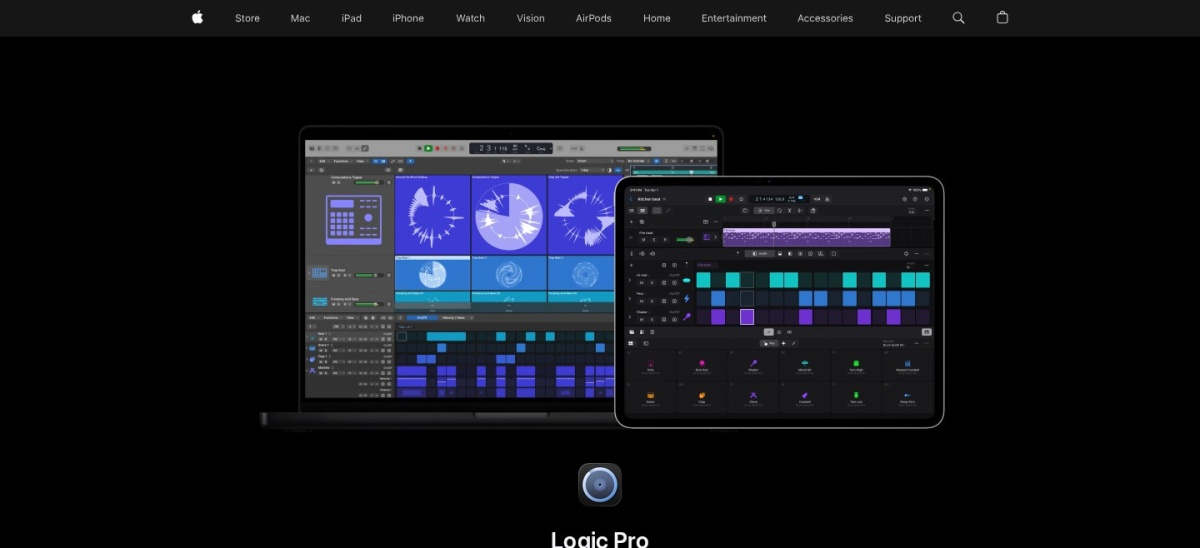
Logic Pro homepage, captured Nov 2026.
Logic Pro is Apple's digital audio workstation for Mac, sold as a one-time $199.99 purchase with a 90-day free trial. It ships with a large library of instruments, loops, studio effects and a mastering assistant, so most home recordists never need to buy extra sounds.
The trade off is platform. There is no Windows version, and the iPad app is a different product, so desktop projects do not always transfer cleanly. It suits Mac owners who want the most included content for one fixed price.
What we like
Enormous stock instrument and loop library
One-time price with no subscription
Strong spatial audio and scoring tools
Watch out for
Mac-only, with no Windows version
iPad version differs from the desktop app
Large download and library take up disk space
One purchase includes the full instrument and loop libraryVisit apple.com
03
Ableton Live
4.7/5on G2 (159 reviews, checked Nov 2026)
Starts at$99/yr
Best for electronic producers and live sets
Cheapest paid planLive 12 Intro, $99 one-time
Free trial90 days
Intro track limit16 tracks
PlatformsWindows, Mac
ableton.com
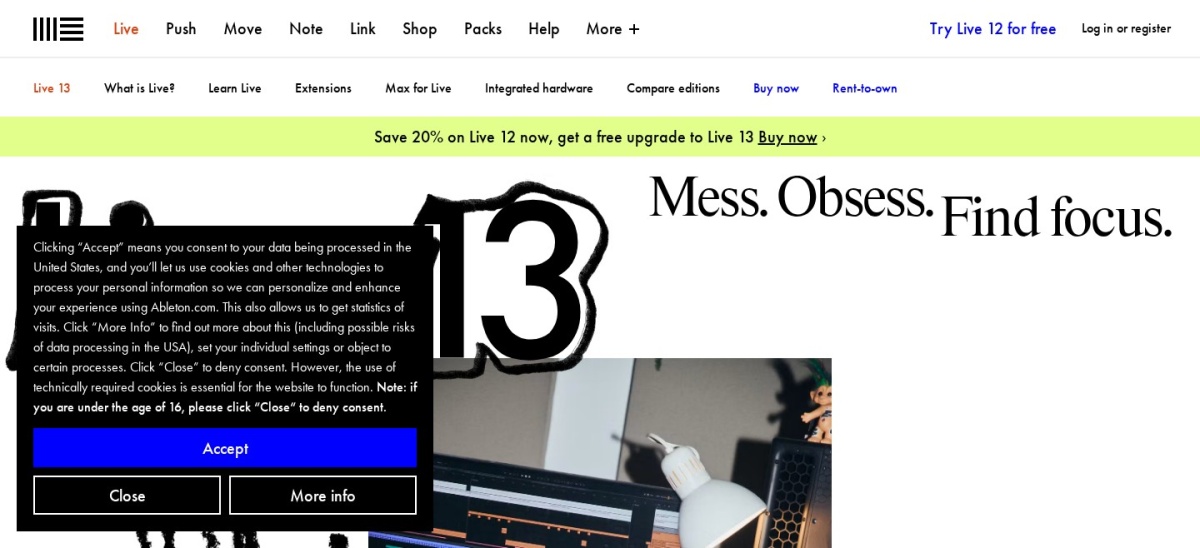
Ableton Live homepage, captured Nov 2026.
Ableton Live is a digital audio workstation built around Session View, where clips launch and arrange by feel instead of on a fixed timeline. Live 12 Intro costs $99 as a one-time purchase, with a 90-day free trial and strong warping and sampling tools for electronic music.
The trade off is track count. Intro caps projects at 16 tracks, and the full Suite costs $749, so growing producers face a steep jump. It suits electronic producers and performers who build songs from loops and play live sets.
What we like
Session View for improvising arrangements
Unmatched live performance workflow
Strong warping and sampling tools
Watch out for
Intro caps projects at 16 tracks
Suite tier is expensive at $749
Linear band recording feels secondary
Intro is a real entry point; Suite adds the full instrument setVisit ableton.com
04
Audacity
4.5/5on G2 (460 reviews, checked Nov 2026)
PriceFree
Best free audio editor for spoken word
Cheapest paid planFree, open source
MIDI sequencingNo
Noise reductionYes, built in
PlatformsWindows, Mac, Linux
audacityteam.org
Audacity homepage, captured Nov 2026.
Audacity is a free, open-source audio editor for recording and editing sounds. It records live audio, trims interviews, converts formats and cleans up recordings with noise reduction and a spectrogram view, and it runs on Windows, Mac and Linux.
The trade off is scope. There is no MIDI sequencing and no virtual instruments, and editing is destructive unless you use the newer non-destructive features with care. It suits podcasters and anyone who needs fast, free spoken-word editing.
FL Studio is a digital audio workstation built around a channel rack and piano roll, still the fastest way to program drums and melodies. The Fruity Edition costs $99 as a one-time purchase, and Image-Line includes lifetime free updates for the edition you buy.
The trade off is audio recording. The Fruity Edition limits audio recording, so home recordists who track vocals or instruments need the Producer edition instead. It suits beatmakers whose songs start with patterns and loops.
What we like
Lifetime free updates for the edition you buy
Fastest piano roll and step sequencer
Huge tutorial and community base
Watch out for
Fruity Edition limits audio recording
Recording and mixing feel slower than in other DAWs
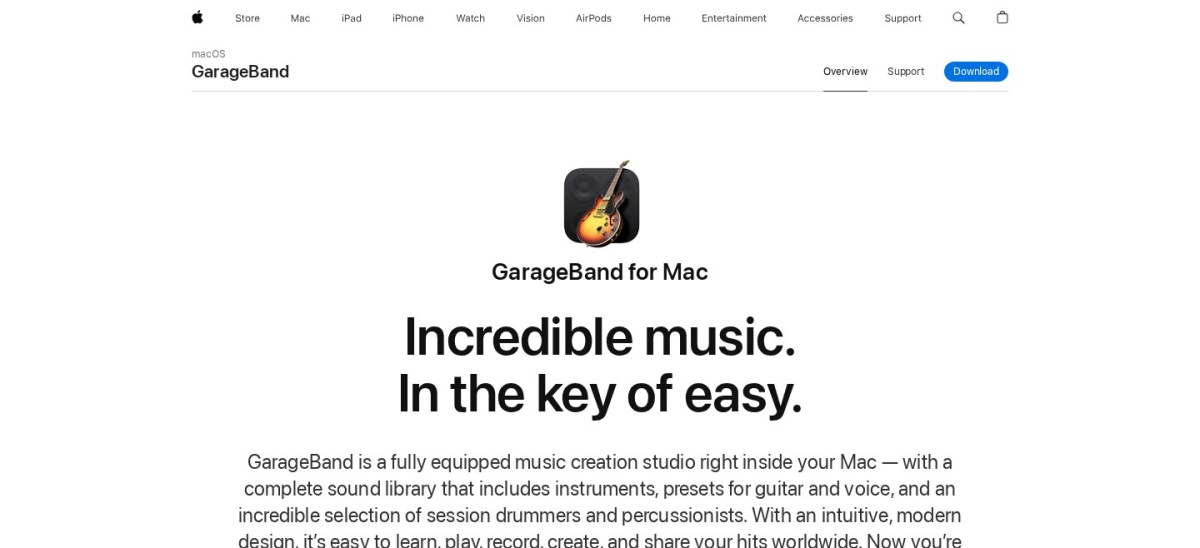
GarageBand is Apple's free digital audio workstation, already on every Mac and iOS device. It is a genuine DAW with multitrack recording, Drummer tracks, a solid loop library and enough effects to finish a demo, and projects open directly in Logic Pro.
The trade off is depth. Serious mixing control and advanced editing are missing, and there is no Windows or Android version. It suits Mac beginners who want a free start with a clear upgrade path to Logic Pro.
What we like
Free on every Mac and iOS device
Surprisingly capable for songwriting
Projects open directly in Logic Pro
Watch out for
Apple-only, with no Windows version
Limited mixing and editing depth
No plug-in delay compensation for complex chains
Free, and the natural first step before Logic ProVisit apple.com
07
Cubase
4.3/5on G2 (65 reviews, checked Nov 2026)
Starts at$99.99/yr
Best for composers and MIDI-heavy work
Cheapest paid planElements, $99.99 one-time
Free trial60 days
Score editorYes, full notation
PlatformsWindows, Mac
steinberg.net
Cubase homepage, captured Nov 2026.
Cubase is Steinberg's long-running digital audio workstation for recording, producing and mixing. Elements costs $99.99 as a one-time purchase with a 60-day free trial, and its key editor, expression maps, chord pads and scoring tools are the most mature in this list.
The trade off is density. The interface assumes you will learn it, and serious users end up on the Pro edition at $579, with upgrades costing extra when major versions land. It suits composers writing for film, games and orchestras.
What we like
Deepest MIDI editing and scoring tools
Excellent chord and scale assistants
Stable on large template projects
Watch out for
Interface can feel dense for casual users
Pro edition costs $579
Smaller tutorial community than FL Studio or Ableton
Adobe Audition is a precision audio editor built for dialogue cleanup, podcast production, restoration and broadcast work. It costs $22.99 a month on the annual plan, with a 7-day free trial, and its spectral frequency display removes coughs, sirens and mic handling noise precisely.
The trade off is that it is not a music DAW. There is no perpetual option, and it is weak for music production next to the full DAWs here. It suits editors already in Creative Cloud who clean up spoken word and round-trip with Premiere Pro.
What we like
Excellent spectral editing and restoration
Tight Premiere Pro round-tripping
Multitrack and waveform views in one app
Watch out for
Subscription only, with no one-time price
Weak for music production
Overkill if you do not use other Adobe apps
Paid plan is subscription-only through Creative CloudVisit adobe.com
One-time vs subscription: what the ladder shows
Most tools here sell one-time licenses, so the price ladder shows the single purchase price for REAPER, Logic Pro, Ableton Live, FL Studio and Cubase.
Only Adobe Audition bills every month, at $22.99 on the annual plan. Over five years that totals about $1,379, while REAPER at $60 stays $60 until a new major version arrives.
A subscription makes sense when you want every update included and you upgrade often. A one-time license wins when you are happy to run the same version for years.
How we chose
We started from the established digital audio workstations and audio editors used for home recording, then kept the nine with verifiable G2 ratings and published prices.
Prices come from each vendor's pricing page, checked on 26 November 2026. Ratings and review counts come from G2 on the same day. Where a vendor shows a sale, the list shows the regular price.
We left out tools being replaced by a subscription-only version and tools whose current pricing could not be verified. No vendor paid for a place, and we do not claim to have used these tools ourselves.
How to choose home recording software
Start with your computer and your main job, then narrow the list to two finalists.
Check your platform first. Logic Pro and GarageBand run only on Apple devices. Everything else here runs on Windows and Mac, with REAPER and Audacity adding Linux.
Match the tool to the job. Pick a full DAW for songs and bands, Audacity or Audition for spoken word, and Ableton or FL Studio if your music starts with beats and loops.
Try two finalists before you pay. Every paid tool here offers a free trial or free edition. Record the same song in both and notice which one fights you less.
Add up the real cost. Compare two years of any subscription against the one-time alternatives, and check the track and plug-in limits of the cheapest edition first.
FAQ
What is the best software for home recording?
REAPER is the best pick for most home studios. Its $60 one-time license buys the full program with unlimited tracks, and it is rated 4.5 out of 5 on G2. Mac owners who want more included sounds should look at Logic Pro instead.
Can I record music for free?
Yes. GarageBand is free on Mac and iOS, and Audacity is free on Windows, Mac and Linux. Both handle real songs and podcasts, though they lack the deep mixing and MIDI tools of paid DAWs.
Is REAPER really only $60?
Yes, for the discounted license, which covers personal use and small commercial work. The commercial license costs $225 if your annual revenue from the work passes $20,000. Both buy the same complete program.
Which tool is easiest for a complete beginner?
GarageBand is the easiest start on a Mac, since it is free and its projects open in Logic Pro later. On Windows, start with Audacity for spoken word or REAPER's 60-day evaluation for full songs.
What is the difference between a DAW and an audio editor?
A DAW such as REAPER or Logic Pro records many tracks, runs virtual instruments and mixes full songs. An audio editor such as Audacity or Audition works on one or two tracks at a time and suits cleanup and spoken word.
Will my projects open in someone else's DAW?
Only if you both use the same software and compatible versions. There is no universal project format, so exchange exported stems if you collaborate across different DAWs.
SaaS SEO and WordPress specialist with about 8 years of experience. Rakib compares WordPress plugins, themes, hosting and software using public pricing, documentation and user reviews. See how we rank.