Square for Restaurants is the best software for most food and beverage businesses, with a free plan and a 4.6/5 G2 rating from 1,211 reviews. Pick MRPeasy for food manufacturing and batch traceability, or FoodDocs for HACCP and food safety monitoring.
How we make this list: we compare pricing pages, product documentation and public user reviews, then re-check every price before each update. No product paid for a place. Disclosure.
Square for Restaurants leads on reviews: 4.6/5 on G2 from 1,211 reviews, with a free plan and Plus at $49 a month per location.
MRPeasy is the strongest manufacturing pick at $49 per user a month, with MRP, batch traceability and a 4.6/5 G2 rating from 66 reviews.
Katana is the only manufacturing tool here with a free plan, but its Core plan costs $299 a month and lot tracking is a $249 add-on.
FoodDocs is the cheapest way into digital food safety: a free HACCP plan and Standard at $69 a month per location, rated 4.9/5 on Capterra.
MarketMan is the priciest service tool at $249 a month, after a rise from $199 in October 2026, and it has no free plan.
Cheapest paid plans in this list run from $24 a month for Craftybase to $299 a month for Katana Core.
What food and beverage software should cover
Food and beverage businesses split into two camps: makers who produce food and operators who serve it. Makers need recipes, batch traceability and stock control; operators need a till, ordering and cost control.
A good pick covers your side first. A restaurant that buys an MRP tool will pay for planning it never uses, while a jam maker on a restaurant POS will outgrow it at the first wholesale order.
Price bases differ more here than in most lists. Some tools charge per location, some per user and some a flat monthly rate, so compare the yearly total for your team size, not the headline number. Our guide on managing stock and inventory in WooCommerce shows the same stock logic on a smaller scale.
Food safety is the other split. If you sell packaged food, HACCP plans, monitoring tasks and traceability logs matter as much as stock levels, and only FoodDocs covers them in this list.
The 9 best software tools for the food and beverage industry
01
Square for Restaurants
4.6/5on G2 (1,211 reviews, checked Nov 2026)
Paid from$49/mo
Best for a cheap, fast start
POS and paymentsYes, Square Payments
Online orderingYes, free plan
Kitchen displayPaid, $30/screen/mo
Paid planPlus, $49/mo per location
squareup.com
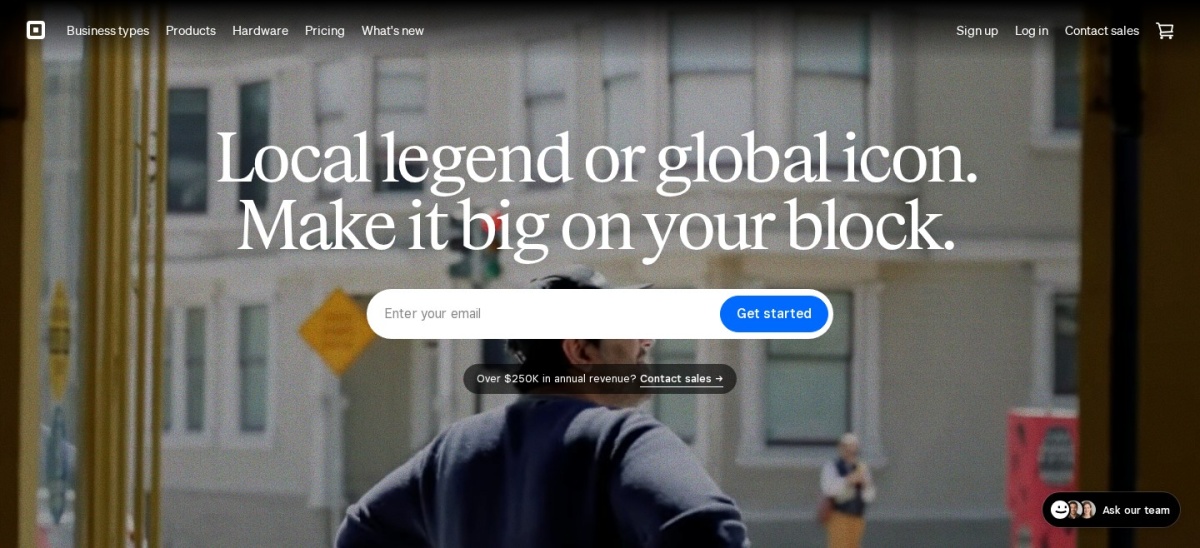
Square for Restaurants homepage, captured Nov 2026.
Square for Restaurants is the restaurant version of Square's point-of-sale system, covering menus, orders, payments and basic reporting. The free plan costs $0 a month and includes POS, online ordering and reporting, while Plus at $49 a month per location adds loyalty, staff management and email marketing.
The trade off is depth. Advanced restaurant features such as kitchen displays cost extra at $30 per screen a month on Plus, and reporting stops at category level in some reviews. It suits cafes, food trucks and small restaurants that want a fast, cheap start with no long-term contract.
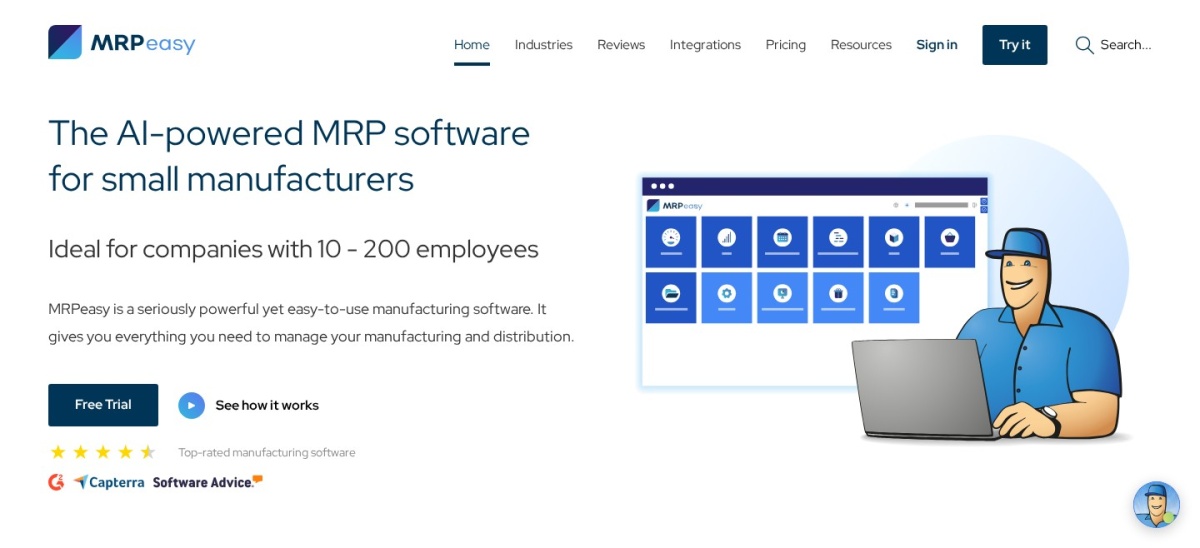
MRPeasy is a cloud MRP system for small manufacturers, covering production planning, bills of materials, inventory, purchasing and batch traceability. The Starter plan costs $49 per user a month and includes production planning, BOM management, inventory, CRM and accounting integrations with QuickBooks and Xero.
The trade off is the per-user price. A team of five pays $245 a month on Starter, and quality control, barcodes and multi-site production need higher tiers. It suits food producers with 10 to 200 staff who need real production planning without enterprise ERP prices.
What we like
Full MRP at a small-business price
Batch and serial traceability included
Integrates with QuickBooks, Xero and Shopify
Rated 4.6/5 on G2 from 66 reviews
Watch out for
No free plan, only a trial
Price grows with every user
Interface looks dated in some reviews
Professional at $69 adds quality control and subcontractingVisit mrpeasy.com
03
Katana
4.4/5on G2 (131 reviews, checked Nov 2026)
Paid from$299/mo
Best free start for makers
Multi-level BOMsYes
Batch traceabilityPaid add-on, $249/mo
Sales channelsShopify, Amazon and more
Paid planCore, $299/mo
katanamrp.com
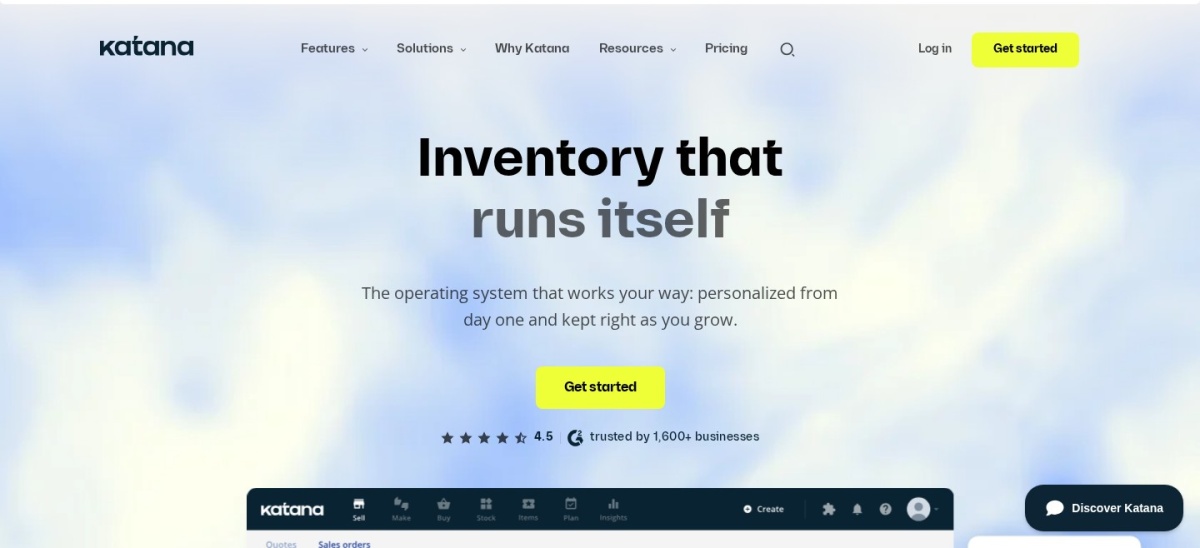
Katana homepage, captured Nov 2026.
Katana is a cloud inventory and manufacturing platform for small product businesses, including food and beverage makers. It covers multi-level bills of materials, manufacturing orders and real-time stock across sales channels, with a free plan for 30 SKUs and three locations.
The trade off is add-on pricing. Core costs $299 a month, but lot tracking costs $249 a month extra and production routings $199, so a food maker needing traceability pays about $548 a month before usage charges. It suits growing makers who sell on Shopify or Amazon and want production tied to sales.
What we like
Free plan for very small makers
Visual shop floor that is easy to follow
Strong Shopify and Amazon integrations
Rated 4.4/5 on G2 from 131 reviews
Watch out for
Traceability is a paid add-on, not in Core
Price has changed several times in 2026
Usage charges can add to the monthly bill
Core adds unlimited users and integrations over the free planVisit katanamrp.com
04
inFlow Inventory
4.4/5on G2 (58 reviews, checked Nov 2026)
Starts at$99/mo
Best for easy stock control
Stock trackingReal-time, multi-location
Assembly and kittinginFlow Manufacturing
Order managementSales and purchase orders
Paid planLite, $99/mo
inflowinventory.com
inFlow Inventory homepage, captured Nov 2026.
inFlow Inventory is a simple stock and order system for small businesses, covering real-time inventory, purchase orders, sales orders and assemblies. The Lite plan costs $99 a month flat and includes multi-location stock tracking, while inFlow Manufacturing adds kitting and assembly costing from $169 a month.
The trade off is manufacturing depth. inFlow handles assemblies and kits well but has no full MRP scheduling, so food producers with complex production runs will outgrow it. It suits small food businesses that need tidy stock and order control without learning an ERP.
What we like
Easiest setup in this list, rated 9.3/10 for ease of use on G2
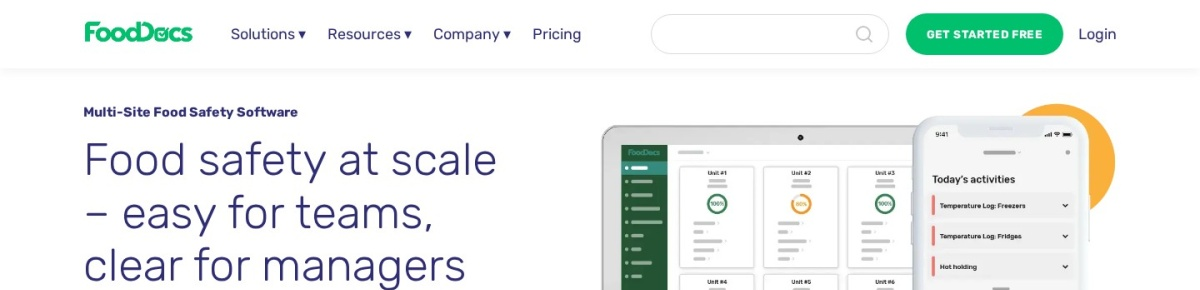
FoodDocs is an AI-powered food safety management system for food businesses, covering HACCP plans, monitoring tasks, traceability logs and audit-ready records. The free HACCP plan builds and downloads unlimited HACCP plans, while Standard costs $69 a month per location with a smart monitoring app and up to five users.
The trade off is scope. FoodDocs covers safety and compliance well but does not run a till, take orders or manage full stock, so most buyers pair it with a POS or inventory tool. It suits small food businesses moving from paper checklists to digital food safety records.
What we like
Free HACCP plan with unlimited plans
Rated 4.9/5 on Capterra from 28 reviews
Monitoring app with task reminders and allergen tracking
Fast setup with AI-built HACCP content
Watch out for
No POS or full inventory management
Standard covers only five users
Pricing changed on 26 November 2026, so older quotes differ
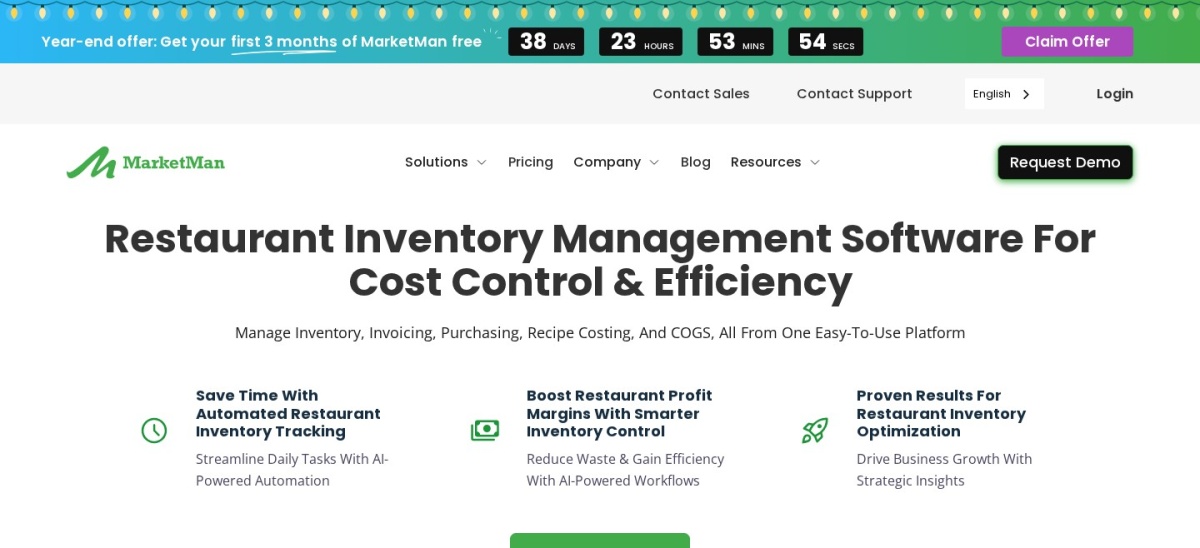
MarketMan is a back-of-house platform for restaurants and food service operators, covering inventory, ordering, invoice scanning and recipe costing. The Starter plan costs $249 a month per location and includes purchase orders, price tracking, live inventory and POS and accounting integrations.
The trade off is price and contracts. Starter rose from $199 to $249 a month in October 2026, automatic COGS and real-time recipe costing need the $299 Growth plan, and some G2 reviewers report hard cancellations. It suits multi-location operators who need tight control of food costs.
What we like
Automatic COGS and real-time recipe costing on Growth
Toast is a restaurant-only POS and payments platform covering orders, payments, online ordering, payroll and scheduling under one login. The Starter Kit costs $0 a month on a pay-as-you-go processing rate, while the Point of Sale plan costs $69 a month with flat-rate processing.
The trade off is lock-in and extras. Toast runs only on its own Android hardware, online ordering costs about $75 a month extra, and G2 reviewers flag slow customer support. It suits restaurants that want one restaurant-only system and accept Toast hardware and processing.
What we like
Built only for restaurants, with deep front-of-house features
Handheld payments and kitchen display support
24/7 support included on paid plans
Watch out for
Works only with Toast hardware
Add-ons push the monthly bill well past $69
Support wait times are the top G2 complaint
Build Your Own adds payroll, marketing and inventory modulesVisit toasttab.com
08
Craftybase
4.6/5on Capterra (245 reviews, checked Nov 2026)
Starts at$24/mo
Best for small-batch makers
Recipe costingAutomatic, per batch
Inventory trackingMaterials and finished goods
Sales channelsShopify and Etsy sync
Paid planFrom $24/mo, billed annually
craftybase.com
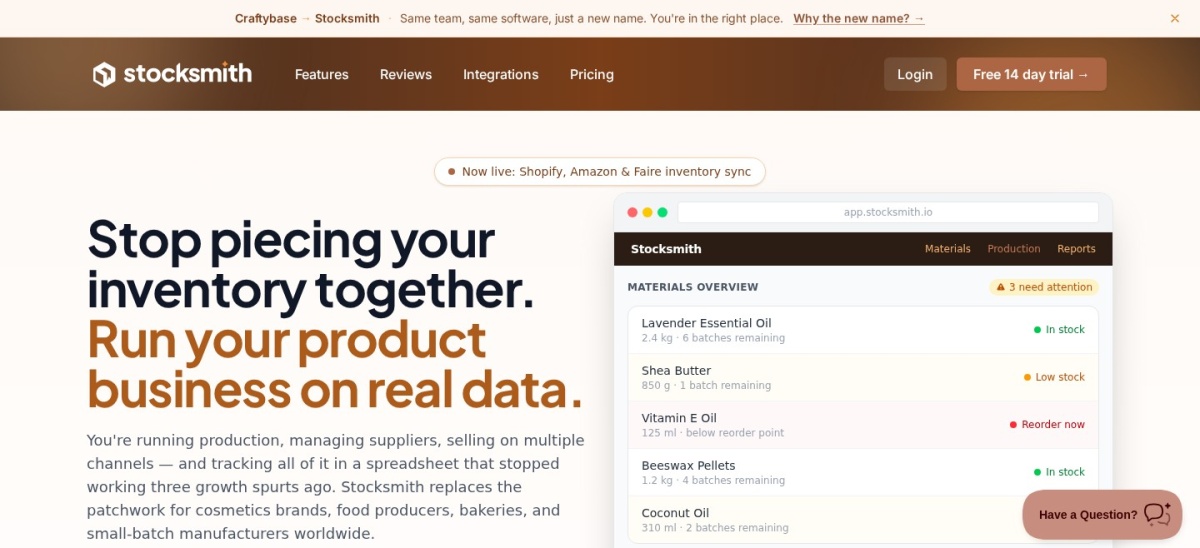
Craftybase homepage, captured Nov 2026.
Craftybase is inventory and costing software for small-batch makers, including artisan food producers, bakeries and distilleries. It tracks ingredients, costs every recipe per batch and keeps COGS reports ready for tax time, with plans from $24 a month billed annually.
The trade off is scale and a new name. Craftybase is now rebranded as Stocksmith, and Capterra lists a $99 per user a month starting price under the new name, which conflicts with the $24 figure on the vendor site. It suits cottage food makers who outgrew spreadsheets but do not need a full MRP.
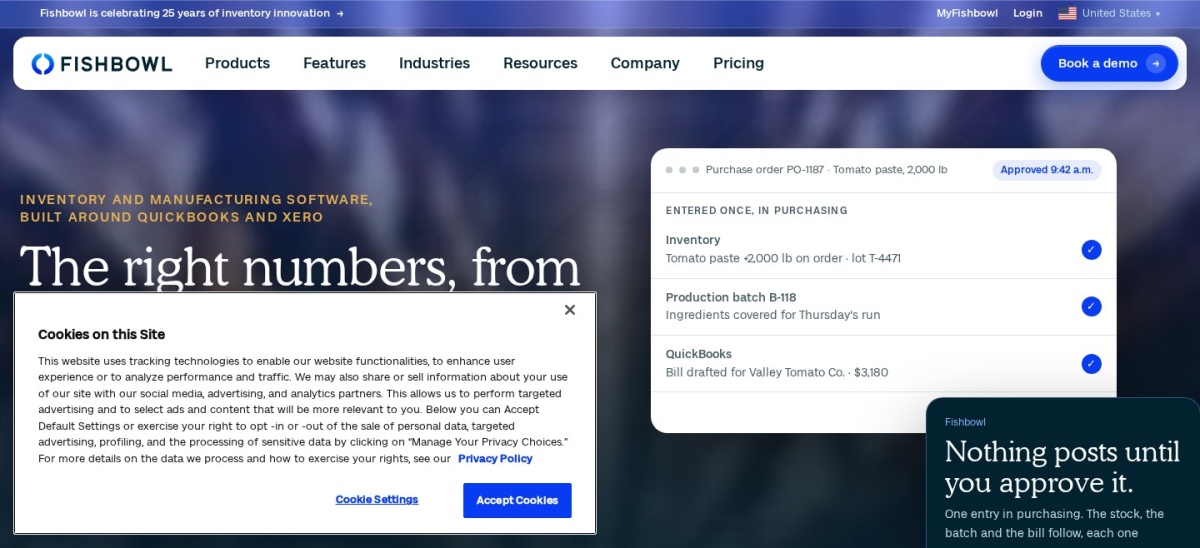
Fishbowl is an inventory and manufacturing system for small businesses that run on QuickBooks, covering stock, purchasing, orders and production. The Essentials plan costs $229 a month for two users and includes real-time inventory, reorder points, mobile barcode scanning and QuickBooks Online and Xero sync.
The trade off is cost creep. Advanced manufacturing, lot traceability and demand forecasting sit on higher plans from $429 to $729 a month, and G2 reviewers warn that modules and seats add up. It suits QuickBooks-based food businesses that need more stock control than QuickBooks alone.
If you make food to sell wholesale or online, start with MRPeasy, Katana or inFlow. They track raw materials, recipes and finished stock in one place.
If you serve food on site, start with Square, Toast or MarketMan. Square and Toast run the till and payments, while MarketMan controls what each dish costs.
Small-batch makers sit between the two. Craftybase costs recipes per batch and tracks materials for makers selling direct, at $24 a month, the lowest paid price in this list.
Do not buy both sides at once. Pick the tool that covers your biggest daily job, then add the other side only when the first one is running well.
How we chose
We started from the software food and beverage businesses actually buy: manufacturing and MRP tools, restaurant POS systems, inventory and costing tools, and food safety software.
Prices come from each vendor's pricing page and G2 pricing data, checked on 26 November 2026. Ratings and review counts come from G2 and Capterra on the same day. Where a vendor shows a sale, the list shows the regular price.
We left out tools with no published price and no public rating, including most enterprise food ERP suites. No vendor paid for a place, and we do not claim to have used these tools ourselves.
How to choose food and beverage software
Match the tool to the job you do every day, then check the price on your own team size.
Decide whether you make food or serve it. Makers need recipes, batches and traceability; servers need a till, ordering and table or counter service. Buy for your side first.
Count the price on your real basis. Per-location, per-user and flat prices do not compare directly. Multiply each quote by your locations or users for a year before you rank them.
Check traceability before you commit. If you sell packaged food, you need lot and batch records for recalls. Ask whether traceability is included or a paid add-on, as it is with Katana.
Try the free plan or trial on real data. Load ten of your own products with real recipes and costs. If the costing or stock numbers look wrong in the trial, they will look wrong later too.
FAQ
What is the best software for the food and beverage industry?
Square for Restaurants is the best all-round pick for most food and beverage businesses. It has a free plan, Plus costs $49 a month per location, and it holds a 4.6 out of 5 G2 rating from 1,211 reviews. Manufacturers should look at MRPeasy instead.
What software do food manufacturers use?
Small food manufacturers most often use MRPeasy, Katana or inFlow. MRPeasy costs $49 per user a month and covers production planning with batch traceability. Katana starts free for 30 SKUs, while inFlow costs $99 a month for simpler stock control.
Which tool is best for food safety and HACCP?
FoodDocs is the food safety pick in this list. It builds HACCP plans, runs monitoring tasks in an app and keeps traceability logs, with a free HACCP plan and Standard at $69 a month per location. It is rated 4.9 out of 5 on Capterra from 28 reviews.
How much does food and beverage software cost?
Cheapest paid plans in this list run from $24 a month for Craftybase to $299 a month for Katana Core. Restaurant POS tools sit in the middle: Square Plus costs $49 a month and Toast costs $69 a month, both per location.
Do I need separate software for recipes and stock?
Not always. MRPeasy, Katana and Craftybase cost recipes and track stock in the same tool. MarketMan does the same for restaurants with live recipe costing. Only buy a separate recipe tool if your main system cannot cost a recipe.
Is there free food and beverage software?
Yes, with limits. Square, Toast and Katana all offer a free plan, and FoodDocs offers a free HACCP plan. Free plans cover the basics, but paid plans add features such as batch traceability, kitchen displays and faster support.
SaaS SEO and WordPress specialist with about 8 years of experience. Rakib compares WordPress plugins, themes, hosting and software using public pricing, documentation and user reviews. See how we rank.