Jotform is the best software for fillable forms for most people, with a free plan covering 5 forms and 100 submissions a month, PDF-to-web-form conversion and a 4.7 out of 5 G2 rating. Pick Adobe Acrobat for PDF-only work and pdfFiller for the cheapest paid PDF editing.
How we make this list: we compare pricing pages, product documentation and public user reviews, then re-check every price before each update. No product paid for a place. Disclosure.
Jotform leads with a 4.7 out of 5 G2 rating from 5,423 reviews and a free plan with 5 forms and 100 submissions a month.
Adobe Acrobat Standard is the cheapest way into Acrobat at $14.99 a month, with Pro at $19.99 for redaction, OCR and web forms.
pdfFiller and SignNow are the cheapest paid tools here at $8 a month on annual billing, against $34 for Jotform Bronze.
DocuSign Personal allows only 5 envelopes a month, so high-volume senders should look at SignNow, which includes 100 invites a year.
Five of the nine tools have a free plan; pdfFiller, DocuSign, SignNow and Nitro are trial-only.
What fillable form software should do
A fillable form is a document or web page with fields a person can type into, check or sign. The best tools in this list handle both kinds: PDFs you fill in and save, and web forms that collect answers online.
PDF tools such as Acrobat, pdfFiller and Nitro are the right pick when the document itself matters, for example a tax form, a contract or an application that must keep its layout. Web form builders such as Jotform, Cognito Forms and Typeform fit better when you collect answers into a table or a workflow.
E-signature tools such as DocuSign, SignNow and PandaDoc sit in between. They turn a document into a fillable form, send it for signing and track who has signed. Our guide on embedding a Jotform in WordPress shows how one of these forms fits into a site.
Price is the other split. Paid plans in this list run from $8 a month for pdfFiller and SignNow to $34 a month for Jotform Bronze, and most tools charge per user or per month on annual billing. A free plan is worth checking first, since five of the nine tools here offer one.
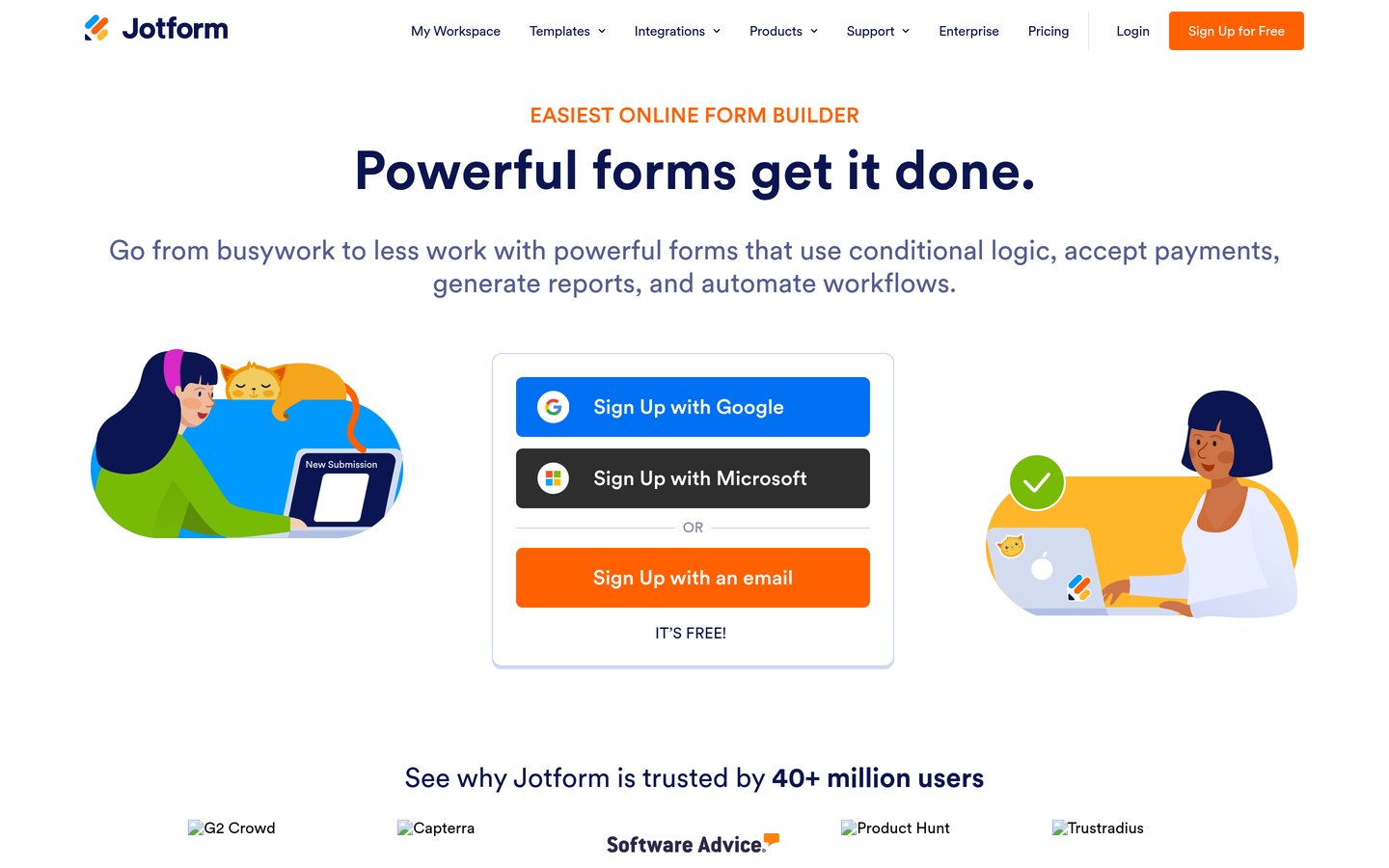
Jotform is an online form builder that turns PDFs into fillable web forms and builds new forms from templates. The free Starter plan covers 5 forms and 100 submissions a month, with conditional logic, payment collection and e-signatures through Jotform Sign included.
The trade off is price. Bronze costs $34 a month on annual billing, or $39 month to month, and paid plans cover only one user, so a second login needs Enterprise. It suits small teams that collect applications, registrations or orders online.
What we like
Free plan with 100 submissions a month
Turns PDFs into fillable web forms
E-signatures included through Jotform Sign
Conditional logic and payments on the free plan
Watch out for
Bronze covers one user only
Paid plans jump to $34 a month from free
Submission caps force upgrades as volume grows
Bronze adds 1,000 submissions a month and removes Jotform brandingVisit jotform.com
02
Adobe Acrobat
4.5/5on G2 (5,336 reviews, checked Nov 2026)
Paid from$14.99/mo
Best for fillable PDF forms
Free planReader, free
Fillable PDF formsYes
E-signature requestsYes
Paid planStandard, $14.99/mo
adobe.com
Adobe Acrobat homepage, captured Nov 2026.
Adobe Acrobat is the PDF editor that defines the format, and it builds fillable PDF forms with text fields, checkboxes and dropdowns. The free Reader fills and signs PDFs, while Standard at $14.99 a month adds editing, conversion and e-signature requests.
The trade off is price and weight. Pro costs $19.99 a month and adds redaction, OCR and web forms, and Acrobat feels heavy on older machines. It suits anyone who works with PDFs all day and needs the format handled exactly.
What we like
The standard for PDF forms
Free Reader fills and signs PDFs
Web forms included in Pro
Watch out for
Standard has no redaction or OCR
Annual plan carries a cancellation fee
Heavier than browser-only editors
Standard adds editing, conversion and e-signature requestsVisit adobe.com
03
pdfFiller
4.6/5on G2 (923 reviews, checked Nov 2026)
Starts at$8/mo
Best budget PDF form filler
Free planNo, 30-day trial
Fillable fieldsPlus, $12/mo
E-signaturesPremium, $15/mo
Paid planBasic, $8/mo
pdffiller.com
pdfFiller homepage, captured Nov 2026.
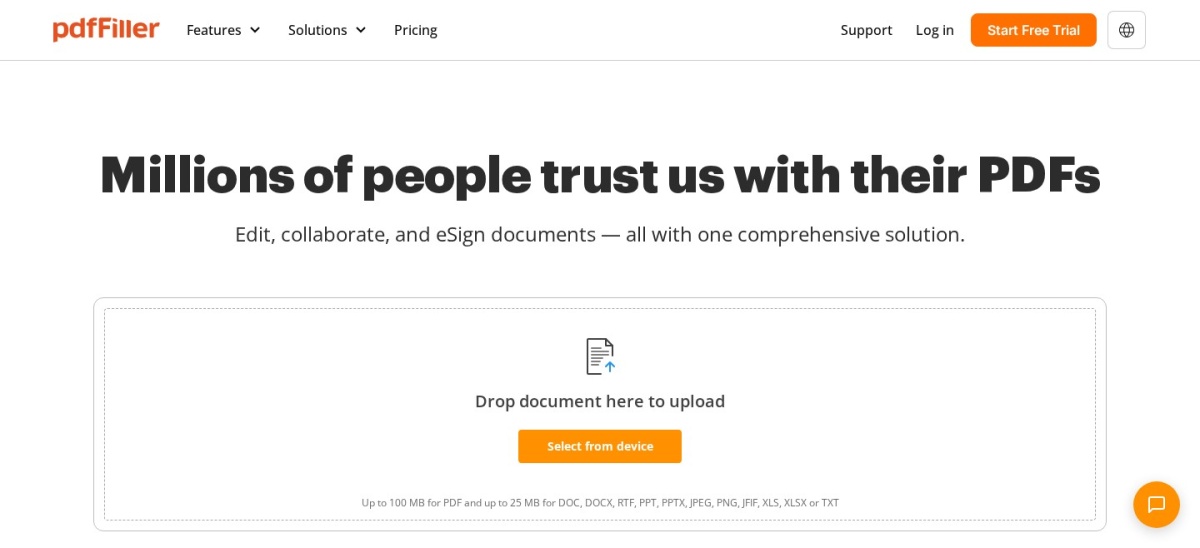
pdfFiller is a browser-based PDF editor from airSlate for filling, editing and signing documents without installing software. Basic costs $8 a month on annual billing and covers editing, filling, conversion to Word and merging pages, with a 30-day free trial.
The trade off is that fillable fields and templates need Plus at $12 a month, and e-signatures need Premium at $15 a month. It suits people who fill in the same PDFs every week and want the cheapest paid editor.
What we like
Joint-cheapest paid plan in this list at $8 a month
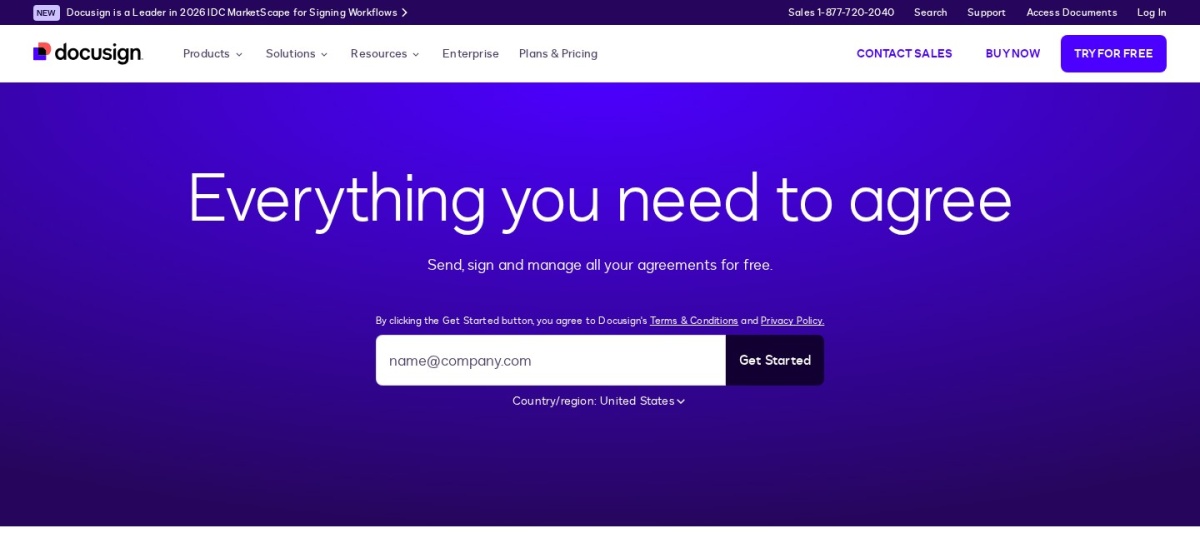
DocuSign is the best-known e-signature tool, and it turns documents into fillable forms with signer fields, templates and reminders. Personal costs $10 a month paid a year in advance and allows 5 envelopes a month, with a 30-day free trial.
The trade off is the envelope cap. Five envelopes a month runs out fast for a busy office, and Standard at $25 a month is the step up for teams. It suits anyone whose clients expect the DocuSign name on the signature request.
PandaDoc is a document platform for proposals, quotes and contracts with fillable fields, templates and legally binding e-signatures. The free plan covers basic documents, and Starter costs $19 per user a month with more templates and tracking.
The trade off is that PandaDoc is built for sales documents first, so pure form builders offer more field types and logic. It suits sales teams that send quotes and contracts and want signing and payment in one document.
SignNow is airSlate's e-signature tool for sending fillable forms and collecting signatures online. Business costs $8 a month on annual billing, includes unlimited users and 100 signature invites a year, with templates and mobile apps.
The trade off is the invite meter. Once the 100 yearly invites run out, extra invites cost about $0.96 each on the Business plan, so volume senders pay more. It suits small teams that send a steady flow of agreements.
What we like
Unlimited users on every paid plan
Joint-cheapest paid plan at $8 a month
100 invites a year on Business
Watch out for
Extra invites cost $0.96 each after the allowance
No permanent free plan
Bulk send needs Business Premium at $15 a month
Business adds templates, fillable forms and 100 invites a yearVisit signnow.com
07
Cognito Forms
4.7/5on G2 (206 reviews, checked Nov 2026)
Paid from$19/mo
Best budget web form builder
Free planYes, Individual
Conditional logicYes
CalculationsYes
Paid planPro, $19/mo
cognitoforms.com
Cognito Forms homepage, captured Nov 2026.
Cognito Forms is an online form builder with calculations, conditional logic and payment collection built in. The free Individual plan covers basic forms, and Pro costs $19 a month and adds higher limits and workflow tools.
The trade off is design. Reviewers praise the function but call the look dated next to Typeform, and the builder has no autosave, so an interrupted session can lose work. It suits small businesses that need calculations and approvals in the form itself.
Typeform is a form builder that asks one question at a time, which keeps long forms feeling short. The free plan covers basic forms, and Basic costs $28 a month and removes Typeform branding while raising the response limit.
The trade off is cost per response. Reviewers call it pricey as response needs grow, and the Trustpilot score of 2.9 out of 5 reflects billing complaints. It suits surveys and lead forms where completion rates matter more than price.
What we like
One-question-at-a-time layout lifts completion
Free plan to start
Rated 4.5 out of 5 on G2
Watch out for
Pricey as responses grow
Trustpilot score of 2.9 reflects billing complaints
Nitro PDF is a desktop PDF editor for Windows, Mac and iOS that edits, converts and signs PDFs with batch OCR and AI tools. Standard costs $15 per user a month on annual billing, with a 14-day free trial and no free plan.
The trade off is that e-signature is a separate product. Nitro Sign Standard costs $10 per user a month extra, so signing workflows cost more than the editor alone. It suits Windows-first offices that want Acrobat-style editing without Acrobat prices.
What we like
Desktop apps for Windows, Mac and iOS
Batch OCR and AI tools included
14-day free trial, no card needed
Watch out for
No permanent free plan
E-signature costs $10 a user a month extra
Annual billing only, no month-to-month option
Standard adds full editing, OCR and AI tools for a yearVisit gonitro.com
PDF forms vs web forms: which do you need?
Choose a PDF tool when the form must stay a document. A filled PDF can be printed, filed or emailed exactly as it looks, which matters for legal and government forms.
Choose a web form when you want the answers, not the paper. Web forms feed responses into a table, send alerts and connect to payment tools without anyone downloading a file.
Some jobs need both. Jotform converts a PDF into a web form, so the same form works on paper and online. Our guide on adding a PDF to WordPress covers the publishing side.
If you only fill in forms other people send you, you may not need to pay at all. The free Adobe Reader fills and signs most PDFs, and several tools here include a free plan.
How we chose
We started from the form builders, PDF editors and e-signature tools that appear most often in fillable-form searches, then kept the nine with a clear fillable-form feature and a published price.
Prices come from each vendor's pricing page and G2's vendor-provided pricing, checked on 26 November 2026. Ratings and review counts come from G2 on the same day. Where a vendor shows a sale, the list shows the regular price.
We left out tools with no published price and tools with no public rating, since the list needs both numbers for every entry. No vendor paid for a place, and we do not claim to have used these tools ourselves.
How to choose fillable form software
Start with the document type you handle most, then match the tool to that job.
Decide PDF or web first. If the form must stay a printable document, pick a PDF editor. If you want answers in a table, pick a web form builder.
Count how many forms you send. DocuSign Personal allows 5 envelopes a month and SignNow Business allows 100 invites a year, so volume decides the plan more than the monthly price.
Check the free plan before paying. Five tools here have a free plan, and Adobe Reader fills PDFs free. Test the free version with a real form before buying.
Look at what the paid plan adds. Fillable fields, templates and branding removal often sit one tier up, so read the plan table rather than the headline price.
FAQ
What is the best software for fillable forms?
Jotform is the best pick for most people. Its free plan covers 5 forms and 100 submissions a month, it converts PDFs into fillable web forms, and it is rated 4.7 out of 5 on G2 from 5,423 reviews.
Can I create a fillable PDF for free?
Yes, up to a point. Adobe Reader fills and signs PDFs free, and Jotform's free plan turns a PDF into a fillable web form. Building new fillable fields inside a PDF usually needs a paid plan such as pdfFiller Plus at $12 a month.
What is the cheapest fillable form software?
pdfFiller and SignNow are the cheapest paid tools in this list at $8 a month on annual billing. pdfFiller Basic covers PDF editing and filling, while SignNow Business adds unlimited users and 100 signature invites a year. Both charge more on month-to-month billing.
Do fillable form tools include e-signatures?
Most do, but the limits differ. DocuSign, SignNow and PandaDoc are built around signing, while Jotform and Cognito Forms include signatures as one field among many. Check the envelope or invite allowance before you buy, since that cap matters more than the monthly price.
What is the difference between a web form and a fillable PDF?
A web form lives in the browser and sends answers into a table or workflow, while a fillable PDF is a document with fields you type into and save. Web forms fit registrations and orders; fillable PDFs fit contracts, applications and any form that must keep its layout.
Can I collect payments through a fillable form?
Yes. Jotform and Cognito Forms both accept payments inside the form, which fits orders, registrations and deposits. PDF editors such as Acrobat and pdfFiller do not collect payments, so pair them with a separate checkout step if you need one.
SaaS SEO and WordPress specialist with about 8 years of experience. Rakib compares WordPress plugins, themes, hosting and software using public pricing, documentation and user reviews. See how we rank.