Altium Designer is the best software for electrical engineering for most professional teams, rated 4.5 out of 5 by 1,092 G2 reviewers, with schematic, layout and simulation in one Windows app. KiCad is the free pick for smaller boards, and MATLAB is the strongest choice for analysis and simulation work.
How we make this list: we compare pricing pages, product documentation and public user reviews, then re-check every price before each update. No product paid for a place. Disclosure.
Altium Designer leads for professional PCB work at $1,990 a year for the first seat, rated 4.5/5 by 1,092 G2 reviewers.
KiCad is free and open source, with schematic, layout and simulation, and it runs on Windows, macOS and Linux.
MATLAB costs $940 a year for the standard licence, including Simulink, but toolboxes are bought separately.
AutoCAD Electrical and EPLAN cover panel and control work, while ETAP covers power systems; none of the three is a PCB tool.
Only KiCad and EasyEDA have free plans. Paid plans run from $238.80 a year to $2,095 a year, and EPLAN and ETAP are quote-only.
What electrical engineering software should cover
Electrical engineering covers more than one job. Some engineers design printed circuit boards, others draw control panels, and others plan power systems, so one tool rarely covers all three.
For board work, look for schematic capture, layout, simulation and manufacturing outputs in one flow. A tool that stops at the schematic leaves the hardest part, the layout, to something else.
For panel and power work, the checks are different: symbol libraries, automatic wire numbering, reports, and studies such as load flow and arc flash. A PCB tool will not do these jobs.
Price also splits the list. Two tools here are free, four publish a price, and three are quote-only, so budget for a sales call as well as a licence if you shortlist EPLAN, OrCAD or ETAP.
Altium Designer is the professional standard for PCB design, with schematic capture, layout, mixed-signal simulation and 3D board views in one Windows app. Altium Develop, the current way to buy it, costs $1,990 a year for the first seat and includes Altium 365 cloud collaboration, with a 30-day trial and no card required.
The trade off is price and platform. It is the most expensive seat on this list after the first year, and it runs on Windows only, so Mac and Linux teams need another machine or a virtual machine. It suits professional teams building complex boards who need managed libraries and review in one place.
What we like
Schematic, layout, simulation and 3D views in one app
Cloud review and version history through Altium 365
Largest review base in this list, at 1,092 G2 reviews
Watch out for
Highest priced seat in this list
Windows only, with a steep learning curve
Paid plan adds cloud collaboration and managed librariesVisit altium.com
02
KiCad
4.5/5on G2 (69 reviews, checked Nov 2026)
PriceFree
Best free pick for PCB design
PriceFree, open source
PlatformWindows, macOS, Linux
SimulationBuilt-in ngspice simulator
PCBUp to 32 copper layers
kicad.org
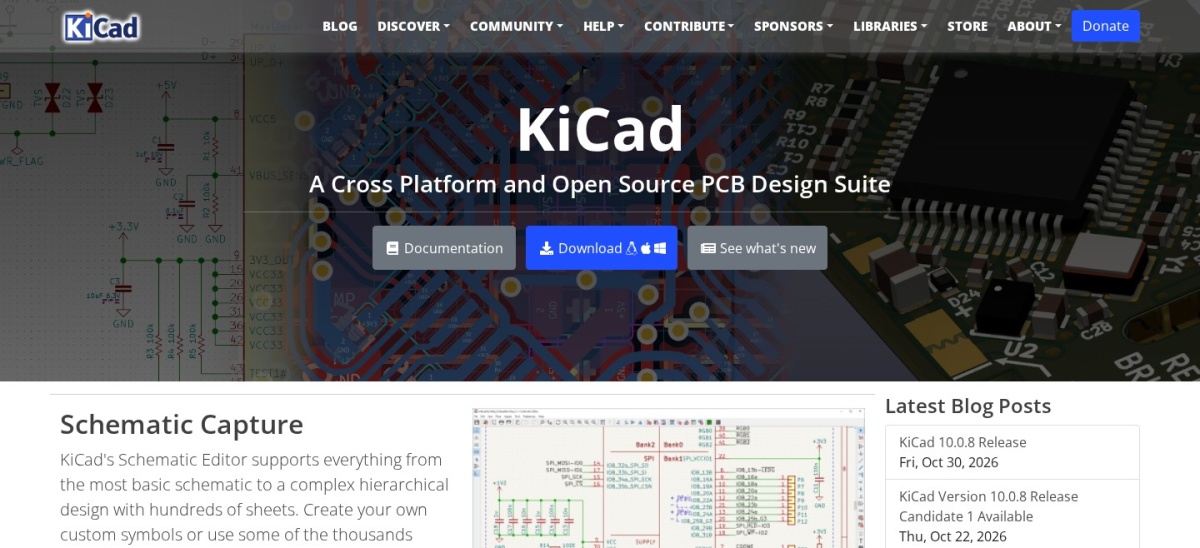
KiCad homepage, captured Nov 2026.
KiCad is a free, open source suite for schematic capture and PCB layout, with an integrated ngspice simulator and an electrical rules checker. It supports up to 32 copper layers and runs on Windows, macOS and Linux, and version 10.0.8 arrived on 30 October 2026.
The trade off is support and polish. There is no vendor help desk, so answers come from docs and the community, and large projects need more manual library care than Altium. It suits students, hobbyists and small teams who want full PCB tools at no cost.
What we like
Free for commercial and personal use, with no caps
Runs on Windows, macOS and Linux
Open file formats that work well with version control
Watch out for
No vendor support desk, only community help
Library care takes more manual work on large projects
No paid plan; donations and services fund developmentVisit kicad.org
03
MATLAB
4.5/5on G2 (771 reviews, checked Nov 2026)
Starts at$940/yr
Best for analysis and simulation
Price$940 a year, Standard Individual
PlatformWindows, macOS, Linux
IncludesMATLAB, Simulink, training
Add-onsToolboxes bought separately
mathworks.com
MATLAB homepage, captured Nov 2026.
MATLAB is a programming and numeric computing environment for algorithm work, data analysis and visualisation, and the Standard Individual licence includes Simulink and the Online Training Suite. It is rated 4.5 out of 5 by 771 G2 reviewers, and the standard annual licence costs $940.
The trade off is cost beyond the base licence. Toolboxes for control, signal processing and power systems are bought separately, so the total rises fast for a full electrical workflow. It suits engineers who model, simulate and analyse systems before they touch a schematic.
What we like
Strongest analysis and simulation coverage in this list
Simulink and training included in the standard licence
AutoCAD Electrical is a toolset inside an AutoCAD subscription for electrical control systems, with more than 65,000 intelligent symbols, automatic wire numbering and component tagging. It generates bills of materials and terminal plans from the schematic, and the subscription costs $2,095 a year.
The trade off is that it is no longer sold on its own. A shop that only needs electrical work pays for six other toolsets it may never open, and the electrical toolset runs on Windows only. It suits teams already standardised on AutoCAD who want schematics in the DWG workflow they know.
What we like
Included with an AutoCAD subscription, not sold separately
Large symbol library across IEC, NFPA and JIC standards
Automatic wire numbering and report generation
Watch out for
Windows only for the electrical toolset
High annual price if you only need electrical features
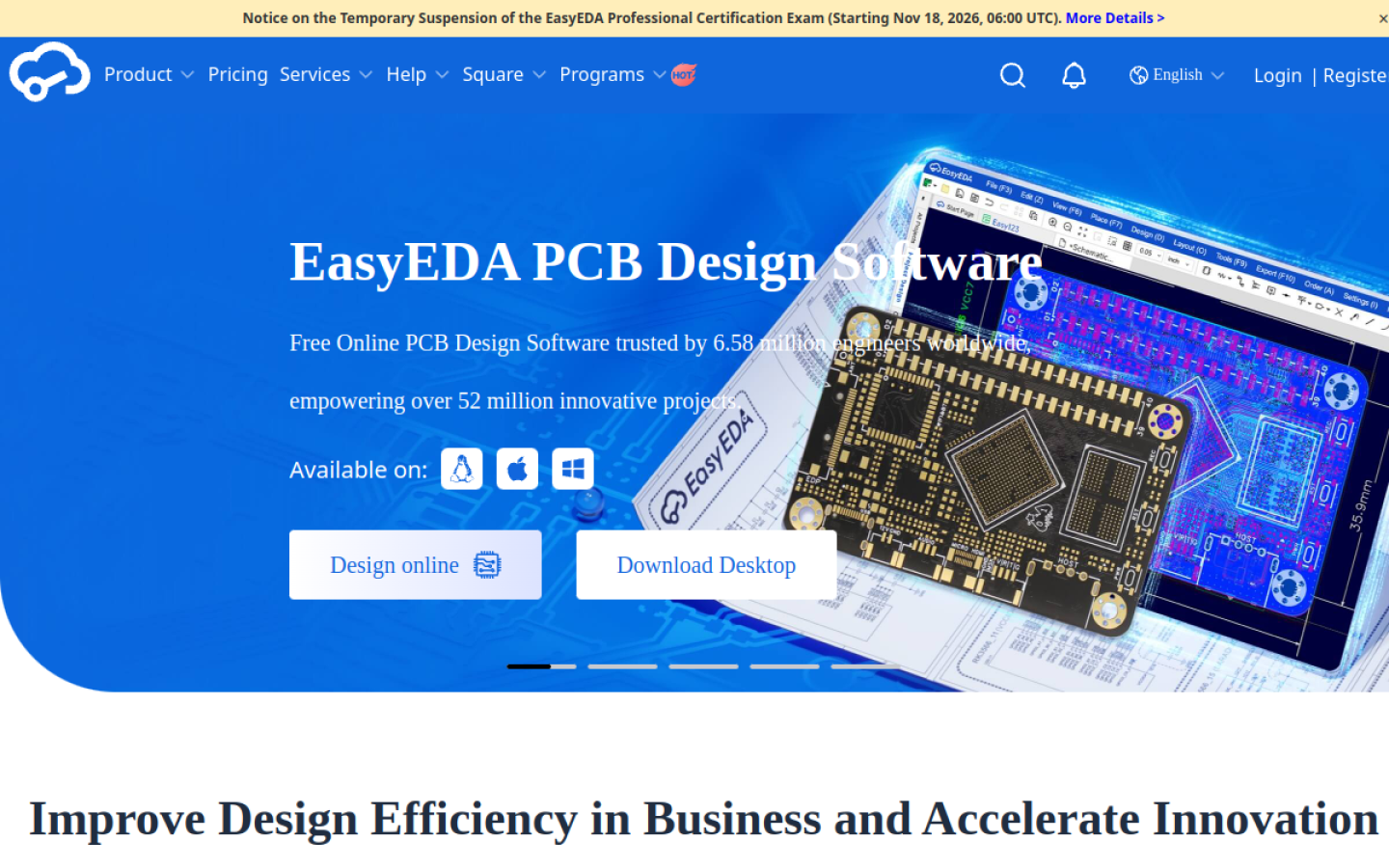
EasyEDA is a browser-based tool for schematic capture, SPICE simulation and PCB layout, with a free plan for commercial use and ordering through JLCPCB built in. It claims 6.58 million engineers worldwide, and Premium costs $19.90 a month billed annually, with 10GB of storage.
The trade off is the free plan. It shows ads in the editor and limits storage to 0.5GB, and private libraries need a paid plan. It suits beginners and small teams who want to move from a first schematic to an ordered board without installing desktop software.
What we like
Free plan covers commercial use
Runs in the browser, nothing to install
Board ordering built into the editor
Watch out for
Free plan shows ads and limits storage to 0.5GB
Only 20 G2 reviews, the smallest base in this list
Premium removes ads and adds storage and private librariesVisit easyeda.com
06
OrCAD
4.2/5on G2 (34 reviews, checked Nov 2026)
Starts at$2,088/yr
Best for schematic-first design
Price$2,088 a year, from reseller
PlatformWindows
SimulationPSpice built in
Growth pathDatabase works with Allegro X
cadence.com
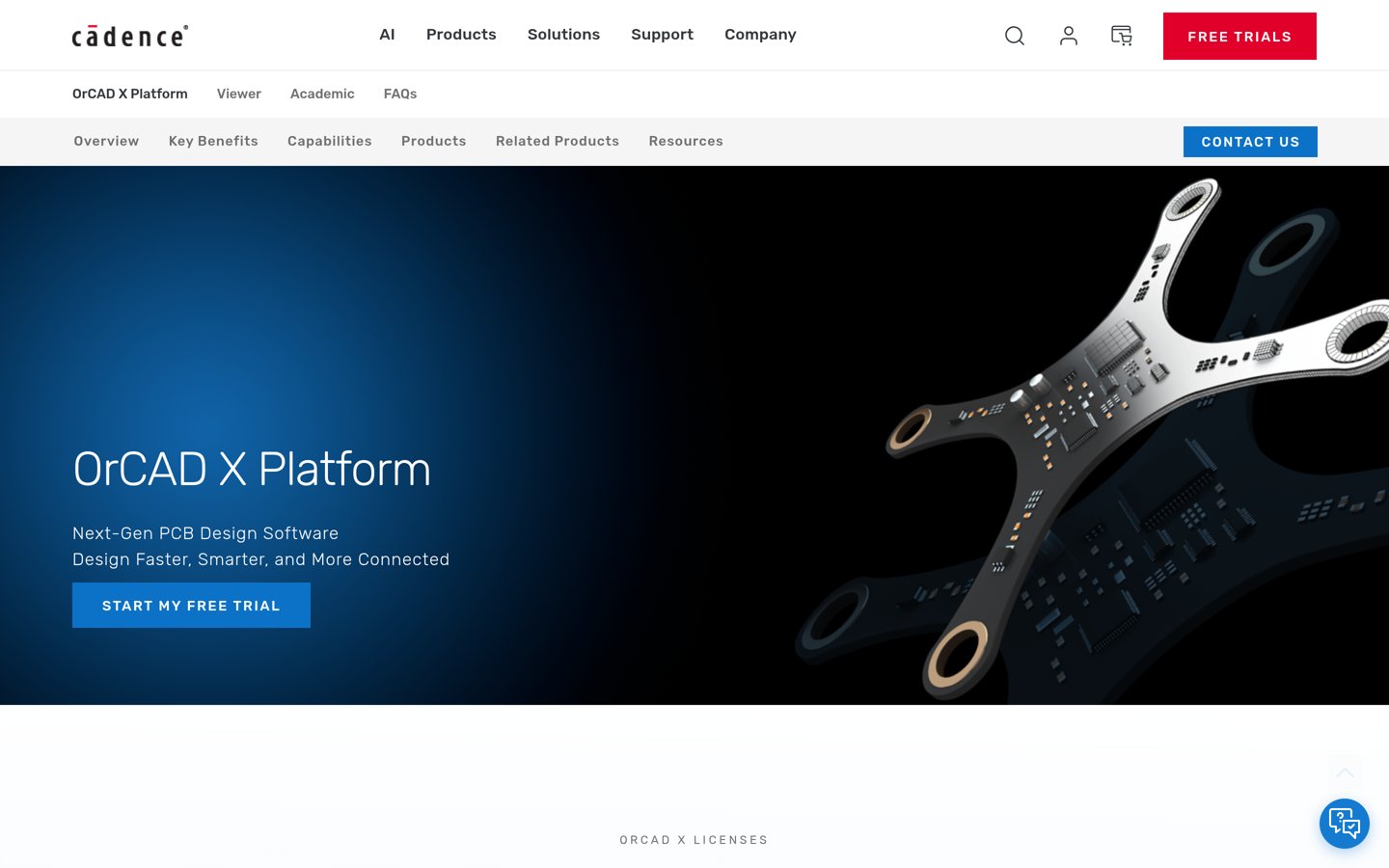
OrCAD homepage, captured Nov 2026.
OrCAD is Cadence's front-to-back PCB suite, with schematic capture, PSpice circuit simulation and board layout in one package. Its database works with Allegro X, so a design can grow into Cadence's larger flow, and a free trial is available.
The trade off is pricing. Cadence publishes no price, and the best public figure is a $2,088 yearly lease from reseller GoEngineer, so buyers should confirm the quote before budgeting. It suits teams who spend more time on circuit design than on routing and want simulation built in.
EPLAN Electric P8 is a database-driven tool for electrical schematics, panel layouts and reports, used by 19 of the 20 largest automotive manufacturers. A single change to a part flows through every schematic, report and panel layout, and its data portal holds more than 2.3 million components.
The trade off is price and learning curve. EPLAN publishes no price, so every deal is a quote, and reviewers note it takes real training before the database approach pays off. It suits machine builders and panel shops that design the same kinds of systems again and again.
What we like
One change updates every schematic and report
Huge component library with manufacturer data
Used by most of the largest automotive makers
Watch out for
Quote-only pricing, with no public figure
Needs real training before it pays off
Paid licence adds the full platform and data portalVisit eplan.com
08
NI Multisim
4.3/5on G2 (42 reviews, checked Nov 2026)
Starts at$1,869/yr
Best for teaching circuit simulation
PriceBase $1,869 a year
PlatformWindows
Components47,000+ verified parts
AnalysesUp to 20 analyses, Power Pro
ni.com
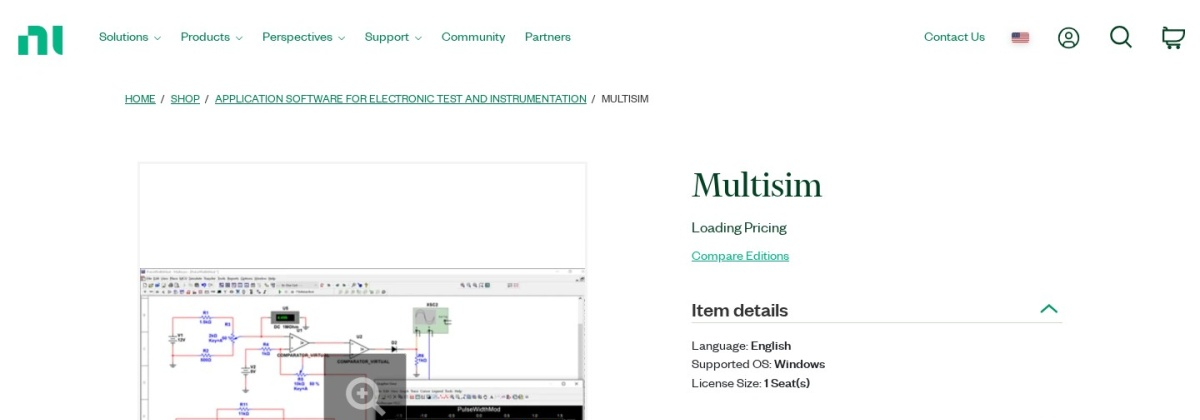
NI Multisim homepage, captured Nov 2026.
NI Multisim is a circuit simulation tool from National Instruments for analog, digital and mixed-signal design, with virtual instruments such as an oscilloscope and function generator on screen. The Base edition costs $1,869 a year and includes more than 47,000 verified components.
The trade off is scope. It is a simulator first, so PCB layout needs its companion Ultiboard, and the Full and Power Pro editions climb to $3,267 and $4,838 a year. It suits students and teaching labs, plus engineers who want to check a circuit before building it.
What we like
Virtual instruments make circuits easy to probe
Large library of verified components
Student edition available at $69.95
Watch out for
PCB layout needs the separate Ultiboard app
Windows only, and higher editions cost much more
Higher editions add analyses, parts and instrumentsVisit ni.com
09
ETAP
4.3/5on G2 (22 reviews, checked Nov 2026)
PricingQuote/yr
Best for power-system studies
PriceQuote; no published price
PlatformWindows
StudiesLoad flow, arc flash, protection
ModelElectrical digital twin
etap.com
ETAP homepage, captured Nov 2026.
ETAP is power-system software for load flow, short-circuit, arc flash and protection studies, built around an electrical digital twin of the network. It is rated 4.3 out of 5 on G2, and its users include utilities and industrial plants that have run it for decades.
The trade off is price and focus. ETAP publishes no price, so every licence is a quote, and it covers power systems rather than PCB design, so it is not a general electronics tool. It suits engineers who plan, protect and operate electrical networks rather than design boards.
What we like
Trusted calculation output for power studies
Covers the full lifecycle, from design to operation
Free plans cover the basics well. KiCad gives away the whole PCB flow, and EasyEDA's free plan covers commercial use.
Paid plans mostly add support and scale. You get a vendor help desk, managed libraries, cloud review and faster answers, which matter once a board ships to customers.
Quote-only tools are a different step. EPLAN, OrCAD and ETAP need a sales conversation, so treat the first quote as part of the trial, not a formality.
Our free vs premium guide makes the same point for WordPress plugins: free covers the basics, and paid plans add support and scale.
How we chose
We started from the established tools for PCB design, panel engineering, power systems and engineering analysis, then kept the nine with a public rating on G2.
Prices come from each vendor's pricing page, checked on 26 November 2026. Ratings and review counts come from G2 on the same day. Where a vendor shows a sale, the list shows the regular price.
We left out tools with no public rating, including LTspice and several panel tools. No vendor paid for a place, and we do not claim to have used these tools ourselves.
How to choose electrical engineering software
Start with the job you do most, then match the tool to it.
Name the job first. Board design, panel work, power studies and analysis need different tools. Pick the category before you compare prices.
Try the free option before you pay. KiCad and EasyEDA cost nothing to start, so use them to learn what you actually need before a subscription.
Check the price behind the headline. Some tools need toolboxes, extra seats or a companion app for layout. Ask what the first year costs in full, not just the entry seat.
Ask for the quote early. EPLAN, OrCAD and ETAP publish no price, so start the sales conversation while you are still trialling the free tools.
FAQ
What is the best software for electrical engineering?
Altium Designer is the best pick for most professional teams. It covers schematic capture, PCB layout, simulation and manufacturing outputs in one Windows app, and it is rated 4.5 out of 5 by 1,092 G2 reviewers.
Is there free software for electrical engineering?
Yes. KiCad is free and open source, with schematic capture, PCB layout and a built-in simulator, and it runs on Windows, macOS and Linux. EasyEDA is also free in the browser, with a paid plan that removes ads and adds storage.
What software do electrical engineers use for power systems?
ETAP is the usual pick for load flow, short-circuit, arc flash and protection studies. It is sold by quote only, so expect a sales conversation before you see a price.
Is MATLAB used in electrical engineering?
Yes, mainly for analysis and simulation rather than board layout. Engineers use it with Simulink to model control systems, signal processing and power electronics before building hardware.
How much does Altium Designer cost?
Altium Develop, the current way to buy it, costs $1,990 a year for the first seat, which covers the workspace and one author. Each extra author costs $995 a year, and a 30-day trial needs no card.
What is the difference between AutoCAD Electrical and EPLAN?
AutoCAD Electrical is a toolset inside AutoCAD for control schematics, priced at $2,095 a year. EPLAN is a database-driven platform for panels and machine building, sold by quote, and it suits teams that repeat similar designs.
SaaS SEO and WordPress specialist with about 8 years of experience. Rakib compares WordPress plugins, themes, hosting and software using public pricing, documentation and user reviews. See how we rank.