Adobe Lightroom is the best software for editing raw photos for most photographers, rated 4.6 out of 5 on G2 from 3,419 reviews and priced at $11.99 a month with 1TB of storage. Pick Capture One for studio tethering and DxO PhotoLab for the cleanest high-ISO files.
How we make this list: we compare pricing pages, product documentation and public user reviews, then re-check every price before each update. No product paid for a place. Disclosure.
Lightroom costs $11.99 a month on the Lightroom plan with 1TB of storage; the old $9.99 plan is no longer sold to new customers.
Capture One Pro costs $18 a month billed annually, or $349 once for a perpetual licence without new updates.
DxO PhotoLab 10 Essential costs $159.99 once, and Elite at $249.99 adds DeepPRIME XD denoising.
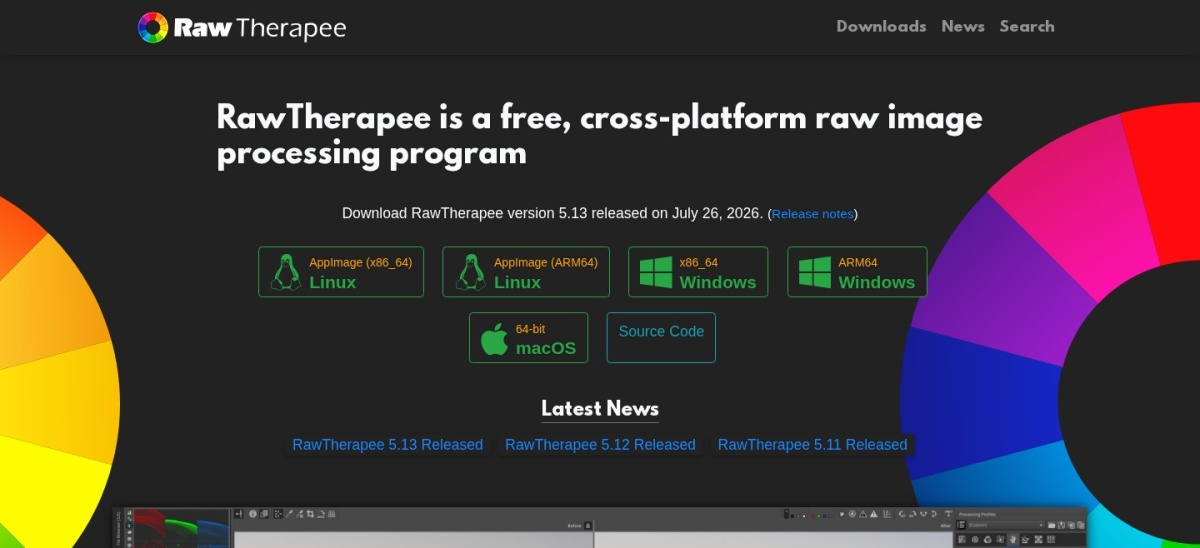
Affinity is now free with a Canva account, and RawTherapee is free and open source, so two of the nine tools cost nothing.
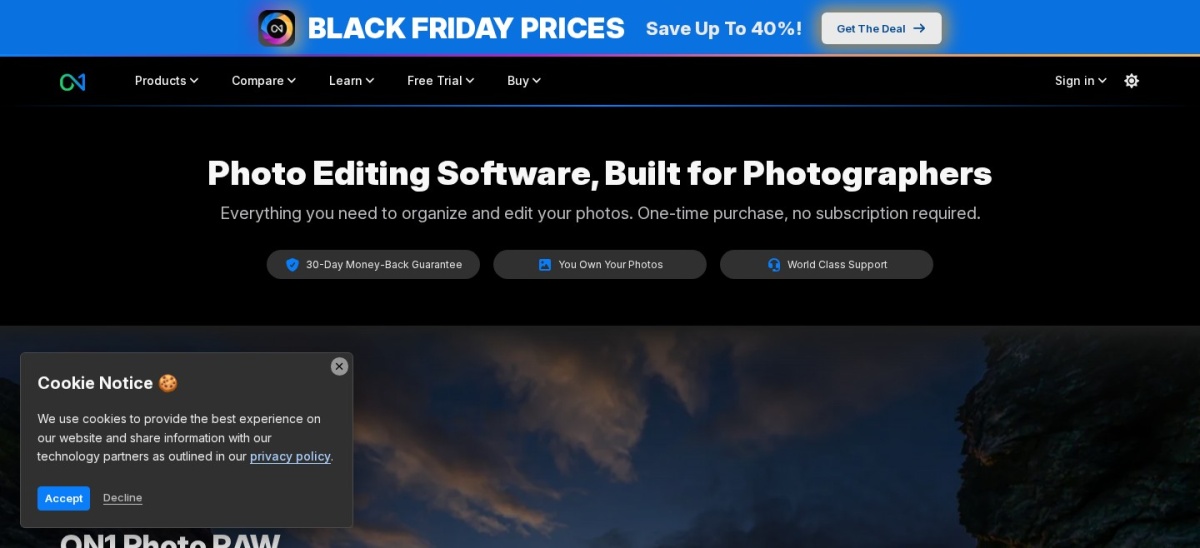
ON1 Photo RAW 2027 costs $99.99 once, and Luminar Desktop Only lists at $99 once under a Black Friday banner.
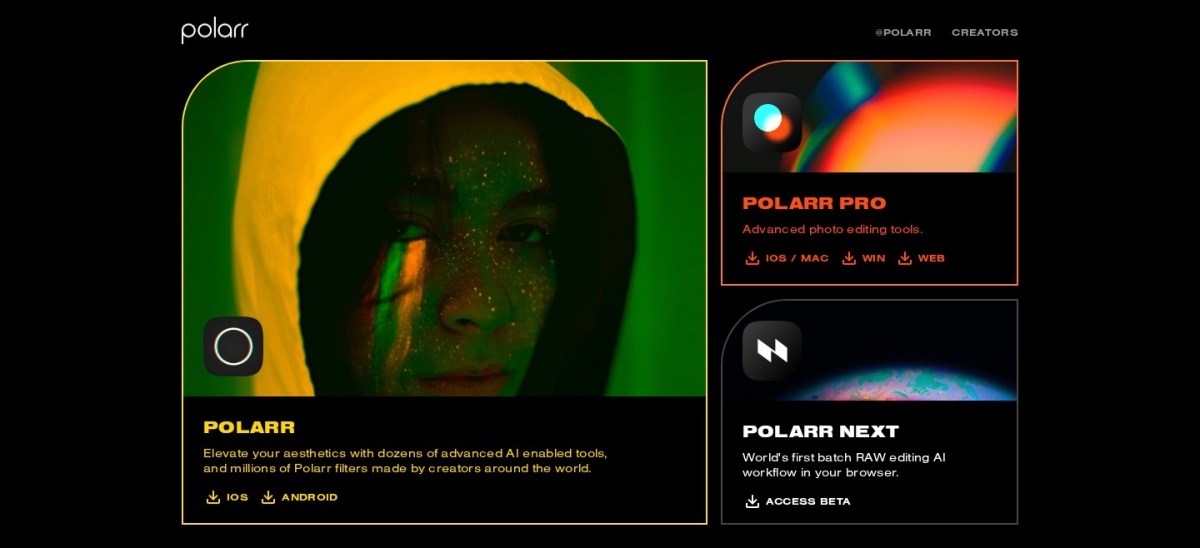
Polarr Pro is the cheapest subscription here at $3.99 a month billed annually, covering up to five users.
What to look for in a RAW editor
A RAW file holds far more image data than a JPEG, so the editor you pick decides how much highlight and shadow detail you can recover. The best RAW editors develop files non-destructively, which means your originals stay untouched while every edit stays reversible.
Cataloguing matters as much as editing once a library grows past a few thousand shots. Lightroom, Capture One, ON1 and ACDSee all organise, rate and search a library, while DxO PhotoLab, Affinity and RawTherapee focus on single-image editing, so check the library tools before you commit if you shoot in volume.
Price models split the list in two. Lightroom, Capture One and Polarr are subscriptions, while DxO PhotoLab, Luminar, ON1 and ACDSee sell one-time licences, and Affinity and RawTherapee cost nothing at all. Our guide on whether WordPress is good for photographers covers the publishing side once edits are done.
Ratings come from public review sites, not from vendors. Six of the nine tools carry G2 ratings, DxO PhotoLab carries a Capterra rating from 14 reviews, and ON1 carries a Trustpilot rating for the company rather than the product itself.
Adobe Lightroom is the standard RAW editor for most photographers, combining a catalog, non-destructive edits and cloud sync in one app. The Lightroom plan costs $11.99 a month with 1TB of cloud storage and includes Lightroom Classic, while the Photography plan at $19.99 a month adds Photoshop.
The trade off is the subscription. There is no perpetual licence, so the cost never stops, and the old $9.99 plan with 20GB is no longer sold to new customers. It suits photographers who edit every week and want their library synced across desktop and mobile.
What we like
Catalog, editing and cloud sync in one app
AI masking and Denoise built in
Largest user base, so help is easy to find
Includes Lightroom Classic for desktop workflows
Watch out for
Subscription only, with no perpetual licence
Can feel slow with very large catalogs
Old $9.99 plan no longer sold to new customers
Photography plan adds Photoshop for $19.99 a monthVisit adobe.com
02
Capture One
4.5/5on G2 (79 reviews, checked Nov 2026)
Starts at$18/mo
Best for studio and tethered shooting
Cameras supported550+
Tethered captureYes
Perpetual licence$349
Paid planPro, $18/mo
captureone.com
Capture One homepage, captured Nov 2026.
Capture One is a professional RAW editor built around colour accuracy, tethered shooting and layered adjustments. Pro costs $18 a month on an annual plan and supports more than 550 cameras, and a $349 perpetual licence buys one version outright without future updates.
The trade off is price and learning curve. At $216 a year it costs more than Lightroom, and its layer and colour tools take time to learn. It suits studio and tethered shooters who need exact colour and fast capture-to-screen review.
What we like
Best colour accuracy and tethered capture in this list
DxO PhotoLab is a RAW editor built for image quality, with lab-measured lens corrections and DeepPRIME noise reduction. PhotoLab 10 Essential costs $159.99 as a one-time purchase, and the 30-day trial is fully functional.
The trade off is that the best denoising lives in Elite. DeepPRIME XD and Fujifilm X-Trans support need the $249.99 Elite edition, and the licence covers one version only. It suits photographers who shoot at high ISO and want the cleanest files without a subscription.
What we like
DeepPRIME noise reduction is the best here for high-ISO files
Lab-measured lens corrections for exact camera-lens pairs
One-time licence with no subscription
Watch out for
DeepPRIME XD needs the $249.99 Elite edition
Library tools are thin next to Lightroom
Licence covers one version only
Elite adds DeepPRIME XD and Fujifilm X-Trans supportVisit dxo.com
04
Affinity Photo
4.5/5on G2 (234 reviews, checked Nov 2026)
PriceFree
Best free professional editor
PriceFree
RAW developmentYes
AI toolsPaid Canva plan
PlatformsMac, Windows
affinity.serif.com
Affinity Photo homepage, captured Nov 2026.
Affinity Photo is a full photo editor with non-destructive RAW development, layers, masks and HDR merging. Since October 2025 the combined Affinity app is free with a Canva account, and the editing tools carry no watermark or time limit.
The trade off is the missing catalog. There is no Lightroom-style library for rating and organising thousands of shots, and the AI tools need a paid Canva plan. It suits editors who want pro-grade retouching and RAW development for nothing.
What we like
Full professional editor for free
Non-destructive RAW development with layers and masks
Luminar Neo is an AI-first RAW editor from Skylum, built around one-click sky replacement, relighting and portrait tools. Desktop Only lists at $99 as a one-time payment, and the app runs on desktop, mobile and web on the higher plans.
The trade off is the AI licence window. The generative tools are included for 365 days, then need Luminar Prime, and the $99 price sits under a Black Friday banner. It suits photographers who want fast, guided edits without learning masks and layers.
What we like
AI sky replacement and relighting in a few clicks
Easy to learn, with no masking skills needed
One-time licence with a 30-day money-back guarantee
4.1/5on Trustpilot (3,228 reviews, checked Nov 2026)
Starts at$99.99/yr
Best all-in-one organiser and editor
LicenceOne-time
Computers2
Free trial30 days
Paid planPhoto RAW, $99.99
on1.com
ON1 Photo RAW homepage, captured Nov 2026.
ON1 Photo RAW is an all-in-one RAW editor and organiser with browsing, layers, effects and AI noise reduction in one app. Photo RAW 2027 costs $99.99 as a one-time purchase for two computers, with a 30-day free trial.
The trade off is the MAX upsell. Restore AI, the AI culling assistant and the Photoshop and Lightroom plugins need MAX at $169.99 once, and ON1 lists a $59.99 Black Friday price until 27 November. It suits photographers who want one app for organising and editing with no subscription.
What we like
Organising, RAW editing, layers and effects in one app
One-time purchase with no subscription
30-day free trial on the full app
Watch out for
Restore AI and culling assistant need the $169.99 MAX edition
Black Friday price of $59.99 ends 27 November
Trustpilot rating covers the company, not just this product
MAX adds Restore AI, culling and plugins for $169.99 onceVisit on1.com
07
ACDSee Photo Studio
4.4/5on G2 (283 reviews, checked Nov 2026)
Starts at$59.99/yr
Best for large local libraries
LicenceOne-time
EditionsHome, Pro, Ultimate
Top edition$149.99
Paid planHome, $59.99
acdsee.com
ACDSee Photo Studio homepage, captured Nov 2026.
ACDSee Photo Studio is a fast photo browser and organiser with non-destructive RAW editing and layered retouching built in. Home costs $59.99 as a one-time purchase, and higher editions add more editing tools up to $149.99.
The trade off is depth. Its RAW tools are solid but trail Lightroom and Capture One for colour work, and the top edition is Windows-only. It suits photographers with large local libraries who value browsing speed and a single payment.
What we like
Fast browsing across very large local libraries
Face detection and AI keywording built in
Cheapest one-time purchase in this list at $59.99
Watch out for
RAW tools trail Lightroom and Capture One for colour work
Top edition is Windows-only
Professional adds more editing tools for $99.99 onceVisit acdsee.com
08
Polarr
4.4/5on G2 (46 reviews, checked Nov 2026)
Paid from$3.99/mo
Best cheap cross-device editor
Free planYes, limited
Users on ProUp to 5
PlatformsiOS, Android, Mac, Windows, web
Paid planPro, $3.99/mo
polarr.com
Polarr homepage, captured Nov 2026.
Polarr is a filter-first editor with precise colour tools, masks and batch export across phone, desktop and web. The free tier covers basic edits, and Pro costs $3.99 a month billed annually, covering up to five users.
The trade off is scope. Polarr is lighter than Lightroom for cataloguing and tethered work, and its strength is filters and colour rather than deep RAW controls. It suits mobile creators and small teams who want cheap, cross-device editing with strong filters.
What we like
Strong filters and precise colour tools
Works on phone, desktop and web
One Pro plan covers up to five users
Watch out for
Lighter cataloguing than Lightroom or Capture One
Best filters sit behind the Pro paywall
Free tier limits masks, batch export and Pro filters
RawTherapee is a free, open source RAW processor with deep demosaicing, tone and detail controls. Version 5.13 runs on Windows, macOS and Linux, and it exports 16-bit TIFF files for finishing elsewhere.
The trade off is the interface and the missing library. The layout is dense and dated, there is no catalog worth using, and releases arrive slowly from a volunteer team. It suits technical photographers who want maximum RAW detail for free.
What we like
Free and open source, with no account needed
Deep demosaicing and detail controls
Exports 16-bit TIFF files for finishing elsewhere
Watch out for
Dense, dated interface with a steep learning curve
One-time purchase vs subscription: which costs less?
A one-time licence looks cheaper on day one. DxO PhotoLab Essential at $159.99, ON1 at $99.99 and ACDSee Home at $59.99 each cost less than two years of Lightroom at $11.99 a month.
The catch is version lock. A perpetual licence covers one major version, so the next release is a paid upgrade, while a subscription always includes the newest version and new camera support.
Do the maths on your upgrade habit. If you buy every new version, a subscription can cost the same over three years, but if you keep one version for years, the one-time licence wins.
How we chose
We started from the RAW editors photographers name most often in 2026 roundups, then kept only those with a verifiable rating on G2, Capterra or Trustpilot and a confirmed price.
Prices come from each vendor's pricing page or its own site, checked on 26 November 2026. Ratings and review counts come from G2, Capterra and Trustpilot on the same day. Where a vendor shows a sale, the list shows the regular price.
We left out Darktable, which has no rating on G2 or Capterra and only a thin Trustpilot presence, and Exposure X7, which has no rating on any of the three. No vendor paid for a place, and we do not claim to have used these tools ourselves.
How to choose software for editing raw photos
Start with how many photos you edit each month, then match the tool to that volume.
Count your monthly volume. If you edit a few dozen shots, a one-time licence or a free tool is enough. Past a few hundred, a catalog and batch tools pay for themselves.
Decide whether you want to own or rent. One-time licences from DxO, ON1, Luminar and ACDSee stop the monthly bill, but the next major version is a paid upgrade. Subscriptions always include updates.
Check your camera is supported. Open the vendor's supported-camera list before you pay, and confirm your exact body and RAW format are covered.
Try the trial on your own files. Run the same ten RAW files through two finalists and compare noise, colour and export speed before you buy.
FAQ
What is the best software for editing raw photos?
Adobe Lightroom is the best pick for most photographers. It combines a catalog, non-destructive RAW editing and cloud sync, is rated 4.6 out of 5 on G2 from 3,419 reviews, and costs $11.99 a month with 1TB of storage on the Lightroom plan.
Is there a free RAW photo editor?
Yes. Affinity is now free with a Canva account and covers RAW development, layers and masks, while RawTherapee is free and open source with deep demosaicing controls. Both handle real RAW work, though neither offers a Lightroom-style catalog.
Can I buy a RAW editor without a subscription?
Yes. DxO PhotoLab Essential costs $159.99 once, ON1 Photo RAW 2027 costs $99.99 once, Luminar Desktop Only lists at $99 once, and ACDSee Home costs $59.99 once. Each licence covers one major version, so the next release is a paid upgrade.
Which RAW editor has the best noise reduction?
DxO PhotoLab leads on noise reduction. Its DeepPRIME and DeepPRIME XD models recover clean detail from high-ISO RAW files, and its lens modules correct distortion and vignetting from lab measurements of your exact camera-lens combination.
Do I need Photoshop as well as Lightroom?
Not always. The Photography plan at $19.99 a month adds Photoshop for composites and advanced retouching, but Affinity and ON1 Photo RAW both include layers and masks, so many photographers never open Photoshop at all.
What is the cheapest way to edit RAW photos?
RawTherapee costs nothing and Affinity is free with a Canva account. If you want a paid tool, ACDSee Home is $59.99 once, and Polarr Pro is $3.99 a month billed annually, covering up to five users.
SaaS SEO and WordPress specialist with about 8 years of experience. Rakib compares WordPress plugins, themes, hosting and software using public pricing, documentation and user reviews. See how we rank.