Procreate is the best software for drawing for most artists, at $12.99 once with no subscription and a 4.9 out of 5 G2 rating. Pick Clip Studio Paint for comics and cross-platform work, or Krita if you want a free desktop app.
How we make this list: we compare pricing pages, product documentation and public user reviews, then re-check every price before each update. No product paid for a place. Disclosure.
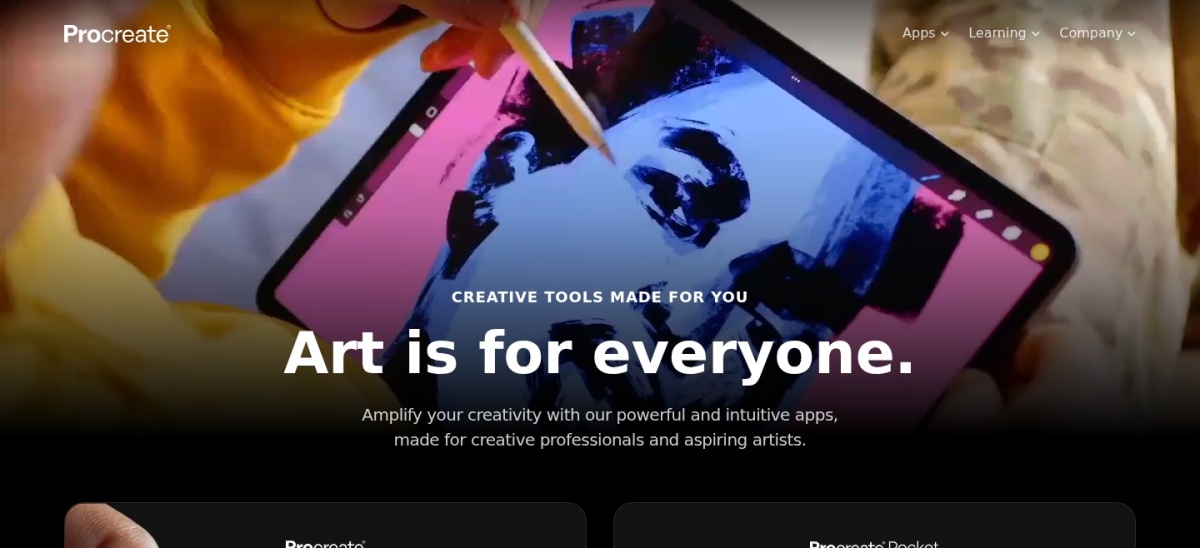
Procreate costs $12.99 once, with no subscription, and G2 users rate it 4.9 out of 5 from 73 reviews.
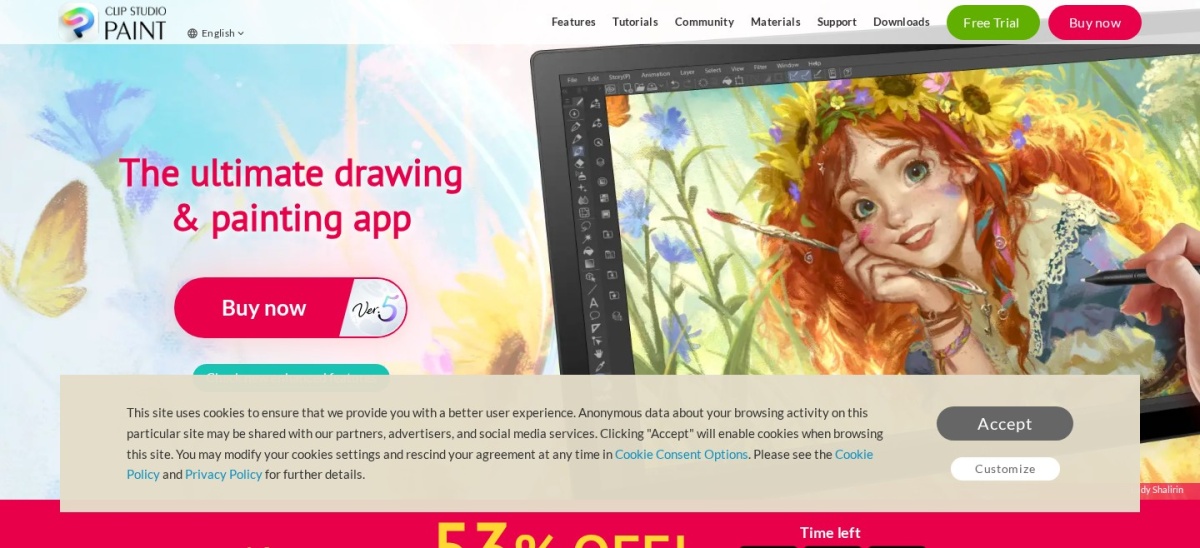
Clip Studio Paint covers illustration, comics and animation, with the PRO yearly plan at $26.99 a year.
Krita and Affinity are free, and both run on desktop; Krita is open source, while Affinity needs a free Canva account.
Photoshop and Illustrator are the priciest pair at $22.99 a month each, and both offer a 7-day free trial.
Rebelle has the highest G2 rating in this list at 4.8 out of 5, for realistic watercolor and oils at $89.99 once.
What to look for in drawing software
Drawing software splits into two kinds. Raster apps such as Procreate, Krita and Photoshop paint with pixels, while vector apps such as Illustrator and Affinity draw with paths that scale to any size.
Brushes matter more than feature counts. Look for pressure sensitivity, tilt support, stabilizers for shaky lines and a brush library you can shape to your own hand.
Price shapes the choice as much as power. Three tools in this list are free, two cost under $30 once, and the Adobe pair costs $22.99 a month each.
Procreate is the default drawing app for iPad artists, built around Apple Pencil pressure and tilt. It ships with more than 200 brushes, unlimited layers, and time-lapse recording of every canvas, all for a single $12.99 purchase with free updates.
The trade off is the platform. Procreate runs only on iPad and iPhone, so Windows, Mac and Android users need a different app. It suits illustrators and hobbyists who already draw on an iPad and want a deep brush engine without a monthly bill.
Clip Studio Paint is the workhorse of comic and manga artists, with panel tools, screentones, comic fonts and 3D models built in. The PRO plan covers illustration and short animation, and projects sync between desktop, iPad and phone.
The trade off is the price structure. The PRO yearly plan lists at $26.99 a year, and the version 5.0 perpetual licence costs $63 once, with an Update Pass sold separately for new features. It suits illustrators and comic artists who want one app for drawing, lettering and pages.
What we like
Comic panels, tones and fonts built in
Runs on Windows, macOS, iPad and phones
Large library of free user-made materials
Watch out for
Yearly plan renews every year
Perpetual licence needs a paid Update Pass for new features
Adobe Photoshop is the industry standard for raster art, photo editing and digital painting in one app. It pairs a deep brush engine with layers, masks and selection tools, plus Firefly generative features for filling and extending images.
The trade off is the subscription. Photoshop costs $22.99 a month on the annual plan, so it is the priciest way to draw in this list for casual use. It suits professionals who already work in Adobe apps and need Photoshop files to open anywhere.
What we like
Deepest toolset for drawing and photo editing
PSD files open in almost every creative app
Firefly generative tools included
Watch out for
$22.99 a month, every month
Steep learning curve for beginners
Creative Cloud Pro bundles Photoshop with 20+ appsVisit adobe.com
04
Krita
4.4/5on G2 (64 reviews, checked Nov 2026)
PriceFree
Best free drawing software
PlatformsWindows, macOS, Linux
PriceFree, open source
AnimationFrame-by-frame tools
File supportPSD import and export
krita.org
Krita homepage, captured Nov 2026.
Krita is a free, open-source painting app made by artists, with a brush engine that rivals paid apps. It includes stabilizers, blending modes, layer styles and frame-by-frame animation, and it runs on Windows, macOS and Linux.
The trade off is polish. The interface packs in many panels and options, so new users need time to find their way, and large files can slow down on older machines. It suits hobbyists, students and professionals who want a full painting app for nothing.
What we like
Completely free with no paid tier
Brush engine rivals paid apps
Animation tools included
Watch out for
Busy interface for new users
Can slow down with very large files
Paid store versions fund development; the app is freeVisit krita.org
05
Adobe Illustrator
4.6/5on G2 (6,208 reviews, checked Nov 2026)
Starts at$22.99/mo
Best for vector drawing and logos
PlatformsWindows, macOS, iPad
Vector toolsPen, Shape Builder, Image Trace
File supportSVG, EPS, PDF, AI
Paid plan$22.99/mo, 7-day trial
adobe.com
Adobe Illustrator homepage, captured Nov 2026.
Adobe Illustrator is the standard vector drawing app, built for logos, icons and illustrations that must scale to any size. It offers precise pen and shape tools, plus AI-assisted features for recoloring and tracing sketches into clean paths.
The trade off is cost and focus. Illustrator costs $22.99 a month, and it is a vector tool first, so freehand painting feels less natural than in Procreate or Krita. It suits designers who draw logos, brand art and print work that must stay sharp at any size.
What we like
Industry standard for vector logos and icons
Artwork scales to any size without loss
Works with Photoshop and other Adobe apps
Watch out for
$22.99 a month on the annual plan
Less natural for freehand painting
Creative Cloud Pro bundles Illustrator with 20+ appsVisit adobe.com
06
Affinity Designer
4.5/5on G2 (452 reviews, checked Nov 2026)
PriceFree
Best free vector drawing app
PlatformsWindows, macOS, iPad
PriceFree for individuals
Vector and rasterBoth in one app
File supportPSD, AI, PDF, SVG
affinity.studio
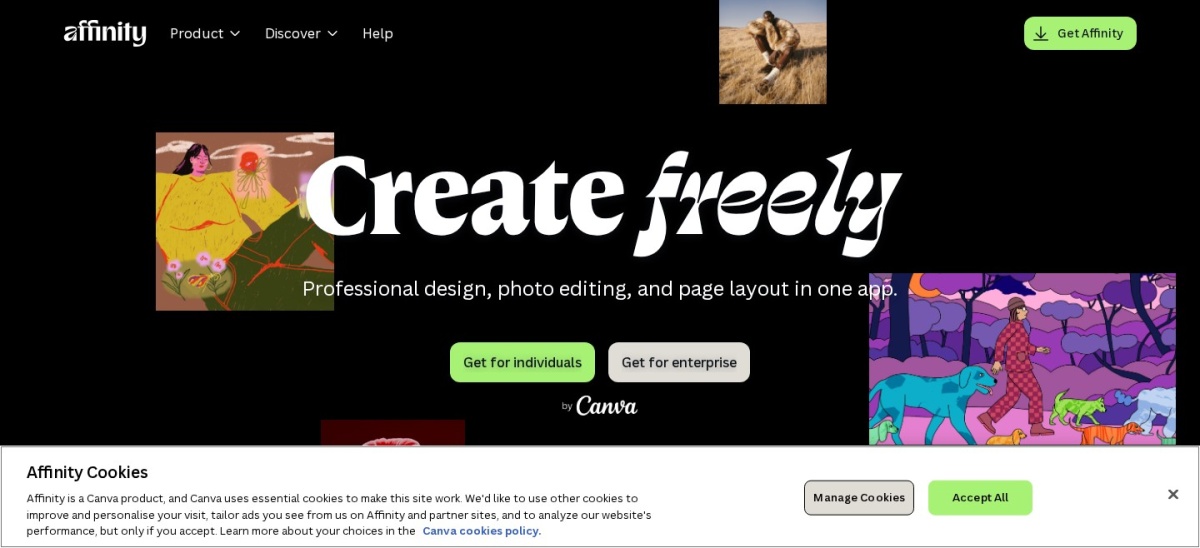
Affinity Designer homepage, captured Nov 2026.
Affinity Designer is now part of Affinity, a free design app from Canva that covers vector drawing, photo editing and page layout in one place. It opens PSD, AI, PDF and SVG files, so work made in Adobe apps carries over, and every core tool is free for individuals.
The trade off is the account. You need a free Canva account to download and sign in, and the AI tools need a Canva premium plan. It suits designers who want Illustrator-style vector tools without a subscription.
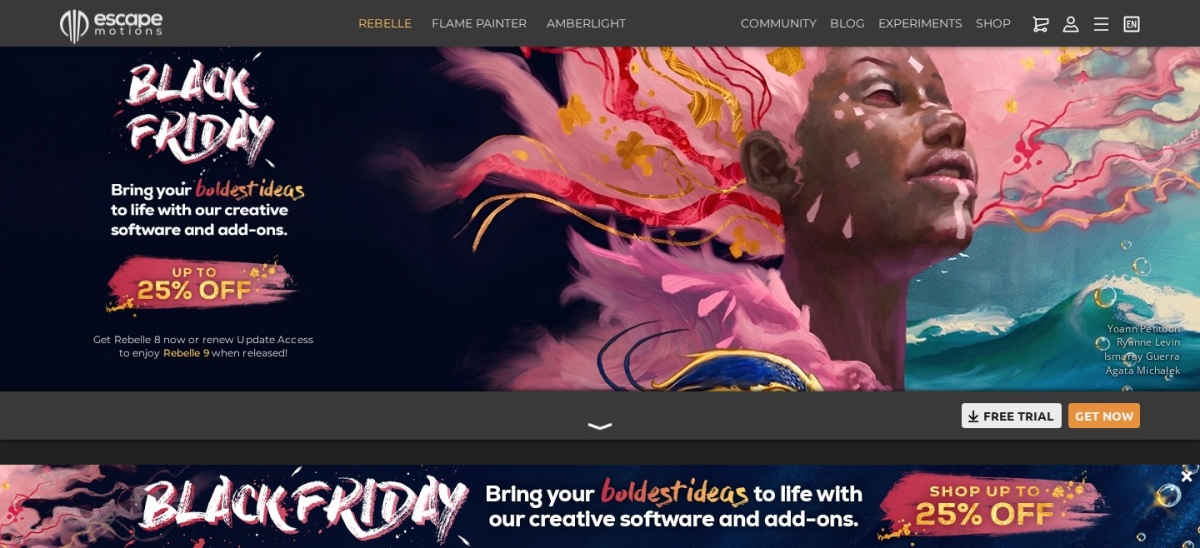
Rebelle is a painting app built to copy how real watercolor, oils and acrylics behave on paper. It simulates wet paint, drying and pigment mixing, with more than 260 brush presets in Rebelle 8 and a one-time price of $89.99.
The trade off is scope. Rebelle focuses on natural-media painting, so it has fewer illustration, comic and photo tools than Clip Studio Paint or Photoshop. It suits traditional painters moving to digital who want watercolor that bleeds and blends like the real thing.
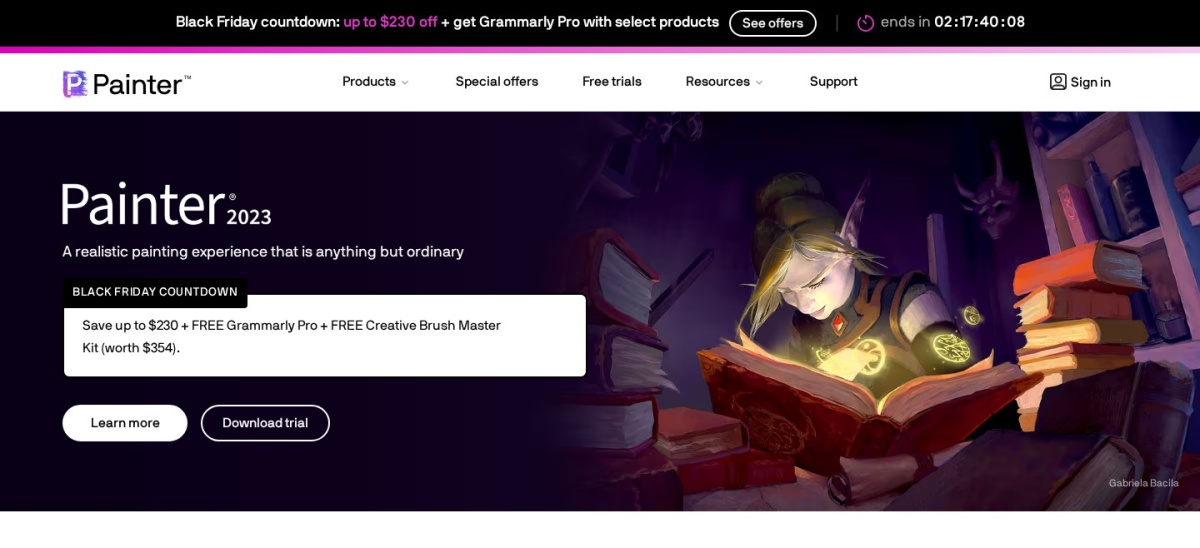
Corel Painter is the deepest natural-media painting app, with more than 900 brushes that copy oils, watercolors, pastels and charcoal. Its brush engine models bristle behavior, paint mixing and canvas texture, which is why traditional artists feel at home in it.
The trade off is price. Painter costs $199 a year on subscription, or $429 as a one-time purchase, which makes it the most expensive tool in this list. It suits professional painters who want the closest digital match to real paint and can use it daily.
MediBang Paint is a free drawing app built for manga, with panel creation, screentones, comic fonts and cloud storage on every platform. It runs on Windows, macOS, iOS and Android, so a page started on desktop can be finished on a phone.
The trade off is the brush engine. It is simpler than Krita or Clip Studio Paint, and the free version shows ads, with Premium at $2.99 a month removing them. It suits beginners and manga artists who want a light, free app with cloud sync.
What we like
Free on desktop and mobile
Comic panels, tones and fonts built in
Cloud sync across devices
Watch out for
Ads in the free version
Simpler brush engine than Krita or Clip Studio Paint
Free plans cover the basics well. Krita, Affinity and MediBang Paint are free, and Procreate costs $12.99 once, so most artists never need a subscription.
Paid plans mostly add depth and polish. You get more brushes, better color tools, cloud storage and support, plus files that open in studio workflows.
If you earn money from art, a paid app often pays for itself. Our logo guide shows how vector work from Illustrator or Affinity ends up on a real site.
Start free, then pay only when a limit bites. A free app that fits your hand beats a subscription you barely open.
How we chose
We started from the drawing apps artists name most often, then kept nine with a live product page, a public price and a public rating.
Prices come from each vendor's pricing page or app store listing, checked on 26 November 2026. Ratings come from G2, except MediBang Paint, which comes from Capterra. Where a vendor shows a sale, the list shows the regular price.
We left out apps with no public rating or no clear price. No vendor paid for a place, and we do not claim to have used these tools ourselves.
How to choose drawing software
Start with your device, then match the app to the art you make most.
Check your device first. Procreate needs an iPad, Affinity and Krita run on desktop, and MediBang Paint runs almost everywhere. Pick an app that runs on the hardware you already own.
Decide raster or vector. Choose a raster app such as Procreate, Krita or Photoshop for painting, and a vector app such as Illustrator or Affinity for logos and art that must scale.
Try the free options before paying. Krita, Affinity and MediBang Paint cost nothing, and most paid apps offer a trial. See how the brushes feel with your own tablet before you buy.
Check the exit cost. Make sure your files export as PSD, PNG or SVG, so your art is not locked into one app. See our guide on optimizing images for WordPress before you publish work online.
FAQ
What is the best software for drawing?
Procreate is the best software for drawing for most artists. It costs $12.99 once with no subscription, works with Apple Pencil pressure and tilt, and G2 users rate it 4.9 out of 5 from 73 reviews.
What is the best free drawing software?
Krita is the best free drawing software for desktop, with a brush engine that rivals paid apps and no paid tier at all. Affinity is the best free vector option, and MediBang Paint is the best free choice for manga on phones and tablets.
Is Procreate better than Photoshop for drawing?
For pure drawing on an iPad, Procreate is the better pick: it costs $12.99 once, feels faster with Apple Pencil, and has no subscription. Photoshop is better when drawing is one part of photo editing, design and print work.
Do I need a drawing tablet to use these apps?
No, but a tablet helps. A mouse works for vector work in Illustrator or Affinity, while a pen tablet or an iPad with Apple Pencil gives the pressure control that makes raster painting feel natural.
Can I use these apps to make comics?
Yes. Clip Studio Paint is the strongest comic app, with panels, tones and page tools, and MediBang Paint covers the same ground for free. Krita and Procreate also handle comic pages, but without built-in panel tools.
Which drawing app is best for beginners?
MediBang Paint is the easiest free start, with a light interface and comic tools on every device. Krita is the best free desktop start for painting, while Procreate is the simplest paid start if you already own an iPad.
SaaS SEO and WordPress specialist with about 8 years of experience. Rakib compares WordPress plugins, themes, hosting and software using public pricing, documentation and user reviews. See how we rank.