Jotform is the best software for creating forms for most teams, with a free plan, payments, e-signatures and a 4.7 out of 5 G2 rating from 5,415 reviews. Pick Typeform for polished conversational forms, or WPForms if your forms live on WordPress.
How we make this list: we compare pricing pages, product documentation and public user reviews, then re-check every price before each update. No product paid for a place. Disclosure.
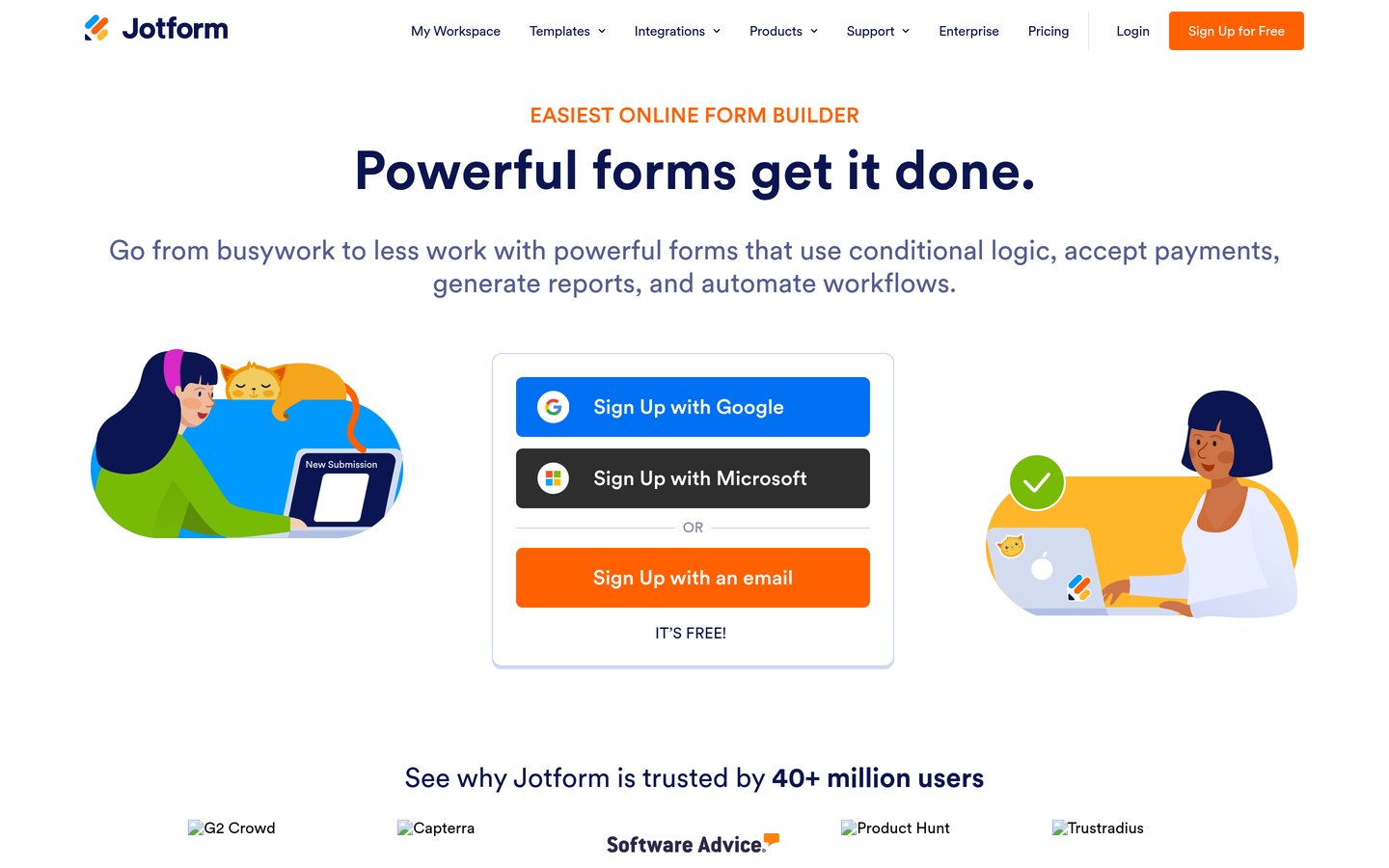
Jotform leads on breadth: a free plan, payments, e-signatures and PDF generation, rated 4.7/5 on G2 from 5,415 reviews.
Typeform Basic now costs $28 a month billed yearly, not the $25 figure many round-ups still quote, and Basic caps responses at 100 a month.
Wufoo Starter costs $195 a year billed annually, not the $169 figure older pages show, and its design looks dated next to Jotform.
WPForms, Formidable Forms and Ninja Forms all charge less in year one and renew at the full price, so check the renewal figure before you buy.
Google Forms is free with no paid plan, but it cannot take payments or run question-level logic, so it suits simple internal forms best.
What to look for in form software
A form builder should do more than collect answers. Look for conditional logic, file uploads, spam protection and a way to send each submission where it needs to go, whether that is email, a spreadsheet or a CRM.
Submission limits matter more than the monthly price. A cheap plan with 100 responses a month will cost more than a dearer one once a campaign takes off, so check the cap on the plan you would actually buy.
WordPress users have a choice to make. Our guide on how to create a contact form in WordPress shows the plugin route, which keeps entries in your own database instead of on a vendor server.
Free plans are useful for trying a builder, but most cap forms, submissions or branding. Eight of the nine tools here have a free plan, and Gravity Forms is the only one without one.
Jotform is an online form builder with a free Starter plan covering 5 forms and 100 submissions a month. Bronze costs $34 a month billed yearly and raises that to 25 forms and 1,000 submissions, with payments, e-signatures, PDF generation and 100 monthly payment submissions included.
The trade off is that Bronze covers one user only, so a team that shares form building needs Gold at $99 a month billed yearly. It suits small businesses that want one builder for contact, order, registration and application forms.
What we like
Widest feature set in this list, from payments to e-signatures
Free plan covers 5 forms and 100 submissions a month
Highest G2 rating here, 4.7 out of 5 from 5,415 reviews
10,000 monthly form views even on the free plan
Watch out for
Bronze covers one user only
Submission caps bite fast on busy forms
No multi-user plan below Gold
Bronze adds branding removal, payments and more submissionsVisit jotform.com
02
Typeform
4.5/5on G2 (1,017 reviews, checked Nov 2026)
Paid from$28/mo
Best for conversational forms
Free planYes, 10 responses/mo
Paid planBasic, $28/mo
Responses100/mo on Basic
Branding removalPlus plan
typeform.com
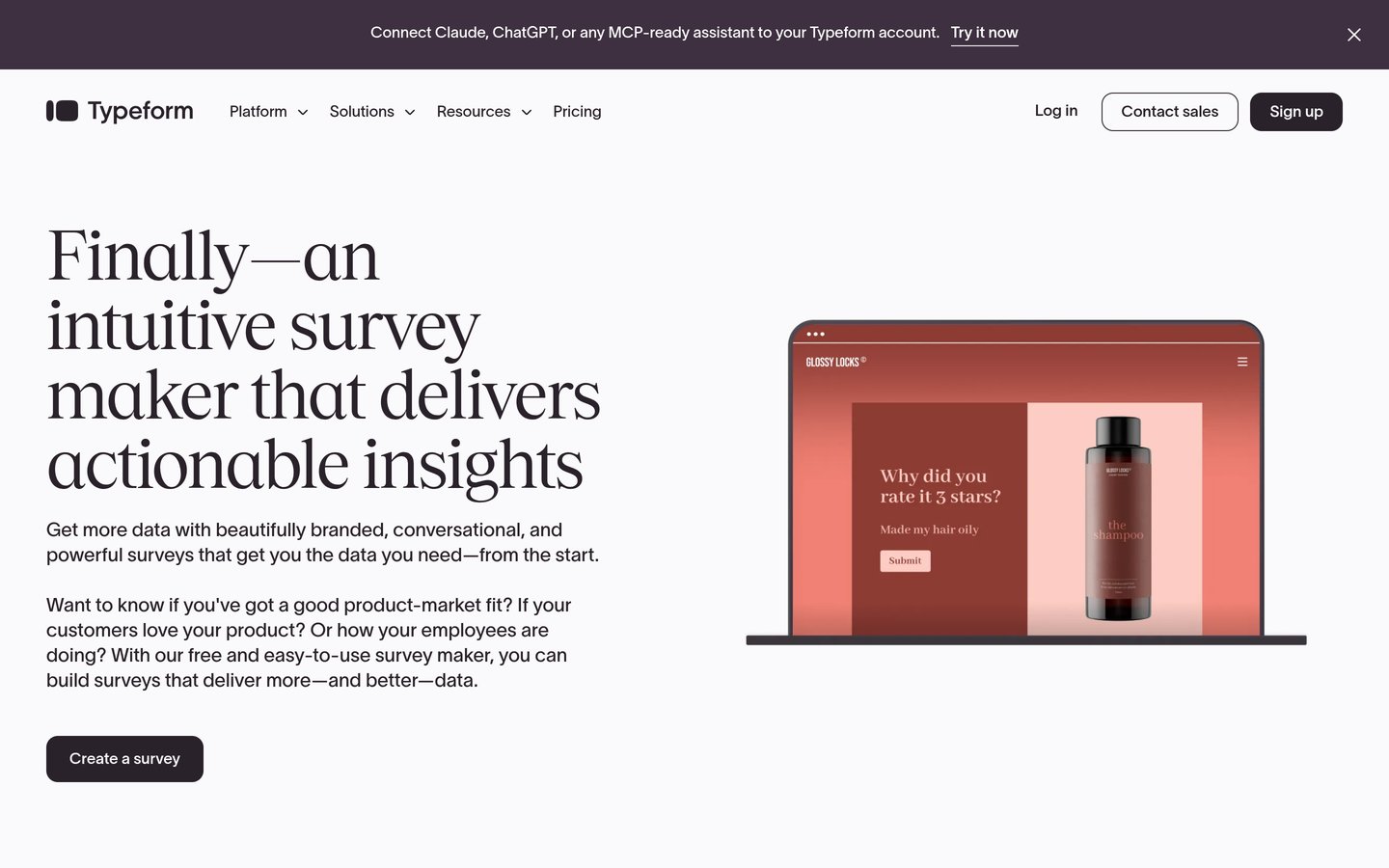
Typeform homepage, captured Nov 2026.
Typeform is a conversational form builder that shows one question at a time instead of a long page of fields. The free plan covers 3 typeforms and 10 responses a month, while Basic costs $28 a month billed yearly and allows 100 responses a month with unlimited typeforms.
The trade off is the response cap. Basic allows only 100 responses a month, and branding removal needs Plus at $56 a month billed yearly. It suits lead capture and feedback forms where a polished, mobile-first experience matters more than volume.
What we like
Most polished respondent experience in this list
One-question-at-a-time format lifts completion rates
4.8/5on WordPress.org (14,398 reviews, checked Nov 2026)
Paid from$99/yr
Best form plugin for WordPress
Free planYes, Lite
Paid planBasic, $99/yr
Templates2,100+ on paid plans
Sites1 site on Basic
wpforms.com
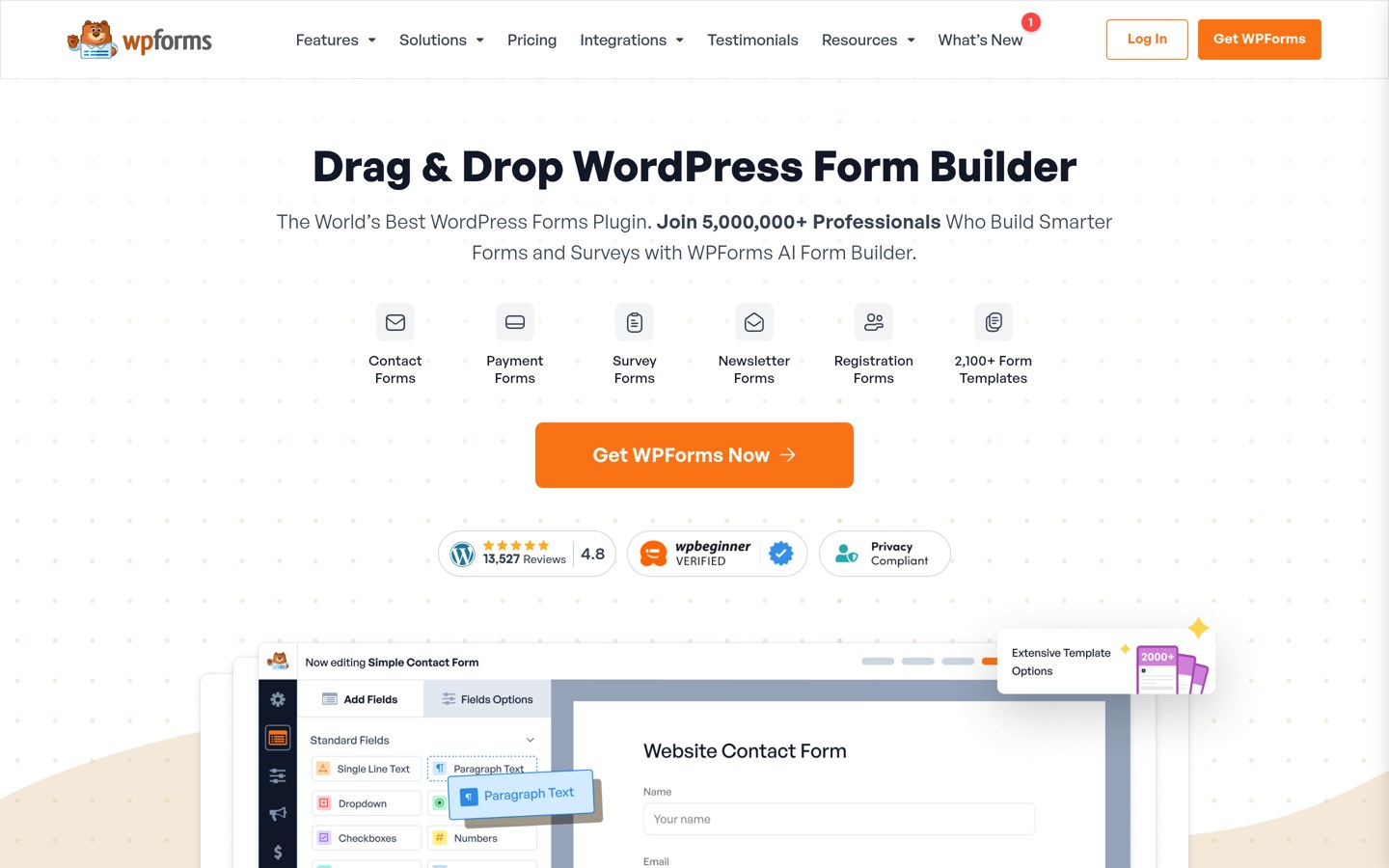
WPForms homepage, captured Nov 2026.
WPForms is a drag-and-drop form plugin for WordPress, with more than 5 million active installs and a 4.8 out of 5 rating from 14,398 reviews. The free Lite version covers contact forms with unlimited forms and submissions, and Basic adds entry management, conditional logic and file uploads.
The trade off is the renewal price. Basic costs $49.50 in the first year and renews at $99 a year for one site, and payment forms add a 3% platform fee on Basic and Plus. It suits blogs and businesses that want the easiest WordPress builder with the largest community.
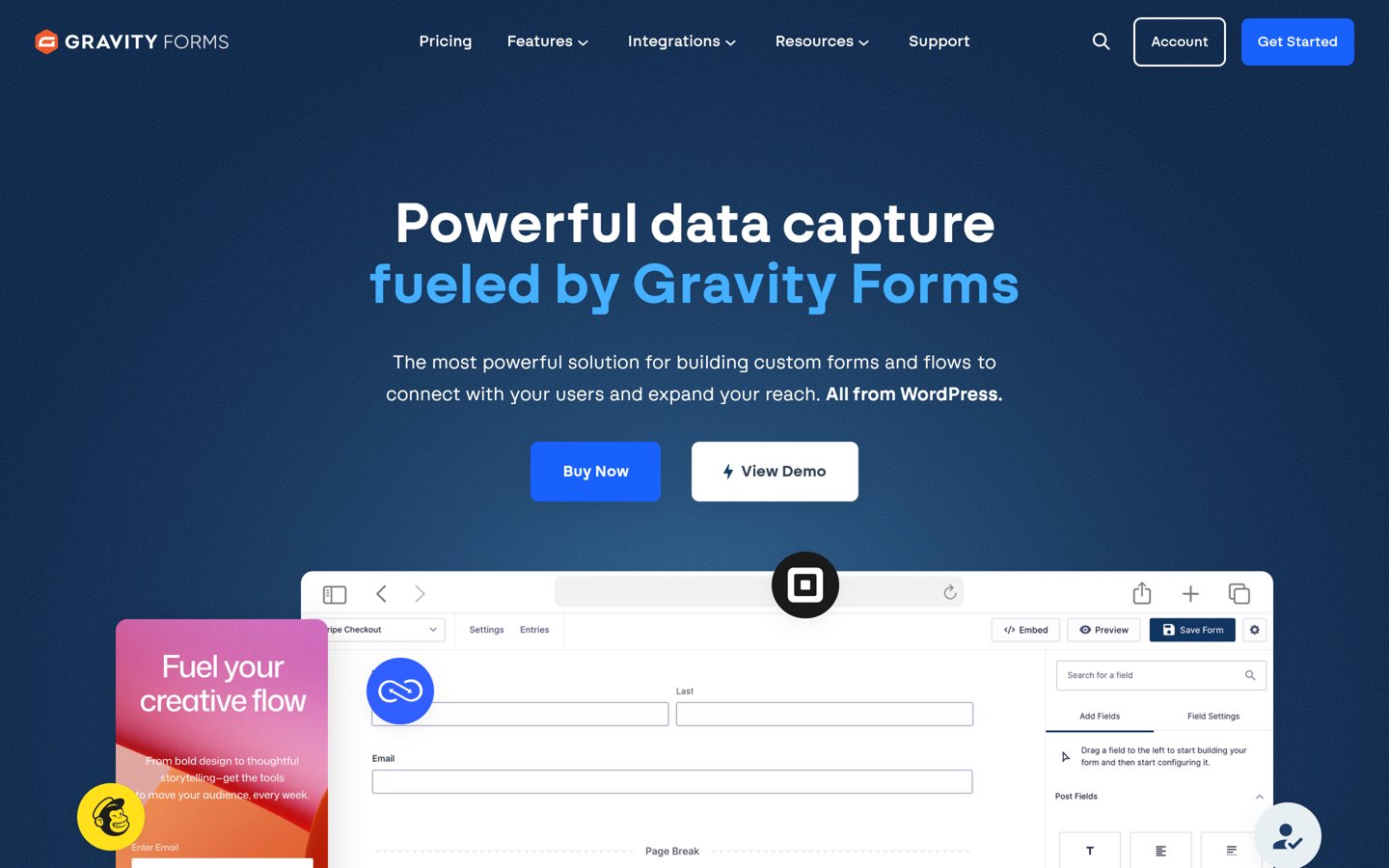
Gravity Forms is a premium WordPress form plugin with no free version, rated 4.7 out of 5 on G2 from 248 reviews. Basic costs $59 a year for one site and includes conditional logic, multi-page forms, file uploads and add-ons for HubSpot, Mailchimp and ActiveCampaign.
The trade off is that you pay before you try it. There is no free version and no trial, only a working online demo, and payments need Pro at $159 a year. It suits developers and agencies that need deep add-ons and workflows.
What we like
Most capable form plugin for complex WordPress forms
Same price every year, with no first-year discount trap
Mature add-on library for payments, CRM and surveys
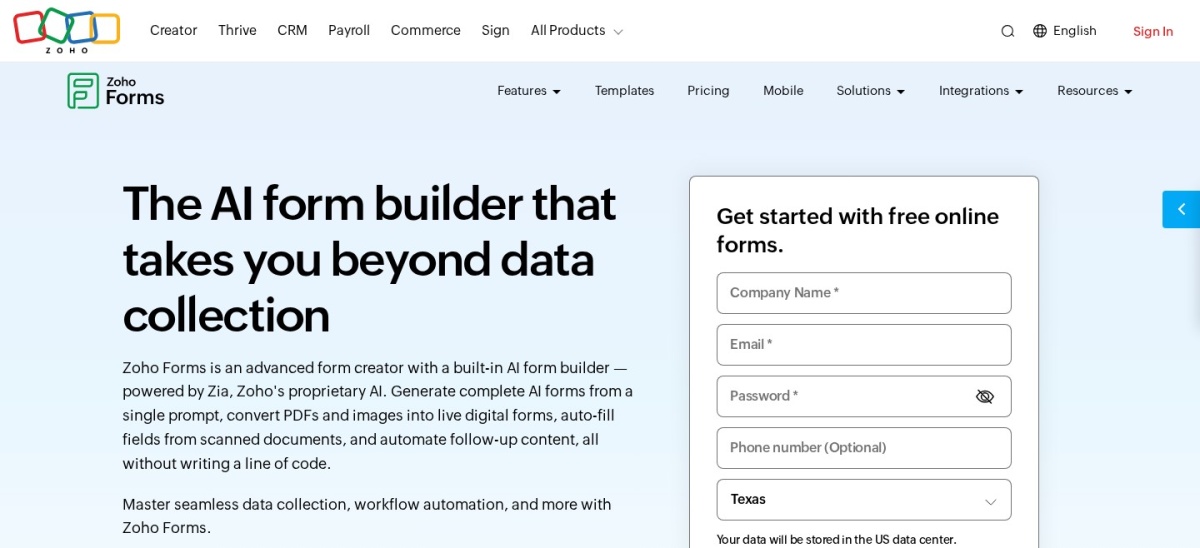
Zoho Forms is the form builder inside the Zoho suite, rated 4.4 out of 5 on G2 from 128 reviews. The free plan covers 3 forms and 500 submissions a month, while Basic costs $10 a month billed yearly and allows unlimited forms with 10,000 submissions a month.
The trade off is the ecosystem pull. It works best beside Zoho CRM, Desk or Books, and the builder feels plainer than Typeform or Jotform. It suits teams already using Zoho products that want the cheapest paid volume in this list.
What we like
Cheapest paid volume here, 10,000 submissions a month
Unlimited forms on the cheapest paid plan
Native links to Zoho CRM, Desk and Books
Watch out for
Basic covers one user only
Plainer builder than Typeform or Jotform
Smallest G2 review base in this list
Standard adds 10 users and 25,000 submissions a monthVisit zoho.com
06
Formidable Forms
4.8/5on WordPress.org (1,392 reviews, checked Nov 2026)
Paid from$79/yr
Best for calculators and data apps
Free planYes
Paid planBasic, $79/yr
Templates100+ on Basic
CalculationsYes, on Basic
formidableforms.com
Formidable Forms homepage, captured Nov 2026.
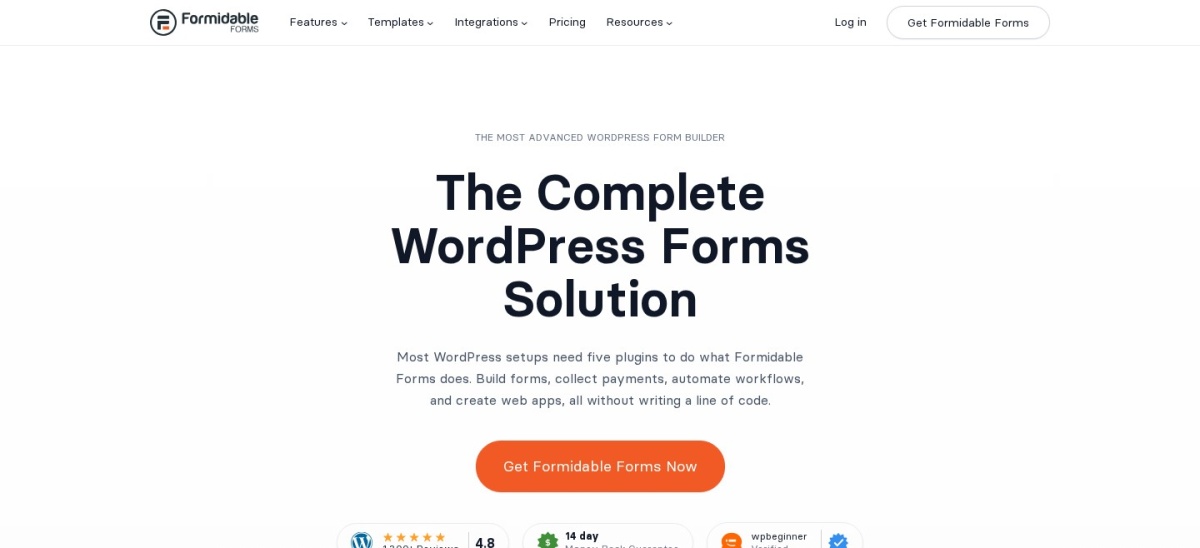
Formidable Forms is a WordPress form builder that goes past contact forms into calculators, surveys and front-end data displays. The free version covers the drag-and-drop builder, and Basic costs $79 a year for one site with 100+ templates, calculations, conditional logic and payments.
The trade off is the first-year price. Basic costs $35.55 in the first year and renews at $79 a year, and payment forms carry a 3% transaction fee until you upgrade to Business. It suits sites that want one plugin for forms, calculators and directories.
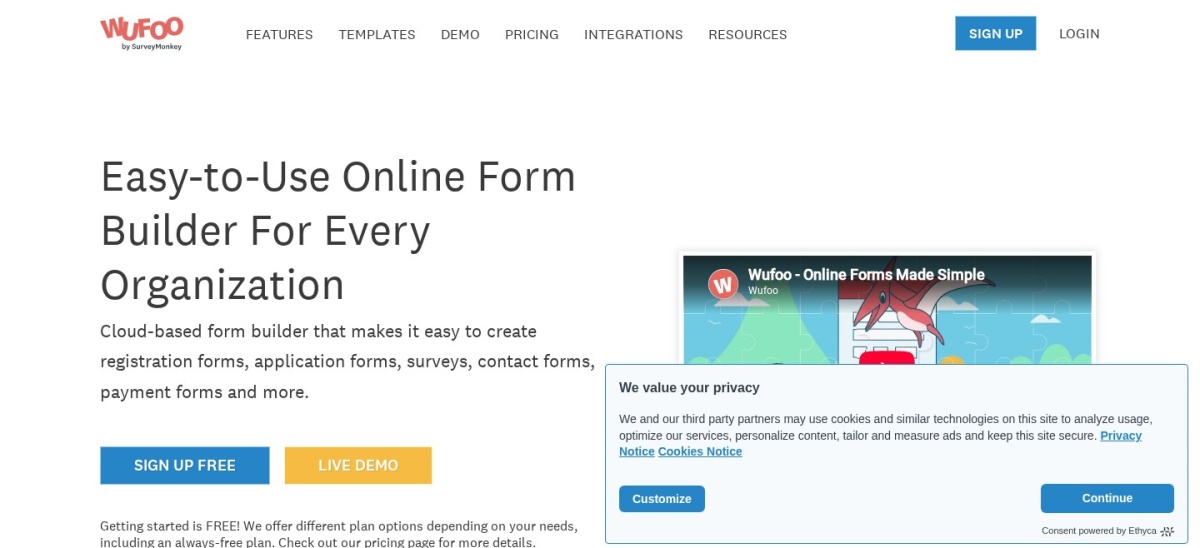
Wufoo is a hosted form builder from SurveyMonkey that has been around since 2006. The free plan covers 5 forms and 100 entries a month, while Starter costs $16.25 a month billed yearly and allows 10 forms, 1,000 entries, file uploads and 1 GB of storage.
The trade off is the dated feel. The builder and themes look older than Jotform or Typeform, and the Starter price rose from the $14.08 figure older pages still show. It suits small teams that want a plain, dependable form builder with payment collection.
4.4/5on WordPress.org (1,398 reviews, checked Nov 2026)
Paid from$99/yr
Best free core to build on
Free planYes, 31 fields
Paid planPlus, $99/yr
Sites3 sites on Plus
PaymentsPayPal on Plus
ninjaforms.com
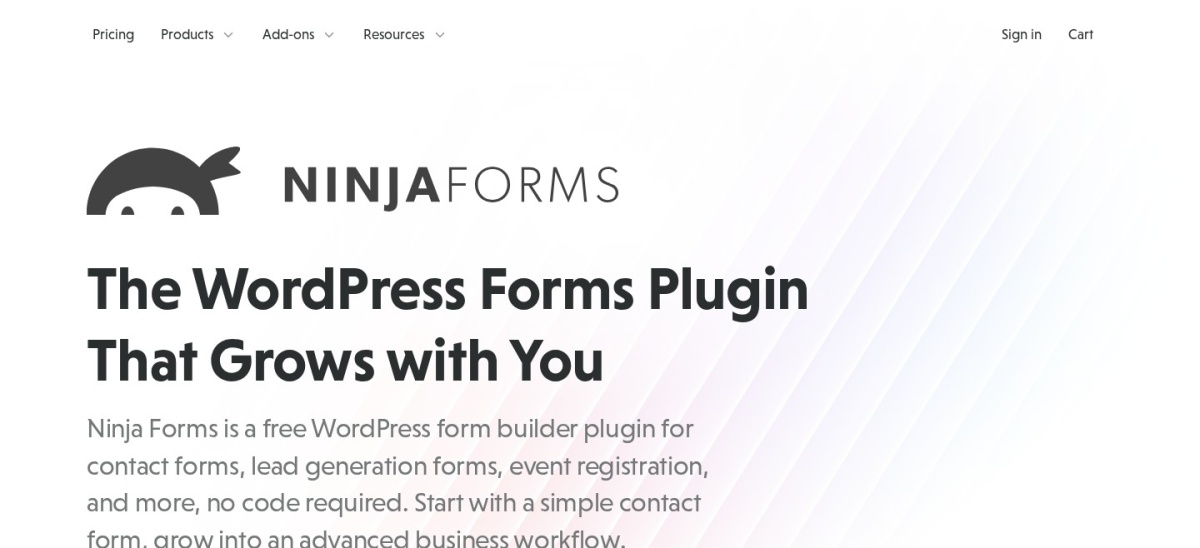
Ninja Forms homepage, captured Nov 2026.
Ninja Forms is a free WordPress form builder with more than 500,000 active installs and a 4.4 out of 5 rating from 1,398 reviews. The free core covers 31 fields, calculations, signatures, spam protection and unlimited submissions, with paid add-ons for the rest.
The trade off is that the extras add up. Conditional logic, file uploads and PayPal come with Plus at $99 a year for 3 sites, after a $59.40 first year, and Stripe needs the higher Pro plan. It suits sites that want a free start and room to grow.
What we like
Free core covers 31 fields and calculations
Unlimited submissions on the free plan
Add-ons sold one by one, so you pay for what you need
Watch out for
Conditional logic and PayPal need Plus at $99 a year
Stripe needs the Pro plan at $199 a year
Lowest WordPress.org rating in this list at 4.4 out of 5
4.7/5on Capterra (11,568 reviews, checked Nov 2026)
PriceFree
Best free form builder
Free planYes, fully free
Paid planNone, no paid plan
Responses500,000 per form
PaymentsNo, not supported
google.com
Google Forms homepage, captured Nov 2026.
Google Forms is a free form builder from Google with no paid plan, rated 4.7 out of 5 on Capterra from 11,568 reviews. Every form is free with unlimited forms, and each form accepts up to 500,000 responses, with answers landing straight in Google Sheets.
The trade off is the missing features. Google Forms cannot take payments, run question-level logic or hide single questions, and design options are basic. It suits simple internal forms, quizzes and RSVPs where cost matters more than polish.
What we like
Completely free with no paid plan to hit
Unlimited forms and up to 500,000 responses per form
Hosted builders such as Jotform, Typeform and Zoho Forms run on the vendor server, so your forms work on any site and you never update a plugin.
WordPress plugins such as WPForms, Gravity Forms, Formidable Forms and Ninja Forms keep entries in your own database and match your theme, but they only work on WordPress.
Pick a hosted builder if you run forms on more than one platform, and a plugin if every form lives on one WordPress site. Our guide on stopping contact form spam applies to both routes.
How we chose
We started from the best-known form builders, both hosted tools and WordPress plugins, then kept nine with a free plan or a clear entry price and a public rating.
Prices come from each vendor pricing page, checked on 26 November 2026. Ratings and install counts come from WordPress.org, G2 or Capterra on the same day. Where a vendor shows a sale, the list shows the regular price.
We left out tools with no public rating or no published price. No vendor paid for a place, and we do not claim to have used these tools ourselves.
How to choose form software
Start with the job the form has to do, then check the limits on the plan you would actually buy.
Count the responses you need. A free plan with 100 submissions a month will run out fast on a busy site. Pick a plan whose monthly cap leaves room for a busy week.
Check payments and logic before you pay. Not every builder takes payments or hides questions by answer. Confirm those two features on the pricing page, not the homepage.
Decide hosted or WordPress. Hosted builders work anywhere, while plugins keep entries in your WordPress database. See how to create a contact form in WordPress if you pick the plugin route.
Try the free plan with a real form. Build the actual form you need, submit a test entry and check the email and the stored entry before you upgrade.
FAQ
What is the best software for creating forms?
Jotform is the best software for creating forms for most teams. Its free plan covers 5 forms, Bronze adds payments and e-signatures for $34 a month billed yearly, and it is rated 4.7 out of 5 on G2 from 5,415 reviews.
Is there a completely free form builder?
Yes. Google Forms is free with no paid plan, unlimited forms and up to 500,000 responses per form. It cannot take payments or run question-level logic, so it suits simple internal forms, quizzes and RSVPs rather than order or application forms.
Which form builder is best for WordPress?
WPForms is the best form builder for most WordPress sites, with more than 5 million installs and a 4.8 out of 5 rating from 14,398 reviews. Gravity Forms suits developers who need deeper add-ons, and Formidable Forms suits calculators and data displays.
How much does Typeform cost?
Typeform Basic costs $28 a month billed yearly, or $39 month to month, and allows 100 responses a month with unlimited typeforms. The free plan covers 3 typeforms and 10 responses a month, and removing branding needs Plus at $56 a month billed yearly.
Can I collect payments through a form?
Yes, with most paid plans here. Jotform Bronze, Zoho Forms Basic and WPForms Basic all accept payments through Stripe or PayPal, and Wufoo Starter does too. Google Forms cannot take payments at all, so skip it for order or donation forms.
Do I need a paid plan to remove branding?
Usually, yes. Jotform removes its branding on Bronze, Zoho Forms on Basic and Typeform on Plus. WPForms Lite and the other free WordPress plugins show no vendor branding on the form itself, so branding is less of a reason to pay there.
SaaS SEO and WordPress specialist with about 8 years of experience. Rakib compares WordPress plugins, themes, hosting and software using public pricing, documentation and user reviews. See how we rank.