Canva is the best software for creating flyers and brochures for most people, with a free plan, 2.2 million free templates and a 4.7 out of 5 G2 rating. Pick Adobe Express for the lowest-cost premium plan at $99.99 a year, or PosterMyWall if flyers and event graphics are the whole job.
How we make this list: we compare pricing pages, product documentation and public user reviews, then re-check every price before each update. No product paid for a place. Disclosure.
Canva leads on breadth: a free plan, 2.2 million free templates and a 4.7/5 G2 rating from 6,641 reviews.
Adobe Express Premium is the cheapest paid plan of the big two at $99.99 a year, with 730,000 premium templates.
PosterMyWall is the only tool built around flyers first, with 4 million free templates and print sizes built in.
Fotor Pro is the cheapest paid plan here at $39.99 a year, though its 100 monthly AI credits cap heavy use.
Adobe InDesign is the only professional print-layout tool here, at $22.99 a month with no free plan.
What to look for in flyer and brochure software
A flyer tool and a brochure tool are not quite the same job. Flyers are usually one page and printed in volume, so you want print sizes, bleed and high-resolution PDF export. Brochures fold, so multi-page layouts, grids and linked text frames matter more.
Templates do most of the work for non-designers. Count how many you get free before paying: Canva gives 2.2 million free templates, VistaCreate gives 50,000, and Venngage gives only 5 designs on its free plan.
Check the free plan's export rules before you commit. Some free plans watermark downloads, and Venngage's free plan cannot download anything at all, so the first real file costs at least $10 a month billed yearly.
Print quality is the last check. Look for PDF export at print resolution and CMYK support. If the flyer also lives on your website, see how to add a Canva website to WordPress.
The 9 best software tools for creating flyers and brochures
01
Canva
4.7/5on G2 (6,641 reviews, checked Nov 2026)
Paid from$144/yr
Best flyer and brochure software overall
Free templates2.2M+
Pro templates5M+
Stock assets100M+ on Pro
Paid planPro, $144/yr
canva.com
Canva homepage, captured Nov 2026.
Canva is a browser-based design tool with the largest template library in this list, including more than 2.2 million free templates for flyers, brochures, posters and menus. The free plan includes 5GB of storage, photo editing and print ordering, while Pro adds 5 million premium templates, 100 million stock assets, a Brand Kit and 1TB of storage.
The trade off is price. Pro costs $144 a year, or $18 a month billed monthly, which is more than every rival except InDesign, and the annual price rose from $120 earlier in 2026. It suits small businesses and non-designers who make flyers, brochures and social posts every week and want one tool for all of it.
What we like
Largest free template library in this list
Print ordering built in, with bleed and crop marks
Brand Kit keeps flyers and brochures consistent
Watch out for
Pro is $144 a year, dearer than most rivals
Free plan caps storage at 5GB
Premium templates and stock are paywalled behind Pro
Pro adds premium templates, Brand Kit and 1TB storageVisit canva.com
02
Adobe Express
4.5/5on G2 (761 reviews, checked Nov 2026)
Paid from$99.99/yr
Best value premium plan
Free templates345,000+
Premium templates730,000+
Stock assets430M+ on Premium
Paid planPremium, $99.99/yr
adobe.com
Adobe Express homepage, captured Nov 2026.
Adobe Express is Adobe's browser design app for non-designers, with flyer and brochure templates, one-click resize and Firefly AI image generation. The free plan includes 345,000 templates and more than 1 million stock photos, while Premium adds 730,000 templates, 430 million stock assets, brand kits and 250 generative credits a month.
The trade off is print. Express has no CMYK colour mode and no multi-page layout controls like InDesign, so long brochures are harder to build, and exports are best for screen and short print runs. It suits people already in Adobe's world who want the cheapest premium plan in this list.
What we like
Cheapest premium plan among the big design tools
Firefly AI images are commercially safe, per Adobe
Premium is included free with Creative Cloud
Watch out for
No CMYK mode for professional print
Free AI allowance is a daily cap Adobe does not publish
Premium adds 730,000 templates and 250 AI credits a monthVisit adobe.com
03
PosterMyWall
4.7/5on G2 (71 reviews, checked Nov 2026)
Paid from$99.95/yr
Best for flyers and event graphics
Free templates4M+
Print sizesBuilt in
Email sends3,000/mo on Premium
Paid planPremium, $99.95/yr
postermywall.com
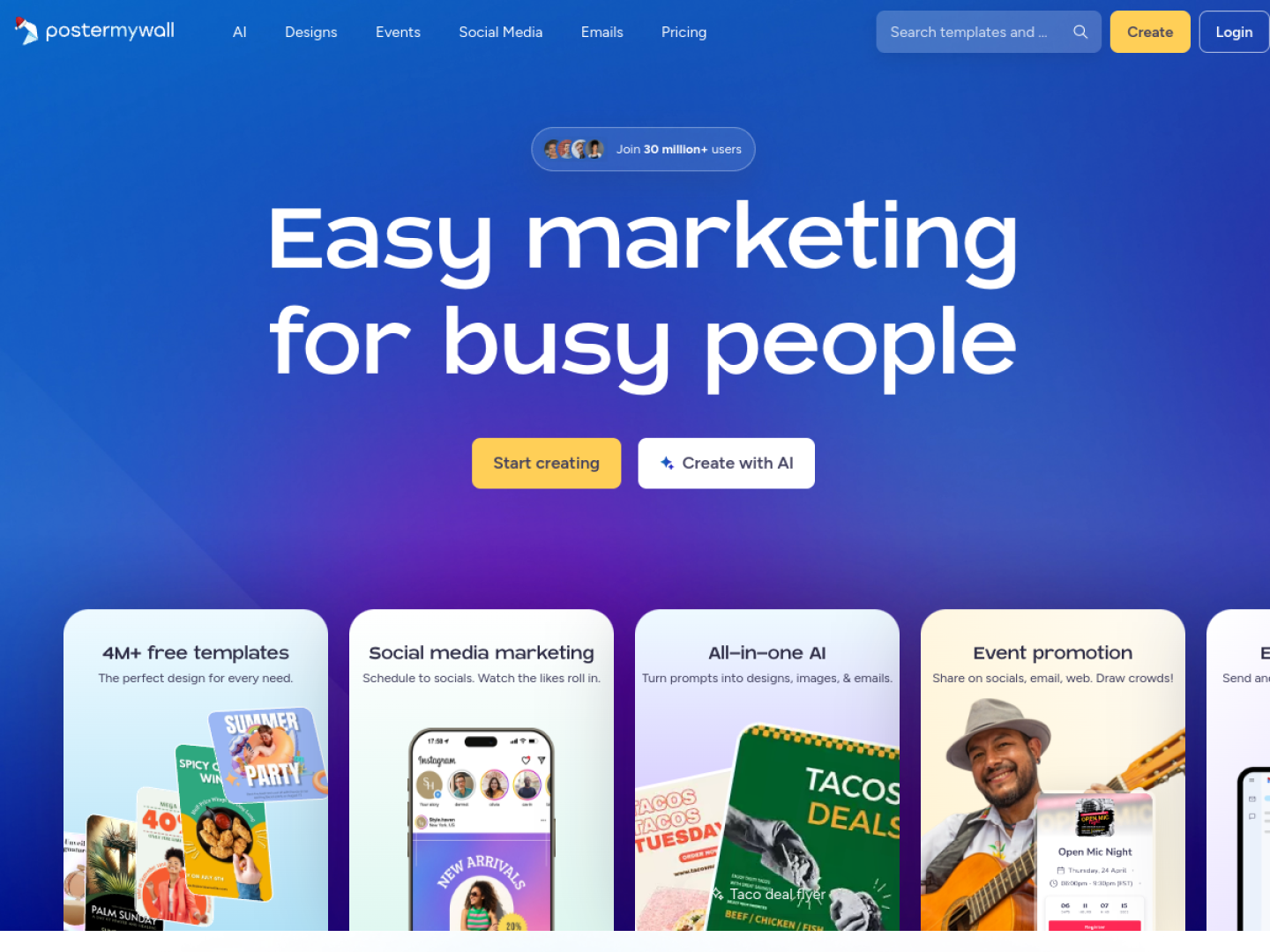
PosterMyWall homepage, captured Nov 2026.
PosterMyWall is the specialist in this list: posters, flyers and menus are the core of the product, not one format among many. Templates come in proper print sizes, and the free plan includes 4 million templates, with high-resolution downloads available per file. Premium removes watermarks and adds the AI toolkit, brand kit and email marketing.
The trade off is polish. The editor is busier than Canva's, free downloads carry watermarks on some formats, and G2 reviewers note constant prompts to upgrade while using the free version. It suits local businesses, restaurants and event organisers who print flyers every week.
What we like
Flyer-first templates in proper print sizes
Email campaigns and digital signage in one account
VistaCreate is a browser design tool for marketers and small businesses, with templates for social posts, ads and print, plus animated designs and a photo editor. The free Starter plan includes 50,000 templates and more than 1 million assets with no download cap, while Pro adds 200,000 templates, 70 million assets, background removal and unlimited Brand Kits.
The trade off is stability. Freezing, slow exports and occasional crashes are the most repeated complaints in reviews, and support is often described as slow. It suits small teams who want one Pro subscription at $120 a year to cover up to 10 people.
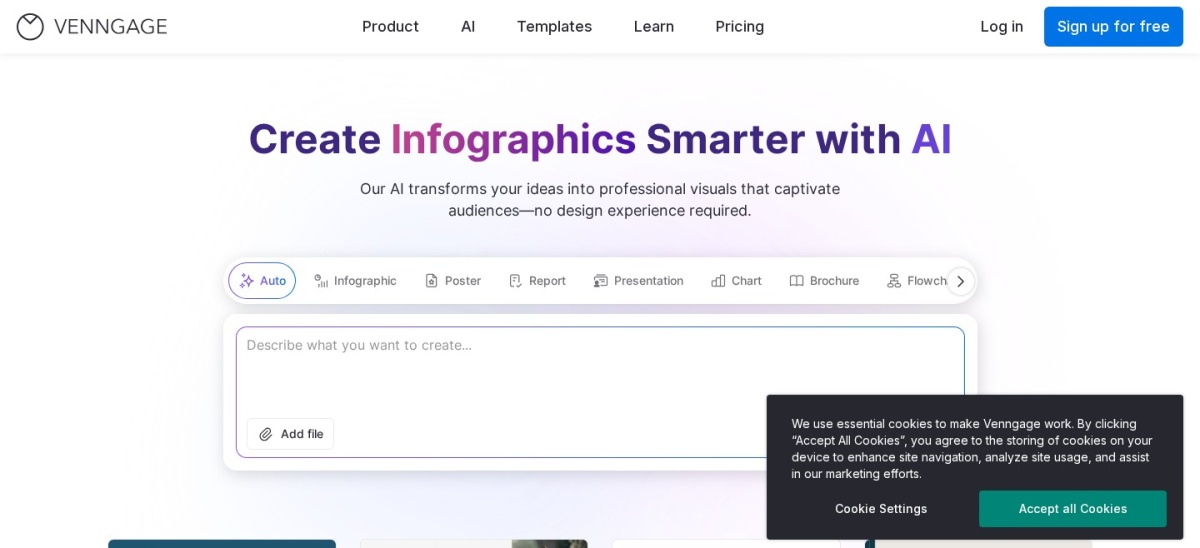
Venngage is a browser design platform built for business visuals: infographics, reports, brochures and pitch decks with charts, maps and data widgets. Its AI tools turn a prompt or a document into a finished layout, and the free plan allows 5 designs, shared by public link. Premium unlocks unlimited designs and high-resolution PNG downloads.
The trade off is downloads. The free plan cannot download anything at all, and PDF or PowerPoint export needs the Business plan at $24 a user a month billed yearly, not Premium. It suits teams making data-heavy brochures and reports who can pay for export.
What we like
Strongest chart and data tools in this list
AI turns documents into finished layouts
Built-in accessibility checker for infographics
Watch out for
Free plan cannot download anything
PDF and PowerPoint export need the $24/mo Business plan
No refunds once you download a file, per its terms
Snappa is a browser-based graphic design tool for producing flyers, banners and social images in minutes, with a prompt-to-graphic AI editor and background removal. The free plan includes 10 image credits a month, while Pro costs $120 a year and provides 3,000 credits at the start of the subscription, with the same design features on both plans.
The trade off is credits. Every AI image you create spends credits, so heavy users can run through the allowance, and the free plan cannot modify templates without a Pro account. It suits people who need a few polished flyers a month without learning a bigger tool.
What we like
Fastest route from idea to finished flyer here
Same features on free and Pro, only credits differ
Background removal included
Watch out for
Credit system caps how much you can create
Free plan cannot modify templates
Pro raises creation capacity to 3,000 annual creditsVisit snappa.com
07
PicMonkey
4.4/5on G2 (422 reviews, checked Nov 2026)
Starts at$72/yr
Best for photo-led flyers
Free planNo, 7-day trial
Storage1GB on Basic
Stock photosShutterstock on Pro
Paid planBasic, $72/yr
picmonkey.com
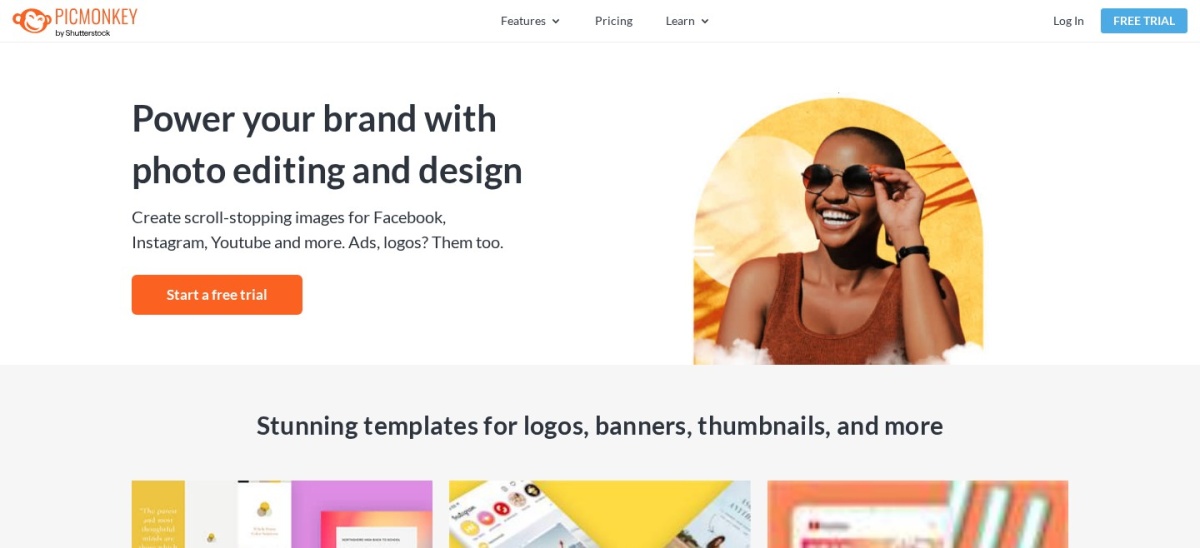
PicMonkey homepage, captured Nov 2026.
PicMonkey is a browser photo editor and design tool from Shutterstock, aimed at small sellers and bloggers who need clean product photos and simple graphics. Basic costs $72 a year and includes photo editing, touch-up tools, design templates and 1GB of cloud storage, with JPG and PNG export.
The trade off is that there is no free plan, only a 7-day trial, and you cannot export your work without a paid subscription. Background removal, Smart Resize and brand kit tools need the Pro plan at $120 a year. It suits sellers whose flyers start from product photos.
Fotor is a browser photo editor and design platform with AI tools for enhancement, background removal, upscaling and image generation, plus templates for posters and flyers. The free Basic plan includes limited AI credits and 512MB of storage, while Pro costs $39.99 a year and adds 100 AI credits a month, HD exports and 2GB of storage.
The trade off is credits and ads. The free plan watermarks exports, shows ads and locks most AI tools behind Pro, and 100 credits a month runs out fast if you generate images often. It suits occasional flyer makers who want the cheapest paid plan in this list.
Adobe InDesign is the professional desktop publishing tool for multi-page brochures, magazines and books, with precise typography, grids, linked text frames and preflight checks for print. The single-app plan costs $22.99 a month on an annual commitment and includes Adobe Express Premium and 100GB of cloud storage.
The trade off is cost and learning curve. At $275.88 a year it is the priciest tool here, there is no free plan, and G2 reviewers call the subscription hard to justify for occasional use. It suits designers and publishers who lay out brochures every week.
What we like
The industry standard for multi-page print layout
Precise typography and preflight checks
Includes Adobe Express Premium
Watch out for
Most expensive tool in this list
No free plan, only a 7-day trial
Steep learning curve for non-designers
Single app includes Express Premium and 100GB storageVisit adobe.com
Free vs paid: what you give up
Free plans cover one-off flyers well. Canva, VistaCreate and PosterMyWall all give thousands of free templates and usable exports.
Paid plans mostly add brand control and print quality. You get brand kits, background removal, watermark-free downloads and high-resolution PDF export.
Venngage is the exception to watch: its free plan cannot download anything, so a brochure costs at least $120 a year there, while Fotor Pro costs $39.99.
If you make brochures every month, pick a paid plan with a brand kit so every issue matches the last.
How we chose
We started from the design tools most often recommended for flyers and brochures, then kept the nine with a usable free plan or trial and a public G2 rating.
Prices come from each vendor's pricing page, checked on 26 November 2026. Ratings and review counts come from G2 on the same day. Where a vendor shows a sale, the list shows the regular price.
We left out desktop-only tools with no trial and tools without a public rating. No vendor paid for a place, and we do not claim to have used these tools ourselves.
How to choose flyer and brochure software
Start with how often you print, then match the tool to the job.
Decide print or screen first. A flyer for a noticeboard needs print sizes and high-resolution PDF export; a flyer for email needs neither. InDesign and PosterMyWall are built for print, the rest are screen-first.
Count what the free plan lets you export. Canva, VistaCreate and PosterMyWall let you download real files free, while Venngage's free plan downloads nothing. Check this before you design anything.
Pick one main design tool. Two editors mean two brand kits and two template libraries. Choose one of Canva, Adobe Express or PosterMyWall and keep your flyers and brochures in it.
Check the yearly price, not the monthly one. Annual billing cuts most of these tools by a third or more: Fotor Pro drops from $8.99 a month to $39.99 a year, and Snappa Pro from $15 a month to $120 a year.
FAQ
What is the best software for creating flyers and brochures?
Canva is the best pick for most people. It has a free plan, more than 2.2 million free templates and a 4.7 out of 5 G2 rating from 6,641 reviews, and it handles flyers, brochures, posters and social posts in one place.
What is the best free software for flyers?
Canva's free plan is the strongest, with 2.2 million free templates and watermark-free exports. PosterMyWall is the best free option if flyers are the whole job, with 4 million free templates, though some downloads carry watermarks.
Can I make a brochure in Canva?
Yes. Canva has brochure templates in print sizes, with bleed and crop marks on export. For long multi-page brochures with linked text, Adobe InDesign gives more control, but it costs $22.99 a month.
Which tool is cheapest for flyers?
Fotor Pro is the cheapest paid plan here at $39.99 a year, though its free exports are watermarked. If you want a free plan with no watermark, VistaCreate's Starter plan is free with no download cap, and Canva's free plan is also watermark-free.
Do I need InDesign to make a brochure?
No, not for a simple brochure. Canva, Adobe Express or PosterMyWall handle one- to four-page brochures well. InDesign is worth it only if you lay out multi-page documents every week and need precise typography and print preflight checks.
Can I print flyers made in these tools?
Yes. All nine export files you can print, and Canva, PosterMyWall and InDesign are built around print sizes. For professional printing, use high-resolution PDF export and check the printer's bleed and colour requirements before you send the file.
SaaS SEO and WordPress specialist with about 8 years of experience. Rakib compares WordPress plugins, themes, hosting and software using public pricing, documentation and user reviews. See how we rank.