Playvox is the best software for call center QA and monitoring for most teams, rated 4.8 out of 5 on G2 from 1,163 reviews, with scorecards, coaching and workforce management in one system. Pick Balto for live in-call guidance, or EvaluAgent if you want published per-user pricing from $35 a month.
How we make this list: we compare pricing pages, product documentation and public user reviews, then re-check every price before each update. No product paid for a place. Disclosure.
Playvox leads the list at 4.8/5 on G2 from 1,163 reviews, and its Starter plan is the cheapest published price here at $15 per user a month.
Balto is the only tool built for the live call, guiding agents with prompts and compliance checks while the customer is still talking.
Six of the nine tools publish no price at all, so expect a sales call and an annual contract for Balto, MaestroQA, Observe.AI, Level AI, Scorebuddy and Calabrio ONE.
Zendesk QA costs $35 per agent a month as an add-on, but only on top of a Zendesk Support or Suite plan.
Every tool here auto-scores some or all interactions, so the real choice is live guidance versus post-call coaching depth.
What call center QA and monitoring software should cover
Call center QA used to mean listening to a small sample of recorded calls and filling in a paper scorecard. Most teams still sample only 1% to 3% of calls, which leaves the other 97% unreviewed and makes coaching depend on luck.
Modern QA tools score far more. AI reviews every call, chat and email against a scorecard, flags the risky ones for a human, and turns the results into coaching tasks, so a QA team can cover the whole queue instead of a sample.
Look for coverage first, then timing. Coverage tells you what share of interactions get scored automatically, and timing tells you whether guidance arrives during the call, as with Balto, or after it, as with most QA tools.
Also check what happens after a low score. The best tools close the loop with calibration, coaching workflows and agent dashboards, instead of leaving scores in a report nobody opens. AI features are spreading fast across support tools, as our guide on adding an AI chatbot to WordPress shows for a different corner of the same trend.
The 9 best software for call center QA and monitoring
01
Playvox
4.8/5on G2 (1,163 reviews, checked Nov 2026)
Starts at$15/mo
Best overall for QA and monitoring
Entry price$15/user/mo, Starter
AI scoringYes, AI insights
CoachingYes, built in
Workforce managementYes, WFM included
playvox.com
Playvox homepage, captured Nov 2026.
Playvox is a quality management platform that pairs QA scoring with coaching and workforce management in one system. Its scorecards, calibration workflows, agent dashboards and peer recognition sit beside scheduling, so QA findings feed straight into coaching and staffing. It holds the highest review volume in this list, with a 4.8 out of 5 G2 rating from 1,163 reviews.
The trade off is cost beyond the entry tier. Starter is $15 per user a month, but Professional is $30 and Enterprise $40, and onboarding fees run about $3,000 to $7,000 depending on the tier. It suits mid-size teams that want QA, coaching and scheduling from one vendor instead of three.
What we like
Highest G2 review volume in this list (1,163)
QA, coaching and WFM in one system
Clear published pricing from $15/user/mo
Strong ease-of-use and support scores on G2
Watch out for
Onboarding fees of about $3,000-$7,000
Quality and WFM modules can be quote-only at higher tiers
Balto is the only tool in this list built for the live call. While the agent talks, it shows prompts, checklists, knowledge answers and compliance reminders on screen, then auto-scores every call after it ends and points managers to coachable moments. It connects to more than 60 phone systems and holds a 4.8 out of 5 G2 rating from 596 reviews.
The trade off is price. Balto publishes no price and sells a single plan, Balto Plus, per seat, with third-party estimates near $100 to $200 per agent a month, and managers and executives count as paid seats too. It suits compliance-heavy teams that need to catch a missed disclosure while the call is still live.
MaestroQA is a QA platform built around coaching: AI scores every interaction against custom scorecards, and low scores flow into coaching sessions, calibration and agent feedback. The vendor rebranded as Rippit in 2026, so maestroqa.com now opens the Rippit site, but the product still appears as MaestroQA on G2, rated 4.8 out of 5 from 325 reviews.
The trade off is that pricing is quote-only, with no published per-user price, and a third-party figure of $185 a month could not be confirmed on the vendor's current pricing page. It suits teams that want coaching tied directly to QA scores rather than a separate coaching tool.
Zendesk QA is the quality add-on for Zendesk, formerly the standalone tool Klaus. AutoQA reviews every support conversation, including ones handled by AI agents, and flags churn risk, outliers and likely escalations for human review. It is rated 4.7 out of 5 on G2 from 201 reviews under the Klaus listing.
The trade off is the base plan. The $35 per agent a month add-on only works on top of a Zendesk Support or Suite plan, so the real cost starts near $90 a month per agent, and the combined QA and workforce bundle is $50. It suits teams already running Zendesk who want QA in the same login.
What we like
AutoQA reviews 100% of conversations
Native Zendesk integration, one login
Flags churn risk and escalations
Also scores AI-agent conversations
Watch out for
Needs a Zendesk base plan underneath
G2 review base is small and under the old Klaus name
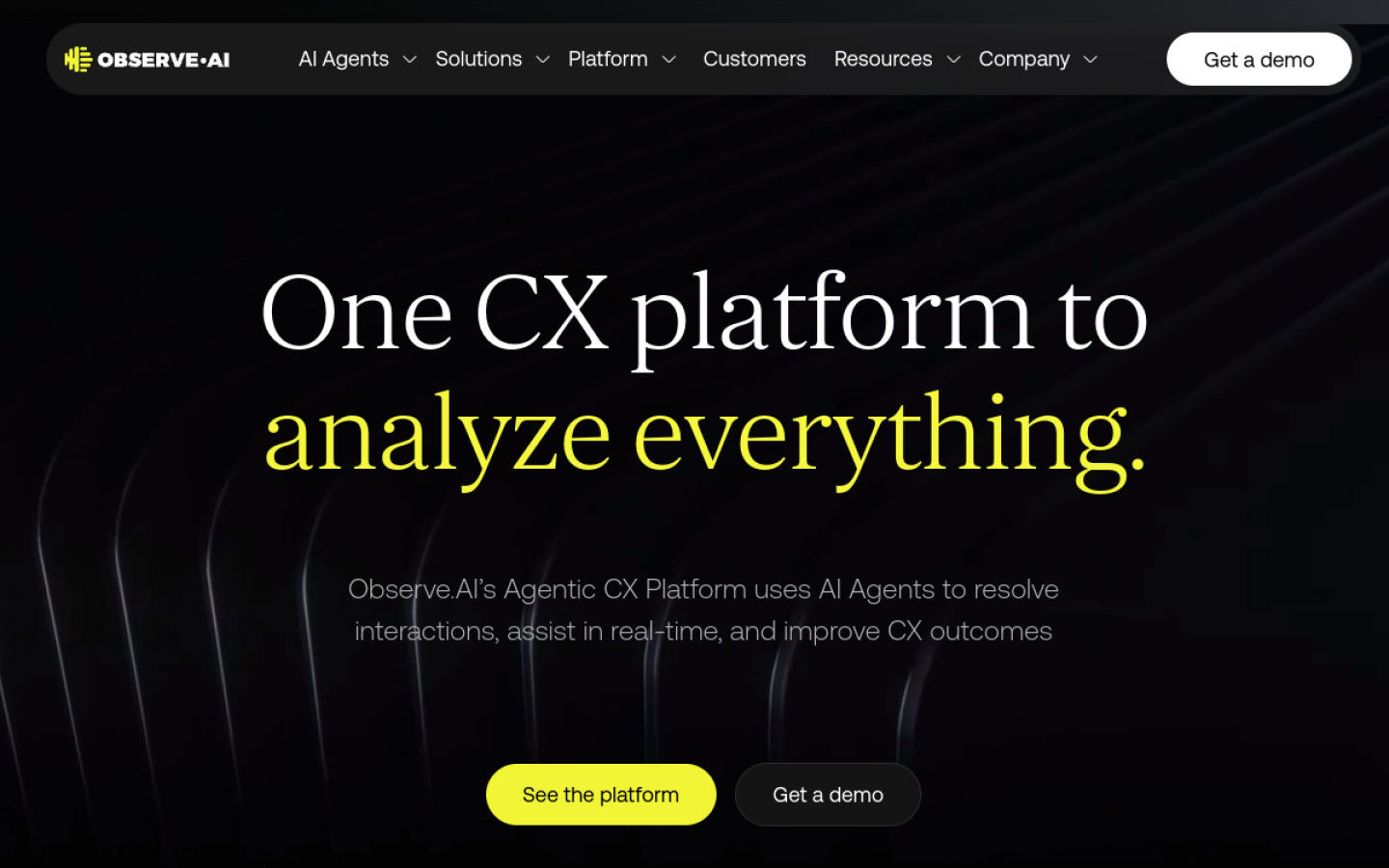
Observe.AI is a conversation intelligence platform that transcribes and analyses calls, chats and emails, then turns them into coaching queues, trend reports and agent scorecards. Its Real-Time AI listens during live calls and surfaces guidance, while post-call analysis covers every interaction rather than a sample. It is rated 4.6 out of 5 on G2 from 261 reviews.
The trade off is scale and price. Observe.AI is quote-only and built for larger operations, so small teams often find the cost hard to justify, and some reviewers note the analysis can misread nuance. It suits BPOs and service teams with high call volume that want full coverage without adding QA headcount.
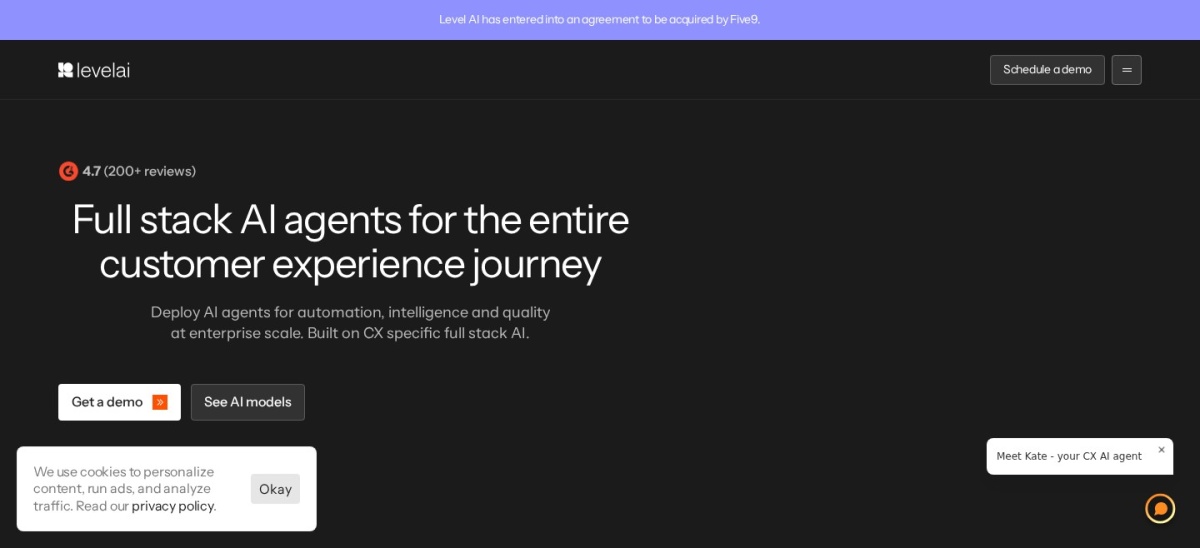
Level AI is an AI-native platform that auto-scores close to 100% of calls, chats and emails instead of the 1% to 3% sample a manual QA team can cover. It turns those scores into coaching, sentiment tracking and real-time agent guidance, and reviewers praise its ease of use above all. It is rated 4.6 out of 5 on G2 from 219 reviews.
The trade off is price transparency. Level AI publishes no price, and the one third-party estimate near $185 per agent a month is unofficial, so smaller teams may find it out of reach. It suits voice-heavy mid-market teams whose QA process is the bottleneck.
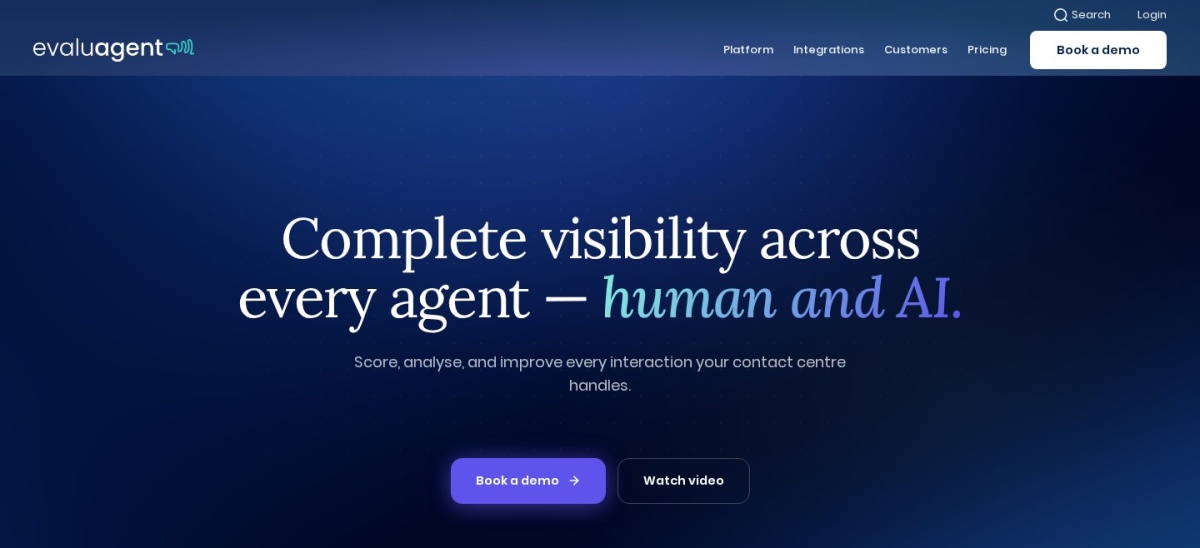
EvaluAgent is a quality and performance platform that scores 100% of voice, chat and email conversations on custom scorecards, then closes the loop with coaching, performance plans and gamification. Its Context Engine checks scores against your own policies, and the entry plan is published at $35 per user a month. It is rated 4.5 out of 5 on G2 from 449 reviews.
The trade off is that conversation intelligence costs more. Sentiment, topic discovery and trend reports need the $65 per user a month tier, and AI-agent scoring adds per-conversation charges. It suits coaching-heavy teams that want a published price and no sales call to start.
Scorebuddy is a quality platform built on custom scorecards, calibration and agent dashboards. Reviewers praise its easy interface and the calibration workflow that keeps several QA reviewers scoring to the same standard. Its Accelerate tier adds AI auto-scoring for 500 evaluations a month, and it is rated 4.5 out of 5 on G2 from 835 reviews.
The trade off is that pricing is quote-only across its three tiers, Foundation, Accelerate and Elite, so there is no published starting price to compare. It suits mid-market teams that run formal calibration and want agents to see their own scores.
Workforce managementYes, scheduling and forecasting
Auto QMYes, evaluates every call
RebrandCalabrio is now Verint
calabrio.com
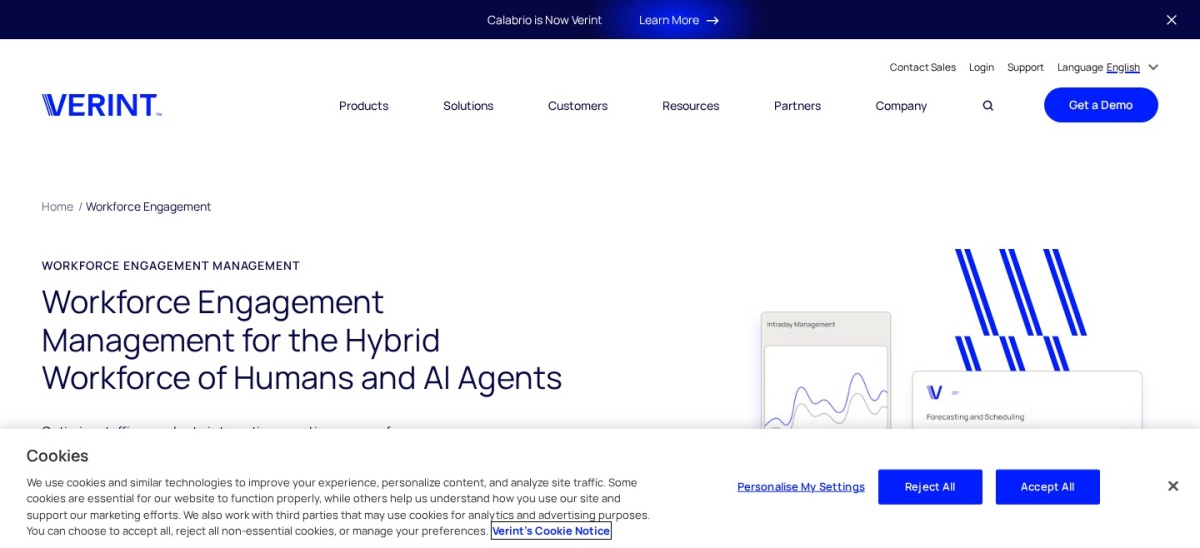
Calabrio ONE homepage, captured Nov 2026.
Calabrio ONE is a workforce optimisation suite that puts scheduling, quality management, analytics and performance tracking in one platform. Its Auto QM feature evaluates every call instead of a sample, and it is the strongest fit for Webex Contact Center shops. It is rated 4.4 out of 5 on G2 from 449 reviews.
The trade off is size and age. Calabrio ONE is quote-only, implementation averages about three months on G2, and reviewers call the interface dated and the reporting complex. It suits large teams that want WFM and QA from one vendor rather than two.
Live guidance tools act while the customer is still talking. Balto shows prompts, checklists and compliance reminders on the agent's screen, so a missed disclosure can be fixed before the call ends instead of flagged in a report the next day.
Post-call tools score the full conversation after it ends. MaestroQA, Scorebuddy and EvaluAgent review every interaction, then route low scores into coaching, calibration and performance plans.
Most teams end up wanting one of each, which is why Observe.AI and Level AI bundle both. If the budget only stretches to one, pick live guidance when compliance misses cost money, and post-call scoring when coaching quality is the bigger gap.
How we chose
We started from the QA and monitoring tools with the largest G2 review bases in the contact-center category, then kept the nine with a clear QA or live-monitoring focus.
Prices and ratings were checked on 25 November 2026. Prices come from each vendor's pricing page where one is published; where a vendor publishes no price, the list shows Quote and says so. Ratings and review counts come from G2 on the same day.
We left out full phone systems that only bundle QA as an add-on, and tools with no public rating. No vendor paid for a place, and we do not claim to have used these tools ourselves.
How to choose call center QA and monitoring software
Start with how your team reviews calls today, then match the tool to the gap.
Decide live or post-call first. If missed disclosures are the risk, you need live guidance like Balto. If coaching quality is the gap, a post-call scorer is enough.
Check coverage, not samples. Ask what share of interactions the tool scores automatically. Manual QA usually covers 1% to 3% of calls; most tools here score close to 100%.
Price the whole first year. Add onboarding fees and the base plan for add-ons such as Zendesk QA, then confirm the total in writing before signing.
Run a pilot on real calls. Score two weeks of real traffic before signing, check score accuracy against your own scorecard, and confirm the tool connects to your phone system.
FAQ
What is the best software for call center QA and monitoring?
Playvox is the best pick for most teams. It combines QA scoring, coaching and workforce management in one system, holds a 4.8 out of 5 G2 rating from 1,163 reviews, and starts at $15 per user a month.
How much does call center QA software cost?
Published prices here run from $15 per user a month for Playvox to $65 for EvaluAgent with conversation intelligence. Six of the nine tools publish no price at all, so expect a sales quote and an annual contract for those.
What is the difference between QA software and call monitoring software?
QA software scores completed conversations against a scorecard and feeds the results into coaching. Call monitoring software listens during the live call and guides the agent in the moment. Tools such as Balto do the second, while most others do the first.
Can AI score 100% of calls?
Yes, most tools in this list auto-score every call, chat or email instead of the 1% to 3% sample a manual QA team can cover. Human reviewers still check the flagged calls, because AI scores need calibration against your own scorecard.
Do I need a separate QA tool if my phone system has one?
It depends on depth. Phone systems such as NICE CXone and Talkdesk bundle basic quality tools, but dedicated QA tools offer deeper scorecards, calibration and coaching. If QA is a side feature for you, the bundle may be enough.
Which tool is best for live call monitoring?
Balto is the best pick for live monitoring. It shows prompts, checklists and compliance reminders on the agent's screen during the call, then auto-scores every call afterwards. It holds a 4.8 out of 5 G2 rating from 596 reviews.
SaaS SEO and WordPress specialist with about 8 years of experience. Rakib compares WordPress plugins, themes, hosting and software using public pricing, documentation and user reviews. See how we rank.