Mintlify is the best software for API documentation creation for most teams, turning an OpenAPI spec into polished reference pages with a live playground on a free Starter plan for 5 editors, rated 4.6/5 on G2. Pick ReadMe for a branded developer hub with usage metrics, or Postman if your team already designs and tests APIs there.
How we make this list: we compare pricing pages, product documentation and public user reviews, then re-check every price before each update. No product paid for a place. Disclosure.
Mintlify leads for polished, docs-as-code portals, with a free Starter plan for 5 editors and Pro at $450 a month.
ReadMe is the strongest branded developer hub, with a try-it console and API usage metrics, from $250 a month.
Postman is the cheapest route for teams already in Postman, with docs published straight from collections at $19 per user a month.
GitBook is the lowest paid entry in this list at $8 per user a month, with Git-synced Markdown docs and a 4.7/5 G2 rating.
Redocly and Bump.sh have the thinnest ratings here, 1 and 4 G2 reviews, so treat their 5.0 and 4.9 scores with care.
Only Apidog, GitBook and Postman cost under $250 a year for one seat; the portal tools jump to $600 a year and far more.
What API documentation software should do
Good API documentation turns a machine-readable spec, usually OpenAPI, into pages a developer can read, search and try. The tool should render endpoints, parameters, schemas and code samples without hand-writing every page.
A live try-it console matters more than design polish. If a developer cannot make a real call with their own key in the first few minutes, integration stalls and support tickets pile up.
Docs-as-code tools keep the spec in Git and rebuild docs in CI, which suits engineering teams. Hosted hubs suit product teams, since writers can edit guides without a pull request. Our guide on what the WordPress REST API is shows how an API exposes its endpoints in the first place.
Pricing splits three ways: per seat, per project and flat monthly. Per-seat tools look cheap for one person and grow fast with a team, while flat plans such as ReadMe and Redocly cost the same however many writers you add.
The 9 best software for API documentation creation
01
Mintlify
4.6/5on G2 (19 reviews, checked Nov 2026)
Paid from$450/mo
Best API documentation software overall
OpenAPI playgroundYes, live try-it console
Free planStarter, 5 editors
Docs as codeMDX in Git
Paid planPro, $450/mo
mintlify.com
Mintlify homepage, captured Nov 2026.
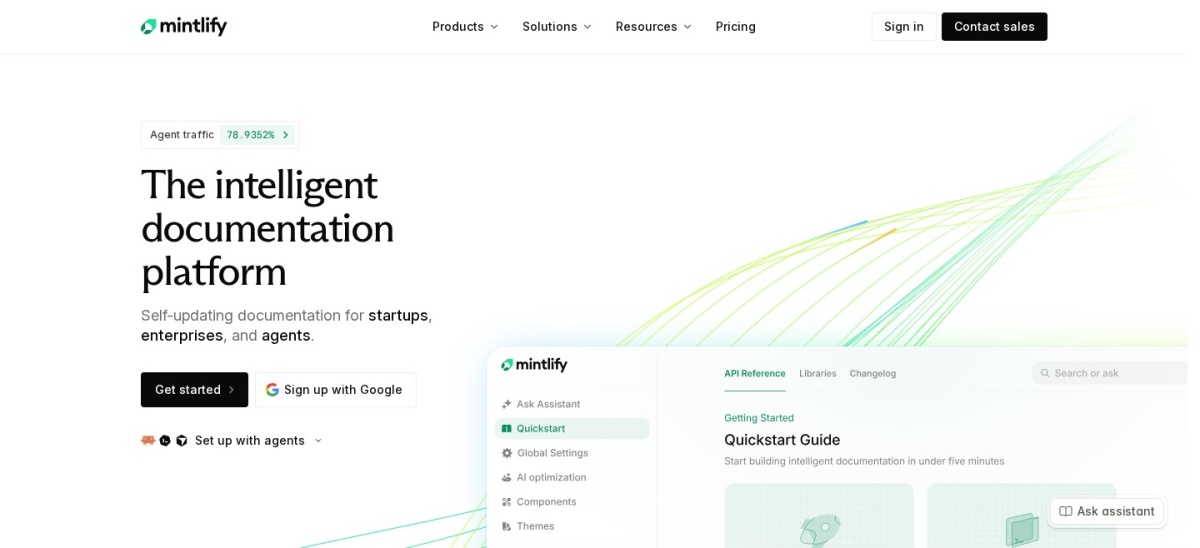
Mintlify is a hosted documentation platform that turns MDX files in a Git repository into a published docs site. Point it at an OpenAPI spec and it builds endpoint pages, parameter tables and an interactive playground, with a free Starter plan for up to 5 editors and a custom domain.
The trade off is the price jump. The free plan has no AI features, and the next step is Pro at $450 a month billed annually, with a metered credit pool for AI answers. It suits developer-tool startups where docs drive adoption and the budget clears that line.
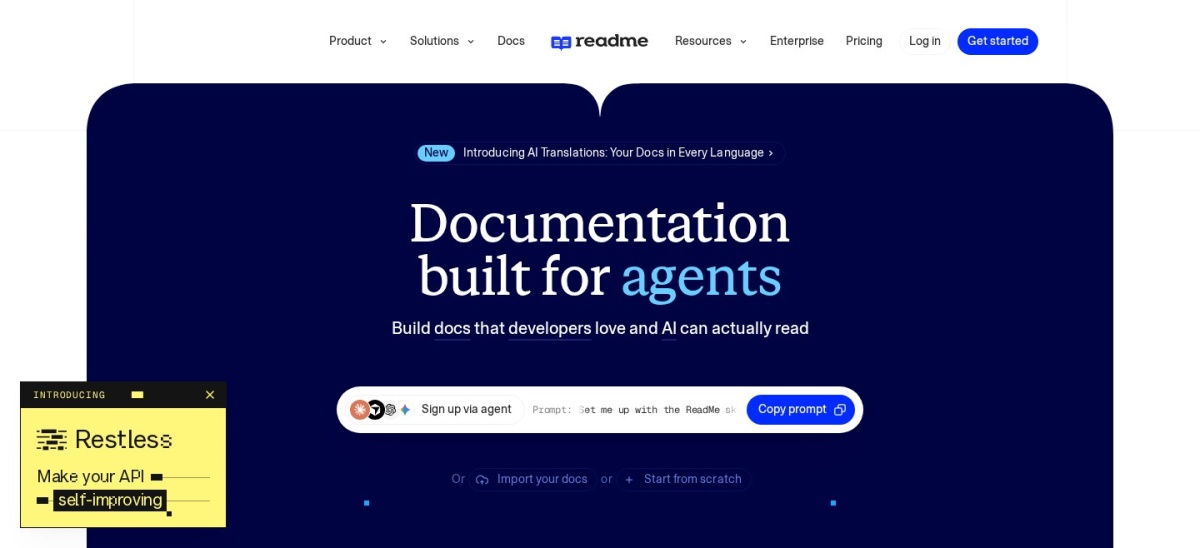
ReadMe is a hosted developer hub for API-first companies. It pairs interactive reference docs with guides, changelogs and a try-it console, and its API Metrics show which endpoints developers call and where they fail. Non-developers can edit guides without touching code.
The trade off is price and workflow. Paid plans start at $250 a month, and it is less pure docs-as-code than Git-first tools, though syncing is supported. It suits product teams that want a branded portal with real usage insight.
What we like
Polished, branded hub with guides and changelog
API Metrics show real endpoint usage
Editable by non-engineers
Watch out for
Paid plans start at $250 a month
Less docs-as-code than Git-first tools
Flat pricing is steep for a single API
Paid plans add more projects, customisation and metricsVisit readme.com
03
Postman
4.6/5on G2 (1,802 reviews, checked Nov 2026)
Paid from$19/mo
Best for teams already in Postman
Docs from collectionsYes, published publicly
Free planUp to 3 collaborators
Mock serversYes
Paid planBasic, $19/user/mo
postman.com
Postman homepage, captured Nov 2026.
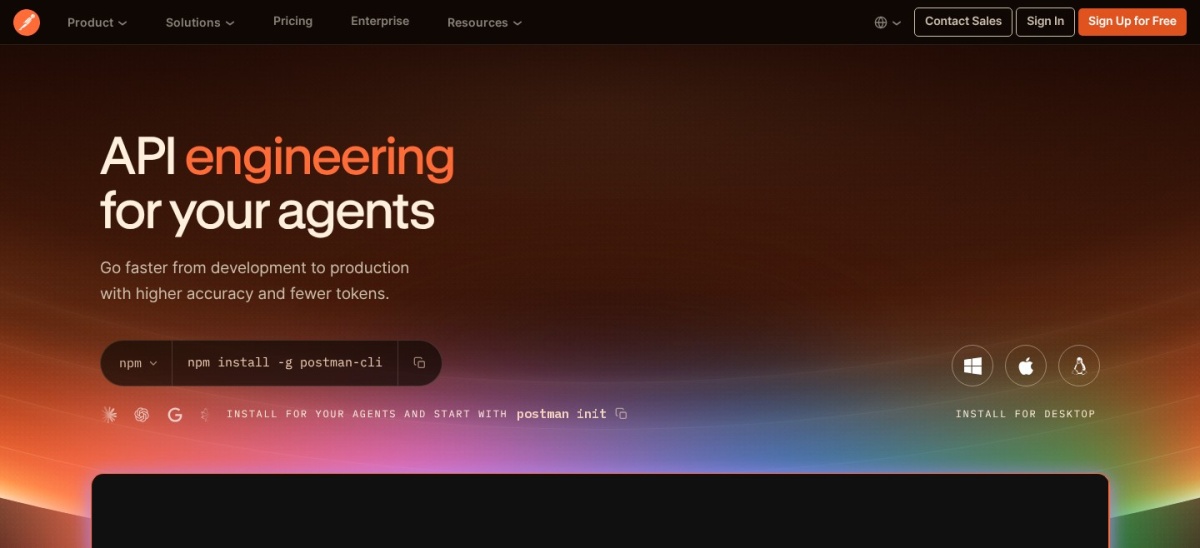
Postman is an API platform whose documentation is generated from collections rather than from a spec file. Teams that already design, mock and test APIs in Postman can publish public docs from the same collections, with a free plan for up to 3 collaborators.
The trade off is that docs are collection-centric, so they read less like a spec-first reference than dedicated tools, and published docs are harder to brand as a standalone portal. It suits teams already living in Postman who want docs beside testing.
What we like
Docs come free with the workflow teams already use
Huge ecosystem for testing and mocking
Rated 4.6/5 from more than 1,800 G2 reviews
Free plan covers small teams
Watch out for
Docs are collection-centric, not spec-first
Harder to brand as a standalone portal
Per-seat price grows with the team
Basic adds shared workspaces and more mock and monitor callsVisit postman.com
04
GitBook
4.7/5on G2 (208 reviews, checked Nov 2026)
Paid from$8/mo
Best value for Git-synced docs
Git syncYes, Markdown in Git
Free planPersonal, 1 user
OpenAPI supportYes, via blocks
Paid planPlus, $8/user/mo
gitbook.com
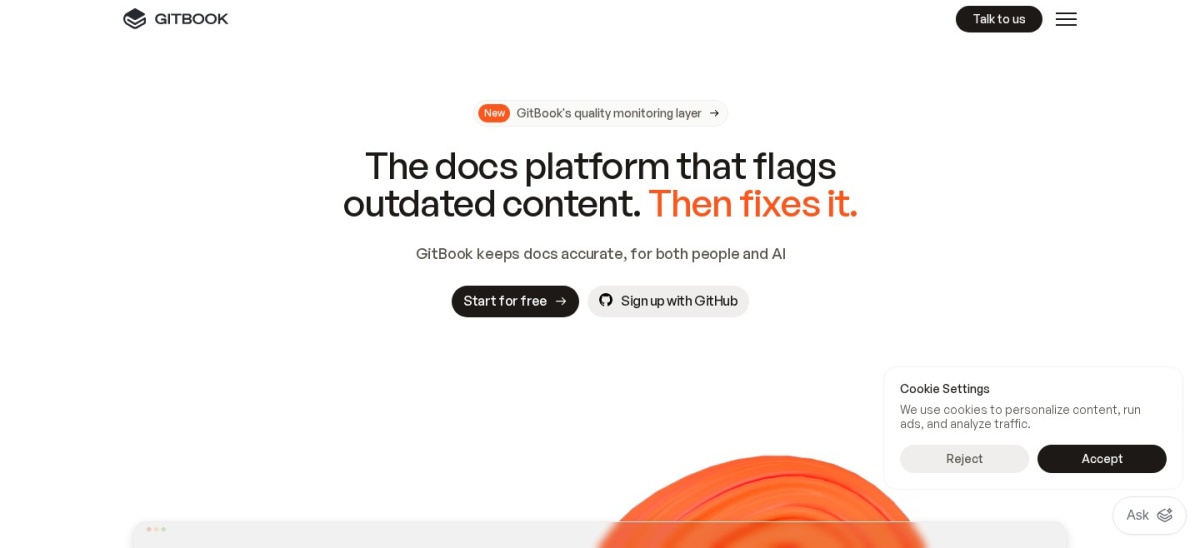
GitBook homepage, captured Nov 2026.
GitBook is a documentation platform built around Git-synced Markdown, with a visual editor that non-developers can use. It publishes clean docs sites with search, versioning and OpenAPI blocks, and its free Personal plan covers a single user.
The trade off is that it is a general docs tool, not an API-first portal, so API reference features are lighter than ReadMe or Redocly. It suits small teams that want tidy, Git-backed docs at the lowest paid price in this list.
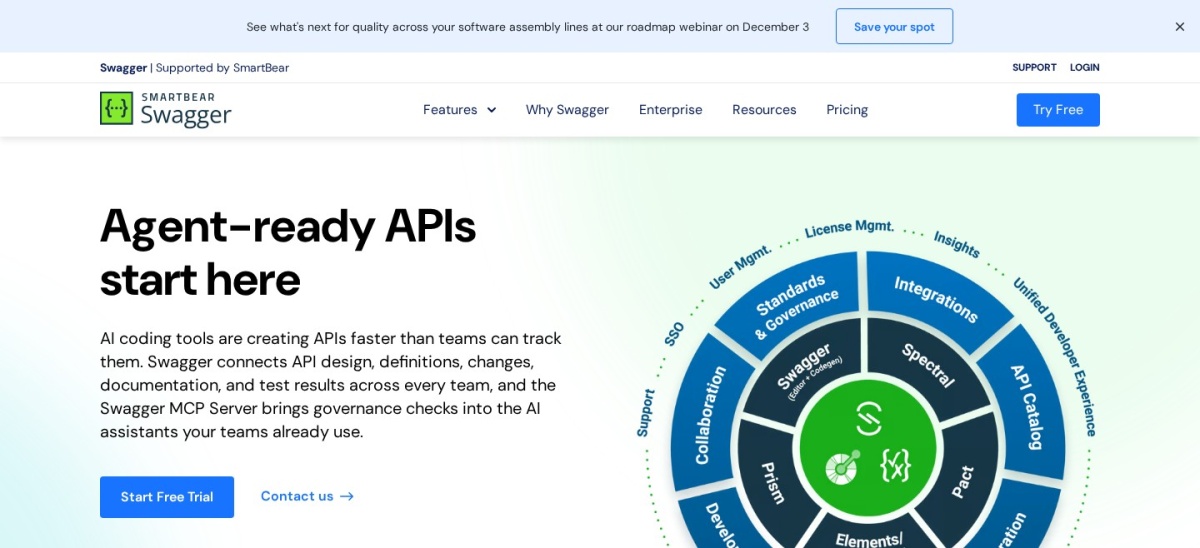
SwaggerHub is the hosted home of the Swagger tooling, for teams that design APIs before building them. It combines a visual and code editor for OpenAPI specs with validation, versioning and generated interactive docs, plus mock APIs so front-end work can start early.
The trade off is price and polish. Team costs $90 a month billed annually, the interface feels dated next to Mintlify, and large specs can get slow to manage. It suits teams that treat the OpenAPI contract as the single source of truth.
What we like
The standard-bearer for OpenAPI design
Live validation catches spec errors early
Mock APIs unblock front-end teams
Free plan for one user
Watch out for
Team plan is $90 a month for 3 users
Large specs can feel slow
Styling is dated next to newer portals
Team adds collaboration, more APIs and governance rulesVisit swagger.io
06
Stoplight
4.4/5on G2 (342 reviews, checked Nov 2026)
Paid from$56/mo
Best design-first docs with linting
Visual OpenAPI editorYes, Stoplight Studio
Mock serversYes, built in
Free plan1 user, 1 project
Paid planBasic, $56/mo
stoplight.io
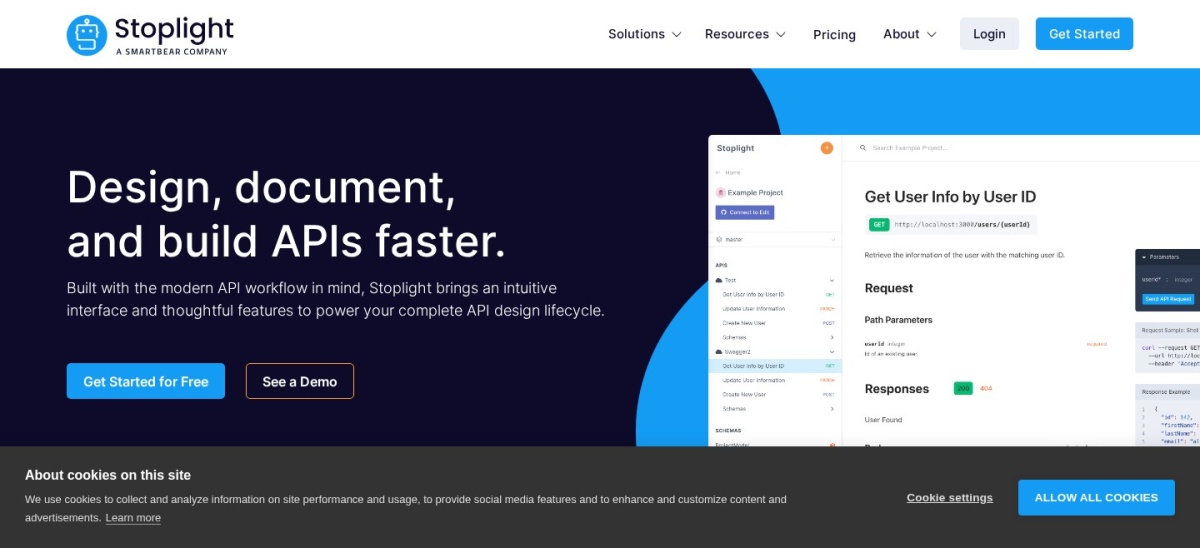
Stoplight homepage, captured Nov 2026.
Stoplight is a design-first API platform where documentation is generated from the OpenAPI spec. Its visual editor lowers the barrier to writing good specs, Spectral style guides enforce consistency, and built-in mock servers let consumers try endpoints before the API ships.
The trade off is direction and polish. Its roadmap has felt less certain since the SmartBear acquisition, and portal customisation is more limited than ReadMe. It suits teams doing design-first API work who want linting and mocks beside docs.
What we like
Visual editor makes spec writing easier
Spectral linting enforces a house style
Mock servers included
Free plan for individuals
Watch out for
Private projects need a paid plan
Portal customisation is limited
Roadmap feels less certain after acquisition
Paid plans add private projects, more users and style guidesVisit stoplight.io
07
Apidog
4.8/5on G2 (226 reviews, checked Nov 2026)
Paid from$9/mo
Best budget all-in-one API workspace
Docs from specYes, auto-generated
Free planUp to 4 users
Mocking and testingYes, built in
Paid planBasic, $9/user/mo
apidog.com
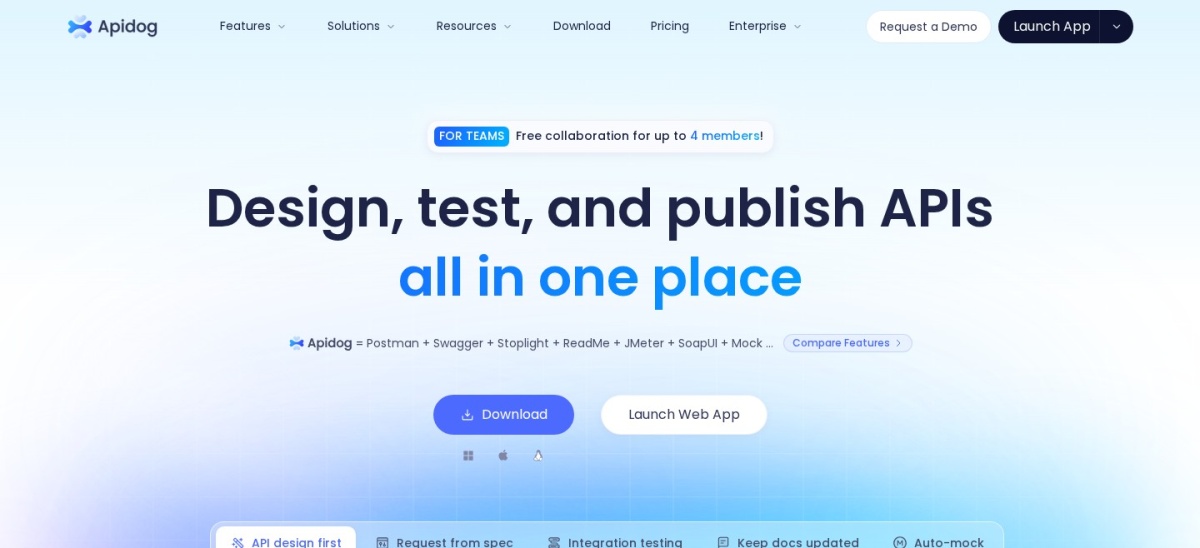
Apidog homepage, captured Nov 2026.
Apidog is an all-in-one API workspace that combines OpenAPI design, debugging, mocking and testing with published documentation. It auto-generates branded, shareable online docs from your spec, and its free plan covers up to 4 users with unlimited runs.
The trade off is focus. It is a desktop-app-centric workspace, so docs-only teams may find it heavy, and it is a newer vendor with a smaller community than Postman or Swagger. It suits small teams that want design, testing and docs in one affordable tool.
What we like
Cheapest paid seat here at $9 per user a month
Rated 4.8/5 from 226 G2 reviews
Free plan covers up to 4 users
Design, mocking, testing and docs in one app
Watch out for
Desktop-app workflow can feel heavy for docs only
Newer vendor with a smaller community
Free plan caps at 4 users per workspace
Basic adds unlimited team members and 90-day change historyVisit apidog.com
08
Bump.sh
4.9/5on G2 (4 reviews, checked Nov 2026)
Starts at$50/mo
Best lightweight deploy-and-forget docs
Auto changelogYes, on every deploy
AsyncAPI supportYes
Free planNo
Paid planFrom $50/mo
bump.sh
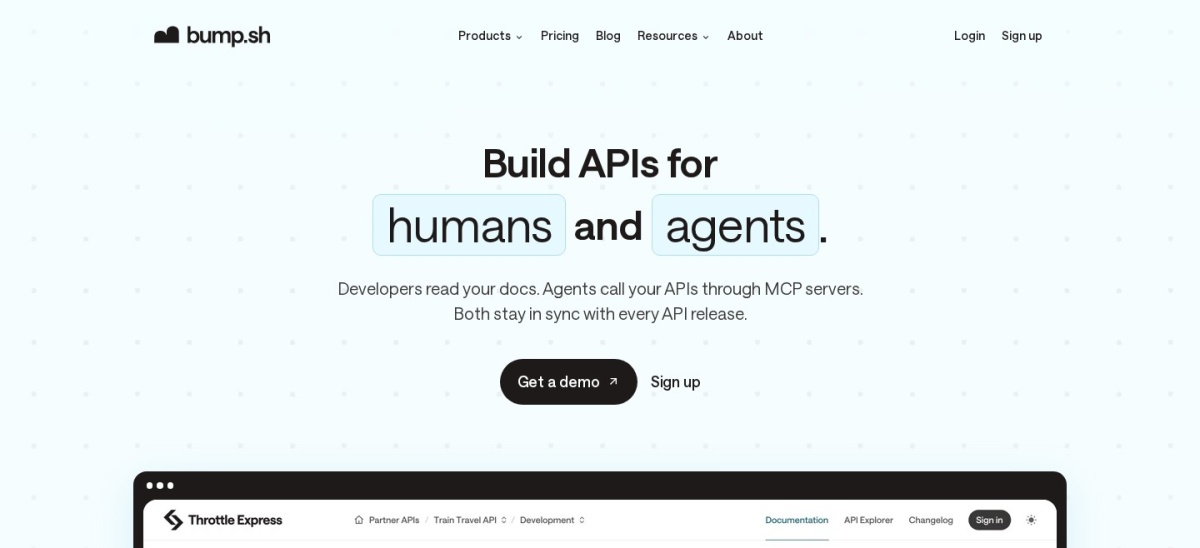
Bump.sh homepage, captured Nov 2026.
Bump.sh is a lightweight hosted docs platform for OpenAPI and AsyncAPI. Deploy a spec with its CLI or GitHub Action and it renders clean reference docs, tracks changes and writes an automatic diff and changelog on every deploy.
The trade off is breadth and evidence. There is no free plan, theming is thinner than ReadMe or Redocly, and its 4.9 G2 rating rests on only 4 reviews. It suits teams that want clean, deploy-and-forget docs with change tracking.
What we like
Automatic diff and changelog on every deploy
First-class AsyncAPI support
Simple CLI and GitHub Action deploy
No per-seat pricing
Watch out for
No free plan
Rating rests on only 4 G2 reviews
Fewer theming options than rivals
Paid plans add more APIs, guests and custom domainsVisit bump.sh
09
Redocly
5/5on G2 (1 reviews, checked Nov 2026)
Starts at$249/mo
Best docs-as-code governance
OpenAPI lintingYes, in CI
Free planNo, 30-day trial
Projects on Pro3
Paid planPro, $249/mo
redocly.com
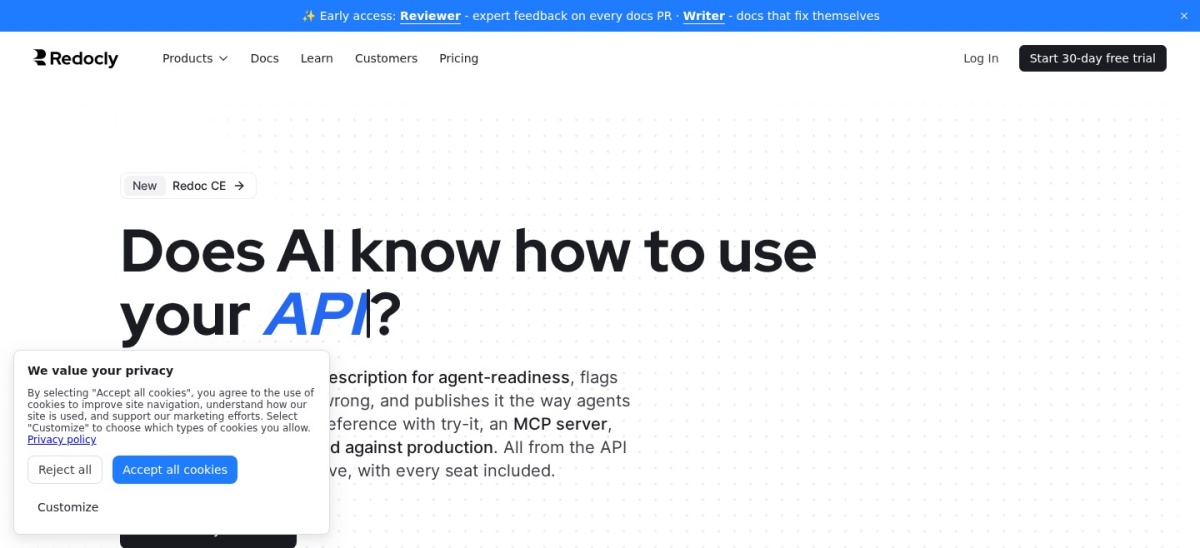
Redocly homepage, captured Nov 2026.
Redocly builds documentation sites from an API description in Git, combining generated reference pages with Markdown guides. Its CLI lints, bundles and validates OpenAPI in CI, and Pro includes 3 docs projects with unlimited seats and readers.
The trade off is cost and audience. Pro costs $249 a month billed annually with no free hosted plan, editing means config files and a Git workflow, and its 5.0 G2 rating rests on a single review. It suits engineering teams that keep the spec in Git and want governed docs.
Free plans cover a single API or a small team well. Most include a hosted reference site, a try-it console and basic search.
Paid plans mostly add projects, seats and governance. You get more APIs, private docs, custom domains, SSO and usage analytics.
The dearest jump is Mintlify, from a free Starter plan to Pro at $450 a month. ReadMe and Redocly also start paid plans above $200 a month.
If your API is public and small, start free on Mintlify, Postman or Apidog. Pay only when you need a second API, private docs or team controls.
How we chose
We started from the API documentation tools most often shortlisted in 2026 round-ups, then kept those with a public G2 rating and a published paid price.
Prices come from each vendor's pricing page or G2 pricing data, checked on 26 November 2026. Ratings and review counts come from G2 on the same day. Where a vendor shows a sale, the list shows the regular price.
We left out tools with no public rating, such as Theneo, and free renderers with no hosted plan. No vendor paid for a place, and we do not claim to have used these tools ourselves.
How to choose API documentation software
Start with who writes the docs, then match the tool to how your API is built.
Decide who maintains the docs. Engineers who live in Git suit Mintlify, Redocly, Stoplight or Bump.sh. Writers and product people suit ReadMe or GitBook.
Check whether you need a portal or a reference. A reference-only render is enough for one internal API. A public API needs guides, search, branding and a try-it console.
Match the pricing model to your team size. Per-seat tools such as Postman, GitBook and Apidog stay cheap for small teams. Flat plans such as ReadMe and Redocly suit many writers.
Try the free plan on a real spec first. Import your largest OpenAPI file, publish it, and check the try-it console, search and mobile layout before paying.
FAQ
What is the best software for API documentation creation?
Mintlify is the best pick for most teams. It turns an OpenAPI spec into polished reference pages with a live playground, has a free Starter plan for 5 editors, and is rated 4.6 out of 5 on G2.
Is there a free API documentation tool?
Yes. Mintlify, Postman, GitBook, SwaggerHub, Stoplight, ReadMe and Apidog all have free plans. Swagger UI and the open-source Redoc renderer are also free for reference-only docs.
What is the cheapest paid API documentation tool?
GitBook is the cheapest paid entry here at $8 per user a month, followed by Apidog at $9 per user a month. Both have free plans, so small teams can start free and upgrade later.
Do I need a developer portal or just a reference?
A reference is enough for one internal API used by your own team. A public API needs a portal with guides, search, versioning and a try-it console, which ReadMe, Mintlify and Redocly provide.
What is docs-as-code for APIs?
Docs-as-code means the API spec and guides live in Git and the docs site rebuilds in CI on every change. Mintlify, Redocly, Stoplight and Bump.sh work this way, which keeps docs in sync with the code.
Which tool is best for OpenAPI linting?
Redocly and Stoplight are the strongest for linting. Redocly runs OpenAPI linting in CI, while Stoplight enforces style guides with Spectral in its visual editor.
SaaS SEO and WordPress specialist with about 8 years of experience. Rakib compares WordPress plugins, themes, hosting and software using public pricing, documentation and user reviews. See how we rank.