Jira is the best software development project management tool for most teams, with Scrum and Kanban boards, sprints and deep Git integrations, rated 4.3 out of 5 on G2 from 8,093 reviews. Pick Linear for the fastest issue tracking, or YouTrack for the lowest paid plan at under $4 per user a month.
How we make this list: we compare pricing pages, product documentation and public user reviews, then re-check every price before each update. No product paid for a place. Disclosure.
Jira leads on depth: Scrum and Kanban boards, sprints, roadmaps and JQL, rated 4.3/5 on G2 from 8,093 reviews.
Linear is the fastest option at $10 per user a month, with a 4.6/5 G2 rating, the joint highest in this list.
YouTrack is the cheapest paid plan at $3.67 per user a month, and its free plan covers 10 users with full features.
Azure DevOps bundles boards, code repos and CI/CD for $6 per user a month, with the first 5 users free.
ClickUp Core lists at $9 a month on sale, but its regular price is $12, so budget on the higher figure.
Every tool here has a free plan, but Monday.com covers only 2 seats and Asana only 2 users.
What a dev project tool has to do
Software teams need more than a task list. Work has to move from a backlog into sprints, link to pull requests and show what shipped in each release.
The tools in this list all handle agile boards and sprints, but they split into two groups: dev-native trackers such as Jira, Linear, Shortcut and YouTrack, and general work platforms such as Asana, Monday.com and Wrike that dev teams borrow.
Price is per user, so it scales with headcount. The cheapest paid plans run from $3.67 to $12 per user a month, and free plans range from 2 users to unlimited members with tight limits.
Ratings come from G2, checked on 26 November 2026. Jira has the most reviews by far at 8,093, while YouTrack has only 60, so treat its 4.2 score with more care.
The 9 best software development project management software tools
01
Jira
4.3/5on G2 (8,093 reviews, checked Nov 2026)
Paid from$9.70/mo
Best for most software teams
Free planUp to 10 users
Cheapest paidStandard, $9.70/mo
Agile boardsScrum and Kanban
Automation400 steps/user/mo
atlassian.com
Jira homepage, captured Nov 2026.
Jira is Atlassian's agile tracker for software teams, built around Scrum and Kanban boards, backlogs, sprints and roadmaps. The free plan covers up to 10 users with boards, backlog and basic reporting, and Standard adds user roles, 250 GB of storage and 400 automation steps per user a month.
The trade off is complexity and price. Standard lists at $9.70 per user a month, and the admin setup takes real effort before a team ships smoothly. It suits mid-size and large dev teams that need custom workflows, JQL filtering and deep integrations with Bitbucket and GitHub.
What we like
Deepest agile features: boards, sprints, roadmaps and JQL
Largest review base in this list, 8,093 G2 reviews
Linear is an opinionated issue tracker built for speed, with cycles instead of sprints, projects, roadmaps and a keyboard-first interface. The free plan allows unlimited members with 250 issues across 2 teams, and Basic at $10 per user a month removes those caps and adds admin roles and guest access.
The trade off is narrow scope. Linear is built for software work, so marketing, sales and support teams get little from it, and reporting stays light. It suits small product and engineering teams that want to start fast without weeks of configuration.
What we like
Fastest interface in this list, keyboard-first
Highest G2 rating here at 4.6/5
Cycles and roadmaps work with almost no setup
Watch out for
Free plan caps at 250 issues and 2 teams
Built for software only, not wider teams
Reporting is lighter than Jira or Wrike
Basic removes the 250-issue cap and adds admin rolesVisit linear.app
03
Shortcut
4.4/5on G2 (177 reviews, checked Nov 2026)
Paid from$8.50/mo
Best value for small dev teams
Free planUp to 10 users
Cheapest paidTeam, $8.50/mo
RoadmapsOrg-wide on Team
DocsBuilt in
shortcut.com
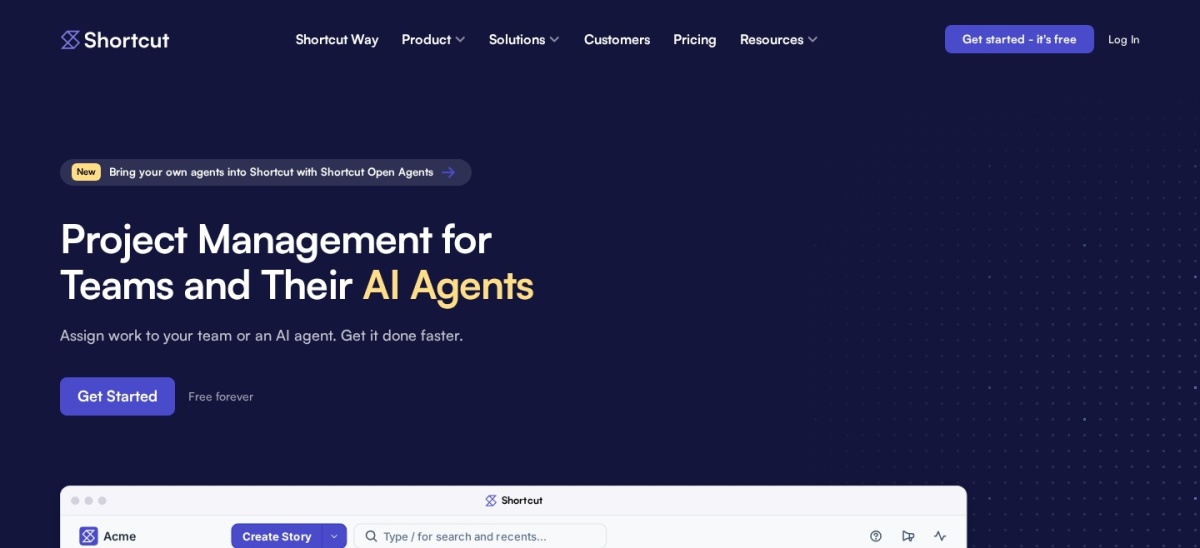
Shortcut homepage, captured Nov 2026.
Shortcut is a project tracker made for software teams, with stories, epics, iterations, docs and roadmaps in one place. The free plan covers up to 10 users with unlimited stories, and Team at $8.50 per user a month adds org-wide roadmaps, custom workflows and advanced integrations with GitHub and Slack.
The trade off is reporting depth. Advanced analytics and portfolio views sit on higher tiers, and the tool has only 177 G2 reviews, so the public verdict is thin. It suits startups and small dev teams that want Jira-style structure without Jira-style setup.
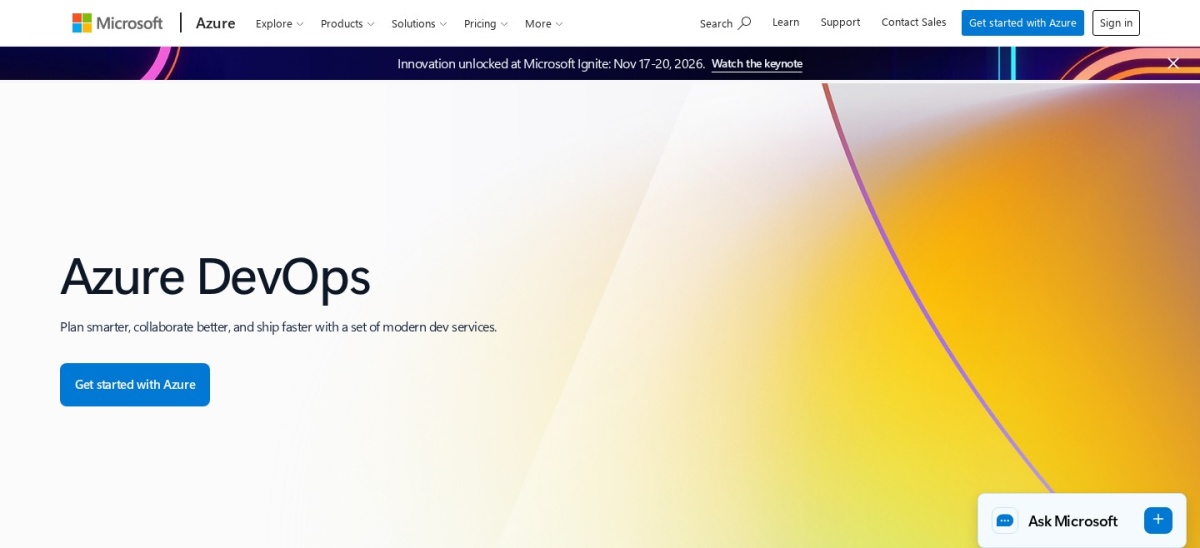
Azure DevOps is Microsoft's bundle of Boards, Repos, Pipelines, Test Plans and Artifacts for planning and shipping software. The first five Basic users are free, and each extra user costs $6 a month for Boards, code repos, unlimited private Git repos and CI/CD pipelines.
The trade off is the learning curve. The interface is dense, non-engineers often struggle with it, and formal test management jumps the price to $52 per user a month. It suits Microsoft-based teams that want planning, code and builds in one bill.
ClickUp is an all-in-one workspace with tasks, docs, goals, sprints, Gantt charts and native time tracking. The free plan allows unlimited tasks and members with 100 MB of storage, and Core lists at $9 per user a month on sale with a regular price of $12, adding unlimited storage, custom fields and integrations.
The trade off is clutter. The sheer number of features can overwhelm new teams, and the sale price hides the $12 regular rate you pay on renewal. It suits teams that want one tool for dev work, docs and goals instead of three separate apps.
What we like
Unlimited tasks and members on the free plan
Sprints, docs, goals and time tracking in one place
Lowest-cost all-in-one at $12 regular
Watch out for
Sale price hides the $12 regular rate
Feature sprawl can overwhelm new teams
AI features cost extra as add-ons
Core adds unlimited storage, Gantt charts and custom fieldsVisit clickup.com
06
Asana
4.4/5on G2 (14,143 reviews, checked Nov 2026)
Paid from$10.99/mo
Best for cross-team visibility
Free planUp to 2 users
Cheapest paidStarter, $10.99/mo
TimelineGantt included
AutomationsUnlimited on Starter
asana.com
Asana homepage, captured Nov 2026.
Asana is a work management platform where dev work sits beside marketing and ops in shared projects, timelines and goals. The Personal plan is free for up to 2 users, and Starter at $10.99 per user a month adds timeline and Gantt views, dashboards, forms, custom fields and unlimited automations.
The trade off is the free plan and the dev fit. Two users is too few for a real team, and sprint features need custom setup rather than coming ready-made. It suits teams that need one shared workspace for engineering and the rest of the company.
What we like
Clean timelines and goals the whole company can read
Unlimited automations on Starter
Unlimited free guests for clients
Watch out for
Free plan allows only 2 users
Sprints need custom setup
Starter costs $10.99 per user a month
Starter adds timelines, dashboards and unlimited automationsVisit asana.com
07
YouTrack
4.2/5on G2 (60 reviews, checked Nov 2026)
Paid from$3.67/mo
Best budget dev tracker
Free planUp to 10 users
Cheapest paidCloud, $3.67/mo
Issue commandsNatural language
Storage30 GB on free
jetbrains.com
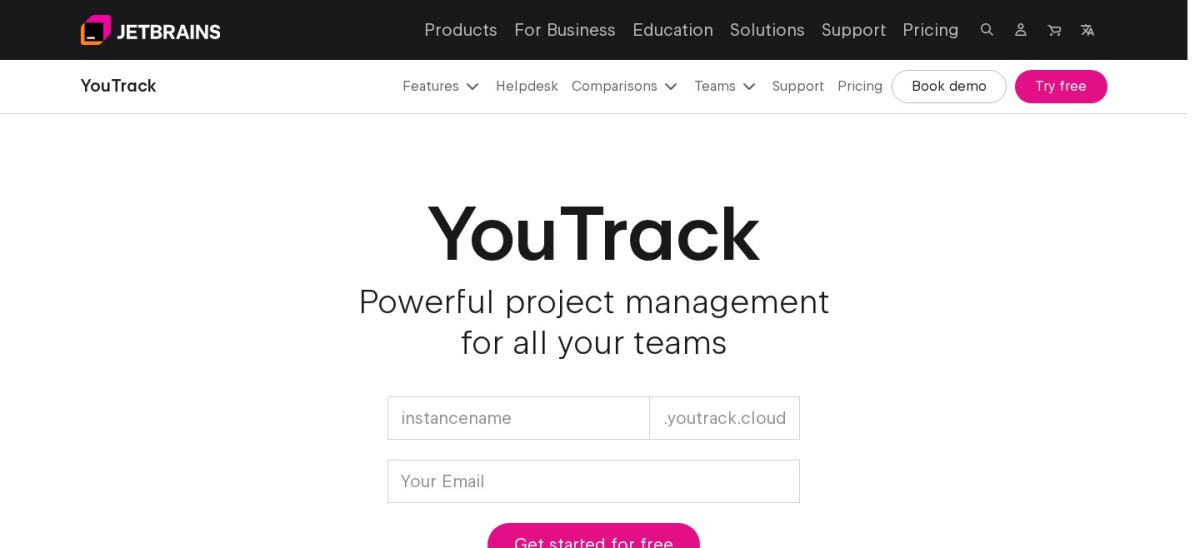
YouTrack homepage, captured Nov 2026.
YouTrack is JetBrains' tracker for agile boards, sprints, bug tracking and helpdesk work, with command-based issue updates. The free plan covers up to 10 users with full features and 30 GB of cloud storage, and Cloud costs $3.67 per user a month once a team passes 10 users.
The trade off is the thin public verdict and the dated interface. G2 shows only 60 reviews, and third-party integrations are weaker than Jira's. It suits small JetBrains-friendly teams that want the lowest paid plan without giving up real agile features.
monday.com is a visual work platform built on colourful boards, with automations, dashboards and a large template library. The free plan covers up to 2 seats and 3 boards, and Basic at $9 per seat a month adds unlimited items, free viewers and 1,000 AI credits a month.
The trade off is that Basic is a dead end for dev teams. It has no automations or integrations, and paid plans need at least 3 seats, so the real floor is $27 a month. It suits visual teams that plan in boards and want a tool non-developers enjoy using.
What we like
Highest G2 rating here at 4.7/5 from 17,975 reviews
Visual boards non-developers enjoy
Large template library for fast setup
Watch out for
Basic has no automations or integrations
Paid plans need at least 3 seats
Dev features sit behind higher tiers
Basic adds unlimited items and AI credits; Standard adds automationsVisit monday.com
09
Wrike
4.2/5on G2 (4,537 reviews, checked Nov 2026)
Paid from$10/mo
Best for resourcing and reports
Free planUnlimited users
Cheapest paidTeam, $10/mo
Team cap15 users on Team
Gantt chartsInteractive on Team
wrike.com
Wrike homepage, captured Nov 2026.
Wrike is a work management platform with Gantt charts, workload views, approvals and resource planning for larger teams. The free plan allows unlimited users with board and table views, and Team at $10 per user a month adds interactive Gantt charts, custom workflows, shareable dashboards and AI Essentials.
The trade off is the seat cap and the learning curve. Team stops at 15 users, so growing past that moves the whole team to Business at $25 per user a month. It suits mid-size teams that need resourcing, approvals and reporting beside their project boards.
What we like
Strong Gantt, workload and approvals
Free plan allows unlimited users
Good reporting for mid-size teams
Watch out for
Team stops at 15 users, then $25 a seat
Steep learning curve for new admins
Seats are sold in blocks of five
Team adds Gantt charts, dashboards and AI EssentialsVisit wrike.com
Dev-native trackers vs general work platforms
Dev-native tools such as Jira, Linear, Shortcut and YouTrack treat sprints, backlogs and code links as core features.
General platforms such as Asana, Monday.com and Wrike treat dev work as one use case among many, with stronger cross-team views.
If only engineers use the tool, pick dev-native. If the whole company shares it, a general platform usually wins.
How we chose
We started from the tools dev teams name most often for agile delivery, then kept the nine with a real free plan and a published per-user price.
Prices come from each vendor's pricing page, checked on 26 November 2026. Ratings and review counts come from G2 on the same day. Where a vendor shows a sale, the list shows the regular price.
We left out tools with no public price and tools built only for non-technical teams. No vendor paid for a place, and we do not claim to have used these tools ourselves.
How to choose software development project management software
Start with how your team ships, then match the tracker to that workflow, not the other way round.
Match the tool to your workflow. Scrum teams need sprints, backlog grooming and burndown charts. Kanban teams need WIP limits and cycle time. Pick the tool that does your method well, not the one with the longest feature list.
Check the free plan limits first. Free plans look generous until you hit the cap: 250 issues on Linear, 10 users on Jira and Shortcut, 2 users on Asana. Count your team before you commit.
Test the Git integration. The best dev trackers link issues to branches, pull requests and deploys. If your team delivers client sites, our guide on handing over a WordPress site to a client shows what a clean delivery looks like.
Price the whole team, not one seat. Multiply the per-user price by your headcount and add the next tier. A $3.67 plan that forces an upgrade at 11 users can cost more than a $10 plan that scales.
FAQ
What is the best project management software for software development?
Jira is the best pick for most software teams. It covers Scrum and Kanban boards, sprints, backlogs, roadmaps and JQL filtering, and it is rated 4.3 out of 5 on G2 from 8,093 reviews, the largest review base in this list.
What is the cheapest software development project management tool?
YouTrack is the cheapest paid plan here at $3.67 per user a month for teams over 10 users, and its free plan covers 10 users with full features. Azure DevOps is next at $6 per user a month, with the first five users free.
Is Jira or Linear better for developers?
Jira suits larger teams that need deep configuration, custom workflows and JQL. Linear suits smaller product teams that want speed, with a keyboard-first interface and opinionated cycles. Linear is rated higher on G2 at 4.6 out of 5, but from only 128 reviews.
Do these tools have free plans?
Yes, all nine have a free plan. The limits differ widely: ClickUp and Wrike allow unlimited members, Jira, Shortcut and YouTrack allow 10 users, and Asana and Monday.com allow only 2 users or seats.
Can I manage sprints in Asana or Monday.com?
Yes, both support sprints through boards, timelines and custom fields, but they are general work platforms rather than dev-native trackers. Teams that live in sprints usually get more from Jira, Linear or Shortcut, which treat sprints as a core feature.
Which tool is best for a Microsoft-based development team?
Azure DevOps is the natural pick. It bundles Azure Boards, Repos, Pipelines and Artifacts for $6 per user a month, with the first five users free, and it fits teams already using Microsoft 365 and Visual Studio.
SaaS SEO and WordPress specialist with about 8 years of experience. Rakib compares WordPress plugins, themes, hosting and software using public pricing, documentation and user reviews. See how we rank.