TrueNAS is the best software defined storage for most teams. It is free and open source, covers file, block and object storage in one platform, and holds a 4.8/5 rating from 167 G2 reviews. Pick StarWind VSAN for small two-node clusters and Portworx for Kubernetes.
How we make this list: we compare pricing pages, product documentation and public user reviews, then re-check every price before each update. No product paid for a place. Disclosure.
TrueNAS is the top pick: free, open source, rated 4.8/5 from 167 G2 reviews, with file, block and object storage in one platform.
StarWind VSAN is the best small-cluster option, with a free edition, a 30-day trial and high availability from two nodes.
Scale Computing and Nutanix are the most reviewed hyperconverged picks, at 4.7/5 from 333 reviews and 4.5/5 from 339 reviews.
Portworx is the only Kubernetes-native pick, priced from $0.33 per virtual node hour with a 1,000 node-hour monthly minimum.
Five of the nine tools publish no list price, so budget on a quote and a trial before committing to any of them.
What software defined storage should cover
Software defined storage separates the storage software from the hardware it runs on. Instead of buying a vendor array, you install software on standard x86 servers and pool their disks into shared storage.
A good platform should cover more than one protocol. Most teams need block storage for virtual machines, file storage for shared folders and object storage for backups and apps, ideally from one cluster.
Replication and self-healing matter more than raw speed. Our guide on the 3-2-1 backup rule for websites explains why a second copy in another place is the real test of any storage plan.
Pricing is the hard part of this market. Only four tools here publish a usable price, so treat every quote as a starting point and compare usable capacity, not raw disks.
TrueNAS is a free, open-source storage platform built on OpenZFS, with file, block and object services in one system. It runs on your own hardware or on TrueNAS appliances, scales from 20 TB to 40 PB, and includes checksums, snapshots and self-healing against silent data corruption.
The trade off is support. The software costs $0, but production support and turnkey appliances are quoted, so a business deployment still needs a support contract. It suits teams that want full control and a proven open-source base without a licence bill.
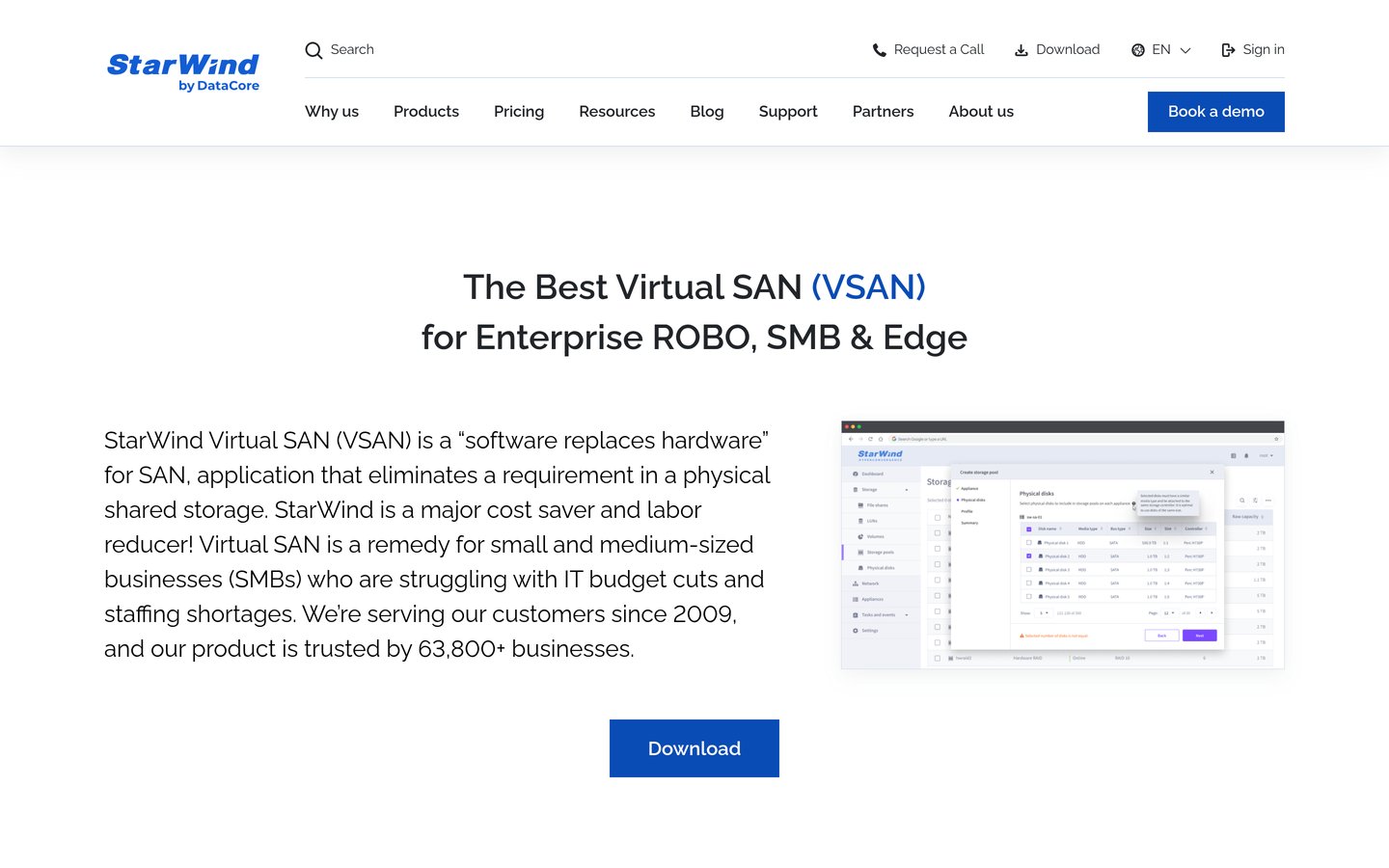
StarWind Virtual SAN is software that mirrors local disks between servers to create highly available shared storage. It starts at two nodes, runs on Hyper-V, VMware, Proxmox or KVM with no strict hardware list, and ships a free edition plus a 30-day trial with every feature unlocked.
The trade off is pricing. Commercial licences are quoted per usable TB of protected capacity, with a subscription as the default term, so you cannot compare a list price before talking to sales. It suits small sites and branch offices that need shared storage without a physical SAN.
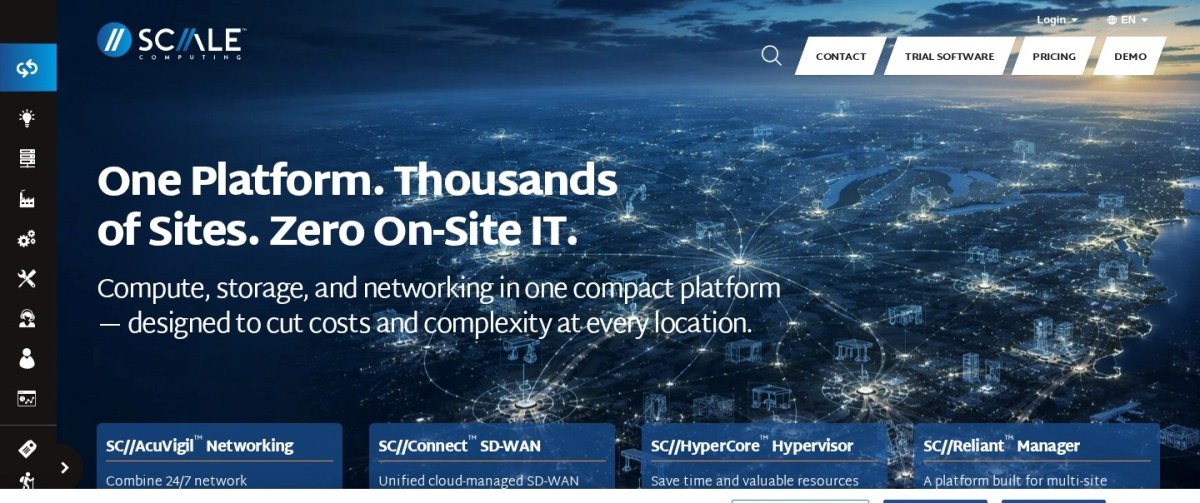
Scale Computing HyperCore homepage, captured Nov 2026.
Scale Computing HyperCore is a hyperconverged platform that combines compute, storage and virtualization in one system, aimed at edge and branch sites with little or no on-site IT. Clusters start at three nodes, self-heal after failures, and are managed through the cloud-based Fleet Manager.
The trade off is price and scope. Pricing is quoted, and HyperCore is a full infrastructure platform rather than storage alone, so it fits less well if you only need storage. It suits retailers, schools and clinics running many small sites from one console.
What we like
Rated 4.7/5 from 333 G2 reviews
Built for sites with no on-site IT staff
Self-healing clusters with zero-downtime updates
Single console for thousands of systems
Watch out for
No public list price
More than storage if you only need a SAN replacement
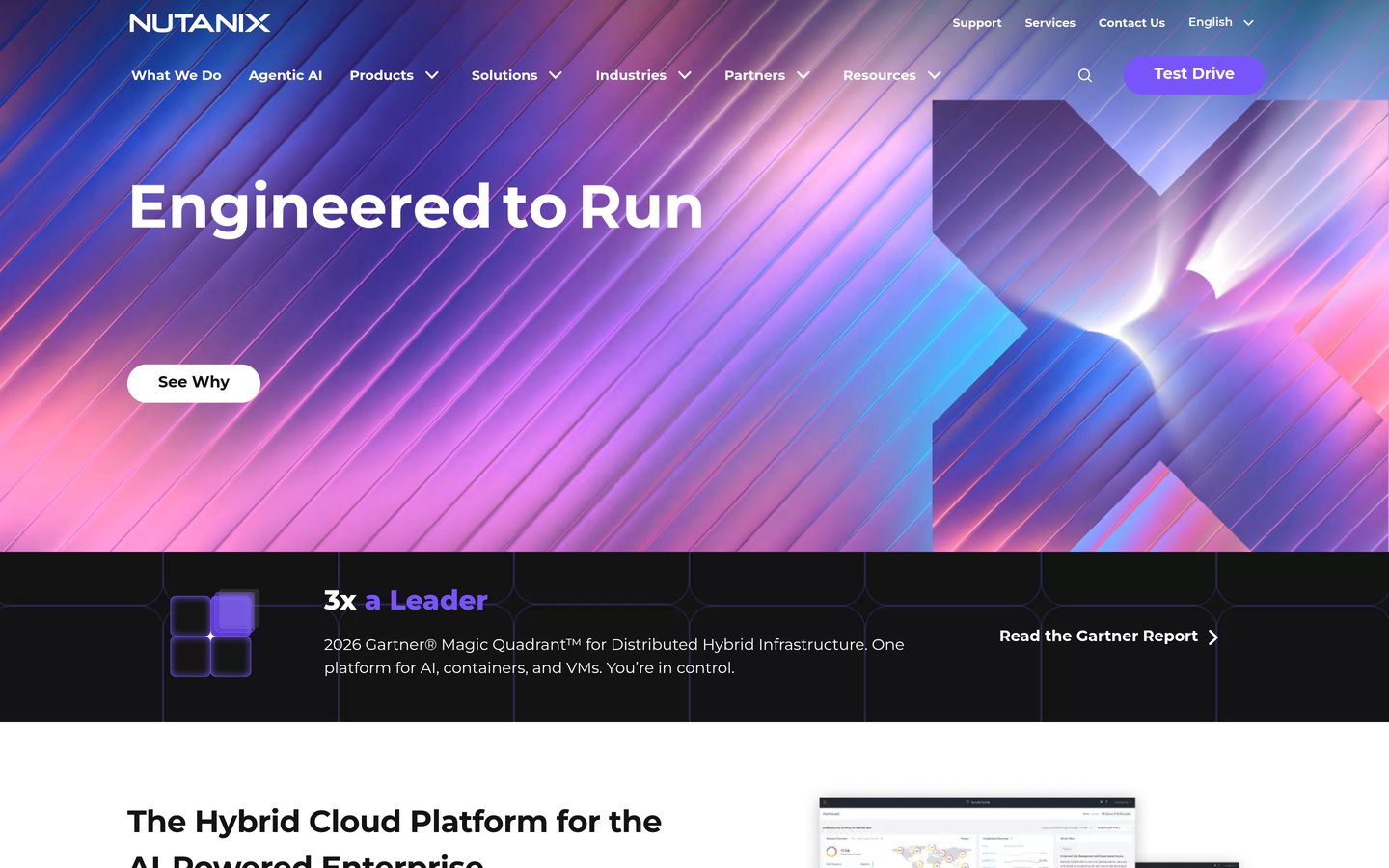
Nutanix Cloud Infrastructure homepage, captured Nov 2026.
Nutanix Cloud Infrastructure is a hyperconverged platform built on the Acropolis Operating System, with the AHV hypervisor included at no extra licence cost. It covers block, file and object storage, and the Prism console manages compute, storage and networking from one place.
The trade off is cost. Licences are quoted per node or per usable TiB, and reviewers describe pricing as high for small teams, with extra cost for advanced features. It suits enterprises that want one vendor for virtualization and storage across data centres and clouds.
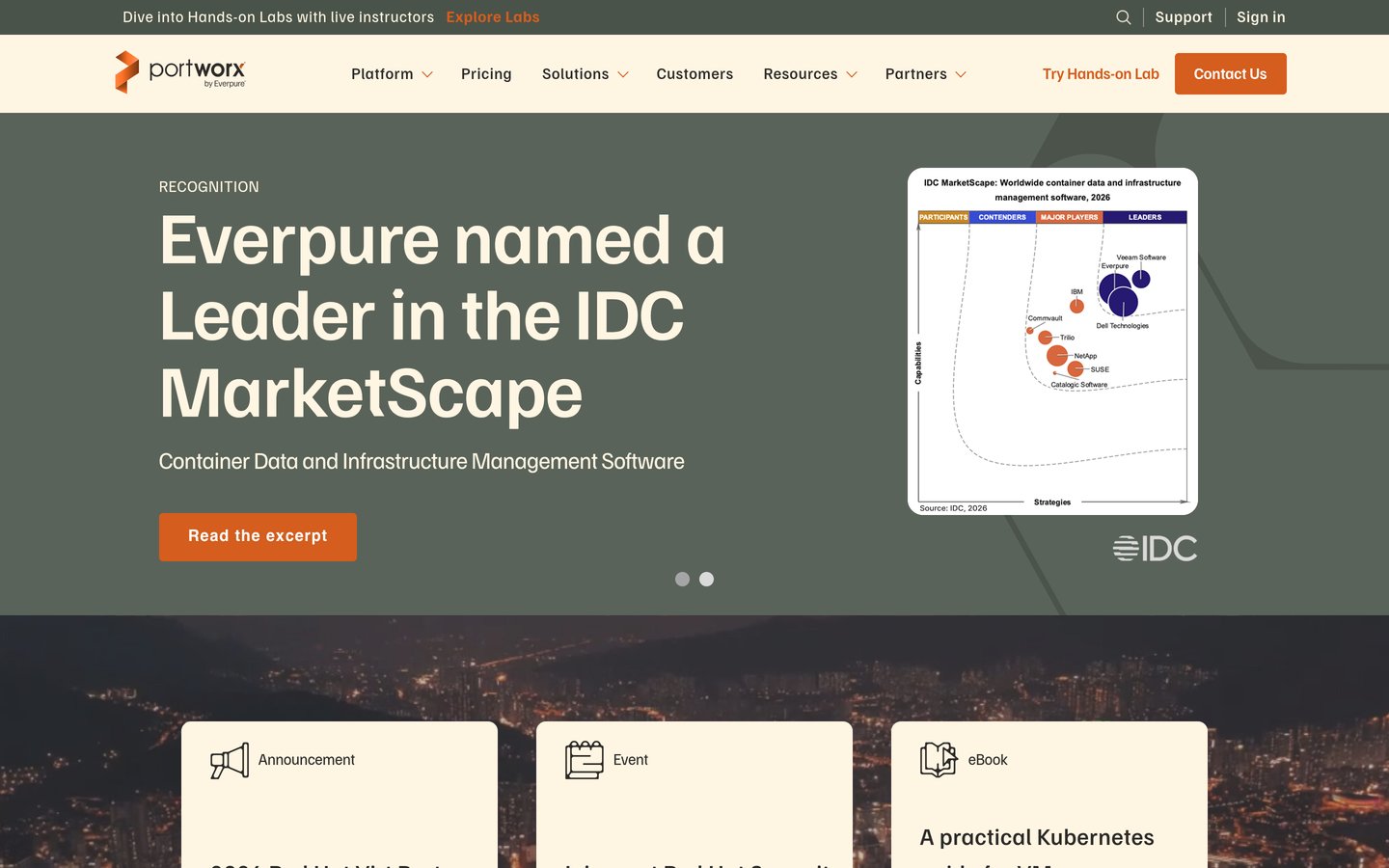
Portworx Enterprise is Kubernetes-native storage and data management for stateful apps, from Pure Storage. It gives containers persistent volumes, replication, encryption and disaster recovery, and runs on any Kubernetes distribution over any block or cloud storage.
The trade off is the billing floor. Virtual nodes cost $0.33 per node hour, but a 1,000 node-hour monthly minimum means the smallest bill is about $330 a month, so small clusters pay for capacity they do not use. It suits platform teams running databases on Kubernetes at real scale.
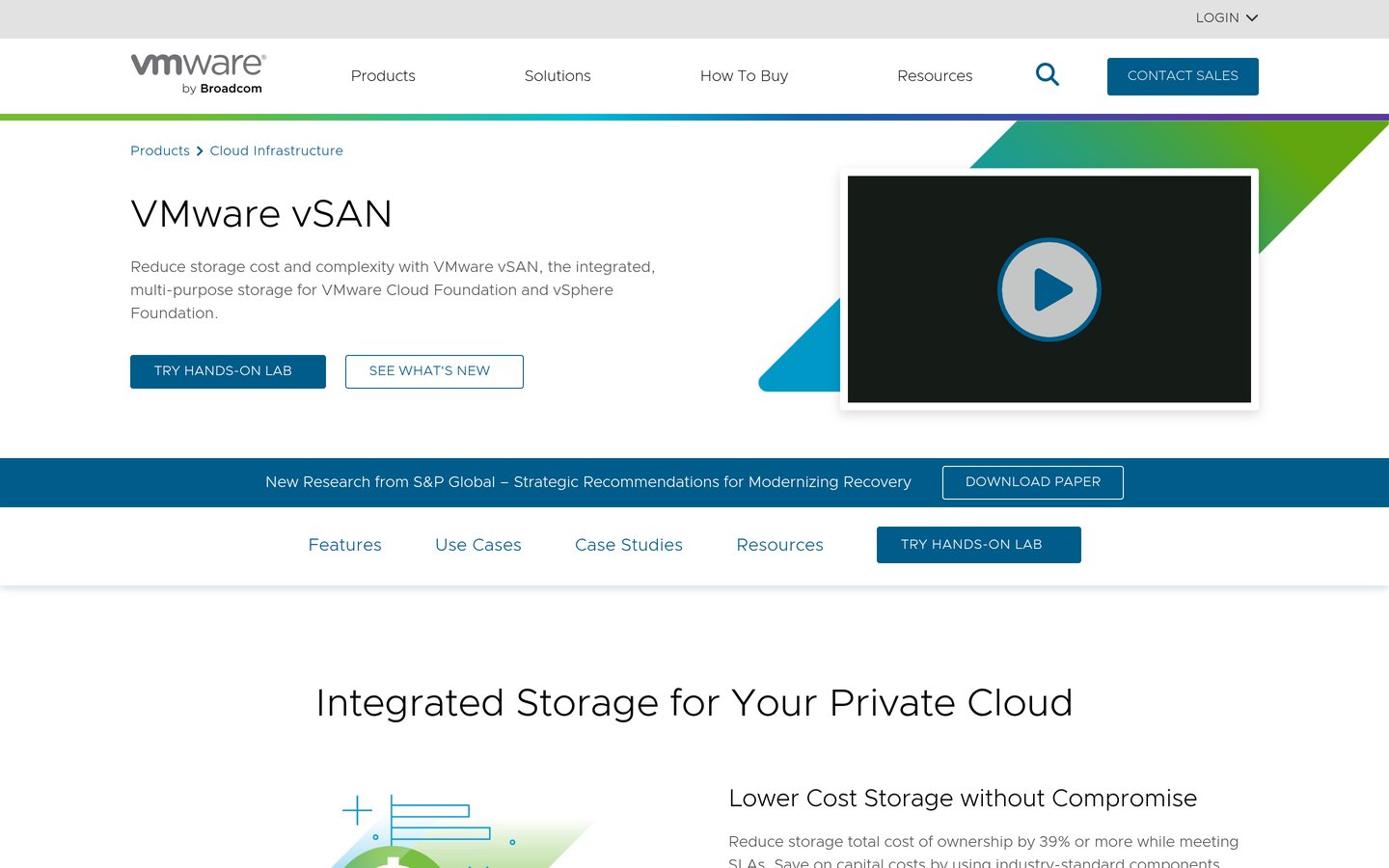
VMware vSAN is software-defined storage built into vSphere, managed from vCenter with storage policies per virtual machine. Clusters run from 3 to 64 nodes at multi-petabyte scale, reach up to 300K IOPS per node, and now cover block, file and S3-compatible object storage.
The trade off is the bundle. vSAN is sold as part of VMware Cloud Foundation, so pricing is a subscription quote tied to the wider VMware stack, and reviewers cite high licensing costs. It suits teams already running vSphere that want storage inside the platform they know.
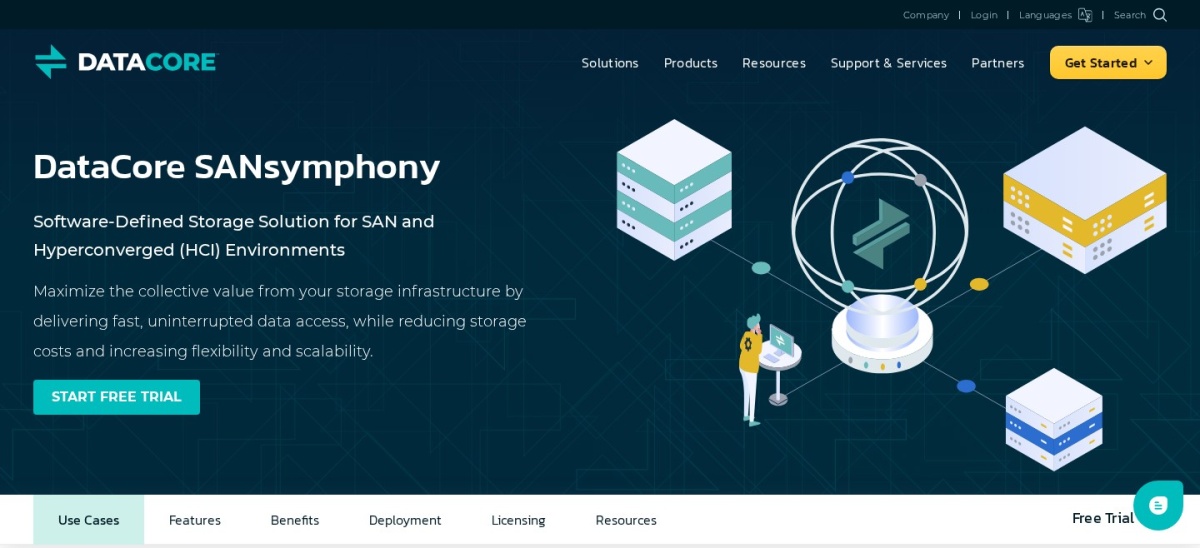
DataCore SANsymphony is a storage hypervisor that pools disks and existing arrays from different vendors into one virtual block storage layer. It comes in four editions, from the cost-efficient Business edition capped at 100 TB per group to Enterprise with up to 64 nodes, and licences by managed TB.
The trade off is cost and setup. Pricing is quoted per TB with no list price, the interface scores low on ease of setup in G2 reviews, and support is the main cost driver. It suits teams with mixed arrays they want to keep using under one management layer.
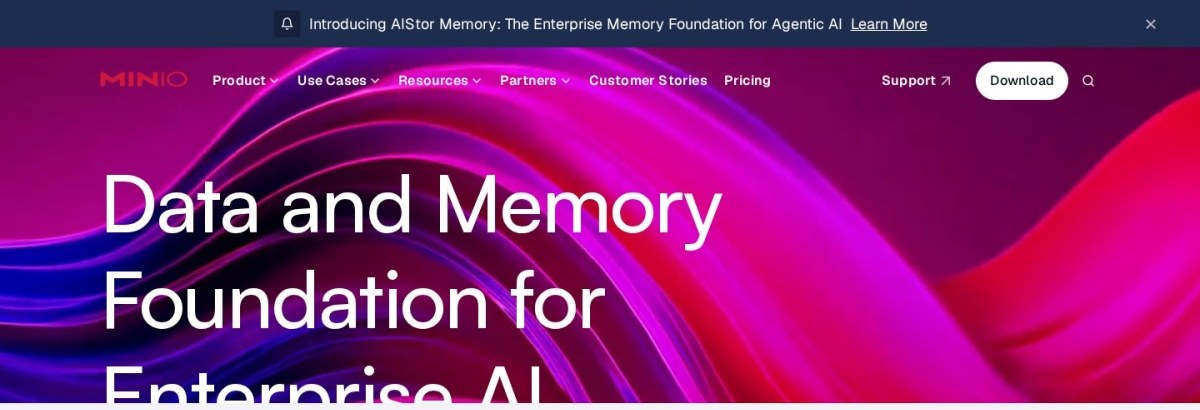
MinIO AIStor is a high-performance, S3-compatible object store that runs on any hardware, from edge to core to cloud. AIStor Free is a full-featured single-node deployment at no charge, while Enterprise Lite covers distributed clusters under 400 TiB and Enterprise adds 24x7 direct-to-engineer support.
The trade off is the free tier limit. The old open-source community edition is archived and no longer maintained, and multi-node deployments need a quoted subscription, so distributed clusters are a commercial purchase. It suits teams building S3-compatible storage for apps and AI workloads.
What we like
Full S3 compatibility for cloud-native apps
Free single-node edition with all features
Fast erasure-coded object storage
Runs anywhere, edge to cloud
Watch out for
Only 17 G2 reviews, a thin rating base
Free tier is single-node only
Community edition archived in 2026
Enterprise adds multi-node scale and 24x7 supportVisit min.io
09
Ceph
4.1/5on G2 (22 reviews, checked Nov 2026)
PriceFree
Best open-source unified storage
Storage typesBlock, file, object
LicenceOpen source, LGPL
Object gatewayS3-compatible RadosGW
Managed optionIBM Storage Ceph
ceph.io
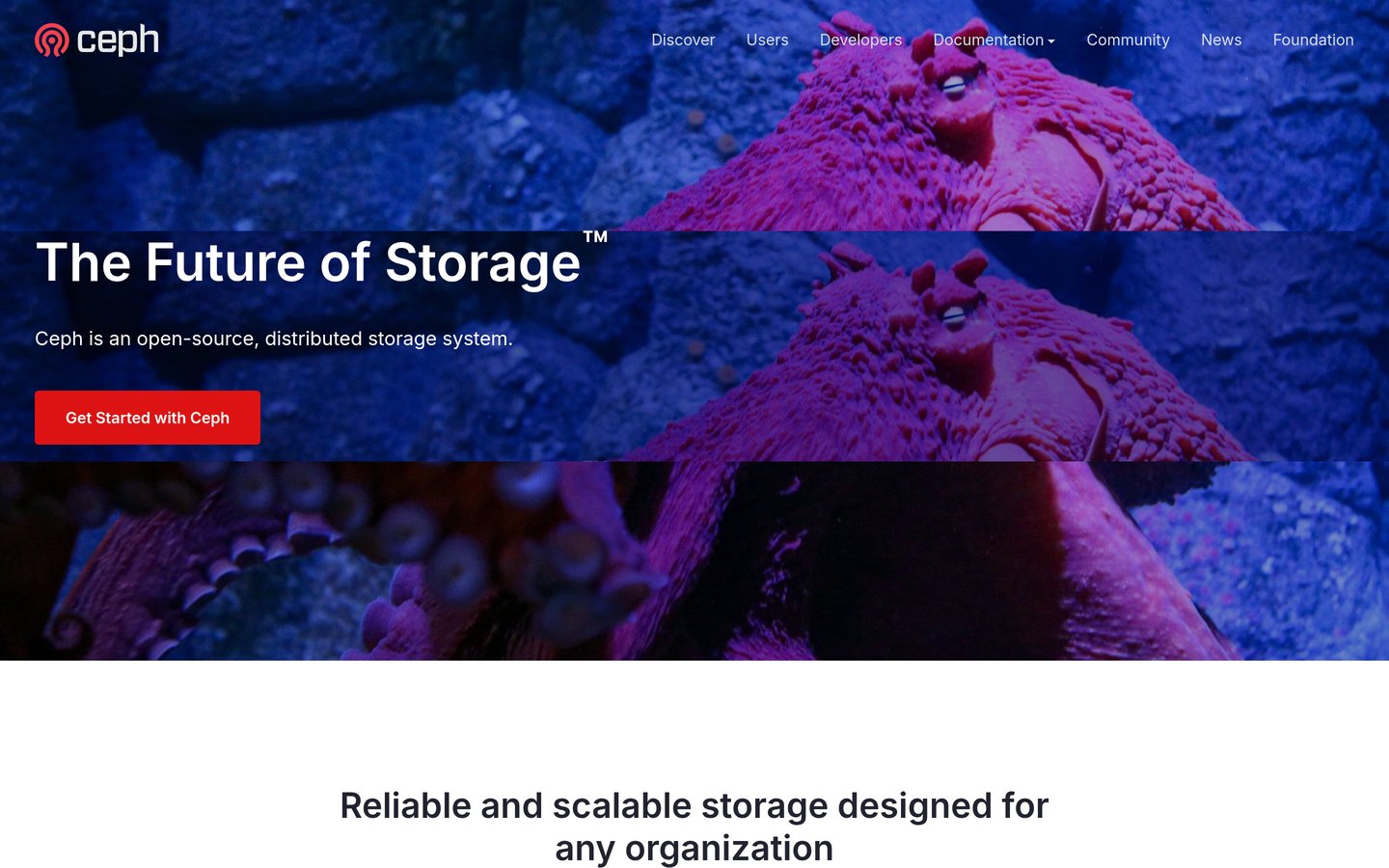
Ceph homepage, captured Nov 2026.
Ceph is the open-source distributed storage system behind much of the cloud world, giving block, file and object storage from one cluster on commodity hardware. Its RADOS object store and S3-compatible gateway make it a common base for private clouds, and IBM sells a managed Ceph service for teams that want support.
The trade off is complexity. Ceph is powerful but demanding to deploy and run, and G2 reviewers note it needs real planning and enough hardware to perform well. It suits large teams with dedicated storage engineers and no budget for proprietary licences.
What we like
Free and open source, no licence fees
One cluster for block, file and object
Scales to petabytes on commodity hardware
Self-healing distributed design
Watch out for
Lowest rating here at 4.1/5 from 22 reviews
Complex to deploy and operate
Resource-heavy at smaller scales
Paid support comes from IBM or Red Hat subscriptionsVisit ceph.io
Open source vs commercial: what you give up
Three tools here cost $0 to download: TrueNAS, MinIO AIStor Free and Ceph. All three are real production systems, not demos, but each limits the free path in a different way.
TrueNAS is the most generous free option, with a full platform and no capacity cap. MinIO Free is single-node only, and Ceph is free but needs the most skill to run.
Commercial tools trade licence fees for support and simpler operations. StarWind includes assisted deployment, Scale Computing manages fleets from the cloud, and Nutanix bundles its hypervisor.
Whatever you pick, keep a tested backup copy outside the cluster. Our guide on whether host backups are enough explains why storage redundancy alone is not a backup plan.
How we chose
We started from the established software defined storage platforms with a public G2 rating, then kept nine that cover the main shapes of the market: open source, hyperconverged, Kubernetes-native and block virtualization.
Prices come from each vendor's pricing page, checked on 26 November 2026. Ratings and review counts come from G2 on the same day. Five vendors publish no list price, so those tools show Quote and a price of $0 in the ladder.
We left out products whose rating base was too thin to rank fairly, including StorPool at 4.8/5 from 10 reviews and Cloudian HyperStore at 4.7/5 from 13 reviews. No vendor paid for a place, and we do not claim to have used these tools ourselves.
How to choose software defined storage
Start with the workload and the team that will run it, then match the platform to both.
List the protocols you need. Block for virtual machines, file for shared folders, object for backups and apps. One cluster covering all three is simpler than three systems.
Count the nodes you can staff. Two-node clusters suit small sites, three-node clusters suit edge sites, and Ceph only pays off with a dedicated storage team.
Price usable capacity, not raw disks. Quotes are usually per usable TB or TiB, after replication and erasure coding, so ask each vendor for the same usable number.
Run a trial on real hardware. Most tools here offer a 30-day trial. Test a node failure and a rebuild before you buy, not just a clean install.
FAQ
What is the best software defined storage?
TrueNAS is the best pick for most teams. It is free and open source, covers file, block and object storage in one platform, and holds a 4.8/5 rating from 167 G2 reviews, the highest in this list.
Is software defined storage cheaper than a SAN?
It can be, because you buy standard servers instead of a vendor array. The saving depends on the software licence, which is quoted for most tools here, so compare the full three-year cost including support.
What is the best free software defined storage?
TrueNAS is the best free option, with a full open-source platform and no capacity cap. Ceph is also free and more flexible, but it needs far more skill to deploy and run well.
Do I need a hyperconverged platform for SDS?
No. Hyperconverged platforms such as Nutanix and Scale Computing bundle compute with storage, but tools such as TrueNAS, Ceph and DataCore provide storage alone for an existing virtualization setup.
What is the best software defined storage for Kubernetes?
Portworx Enterprise is the best Kubernetes-native pick, with persistent volumes, replication and disaster recovery built for containers. Ceph with Rook is the main free alternative for Kubernetes clusters.
How much does software defined storage cost?
Three tools here start at $0, Portworx starts at $0.33 per virtual node hour with a $330 monthly minimum, and the other five are quoted per usable TB or TiB, so expect a sales quote for any enterprise deployment.
SaaS SEO and WordPress specialist with about 8 years of experience. Rakib compares WordPress plugins, themes, hosting and software using public pricing, documentation and user reviews. See how we rank.