Best Social Sharing Plugins for WordPress in 2026: 9 Tools Compared
WLWPLegible EditorsLast verified 22 Nov 2026How we rank12 min read
★ Short answer
AddToAny is the best social sharing plugin for WordPress for most sites: it is completely free, needs no account, and is rated 4.7 out of 5 with 300,000+ installs. Pick Ultimate Social Media Icons for follow icons, or Hubbub for Pinterest-heavy blogs.
How we make this list: we compare pricing pages, product documentation and public user reviews, then re-check every price before each update. No product paid for a place. Disclosure.
AddToAny is the only tool here with no paid tier at all: every feature is free.
Ultimate Social Media Icons has the highest WordPress.org rating here, 4.8 out of 5 from 5,333 reviews.
Hubbub Pro is the priciest single-site plan at $99 a year, with the strongest Pinterest tools.
Social Warfare has the lowest rating in this list at 3.3 out of 5, and its free version was last updated in March 2025.
Five paid plans sit under $100 a year, from $19 to $99.
Sassy Social Share was closed on WordPress.org in November 2026, so it is not in this list.
What a social sharing plugin should cover
Most readers share from a button, not from the browser menu. A sharing plugin puts those buttons where readers see them: under the post, in a floating bar, or on images.
Free plugins cover the basics well. The differences are in network lists, share counts, follow buttons and how much styling you get.
Share counts are never complete, because some networks stopped reporting them. Treat a count as a rough signal, not an exact total.
4.7/5on WordPress.org (1,114 reviews, checked Nov 2026)
PriceFree
Best free social sharing plugin overall
Free planYes, fully free
Share networks100+
Share countsYes, official
Paid planNone, fully free
addtoany.com
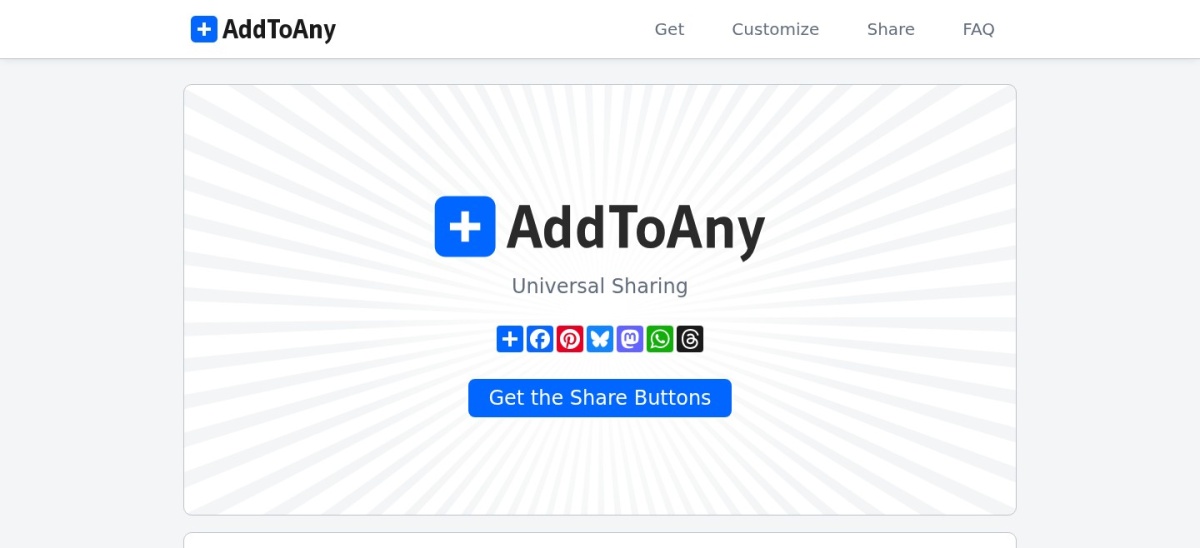
AddToAny homepage, captured Nov 2026.
AddToAny is a free sharing plugin with more than 300,000 active installs and a 4.7 out of 5 rating from 1,114 users. It adds standard and floating share buttons, follow buttons, image sharing and official share counts, with no account or sign-up needed.
The trade off is looks. The buttons are plain and the settings are basic, so sites that want styled buttons or analytics need another plugin. It suits most blogs and business sites that want sharing to work at once for free.
4.8/5on WordPress.org (5,333 reviews, checked Nov 2026)
PriceFree
Best for follow icons and share buttons
Free planYes
Icon designs16
Share networks200+ via Share
Paid planPremium, sold separately
ultimatelysocial.com
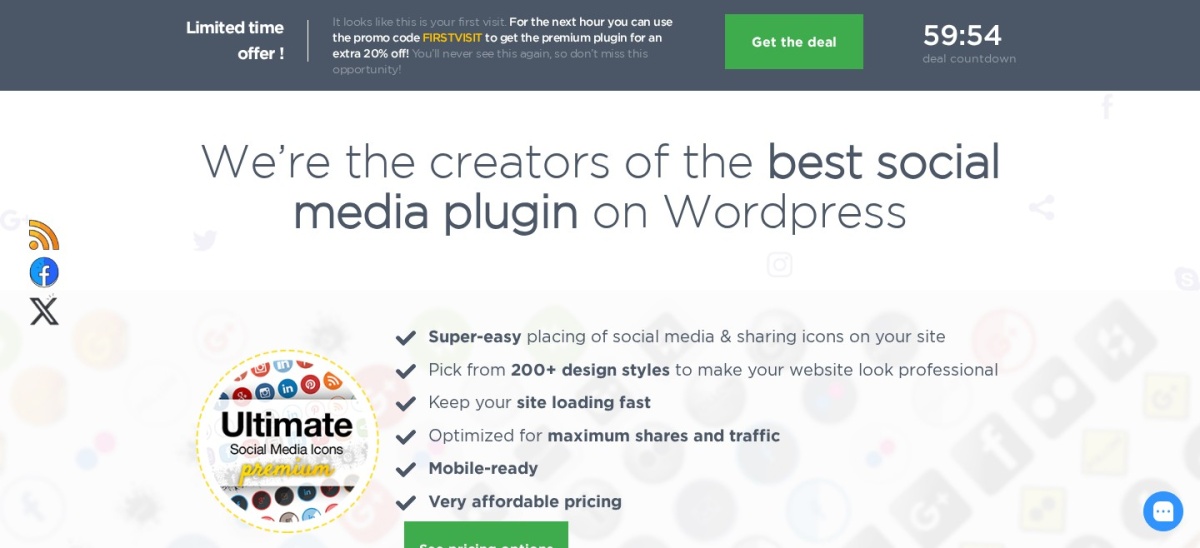
Ultimate Social Media Icons homepage, captured Nov 2026.
Ultimate Social Media Icons is a free plugin with more than 100,000 active installs and a 4.8 out of 5 rating from 5,333 users. It adds share and follow icons for RSS, email, Facebook, X, LinkedIn, Pinterest, Instagram and YouTube, with 16 icon designs and custom icon uploads.
The trade off is the premium plugin. Extra networks, sticky placements and more designs sit in the separate USM Premium plugin, whose price is not shown clearly on the vendor page. It suits sites that want follow icons as well as share buttons.
What we like
Highest WordPress.org rating in this list
16 free icon designs
Follow icons for profiles as well as sharing
Custom icon uploads
Watch out for
Premium price not listed clearly on the vendor site
4.7/5on WordPress.org (173 reviews, checked Nov 2026)
Paid from$99/yr
Best for Pinterest and bloggers
Free planYes, Lite
Share networks24 with registration
Pinterest toolsHover button, Pro
Paid planPro, $99/yr
morehubbub.com
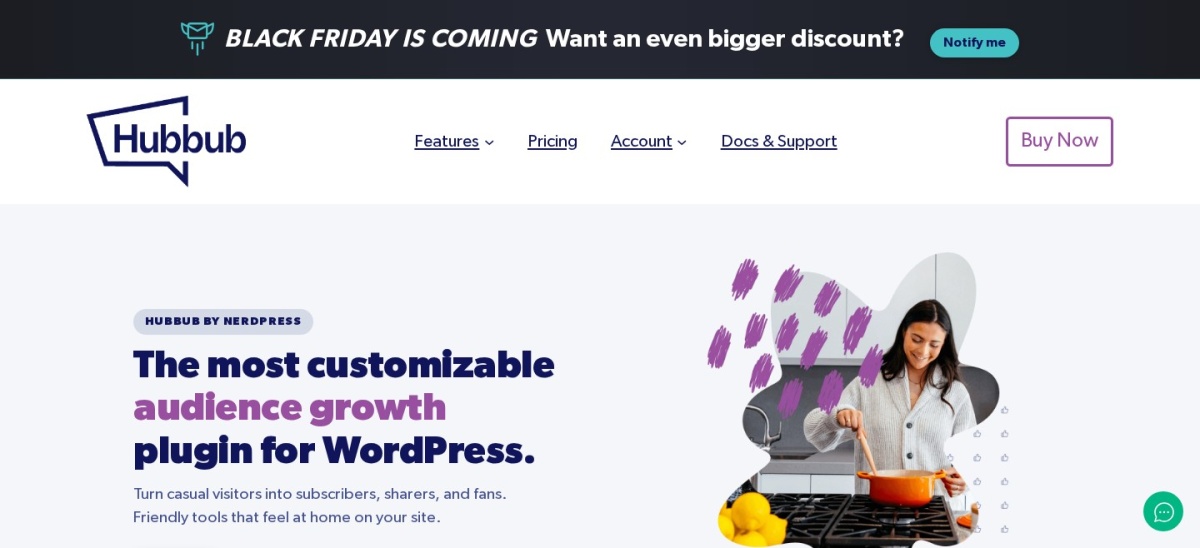
Hubbub Lite homepage, captured Nov 2026.
Hubbub Lite is the free version of Hubbub, formerly Grow by Mediavine, with 30,000+ active installs and a 4.7 out of 5 rating from 173 users. It adds inline and floating share buttons, share counts, SVG icons and an engagement stats dashboard, with no coding needed.
The trade off is that the free version covers 7 networks until you register for free, which unlocks 17 more. Pro costs $99 a year and adds Pinterest hover buttons, Click to Tweet and follow buttons. It suits food and lifestyle blogs that lean on Pinterest.
4.2/5on WordPress.org (59 reviews, checked Nov 2026)
Paid from$39/yr
Best for Click to Tweet and social login
Free planYes, Lite
Share networks30+ with Pro
Click to TweetYes
Paid planPlus, $39/yr
socialsnap.com
Social Snap homepage, captured Nov 2026.
Social Snap is a sharing plugin with 10,000+ active installs and a 4.2 out of 5 rating from 59 users. The free version adds share and follow buttons, and Pro adds 30+ networks, share count recovery, social login, auto-posting and a boost-old-posts tool.
The trade off is the small review base. Only 59 WordPress.org reviews sit behind the 4.2 rating, so it is less proven than AddToAny or Ultimate Social Media Icons. Plus costs $39 a year for one site. It suits sites that want Click to Tweet boxes and social login in one plugin.
4.7/5on CodeCanyon (1,360 reviews, checked Nov 2026)
Starts at$19/yr
Best premium sharing toolkit
Free planNo, premium only
Share networks90+
Built-in analyticsYes
Paid planAnnual, $19/yr
socialsharingplugin.com
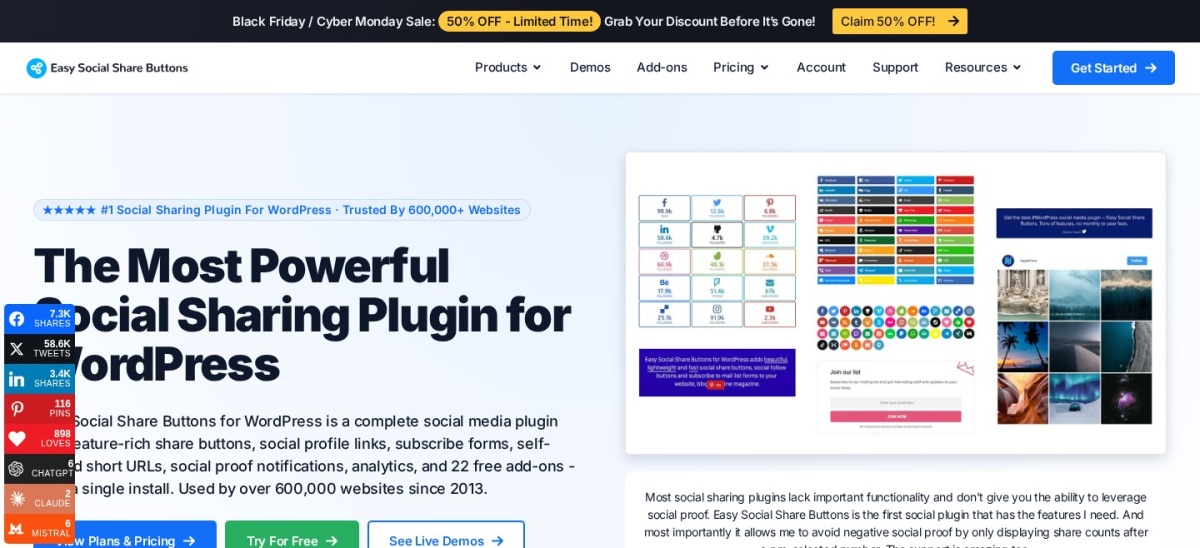
Easy Social Share Buttons homepage, captured Nov 2026.
Easy Social Share Buttons is a premium plugin with a 4.7 out of 5 rating from 1,360 CodeCanyon reviews. It covers 90+ share networks, 30+ display positions, built-in analytics, after-share actions and 22 free add-ons, and the vendor says it runs on 600,000+ websites.
The trade off is that there is no free version. Annual plans start at $19 a year for one site, and a lifetime licence starts at $39 one-time. CodeCanyon also lists it at $59 one-time. It suits sites that want the widest network list and analytics in one plugin.
4.4/5on WordPress.org (1,053 reviews, checked Nov 2026)
Paid from$8/mo
Best for related posts and analytics
Free planYes, Forever Free
Related postsYes
Content analyticsYes
Paid planProfessional, $8/mo
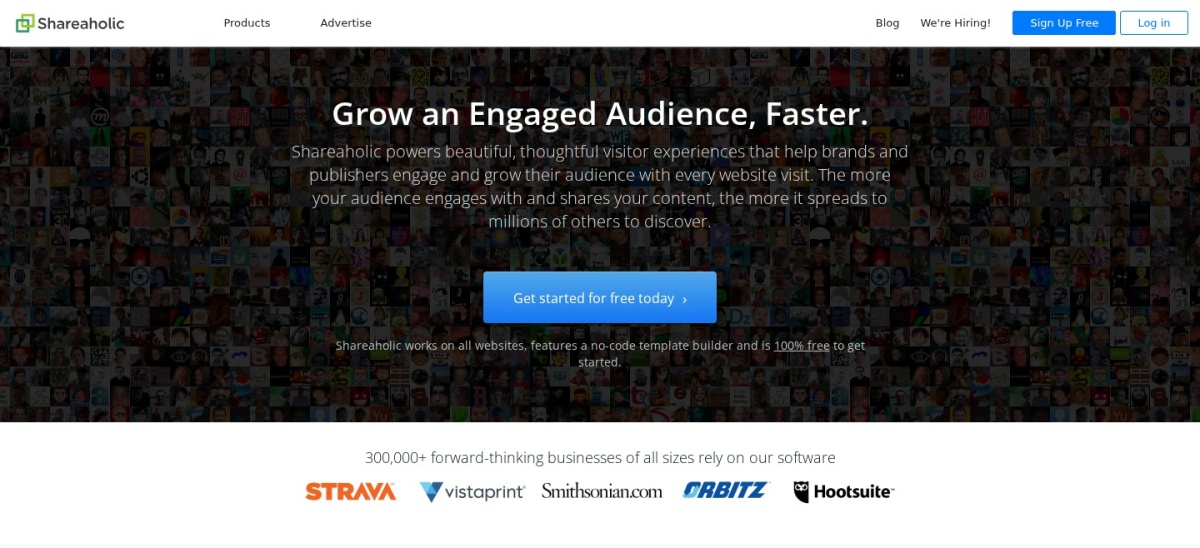
shareaholic.com
Shareaholic homepage, captured Nov 2026.
Shareaholic is a sharing and audience-growth suite with 10,000+ active installs and a 4.4 out of 5 rating from 1,053 users. The free plan adds share buttons, related posts, content analytics and ad monetisation tools in one dashboard.
The trade off is that the free plan is basic. Advanced integrations and analytics sit in the Professional plan at $8 a month billed yearly, or $96 a year. It suits publishers that want share buttons, related posts and analytics from one plugin.
4.3/5on WordPress.org (627 reviews, checked Nov 2026)
PriceFree
Best lightweight free share buttons
Free planYes
Share networksMajor networks
Share barYes
Paid planNone confirmed
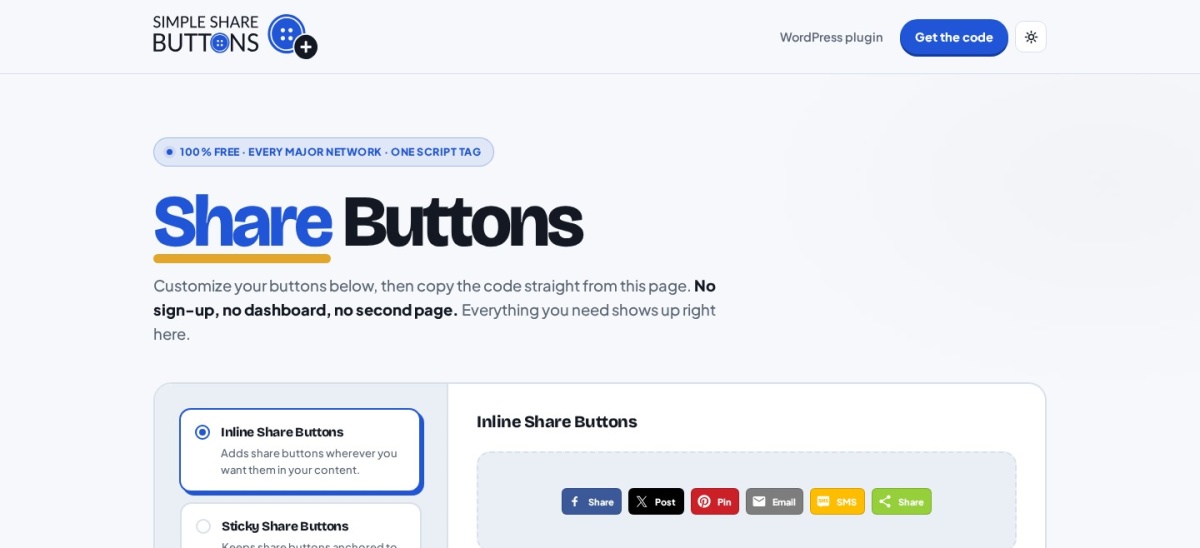
simplesharebuttons.com
Simple Share Buttons Adder homepage, captured Nov 2026.
Simple Share Buttons Adder is a free plugin with 40,000+ active installs and a 4.3 out of 5 rating from 627 users. It adds share buttons to posts and pages with predefined CSS themes or your own CSS, plus a share bar, shortcode and Gutenberg block.
The trade off is scope. There is no paid plan with analytics or extra networks, and newer versions add share-to-AI-assistant buttons instead of counts. It suits sites that want plain, light share buttons and nothing else.
3.3/5on WordPress.org (186 reviews, checked Nov 2026)
Paid from$29/yr
Best for fast, good-looking buttons
Free planYes
Share networksTop networks
Share countsYes
Paid planPro, $29/yr
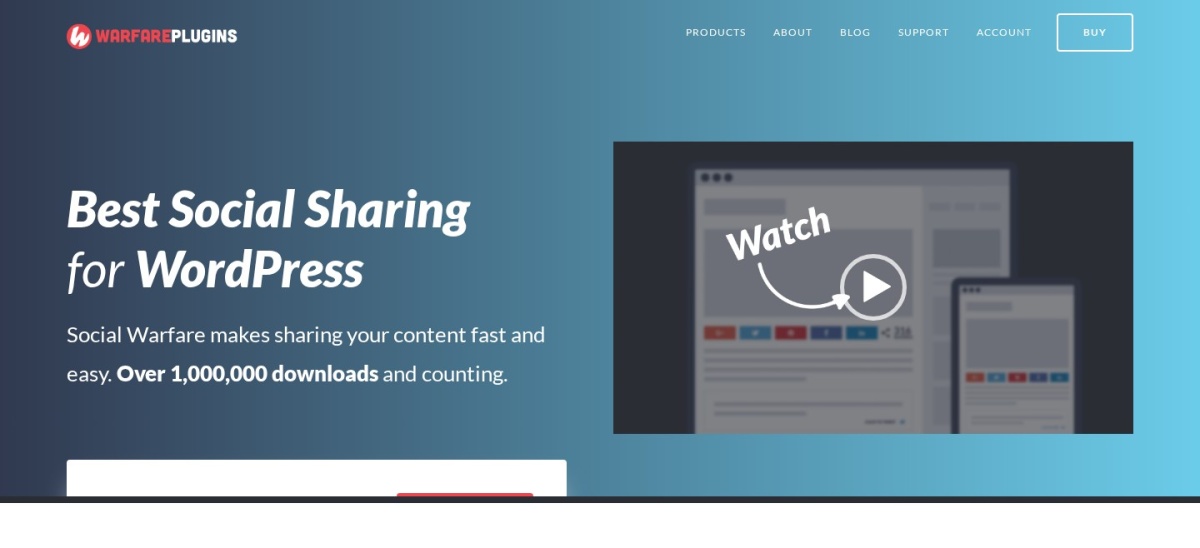
warfareplugins.com
Social Warfare homepage, captured Nov 2026.
Social Warfare is a sharing plugin with 10,000+ active installs and a 3.3 out of 5 rating from 186 users. It adds share buttons for Facebook, X, Pinterest, LinkedIn and Mix, with share counts and Pinterest image settings.
The trade off is the rating. At 3.3 out of 5 it is the lowest WordPress.org rating in this list, and the free version was last updated in March 2025. Pro costs $29 a year. It suits sites that want fast, good-looking buttons and accept the lower rating.
3.7/5on WordPress.org (2,413 reviews, checked Nov 2026)
PriceFree
Best sharing inside a full Jetpack setup
Free planYes
SharingModule in Jetpack
Share networksMajor networks
Paid planSharing is free
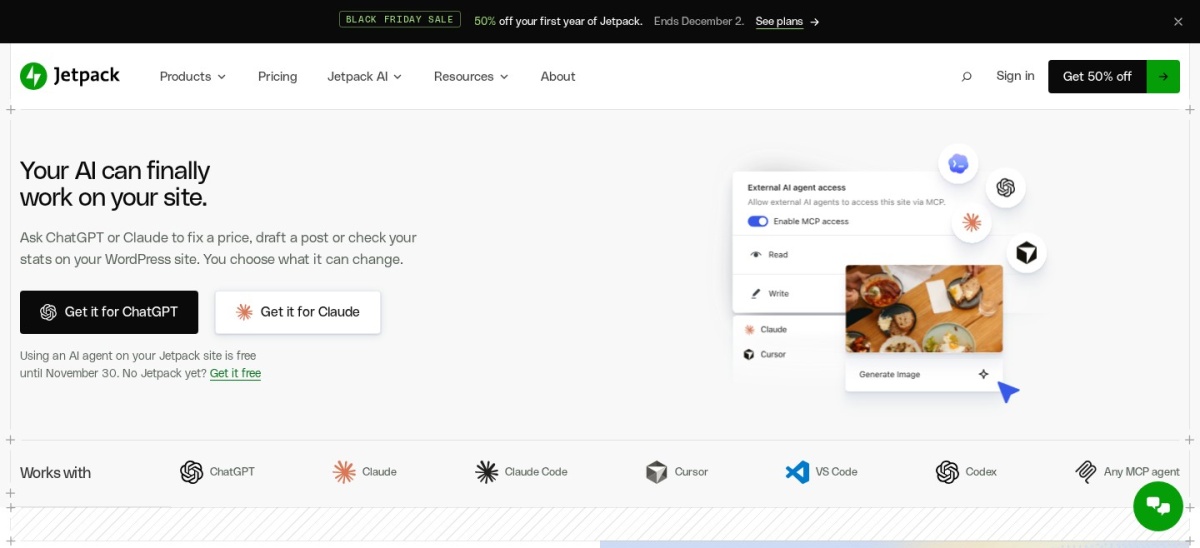
jetpack.com
Jetpack homepage, captured Nov 2026.
Jetpack is a full WordPress toolkit with 3,000,000+ active installs and a 3.7 out of 5 rating from 2,413 users. Its sharing module adds share buttons to posts and pages, and the same plugin adds backups, security scanning, stats and an image CDN.
The trade off is weight. Sharing is one small module inside a large plugin, and it needs a WordPress.com account connection. It suits sites that already run Jetpack and want sharing without another plugin.
Free plans cover the basics well. Most include share buttons, a floating bar and share counts.
Paid plans mostly add networks, analytics and Pinterest tools. Hubbub Pro adds Pinterest hover buttons, and Social Snap Pro adds social login and auto-posting.
If sharing is a side feature of your site, a free plugin is enough. Pay when Pinterest traffic or share analytics matter to your income.
Keep the rest of the site light too. Our speed guide shows how extra scripts slow a page down.
How we chose
We started from every social sharing plugin on WordPress.org with more than 10,000 active installs, then kept those with a useful free plan or a clear paid option. Easy Social Share Buttons is the one exception: it has no free version, but it is the best-selling sharing plugin on CodeCanyon.
Prices come from each vendor's pricing page, checked on 22 November 2026. Ratings and install counts come from WordPress.org on the same day, except Easy Social Share Buttons, whose rating comes from CodeCanyon. Where a vendor shows a sale, the list shows the regular price.
We left out Sassy Social Share, which was closed on WordPress.org on 2 November 2026, and Shared Counts, which has not been updated since 2024. No vendor paid for a place, and we do not claim hands-on testing for this list.
How to choose a social sharing plugin for WordPress
Start with where your readers already share, then pick the lightest plugin that covers those networks.
Check how your readers share. If most traffic comes from Pinterest, Hubbub or Social Warfare earn their place. If it is spread across networks, AddToAny covers more of them for free.
Decide if you need follow buttons too. Ultimate Social Media Icons and Hubbub add follow icons for your profiles. Pure sharing plugins do not.
Weigh counts against speed. Share counts add calls to social networks. A light plugin such as Simple Share Buttons Adder skips counts and stays fast. See how to speed up WordPress.
Try the free version first. Every tool here except Easy Social Share Buttons has a free version. Run it for a month before paying for Pro features.
FAQ
What is the best social sharing plugin for WordPress?
AddToAny is the best pick for most sites. It is completely free, needs no account, and is rated 4.7 out of 5 with more than 300,000 active installs. Ultimate Social Media Icons is the best alternative when you also want follow icons.
Are social sharing plugins free?
Most are. AddToAny is fully free with no paid tier, and seven of the nine tools here have a free version. Paid plans start at $19 a year for Easy Social Share Buttons and climb to $99 a year for Hubbub Pro.
Do share counts still work?
Partly. Facebook and Pinterest still report counts, but some networks stopped sharing them, so a total count is never exact. AddToAny, Hubbub, Social Snap and Social Warfare all show counts where the network still reports them.
Which plugin is best for Pinterest?
Hubbub is the strongest Pinterest pick. Its Pro plan adds hover buttons, hidden pin images and flexible pin titles and descriptions, and its free version already covers Pinterest sharing. Social Warfare also has Pinterest image settings.
Will a sharing plugin slow down my site?
It can. Plugins that load counts and scripts from social networks add requests to every page. Light plugins such as Simple Share Buttons Adder and AddToAny add the least, and Jetpack moves some work to WordPress.com servers.
Can I use two sharing plugins at once?
Avoid it. Two plugins add two sets of buttons and two scripts, and the counts can disagree. Pick one main plugin, and add a follow-icons plugin only if the first one has none.