PRTG Network Monitor is the best SNMP monitoring tool for most teams, with a free edition covering 100 sensors and paid plans from $200 a month billed annually. Pick OpManager for the lowest entry price at $95 a year, or Zabbix if you want free open-source monitoring.
How we make this list: we compare pricing pages, product documentation and public user reviews, then re-check every price before each update. No product paid for a place. Disclosure.
PRTG leads on balance: a free 100-sensor edition, every sensor type in each tier, and a 4.7 out of 5 G2 rating from 212 reviews.
OpManager is the cheapest paid entry at $95 a year for 10 devices, with a 4.6 out of 5 Capterra rating from 351 reviews.
Domotz charges a flat €35 per site a month with unlimited devices, and holds the highest rating here at 4.8 out of 5 on G2.
Nagios XI and SolarWinds NPM sell one-time licences, $2,595 and from $2,829, so the ladder shows the purchase price, not an annual fee.
Zabbix is the only fully free option, with paid support from $325 a month and hosted Zabbix Cloud from $50 a month.
What SNMP monitoring actually does
SNMP is the protocol switches, routers, firewalls and printers use to report their health. A monitoring tool polls each device on a schedule, reads counters for interface traffic, CPU, memory and errors, and raises an alert when a value crosses a threshold.
The best tools also listen for SNMP traps, the unsolicited alerts devices send when something changes. Traps catch link failures and reboots between polls, while polling gives you the steady history for capacity planning.
Uptime targets shape the choice too. Our guide on what uptime means explains the percentages vendors quote, so a 99.9% promise reads as about 43 minutes of downtime a month rather than a vague goal.
Prices in this list are hard to compare at face value because every vendor counts something different: sensors, devices, sites, hosts, elements or Hybrid Units. Count your devices and interfaces first, then match the billing unit to your fleet before you compare the headline price.
List prices in each vendor's currency, checked Nov 2026
OpManagerFREE$95
DatadogFREE$180
LogicMonitor$228
Domotz€420
ZabbixFREE$600
WhatsUp Gold$1,229
PRTGFREE$2,400
Nagios XIFREE$2,595
SolarWinds$2,829
The 9 best SNMP monitoring tools
01
PRTG Network Monitor
4.7/5on G2 (212 reviews, checked Nov 2026)
Paid from$200/mo
Best SNMP monitoring tool overall
Free plan100 sensors
Billing unitPer sensor
DeploymentSelf-hosted or hosted
Paid planPRTG 500, $200/mo
paessler.com
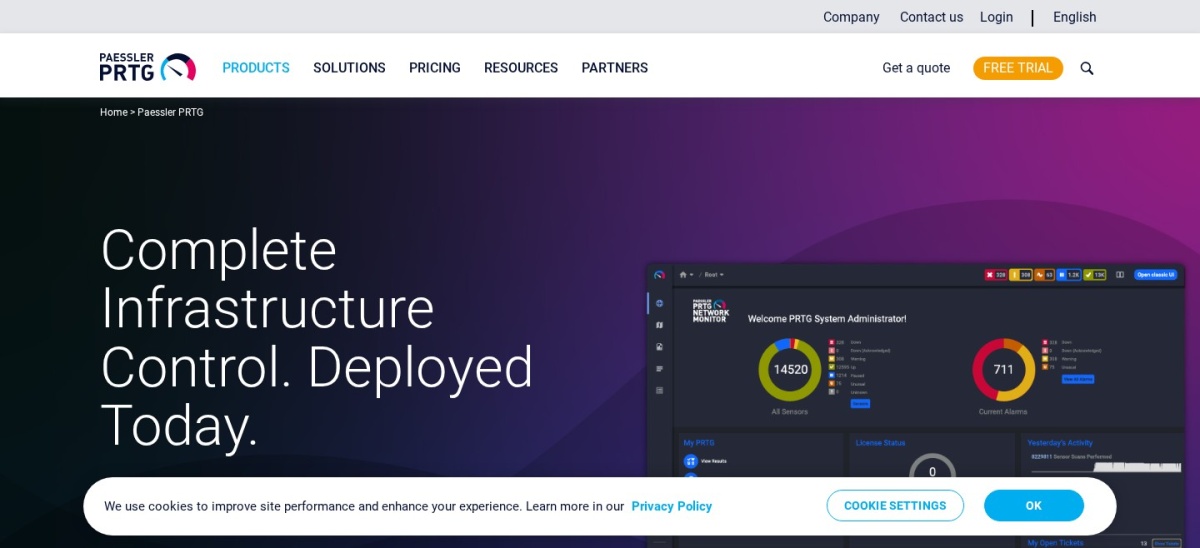
PRTG Network Monitor homepage, captured Nov 2026.
PRTG Network Monitor is a sensor-based monitoring tool from Paessler that polls devices over SNMP, WMI and SSH, with flow sensors for traffic analysis. The free edition covers 100 sensors, about 10 devices, and every paid tier includes the full sensor library with no feature gating.
The trade off is the meter. A sensor is one metric on one device, so a busy switch can use dozens of sensors and push you to the next tier, with PRTG 500 at $200 a month billed annually. It suits small to mid-size teams that want precise control over what gets polled.
What we like
Free edition covers 100 sensors
Every sensor type included at every tier
Rated 4.7 out of 5 on G2 from 212 reviews
Self-hosted or hosted options
Watch out for
Sensor count grows fast on busy devices
Entry paid tier starts at $200 a month
PRTG 500 adds 500 sensors for $200 a month billed annuallyVisit paessler.com
02
ManageEngine OpManager
4.6/5on Capterra (351 reviews, checked Nov 2026)
Paid from$95/yr
Best value SNMP monitoring
Free plan3 devices
Billing unitPer device
DeploymentOn-prem or cloud
Paid planStandard, $95/yr
manageengine.com
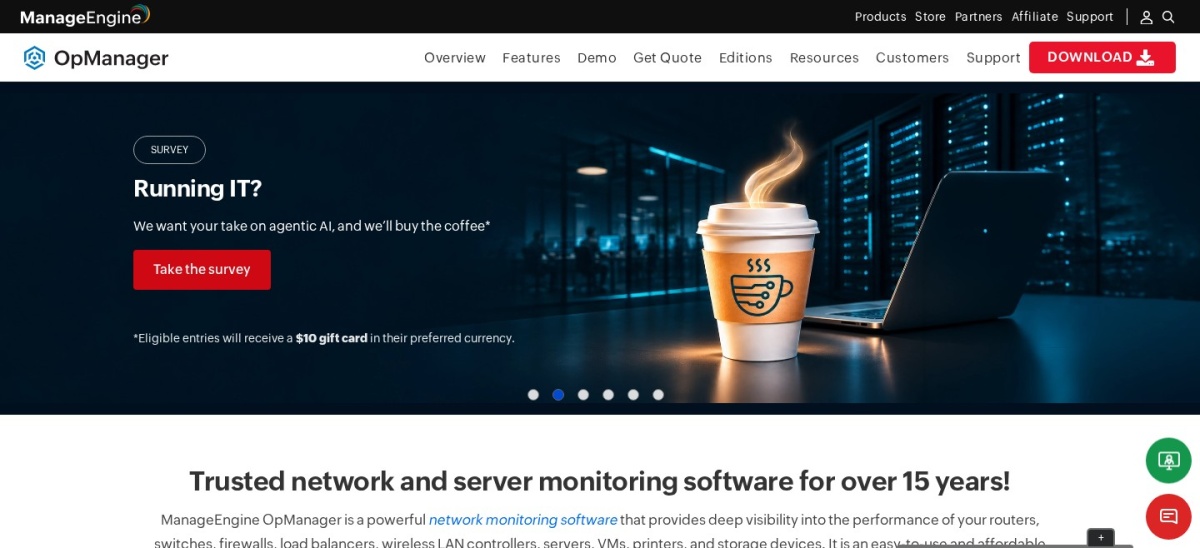
ManageEngine OpManager homepage, captured Nov 2026.
ManageEngine OpManager is a network monitoring tool that polls routers, switches, firewalls and servers over SNMP and WMI from one console. The free edition covers 3 devices, and a device licence includes unlimited interfaces and sensors on that device.
The trade off is add-ons. Flow analysis, configuration management and IP address management are separate modules, and raw data keeps for 7 days on Standard against 60 on Professional. It suits Windows-centred teams that want device-based pricing.
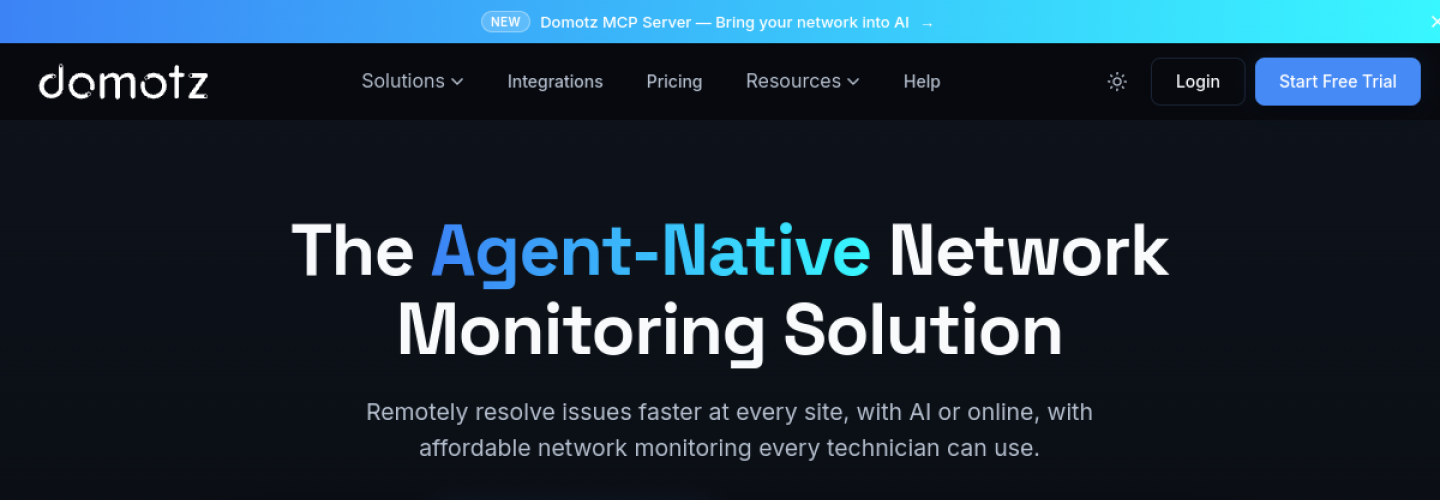
Domotz is a cloud network monitoring tool that watches each site through a small collector, with SNMP polling, flow analysis and device configuration backup. One collector covers a site with unlimited devices and every feature, and most sites are up in about 15 minutes.
The trade off is depth. Reporting and long-term retention are lighter than in enterprise tools, and the list price is in euros at €35 per collector a month. It suits MSPs and multi-site teams that want one flat rate per location.
What we like
Flat per-site price with unlimited devices
Highest rating here at 4.8 out of 5 on G2
14-day free trial with no card required
Watch out for
Priced in euros, not dollars
Lighter reporting than enterprise tools
€35 per collector a month covers one site with all featuresVisit domotz.com
04
LogicMonitor
4.5/5on G2 (644 reviews, checked Nov 2026)
Starts at$19/mo
Best SNMP monitoring for hybrid estates
Free planNo, 14-day trial
Billing unitPer Hybrid Unit
DeploymentSaaS
Paid planEssentials, $19/mo
logicmonitor.com
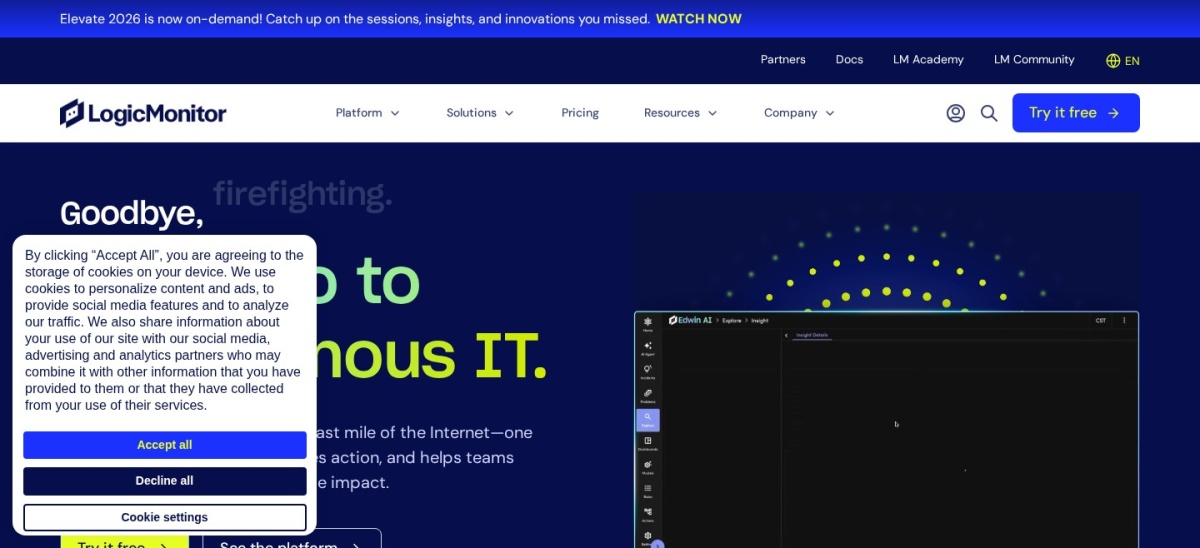
LogicMonitor homepage, captured Nov 2026.
LogicMonitor is a cloud observability platform that monitors network devices, servers and cloud services through collectors speaking SNMP, WMI, JMX and REST. One Hybrid Unit covers one on-prem resource, and the platform adds dynamic thresholds and 3,000+ integrations.
The trade off is the unit. Essentials lists at $19 per Hybrid Unit a month, and the final bill runs through a quote once volume and contract length are set. It suits hybrid estates that want network, server and cloud monitoring in one place.
SolarWinds Network Performance Monitor homepage, captured Nov 2026.
SolarWinds Network Performance Monitor is an on-prem network monitoring tool built for large networks, with hop-by-hop path analysis, automated discovery and multi-vendor device support. It polls SNMP and ICMP, maps topology, and ships with a fully functional 30-day trial.
The trade off is cost and weight. NPM lists from $2,829 as a one-time licence for 100 elements, flow analysis is a separate product, and setup takes real time. It suits in-house teams running one large campus or WAN.
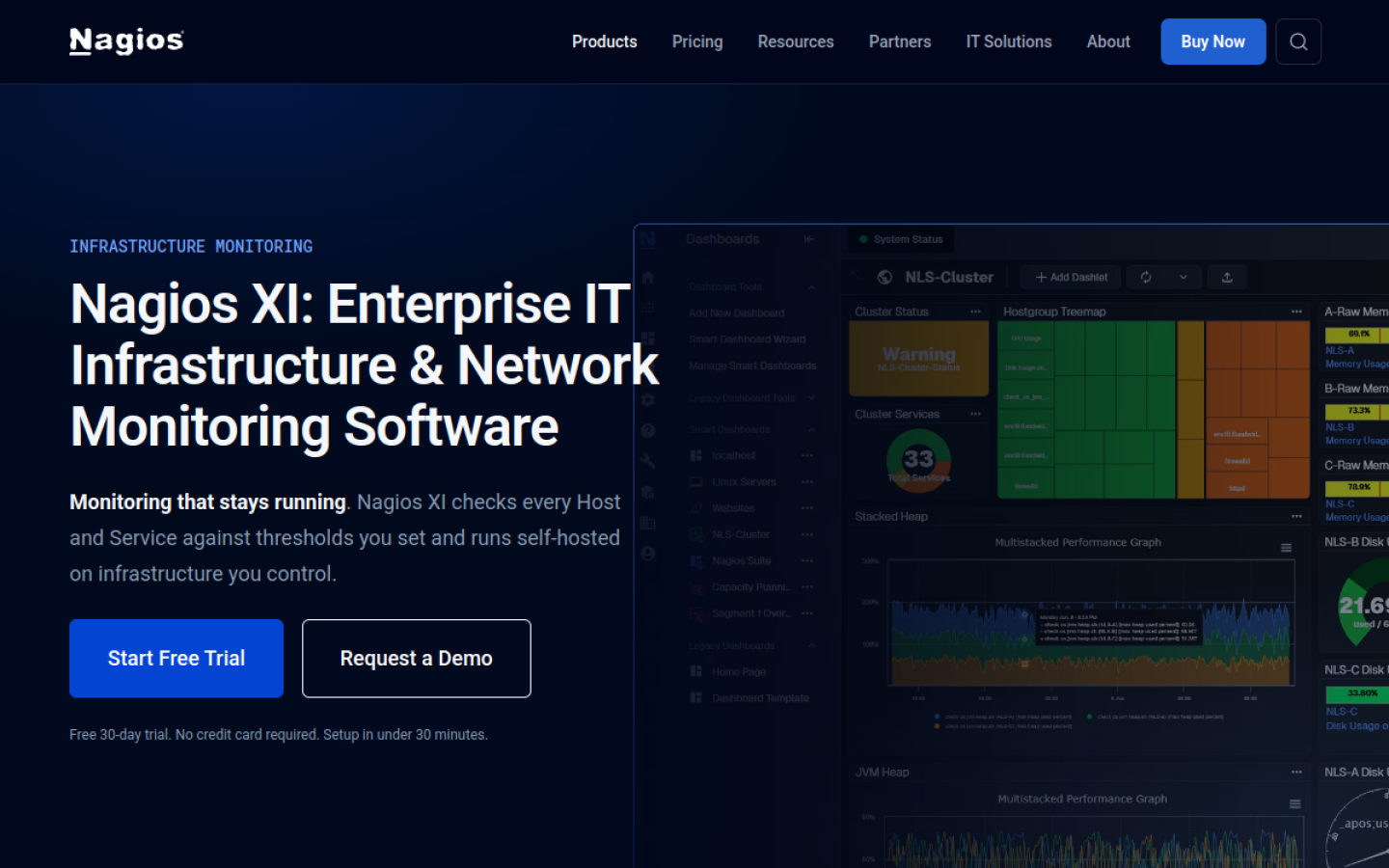
Nagios XI is a commercial monitoring tool built on the Nagios Core engine, with configuration wizards, dashboards and a plugin library of thousands of checks. The free edition covers 7 nodes or 100 services, and services on a licensed node are unlimited.
The trade off is the licence. Standard costs $2,595 as a one-time purchase for 100 nodes, with the first year of support included and renewal after that. It suits teams with Nagios plugin experience that want to self-host.
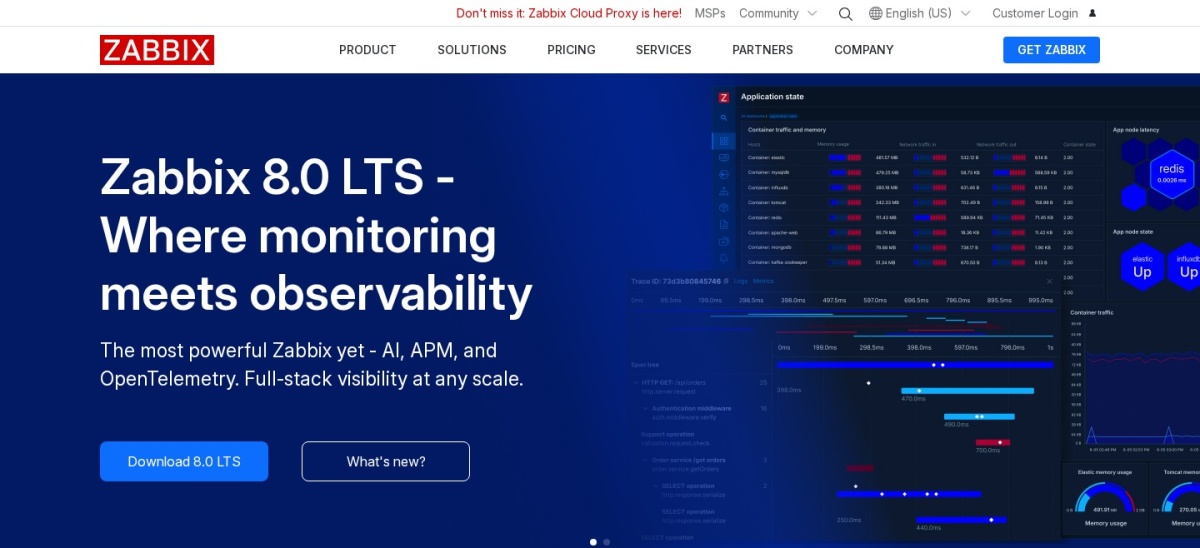
Zabbix is a free, open-source monitoring platform for networks, servers, cloud services and applications, with no licence fee and no device limits. It polls SNMP v1 to v3, collects traps, and every feature is in the free product, including templates and maps.
The trade off is effort. You install and maintain the server and database yourself, and paid help starts with Silver support at $325 a month or hosted Zabbix Cloud from $50 a month. It suits teams with Linux skills and no licence budget.
What we like
Free with no device or metric limits
Paid support from $325 a month
Rated 4.3 out of 5 on G2 from 209 reviews
Watch out for
Setup and upkeep fall on your team
Cloud tier lacks SNMP traps
Zabbix Cloud adds hosted monitoring from $50 a monthVisit zabbix.com
08
Datadog
4.4/5on G2 (726 reviews, checked Nov 2026)
Paid from$15/mo
Best SNMP monitoring for cloud teams
Free planUp to 5 hosts
Billing unitPer host
DeploymentSaaS
Paid planInfra Pro, $15/mo
datadoghq.com
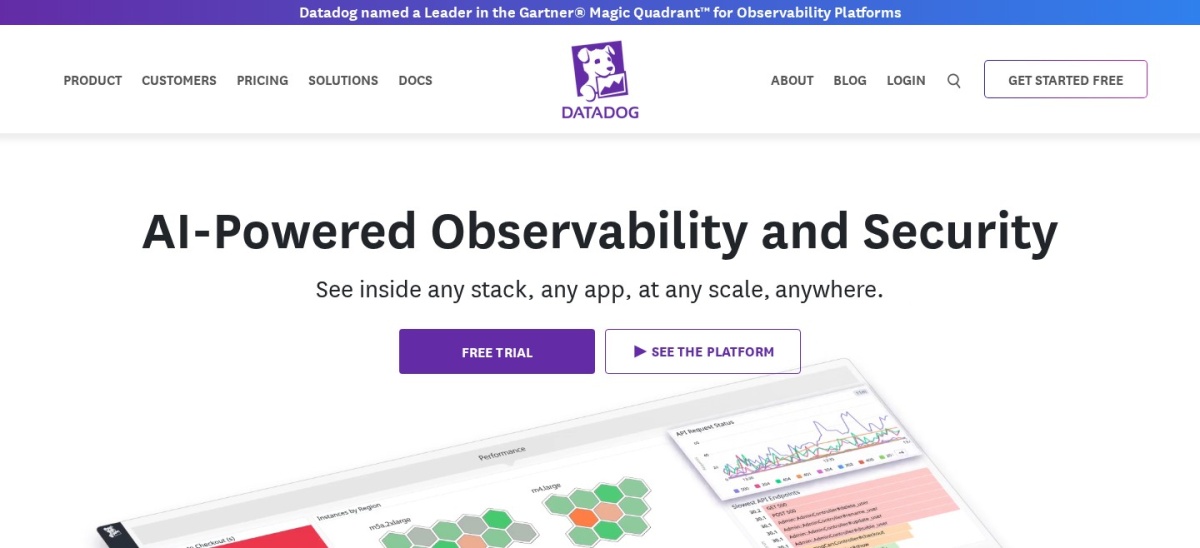
Datadog homepage, captured Nov 2026.
Datadog is a cloud observability platform that adds SNMP monitoring to its agent-based infrastructure product, with dashboards, alerting and more than 1,000 integrations. The free tier covers up to 5 hosts, and Infrastructure Pro lists at $15 per host a month billed annually.
The trade off is the meter. Network device monitoring bills separately at $7 per device a month, and the bill grows with every product you enable. It suits cloud teams that already run Datadog on their servers.
What we like
Free tier covers up to 5 hosts
Rated 4.4 out of 5 on G2 from 726 reviews
1,000+ integrations
Watch out for
Network devices bill separately at $7 each a month
Progress WhatsUp Gold homepage, captured Nov 2026.
Progress WhatsUp Gold is an on-prem network monitoring tool for Windows shops, with discovery, dashboards, alerting and traffic analysis in one console. Business starts at $1,229 a year for 50 devices, with unlimited aspects per device and a free trial.
The trade off is polish. Reviewers praise the price and ease of use but report bugs in new versions, and advanced features such as configuration management cost extra. It suits small to mid-size teams that want simple on-prem monitoring.
SNMP v1 and v2c send the community string in plain text, so anyone on the network path can read it. They still work on old gear, but they should stay behind a firewall and never face the internet.
SNMP v3 adds usernames, authentication and encryption, and it is the version to use wherever the device supports it. Every tool in this list supports v3.
If a device only speaks v2c, limit polling to a management network and use a read-only community string. Rotate the string when staff leave, the same way you would rotate any shared password.
How we chose
We started from the established SNMP monitoring tools with public G2 or Capterra ratings, then kept the nine with verified ratings and a published price or licence cost.
Prices come from each vendor's pricing page, checked on 26 November 2026, and ratings come from G2 and Capterra on the same day. Where a vendor shows a sale, the list shows the regular price.
We left out tools with no public price, such as Auvik, and tools with no G2 or Capterra rating, such as LibreNMS. No vendor paid for a place, and we do not claim to have used these tools ourselves.
How to choose an SNMP monitoring tool
Start with the size of the network you need to watch, then match the billing unit to it.
Count devices and interfaces first. A 48-port switch is one device for OpManager but dozens of sensors for PRTG, so the same network can cost very different amounts. List your switches, routers, firewalls and access points before you price anything.
Pick the billing unit that fits your growth. Per-site pricing suits multi-site teams, per-device pricing suits steady fleets, and per-sensor pricing suits teams that want fine control over what gets polled.
Check SNMP v3 and trap support. Make sure the tool speaks SNMP v3 with authentication and encryption, and that it can receive traps as well as poll. Both matter once the tool watches production gear.
Trial it on one site first. Run the trial on a single switch stack or branch office, set a few alert thresholds, and see whether the alerts are useful before you roll it out everywhere.
FAQ
What is the best SNMP monitoring tool?
PRTG Network Monitor is the best SNMP monitoring tool for most teams. Its free edition covers 100 sensors, paid plans start at $200 a month billed annually, and it holds a 4.7 out of 5 rating on G2 from 212 reviews.
Is there a free SNMP monitoring tool?
Yes. Zabbix is free open-source software with no device limits, and PRTG covers 100 sensors free. OpManager covers 3 devices free and Nagios XI covers 7 nodes free, while Datadog covers up to 5 hosts on its free tier.
What is the difference between SNMP polling and SNMP traps?
Polling is the monitor asking each device for its counters on a schedule, which builds history for graphs and capacity planning. Traps are alerts the device sends on its own when something changes, so they catch failures between polls.
Do I need SNMP v3?
Use SNMP v3 wherever the device supports it. It adds authentication and encryption, while v1 and v2c send the community string in plain text. Keep v2c behind a firewall on a management network and use a read-only community string.
How much does SNMP monitoring cost?
Entry prices in this list run from $95 a year for OpManager to $200 a month for PRTG, with Domotz at €35 per site a month. One-time licences start at $2,595 for Nagios XI and from $2,829 for SolarWinds NPM, plus yearly support.
Can SNMP tools monitor cloud resources too?
Some can. LogicMonitor and Datadog watch cloud services beside network gear, while PRTG, Nagios XI and WhatsUp Gold focus on devices you run yourself. Pick a hybrid tool if your estate mixes on-prem switches with cloud servers.
SaaS SEO and WordPress specialist with about 8 years of experience. Rakib compares WordPress plugins, themes, hosting and software using public pricing, documentation and user reviews. See how we rank.