PandaDoc is the best smart document software for most teams. Its $19 a month Starter plan covers unlimited documents, e-signatures and tracking, and it is rated 4.7 out of 5 on G2. Pick DocuSign when clients expect the market-standard signature, or Notion for living team documents.
How we make this list: we compare pricing pages, product documentation and public user reviews, then re-check every price before each update. No product paid for a place. Disclosure.
PandaDoc leads for sales documents: proposals, quotes, contracts and payments in one tool from $19 a user a month.
DocuSign is the signature standard most clients already trust, but Personal caps you at 5 envelopes a month.
Notion and Coda suit living documents and wikis, not formal contracts; full AI needs Notion Business at $20 a month.
Dropbox Sign and Signeasy are the cheapest simple signing options, from $15 and $10 a month.
Formstack Documents is the priciest here at $110 a month, but it generates documents from CRM and form data automatically.
What smart document software actually does
Smart document software does more than hold text. It adds templates, data fields, approvals, e-signatures and tracking, so a document can move from draft to signed deal without manual rework.
The tools split into two kinds. Proposal and signing tools such as PandaDoc and DocuSign build and close client documents, while living-document tools such as Notion and Coda hold wikis, briefs and trackers that change every week.
Price is mostly per user per month, so count seats before you compare. Our guide on adding a document to WordPress shows the simpler end of the same job, when a file just needs to live on a page.
Watch the caps. Envelope limits, monthly sends and template counts are where cheap plans bite, and the first-year discounts some vendors show are not the renewal price.
PandaDoc is a document automation platform for proposals, quotes, contracts and payments. The free plan covers e-signatures on up to 5 documents a month, and the Starter plan at $19 a user a month billed annually removes the cap and adds unlimited documents.
The trade off is that the cheaper plan is thin. CRM integrations, pricing tables, custom branding and approval workflows need the Business plan at $49 a user a month. It suits sales teams that send proposals and contracts every week and want signing in the same tool.
What we like
Proposals, quotes, contracts and payments in one tool
Free plan covers e-signatures on 5 documents a month
Rated 4.7 out of 5 on G2 from 3,800+ reviews
Document tracking shows when a client opens a proposal
Watch out for
Only 5 templates on the Starter plan
CRM integrations need the $49 Business plan
Per-seat pricing adds up fast for larger teams
Business at $49 a user a month adds CRM integrations and brandingVisit pandadoc.com
02
DocuSign
4.5/5on G2 (2,629 reviews, checked Nov 2026)
Starts at$11/mo
Best for agreements clients already trust
Free planNo, free trial only
Envelopes5 a month on Personal
TemplatesYes, reusable
Paid planPersonal, $11/mo
docusign.com
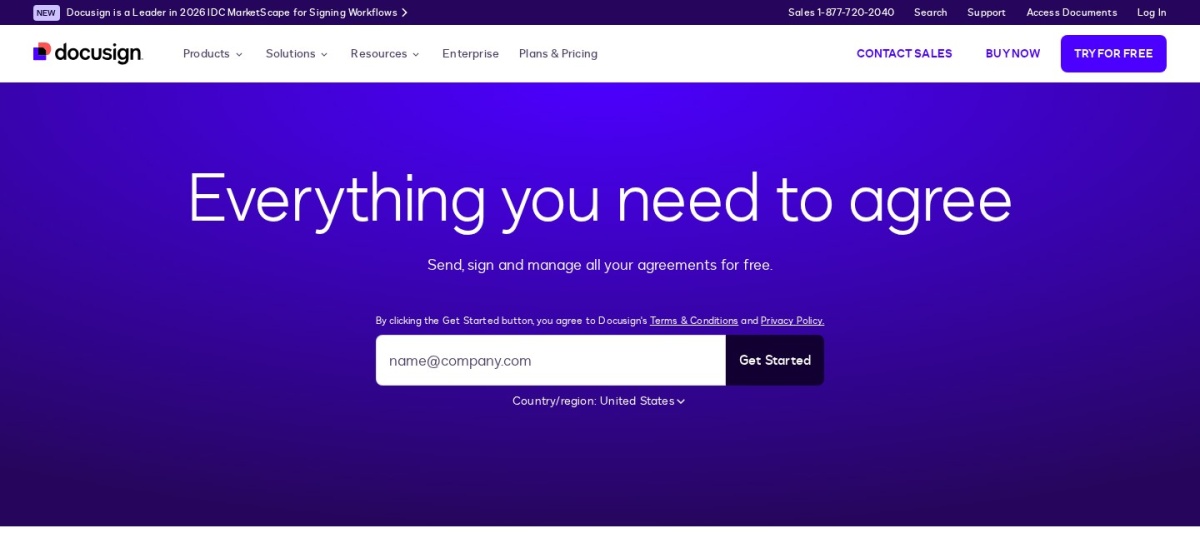
DocuSign homepage, captured Nov 2026.
DocuSign is the e-signature standard most clients already know and trust. The Personal plan costs $11 a month on annual billing and covers 5 envelopes a month, with reusable templates, reminders and an audit trail on every envelope.
The trade off is volume. Five envelopes a month is tight for a busy team, and Standard at $30 a user a month is the realistic step up. It suits businesses whose clients expect the DocuSign name on every agreement.
What we like
The signature brand most clients already recognise
Audit trail on every envelope
Reusable templates and reminders on all plans
Strong integrations with Salesforce and Microsoft 365
Notion is a workspace where team documents, wikis and databases live and change together. The free plan covers individuals and small teams, and Plus at $10 a member a month billed annually adds unlimited blocks, file uploads and a 30-day page history.
The trade off is AI. Plus only includes a limited trial of Notion AI, so full AI writing, meeting notes and search need Business at $20 a member a month. It suits teams that keep living documents, meeting notes and project pages in one place.
What we like
One workspace for docs, wikis and databases
Free plan is generous for individuals and small teams
Rated 4.6 out of 5 on G2 from 13,000+ reviews
Templates and databases cover most team workflows
Watch out for
Full AI needs the $20 Business plan
No built-in e-signatures
Can feel slow and unstructured on very large workspaces
Business at $20 a member a month adds full Notion AIVisit notion.com
04
Dropbox Sign
4.7/5on G2 (2,286 reviews, checked Nov 2026)
Paid from$15/mo
Best simple signing for small teams
Free planYes, 3 requests a month
Templates5 on Essentials
Signature requestsUnlimited on paid plans
Paid planEssentials, $15/mo
sign.dropbox.com
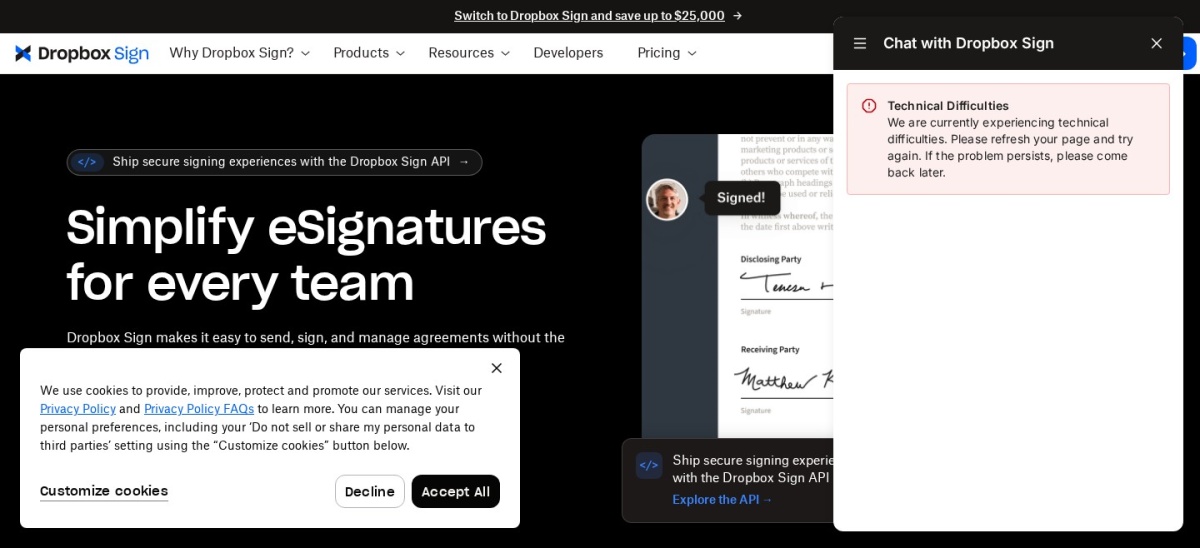
Dropbox Sign homepage, captured Nov 2026.
Dropbox Sign is a simple e-signature tool for sending, signing and tracking agreements. The free plan covers 3 signature requests a month, and Essentials at $15 a month billed annually gives one user unlimited requests and 5 reusable templates.
The trade off is depth. There is no proposal builder or document automation here, and Standard needs two seats at $25 a user a month. It suits solo operators and small teams that want signing to just work.
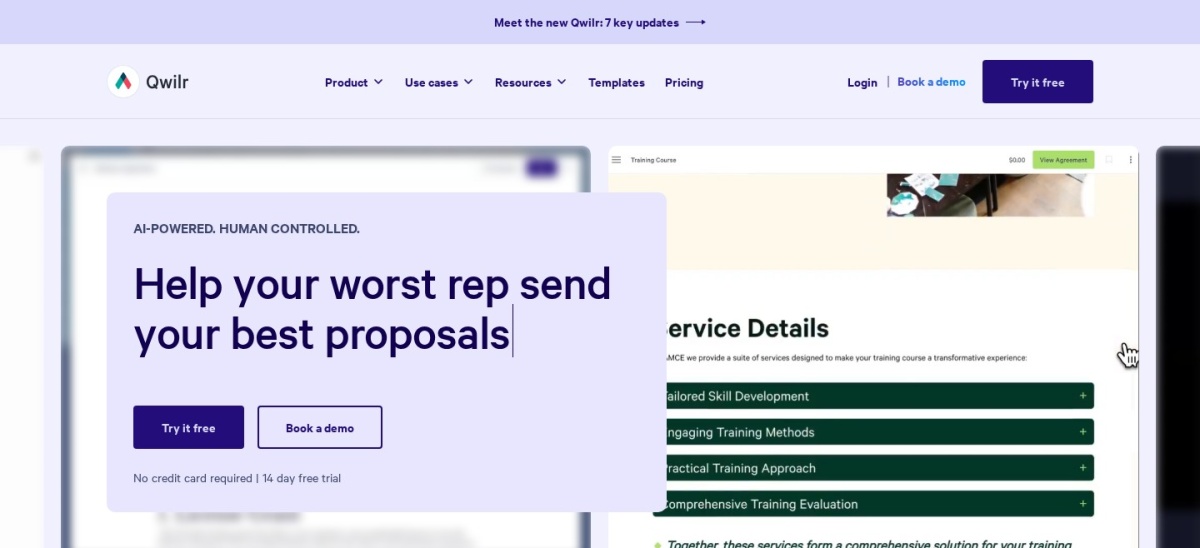
Qwilr is a proposal tool that turns documents into interactive web pages instead of static PDFs. The Starter plan costs $35 a user a month billed annually and includes e-signatures, page analytics and QwilrPay checkout, with a 14-day free trial and no free plan.
The trade off is price at team size. Growth needs 5 users at $55 each and Scale needs 10 at $75 each, both billed annually. It suits sales teams whose proposal itself has to sell, with pricing tables clients can adjust.
What we like
Proposals are web pages, not attachments
Page analytics show what each client read
Built-in payments through QwilrPay
E-signatures included on every plan
Watch out for
No free plan, only a 14-day trial
Growth and Scale need 5 and 10 seats
Salesforce integration needs the Scale plan
Growth at $55 a user a month adds automations and brandingVisit qwilr.com
06
Proposify
4.6/5on G2 (1,148 reviews, checked Nov 2026)
Starts at$19/mo
Best for branded sales proposals
Free planNo, 14-day trial
E-signaturesYes, built in
Monthly sendsCapped on Basic
Paid planBasic, $19/user/mo
proposify.com
Proposify homepage, captured Nov 2026.
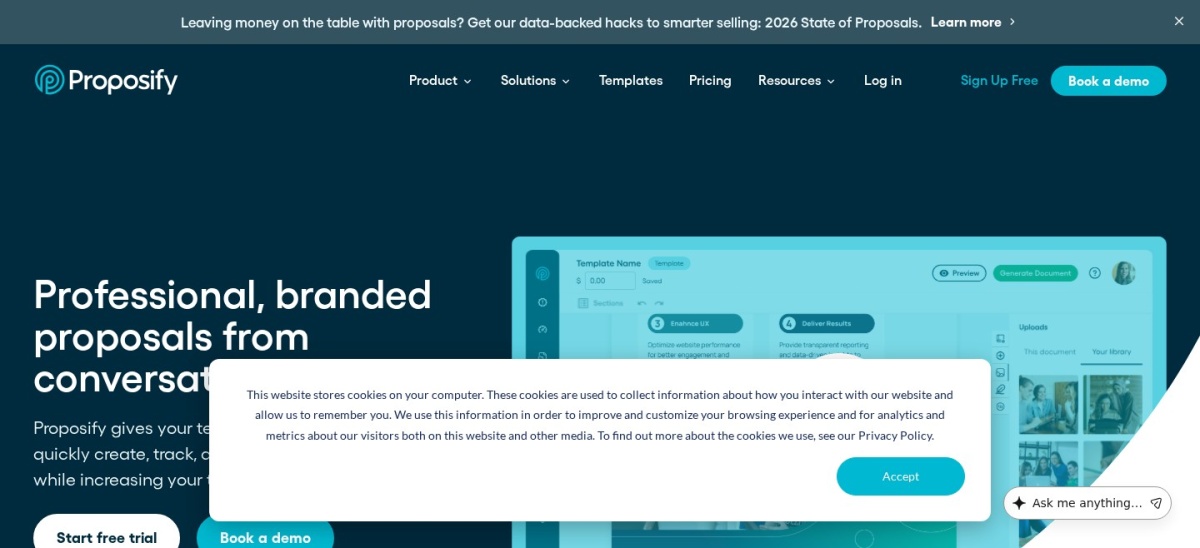
Proposify is proposal software for branded, interactive sales documents with e-signatures built in. The Basic plan costs $19 a user a month billed annually and includes a content library, e-signatures, analytics and Stripe payments, with a 14-day free trial.
The trade off is the send cap. Basic limits monthly document sends, so busy teams need Team at $41 a user a month for unlimited sends and CRM integrations. It suits small sales teams that want every proposal on brand.
What we like
Strong brand control on every proposal
E-signatures and payments built in
Analytics show which pages clients read
Rated 4.6 out of 5 on G2 from 1,100+ reviews
Watch out for
Basic caps monthly document sends
CRM integrations need the Team plan
No free plan, only a 14-day trial
Team at $41 a user a month adds unlimited sends and CRM toolsVisit proposify.com
07
Coda
4.6/5on G2 (492 reviews, checked Nov 2026)
Paid from$10/mo
Best for docs that work like apps
Free planYes, size-capped docs
AI credits2,000 a month on Pro
Editors and viewersFree, unlimited
Paid planPro, $10/maker/mo
coda.io
Coda homepage, captured Nov 2026.
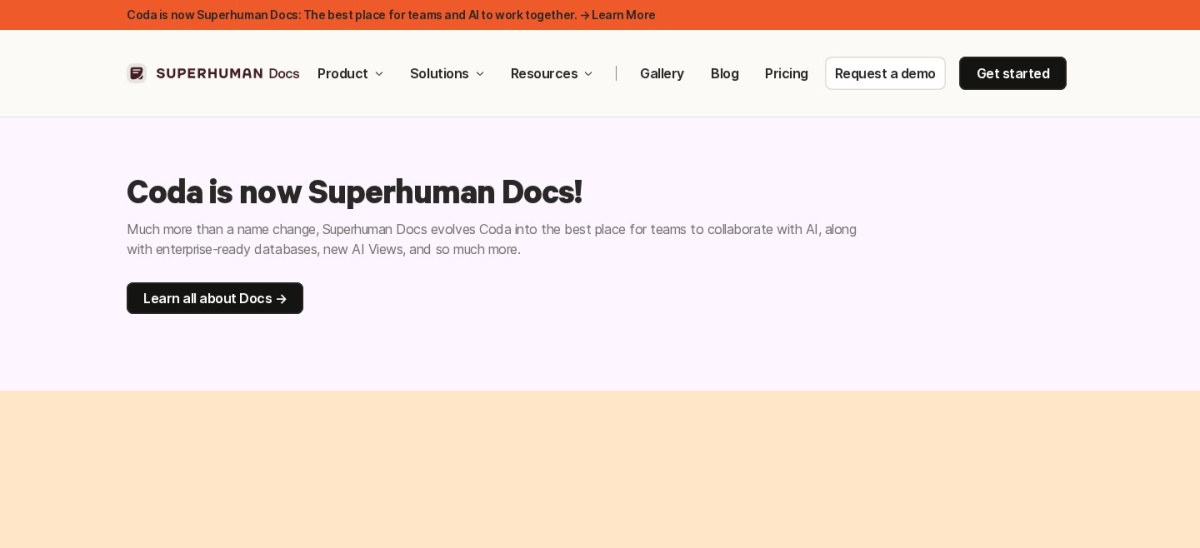
Coda is a document platform that blends docs, tables and buttons into working tools. The free plan covers small docs, and Pro at $10 a Doc Maker a month billed annually removes size limits and adds 2,000 AI credits a month. Only Doc Makers pay; editors and viewers are free.
The trade off is the learning curve and the rebrand. Coda is now Superhuman Docs, and building a good doc takes time and care with formulas. It suits teams that run work from connected documents, such as trackers, briefs and approvals.
What we like
Only Doc Makers pay, viewers are free
Formulas and buttons turn docs into tools
AI credits included from the Pro plan
Packs connect docs to other apps
Watch out for
Steeper learning curve than Notion
Rebrand to Superhuman Docs may confuse buyers
Team plan jumps to $30 a Doc Maker a month
Team at $30 a Doc Maker a month adds automations and admin controlsVisit coda.io
08
Signeasy
4.7/5on G2 (794 reviews, checked Nov 2026)
Starts at$10/mo
Best mobile signing on a budget
Free planNo, 14-day trial
Mobile appiOS and Android
Sends5 a month on Personal
Paid planPersonal, $10/mo
signeasy.com
Signeasy homepage, captured Nov 2026.
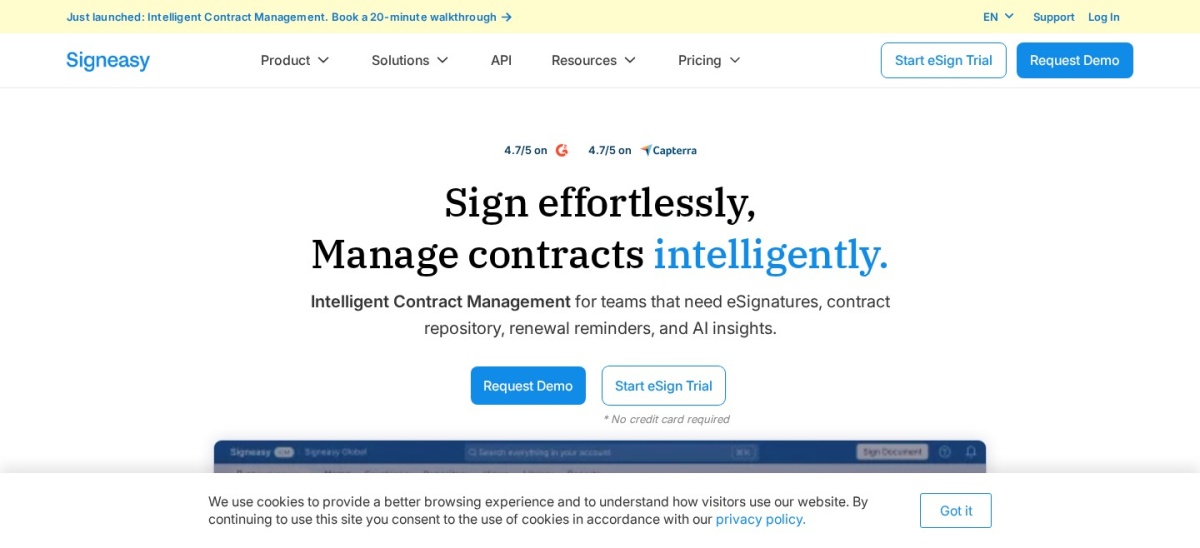
Signeasy is a mobile-first e-signature tool for preparing, sending and tracking agreements. The Personal plan costs $10 a month billed annually and covers 5 sends a month with 5 templates, and the iOS and Android apps let you sign offline.
The trade off is volume. Five sends a month is tight, and unlimited sends need Business at $20 a user a month. It suits field teams and small businesses that sign on phones and want the cheapest simple option.
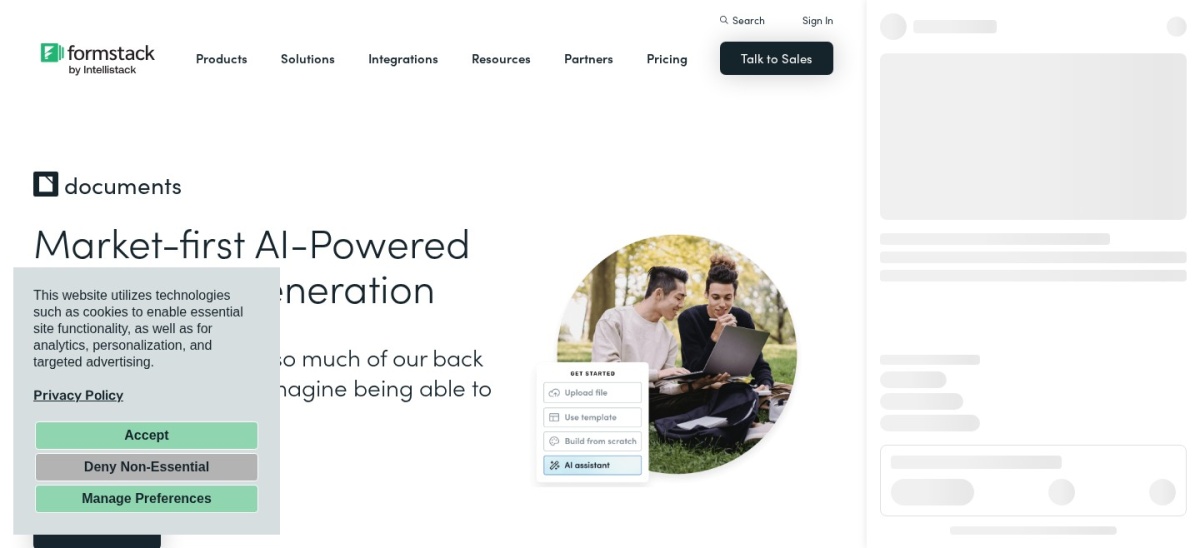
Formstack Documents is a document generation tool that builds documents automatically from data in forms, spreadsheets and CRMs. The Starter plan costs $110 a month and covers 150 document merges, 2 users and 10 templates, with a free trial and no free plan.
The trade off is price. At $110 a month it is the dearest tool here, and it is overkill if you only need signatures. It suits operations teams that produce the same documents again and again from live data.
What we like
Generates documents from live CRM and form data
Bulk generation for repeat paperwork
Integrations with Salesforce, HubSpot and Google Sheets
If the job ends with a signature, start with PandaDoc, DocuSign, Dropbox Sign or Signeasy. They handle the send, the reminder and the audit trail.
If the job is a document your team edits every week, start with Notion or Coda. Signing can come later, through an integration or a separate tool.
If the job is producing the same document from data, such as contracts from a CRM or letters from a form, Formstack Documents is the only tool here built for it.
How we chose
We started from the document tools buyers compare most often for proposals, signing and team docs, then kept the nine with a public rating and a published price.
Prices come from each vendor's pricing page or its G2 pricing listing, checked on 26 November 2026. Ratings and review counts come from G2 on the same day. Where a vendor shows a first-year discount, the list shows the regular price.
We left out tools with no public rating and Adobe Acrobat Sign, whose business signing price is only available on request. No vendor paid for a place, and we do not claim to have used these tools ourselves.
How to choose smart document software
Start with the job the document has to do, then match the tool to it.
Decide whether the document ends in a signature. If it does, a signing tool belongs on the shortlist. If it lives and changes, a wiki or doc platform fits better.
Count the seats and the sends. Per-user pricing adds up fast, and envelope or send caps decide the real plan. Check the cap before the price.
Check the template and branding limits. Cheap plans often cap templates at 5, which is tight for a sales team. See how to add a PDF to WordPress for the simplest way to share a finished file.
Try the trial before you pay. Every paid tool here offers a free plan or a 14-day trial. Send a real document through it before you commit the team.
FAQ
What is the best smart document software?
PandaDoc is the best pick for most teams. Its Starter plan at $19 a user a month covers proposals, quotes, contracts, e-signatures and tracking, and it is rated 4.7 out of 5 on G2 from more than 3,800 reviews.
What is the difference between PandaDoc and DocuSign?
PandaDoc builds the document and collects the signature in one tool, with proposals, pricing tables and payments. DocuSign focuses on sending and signing agreements, and it is the name most clients already trust.
Is there a free smart document tool?
Yes. Notion, Coda, PandaDoc and Dropbox Sign all have free plans. Notion and Coda are free for small teams, PandaDoc covers 5 documents a month, and Dropbox Sign covers 3 signature requests a month.
Do I need e-signatures in a smart document tool?
Only if your documents end in an agreement. Sales proposals, contracts and quotes need signing, while wikis, briefs and trackers do not. Pick the tool by the job, not by the feature list.
Which smart document tool is cheapest?
Notion Plus, Coda Pro and Signeasy Personal each cost $10 a month on annual billing, or $120 a year. DocuSign Personal is close at $11 a month, while Formstack Documents starts at $110 a month.
Can Notion or Coda replace DocuSign?
Not on their own. Notion and Coda are strong for living documents and approvals, but neither collects legally binding e-signatures. Pair them with a signing tool, or pick PandaDoc if you need both jobs in one place.
SaaS SEO and WordPress specialist with about 8 years of experience. Rakib compares WordPress plugins, themes, hosting and software using public pricing, documentation and user reviews. See how we rank.