Microsoft PowerPoint is the best slideshow software for PC for most people, with the full desktop app in Microsoft 365 Personal for under $100 a year and a 4.6/5 G2 rating from 4,403 reviews. Pick Canva for fast template-led slideshows and Movavi Video Editor for a guided desktop slideshow wizard.
How we make this list: we compare pricing pages, product documentation and public user reviews, then re-check every price before each update. No product paid for a place. Disclosure.
PowerPoint is the safest default: a 4.6 out of 5 G2 rating from 4,403 reviews, a full Windows and Mac app, and a free web version.
Canva is the highest-rated tool here at 4.7 out of 5 from 7,658 G2 reviews, and Pro costs $120 a year.
The cheapest paid desktop picks are SmartSHOW 3D at $39.90 a year and Movavi Video Editor at $54.95 a year.
Keynote is the only fully free tool with no paid tier, but it runs only on Apple devices and the web.
Free plans are limited everywhere: Movavi caps free exports at 60 seconds, FlexClip watermarks 720p exports, and Visme blocks downloads until you pay.
What to look for in slideshow software for a PC
A slideshow for a PC is not one kind of software. Some tools install on Windows or Mac and export video files, while others run in the browser and share with a link. Both count here, because both run on a PC, but they suit different projects.
Desktop tools win on control and cost over time. Movavi Video Editor and SmartSHOW 3D work offline, handle large photo collections and sell yearly licences instead of monthly subscriptions.
Browser tools win on speed and sharing. Canva, Adobe Express, Visme, FlexClip and Prezi open anywhere, save work in the cloud and make it easy to send a link. The trade-off is the subscription and, on free plans, watermarks or missing downloads.
Start from the export you need. If the slideshow will play at an event, check that the tool exports MP4 video at the resolution your screen needs. Our guide on embedding a video in WordPress shows how a finished MP4 fits into a page once it is exported.
Then check the platform. SmartSHOW 3D is Windows-only and Keynote is Mac-only, so the best-rated tool is useless on the wrong machine. The table below lists the platform for every pick.
Microsoft PowerPoint is the desktop presentation standard, and the full app comes with Microsoft 365 Personal at $99.99 a year. It runs on Windows and Mac, opens the PPTX files everyone else sends you, and includes Designer layouts, transitions, narration and a free web version for quick edits.
The trade off is the subscription. There is no one-time purchase of the desktop app, and the free web version lacks offline editing and some desktop features. It suits anyone who makes slideshows on a PC every week and wants files that open anywhere.
What we like
The file format everyone already uses
Full desktop app on Windows and Mac
Rated 4.6 out of 5 from 4,403 G2 reviews
Free web version for quick edits
Watch out for
No one-time purchase of the desktop app
Free web version lacks offline editing
Templates feel plain next to Canva
Microsoft 365 Personal adds the desktop apps and cloud storageVisit microsoft.com
02
Canva
4.7/5on G2 (7,658 reviews, checked Nov 2026)
Paid from$120/yr
Best for fast template-led slideshows
PlatformsWindows, Mac, web
Free planYes
Slideshow exportMP4 video
Cheapest paidPro, $120/yr
canva.com
Canva homepage, captured Nov 2026.
Canva is a template-led design tool that turns photos into video slideshows in the browser or its Windows and Mac apps. The free plan covers thousands of templates, and Pro at $120 a year adds premium templates, 1TB of storage, a Brand Kit and the background remover.
The trade off is control. Timing, audio fades and animation are simpler than in a desktop slideshow editor, and monthly billing costs $15 against $10 a month on the annual plan. It suits anyone who wants a polished slideshow fast without learning editing software.
What we like
Highest G2 rating in this list at 4.7 out of 5
Thousands of templates on the free plan
Desktop apps for Windows and Mac
One-click resizing for every platform
Watch out for
Weaker timing and audio control than desktop editors
Monthly billing costs $15 against $10 on annual
Best assets sit behind Pro
Pro adds Brand Kit, background remover and 1TB storageVisit canva.com
03
Movavi Video Editor
4.6/5on G2 (418 reviews, checked Nov 2026)
Paid from$54.95/yr
Best desktop slideshow wizard for beginners
PlatformsWindows, Mac
Free versionYes, watermarked
Slideshow WizardYes
Cheapest paid1-year, $54.95/yr
movavi.com
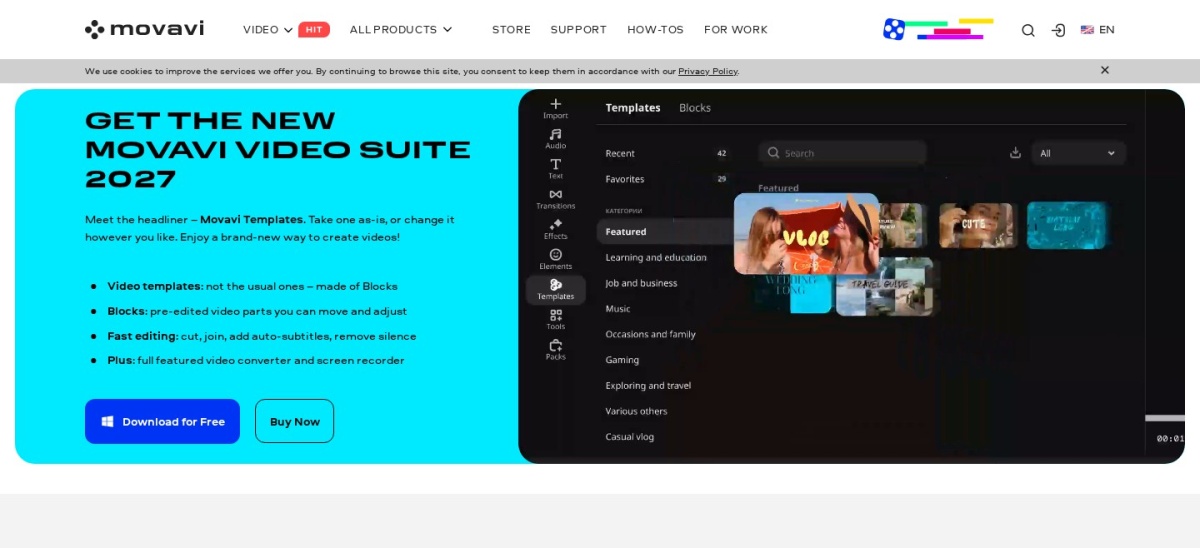
Movavi Video Editor homepage, captured Nov 2026.
Movavi Video Editor is a desktop video editor for Windows and Mac with a Slideshow Wizard that assembles photos, transitions and beat-synced music in minutes. The free version lets you try every tool, and the 1-year subscription costs $54.95 with hundreds of effects and titles included.
The trade off is the free version. Exports are capped at 60 seconds and carry a watermark, so you cannot preview a full slideshow before paying, and the Plus tier costs $69.95 a year. It suits beginners who want a guided desktop slideshow maker that stays simple.
What we like
Slideshow Wizard builds a finished video in minutes
Runs on Windows and Mac
Beat-synced music and hundreds of effects
Rated 4.6 out of 5 on G2
Watch out for
Free exports cap at 60 seconds with a watermark
Monthly billing costs $19.95 a month
Advanced tools sit in the Plus tier
The 1-year plan removes the watermark and the 60-second capVisit movavi.com
04
SmartSHOW 3D
4.5/5on Trustpilot (577 reviews, checked Nov 2026)
Starts at$39.90/yr
Best for cinematic 3D slideshows on Windows
PlatformsWindows only
Free planTrial only
Templates and effects800+
Cheapest paidStandard, $39.90/yr
smartshow-software.com
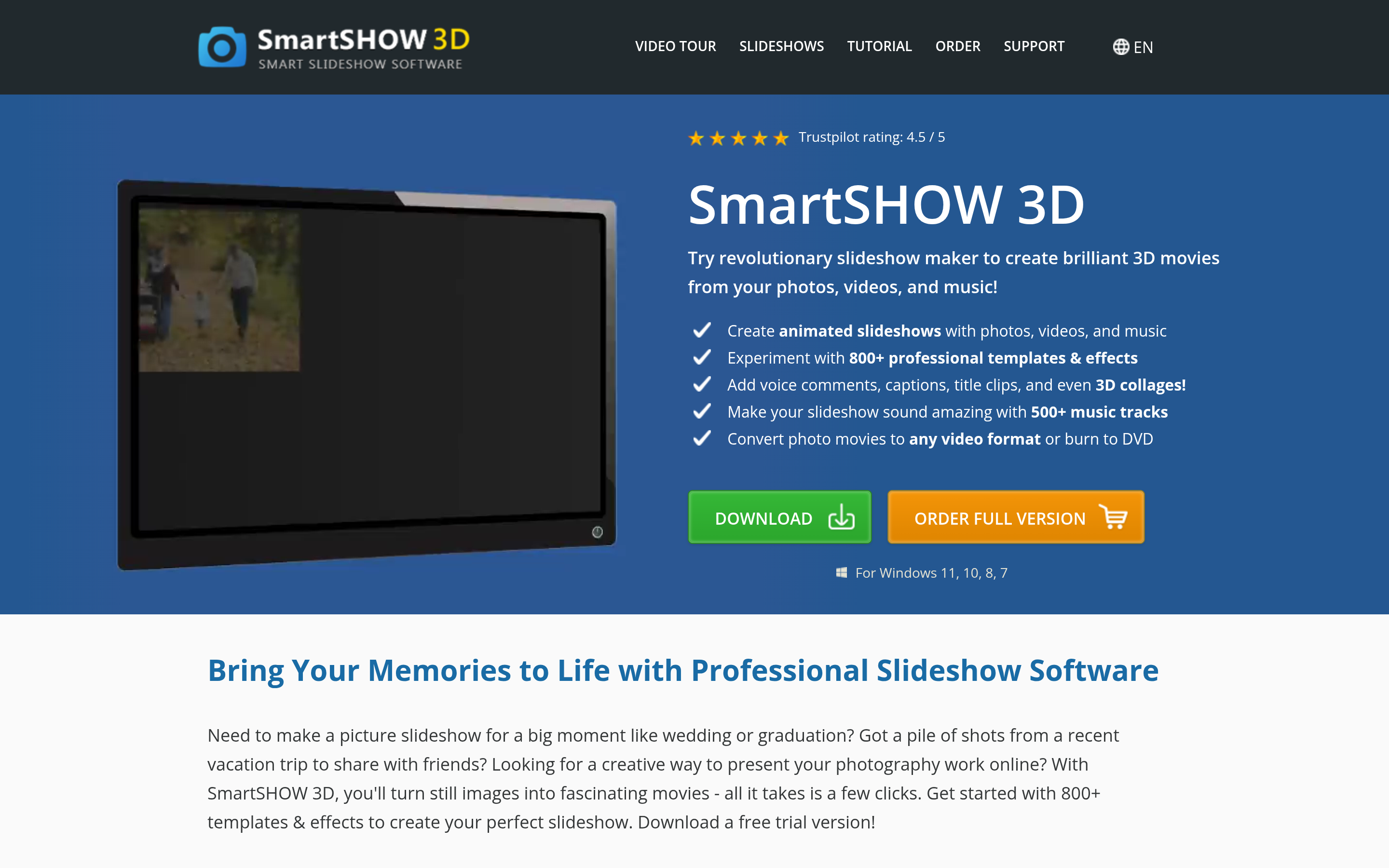
SmartSHOW 3D homepage, captured Nov 2026.
SmartSHOW 3D is a Windows-only desktop slideshow maker built for animated photo movies with 3D transitions, collages and keyframes. It ships with more than 800 templates and effects plus 500 music tracks, and the Standard licence costs $39.90 for one year.
The trade off is the platform. There is no Mac version and no browser version, and the trial is watermarked, so Mac households need another pick. It suits Windows users making wedding, family or photographer slideshows who want deep animation control.
Adobe Express is Adobe's quick design tool for social slideshows, with templates, stock photos and one-click resizing for every platform. The free plan includes more than 100,000 templates and 1 million stock assets, and Premium at $9.99 a month adds 200 million stock assets and 250 generative credits a month.
The trade off is depth. Audio control and slide timing are limited next to desktop slideshow editors, and Premium is a subscription with no one-time licence. It suits anyone already in the Adobe world who needs fast, polished social slideshows.
Keynote is Apple's free presentation app for Mac, iPhone and iPad, with a web version through iCloud. It is free with no paid tier, rated 4.4 out of 5 on G2 from 530 reviews, and exports to PowerPoint, PDF and video for sharing with Windows users.
The trade off is the platform. Keynote runs only on Apple devices and the web, so Windows users cannot install it, and its template range is smaller than Canva's. It suits Mac owners who want a free, polished slideshow tool with no subscription.
What we like
Fully free with no paid tier
Polished themes and transitions
Exports to PowerPoint, PDF and video
Live collaboration through iCloud
Watch out for
No Windows version to install
Smaller template range than Canva
Apple's page now points to support, not the product
Visme is a browser-based visual platform for presentations, infographics and slideshows, with charts, data widgets and 1.5 million-plus stock assets. The free Basic plan lets you build unlimited drafts, and Starter at $147 a year adds downloads, premium assets and 200 AI credits a month.
The trade off is the free plan. Basic allows no downloads, so anything you build can only be shared on the web until you pay, and PowerPoint export needs Business at $297 a year. It suits marketers who want data-rich slideshows with charts in the same tool.
What we like
Strong charts and data widgets
1.5 million-plus stock assets
AI design tools on paid plans
Rated 4.5 out of 5 on G2
Watch out for
Free plan allows no downloads at all
PowerPoint export needs Business at $297 a year
Monthly billing costs $29 against $12.25 on annual
Starter adds downloads and 200 AI credits a monthVisit visme.co
08
FlexClip
4.6/5on G2 (68 reviews, checked Nov 2026)
Paid from$143.88/yr
Best for quick business promo slideshows
PlatformsWeb
Free planYes, 720p watermarked
Templates6,000+
Cheapest paidPlus, $143.88/yr
flexclip.com
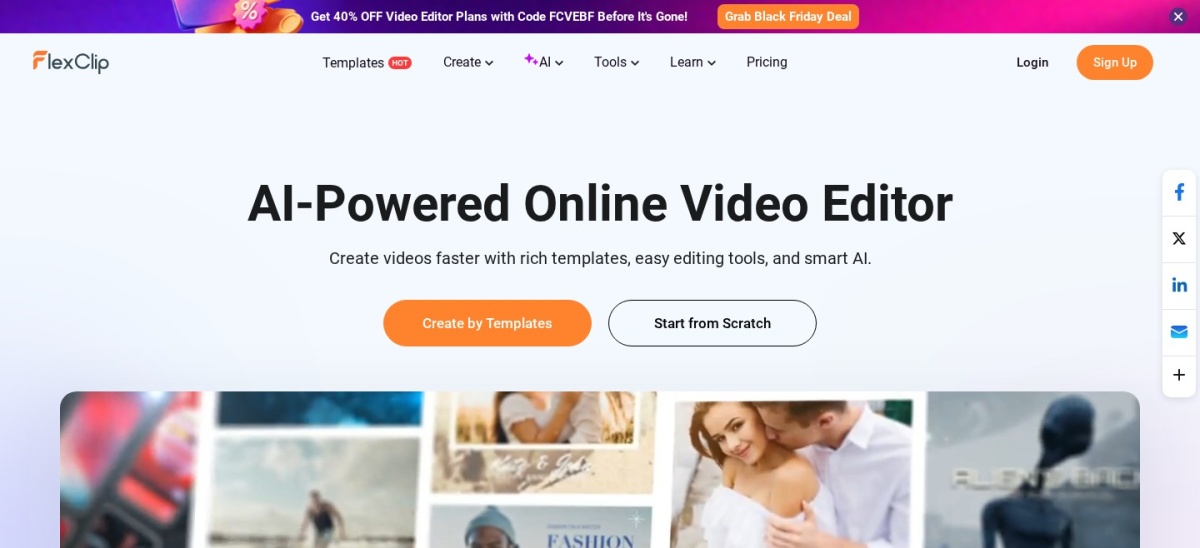
FlexClip homepage, captured Nov 2026.
FlexClip is an online video maker with 6,000-plus templates for business, wedding and marketing slideshows, plus AI tools for subtitles and text-to-video. The free plan exports 720p video with a watermark, and Plus at $143.88 a year billed annually unlocks 1080p exports with no watermark.
The trade off is animation control. Timeline and motion options are basic next to desktop editors, and month-to-month billing costs $19.99 against $11.99 on the annual plan. It suits small businesses that need a promo slideshow this afternoon without learning software.
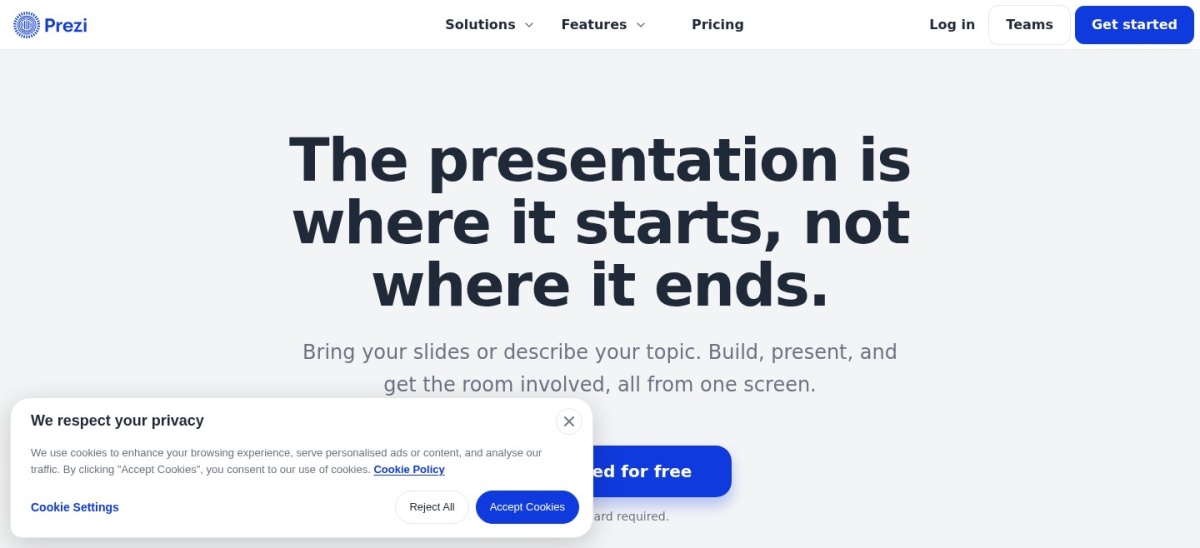
Prezi is a presentation platform on a zoomable canvas, with Prezi AI that drafts a deck from a prompt or an uploaded file. Live polls, quizzes and Q&A run inside the presentation, and the free Basic plan covers public decks, while Standard at $84 a year adds privacy controls and 500 AI credits a month.
The trade off is the format. The zooming canvas can distract from dense, information-heavy slides, and unlimited AI generation needs Plus at $19 a month. It suits teachers and live presenters who want the room to take part.
What we like
Zooming canvas stands out from flat slides
Live polls, quizzes and Q&A built in
AI drafts a deck from a prompt
Lowest paid plan in this list at $84 a year
Watch out for
Zooming format can distract from dense content
Unlimited AI needs Plus at $19 a month
Free decks are public
Standard adds private decks and 500 AI credits a monthVisit prezi.com
Desktop or browser: which fits your PC
Choose a desktop tool when the project is big or offline. Hundreds of photos, a long soundtrack and 4K export all run better in an installed app, and a yearly licence stops the monthly payments.
Choose a browser tool when the slideshow is quick or shared. A birthday recap, a social promo or a team deck is faster in Canva or FlexClip, and a link beats a large video file for sharing.
A mixed approach works too. Build the slides in PowerPoint or Keynote, export the video, and share it from the cloud. That keeps the editing offline and the sharing simple.
How we chose
We started from the desktop slideshow makers people search for on PC — PowerPoint, Keynote, Movavi and SmartSHOW 3D — then added the browser tools that run on a PC and carry a public rating, and kept only tools with a numeric rating and review count.
Prices come from each vendor's pricing page and provider-supplied G2 pricing, checked on 26 November 2026. Ratings come from G2, except SmartSHOW 3D, which uses Trustpilot. Where a vendor shows a sale, the list shows the regular price.
We left out tools with no public rating, including PhotoStage, Icecream Slideshow Maker and PTE AV Studio. No vendor paid for a place, and we do not claim to have used these tools ourselves.
How to choose slideshow software for your PC
Start with the machine and the audience, then check the export and the yearly cost.
Check the platform first. SmartSHOW 3D is Windows-only and Keynote is Mac-only. Confirm the tool installs or runs on your PC before comparing features.
Pick the export you need. Event screens need MP4 video, while a work deck needs PowerPoint or PDF. Export the finished slideshow as an MP4 and embed the video in WordPress to share it on a page.
Work out the real yearly cost. Monthly prices hide the annual total: FlexClip is $143.88 a year on annual billing against $239.88 month to month, and Canva Pro is $120 a year against $180 monthly.
Try the free version first. Build a short slideshow with your own photos and export it. Watermarks, resolution caps and missing downloads show up before you pay.
FAQ
What is the best slideshow software for PC?
Microsoft PowerPoint is the best pick for most PC users. It is the desktop standard, rated 4.6 out of 5 on G2 from 4,403 reviews, and Microsoft 365 Personal costs $99.99 a year with a free web version for quick edits.
Is there a free slideshow maker for PC?
Yes. Keynote is fully free on Mac, and PowerPoint, Canva, Adobe Express, Visme, FlexClip and Prezi all have free plans. Free exports are limited, though: Movavi caps them at 60 seconds, FlexClip adds a watermark, and Visme blocks downloads.
What is the best slideshow software for Windows?
Movavi Video Editor is the friendliest Windows pick, with a guided Slideshow Wizard and a 1-year licence at $54.95. SmartSHOW 3D is the pick for cinematic 3D animation on Windows at $39.90 a year, and PowerPoint is the safest all-round choice.
Can I make a slideshow on my PC without installing software?
Yes. Canva, Adobe Express, Visme, FlexClip and Prezi all run in the browser on a PC, so nothing needs installing. You need an internet connection, and free plans usually watermark exports or limit downloads until you upgrade.
Do any slideshow tools sell a one-time licence?
Mostly no, not as the cheapest plan. SmartSHOW 3D sells a Gold lifetime licence at $69.95, and Movavi sells a lifetime Video Editor licence at $119.95. The cheapest paid plans in this list are yearly licences or subscriptions instead.
Which slideshow software is best for photos with music?
SmartSHOW 3D is the strongest pick, with more than 800 templates and effects and 500-plus music tracks built in. Movavi Video Editor is the easier option, since its Slideshow Wizard syncs music to the beat of your photos automatically.
SaaS SEO and WordPress specialist with about 8 years of experience. Rakib compares WordPress plugins, themes, hosting and software using public pricing, documentation and user reviews. See how we rank.