Procreate is the best sketching software for most artists, with 300+ brushes, a 4.9 out of 5 G2 rating and a $12.99 one-time price for iPad and Apple Pencil. Pick Sketchbook for a free app on any device and Rebelle for the closest feel to real paint.
How we make this list: we compare pricing pages, product documentation and public user reviews, then re-check every price before each update. No product paid for a place. Disclosure.
Procreate is the top pick: 4.9 out of 5 on G2, $12.99 once, with 300+ brushes for iPad and Apple Pencil.
Rebelle is the highest-rated painting tool here after Procreate, at 4.8 out of 5 on G2, for $89.99 once.
Four tools cost nothing: Krita, Sketchbook mobile, MediBang Paint and Adobe Fresco are all free to use.
Sketch is the only Mac-only pick, with a $120 one-time licence and cloud sharing at $144 a year.
Corel Painter is the dearest pick at $199 a year, with 900+ brushes and the deepest traditional-media simulation.
What to look for in sketching software
Sketching software splits into two kinds. Raster apps paint pixels, which suits freehand sketching, painting and comics. Vector apps draw shapes and lines that scale without losing sharpness, which suits logos, icons and interface work.
Brushes, layers and pen support matter most. A good sketching app should offer pressure-sensitive brushes, layers with blend modes and a stabiliser for smooth lines.
Check the platform before you commit. Some tools run on iPad only, some on desktop only, and a few charge for the desktop version while the mobile app is free. Our guide on uploading SVG files to WordPress explains how the format works once vector sketches end up on a site.
Price models vary more than the tools do. Four apps in this list are free, three sell one-time licences from $12.99 to $120, and two charge by the year.
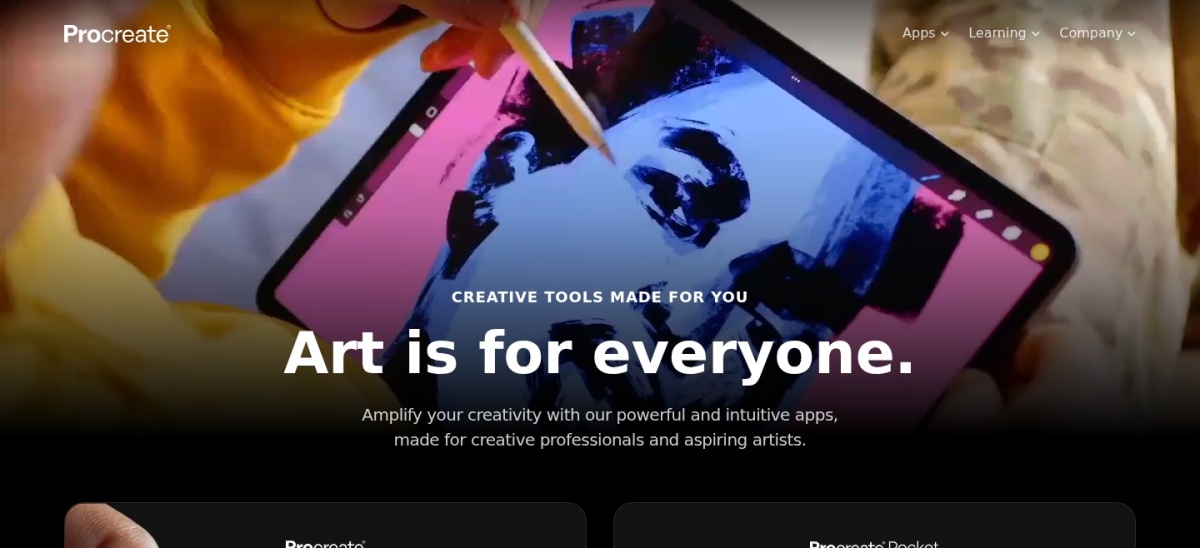
Procreate is a touch-first sketching and painting app built for iPad and Apple Pencil, priced at $12.99 as a one-time purchase with no subscription. It ships with more than 300 built-in brushes, plus layers, masks, animation assist, time-lapse recording and support for PSD, PNG and Procreate files.
The trade off is the platform. Procreate runs only on iPadOS, so Windows, Mac and Android users need another app, and there is no free plan or trial. It suits iPad owners who want a fast, focused sketching app without a monthly fee.
What we like
300+ brushes with no subscription to pay
Rated 4.9 out of 5 on G2 from 73 reviews
Time-lapse recording built into every canvas
Fast, touch-first interface built for Apple Pencil
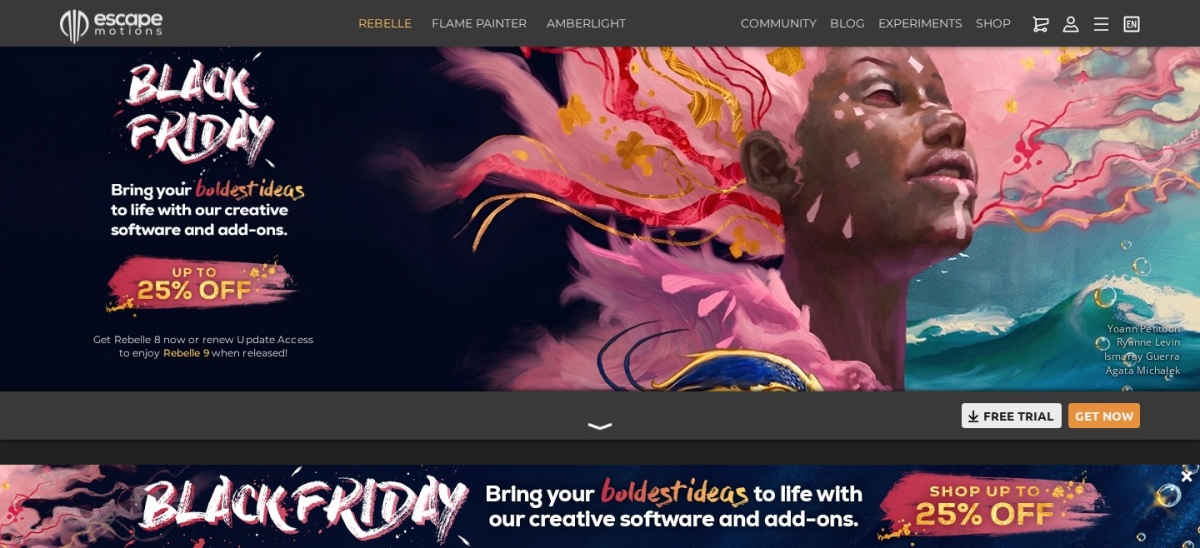
Rebelle is a painting app from Escape Motions that simulates how real watercolor, oils and acrylics behave on paper. Rebelle 8 costs $89.99 as a one-time purchase and includes pigment mixing, wet and dry brushes, paper textures, stencils and support for PSD files.
The trade off is price and scope. At $89.99 it costs more than most sketching apps, and it has no vector tools or mobile version. It suits painters who want the closest digital feel to real watercolor and oils.
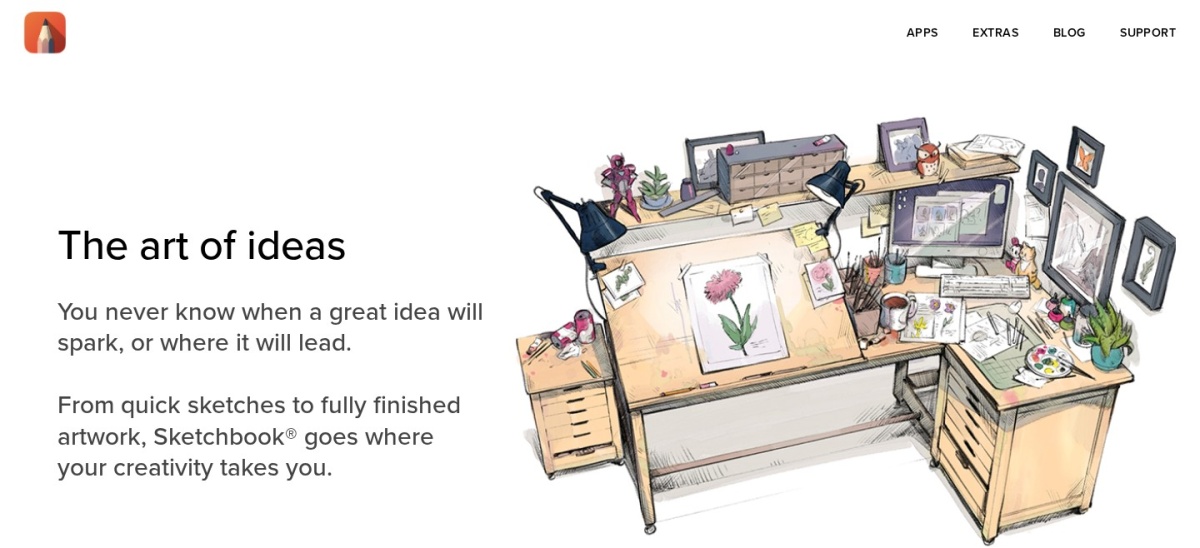
Sketchbook is a simple drawing app for quick sketches and finished artwork, with a clean canvas that stays out of the way. It offers hundreds of brushes, layers with blend modes, symmetry tools, Flipbook animation and full pen pressure and tilt support.
The trade off is price on desktop. The mobile app is free, while Sketchbook Pro for Windows and Mac is a $19.99 one-time purchase. It suits sketchers who want a fast, simple app on every device.
Sketch is a vector design toolkit for Mac, built for interface sketching, wireframes and design systems. The Mac-only licence costs $120 as a one-time purchase, and it covers reusable components, shared libraries, prototyping and developer handoff.
The trade off is the platform and the price of collaboration. Sketch runs only on macOS, and cloud sharing needs the Standard plan at $144 a year. It suits Mac-based product teams who sketch interfaces rather than freehand art.
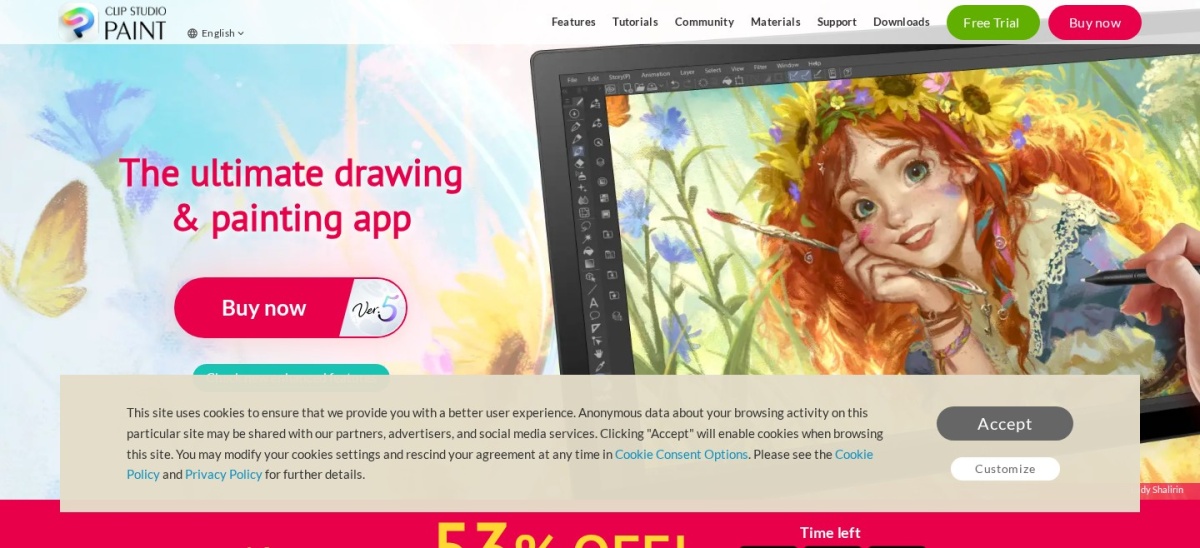
Clip Studio Paint is a drawing app for illustration, comics, manga and animation, with deep brush controls, 3D models, comic tools and an assets store. Pro costs $49.99 as a one-time purchase, with a monthly plan at $4.99 a month, and EX at $219 adds unlimited animation frames.
The trade off is that there is no permanent free tier, only a free trial. It suits comic and manga artists who are ready to pay once for a deeper toolset than the free apps offer.
Krita is a free and open-source painting program made for illustration, concept art, comics and 2D animation. It ships with more than 100 preloaded brushes across nine brush engines, plus layers, masks, brush stabilisers, drawing assistants and PSD support.
The trade off is the learning curve. The interface packs in a lot of panels and settings, so new users need time to find their way around. It suits illustrators and comic artists who want professional painting tools without paying anything.
What we like
Completely free with no paid edition to unlock
More than 100 brushes and nine brush engines
Frame-by-frame animation with onion skinning
Runs on Windows, macOS and Linux
Watch out for
Busy interface takes time to learn
Not built for photo editing or vector logos
Large files can feel slow on older computers
No paid plan exists; donations and store versions fund developmentVisit krita.org
07
Adobe Fresco
4.5/5on G2 (34 reviews, checked Nov 2026)
PriceFree
Best free sketching app for Adobe users
Free planYes, full app free
BrushesThousands, incl. live brushes
Vector + rasterYes, in one app
PlatformsiPad, iPhone, Windows
adobe.com
Adobe Fresco homepage, captured Nov 2026.
Adobe Fresco is a drawing and painting app for iPad, iPhone and Windows, with thousands of vector and raster brushes. Its live brushes mimic real watercolor and oil paint as they bleed and blend, and the app includes layers, animation tools and Creative Cloud file sync.
The trade off is the thin review base and the Adobe account. Fresco holds a 4.5 out of 5 G2 rating from only 34 reviews, and you need an Adobe ID to use it. It suits artists who already work with Adobe apps and want a free sketching companion.
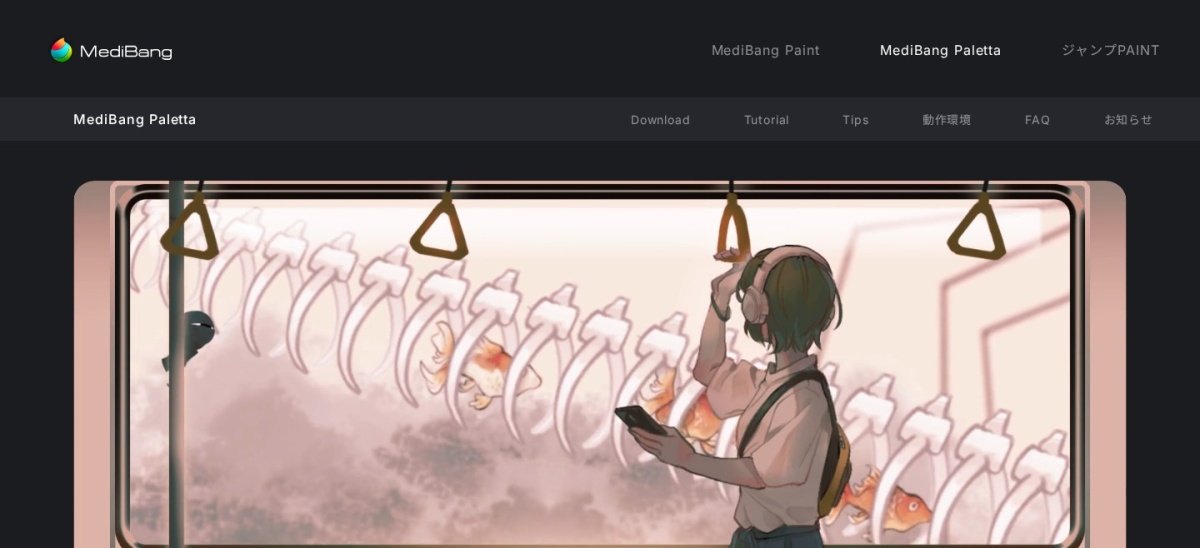
MediBang Paint is a free drawing and comic app built for manga and comic artists. It ships with more than 50 brushes, screentones, comic fonts, panel tools and perspective guides, and it syncs files through the cloud across desktop, tablet and phone.
The trade off is depth. It is lighter than Krita or Clip Studio Paint, and the mobile app shows ads. It suits beginners and comic artists who want a light, free app that works on every device.
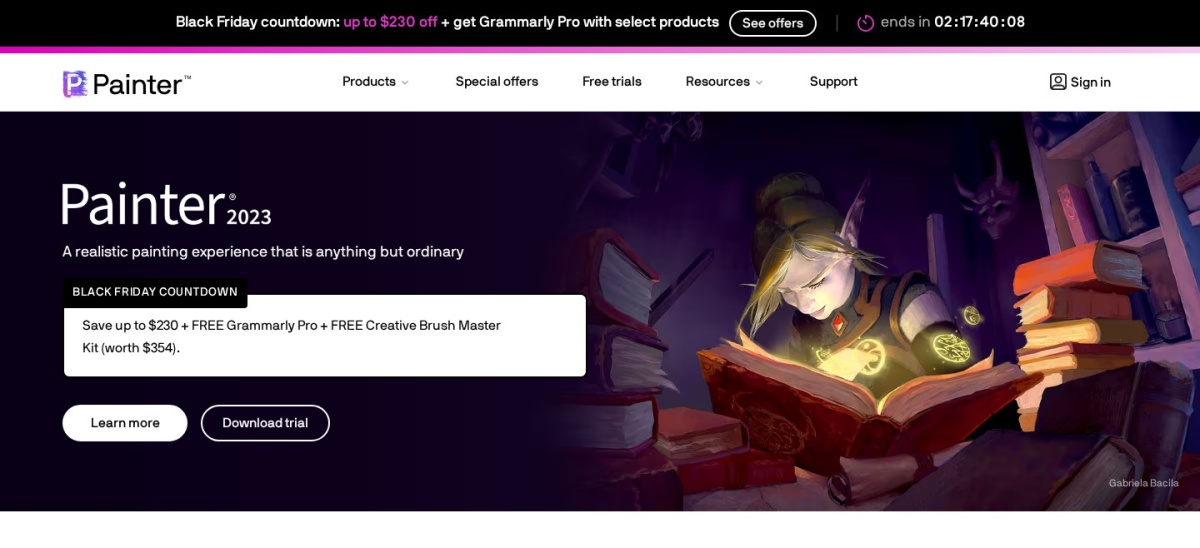
Corel Painter is a painting studio for artists who want digital paint to behave like the real thing. Painter 2023 costs $199 for a 365-day subscription or $429 as a one-time purchase, with more than 900 brushes that simulate oils, watercolor, chalk and pastel.
The trade off is price and weight. It is the dearest tool in this list, the current release is still Painter 2023, and the interface carries decades of options. It suits fine artists whose work depends on traditional-media looks.
Free tools in this list cover the core job well. Krita, Sketchbook, MediBang Paint and Fresco give away the full sketching app, not a cut-down version.
Paid tools mostly add depth. Rebelle and Corel Painter simulate real paint far beyond free brushes, and Clip Studio Paint adds comic and animation tools the free apps lack.
One-time licences keep costs predictable. Procreate at $12.99, Sketchbook Pro at $19.99 and Clip Studio Paint Pro at $49.99 are single payments with no renewal.
Subscriptions only make sense for working artists. Sketch Standard at $144 a year and Corel Painter at $199 a year pay off when the tools earn money every week.
How we chose
We started from the best-known sketching and drawing apps for iPad, desktop and mobile, then kept those with a public rating on G2 or Capterra and a clear price.
Prices come from each vendor's pricing page or store listing, checked on 26 November 2026. Ratings and review counts come from G2 or Capterra on the same day. Where a vendor shows a sale, the list shows the regular price.
We left out tools with no public rating, including Concepts and ibisPaint, which have no G2 or Capterra listing. No vendor paid for a place, and we do not claim to have used these tools ourselves.
How to choose sketching software
Start with the device you sketch on most, then match the app to the art you make.
Pick your device first. Procreate and Fresco need an iPad, Sketch needs a Mac, and Krita runs on Windows, macOS and Linux. An app you cannot install is no help.
Decide raster or vector. Freehand sketching and painting need a raster app such as Procreate or Krita. Logos, icons and interface work need a vector app such as Sketch.
Try the free version before paying. Krita, Sketchbook, MediBang Paint and Fresco cost nothing, so test the brushes and the pen feel before spending on Rebelle or Clip Studio Paint.
Check the price model. One-time licences from $12.99 to $120 suit occasional sketchers, while the $144 and $199 yearly plans suit artists who earn from their work.
FAQ
What is the best sketching software?
Procreate is the best sketching software for most artists. It costs $12.99 once, holds a 4.9 out of 5 G2 rating from 73 reviews, and ships with more than 300 brushes built for iPad and Apple Pencil.
What is the best free sketching software?
Krita is the best free sketching software for desktop, with more than 100 brushes, layers and animation tools at no cost. For tablets, Sketchbook and MediBang Paint are free, and Adobe Fresco is free on iPad and Windows.
Is Procreate really a one-time purchase?
Yes. Procreate for iPad costs $12.99 once in the App Store, with no subscription and no renewal. The iPhone version, Procreate Pocket, is a separate app that costs $5.99 once.
Can I sketch on Windows for free?
Yes. Krita is free on Windows with more than 100 brushes, layers and animation tools. MediBang Paint is also free on Windows, and Adobe Fresco is free on Windows with thousands of brushes.
Which sketching app feels most like real paint?
Rebelle is the closest to real paint in this list, with watercolor, oils and acrylics that bleed, blend and dry like physical media. Corel Painter is deeper still, with more than 900 brushes, but it costs $199 a year.
Do I need a paid app to sketch professionally?
No. Krita, Sketchbook, MediBang Paint and Adobe Fresco cover sketching, painting and comics for free. A paid app only makes sense when a project needs deeper paint simulation or comic tools, as in Rebelle, Corel Painter or Clip Studio Paint.
SaaS SEO and WordPress specialist with about 8 years of experience. Rakib compares WordPress plugins, themes, hosting and software using public pricing, documentation and user reviews. See how we rank.