Canva is the best shirt design software for most people, with a free plan covering more than 250,000 templates and Pro at $120 a year. Pick Adobe Illustrator for print-ready vector art and Kittl for vintage type and merch templates.
How we make this list: we compare pricing pages, product documentation and public user reviews, then re-check every price before each update. No product paid for a place. Disclosure.
Canva is the easiest start: a free plan with 250,000+ templates, and Pro at $120 a year adds a background remover and Brand Kit.
Adobe Illustrator is the professional pick at $22.99 a month, rated 4.6 out of 5 by 6,192 G2 reviewers.
Kittl is built for merch, with 10,000+ premium templates, 1,400+ fonts and a commercial licence up to 500,000 copies on Pro.
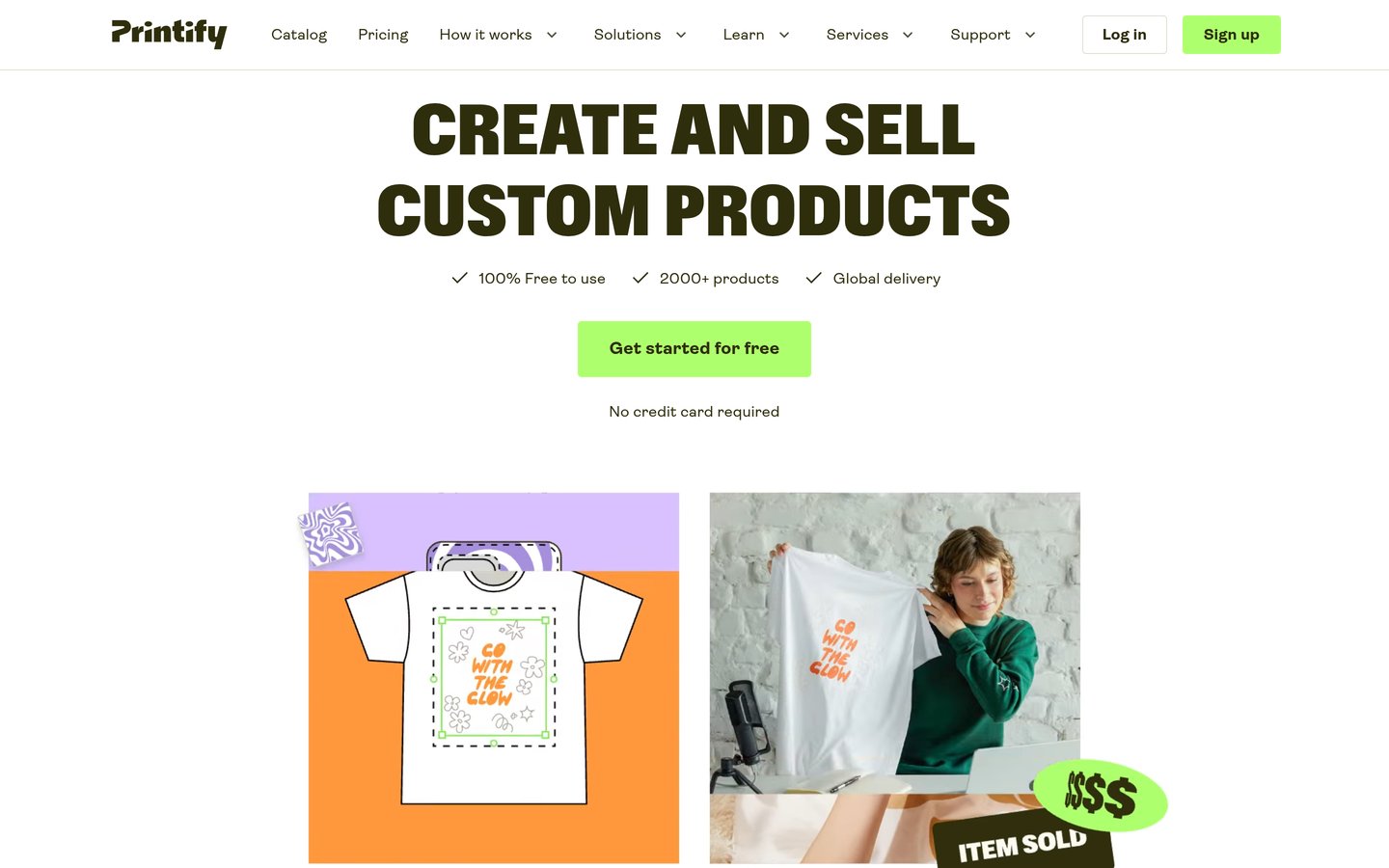
Printify and Printful let you design and sell shirts with no stock: Printify lists 2,000+ products, Printful prints in-house.
Three tools here cost nothing: Custom Ink's Design Lab, Designhill's T-shirt maker and GIMP are all free to use.
Paid plans run from $120 a year for Canva Pro to $468 a year for Printify Premium at its monthly rate.
What shirt design software should do
A good shirt design tool covers three jobs: drawing or laying out the artwork, previewing it on a shirt, and exporting a file a printer can use.
Vector tools such as Illustrator and CorelDRAW scale artwork cleanly to any shirt size. Raster tools such as Canva and GIMP work in pixels, so export at high resolution.
If you sell the shirts, a print-on-demand tool such as Printify or Printful handles printing and shipping, so you never hold stock.
For WordPress sellers, the artwork file matters as much as the tool. Our guide on uploading SVG files to WordPress explains which formats your site accepts.
Canva is a browser-based design tool with a free plan that includes more than 250,000 templates and 5 GB of storage. It has ready-made T-shirt templates, a large font library and a simple drag-and-drop editor, so a first shirt design takes minutes rather than hours.
The trade off is that the best assets sit behind Pro. Premium templates, the background remover, Brand Kit and 1 TB of storage cost $120 a year, or $15 a month. It suits beginners and small sellers who want fast designs without learning a pro editor.
What we like
Free plan covers most basic shirt designs
Huge template and font library
Works in the browser, nothing to install
Watch out for
Premium templates and assets need Pro
Raster exports, not true vector artwork
Pro adds premium assets, background remover and Brand KitVisit canva.com
02
Adobe Illustrator
4.6/5on G2 (6,192 reviews, checked Nov 2026)
Starts at$22.99/mo
Best for professional vector shirt art
Vector editingYes, desktop and iPad
Print-ready exportSVG, PDF, EPS
Adobe FontsIncluded
Paid planSingle app, $22.99/mo
adobe.com
Adobe Illustrator homepage, captured Nov 2026.
Adobe Illustrator is the vector editor the print industry runs on. The single-app plan costs $22.99 a month on an annual plan and includes Illustrator on desktop and iPad, Adobe Fonts and 100 GB of cloud storage, with a 7-day trial first.
The trade off is the subscription. There is no perpetual licence, so the $275.88 a year continues as long as you use it, and cancelling an annual plan early can trigger a fee of up to half the remaining balance. It suits professionals who sell print-ready shirt art.
What we like
True vector artwork that scales to any size
Files transfer to any studio or printer
Adobe Fonts and cloud storage included
Watch out for
No free plan, only a 7-day trial
Subscription cost never stops
Single app only; the full Creative Cloud suite costs moreVisit adobe.com
03
Kittl
4.6/5on Trustpilot (1,266 reviews, checked Nov 2026)
Paid from$12/mo
Best for merch and vintage shirt designs
Premium templates10,000+
Premium fonts1,400+
Commercial licenceUp to 500,000 copies
Paid planPro, $144/yr
kittl.com
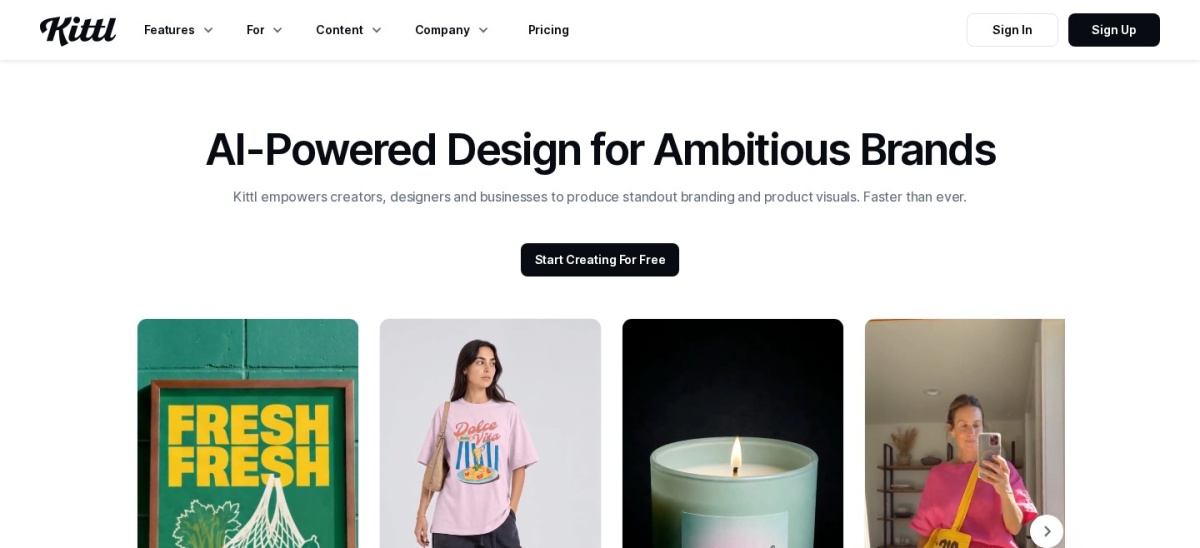
Kittl homepage, captured Nov 2026.
Kittl is a browser-based design platform built for merchandise, with more than 10,000 premium templates and mockups and 1,400+ premium fonts. Pro costs $12 a month billed annually ($144 a year) and includes 2,000 AI tokens a month, vector exports and a commercial licence covering up to 500,000 copies.
The trade off is the token system. AI features run on tokens that do not roll over, and the free plan is for personal use only, with no commercial rights. It suits print-on-demand sellers who want vintage lettering and ready-made shirt templates.
What we like
Built for merch, with shirt and mockup presets
Clear commercial licence on paid plans
Strong vintage typography and AI tools
Watch out for
AI tokens do not roll over each month
Free plan has no commercial rights
Pro adds vector exports, AI tokens and the commercial licenceVisit kittl.com
04
Custom Ink
4.4/5on Trustpilot (14,056 reviews, checked Nov 2026)
PriceFree
Best for designing and ordering shirts in one place
Design LabFree
Minimum orderNone on many styles
Standard deliveryFree in the continental US
Paid planNone, pay per shirt
customink.com
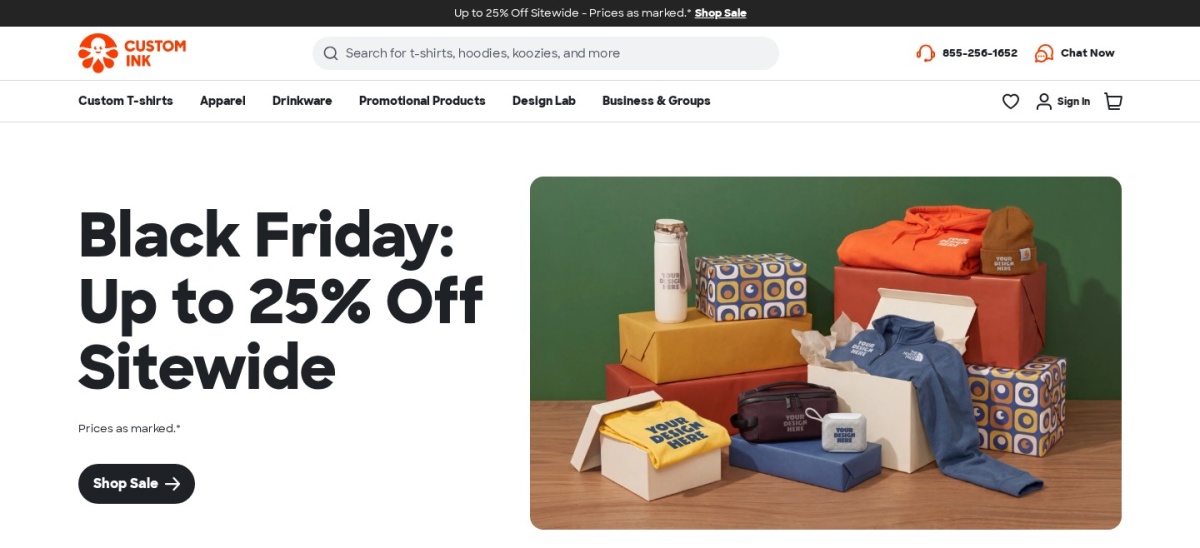
Custom Ink homepage, captured Nov 2026.
Custom Ink pairs a free online Design Lab with its own printing. You can upload artwork or build a design from clip art and text, and the company reviews each design before printing. Many styles have no minimum order, and standard delivery is free within the continental US.
The trade off is unit cost. There is no subscription, but you pay for every shirt ordered, with prices set per product, ink colours and quantity, so bulk printers beat it on large runs. It suits teams, clubs and events that want a finished shirt, not just a file.
Best print-on-demand marketplace for shirt sellers
Products2,000+
Print providers70+
Free planYes, 5 stores
Paid planPremium, $39/mo
printify.com
Printify homepage, captured Nov 2026.
Printify is the largest print-on-demand marketplace, with more than 2,000 products from 70+ print providers and 140+ fulfilment centres. Its free plan covers 5 stores, and the built-in Product Creator turns your artwork into shirt mockups for your shop.
The trade off is that quality and shipping vary by provider, since each order goes to a different print shop. Premium costs $39 a month, or $299 a year if you pay annually, and cuts base product costs by up to 20%. It suits sellers who want the widest provider choice.
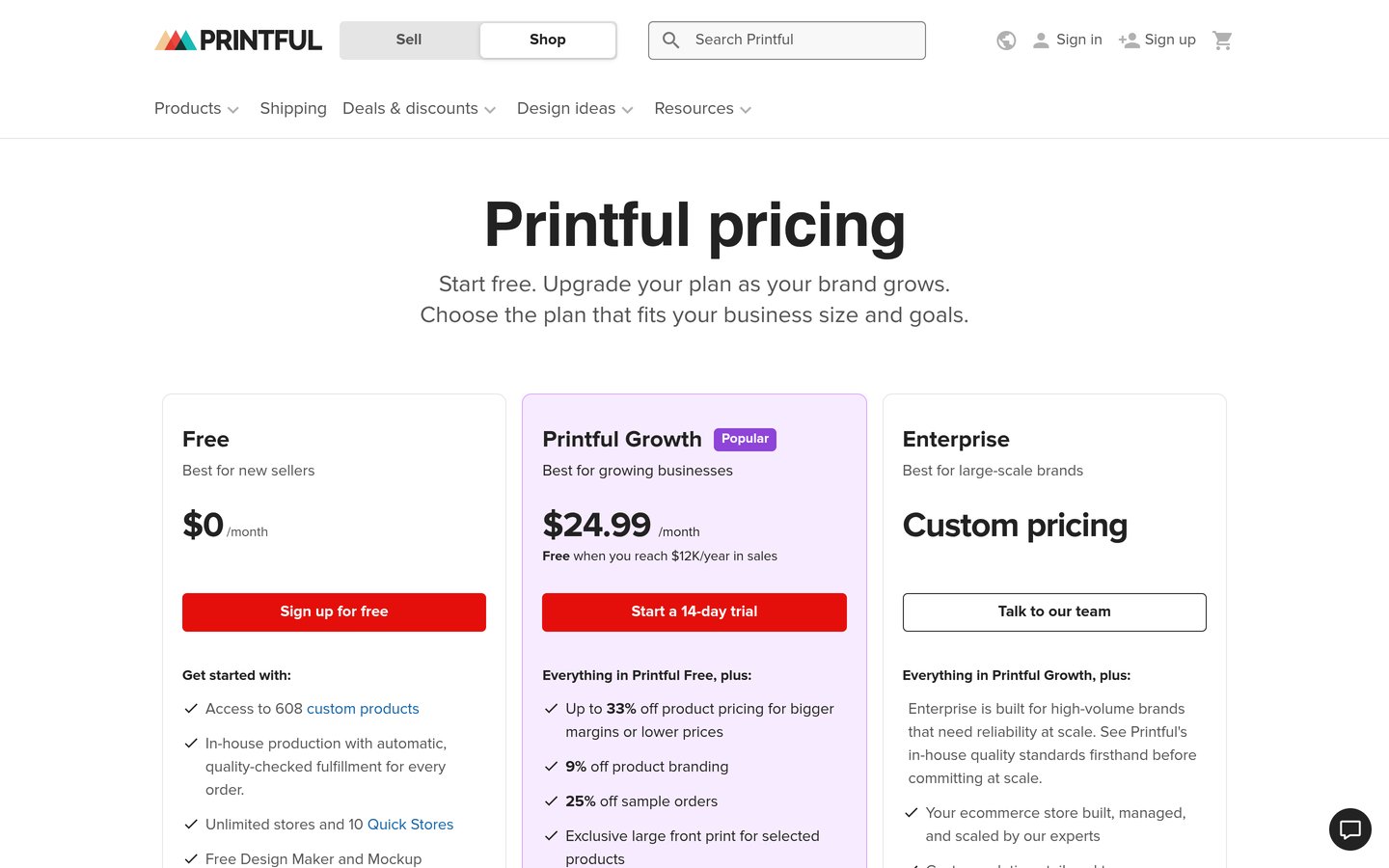
Printful prints every order in-house, with a 3-step quality check and a free reprint or refund if a manufacturing error occurs. The free plan has no monthly fee, and its Design Maker tool lets you place artwork on shirts and preview mockups before you sell.
The trade off is base cost. Printful's per-shirt prices run higher than the cheapest Printify providers, and the Growth plan costs $24.99 a month, becoming free only once you reach $12,000 a year in sales. It suits sellers who value steady quality over the lowest base price.
4.5/5on Trustpilot (3,467 reviews, checked Nov 2026)
PriceFree
Best for getting a pro to design your shirt
T-shirt makerFree to design
Designer community330,000+
Design contestsPaid, from $249
Paid planContests from $249
designhill.com
Designhill homepage, captured Nov 2026.
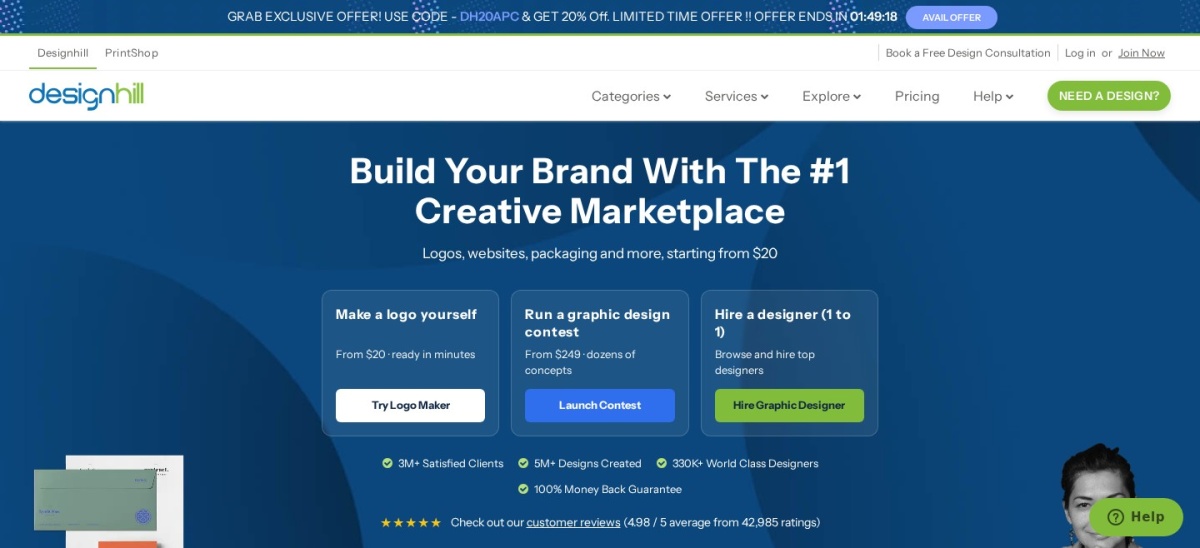
Designhill combines a free do-it-yourself T-shirt maker with a marketplace of more than 330,000 designers. You can build a shirt design yourself, or run a design contest and pick from many submitted concepts, then sell through its print-on-demand shop.
The trade off is that the free part ends at the design stage. High-resolution downloads and contest prizes cost extra, with logo downloads from $20 and contests from $249, so a polished result is not always free. It suits buyers who want a professional to design the shirt.
CorelDRAW Graphics Suite 2026 bundles vector illustration, page layout and photo editing in one package, with Pantone libraries and PowerTRACE for turning bitmaps into clean vectors. Subscribers also get CorelDRAW Web and 2,000 AI credits a month, with a 15-day trial first.
The trade off is price and the lack of a free plan. The regular subscription is $269 a year, though Corel's site showed a $159 first-year sale price today, and a one-time purchase of the 2026 version costs $549. It suits print shops and sign makers who need layout and vector work together.
GIMP is a free, open-source raster editor with layers, filters, retouching tools and broad plug-in support. It exports PNG, JPG and PSD files, so artwork made in GIMP drops straight into Canva, Printify or Printful, or goes to a printer as a high-resolution file.
The trade off is the learning curve. The interface feels dated next to Canva or Kittl, and GIMP works in pixels rather than vectors, so text and logos need high-resolution exports. It suits budget sellers who want a free Photoshop-style editor.
Vector files scale cleanly, so prefer SVG, PDF or EPS from Illustrator, CorelDRAW or Kittl when your printer accepts them.
For raster art from Canva or GIMP, export at the highest resolution available and keep the background transparent for dark shirts.
Order one sample shirt before a bulk run. A design that looks sharp on screen can print dull or off-centre, and a sample costs far less than a bad batch.
How we chose
We started from the design tools most often recommended for shirt and merch design, then kept the nine with a verifiable public rating and a price we could confirm on 26 November 2026.
Prices come from each vendor's pricing page, checked on 26 November 2026. Ratings and review counts come from G2 or Trustpilot on the same day. Where a vendor shows a sale, the list shows the regular price and notes the sale in the text.
We left out tools with no public rating, including Placeit, whose Trustpilot score is 2.1 out of 5 from 1,323 reviews, and Inkscape, whose shared screenshot keeps failing. No vendor paid for a place, and we do not claim to have used these tools ourselves.
How to choose shirt design software
Start with how you will sell the shirt, then match the tool to that job.
Decide whether you print or sell on demand. If you order shirts yourself, a design tool such as Canva or Illustrator is enough. If you sell online with no stock, pick Printify or Printful.
Match the tool to your skill level. Canva and Kittl suit beginners. Illustrator, CorelDRAW and GIMP reward practice but take longer to learn.
Check the export format your printer needs. Printers usually want vector SVG, PDF or EPS, or a high-resolution transparent PNG. Confirm the format before you pay for a plan.
Check the licence before you sell. Free plans such as Kittl's cover personal use only. Make sure your plan includes a commercial licence for shirts you sell.
FAQ
What is the best shirt design software?
Canva is the best pick for most people. Its free plan covers more than 250,000 templates, and Pro at $120 a year adds premium assets, a background remover and Brand Kit. Illustrator is the stronger choice for professional vector art.
Is there free shirt design software?
Yes. Canva, Kittl, GIMP and Custom Ink's Design Lab are all free to start with. GIMP is fully free with no paid tier, while Kittl's free plan is for personal use only and needs Pro for commercial sales.
Can I design shirts in Canva?
Yes. Canva has ready-made T-shirt templates, a large font library and a drag-and-drop editor, and it exports PNG files you can send to a printer or upload to Printify or Printful. Pro adds a background remover for cleaner prints.
Do I need Illustrator to design T-shirts?
No. Illustrator is the professional standard for vector shirt art, but Canva or Kittl cover most beginner and seller needs. Illustrator matters most when a printer needs true vector files or you sell designs at a professional level.
What file format should I send to a shirt printer?
Printers usually want vector SVG, PDF or EPS files, or a high-resolution transparent PNG. Vector files scale to any shirt size without losing quality, while raster files need to be exported at the highest resolution available.
Can I sell shirts I design with these tools?
It depends on the licence. Canva Pro, Kittl Pro and paid plans generally include commercial use, while Kittl's free plan is personal use only. Printify and Printful are built for selling, and Custom Ink prints the shirts you design.
SaaS SEO and WordPress specialist with about 8 years of experience. Rakib compares WordPress plugins, themes, hosting and software using public pricing, documentation and user reviews. See how we rank.