Couchdrop is the best SFTP server software for most teams: its $50-a-month Link plan gives you a hosted SFTP endpoint with cloud storage links and no server to patch, rated 4.8/5 on G2. Pick Cerberus for a Windows server you run yourself, or Titan for a one-time licence.
How we make this list: we compare pricing pages, product documentation and public user reviews, then re-check every price before each update. No product paid for a place. Disclosure.
Couchdrop is the only cloud-hosted pick here: $50 a month buys an SFTP endpoint with no server to patch.
Cerberus and Titan are the established self-hosted servers, both rated 4.7/5 on G2.
GoAnywhere, Globalscape, JSCAPE and MOVEit are quote-only, so budget for a sales call.
CrushFTP is the cheapest entry at $70 once, but its 3.3/5 G2 rating is the lowest in this list.
Serv-U MFT Server has the clearest published price at $335 per server per month, billed annually.
What to look for in an SFTP server
An SFTP server gives partners and systems one secure door into your files. It speaks SSH file transfer, so logins and data stay encrypted in transit.
Start with deployment. A hosted service such as Couchdrop removes patching and uptime work, while a self-hosted server such as Cerberus or Titan keeps data on your own machines.
Authentication matters as much as encryption. Look for key-based logins, two-factor login and per-user folders. Our guide on adding two-factor authentication to WordPress explains why a second factor blocks most stolen-password logins.
Audit logs decide whether a server survives a compliance check. If an auditor may ask who moved a file and when, pick a tool with detailed logs and set retention before you go live.
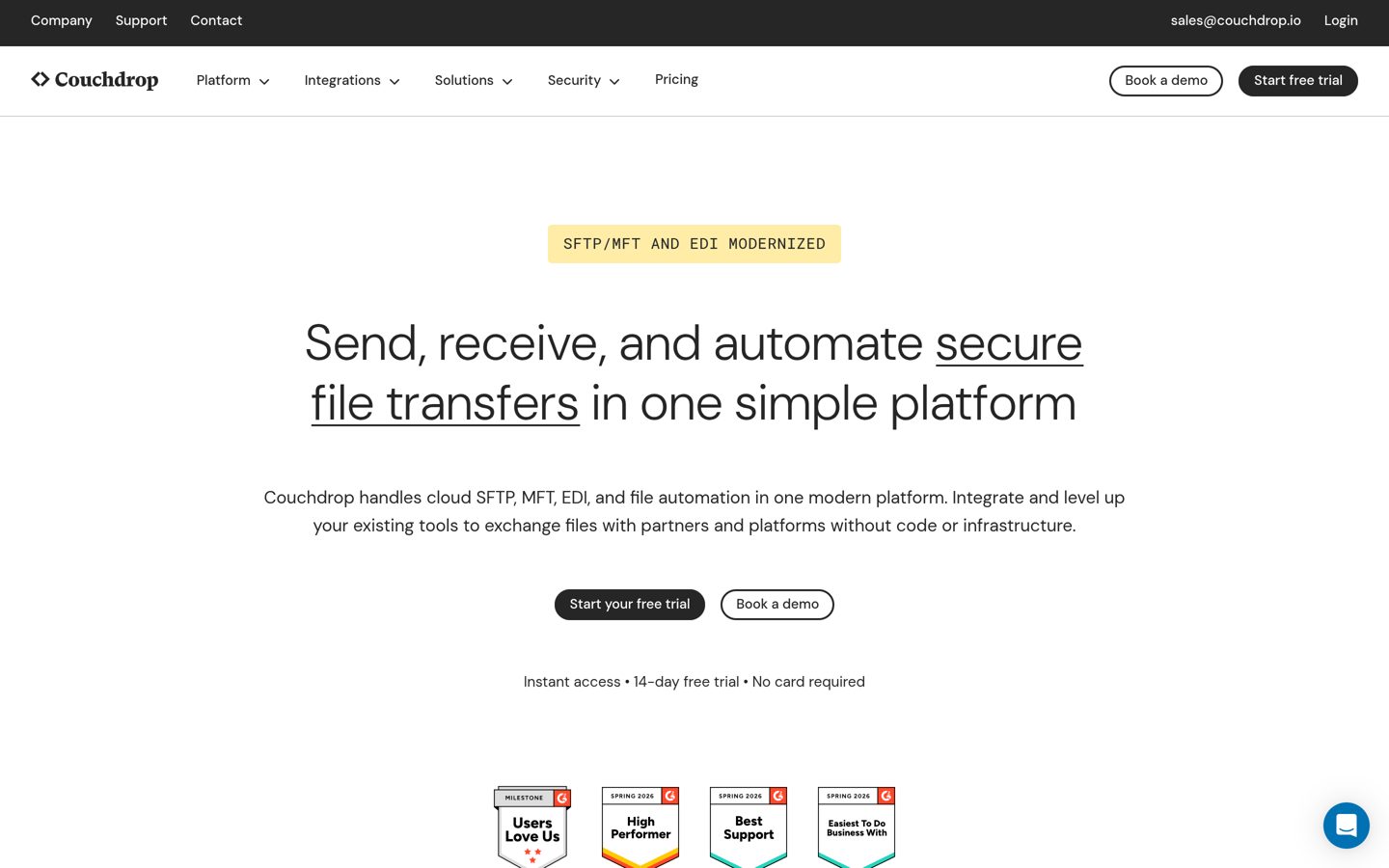
Couchdrop is a cloud SFTP platform that gives you an SFTP endpoint without a server to run or patch. The $50-a-month Link plan covers one inbound SFTP connection, one admin user, 30+ storage integrations such as SharePoint, OneDrive and S3, plus MFA and 10 GB of monthly transfer.
The trade off is scale. One connection and 10 GB of transfer suit a single partner feed, not a busy hub, and larger plans are quote-only. It suits small teams that want SFTP access to cloud storage without managing a server.
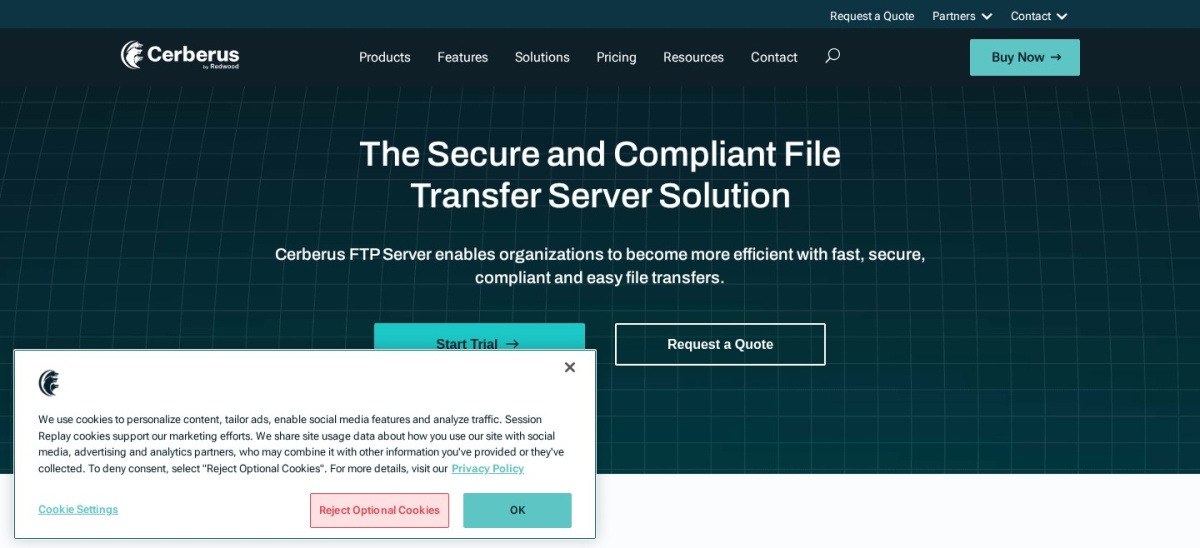
Cerberus FTP Server is a Windows SFTP server built around auditing and access control. The Professional plan costs $1,599 a year per server with unlimited users and connections, and it covers SFTP, FTPS, HTTPS and SCP with AD, LDAP and Okta logins.
The trade off is the platform. It runs on Windows Server only, so Linux shops need another pick, and the Enterprise plan costs $3,499 a year. It suits Windows teams that need detailed audit logs and per-user controls.
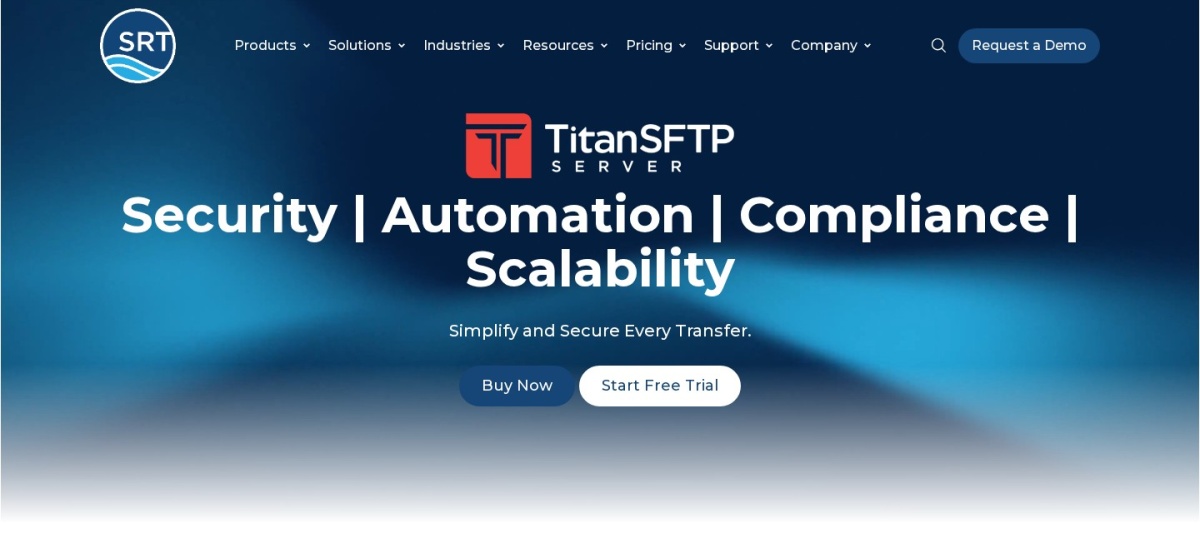
Titan SFTP Server is an enterprise SFTP server from South River Technologies with a one-time licence. The on-premises edition costs $1,499.95 once and covers SFTP, FTPS and HTTPS with AD and LDAP logins, event automation and FIPS 140-2 validated encryption.
The trade off is the buying model. A one-time licence means upgrades and maintenance are separate costs, and the cloud plan starts at $43.80 a month. It suits teams that prefer to own a licence rather than pay a subscription.
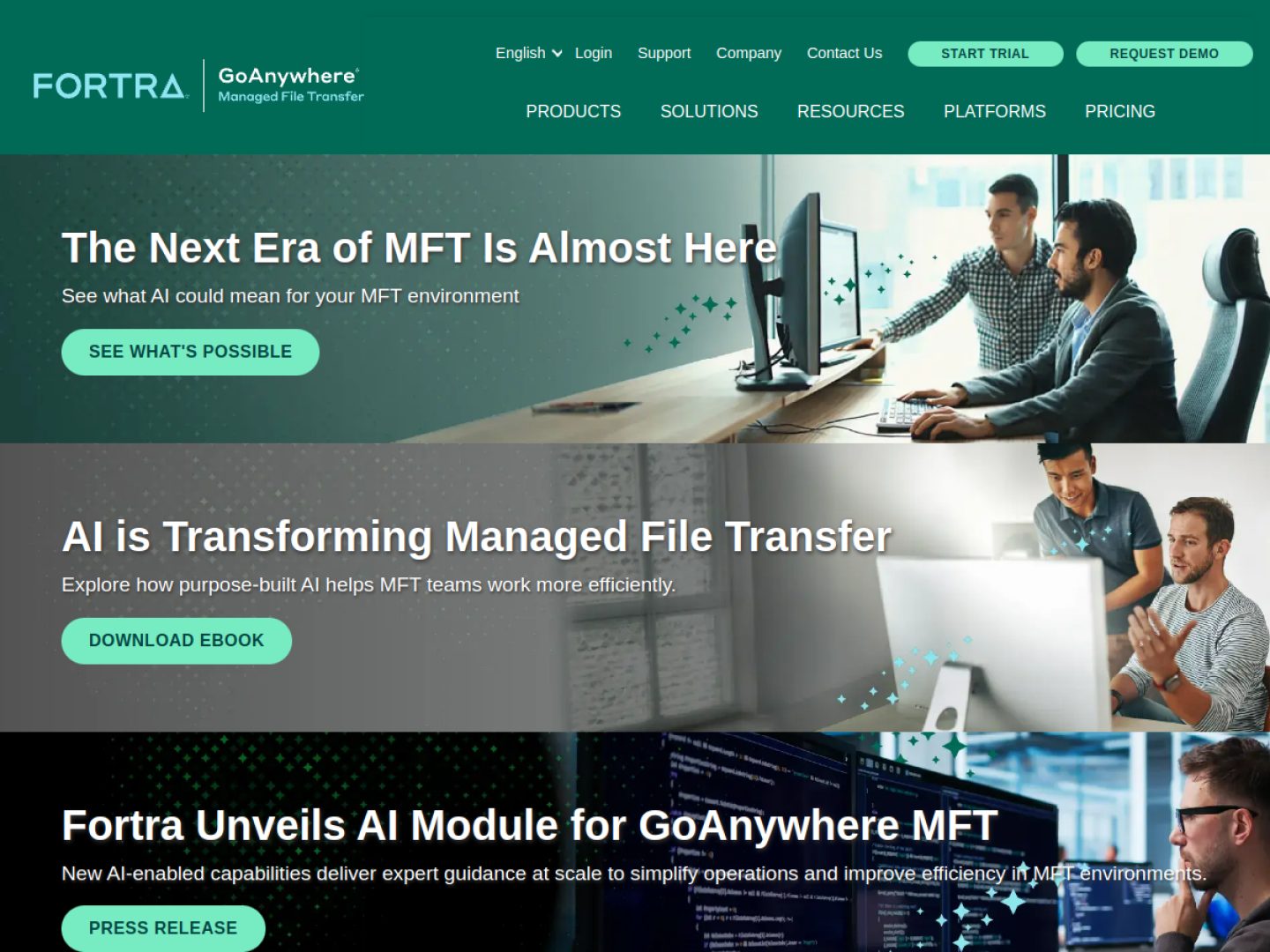
GoAnywhere MFT is Fortra's managed file transfer platform, and it leads this list on review volume with a 4.6/5 G2 rating from 456 reviews. It runs on-premises, in the cloud or as SaaS, and its visual workflows move files between systems on a schedule or when a file arrives.
The trade off is price. GoAnywhere is quote-only, and reviewers warn that costs rise with add-ons, so small teams should get a written quote early. It suits mid-size and larger teams that automate many scheduled transfers.
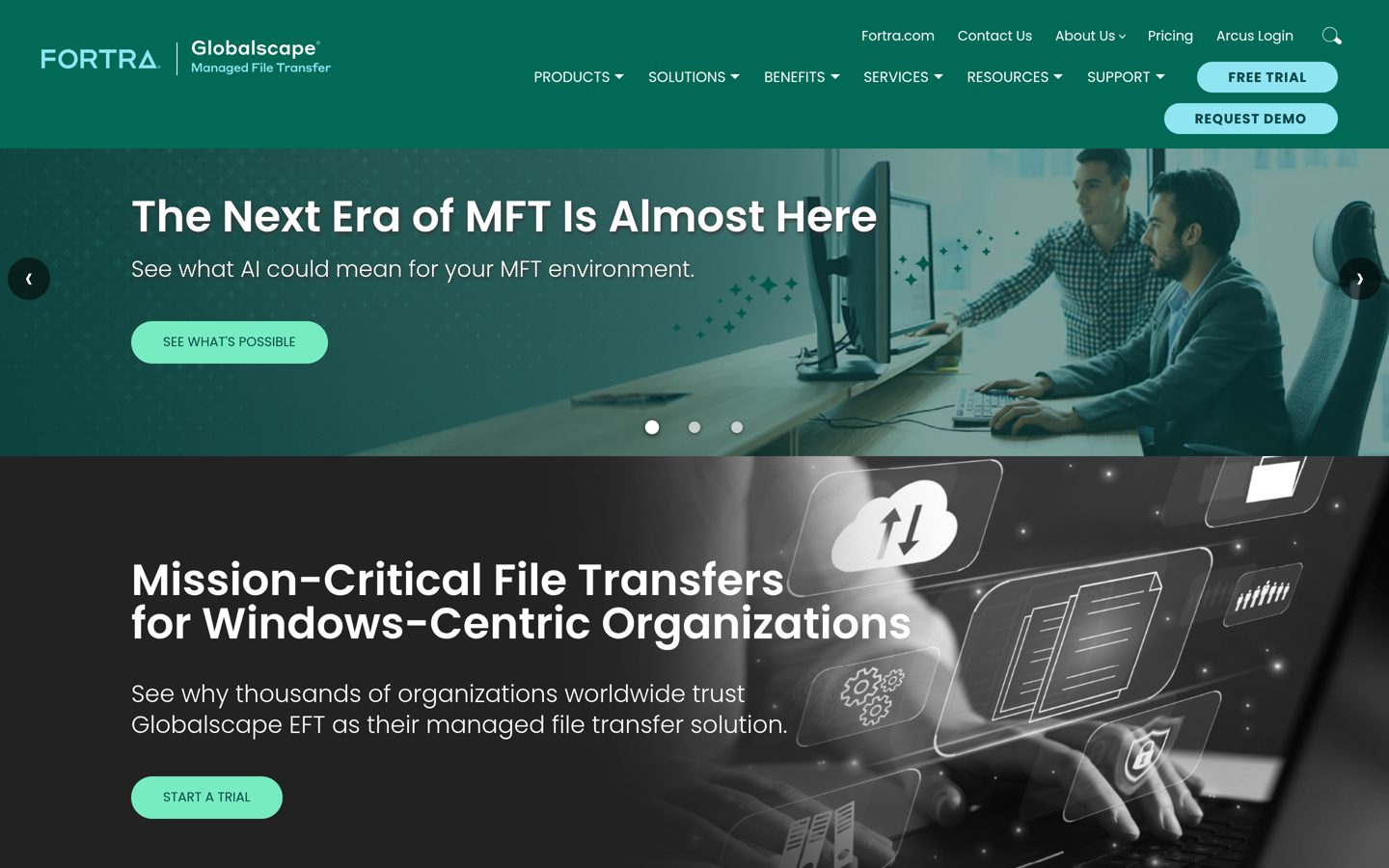
Globalscape EFT is Fortra's Windows-centred file transfer server, known for event rules that trigger transfers, alerts and file checks on their own. It supports SFTP, FTPS, AS2 and HTTPS, runs on Windows and Linux, and gives admins one console for users, folders and permissions.
The trade off is that it is quote-only, so budgeting needs a sales call, and extra features come as paid modules. It suits Windows teams that want event-driven automation without building scripts.
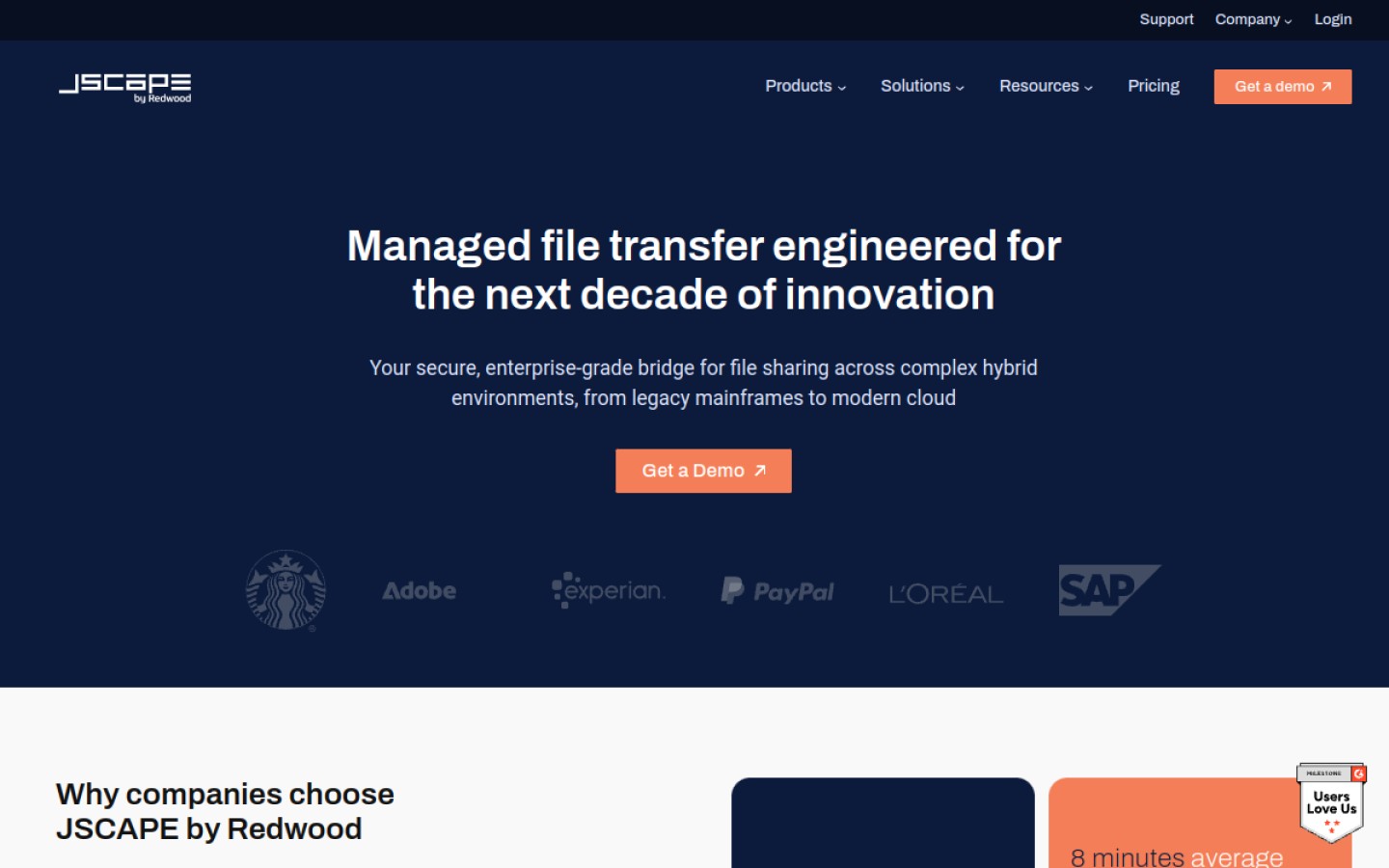
JSCAPE MFT Server is Redwood's managed file transfer platform, used by more than 500 enterprises. It covers SFTP, FTPS, AS2 and OFTP2, and its no-code triggers run transfers, data-loss checks and alerts without scripts.
The trade off is the learning curve. Reviewers praise the protocol range but call the admin screens dated and the setup slow, and pricing is quote-only. It suits teams that move files across many protocols and partners.
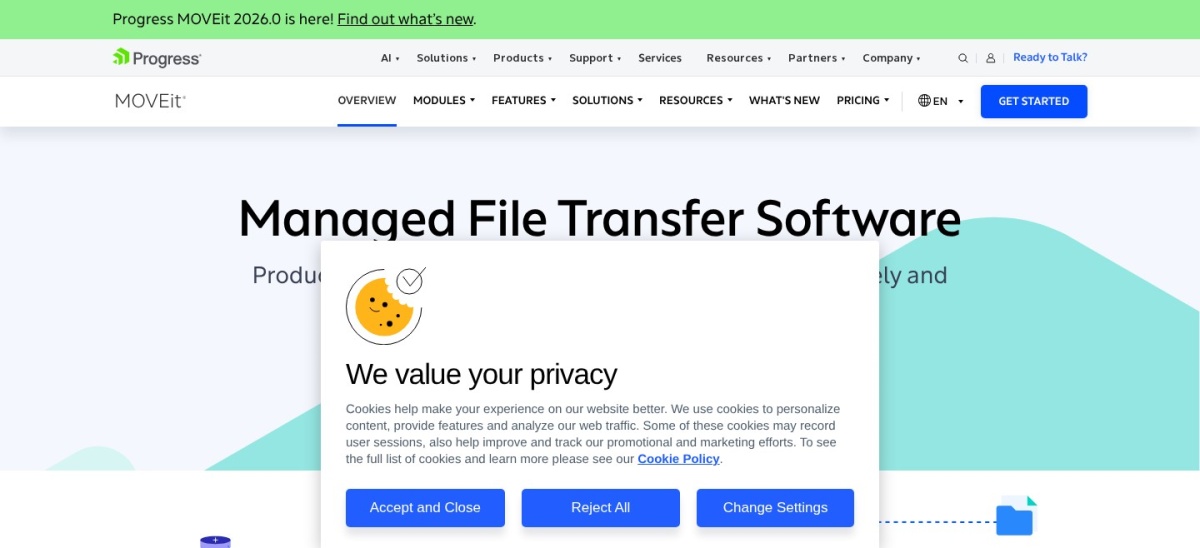
MOVEit is Progress's managed file transfer platform for regulated industries, used by more than 3,000 enterprises. MOVEit Transfer runs the server and portal, while MOVEit Automation schedules transfers, and both keep tamper-evident audit trails for compliance checks.
The trade off is diligence. MOVEit was hit by a widely reported mass exploit in 2023, so patching speed and the hosted option deserve a close look, and pricing is quote-only. It suits banks, hospitals and agencies with strict audit needs.
Serv-U MFT Server is SolarWinds' file transfer server, adding ad-hoc sharing, event-based automation and compliance reporting to plain file serving. It supports FTP, FTPS, SFTP and HTTP/S, meets PCI DSS 3.2, and starts at $335 per server per month billed annually.
The trade off is depth and evidence. Its automation is lighter than the workflow engines in MOVEit or GoAnywhere, and its 4.5/5 G2 rating rests on only 4 reviews. It suits small teams that want clear per-server pricing and already use SolarWinds tools.
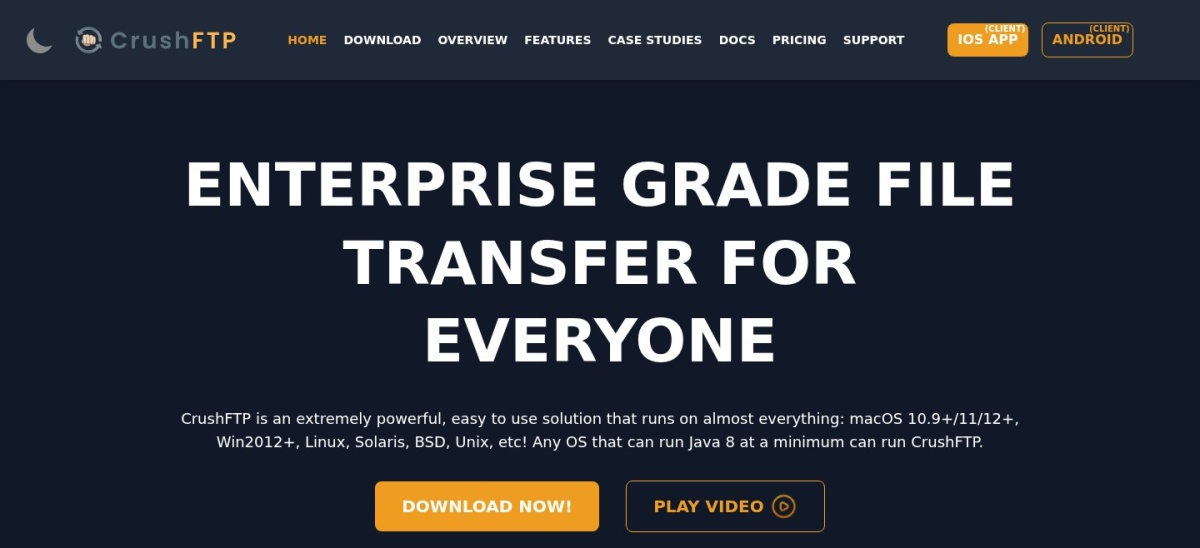
CrushFTP is a Java-based file transfer server that runs on Windows, macOS, Linux, Solaris and BSD from one install. The Small Business licence costs $70 once for 50 concurrent connections, and it covers FTP, FTPS, SFTP, SCP, HTTPS and WebDAV with a web admin panel.
The trade off is polish and trust. The admin screens look dated, and its 3.3/5 G2 rating from 5 reviews is the lowest here, with reviewers raising security history concerns. It suits small teams that want a cheap server on any operating system.
Self-hosted servers keep files on your own machines and charge per server or per licence. You control patching, backups and uptime, and you pay for that control in admin time.
Cloud SFTP hands the server to the vendor. You get an endpoint in minutes and pay per connection or per month, but your files pass through someone else's storage.
Pick self-hosted when data must stay on your network or when transfer volume is high and steady. Pick cloud when you need one partner feed live this week and have no server team.
How we chose
We started from every established SFTP server with a public rating on G2, then kept the nine with a rating we could verify.
Prices come from each vendor's pricing page, checked on 26 November 2026. Ratings and review counts come from G2 on the same day. Where a vendor shows a sale, the list shows the regular price.
We left out free servers such as FileZilla Server and ProFTPD because they have no public rating. No vendor paid for a place, and we do not claim to have used these tools ourselves.
How to choose an SFTP server
Start with where the files live, then match the server to that setup.
Decide hosted or self-hosted. A hosted service is live in minutes with no patching. A self-hosted server keeps data on your network but needs someone to run it.
Count connections and partners. A single partner feed fits Couchdrop Link at $50 a month. Many partners or high volume need unlimited users, so check connection limits first.
Check authentication and audit logs. Look for key-based logins, two-factor login and per-user folders. Ask for a sample audit log before you buy if compliance matters.
Run the trial with a real partner. Set up one real trading partner, move real files and check the logs. See how to limit login attempts if brute-force logins worry you.
FAQ
What is the best SFTP server software?
Couchdrop is the best pick for most teams. Its $50-a-month Link plan gives you a hosted SFTP endpoint linked to cloud storage, with no server to patch, and it is rated 4.8 out of 5 on G2 from 32 reviews.
Is there a free SFTP server?
Yes. FileZilla Server and ProFTPD are free and open source, but neither has a public rating on G2, Capterra or Trustpilot, so they are not in this list. CrushFTP is the cheapest paid option here at $70 once.
What is the difference between SFTP and FTPS?
SFTP runs file transfer over SSH on one port, while FTPS adds TLS encryption to classic FTP and needs more ports open. SFTP is simpler to run through firewalls, which is why most teams pick it for partner transfers.
Do I need a managed file transfer platform instead?
Only if you automate many transfers or need compliance reports. A plain SFTP server covers simple partner uploads. Platforms such as GoAnywhere or MOVEit add visual workflows, scheduling and audit trails for larger operations.
How much does an SFTP server cost?
Hosted SFTP starts at $50 a month with Couchdrop Link. Self-hosted servers start at $70 once for CrushFTP, $1,499.95 once for Titan, or $1,599 a year for Cerberus. Enterprise platforms such as MOVEit are quote-only.
Is MOVEit safe after the 2023 breach?
MOVEit fixed the 2023 flaw and remains widely used in regulated industries, but the incident shows why patching speed matters. Ask about patch timelines and consider the hosted MOVEit Cloud option if you want Progress to handle updates.
SaaS SEO and WordPress specialist with about 8 years of experience. Rakib compares WordPress plugins, themes, hosting and software using public pricing, documentation and user reviews. See how we rank.