Microsoft Clarity is the best session replay software for most sites because it is free forever with unlimited recordings on desktop and mobile. Pick Contentsquare for journey analysis and a 200,000-session free plan, or LogRocket when you need console logs and error tracking beside the replay.
How we make this list: we compare pricing pages, product documentation and public user reviews, then re-check every price before each update. No product paid for a place. Disclosure.
Microsoft Clarity is the only tool here with no paid tier at all: unlimited recordings, heatmaps and mobile SDKs for $0.
Contentsquare, the successor to Hotjar, gives 200,000 free monthly sessions, with Growth at a regular $49 a month.
FullStory's free plan covers 30,000 sessions a month with 12 months of retention, but paid plans need a sales quote.
LogRocket pairs every replay with console logs and network requests, starting at $83 a month for 10,000 sessions.
PostHog includes 5,000 free web recordings a month, then charges $0.005 per recording, so busy sites should set a billing limit.
UXCam is the only mobile-first pick here, with gesture-level replay for iOS and Android apps and a 3,000-session free plan.
What session replay should cover on desktop and mobile
Session replay records what visitors actually do: clicks, scrolls, form inputs and rage clicks, then plays it back like a video. On mobile the same idea needs touch gestures, screen sizes and app crashes, so a tool built only for desktop web pages can miss the moments that matter.
Free plans differ more than prices do. Some cap the number of sessions, some sample only a share of them, and some keep recordings for 30 days while others keep a year. Check the free allowance and the retention window before you install anything.
Pricing is usually metered by sessions or recordings, so a busy site can outgrow an entry plan in weeks. Our guide on adding Google Analytics to WordPress shows how to pair replay with traffic numbers, so you can see both how many visitors arrive and what they do.
Privacy controls matter on every plan. Look for masking of passwords and payment fields, consent handling and data retention settings before you record real visitors.
The 9 best session replay tools for desktop and mobile
01
Microsoft Clarity
4.5/5on G2 (55 reviews, checked Nov 2026)
PriceFree
Best free session replay overall
Free recordingsUnlimited
Mobile replayiOS, Android, more
Data retention30 days
Paid planNone, free forever
clarity.microsoft.com
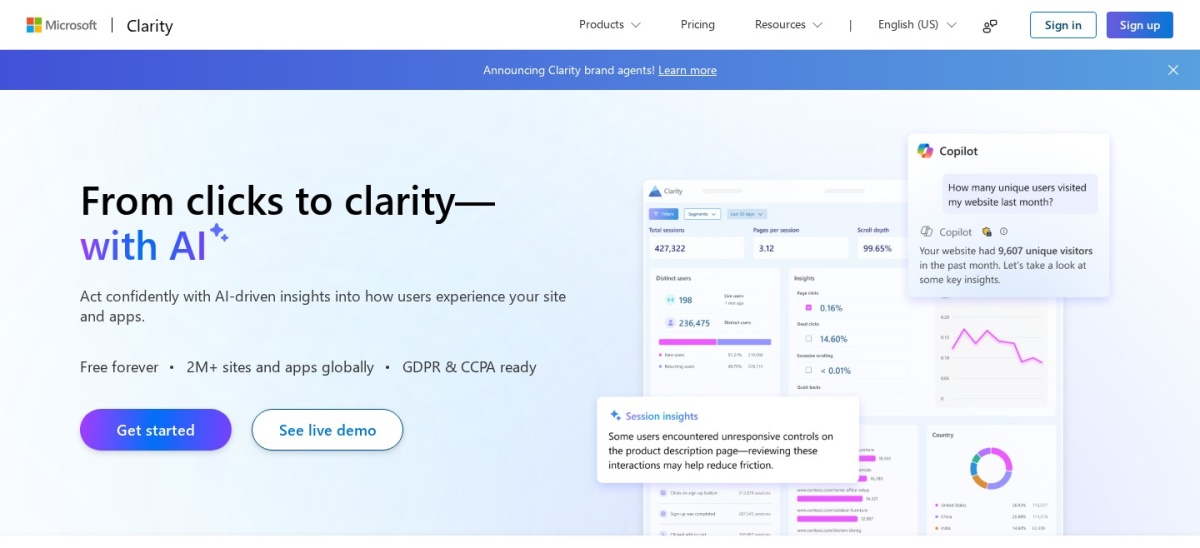
Microsoft Clarity homepage, captured Nov 2026.
Microsoft Clarity is a free behavior analytics tool from Microsoft with session recordings, heatmaps and AI-generated session summaries. Microsoft describes it as free forever, with no session cap and no paid tier, and says more than 2 million sites and apps use it.
The trade off is depth and support. Recordings are kept for 30 days, there is no paid upgrade for longer retention or a support contract, and Microsoft may use aggregated, anonymised data to improve its products. It suits any site that wants replay and heatmaps without a subscription.
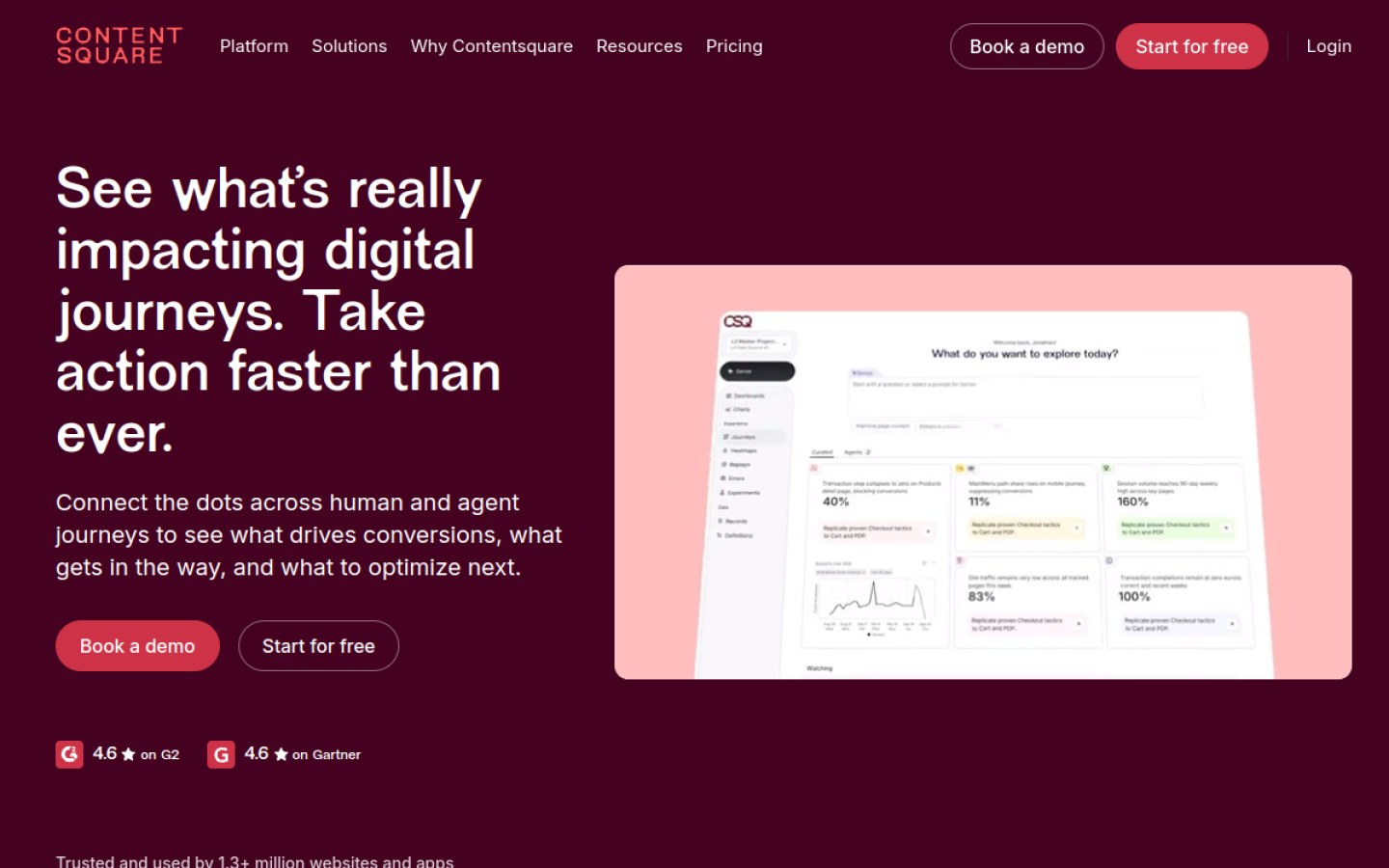
Contentsquare is the direct successor to Hotjar, which merged into the Contentsquare Group in July 2025, and new buyers sign up here instead. Its free plan covers up to 200,000 monthly sessions with replays, heatmaps, funnels and surveys, while Growth adds zone-based heatmaps and journey analysis.
The trade off is price and packaging. Growth lists at $49 a month, with $39 a month shown for annual billing, and surveys are sold as a separate Voice of Customer product. It suits marketing and product teams that want to connect replays to full customer journeys.
FullStory is a behavioral analytics platform that captures clicks, scrolls, errors and page changes automatically, with no manual event tagging. Its free plan includes 30,000 monthly sessions, 12 months of analytics retention and up to 10 user seats, plus AI session summaries.
The trade off is pricing. Paid plans are Business, Advanced and Enterprise, all priced by custom quote, so there is no self-serve price to compare. It suits product and UX teams that want broad behavioral capture without tagging every event by hand.
What we like
Captures behavior automatically, no tagging needed
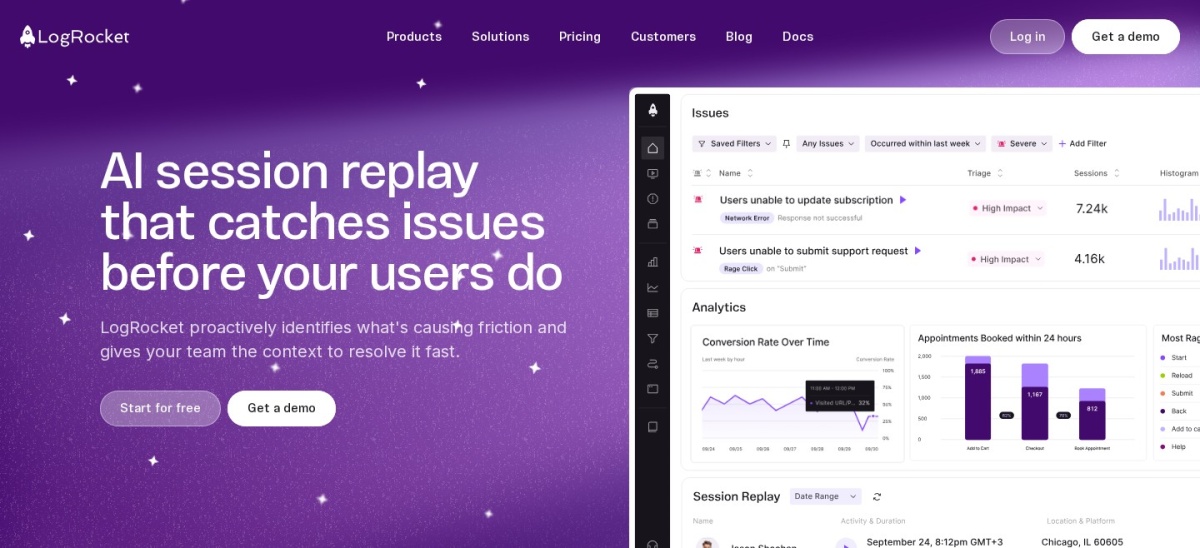
LogRocket is a session replay and frontend monitoring tool that pairs replays with console logs, network requests and JavaScript error tracking, so a developer can see exactly what happened before a bug. Its free plan covers 1,000 sessions a month, and Core starts at $83 a month for 10,000 sessions with unlimited analytics events.
The trade off is cost as volume grows. Pro, which adds the Galileo AI summaries and issue detection, starts at $292 a month for 10,000 sessions. It suits product and engineering teams that debug broken flows from replays.
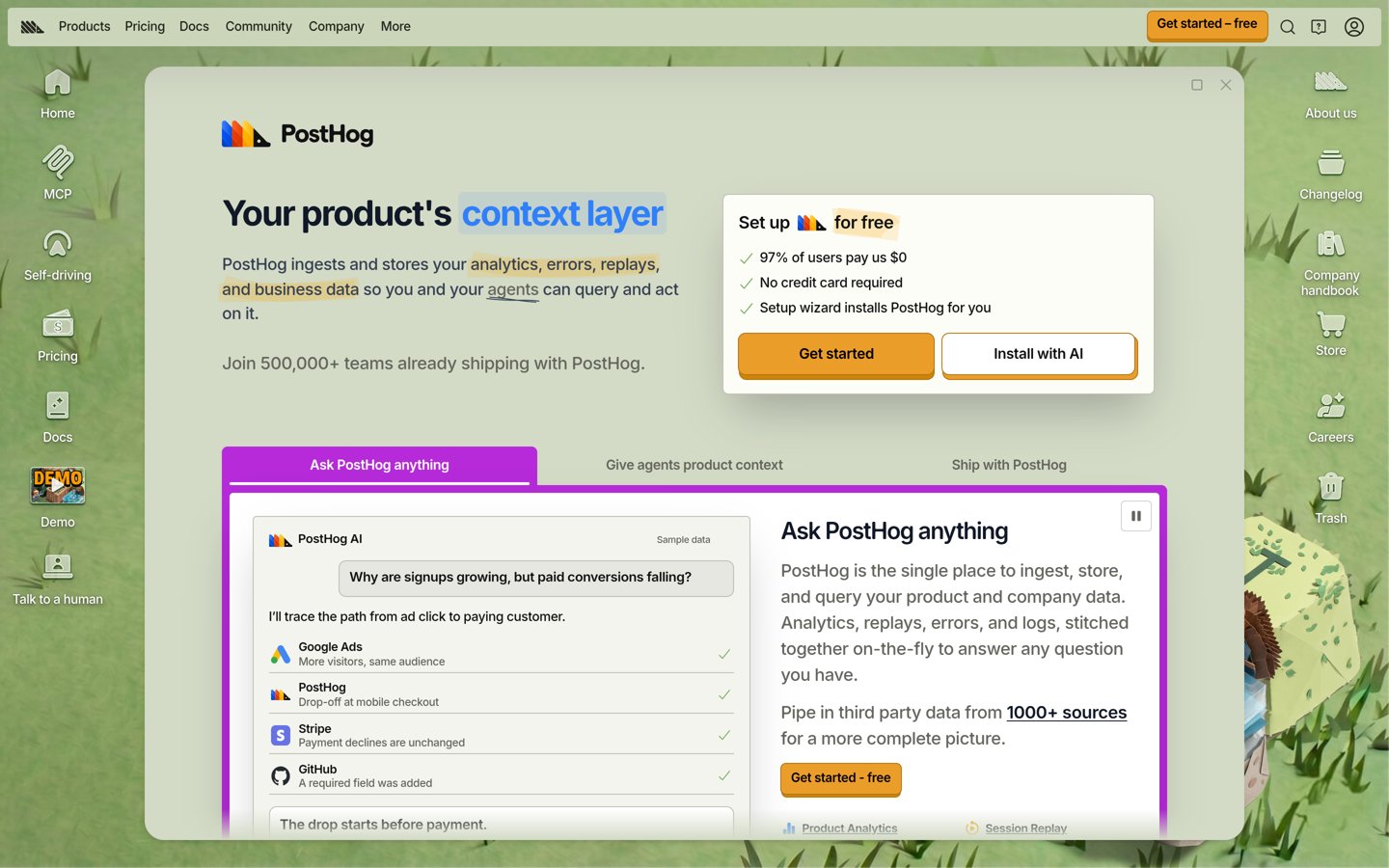
PostHog is an open-source product platform that combines session replay with analytics, feature flags, experiments and surveys in one account. Each month includes 1,000,000 free analytics events, 5,000 free web recordings and 2,500 free mobile recordings, with unlimited team members.
The trade off is metered billing. Above the free allowance, web recordings cost $0.005 each up to 15,000 a month, so a busy site should set a billing limit per product. It suits engineering-led teams that want replays beside their analytics and flags.
What we like
Generous free allowances across products
No per-seat charges on standard plans
Replays linked to events, errors and flags
Can be self-hosted for full data control
Watch out for
Usage billing needs monitoring on busy sites
Developer-focused workflows can feel dense
Mobile recordings cost about double web ones
Paid usage raises retention to 90 days and adds projectsVisit posthog.com
06
Mouseflow
4.6/5on G2 (695 reviews, checked Nov 2026)
Paid from$39/mo
Best for friction and form analysis
Free sessions500/month
Mobile replayWeb and mobile web
Data retention1 month free
Paid planStarter, $39/mo
mouseflow.com
Mouseflow homepage, captured Nov 2026.
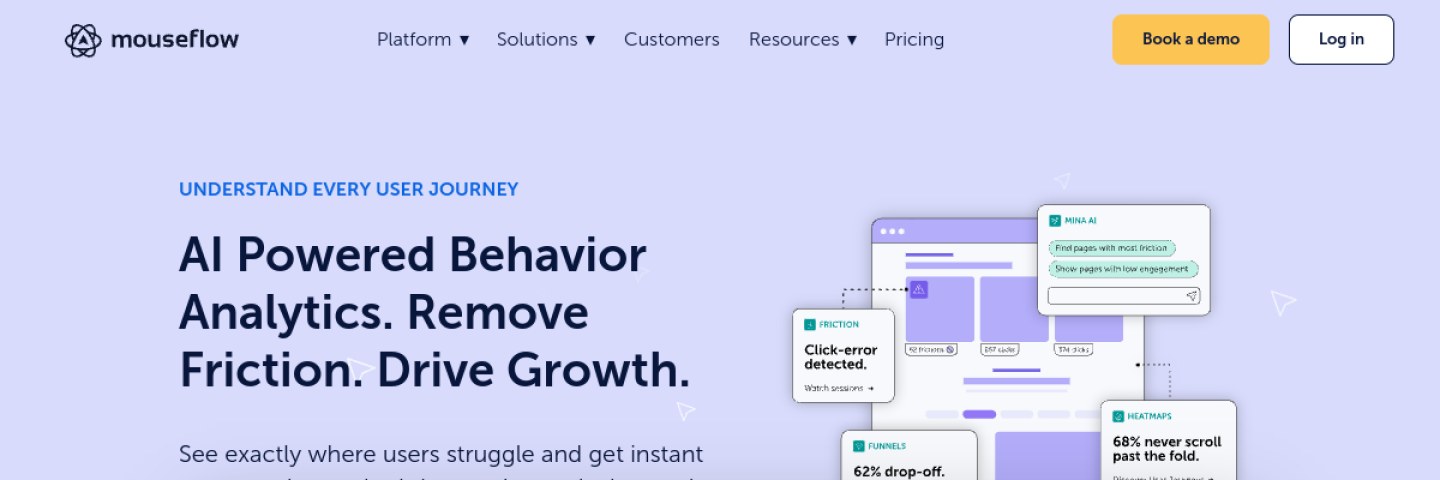
Mouseflow is a behavior analytics tool with session replay, six heatmap types, funnels, form analytics and a friction score that flags troubled sessions. Its free plan covers 500 sessions a month on one website, and Starter costs $39 a month for 5,000 sessions with 3 months of storage.
The trade off is the small free allowance and the single website on Starter. Annual billing lowers the Starter figure to $31 a month. It suits UX and conversion teams investigating where visitors struggle in checkout and signup flows.
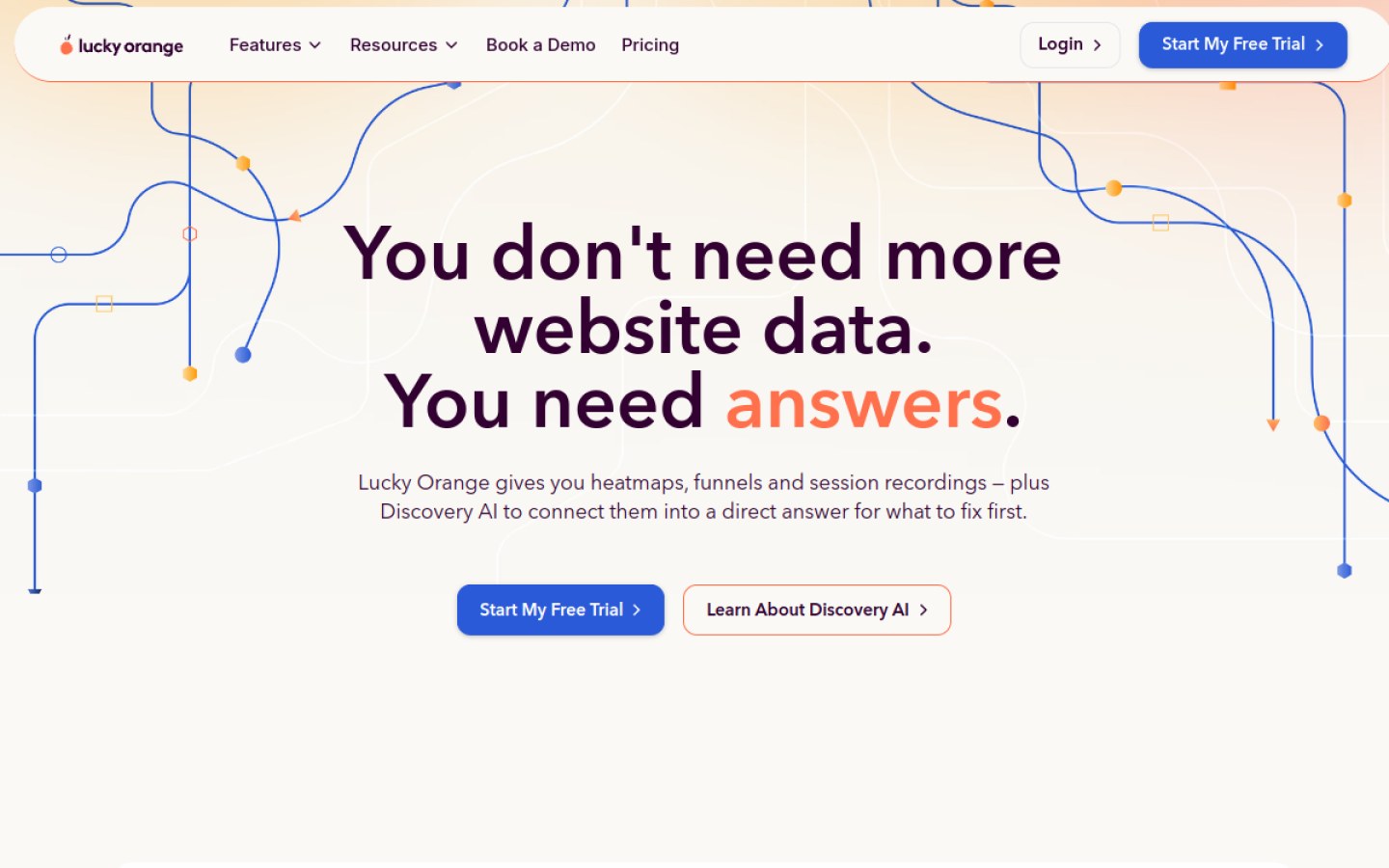
Lucky Orange is a visitor behavior tool that combines session recordings, dynamic heatmaps, conversion funnels, form analytics, surveys and live chat in one product for small sites. Its Build plan costs $39 a month for up to 3,500 sessions with 60 days of storage, unlimited team members and a 7-day trial.
The trade off is the jumps between tiers. Grow costs $72 a month for 10,000 sessions, then Expand jumps to $199 a month for 50,000, and the Discovery AI feature is a paid add-on. It suits small stores that want to watch visitors and chat with them from one dashboard.
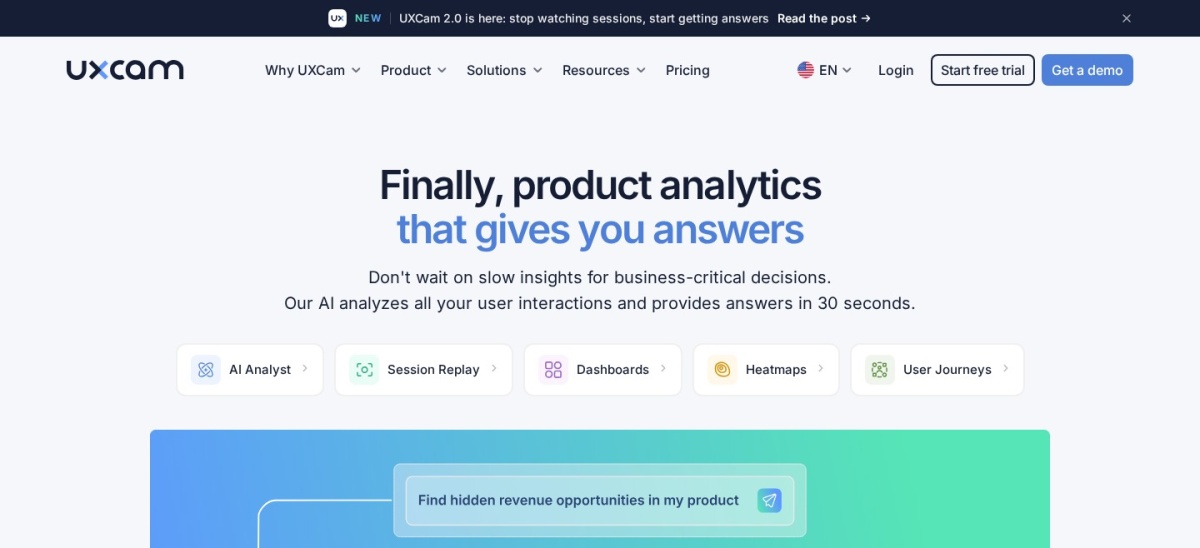
UXCam is a mobile-first experience analytics platform that records native iOS and Android app sessions with gesture-level detail: taps, swipes, pinches and rage taps. Its free plan covers 3,000 sessions a month with session replay and event analytics, and the Tara AI analyst summarises problem sessions.
The trade off is pricing and web coverage. Paid plans are quote-only, with Starter covering up to 10,000 monthly sessions, and the product is built for apps first. It suits mobile product teams diagnosing exactly where users struggle inside an app.
What we like
Gesture-level replay built for mobile apps
Heatmaps, funnels and crash detection
Tara AI analyst reviews sessions
Free plan with 3,000 sessions a month
Watch out for
Paid plans need a sales quote
Web analytics is thinner than mobile
Heatmaps and funnels need a paid plan
Paid plans add heatmaps, funnels and crash monitoringVisit uxcam.com
09
Crazy Egg
4.2/5on G2 (128 reviews, checked Nov 2026)
Starts at$29/mo
Best simple heatmaps with recordings
Recordings50/month on Starter
Pageviews5,000/month
Data retention6 months on Starter
Paid planStarter, $29/mo
crazyegg.com
Crazy Egg homepage, captured Nov 2026.
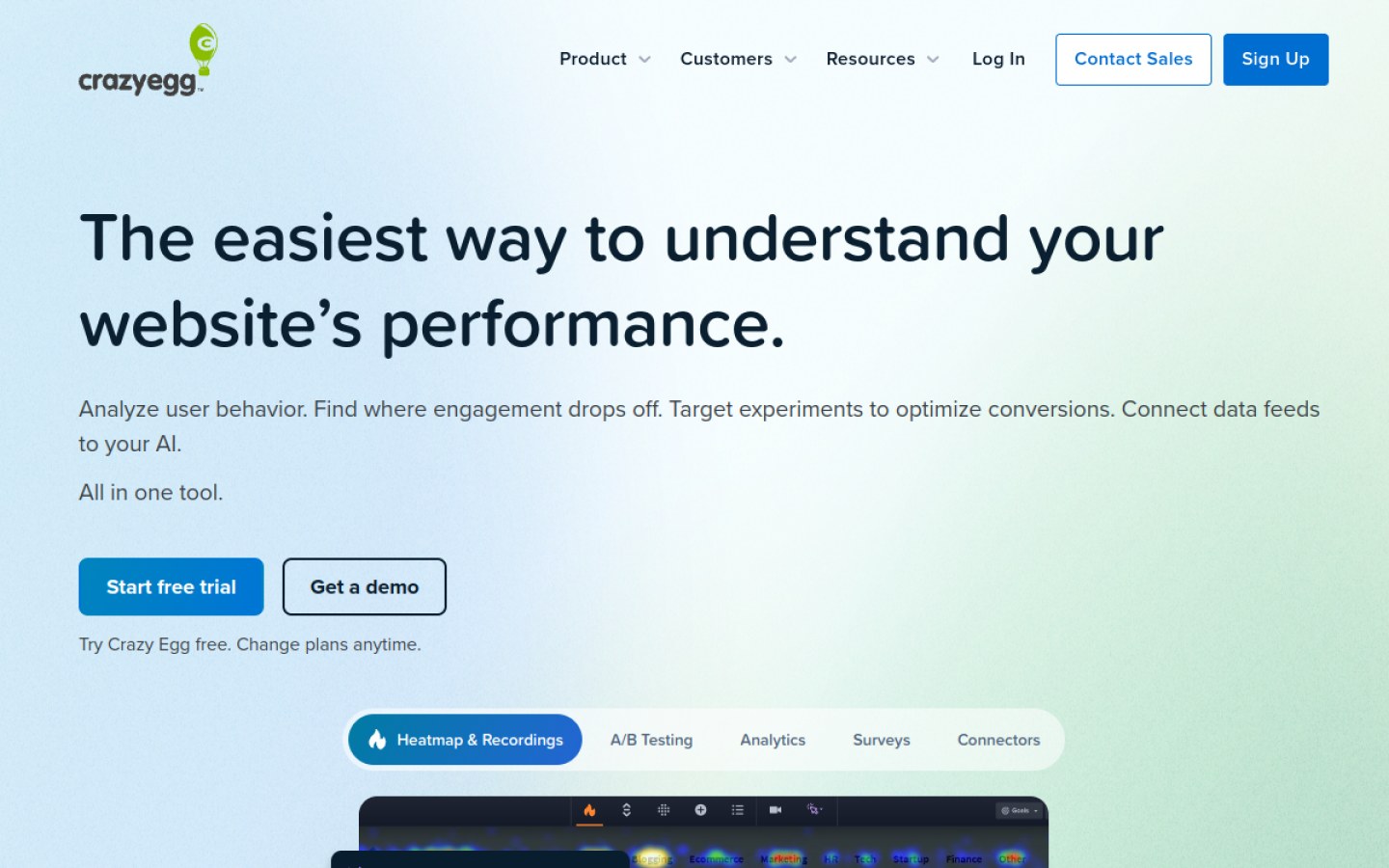
Crazy Egg is a website behavior tool with heatmaps, session recordings, surveys and A/B testing. Its Starter plan costs $29 a month billed annually, covering 5,000 tracked pageviews, 5 heatmap reports and 50 recordings a month with 6 months of storage, plus a 30-day trial.
The trade off is the small recording allowance and the billing. Plans are billed annually by default with no self-serve monthly toggle, and A/B testing needs Plus at $99 a month. It suits marketers who want simple heatmaps and a few recordings per month.
Desktop replay usually captures mouse movement, clicks and scrolling on web pages. It is the older, better-served side of the category, and most tools here do it well.
Mobile replay splits in two. Mobile web sessions run in a browser and most tools record them the same way as desktop. Native app sessions need an SDK for iOS, Android, React Native or Flutter, and only Clarity, Contentsquare, FullStory, LogRocket, PostHog and UXCam in this list ship one.
Gesture data is what makes mobile replay useful: taps, swipes, pinches and rage taps show where an app screen confuses people. UXCam records gestures natively, while web-first tools show taps and scrolls from mobile browsers.
If your traffic is mostly phones, start with a tool that has a real mobile SDK and a free plan, such as Clarity or PostHog, before paying for a web-only recorder.
How we chose
We started from the session replay tools with published pricing or a free plan, desktop and mobile coverage, and a public review record on G2. Tools that had stopped selling new plans, such as Smartlook, were left out.
Prices come from each vendor's pricing page, checked on 26 November 2026. Ratings and review counts come from G2 on the same day. Where a vendor shows a lower annual-billing figure beside a regular monthly price, the list shows the regular price.
We left out tools with no public price and no free plan. No vendor paid for a place, and we do not claim to have used these tools ourselves.
How to choose session replay software
Start with your traffic split, then match the free allowance to it before you pay.
Count desktop and mobile sessions separately. A tool that is cheap for desktop traffic can be dear for app sessions, since mobile recordings are often metered apart. Check both allowances on the pricing page.
Try the free plan on real traffic first. Install one tool, watch a week of recordings and check whether the free cap or the 30-day retention runs out first. That tells you which limit you will pay to lift.
Check the mobile SDK before you buy. If you run a native app, confirm the tool ships an SDK for your platform and records gestures, not just screen taps. Web-only recorders cannot see inside an app.
Set a billing limit on usage-based plans. PostHog and other metered tools charge per recording above the free allowance. A monthly cap stops a traffic spike from becoming a surprise bill.
FAQ
What is the best session replay software?
Microsoft Clarity is the best free option for most sites, with unlimited recordings on desktop and mobile and no paid tier. Contentsquare is the strongest paid pick for journey analysis, with a free plan covering 200,000 monthly sessions.
Is session replay free?
Yes, several tools are free to start. Microsoft Clarity is free forever with no session cap, while Contentsquare, FullStory, PostHog and UXCam all offer free plans with monthly session or recording limits.
Do session replay tools work on mobile apps?
Some do. Clarity, Contentsquare, FullStory, LogRocket, PostHog and UXCam ship SDKs for iOS and Android apps, and UXCam is built for mobile first. Web-only tools record mobile browsers but cannot see inside a native app.
How much does session replay software cost?
Entry paid plans in this list run from $29 to $83 a month. Crazy Egg starts at $29 a month billed annually, Mouseflow and Lucky Orange at $39 a month, and LogRocket Core at $83 a month for 10,000 sessions.
What is the difference between session replay and heatmaps?
Session replay plays back one visitor's journey as a video, showing clicks, scrolls and errors in order. Heatmaps combine many visitors into one picture of where people click and how far they scroll.
Does session replay slow down a website?
It adds a small script, so the effect is usually minor on modern sites. Tools that sample sessions or record only part of the traffic add less load, and most vendors publish performance notes in their documentation.
SaaS SEO and WordPress specialist with about 8 years of experience. Rakib compares WordPress plugins, themes, hosting and software using public pricing, documentation and user reviews. See how we rank.