Datadog is the best server monitoring software for most teams, with Infrastructure Monitoring Pro at $15 per host per month covering servers, containers and apps in one place, rated 4.4 out of 5 on G2. Pick PRTG for on-premises servers and Site24x7 if you want the lowest monthly bill.
How we make this list: we compare pricing pages, product documentation and public user reviews, then re-check every price before each update. No product paid for a place. Disclosure.
Datadog covers servers, containers and apps in one platform from $15 per host per month.
PRTG is the strongest on-premises pick, with a free plan for 100 sensors and 4.7 out of 5 on G2.
Site24x7 is the cheapest hosted option here at $9 a month, with server, website and app checks in one plan.
OpManager starts at $95 a year for 10 devices, the lowest yearly bill in this list.
Zabbix and Nagios XI suit teams that want self-hosted monitoring, but both need real setup time.
Two tools sell one-time licences: Nagios XI from $2,595 and SolarWinds SAM from $2,995, so compare them on total cost, not monthly price.
What server monitoring software should cover
A server fails quietly before it fails loudly. CPU creeps up, disks fill, a service stops, and the first sign is often a customer complaint.
Good server monitoring watches CPU, memory, disk, services and apps, then alerts you the moment a threshold breaks. The best tools also show why it broke, with graphs and logs in the same place.
Start with where your servers live. Our guide on does hosting affect WordPress speed shows how much the server itself shapes what visitors feel, and the same logic applies to any server you run.
Billing is the other big split. Some tools charge per host or per sensor, some per device, and two in this list sell one-time licences, so compare the yearly total, not the headline price.
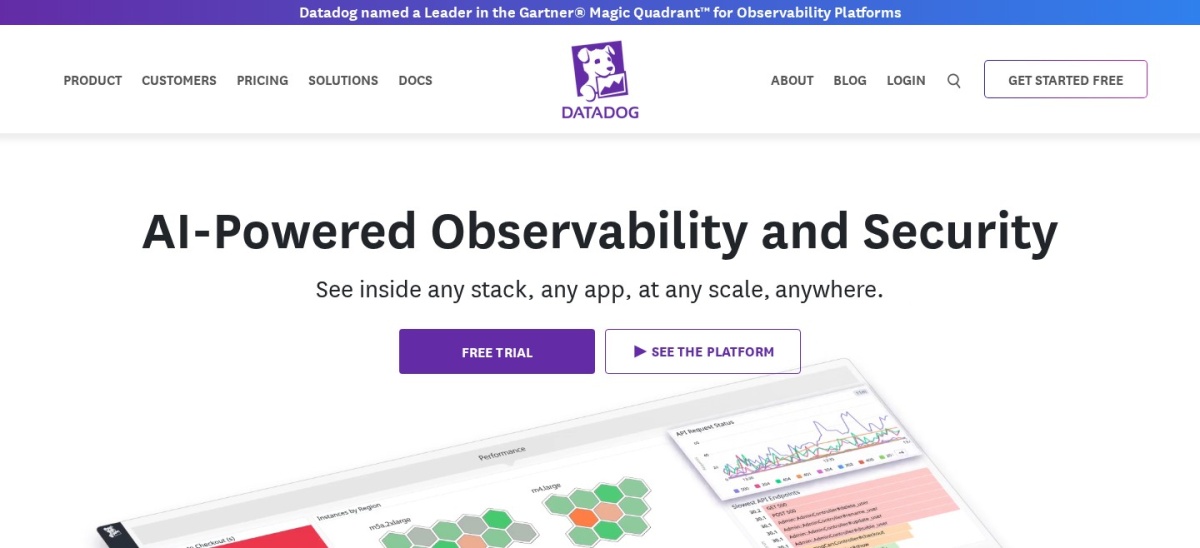
Datadog is a cloud monitoring platform that watches servers, containers, databases and apps from one dashboard. The free tier covers up to 5 hosts, and Infrastructure Monitoring Pro costs $15 per host per month on annual billing, with more than 750 integrations for common stacks.
The trade off is the bill. Per-host pricing plus paid add-ons for logs and APM can grow fast as you add hosts, so small estates should watch the metered extras. It suits cloud-first teams that want one platform for servers, apps and logs.
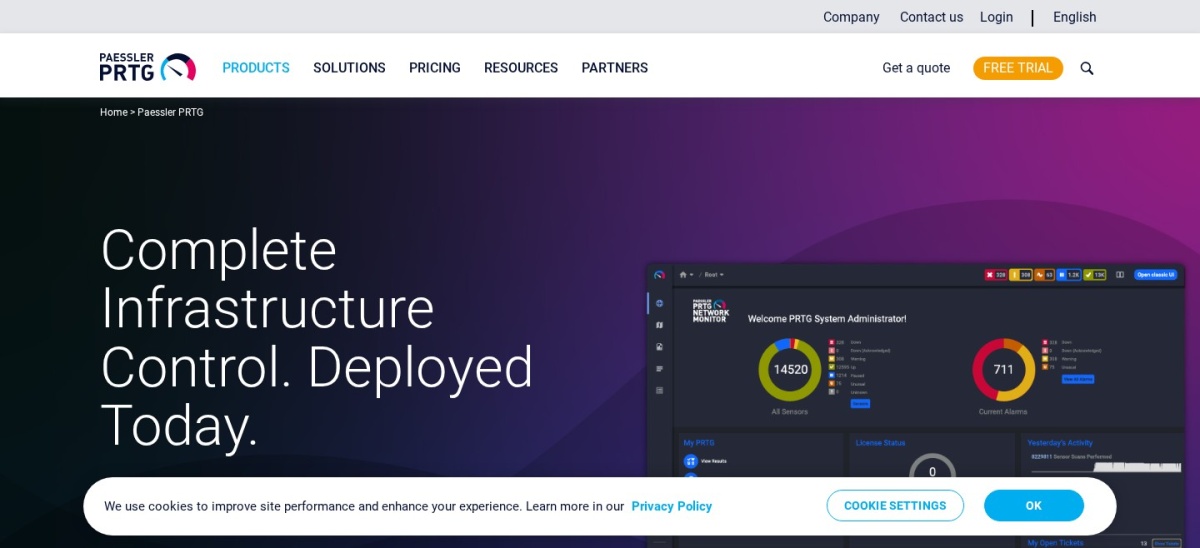
Paessler PRTG is an on-premises monitor that polls servers, networks and apps with SNMP, WMI and SSH, so most devices need no agent. The free plan covers 100 sensors, and PRTG 500 costs $200 a month on annual billing for 500 sensors, about 50 devices.
The trade off is price at scale. Every tier has the same features, so you pay only for more sensors, and the bill climbs steeply past 500 sensors. It suits Windows-based IT teams that want fast setup and one console for servers and networks.
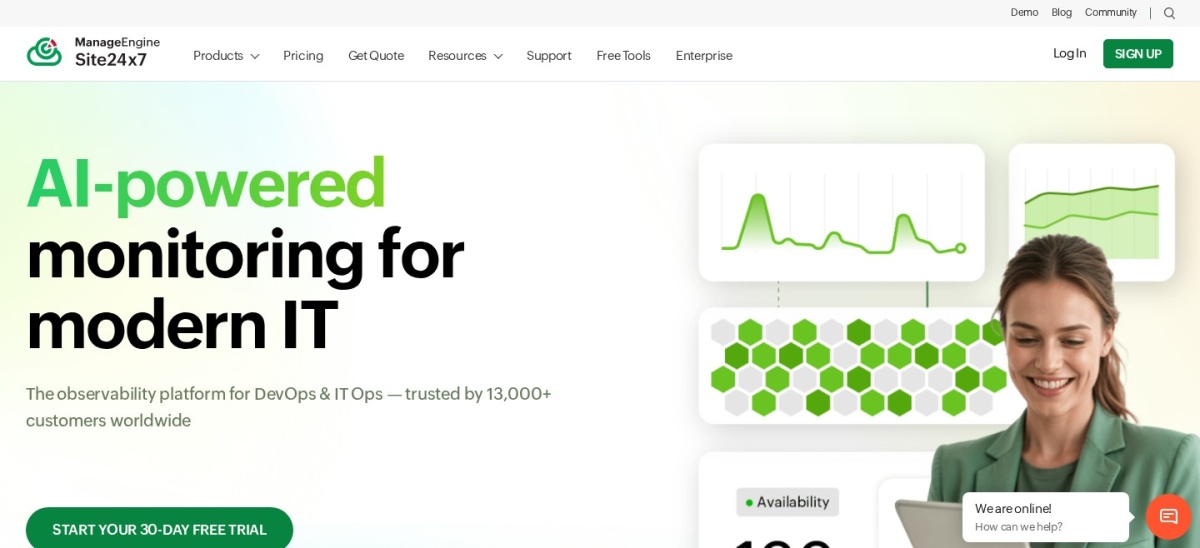
Site24x7 is a hosted monitor that checks servers, websites and apps from one account, with no server of your own to run. Starter costs $9 a month and covers 11 monitors, including 10 websites or servers, plus 500 MB of logs.
The trade off is depth. It covers the basics well, but teams that need deep APM traces or custom metrics will outgrow it and pay more for higher tiers. It suits small businesses that want cheap, set-and-forget monitoring for a handful of servers.
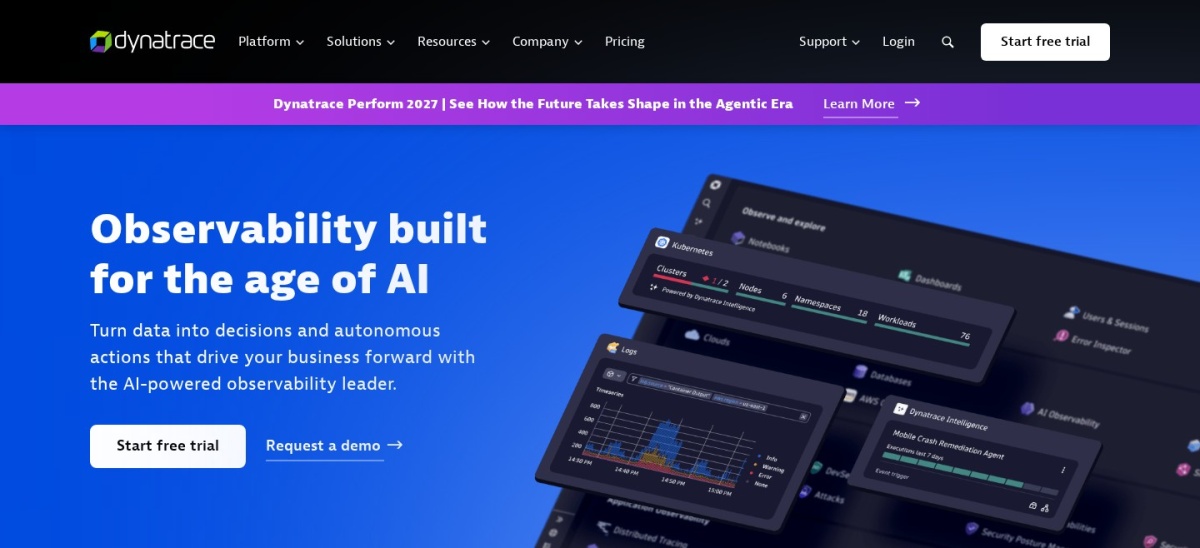
Dynatrace is an observability platform that maps your servers, services and apps automatically once its OneAgent is installed. Infrastructure Monitoring costs $29 per host per month, or $0.04 per host per hour, and its Davis AI links faults to their cause.
The trade off is cost and complexity. Full-stack monitoring costs $58 a month per 8 GB host, and the platform takes real time to learn. It suits large teams with complex estates that need answers fast when something breaks.
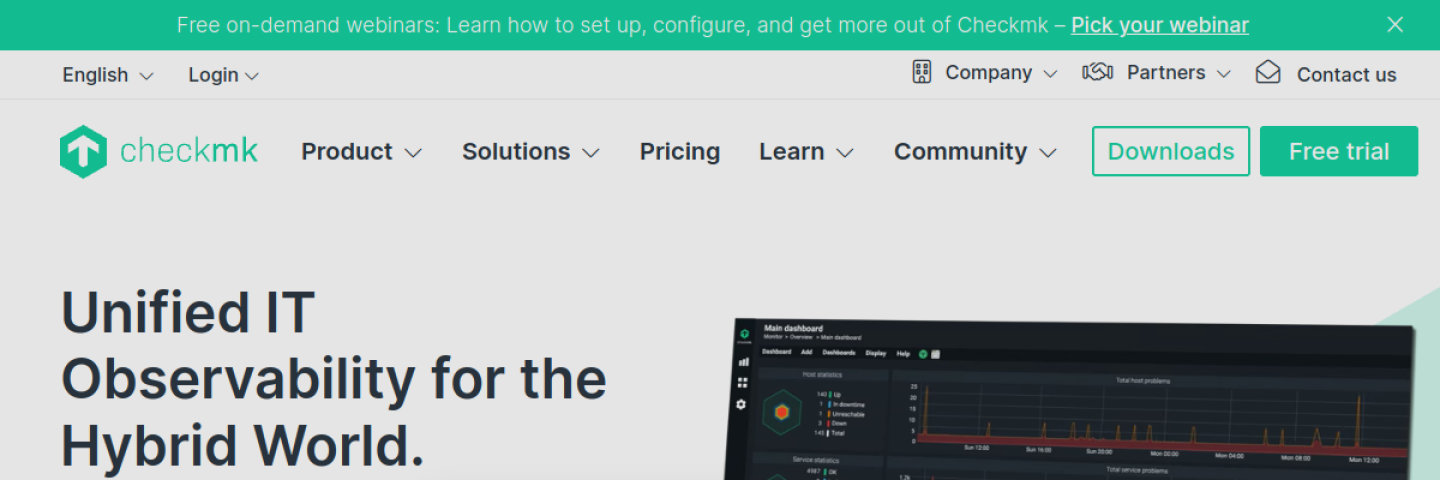
Checkmk is a monitoring platform for hybrid estates that discovers servers, networks, cloud services and containers and watches them with more than 2,000 built-in check plugins. The Community edition is free and open source, and the hosted Cloud edition starts at $2,880 a year.
The trade off is that pricing is service-based, so the bill depends on how many checks you run, and self-hosted editions need Linux skills to run well. It suits IT teams that want open-source roots with a supported upgrade path.
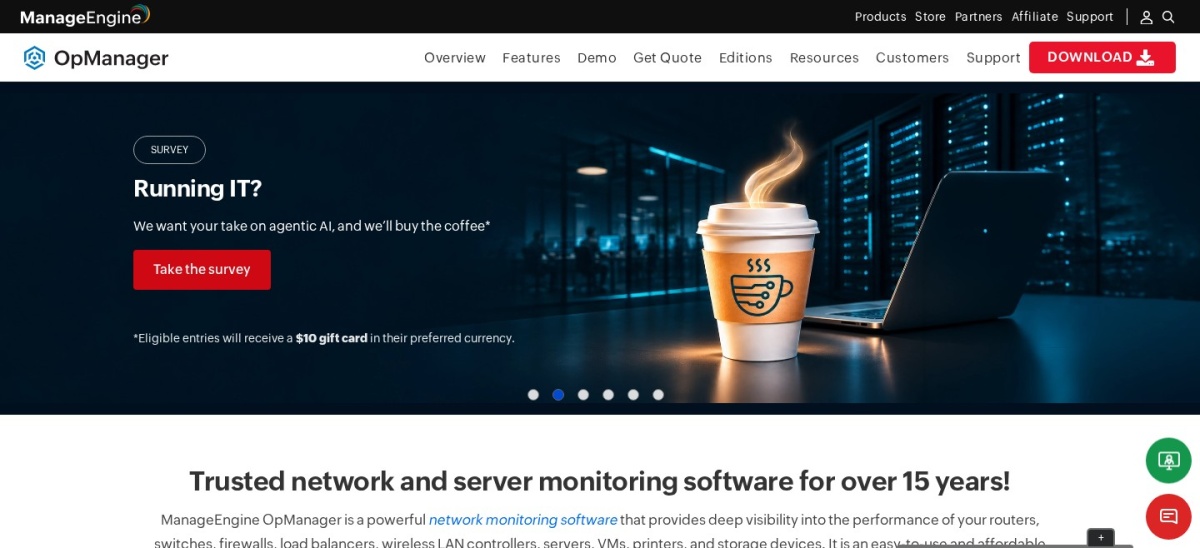
ManageEngine OpManager homepage, captured Nov 2026.
ManageEngine OpManager is a network and server monitor aimed at Windows-based IT teams, with device-based pricing instead of per-user billing. Standard starts at $95 a year for 10 devices, and a free edition covers 3 devices and 2 users.
The trade off is scale. Standard and Professional cover a single server up to 1,000 devices, and multi-site monitoring needs Enterprise from $4,595 a year. It suits small and mid-size teams that want a low yearly bill for on-premises servers.
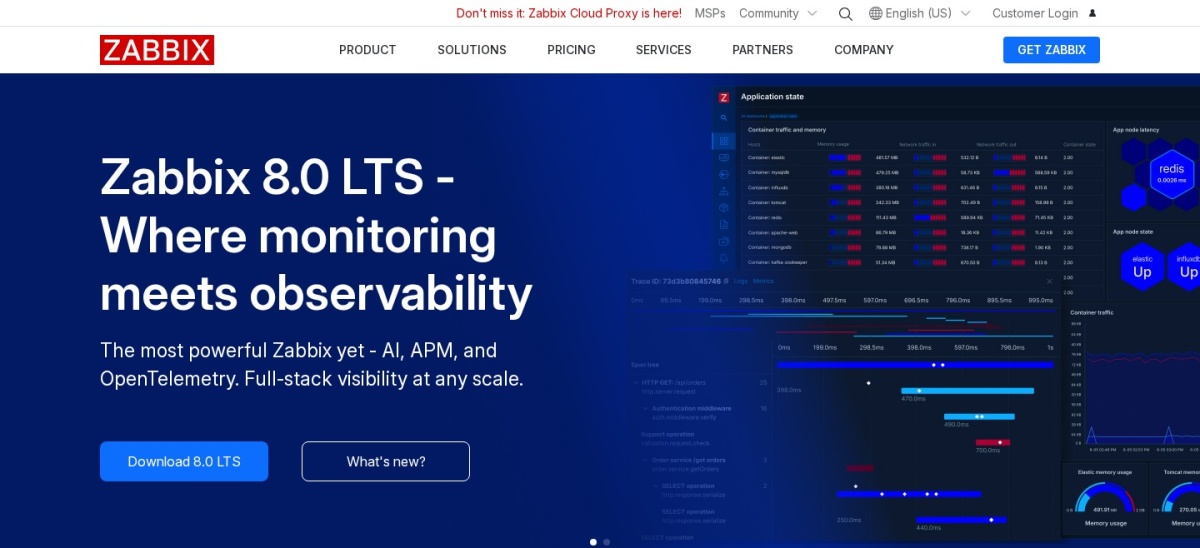
Zabbix is free, open-source monitoring software that watches servers, networks, cloud services and apps with no licence fee and no host limits. Teams that want a hosted version can use Zabbix Cloud, where Nano starts at $50 a month.
The trade off is effort. You install, tune and maintain it yourself, and paid support starts at $325 a month, so the real cost is engineering time. It suits teams with in-house skill that want full control and no licence bill.
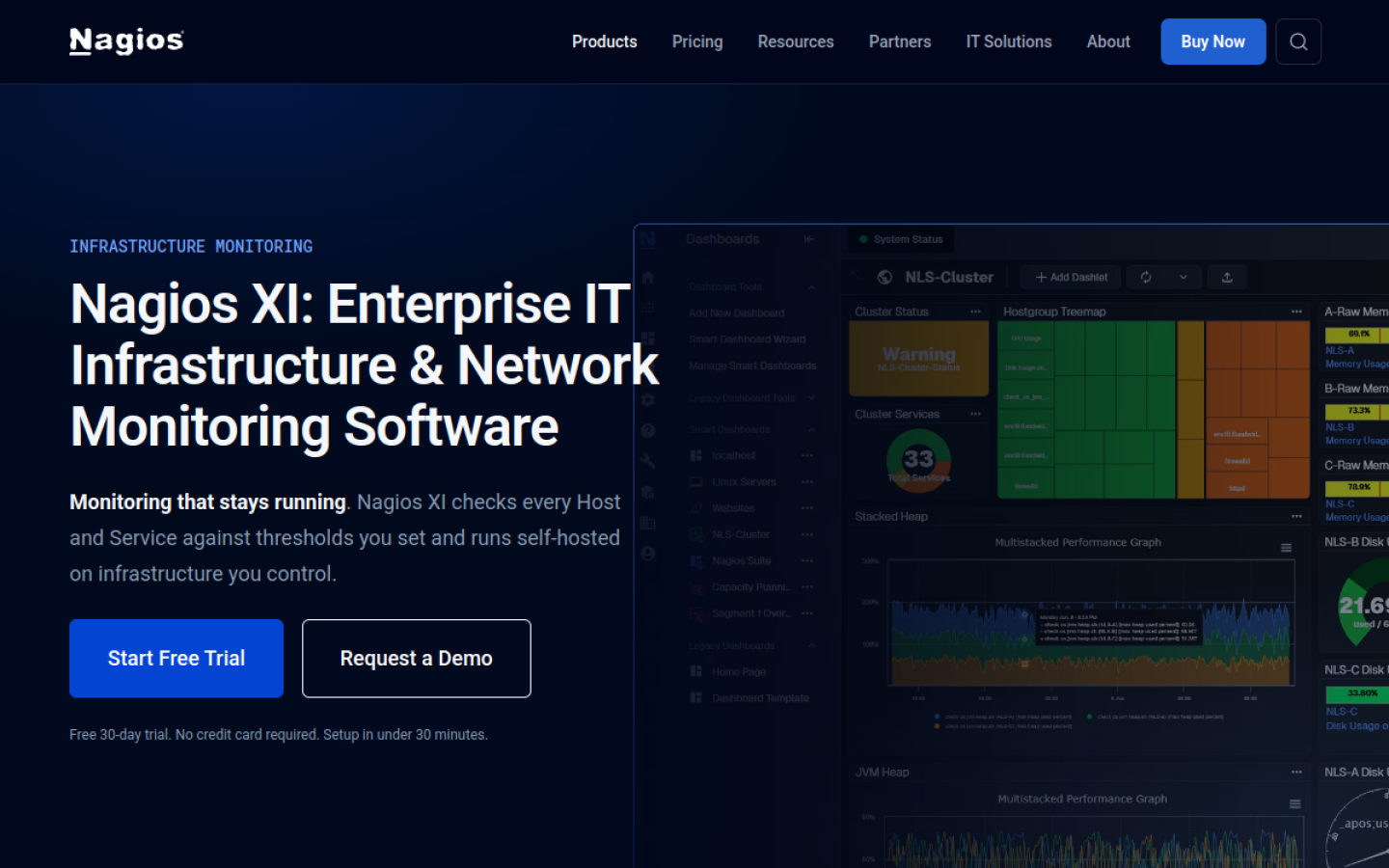
Nagios XI is the commercial edition of the long-running Nagios monitor, sold as a one-time licence instead of a subscription. Standard costs $2,595 for 100 nodes and includes the first year of maintenance and support, with a free edition for 7 nodes.
The trade off is that you pay up front and renew maintenance separately after year one, and the interface takes learning. It suits teams with a fixed estate that prefer owning the licence to renting it.
SolarWinds Server & Application Monitor homepage, captured Nov 2026.
SolarWinds Server & Application Monitor (SAM) watches Windows and Linux servers plus the apps on them, with more than 1,200 monitoring templates for common software. Pricing starts at $2,995, and a 30-day trial is fully functional.
The trade off is price and scope. It is a one-time licence aimed at on-premises Windows estates, and its Capterra rating rests on only 14 reviews. It suits IT teams that already run SolarWinds tools and want server and app views together.
What we like
More than 1,200 ready templates
Server and app views in one console
AppStack maps app dependencies
30-day fully functional trial
Watch out for
High starting price
Rating rests on only 14 Capterra reviews
Built for on-premises estates, not cloud-first teams
Cloud tools such as Datadog, Dynatrace and Site24x7 run on the vendor's servers. You sign up, install an agent and see data in minutes, and you pay every month for every host.
Self-hosted tools such as Zabbix, PRTG, Checkmk, OpManager and Nagios XI run on your own server. You pay less in licences, sometimes nothing, but you own the install, the updates and the outages.
For most small teams, a cloud tool is the faster start. For teams with fixed estates and in-house skill, a self-hosted tool can cost far less over three years.
SolarWinds SAM sits with the self-hosted group. It installs on Windows and watches the servers and apps around it, which fits teams that already run their stack on-premises.
How we chose
We started from the server monitoring tools that appear most often in G2, Capterra and vendor comparisons, then kept nine that cover cloud, on-premises and open-source setups.
Prices come from each vendor's pricing page, checked on 26 November 2026. Ratings and review counts come from G2 on the same day, except SolarWinds SAM, which has no G2 reviews, so its rating comes from Capterra. Where a vendor shows a sale, the list shows the regular price.
We left out tools with quote-only pricing and tools that monitor only websites or uptime. No vendor paid for a place, and we do not claim to have used these tools ourselves.
How to choose server monitoring software
Start with where your servers live, then match the billing model to your budget.
Count what you monitor. List servers, VMs, containers and apps first. Per-host and per-sensor prices punish large estates, while device-based and free tools suit fixed fleets.
Pick hosted or self-hosted. Hosted tools need no server of your own but bill every month. Self-hosted tools such as Zabbix and PRTG cost time instead of rent.
Check the alerting, not just the graphs. Make sure the tool pages, emails or messages your team on a failure, and that thresholds are easy to set without custom scripts.
Run the trial on a real server. Use the free trial or free edition on one production server first, and check that the alerts you get match the failures you care about.
FAQ
What is the best server monitoring software?
Datadog is the best server monitoring software for most teams. Its Infrastructure Monitoring Pro plan costs $15 per host per month, covers servers, containers and apps in one place, and is rated 4.4 out of 5 on G2 from 708 reviews.
What is the cheapest server monitoring software?
ManageEngine OpManager has the lowest yearly bill here at $95 a year for 10 devices, while Site24x7 is the cheapest hosted option at $9 a month. Zabbix costs nothing in licence fees, but you pay with setup and maintenance time instead.
Is there free server monitoring software?
Yes. Zabbix is free and open source with no host limits, PRTG is free for 100 sensors, Checkmk has a free Community edition, and OpManager has a free edition for 3 devices. Datadog also has a free tier for up to 5 hosts.
What is the difference between server monitoring and uptime monitoring?
Uptime monitoring only checks whether a server or website answers. Server monitoring also tracks CPU, memory, disk, services and apps on the server, so it shows why something slowed down, not just that it stopped answering.
Do I need an agent on every server?
Not always. PRTG, Zabbix and OpManager can poll many servers agentlessly over SNMP, WMI or SSH. Datadog and Dynatrace use an agent, which gives deeper data on apps and containers but adds software to each host.
Is Nagios XI still a good choice in 2026?
Yes, for fixed estates. Nagios XI Standard costs $2,595 as a one-time licence for 100 nodes and has a huge plugin library, but its interface is dated and maintenance renewals add cost after the first year.
SaaS SEO and WordPress specialist with about 8 years of experience. Rakib compares WordPress plugins, themes, hosting and software using public pricing, documentation and user reviews. See how we rank.