Novagems is the best security guard scheduling software for most firms, rated 4.5 out of 5 on Capterra with scheduling, GPS tours and payroll export from $10 per user a month. Guardhouse is the highest rated at 4.9, and GuardsPro is the cheapest guard-specific option at $5 per user a month.
How we make this list: we compare pricing pages, product documentation and public user reviews, then re-check every price before each update. No product paid for a place. Disclosure.
Novagems leads the guard-specific tools at 4.5/5 on Capterra, with scheduling, GPS tours and payroll export from $10 per user a month.
Guardhouse is the highest rated tool here at 4.9/5 from 24 Capterra reviews, but it publishes no price.
GuardsPro is the cheapest guard-specific option at $5 per user a month, with a 30-day free trial.
TrackTik is the enterprise pick at 4.3/5 on G2, but it shares an owner with Silvertrac, which has no native scheduling and is left out.
When I Work is the cheapest scheduler overall at $2.50 per user a month, but it has no guard tours or patrol proof.
Three of the nine tools are quote-only, so get a written quote before comparing them against published prices.
What guard scheduling software has to cover
Guard scheduling is not the same as rostering shop staff. Shifts run overnight, across several client sites, and a missed post can breach a contract, so the schedule has to connect to clock-ins, patrols and payroll.
A good tool lets supervisors build rosters weeks ahead, fill open shifts fast, and see at a glance who is qualified, available and already near overtime. Guards should confirm shifts on their phones and clock in at the site, not from home.
Guard-specific tools add patrol proof: GPS tracking, geofenced clock-ins and NFC or QR checkpoints that show a guard was where the schedule said. General schedulers rarely offer any of that, which is why they sit lower in this list.
Pricing is the hardest part of this category. TrackTik, Guardhouse and Belfry publish no prices, so compare them only with written quotes in hand. Our guide on running a WordPress security audit covers the audit side of guard operations.
One ownership note: TrackTik and Silvertrac are both Trackforce Valiant products, acquired in 2022 and 2020. Silvertrac is left out of this list because reviewers consistently note it has no native scheduling.
The 9 best security guard scheduling software tools
01
Novagems
4.5/5on Capterra (26 reviews, checked Nov 2026)
Starts at$10/mo
Best guard-specific scheduling overall
Starting price$10/user/mo
Free trial14 days
Guard toursNFC, QR, GPS
Payroll exportYes
novagems.com
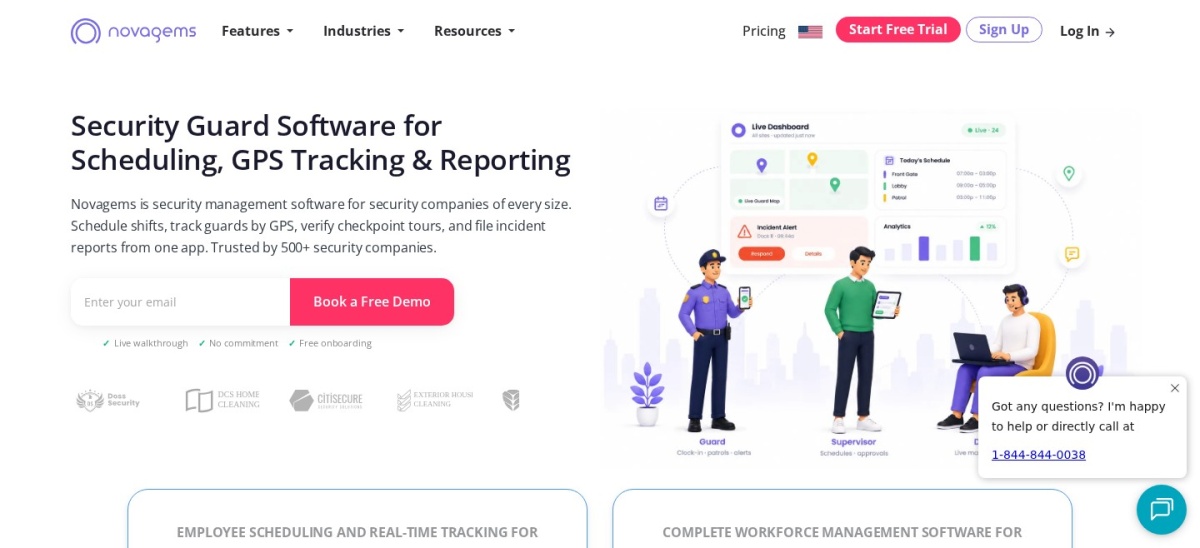
Novagems homepage, captured Nov 2026.
Novagems is an all-in-one workforce platform built around shift-based teams, and security is one of its main industries. Scheduling is the feature reviewers praise most: shifts can be created, assigned and changed in a few clicks, with GPS tracking, NFC and QR checkpoints, incident reports and a client portal in the same system.
The trade off is polish. Reviewers note the interface can feel cluttered at first and that some features take a week to find, and one April 2026 review reports reliability problems. It suits small to mid-size guard firms that want scheduling inside a security suite rather than a separate roster tool.
What we like
Scheduling praised by security reviewers, with fast shift changes
Guard tours, lone-worker alerts and client portal included
Payroll export and reporting in the same plan
Lowest published price among full guard suites
Watch out for
Interface can feel cluttered for new users
One 2026 review reports reliability and support problems
Only 26 Capterra reviews, a small base
Paid plans add the full guard suite from $10 per user a monthVisit novagems.com
02
Guardhouse
4.9/5on Capterra (24 reviews, checked Nov 2026)
PricingCustom/yr
Best rated guard suite
Starting priceQuote only
Free trialYes
SchedulingAutomated, skill matched
Payroll and invoicingBuilt in
guardhousehq.com
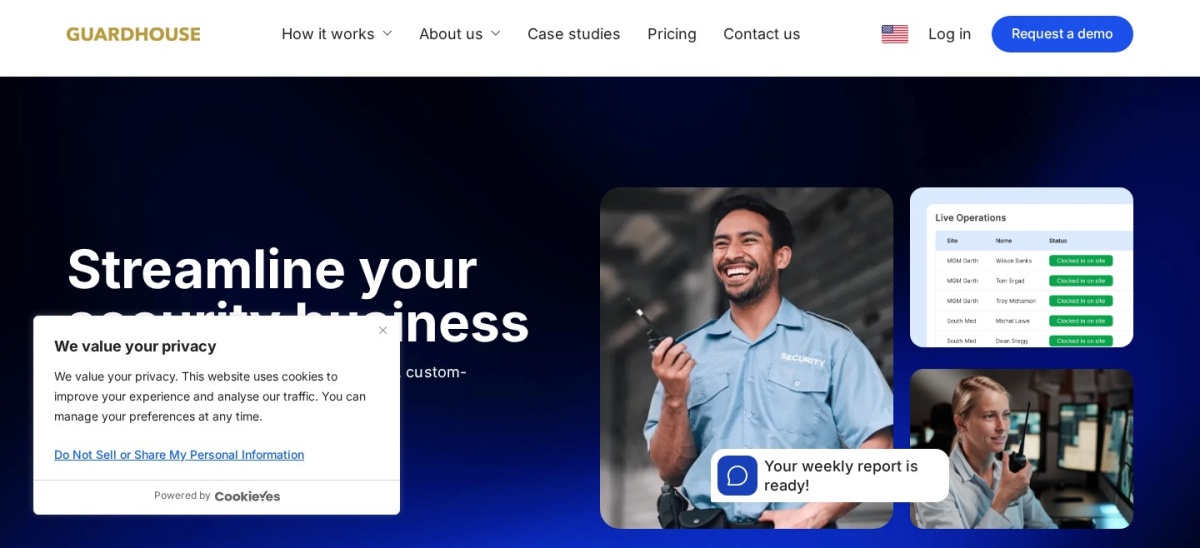
Guardhouse homepage, captured Nov 2026.
Guardhouse is an end-to-end workforce system built only for security companies, covering scheduling, guard tracking, payroll and invoicing on one platform. Its scheduling matches guards to posts by skills and compliance, and reviewers give it 4.9 out of 5 on Capterra, the highest score in this list.
The trade off is price opacity. Guardhouse publishes no price, so the only way to compare it is a quote, and its review base is small at 24 reviews. It suits guard firms that want scheduling, payroll and invoicing unified and are willing to buy through sales.
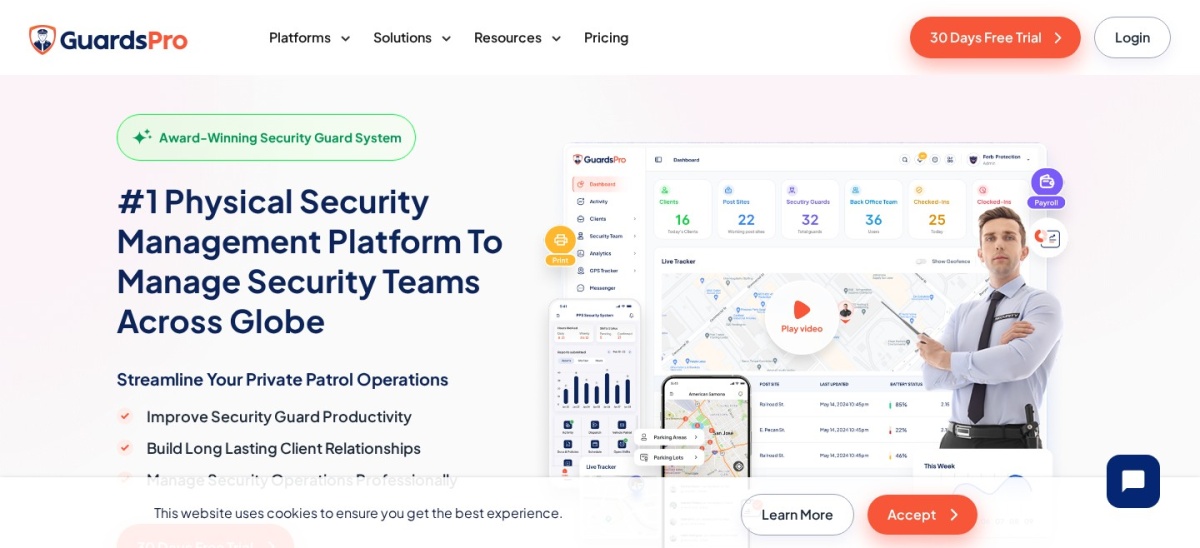
GuardsPro gives small guard firms the toolset the big platforms sell, at a price a 10-guard company can pay. Scheduling covers weeks ahead with open shifts and shift status, guards check in from the post on their phones, and GPS tracking with geofences verifies they are where the schedule says.
The trade off is the tier ladder. Essential at $5 per user is genuinely cheap, but site tours, geofencing and the messenger only appear on Advanced at $8 and Professional at $10. It suits small to mid-size firms that want guard-specific scheduling without an enterprise quote.
What we like
Cheapest guard-specific entry at $5 per user a month
Published pricing across three clear tiers
30-day free trial to test scheduling
Invoicing and estimates built in
Watch out for
Key features gated behind higher tiers
Only 11 Capterra reviews, a thin base
Mobile app rated lower than the platform
Advanced at $8 adds tours and geofencing; Professional at $10 adds the restVisit guardspro.com
04
TrackTik
4.3/5on G2 (61 reviews, checked Nov 2026)
PricingCustom/yr
Best for large guard firms
Starting priceQuote only
Free trialNo
Guard toursNFC, QR, GPS, BLE
Client portalYes, deep
tracktik.com
TrackTik homepage, captured Nov 2026.
TrackTik is the platform guard firms graduate to when spreadsheets and a patrol app stop being enough. Scheduling, guard tours, incident reporting, billing and payroll preparation run on one system, and the client portal and analytics help win and keep enterprise accounts.
The trade off is scale and sales process. Pricing is quote-only, implementation averages about 3 months on G2, and reviewers cite slow support and rising prices. It suits mid-size to large firms with multi-site operations and real back-office needs.
61 G2 reviews, the largest guard-specific base here
Watch out for
Quote-only pricing with no way to budget first
About 3 months to implement on average
Reviewers report slow support and price rises
Everything is quoted; confirm which seats count before signingVisit tracktik.com
05
Connecteam
4.6/5on G2 (3,506 reviews, checked Nov 2026)
Paid from$29/mo
Best free plan for small teams
Starting price$29/mo flat
Free planUp to 10 users
SchedulingDrag and drop, templates
GPS time clockYes, with geofence
connecteam.com
Connecteam homepage, captured Nov 2026.
Connecteam is an all-in-one employee app for deskless teams, and its free Small Business plan covers up to 10 users with scheduling, time tracking and communication included. Paid plans start at $29 a month for the first 30 users, and the scheduler uses drag and drop with templates and GPS clock-ins.
The trade off is that it is not built for guards. There are no patrol checkpoints, no guard tour proof and no client portal, and the hub pricing adds up if you need scheduling plus chat plus HR. It suits small guard teams that need solid scheduling free and can live without tour verification.
Deputy is a focused scheduling and time tracking tool, and scheduling is what reviewers praise most. Shifts can be built in minutes, copied week to week with templates, and published to the team, with time tracking and payroll export in the same plan from $5 per user a month.
The trade off is guard fit. Deputy has no patrol checkpoints, no tour proof and no client portal, and per-user pricing climbs as the roster grows. It suits guard firms that already prove patrols another way and mainly need fast, reliable rostering.
What we like
Strongest pure scheduling in this list
Copy-a-week and templates save hours
974 G2 reviews at 4.5/5
Cheap entry at $5 per user a month
Watch out for
No guard tours or patrol proof
No client portal for guard clients
Per-user cost climbs with headcount
Core at $6.50 and Pro at $9 add more scheduling and payroll depthVisit deputy.com
07
When I Work
4.4/5on G2 (424 reviews, checked Nov 2026)
Starts at$2.50/mo
Best cheapest paid scheduler
Starting price$2.50/user/mo
Free trial14 days
SchedulingAuto-scheduling included
Time trackingYes
wheniwork.com
When I Work homepage, captured Nov 2026.
When I Work is the cheapest paid scheduler in this list at $2.50 per user a month for a single location. The entry plan includes auto-scheduling, time tracking, team messaging and payroll integrations, and reviewers rate it 4.4 out of 5 on G2 from 424 reviews.
The trade off is guard fit. There are no patrol checkpoints, no GPS tour proof and no client portal, and multi-location scheduling needs the $5 plan. It suits small guard teams on a tight budget that need auto-scheduling and can prove patrols another way.
What we like
Cheapest paid plan in this list
Auto-scheduling on the entry plan
Simple to learn for hourly teams
424 G2 reviews at 4.4/5
Watch out for
No guard tours or patrol proof
No client portal for guard clients
Multi-location costs $5 per user a month
Multi-location plan at $5 adds scheduling rules and custom reportsVisit wheniwork.com
08
Celayix
4.6/5on Capterra (94 reviews, checked Nov 2026)
Starts at$400/mo
Best for rule-heavy scheduling
Starting price$400/mo flat
Free trialYes
Scheduling rulesUnion, fatigue, qualifications
Minimum25 licences, annual term
celayix.com
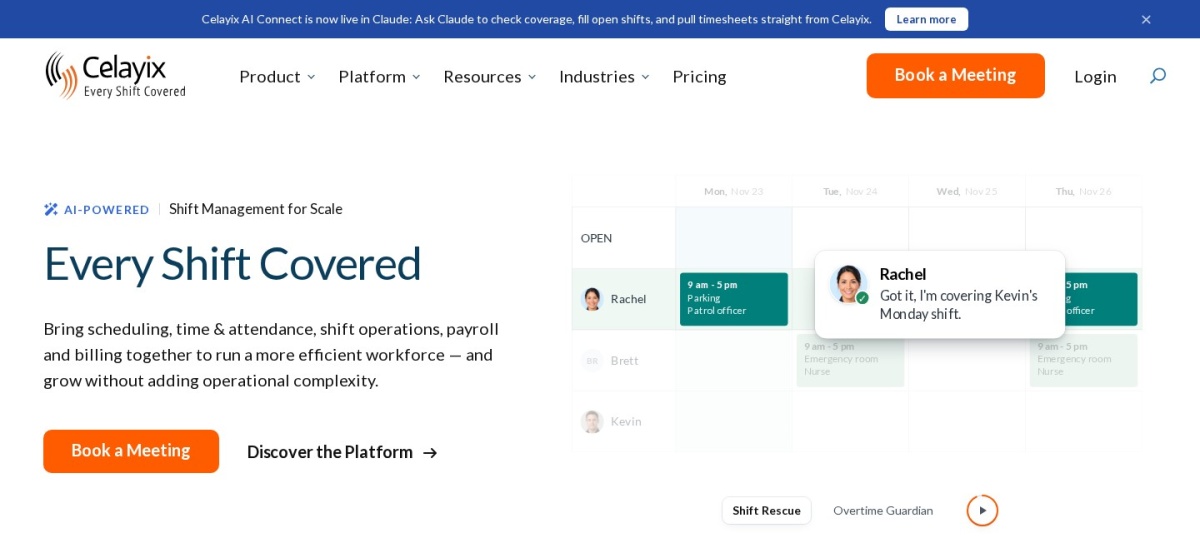
Celayix homepage, captured Nov 2026.
Celayix is built for complex, compliance-heavy scheduling, and that is exactly where guard rostering gets painful. Union rules, fatigue rules, qualifications and certifications are checked automatically as schedules are built, and it has a real security-industry practice behind it.
The trade off is commitment. Capterra lists a $400 a month starting price, but the vendor quotes per organisation with a minimum of 25 licences on an annual term, which locks out small firms. It suits large or complex operations where a scheduling rule breach is a legal risk.
What we like
Rule engine covers union, fatigue and qualifications
94 Capterra reviews at 4.6/5
Strong security-industry practice
Time tracking and payroll inputs included
Watch out for
25-licence minimum on an annual term
Most expensive starting price in this list
One October 2026 review reports billing problems
Quotes are tailored per organisation; confirm the licence minimum firstVisit celayix.com
09
OfficerReports
3.9/5on Capterra (12 reviews, checked Nov 2026)
Starts at$50/mo
Best simple reporting and tours
Starting price$50/user/mo
Free trialNo card required
Guard toursGPS tour tracking
Founded2013
officerreports.com
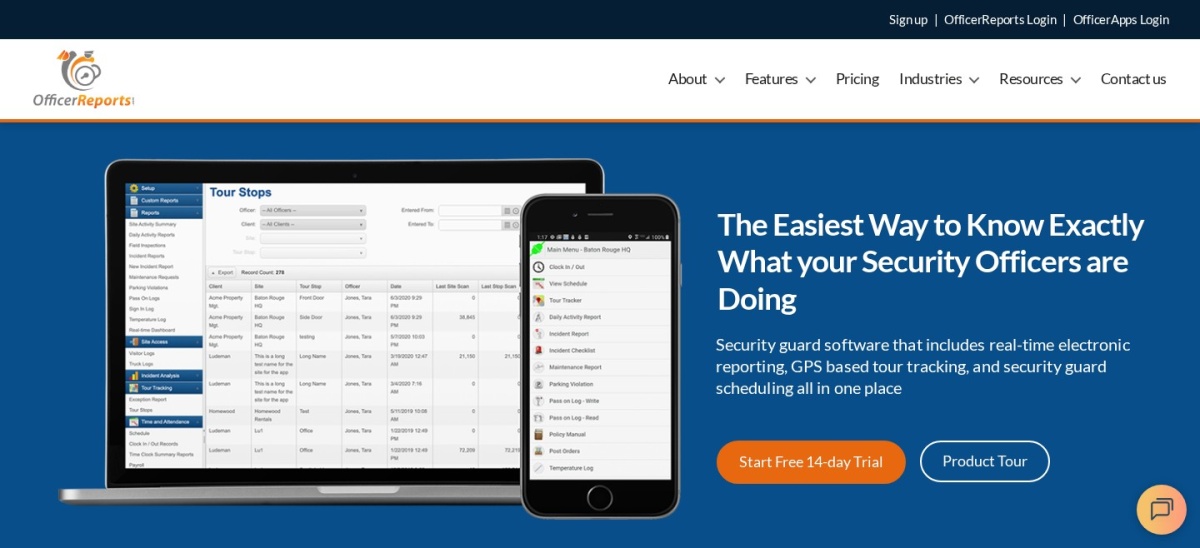
OfficerReports homepage, captured Nov 2026.
OfficerReports has been around since 2013 and keeps the pitch simple: real-time electronic reporting, GPS-based tour tracking and guard scheduling, with clients able to access paperless reports whenever they need them. Time and attendance feeds scheduling, payroll and invoicing, and the vendor says 700-plus security companies use it.
The trade off is price and polish. G2 lists a $50 per user a month Basic plan, the highest per-user price here, the vendor site shows no prices, and the Capterra rating of 3.9 is the lowest in this list. It suits small firms that want proven, uncomplicated software and do not mind a dated look.
What we like
Free trial with no credit card required
In use since 2013 with 700-plus firms claimed
Simple reporting, tours and timekeeping
Clients get paperless reports directly
Watch out for
Lowest rating in this list at 3.9/5
No published pricing on the vendor site
$50 per user a month is the dearest per-user price here
Guard-specific vs general schedulers: which do you need?
If clients ask for proof that patrols happened, a general scheduler is not enough. Only the guard-specific tools here verify presence with GPS, geofences or NFC and QR checkpoints, and only they give clients a portal to check it.
If patrol proof already runs on a separate tour app, a general scheduler can be the better buy. Deputy, Connecteam and When I Work all schedule faster and cheaper than the guard suites, and Connecteam is free for up to 10 users.
The middle path is Novagems or GuardsPro: guard-specific scheduling with tours and reporting at $5 to $10 per user a month, without an enterprise quote or a 3-month rollout.
How we chose
We started from every guard scheduling tool with a public rating on G2 or Capterra, then kept those with real scheduling depth and a verifiable price or a clear quote-only position.
Prices come from each vendor's pricing page or its G2 and Capterra listings, checked on 26 November 2026. Ratings and review counts come from G2 or Capterra on the same day. Where a vendor shows a sale, the list shows the regular price.
We left out tools with no public rating, including Belfry and Safetrac, and Silvertrac, which reviewers consistently note has no native scheduling. No vendor paid for a place, and we do not claim to have used these tools ourselves.
How to choose security guard scheduling software
Start with whether clients need patrol proof, then match the price model to your roster size.
Decide if you need patrol proof. If clients want evidence a guard was on site, shortlist only guard-specific tools with GPS, geofence or checkpoint verification.
Count the seats that actually get billed. Per-user plans bill every guard, while flat plans cover the roster. Ask each vendor exactly which seats count before comparing prices.
Get quote-only prices in writing. TrackTik and Guardhouse publish no prices. Compare their quotes against a published price such as Novagems at $10 per user a month.
Trial the scheduler with real rosters. Run one live roster through the free trial, including a last-minute change and a no-show, before you commit the whole team.
FAQ
What is the best security guard scheduling software?
Novagems is the best pick for most guard firms. It is rated 4.5 out of 5 on Capterra and combines scheduling, GPS guard tours, incident reports and payroll export from $10 per user a month, with a 14-day free trial.
How much does security guard scheduling software cost?
Published prices in this list run from $2.50 per user a month for When I Work to $50 per user a month for OfficerReports. Guard suites such as Novagems and GuardsPro cost $5 to $10 per user, while TrackTik and Guardhouse are quote-only.
Is there a free security guard scheduling tool?
Connecteam is the only tool here with a free plan, covering up to 10 users with scheduling, time tracking and team chat. It has no guard tours or client portal, so it fits small teams that do not need patrol proof.
Do I need guard-specific software or will a general scheduler work?
A general scheduler works if patrol proof runs on a separate tour app. If clients want evidence that guards were on site, you need a guard-specific tool with GPS, geofence or checkpoint verification and a client portal.
Why is Silvertrac not on this list?
Silvertrac is a well-rated guard reporting tool at 4.7 out of 5 on Capterra, but reviewers consistently note it has no native scheduling. For a scheduling list, that gap matters more than its reporting strength.
What is the difference between TrackTik and Silvertrac?
Both are owned by Trackforce Valiant, which acquired Silvertrac in 2020 and TrackTik in 2022. TrackTik is the broader enterprise platform with scheduling, while Silvertrac focuses on reporting and guard tours without native scheduling.
SaaS SEO and WordPress specialist with about 8 years of experience. Rakib compares WordPress plugins, themes, hosting and software using public pricing, documentation and user reviews. See how we rank.