ZBrush is the best sculpting software for professional character and creature work, rated 4.7/5 on G2, at $399 a year. Blender is the best free option, and Nomad Sculpt is the best tablet pick at $19.99 once.
How we make this list: we compare pricing pages, product documentation and public user reviews, then re-check every price before each update. No product paid for a place. Disclosure.
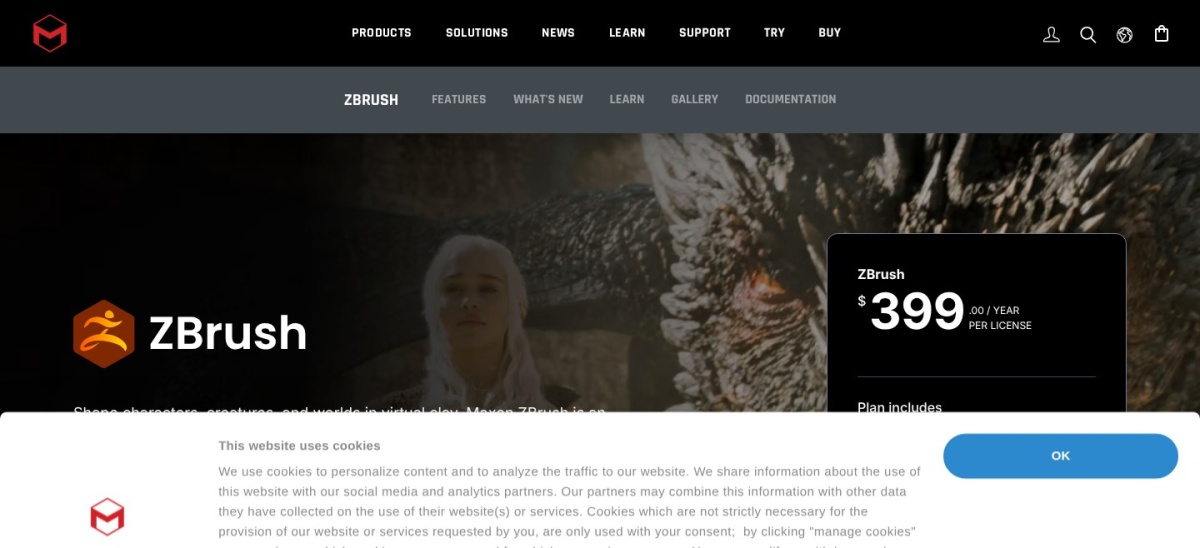
ZBrush is the industry standard at $399 a year, with 200+ brushes and headroom for tens of millions of polygons.
Blender is free and rated 4.6/5 on G2 from 319 reviews, with 80+ sculpt brushes inside a full 3D suite.
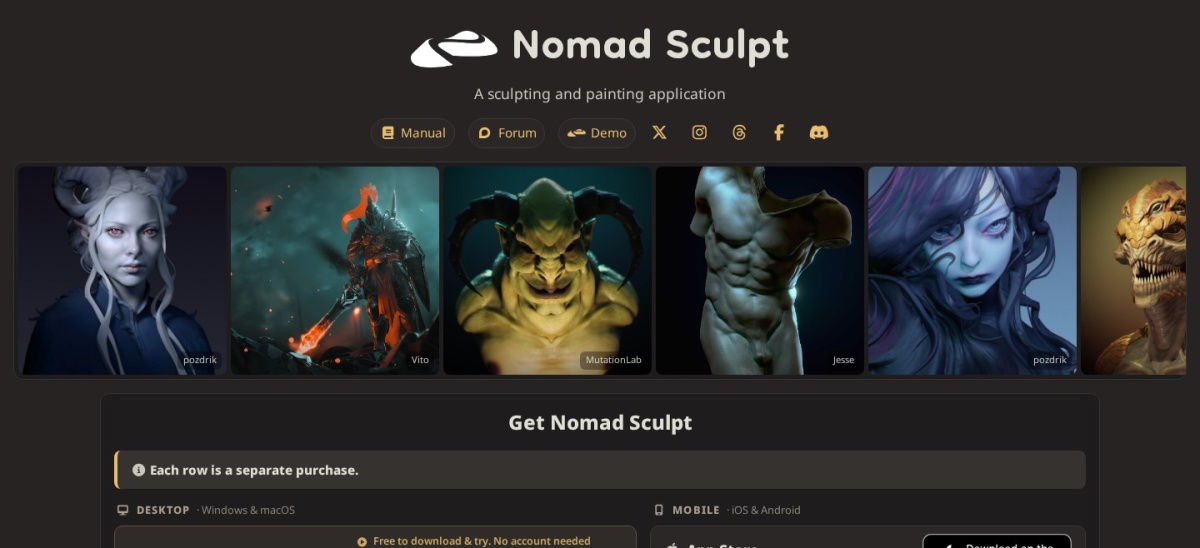
Nomad Sculpt costs $19.99 once and is rated 4.8/5 on the App Store from 15K ratings.
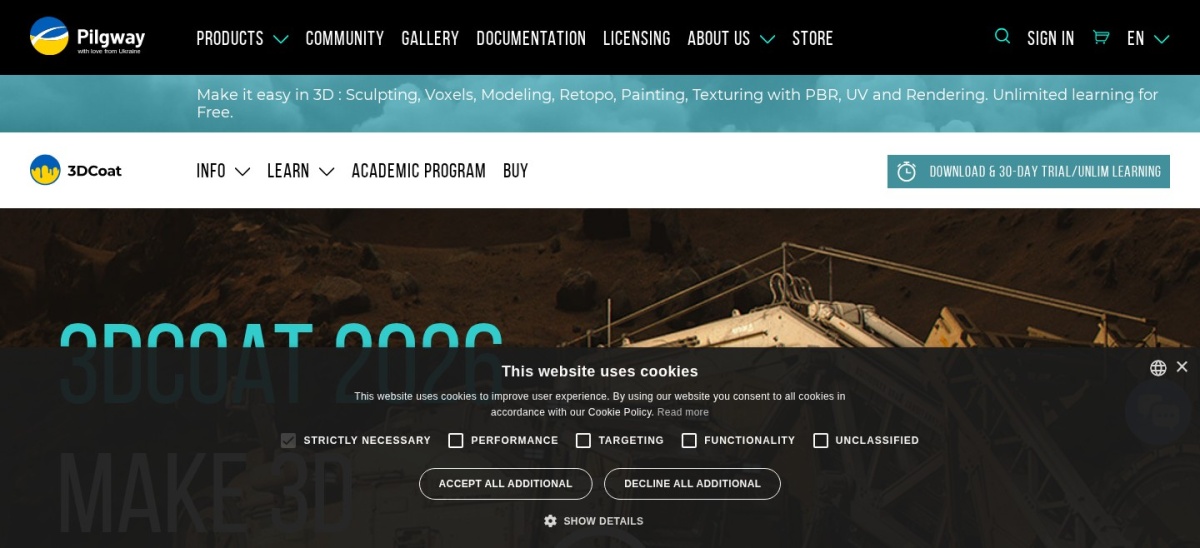
3DCoat is the only perpetual-licence desktop sculptor here, at $379 once with 12 months of updates.
Meshmixer and Sculptris are discontinued, and Forger and Mudbox are gone too, so do not build a workflow on them.
Five of the 8 tools have a free plan, and paid plans run from $19.99 once to $399 a year.
What to look for in sculpting software
Sculpting shapes organic forms like digital clay: you push, pull, smooth and pinch a surface with brushes. That suits characters, creatures and soft forms, while hard-surface modelling builds with polygons and precise measurements.
Polygon headroom decides how much detail a tool can finish. ZBrush handles tens of millions of polygons in real time, while tablets and browser tools cap out far lower, so match the tool to the detail level you need.
Price models differ more here than in most categories. ZBrush is subscription only, 3DCoat still sells a perpetual licence, Nomad Sculpt is a one-time purchase, and Blender and SculptGL are free forever. Our guide on building a portfolio site with WordPress shows one way to present finished sculpts once you have them.
Check what happens when you stop paying, and whether your files export cleanly. Every paid tool here has a free trial or a free version, so sculpt something real in the trial week before you pay.
ZBrush is the industry-standard digital sculpting tool for film and game character work. A subscription covers desktop ZBrush plus ZBrush for iPad with premium features, with more than 200 brushes, DynaMesh, ZRemesher and Sculptris Pro, and Redshift CPU rendering included.
The trade off is price and learning curve. At $49 a month or $399 a year billed annually there is no perpetual licence, and the interface takes weeks to learn. It suits professional character and creature artists whose work pays for the subscription.
What we like
Highest polygon headroom of any sculptor here
More than 200 brushes plus DynaMesh and ZRemesher
One subscription covers desktop and iPad
Industry standard, so skills transfer to studio jobs
Watch out for
Subscription only since 2023, no perpetual licence
Steep learning curve and unusual interface
Does not animate or render full scenes on its own
Subscription includes desktop, iPad and Redshift CPU renderingVisit maxon.net
02
Blender
4.6/5on G2 (319 reviews, checked Nov 2026)
PriceFree
Best free sculpting software
Sculpt brushes80+ incl. cloth and pose
Dynamic topologyYes (Dyntopo)
MultiresolutionYes
Paid planNone, free and open source
blender.org
Blender homepage, captured Nov 2026.
Blender is a free, open-source 3D suite with a serious sculpt mode. It covers multiresolution sculpting, dynamic topology, masking and more than 80 brushes, and the same program handles retopology, texturing, rigging and rendering.
The trade off is performance and complexity. At very high polygon counts the viewport falls behind ZBrush, and the dense interface takes weeks to learn. It suits hobbyists, indie studios and anyone who wants one free program for the whole pipeline.
3DCoat is a complete 3D asset suite built around voxel sculpting. You block out forms in voxels without worrying about topology, then retopologize, unwrap UVs and paint PBR textures up to 16K without leaving the program.
The trade off is the update window and the community. The perpetual licence includes only 12 months of updates, and the tutorial library is smaller than ZBrush or Blender. It suits indie artists who want to own their sculpting tool outright.
What we like
Voxel sculpting without topology worries
Retopology, UVs and PBR painting built in
Perpetual licence with no subscription
Runs on Windows, macOS and Linux
Watch out for
Perpetual licence includes only 12 months of updates
Nomad Sculpt is a tablet-first sculpting app that runs on iPad, Android, Windows and macOS. It offers clay, trim, smooth and mask brushes with pressure support, voxel remeshing, multiresolution sculpting and PBR vertex painting, all in a touch-first interface.
The trade off is hardware and add-ons. Tablets cap polygon counts well below a desktop, each platform is a separate purchase, and the Quad Remesher add-on costs $15.99 extra. It suits artists who block out characters on the couch and finish them at a desk.
What we like
Genuine sculpting on a tablet with pressure support
Voxel remeshing, multiresolution and layers included
One-time purchase per platform, no subscription
Runs on iPad, Android, Windows and macOS
Watch out for
Tablet hardware caps polygon counts
Mobile purchase does not include the desktop version
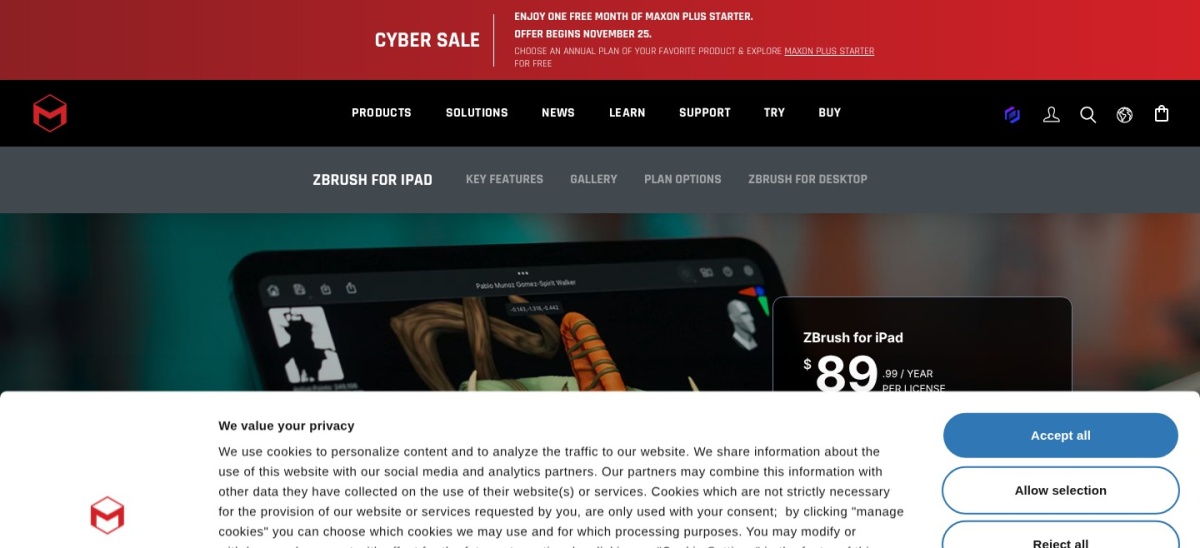
ZBrush for iPad is the tablet version of ZBrush, with a free tier that includes 28 brushes plus working versions of DynaMesh, Sculptris Pro, ZSpheres and ZRemesher. Files move to desktop ZBrush through GoZ, so skills learned here transfer directly.
The trade off is the free tier's limits. The free version cannot export 3D models, and the full brush library needs the $89.99-a-year standalone plan or a desktop ZBrush subscription. It suits iPad owners who want to learn real ZBrush workflows before paying.
4.7/5on Product Hunt (6 reviews, checked Nov 2026)
Paid from$9.99/mo
Best browser sculpting for beginners
Runs inBrowser, no install
ModellingGoop shapes, not brushes
AI credits12,000/mo on Pro
Paid planPro, $9.99/mo annual
womp.com
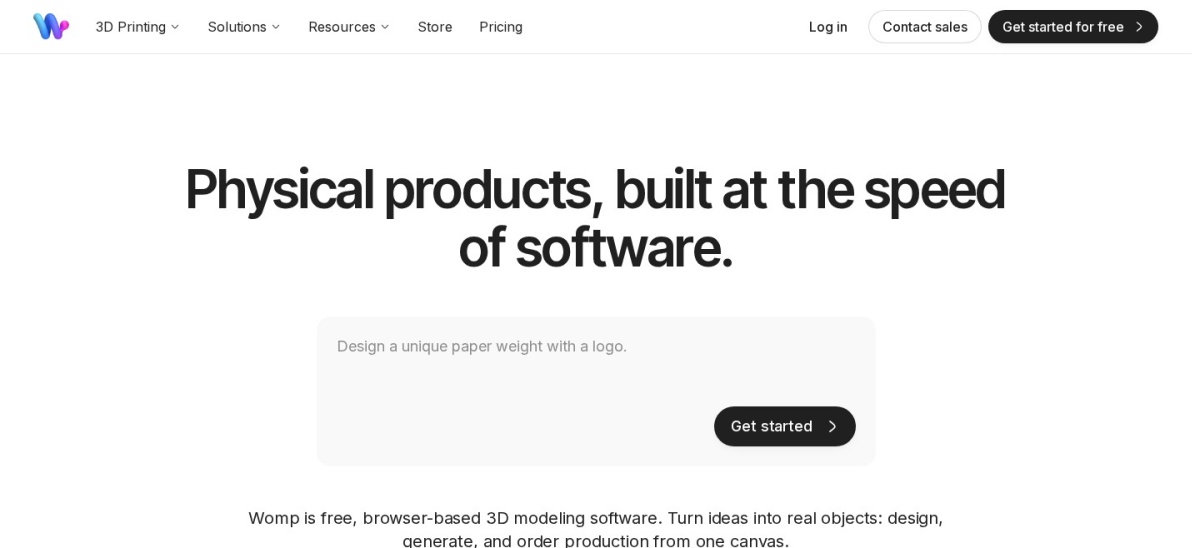
Womp homepage, captured Nov 2026.
Womp is a browser-based 3D tool that builds with liquid Goop shapes that blend, merge and carve like digital clay. The free Starter plan includes the core tools and exports, real-time collaboration and a 3D printing service that ships finished objects.
The trade off is detail. Shape-based modelling cannot match brush sculpting for fine detail, and the best materials sit behind Pro at $9.99 a month billed annually. It suits first-time sculptors who want the easiest possible start with nothing to install.
What we like
Runs entirely in the browser, nothing to install
Goop shapes blend like clay, easy to grasp
Free tier includes the core tools and exports
Built-in 3D printing service ships your object
Watch out for
Shape-based modelling, not brush sculpting
Best materials and tools sit behind Pro
Young platform with a changing workflow
Pro adds 500+ Super Materials, 4K export and 12,000 AI credits a monthVisit womp.com
07
SculptGL
4.4/5on Chrome Web Store (135 reviews, checked Nov 2026)
PriceFree
Best free browser sketchbook
Runs inBrowser, no account
BrushesClay, inflate, smooth, drag
ExportsOBJ, STL, PLY
Paid planNone, free and open source
stephaneginier.com
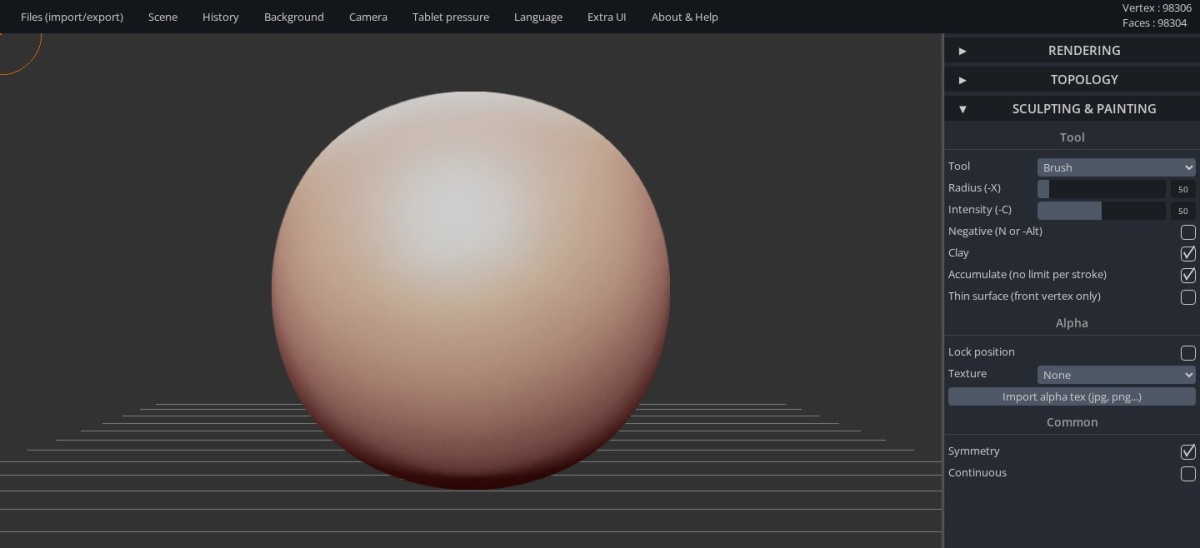
SculptGL homepage, captured Nov 2026.
SculptGL is a free, open-source sculpting app that runs in a browser tab with no download or account. It offers clay, inflate, smooth, twist and drag brushes with dynamic topology and multiresolution subdivision, and exports OBJ, STL and PLY for 3D printing.
The trade off is maintenance. The creator moved on to Nomad Sculpt, so SculptGL gets only minor fixes now, and some users report black screens and tablet issues. It suits quick sketches and first sculpts, with Blender ready to take over when a sculpt outgrows it.
Tinkercad is a free, browser-based 3D tool from Autodesk that builds models by combining, subtracting and reshaping primitive shapes. It runs with no install, exports STL for 3D printing, and more than 100 million people have used it, with lesson plans for classrooms.
The trade off is honesty about the method. Tinkercad is constructive modelling, not brush sculpting, so organic characters and fine detail are outside its reach. It suits complete beginners and classrooms learning 3D thinking before graduating to Blender or SculptGL.
What we like
The easiest 3D tool a complete beginner can learn
Runs in the browser, no install
Free with classroom lesson plans
Exports STL for 3D printing
Watch out for
Not really sculpting, it is constructive modelling
Sculptris, the beloved beginner sculpting app, was discontinued years ago, and its official page no longer offers a download.
Autodesk's Meshmixer is gone, and Mudbox ended new subscription sales in November 2026. Maxon discontinued Forger in September 2025 and ZBrushCoreMini in May 2025.
Old roundups still list these tools. If a download link leads to a dead page or a reseller, walk away and pick an actively maintained tool from this list instead.
How we chose
We started from the sculpting tools artists actually search for in 2026, then kept only tools that can still be bought or downloaded today.
Prices come from each vendor's pricing page or vendor-supplied listings, checked on 26 November 2026. Ratings and review counts come from G2, the App Store, Product Hunt and the Chrome Web Store on the same day. Where a vendor shows a sale, the list shows the regular price.
We left out tools with no public numeric rating, including Substance 3D Modeler and Shapelab, and discontinued tools such as Sculptris, Meshmixer, Forger and Mudbox. No vendor paid for a place, and we do not claim to have used these tools ourselves.
How to choose sculpting software
Match the tool to the detail level you need, then check the price model.
Check polygon headroom first. A tool that slows down at 5 million polygons cannot finish the detail a film or game character needs. ZBrush handles tens of millions; tablets and browser tools cap out far lower.
Decide sculpting-first or pipeline-first. ZBrush, Nomad Sculpt and 3DCoat exist to sculpt. Blender adds modelling, rigging, animation and rendering in the same free program.
Match the price model to your work. Subscriptions suit steady paid work, perpetual licences suit artists who hate renewals, and one-time purchases suit tablet tools. Check what happens when you stop paying.
Test the trial with your own sculpt. Every paid tool here has a free trial or a free version. Sculpt something real in the trial week, then export it and check the file opens cleanly in the next tool in your chain.
FAQ
What is the best sculpting software?
ZBrush is the best sculpting software for professional character and creature work. It is rated 4.7 out of 5 on G2 from 104 reviews, handles tens of millions of polygons, and costs $399 a year. Blender is the best free option for most other artists.
Is there a free sculpting software?
Yes. Blender is free and open source with a full sculpting toolset, SculptGL runs free in a browser, and Tinkercad is free for beginners. ZBrush for iPad also has a free tier with 28 brushes, and Womp has a free Starter plan.
How much does sculpting software cost?
From $0 to $399 a year. Blender, SculptGL and Tinkercad are free, Nomad Sculpt costs $19.99 once, Womp Pro is $119.88 a year, 3DCoat is $379 once, and ZBrush is $399 a year.
Can I sculpt on an iPad?
Yes. Nomad Sculpt at $19.99 once is the best tablet option, with pressure support, voxel remeshing and multiresolution sculpting. ZBrush for iPad has a free version with 28 brushes, and the full version costs $89.99 a year on its own.
What is the difference between sculpting and 3D modelling?
Sculpting shapes organic forms like digital clay, pushing and pulling a surface with brushes, which suits characters and creatures. Modelling builds with polygons, curves and precise measurements, which suits hard surfaces, architecture and products.
Is Sculptris still available?
No. Sculptris was discontinued years ago and its official page no longer offers a download. Meshmixer, Forger and Mudbox are also gone. Use SculptGL or Blender for free sculpting instead, or Nomad Sculpt on a tablet.
Do I need a VR headset for sculpting?
No. Every tool in this list works with a mouse, stylus or tablet. VR sculpting tools such as Substance 3D Modeler and Shapelab exist, but they have no public rating we could verify, so they are not listed here.
SaaS SEO and WordPress specialist with about 8 years of experience. Rakib compares WordPress plugins, themes, hosting and software using public pricing, documentation and user reviews. See how we rank.