Camtasia is the best screencasting software for most people, with a full editor and 4K recording from $39 a year. Pick Loom for fast shareable video messages and ScreenPal if you want the cheapest full-featured recorder at $4 a month.
How we make this list: we compare pricing pages, product documentation and public user reviews, then re-check every price before each update. No product paid for a place. Disclosure.
Camtasia is the strongest all-rounder: full editor, 4K recording and Snagit included from $39 a year, though watermark-free exports start at $179.88.
Loom is the fastest way to share a recording, with a free plan of 25 videos and a 4.7/5 G2 rating from 2,561 reviews.
ScreenPal is the cheapest full-featured pick at $4 a month, with unlimited recording on its Deluxe plan.
ScreenFlow and Bandicam are one-time purchases: ScreenFlow costs $199 for Mac editors, Bandicam $36.95 a year for high-frame-rate Windows capture.
Free plans are real but capped: Loom limits videos to 5 minutes, ScreenPal to 15 minutes, and Icecream to 5 minutes with a watermark.
What to look for in screencasting software
Screencasting software records your screen, camera and microphone so you can turn a process into a video. Teachers record lessons, support teams record walkthroughs, and product teams record demos instead of writing long documents.
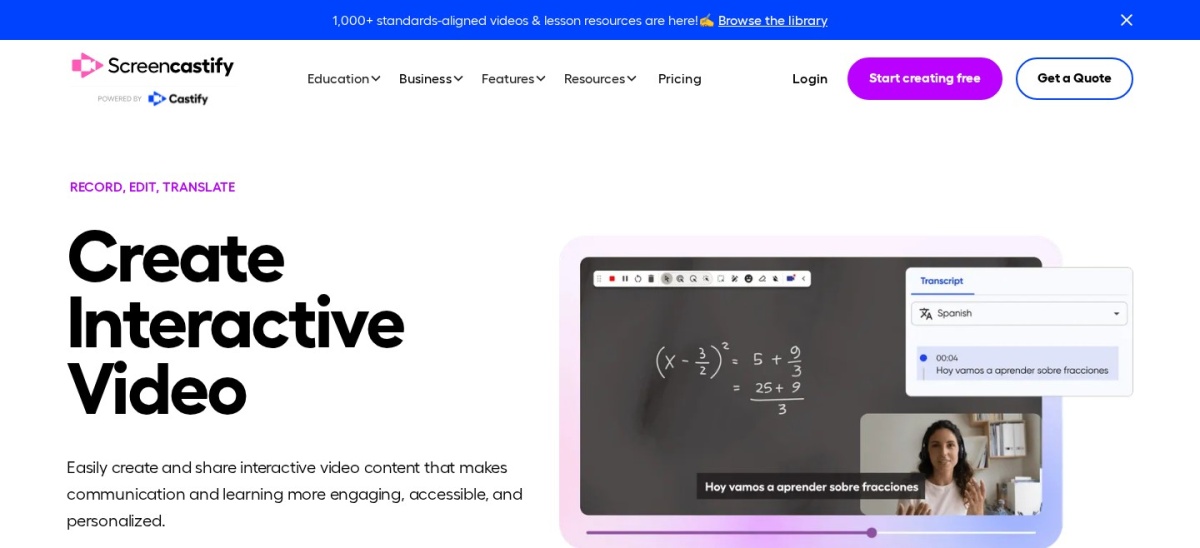
The tools split into two kinds. Desktop recorders such as Camtasia, ScreenFlow and Bandicam save a file on your computer and usually include an editor. Cloud recorders such as Loom, ScreenPal and Screencastify give you a share link the moment you stop recording.
Free plans cover short recordings well, but every one of them caps something: length, video count, resolution or watermark. Our guide on embedding a video in WordPress shows what to do with the finished file once it is recorded.
Check the price ladder before you buy. Six of the nine tools start under $50 a year, but the cheapest plan is not always the one you need: watermark-free exports, 4K recording and AI captions usually sit one tier up.
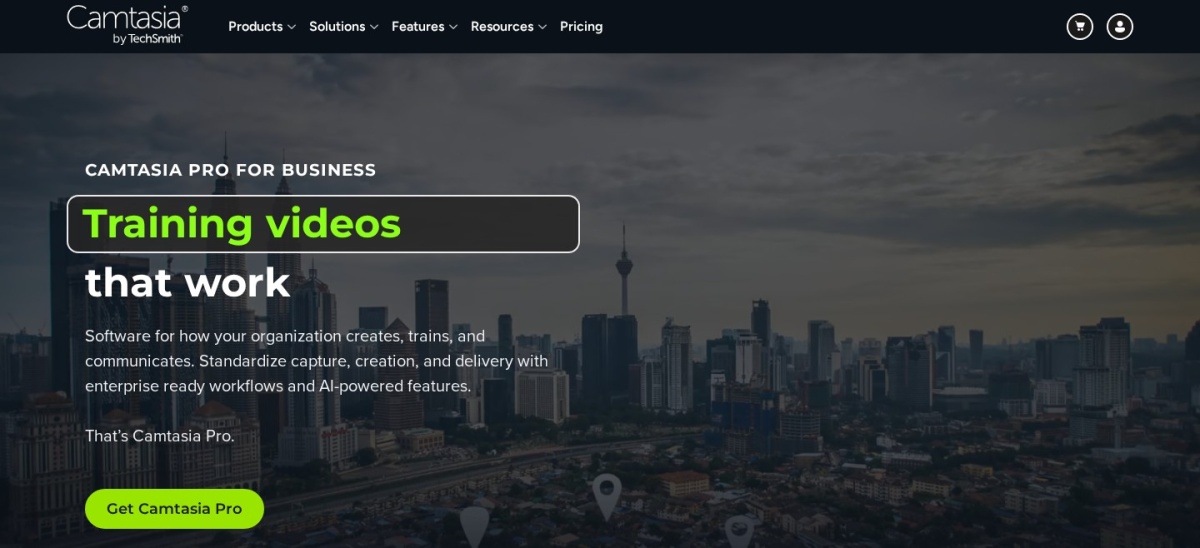
Camtasia is TechSmith's desktop recorder and video editor for tutorials, training videos and product demos. It captures screen, camera and audio as separate tracks, records in 4K at 60 frames per second, and includes Snagit for screenshots and step guides. The Starter plan costs $39 a year.
The trade off is the watermark. Starter exports carry a Camtasia watermark, and watermark-free editing starts with Essentials at $179.88 a year, which also adds Audiate for text-based editing. It suits course creators and trainers who want one tool to record and polish every lesson.
Loom is a cloud recorder for quick video messages. It captures your screen, camera and microphone, then gives you a share link with a transcript, comments and viewer insights. The free Starter plan covers 25 videos with 5-minute screen recordings, and Business removes every cap.
The trade off is editing depth. Loom trims and stitches clips and adds AI titles and summaries on its Business + AI plan, but it is not a full editor. It suits teams that explain things on video all day and want the recording shared in seconds.
What we like
Fastest record-to-link workflow
Free plan with transcripts in 50+ languages
Viewer insights and comments built in
4K recording on Business
Watch out for
Free videos capped at 5 minutes
Only trims clips, no full editor
Seat-based pricing adds up for teams
Business adds unlimited videos, 4K and branding removalVisit loom.com
03
Snagit
4.7/5on G2 (6,036 reviews, checked Nov 2026)
Starts at$39/yr
Best for documentation and short captures
CaptureScreen, scrolling, video
Step guidesStep Capture
RedactionSmart Redact
Free plan15-day trial only
techsmith.com
Snagit homepage, captured Nov 2026.
Snagit is TechSmith's capture tool for documentation, support articles and training guides. It takes scrolling screenshots, records short screen videos with webcam and audio, and turns clicks into numbered step guides. Smart Redact hides emails and card details before you share.
The trade off is video depth. Snagit only trims and combines clips, so long tutorials still need an editor such as Camtasia, which is included in the Camtasia plans. It suits support and training teams that document software all day.
What we like
Best scrolling capture and annotation
Step Capture builds guides automatically
Smart Redact hides sensitive data
Rated 4.7/5 by 6,036 G2 reviewers
Watch out for
No free plan, only a 15-day trial
Video editing stops at trimming
Yearly subscription replaced the old one-time licence
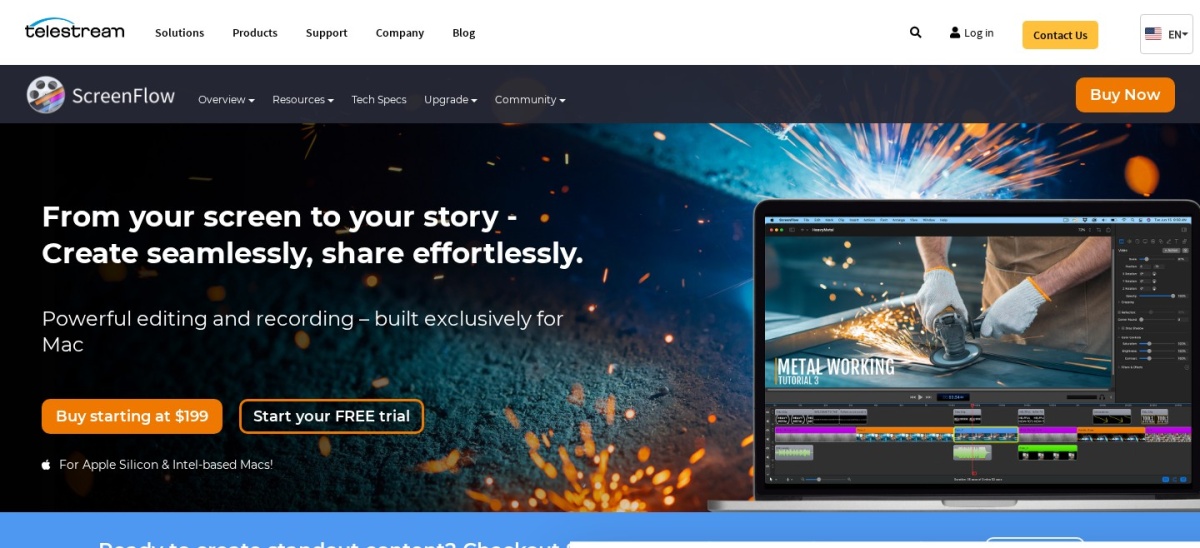
ScreenFlow is Telestream's Mac-only recorder and editor for tutorials, demos and course videos. It captures screen, camera, microphone and iPhone screens, then edits them on a multi-track timeline with animations, titles and a caption editor. A one-time license costs $199.
The trade off is platform and price. ScreenFlow runs on Mac only, major-version upgrades cost extra, and the Stock Media Library adds $99 a year. It suits Mac course creators who want to record and edit polished tutorials without a subscription.
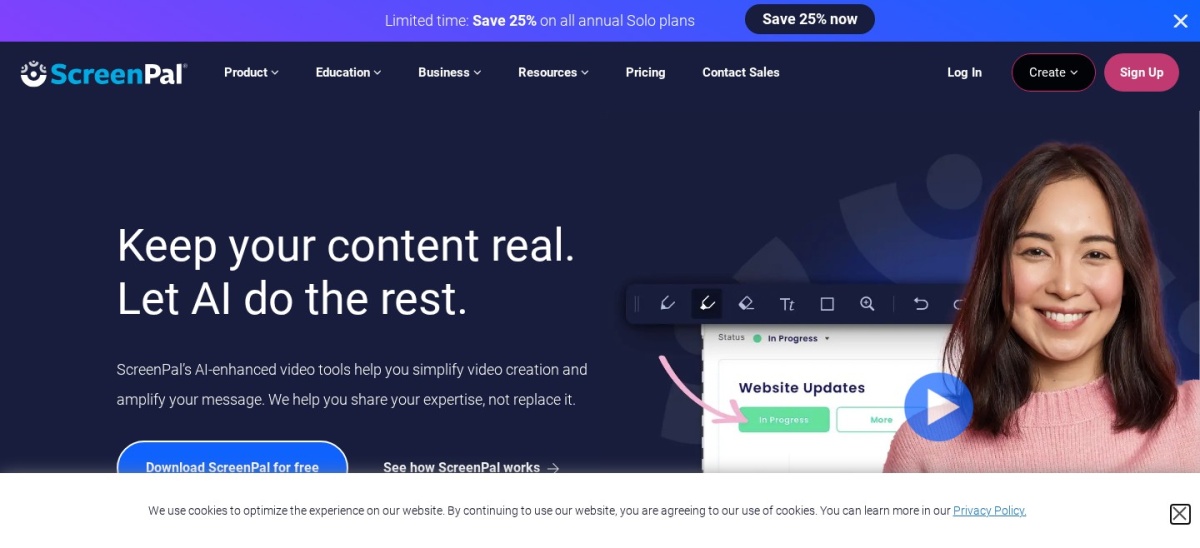
ScreenPal is a cloud recorder and editor for teachers, trainers and small teams. It captures screen, webcam and audio on Windows, Mac, ChromeOS and mobile, then edits with a full editor, teleprompter and AI speech-to-text captions. Deluxe costs $4 a month billed annually.
The trade off is the free plan cap. Free recordings stop at 15 minutes and hosting covers 10 videos, so regular creators need Deluxe. It suits educators and trainers who record short lessons often and want hosting included.
What we like
Cheapest full-featured recorder at $4 a month
Free plan with hosting included
Full editor with teleprompter and AI captions
Works on Windows, Mac, ChromeOS and mobile
Watch out for
Free recordings stop at 15 minutes
AI tools need the $10 Max plan
Smaller review base than Loom or Camtasia
Max adds AI captions, background removal and unlimited quizzesVisit screenpal.com
06
Screencastify
4.6/5on G2 (83 reviews, checked Nov 2026)
Paid from$7/mo
Best browser recorder for classrooms
PlatformChrome extension
Free plan10 videos, 30 min
Max recording180 min on Pro
ExportDrive, YouTube, MP4
screencastify.com
Screencastify homepage, captured Nov 2026.
Screencastify is a Chrome extension recorder for classrooms and support teams. It records browser tabs, the full screen or webcam, exports to Google Drive and YouTube, and adds drawing tools and mouse emphasis. The free plan covers 10 videos of up to 30 minutes.
The trade off is that it lives in the browser. There is no desktop app, Pro is needed for 180-minute recordings, AI captions and LMS grade sync, and monthly billing jumps to $19. It suits schools and support teams already standardised on Chrome.
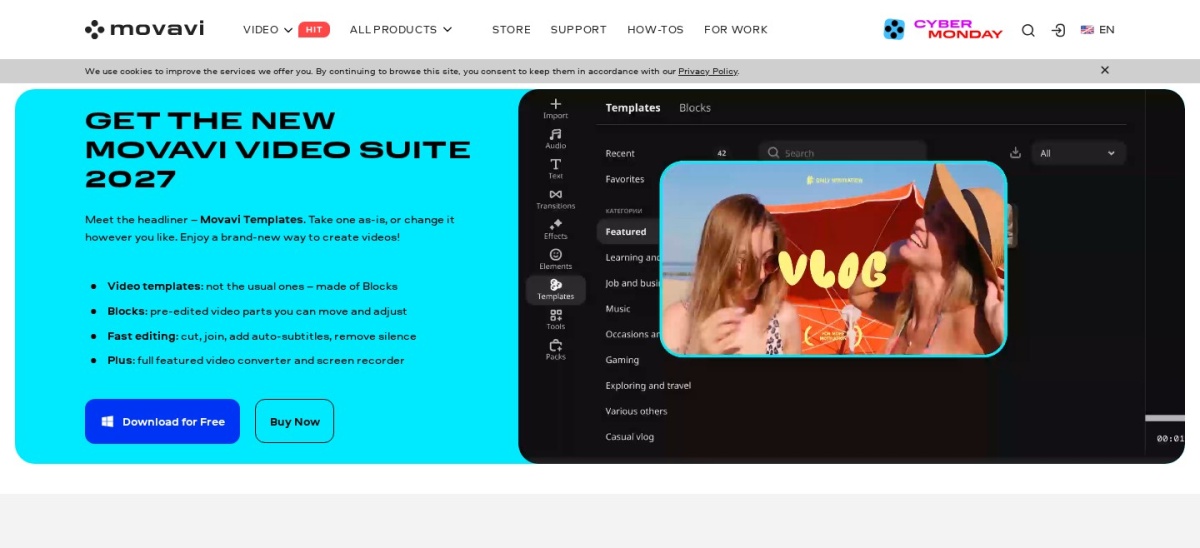
Movavi Screen Recorder homepage, captured Nov 2026.
Movavi Screen Recorder is a simple desktop recorder for Windows and Mac. It captures full screen or a custom area, overlays the webcam, draws on recordings live, shows mouse clicks and keystrokes, and schedules recordings. A personal lifetime license costs $39.95.
The trade off is editing and games. The trial lasts 7 days and watermarks exports, the editor only trims, and Movavi says it is not suited to game recording. It suits solo creators who record webinars, lessons and demos on a schedule.
What we like
Simple to learn, quick to record
Scheduled recording for webinars
Draw on recordings and show keystrokes
Lifetime licence for $39.95
Watch out for
Trial lasts 7 days and watermarks exports
Editor only trims clips
Not suited to game recording
Business licence adds commercial use at $49.95 a yearVisit movavi.com
08
Bandicam
4.4/5on G2 (42 reviews, checked Nov 2026)
Paid from$36.95/yr
Best for high-frame-rate game capture
RecordingScreen, game, device
Max quality4K at 480 fps
Free version10 min, watermarked
PlatformWindows only
bandicam.com
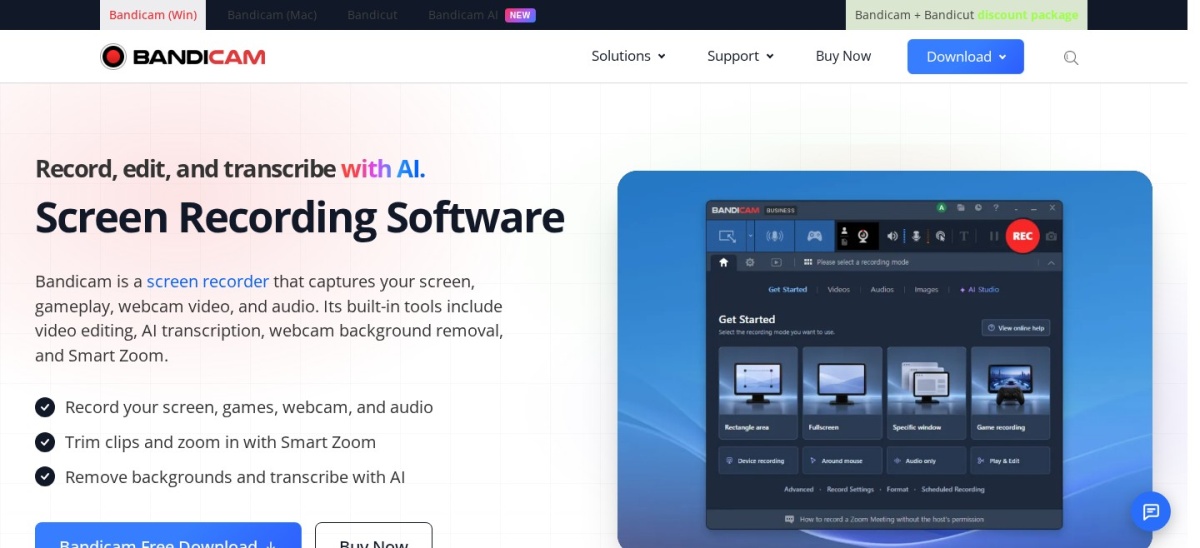
Bandicam homepage, captured Nov 2026.
Bandicam is a lightweight Windows recorder for games, apps and devices. It captures DirectX, OpenGL and Vulkan games in 4K at up to 480 frames per second with hardware encoding, plus screen, webcam and device capture. The free version caps recordings at 10 minutes with a watermark.
The trade off is scope. Bandicam is Windows-only, its editor only trims and splits, and the Personal license is for non-commercial use, so businesses need the Business license from $49.46 a year. It suits gamers and tutorial makers on modest Windows hardware.
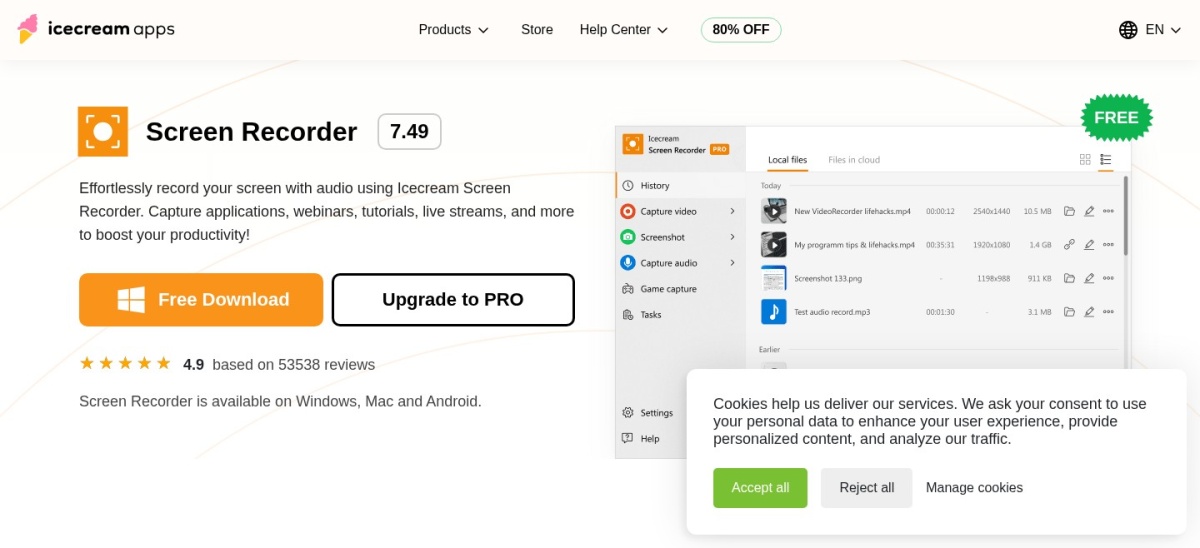
Icecream Screen Recorder homepage, captured Nov 2026.
Icecream Screen Recorder is a budget recorder for Windows, Mac and Android. It captures screen areas, webcam and audio, adds annotations while recording, trims clips and schedules recordings. The free plan limits recordings to 5 minutes with a watermark.
The trade off is polish. Free exports are WebM only, there is no dual-screen recording, and Pro is needed for MP4, MOV and AVI exports plus commercial use. It suits beginners who want the cheapest way to record simple tutorials.
Free plans are fine for short, occasional recordings. Loom gives you 25 videos, ScreenPal gives you 15-minute recordings, and Screencastify gives you 10 videos with a watermark.
Paid plans mostly remove caps and watermarks. The first paid tier usually unlocks unlimited recording, longer videos and exports without branding, which is what most regular creators need.
Editing depth is the other gap. Camtasia, ScreenFlow and ScreenPal include real editors, while Loom, Bandicam and Icecream only trim. If you plan to polish every video, budget for an editor, not just a recorder.
How we chose
We started from the most widely used screencasting tools on G2 and Capterra, then kept nine that cover desktop recording, cloud sharing, classrooms and game capture.
Prices come from each vendor's pricing page, checked on 26 November 2026. Ratings and review counts come from G2 on the same day, except Icecream, which uses Capterra. Where a vendor shows a sale, the list shows the regular price.
We left out tools with no public rating and pure live-streaming software. No vendor paid for a place, and we do not claim to have used these tools ourselves.
How to choose screencasting software
Match the tool to the video you make most often, then check the free plan limits before you pay.
Decide where the video will live. If you share links with teammates or students, a cloud tool such as Loom or ScreenPal saves the upload step. If you publish edited tutorials, a desktop tool such as Camtasia or ScreenFlow gives you a file to polish.
Check the free plan cap first. Record one real video on the free plan. A 5-minute Loom cap or a 10-video Screencastify cap is fine for quick messages but not for a course.
Test the editor on a real recording. Trimming is not editing. If you need captions, zoom effects or multi-track timelines, confirm the plan you would buy includes them.
Check the platform and the price. ScreenFlow is Mac-only and Bandicam is Windows-only, so confirm your operating system first. Then compare the yearly cost, not the monthly teaser rate.
FAQ
What is the best screencasting software?
Camtasia is the best screencasting software for most people. It records screen, camera and audio, then edits the result in one timeline, and it is rated 4.6 out of 5 by 1,792 G2 reviewers. Its Starter plan costs $39 a year.
Is there a free screencasting tool?
Yes. Loom, ScreenPal, Screencastify and Icecream all have free plans, and Bandicam has a free version with a watermark. Each one caps recording length, video count or exports, so free works best for short, occasional videos rather than full courses.
What is the cheapest screencasting software?
Icecream Screen Recorder is the cheapest paid option here at $29.95 a year, and ScreenPal Deluxe costs $4 a month. Bandicam is also cheap at $36.95 a year. The cheapest plan is rarely the best value if it lacks the editor or sharing you need.
Can I record my screen and webcam at the same time?
Yes, all nine tools record screen and webcam together. Camtasia, ScreenFlow and Movavi also let you edit the two tracks separately, while Loom and Screencastify show the webcam as a bubble over the recording.
Do I need a separate video editor?
Not always. Camtasia, ScreenFlow and ScreenPal include capable editors, so most tutorials never leave the recorder. Loom, Bandicam and Icecream only trim clips, so pair them with an editor if you need captions, effects or multi-track work.
Which screencasting tool is best for teachers?
ScreenPal is the strongest pick for teachers, with a free plan, classroom quizzes and a $4-a-month Deluxe plan. Screencastify is built for Chrome classrooms with Google Drive export and LMS grade sync on its Pro plan.
SaaS SEO and WordPress specialist with about 8 years of experience. Rakib compares WordPress plugins, themes, hosting and software using public pricing, documentation and user reviews. See how we rank.