Snagit is the best screen capture app for most people, with scrolling captures, deep annotation and video recording for $39 a year, rated 4.7 out of 5 on G2. Pick Loom for fast shareable video links, or ScreenPal if you want a recorder and editor for $4 a month.
How we make this list: we compare pricing pages, product documentation and public user reviews, then re-check every price before each update. No product paid for a place. Disclosure.
Snagit leads for documentation: scrolling captures, annotation, step guides and video recording for $39 a year.
Loom is the fastest way to share a recording, with a free plan covering 25 videos of up to 5 minutes each.
ScreenPal is the cheapest paid option in this list, with a recorder and full editor for $4 a month billed yearly.
Camtasia is the only pick with a full multitrack video editor, but full editing needs Essentials at $179.88 a year.
Six of the nine tools have a free plan or free tier, and paid plans start at $29.95 a year.
What to look for in a screen capture app
A screen capture app should match how you share what you captured. Some people need a still image with arrows and text, others need a short video with a link they can send.
Capture modes matter most. Look for region, window, full-screen and scrolling capture, so long pages and menus come out in one image instead of several stitched shots.
Annotation is the next split. Our guide on embedding a video in WordPress shows where a recording ends up, but the app itself should let you add arrows, text, blur and highlights before you share.
Price shapes the choice more than features do. Free plans usually cap recording length, add a watermark or limit hosting, so check those limits before you build a workflow around one.
Snagit is TechSmith's screen capture app for Windows and Mac, built for documentation and training material. It covers region, window, full-screen and scrolling captures, plus screen recording with a webcam overlay, text extraction from images and a template library for step-by-step guides.
The trade off is that there is no free plan, only a 15-day trial, and the Individual subscription at $39 a year is tied to one person. Business seats cost $48 per user a year and can be transferred between staff. It suits technical writers, trainers and support teams who capture screens all day.
What we like
Scrolling capture and step-by-step guide templates
Deep annotation with blur and text extraction
Rated 4.7 out of 5 from 6,000+ G2 reviews
Watch out for
No free plan, only a 15-day trial
Video editing stops at trimming and combining clips
Windows and Mac only, with no mobile app
The $39 Individual plan includes capture, recording and the editorVisit techsmith.com
02
Loom
4.7/5on G2 (2,561 reviews, checked Nov 2026)
Paid from$15/mo
Best for quick shareable videos
Free planStarter, 25 videos
WatermarkNo
Max free recording5 minutes
Paid planBusiness, $15/mo
loom.com
Loom homepage, captured Nov 2026.
Loom is a screen and camera recorder that turns each recording into a shareable link, so viewers watch in a browser with no download. The free Starter plan covers 25 videos per person with a 5-minute limit on each recording, plus transcripts and basic editing.
The trade off is the free cap. Business costs $15 per user a month billed yearly and removes the video and length limits, adding downloads, password protection and custom branding. It suits teams that send short walkthroughs instead of writing long messages.
What we like
Fastest way to share a recording with a link
Records screen and camera together
Transcripts included on the free plan
Watch out for
Free plan caps videos at 5 minutes each
Only 25 videos on the free plan
No real video editor for polished tutorials
Business adds unlimited videos and recording lengthVisit loom.com
03
Camtasia
4.6/5on G2 (1,777 reviews, checked Nov 2026)
Paid from$39/yr
Best for polished tutorial videos
Free planStarter, watermarked
Video editorMultitrack timeline
Quizzes and SCORMEssentials plan
Paid planStarter, $39/yr
techsmith.com
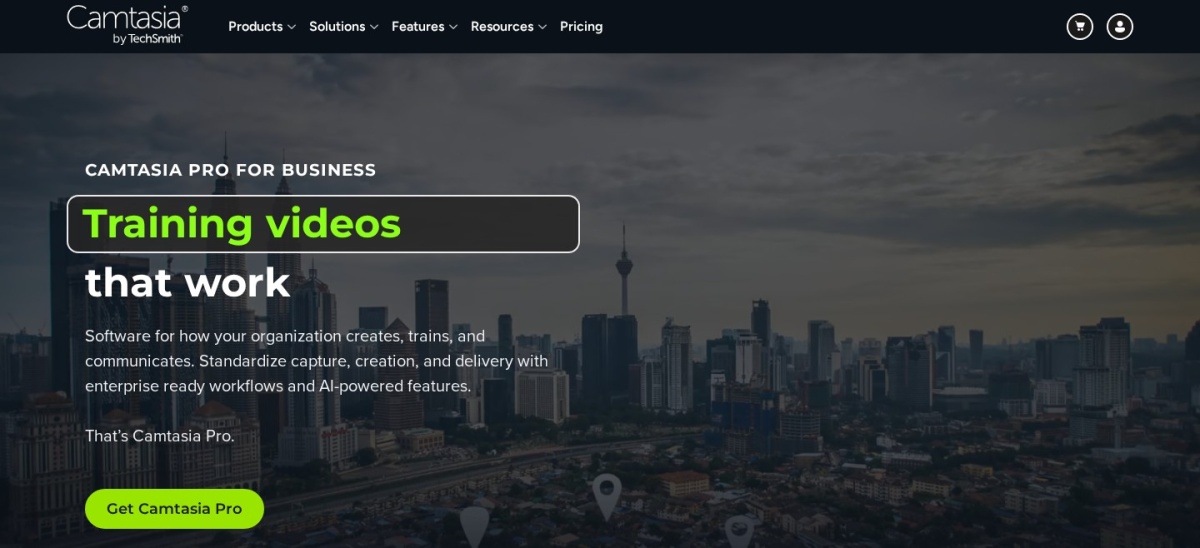
Camtasia homepage, captured Nov 2026.
Camtasia is TechSmith's desktop screen recorder and video editor for trainers and educators. It records the screen, webcam, microphone and system audio, then edits the result on a multitrack timeline with captions, effects and quizzes.
The trade off is price for full editing. The free Starter tier exports with a watermark, $39 a year removes the watermark from captures, and full editing needs Essentials at $179.88 a year. It suits video specialists who polish a few important tutorials rather than recording quick clips.
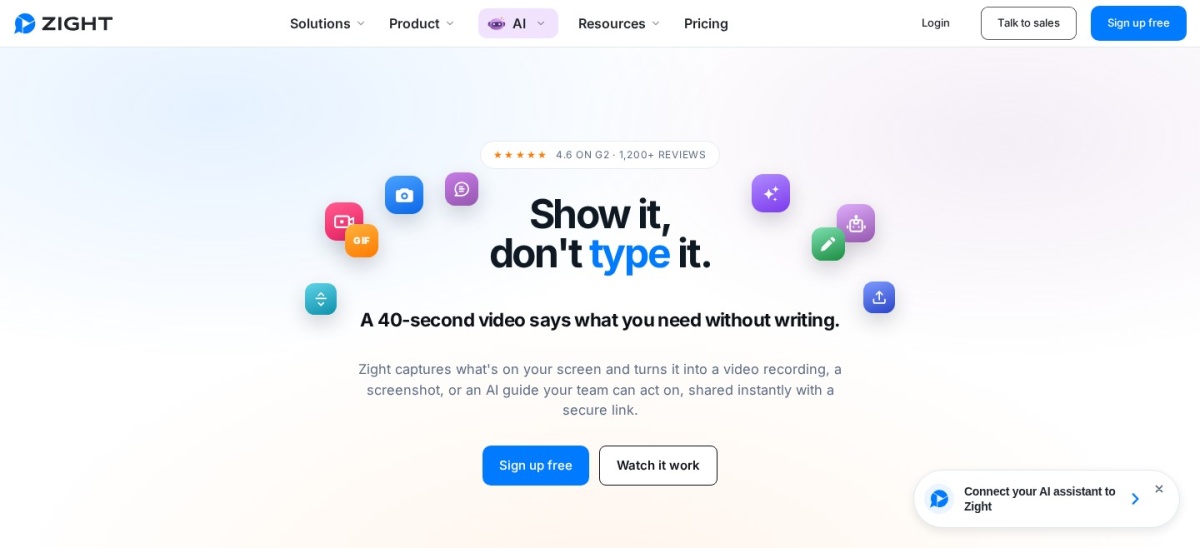
Zight, formerly CloudApp, is a visual communication tool for screenshots, screen recordings and GIFs. Every capture gets a shareable link, and the free Share plan covers recording, screenshots and 15-second GIFs stored in a workspace.
The trade off is the monthly billing. Create costs $9.95 per user a month billed yearly and adds unlimited uploads and recording time, plus a small monthly allowance of AI actions. It suits support and sales teams that answer with a marked-up screenshot or a short clip.
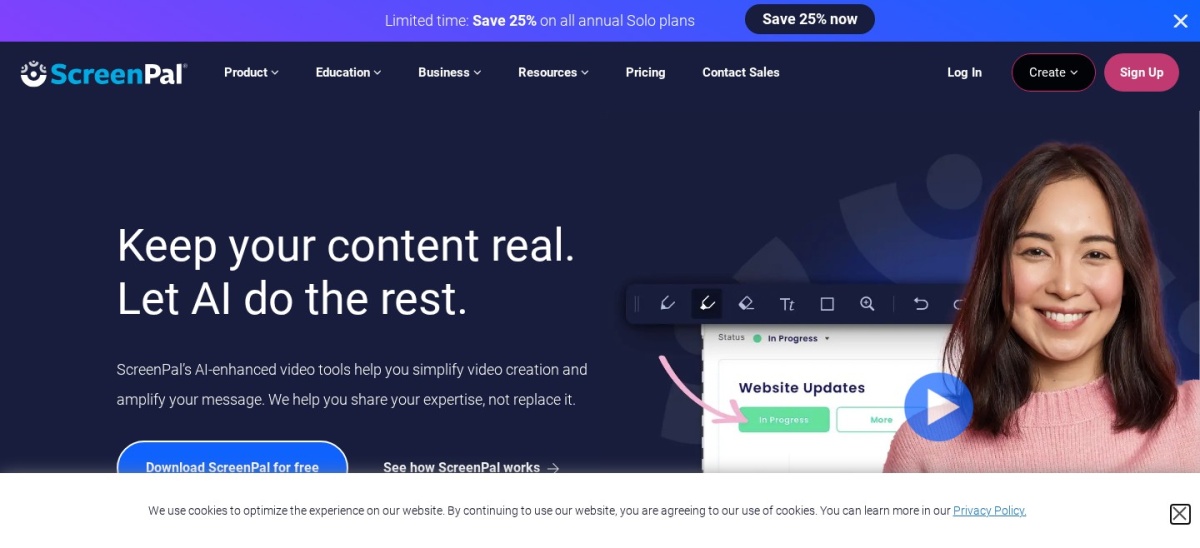
ScreenPal, formerly Screencast-O-Matic, is a screen recorder, video editor and hosting platform for Windows, Mac and mobile. The free plan covers 15-minute recordings with hosting, and Solo Deluxe adds unlimited recording, the full editor and AI captions.
The trade off is polish. Solo Deluxe costs $4 a month billed yearly, which is $48 a year, and the interface looks dated next to Loom or Zight. A holiday sale cuts Deluxe to $3 a month through 5 December, but the list shows the regular $4 price. It suits teachers and small teams on a tight budget.
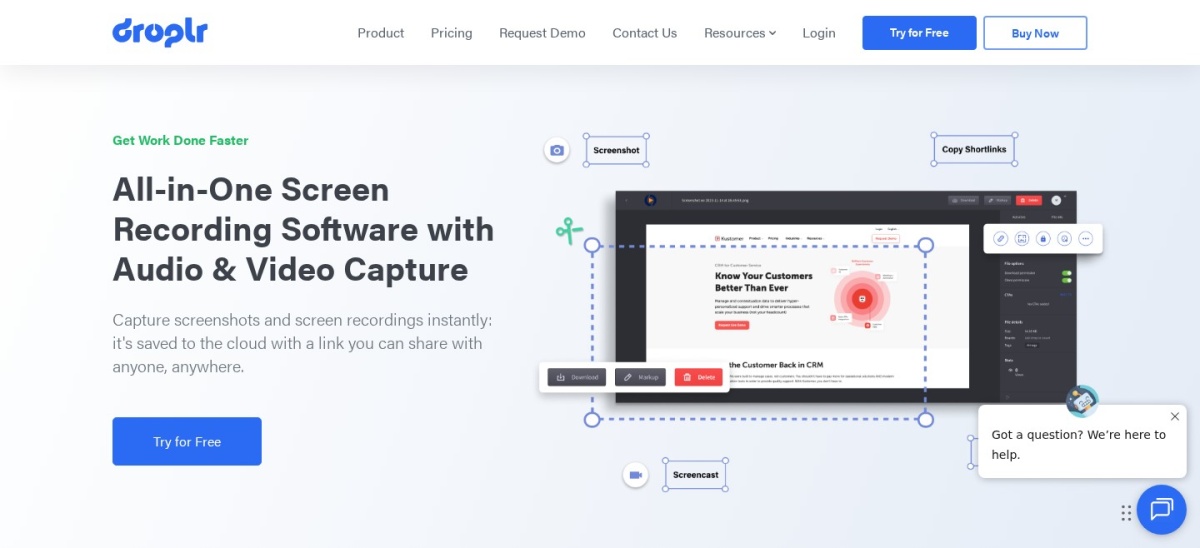
Droplr is a capture and file-sharing app that turns screenshots and screen recordings into short links in seconds. Captures upload to the cloud automatically, with tags and search so teams can find an old screenshot without digging through folders.
The trade off is that there is no free plan, only a trial, and Pro Plus costs $8 a month as a flat rate. It suits support and design teams that share dozens of screenshots a day and want the link, not the file. Editing is lighter than Snagit or CleanShot.
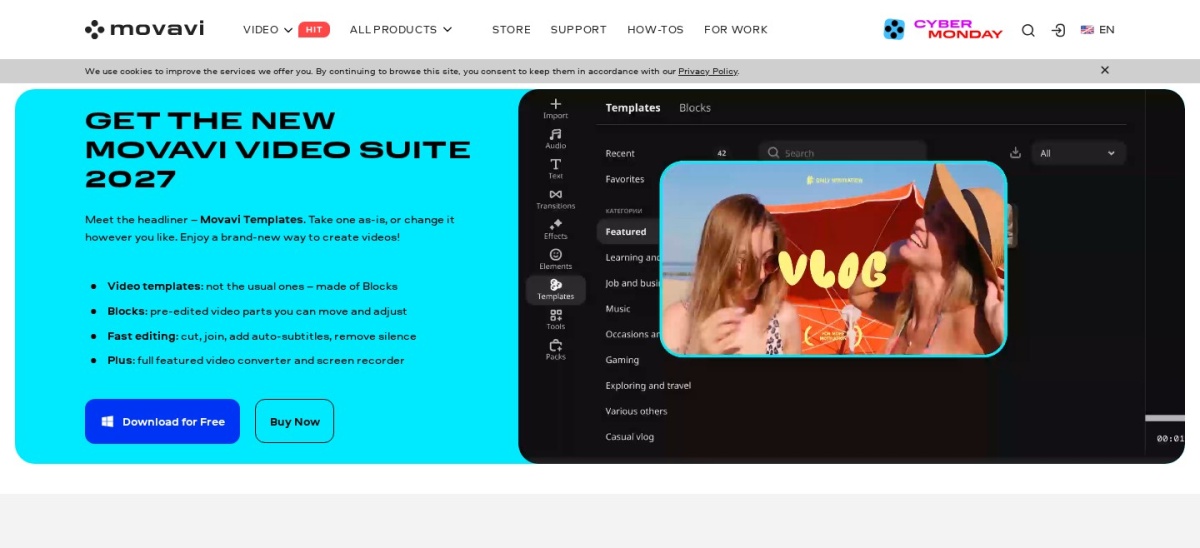
Movavi Screen Recorder homepage, captured Nov 2026.
Movavi Screen Recorder is a plain screen recorder for Windows and Mac, with region, window and full-screen capture, webcam overlay and system plus microphone audio. It also records on a schedule, which helps with webinars and calls you cannot attend live.
The trade off is that the free download is a trial with a watermark, and the 1-year Business licence costs $49.95. A Personal lifetime licence lists at $39.95 for one PC. It suits beginners who want one simple recorder for tutorials and webinars without learning an editor.
What we like
Very easy to learn, with a plain interface
Scheduled recording for webinars and calls
Webcam overlay with system and mic audio
Watch out for
Free version watermarks exports
Editing is basic next to Camtasia
Only 56 G2 reviews, a thin rating base
The paid licence removes the watermark and time limitsVisit movavi.com
08
Monosnap
4.3/5on G2 (6 reviews, checked Nov 2026)
Paid from$30/yr
Best for annotated screenshots with links
Free planYes, non-commercial
Cloud storageOwn cloud included
RecordingScreen and webcam
Paid planNon-Commercial, $30/yr
monosnap.com
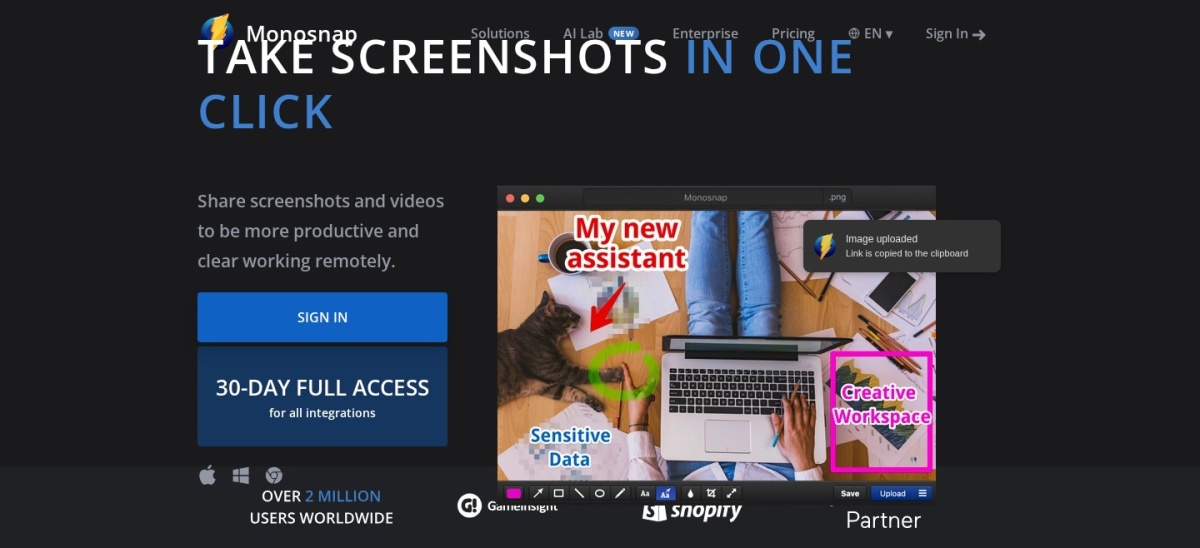
Monosnap homepage, captured Nov 2026.
Monosnap compresses the whole screenshot workflow into one action: capture, mark it up, and get a shareable link. The built-in editor covers arrows, text, blur and shapes, and uploads go to Monosnap's own cloud or your own S3, FTP or WebDAV storage. Screen recording with a webcam overlay is included too.
The trade off is polish and proof. The interface is functional rather than beautiful, and only 6 G2 reviews sit behind its 4.3 rating, so treat that score with care. Non-Commercial costs $30 a year and Commercial costs $60 a year. It suits support teams firing off annotated screenshots all day.
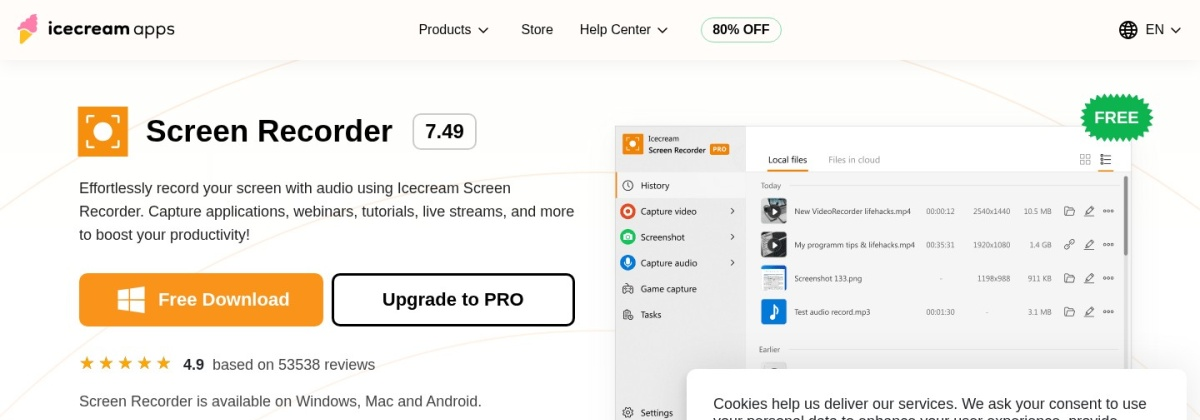
Icecream Screen Recorder homepage, captured Nov 2026.
Icecream Screen Recorder is a clean, plain screen capture tool for Windows, Mac and Android. It covers region, window and full-screen capture with webcam overlay, system and microphone audio, plus basic annotations and scheduled recording for simple tutorials.
The trade off is the free limit. Free recordings stop at 5 minutes, carry a watermark and export only to WebM, while Pro costs $29.95 a year and removes those limits. It suits beginners who want the cheapest path to watermark-free recordings without learning a full editor.
Free plans cover the basics well. Most include screenshots, basic annotation and short recordings with a share link.
Paid plans mostly remove limits. You get longer recordings, no watermark, more cloud storage and a fuller editor.
If you record for work every day, the free caps bite fast. Loom stops at 25 videos, ScreenPal at 15 minutes and Icecream at 5 minutes, so a $30 to $50 yearly plan often pays for itself in a week.
We started from the best-known screen capture apps on G2, then kept nine with a public rating, a public price and a current product page.
Prices come from each vendor's pricing page or G2 pricing data, checked on 26 November 2026. Ratings and review counts come from G2 on the same day. Where a vendor shows a sale, the list shows the regular price.
We left out free tools with no public rating, such as ShareX, and Mac-only tools with very few reviews, such as CleanShot X. No vendor paid for a place, and we do not claim to have used these tools ourselves.
How to choose a screen capture app
Start with what you capture most, then check the free limits before you pay.
Decide stills or video first. If you mostly send screenshots, pick Snagit, Droplr or Monosnap. If you mostly send videos, pick Loom, ScreenPal or Camtasia.
Check the free limits. Count how many recordings you make a week and how long they run. Loom caps at 25 videos, ScreenPal at 15 minutes and Icecream at 5 minutes.
Check where the file goes. Some tools host the recording and give you a link, others save a file to your computer. Pick the flow your team already uses.
Try the trial before you pay. Snagit, Droplr and Movavi have no free plan, so use the trial to check capture quality and annotation before buying.
FAQ
What is the best screen capture app?
Snagit is the best screen capture app for most people. It covers scrolling captures, deep annotation and video recording for $39 a year, and it is rated 4.7 out of 5 from more than 6,000 G2 reviews.
Is there a good free screen capture app?
Yes. Loom is the best free option for short videos, with 25 free videos of up to 5 minutes each. ScreenPal is the best free option for longer recordings, with 15-minute captures and no watermark.
What is the cheapest screen capture app?
Icecream Screen Recorder has the lowest yearly price in this list at $29.95 a year for Pro. Monosnap is close behind at $30 a year, and ScreenPal costs $4 a month billed yearly.
Can I capture a scrolling web page?
Yes, with Snagit, which has a dedicated scrolling capture mode for long pages. Most other tools in this list capture only the visible area, so check for scrolling capture before you buy.
Do screen capture apps work on Mac and Windows?
Most do. Snagit, Camtasia, ScreenPal, Movavi, Monosnap and Icecream run on both Mac and Windows. CleanShot X is Mac only, which is one reason it did not make this list.
Which screen capture app is best for tutorials?
Camtasia is the best pick for polished tutorials, because it pairs recording with a full multitrack editor, captions and quizzes. ScreenPal is the budget pick, with a recorder and editor for $4 a month.
SaaS SEO and WordPress specialist with about 8 years of experience. Rakib compares WordPress plugins, themes, hosting and software using public pricing, documentation and user reviews. See how we rank.